

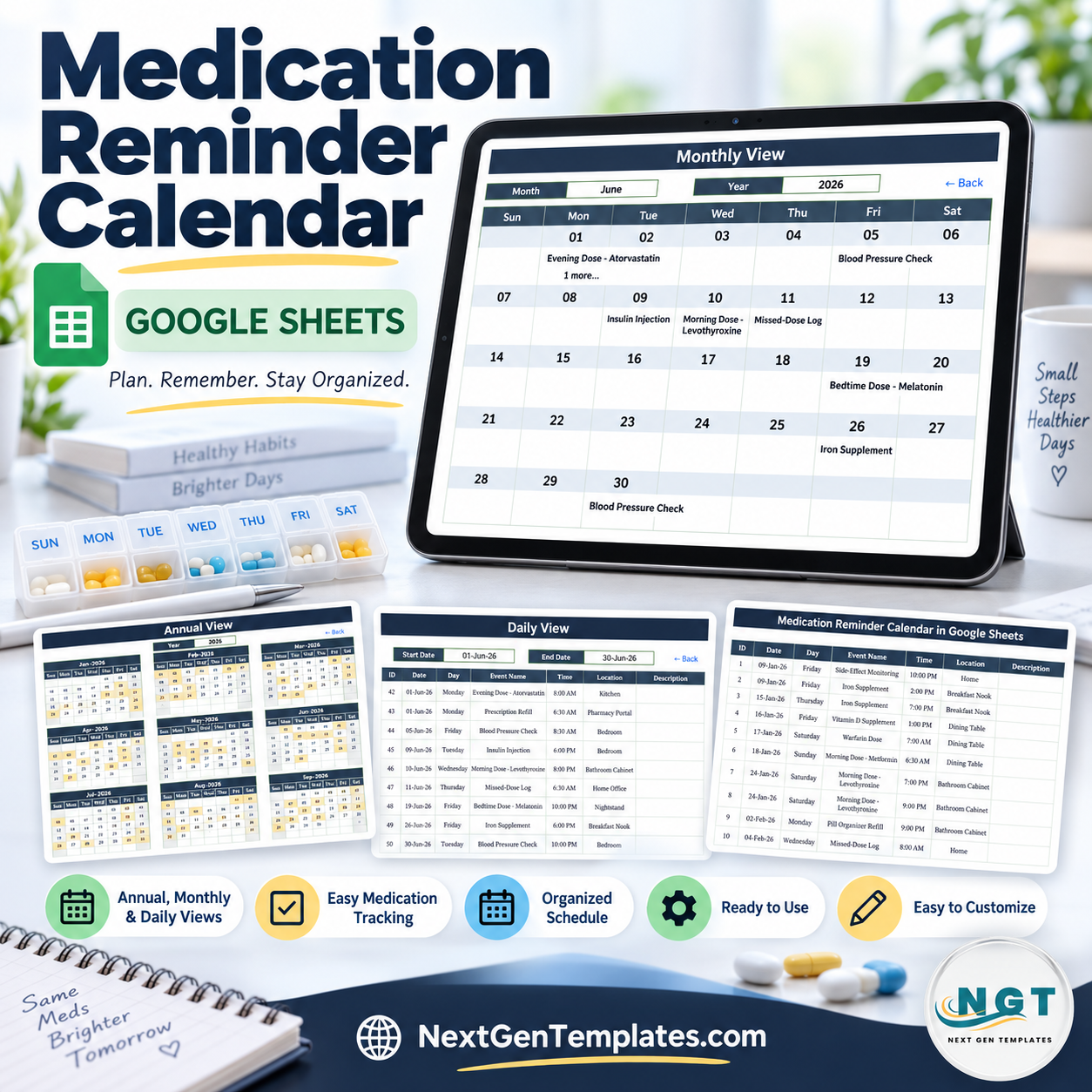

100 editable sample entries, 12 months, 3 calendar views, and 1 filterable event table give you a practical starting point for organizing medication-related dates in Google Sheets. The Medication Reminder Calendar in Google Sheets brings annual, monthly, and date-range views together without a subscription. It is an organizational schedule and log: it does not send alarms, push notifications, emails, or text messages, and it does not provide medical advice. Replace the demo entries with information appropriate to your own routine and confirm all medication decisions with a qualified clinician or pharmacist.
Key Features of Medication Reminder Calendar in Google Sheets
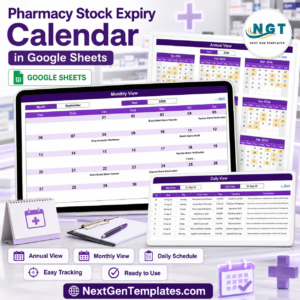
- Annual overview: see all twelve months on one page, with dates containing entries highlighted.
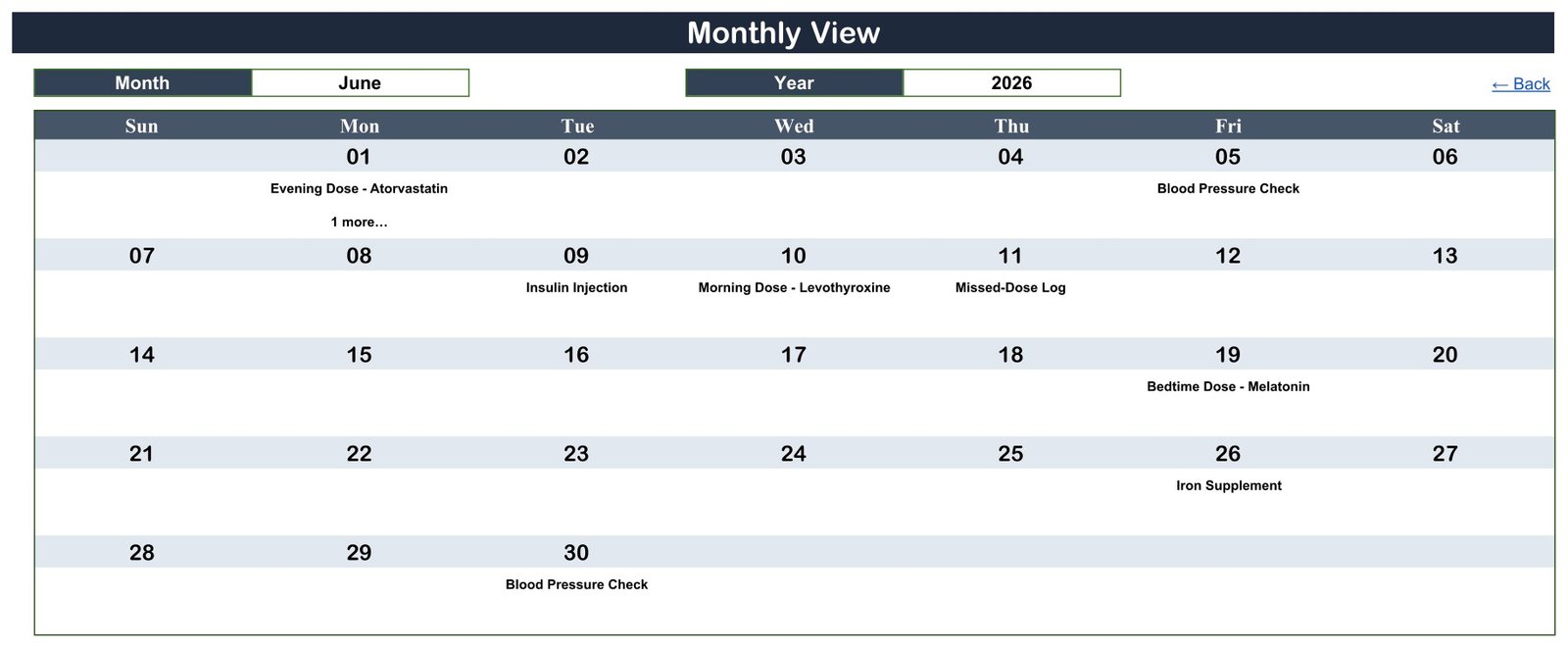
- Monthly calendar: choose a month and year to display scheduled items in a familiar Sunday-to-Saturday grid.
- Multiple entries indicator: the monthly page shows the first item and a “1 more…” note when a date contains two records.
- Date-range view: select start and end dates to display the complete matching rows.
- Editable event table: store ID, date, day, event name, time, location, and description.
- Google Sheets collaboration: share your copy with specific people when collaboration is appropriate.
- No macros or add-ons: the views use native sheet formulas and dropdown controls.
- No subscription: buy once and maintain your own editable copy.
What’s Inside the Medication Reminder Calendar in Google Sheets
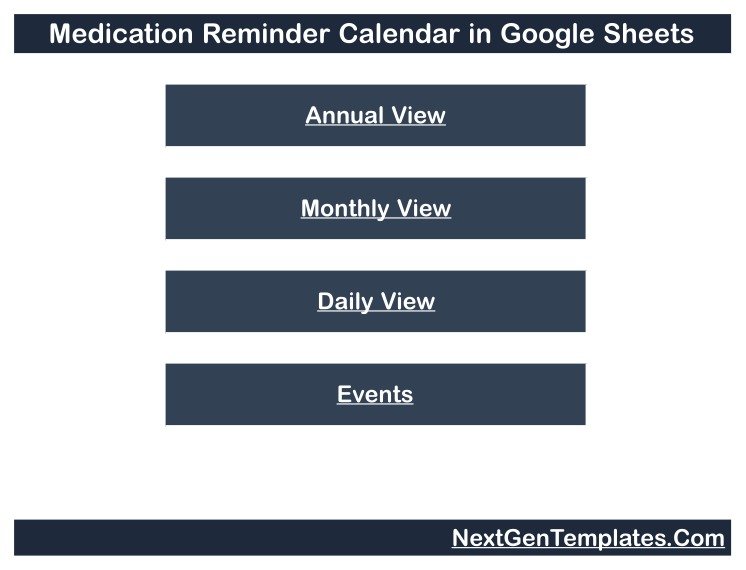
Home: four large links take you to Annual View, Monthly View, Daily View, and Events.
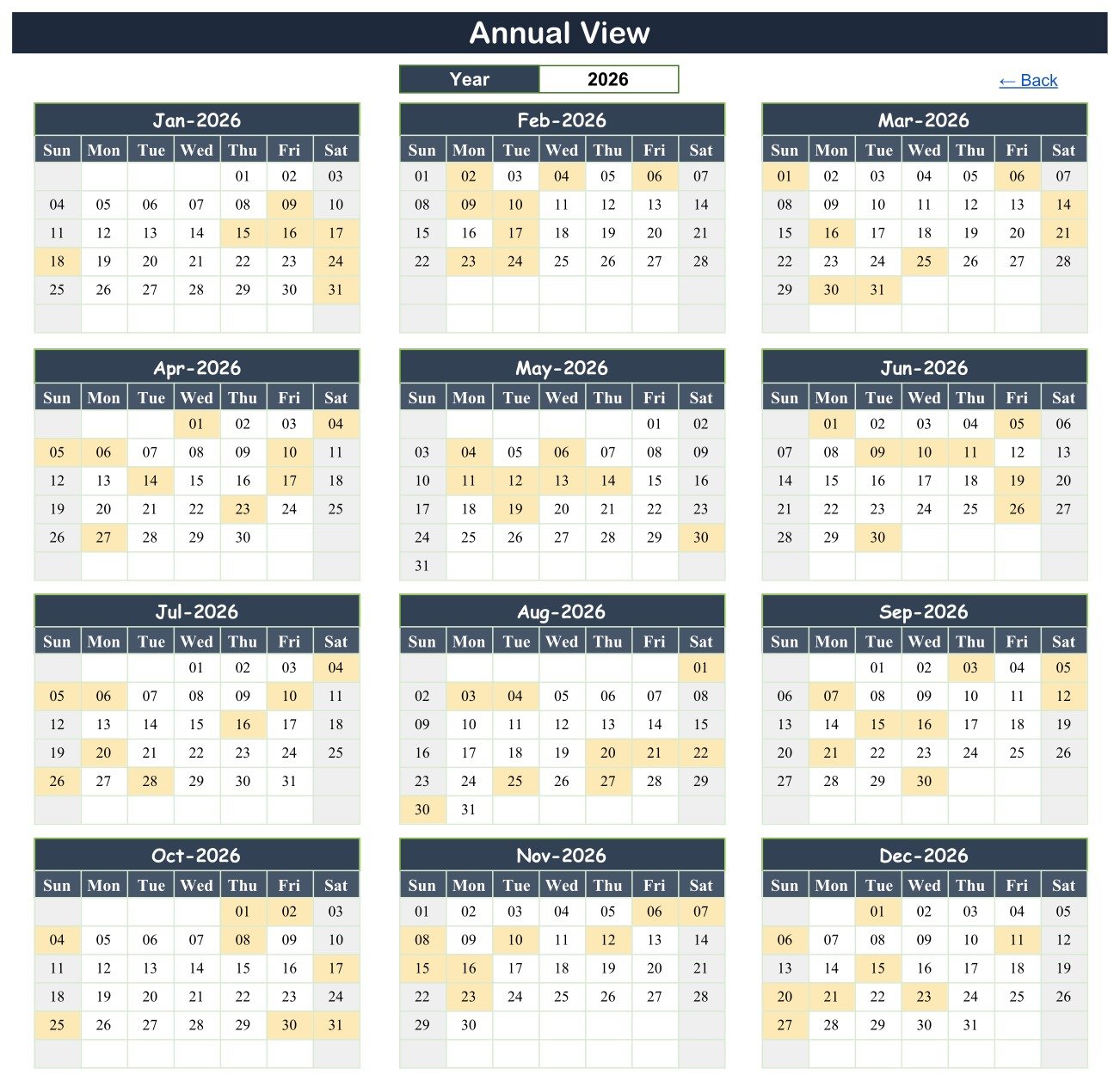
Annual View: twelve 2026 calendars appear together. Change the year from the dropdown; highlighted cells show dates that have records.
Monthly View: choose a month and year. The first event name appears on its date, while an additional-count note flags days with more than one item.
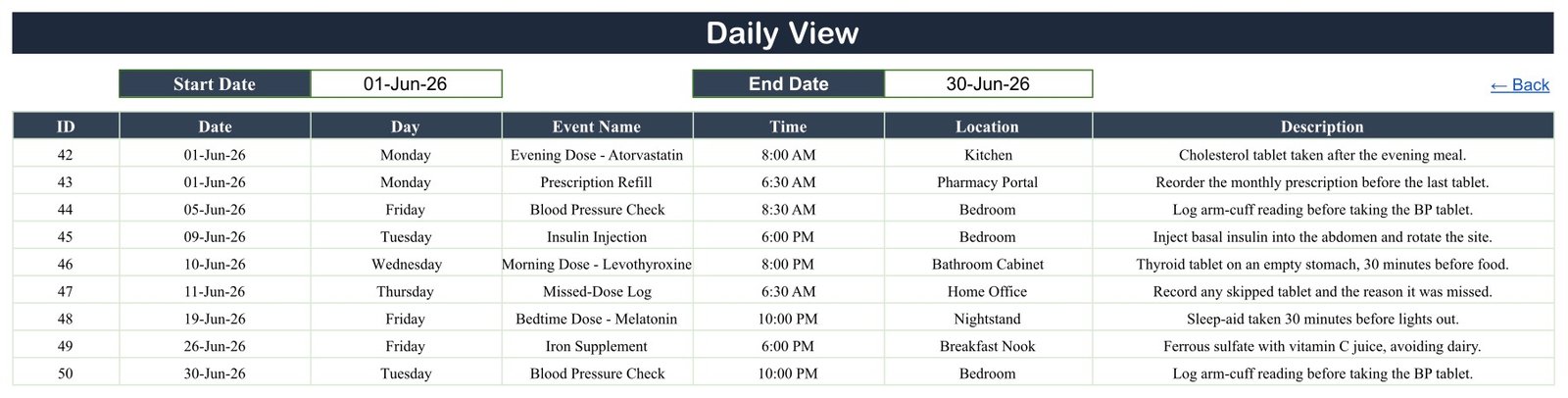
Daily View: set a start and end date to return matching rows with their time, location, and description.
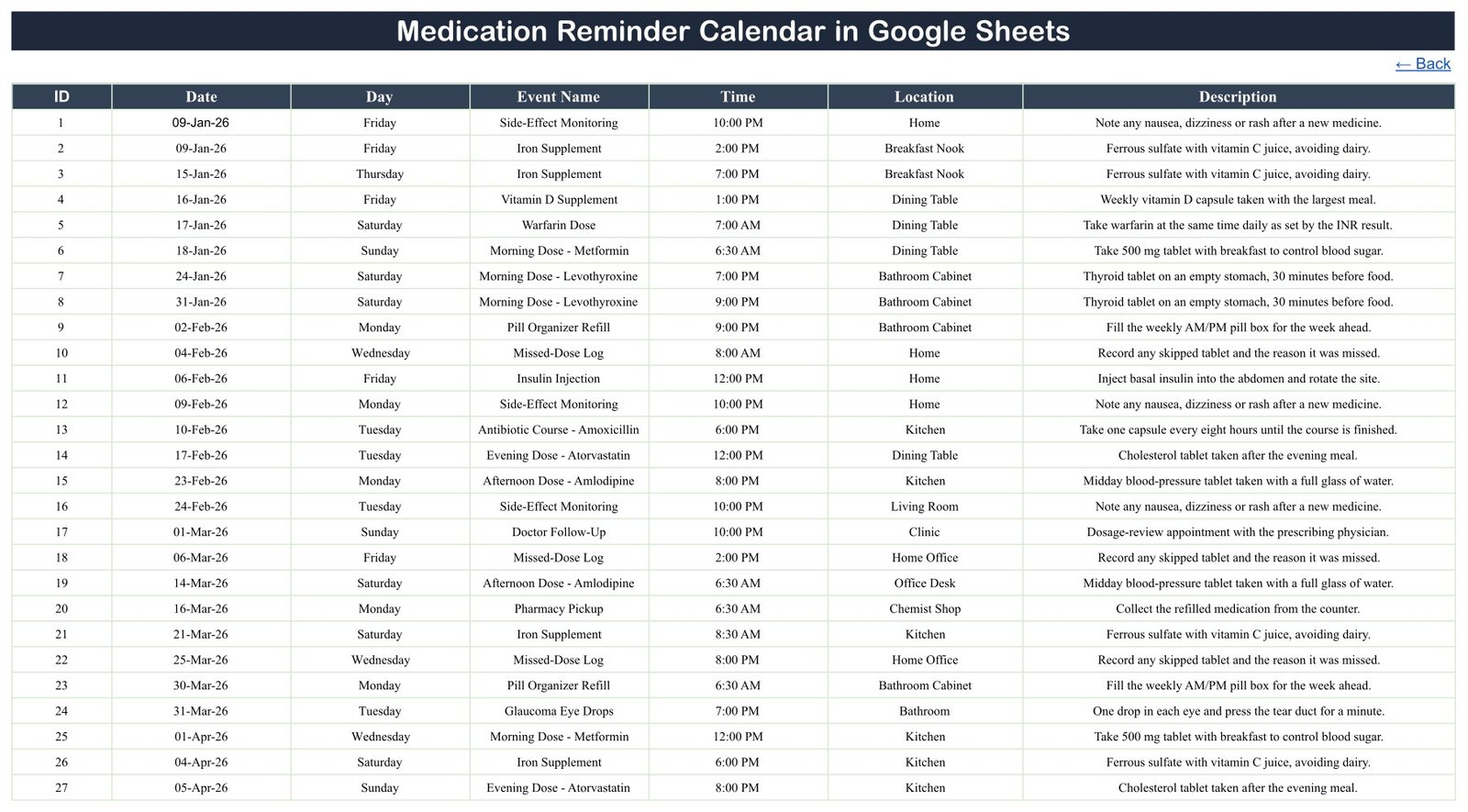
Events: the editable table includes 100 demonstration rows dated from 9 January through 27 December 2026. They illustrate 20 event types and 16 location labels. The hidden List helper supports month and year dropdowns.
Medication Reminder Calendar in Google Sheets vs. Excel vs. Medication Reminder App – Where This Fits
| Area | This Google Sheets calendar | Excel calendar | Reminder app |
|---|---|---|---|
| Cost | $4.99 one time | Template plus Microsoft 365 if needed | Free tier or recurring subscription |
| Platform | Browser and Google Sheets app | Excel desktop/web | Vendor mobile/web app |
| Annual/monthly views | Included | Depends on workbook | Varies |
| Date-range table | Included | Depends on workbook | Varies |
| Custom fields | Editable cells | Editable workbook | Vendor-defined |
| Alerts and notifications | No | Usually no | Often included |
| Dose, interaction, allergy checks | No | No | App-dependent; verify independently |
| Five-user year-one cost | $4.99 total | File plus licences | Plan-dependent |
Who This Template Is For – and Who It’s Not For
It suits individuals, family organizers, caregivers, or small teams that want a simple date-based worksheet for planned routines, refill tasks, appointments, checks, and notes. It can also support a non-clinical coordinator who already has an approved schedule and only needs a readable calendar view.
It is not a medical device, prescribing tool, adherence guarantee, electronic health record, pharmacy system, dose calculator, or interaction checker. It does not confirm that a medicine, dose, timing, or instruction is safe. It makes no HIPAA, GDPR, or other privacy-compliance claim.
The template has no person-name, patient-ID, phone, email, diagnosis, or prescriber field. It does store medication-related event names, dates, times, locations, and free-text descriptions, which may still be sensitive. Use neutral internal labels, limit sharing to named people, and avoid putting protected health information into a broadly shared sheet.
How to Use the Medication Reminder Calendar in Google Sheets
- Open the downloaded PDF and follow its link to make your private Google Sheets copy.
- Delete or replace the demonstration rows on Events with your own approved schedule.
- Enter one row per date and time using a neutral event label and only the detail you genuinely need.
- Keep the Day column consistent with the Date. It is typed text, not an automatic weekday formula. When sharing, review Google’s Sheets access guidance and grant access only to the people who need it.
- Use Monthly View for a quick scan and Daily View when you need every detail in a chosen date range.
- Use a separate alarm, phone reminder, caregiver process, or clinical system when active prompting is required.
Real-World Use Cases
Rina, organizing her own routine, records refill dates, pickup tasks, and clinician appointments, then checks the monthly page alongside her phone alarms.
Dev, helping a family member, uses neutral event labels and grants access only to the two people involved in the schedule.
A community coordinator, filters the Daily View for the next seven days while keeping identifiable or clinical records in the organization’s approved system.
Frequently Asked Questions
Does this calendar send medication reminders or alerts?
No. Despite the product name, it is a visual calendar and log. It sends no push notification, email, SMS, sound, or alarm.
Does it check medication doses or interactions?
No. It performs no clinical checking and should not be used to make treatment decisions.
Can I enter more than one item on a date?
Yes. The Daily View returns all matching rows. Monthly View displays the first item and an additional-count note.
Does changing a date update the weekday?
No. The Day field is typed separately, so update both values together or replace the Day cells with your own weekday formula.
Is it HIPAA or GDPR compliant?
No compliance claim is made. Privacy depends on what you enter, how Google Workspace is configured, who can access the file, and your own legal and organizational controls.
Do I need a paid Google account?
No. A free Google account can create and edit a copy.
About the Author
Built by PK – Microsoft Certified Professional with 15+ years of Excel, Google Sheets, and Power BI experience. Founder of NextGenTemplates, reaching 300K+ subscribers across YouTube channels. Every template is hand-built and tested before release.
Explore Related Templates
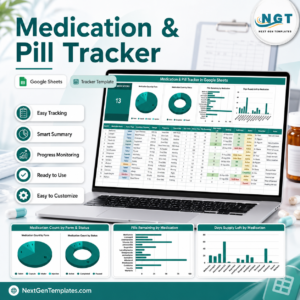
- Medication & Pill Tracker in Google Sheets for inventory-style medication and refill tracking.
- Supplement & Vitamin Tracker in Google Sheets for a different logging workflow.
- Diet Plan Calendar in Google Sheets for meal scheduling.
- Home Nursing Visit Calendar in Google Sheets for visit dates rather than medication prompts.
- Browse all Google Sheets calendar templates.
Organize dates in one editable calendar while keeping active alerts and medical decisions in the tools and hands designed for them. Get the Medication Reminder Calendar in Google Sheets for the $4.99 sale price.
Watch the step-by-step video Demo:
Last updated: September 5, 2026.






























Reviews
There are no reviews yet.