

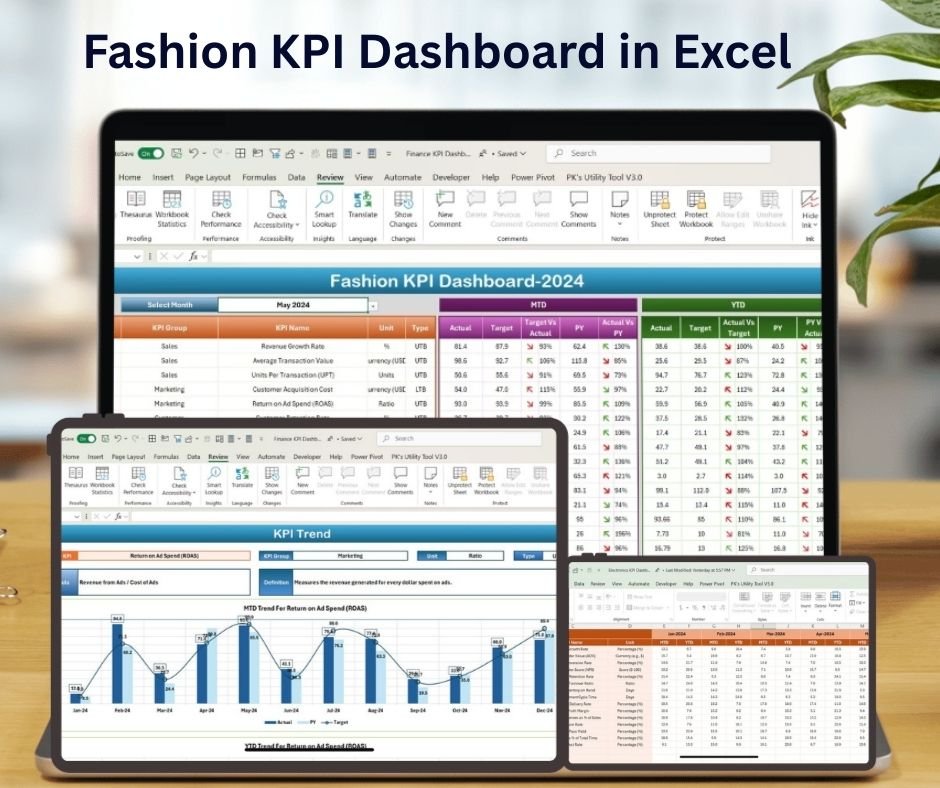
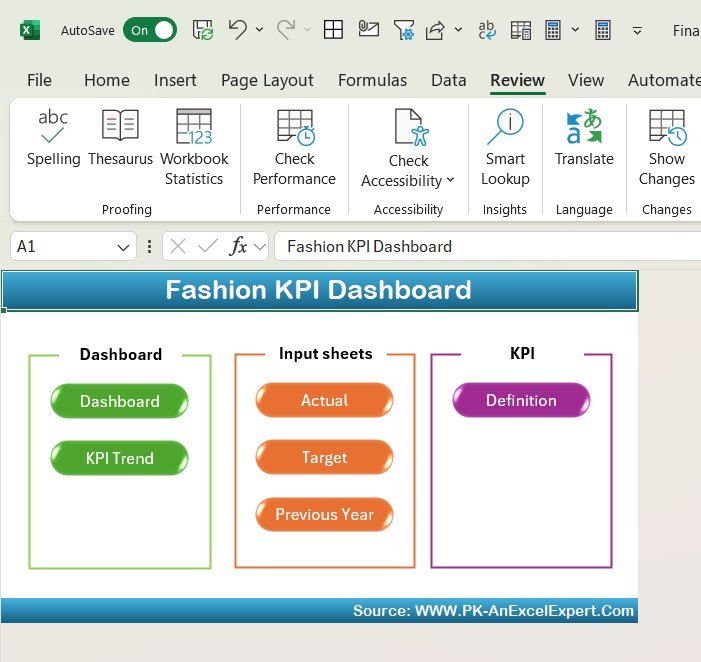
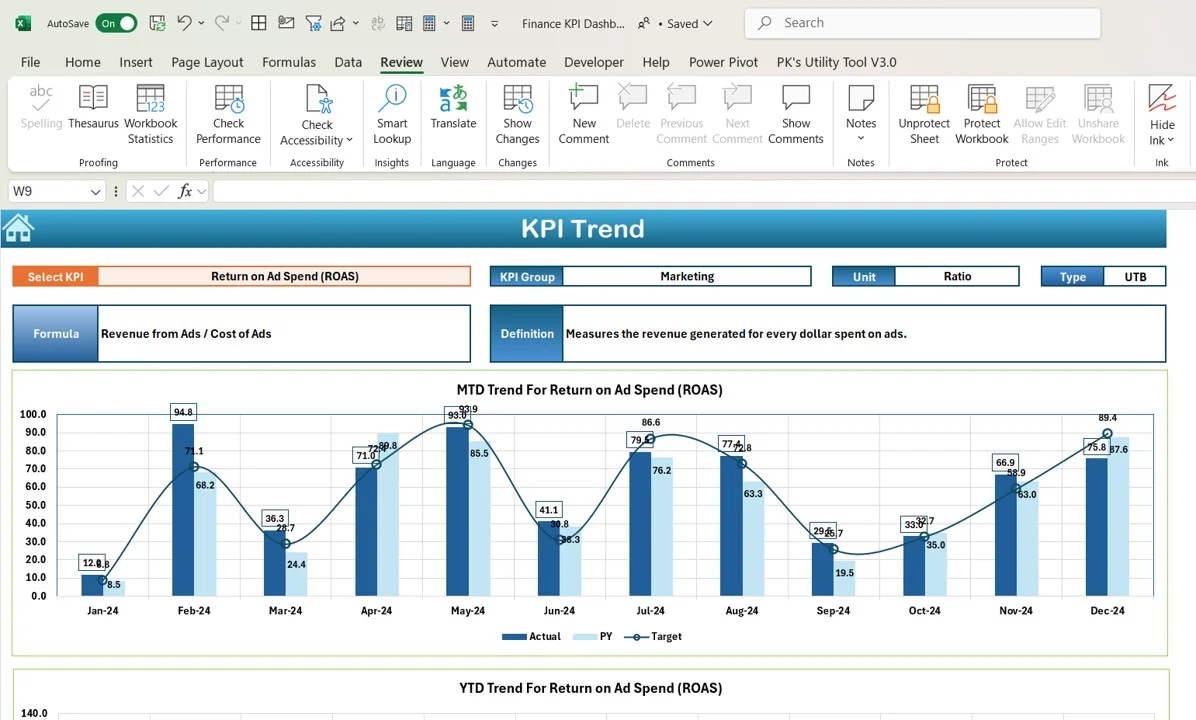
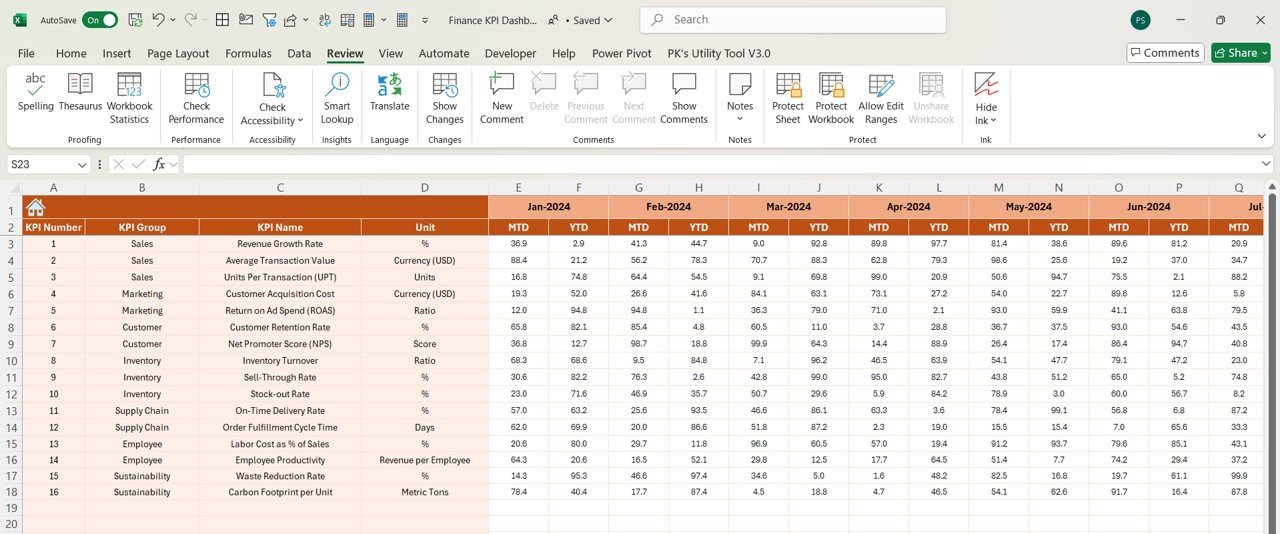
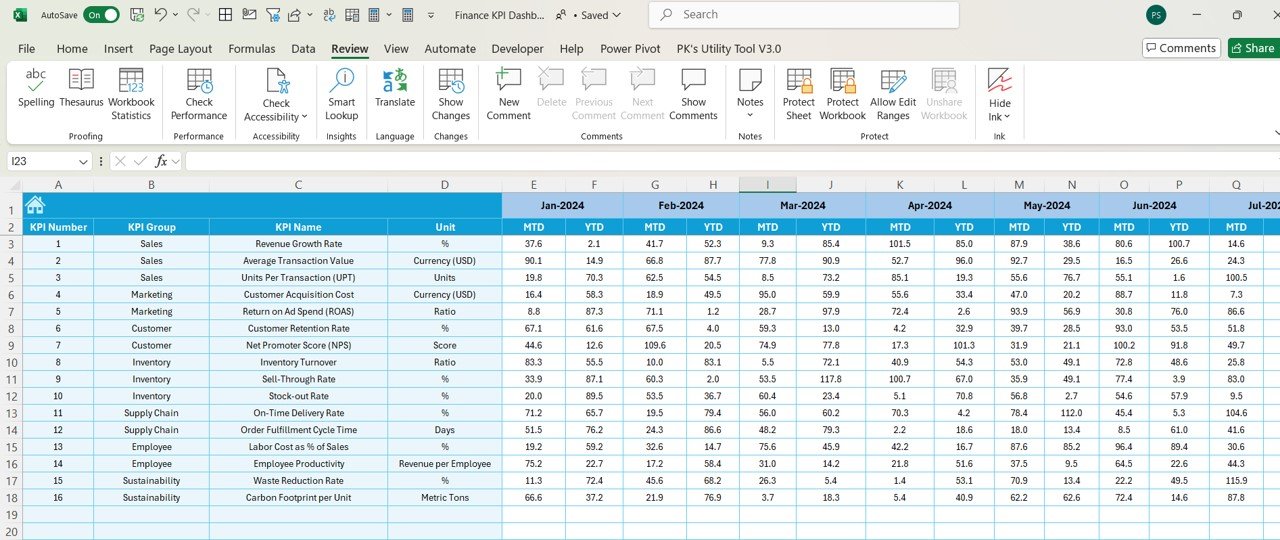
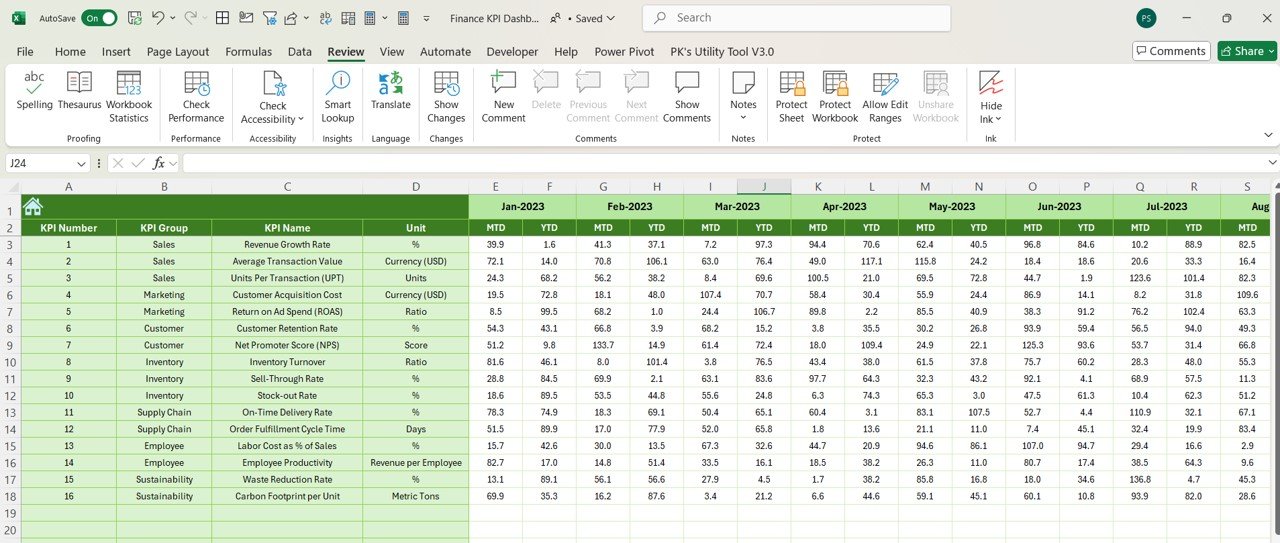
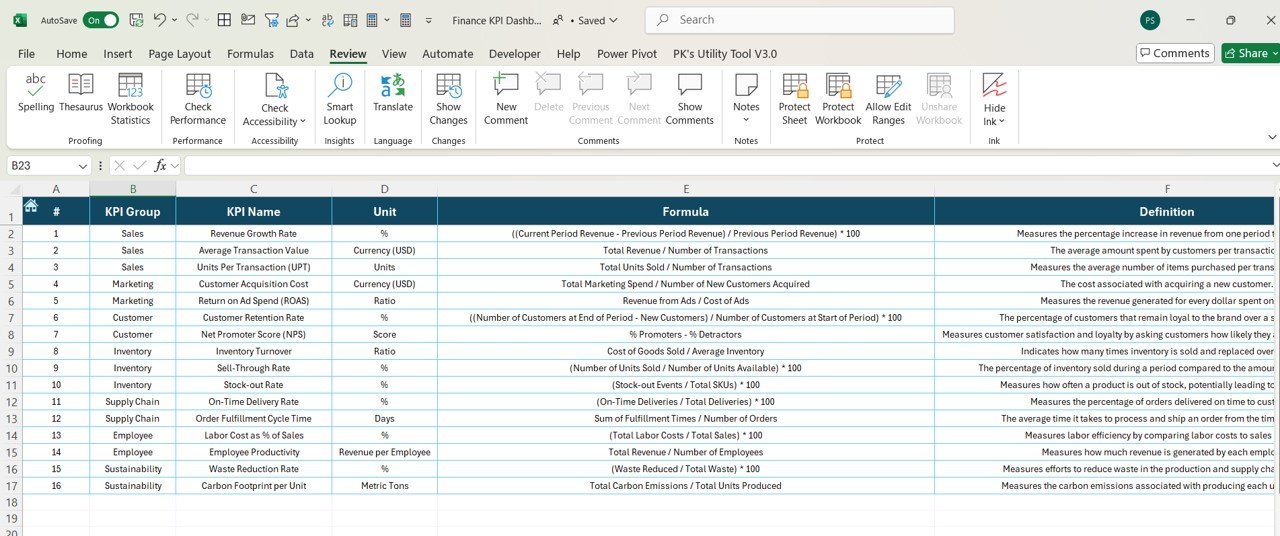

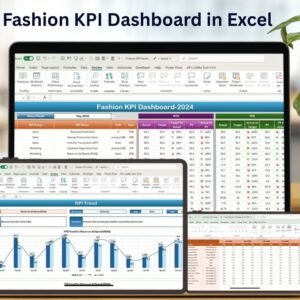
The Fashion KPI Dashboard in Excel is an essential tool for fashion retailers, wholesalers, and designers to track and optimize key performance indicators (KPIs) crucial to the fashion industry. Whether you are managing a clothing store, an online fashion brand, or a fashion manufacturing business, this dashboard provides a clear and concise view of important metrics such as sales performance, inventory turnover, customer satisfaction, and seasonal trends.
With real-time insights, visual charts, and customizable fields, this dashboard is perfect for business owners, managers, and analysts in the fashion industry who need to make data-driven decisions to improve profitability, optimize stock, and enhance customer satisfaction.
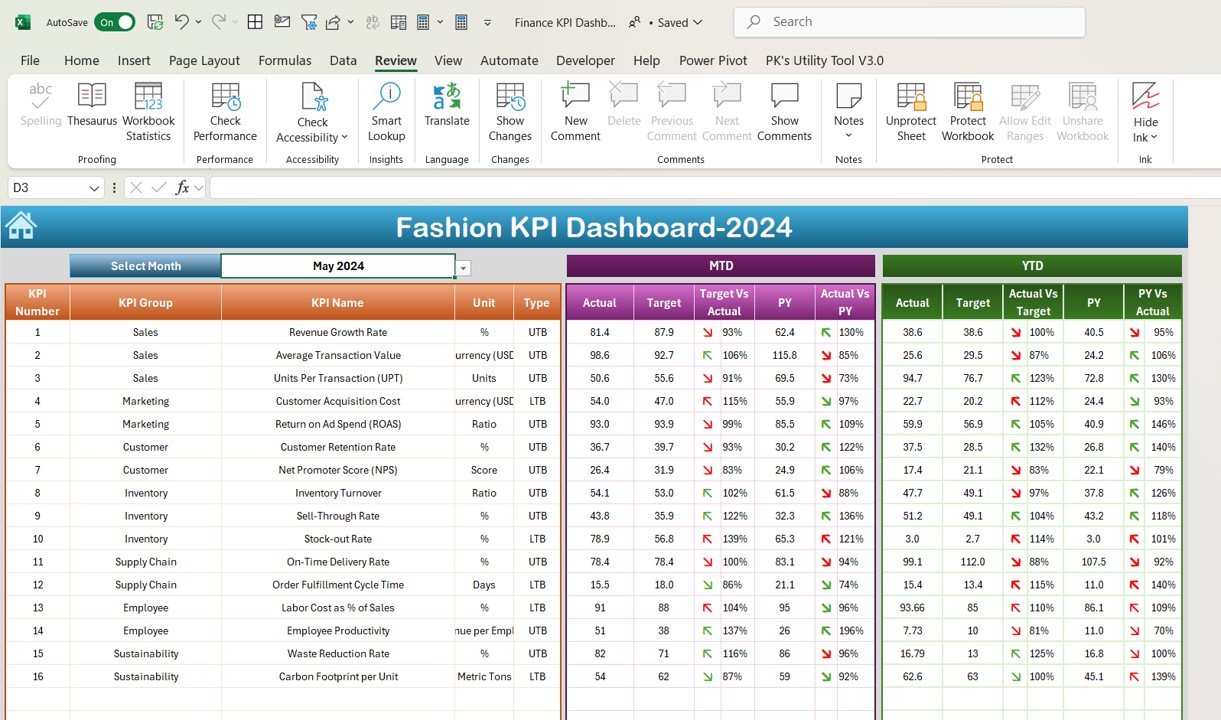
Key Features of the Fashion KPI Dashboard in Excel:
📊 Comprehensive KPI Tracking
Track a wide variety of KPIs, including sales revenue, inventory turnover, profit margins, customer satisfaction, and return rates—all in one easy-to-use dashboard.
📈 Real-Time Performance Monitoring
Monitor your fashion business’s performance in real-time with up-to-date data on product sales, customer engagement, and inventory levels.
📅 Month-to-Date (MTD) and Year-to-Date (YTD) Analysis
Compare your current performance against previous periods (monthly, quarterly, and yearly) to track growth and identify areas for improvement.
🎯 Goal Setting and Target Comparison
Set specific goals for each KPI and compare them with actual performance, ensuring that your fashion business is aligned with its financial and operational targets.
🛠 Customizable Inputs
Easily input data such as sales figures, inventory levels, and customer feedback, and adjust the dashboard to meet the unique needs of your fashion business.
🔔 Conditional Formatting Alerts
Get real-time alerts for key performance indicators with color-coded indicators, helping you quickly spot areas requiring attention, such as low sales or high return rates.
👗 Inventory and Product Performance Insights
Track the performance of individual products, seasonal trends, and product category sales to ensure optimal stock levels and product assortment.
🚀 Why You’ll Love the Fashion KPI Dashboard in Excel:
✅ Boost Sales Performance – Track sales by category, product, and region, helping you optimize pricing, promotions, and inventory management.
✅ Optimize Inventory Management – Track inventory turnover and ensure that your business avoids both overstocking and stockouts.
✅ Enhance Customer Experience – Monitor customer feedback and satisfaction to improve your product offerings and customer service.
✅ User-Friendly Interface – The easy-to-navigate layout makes it simple for anyone in the fashion industry to input data, track performance, and make adjustments.
✅ Fully Customizable – Tailor the dashboard to your business’s needs, whether you are tracking retail sales, online orders, or fashion manufacturing metrics.
What’s Inside the Fashion KPI Dashboard in Excel:
- Sales Revenue KPI: Track total sales, sales by product category, and sales by region.
- Inventory Turnover KPI: Monitor how quickly stock is sold and replenished, ensuring that you meet customer demand.
- Profit Margin KPI: Measure the profitability of your products and overall business by tracking revenue and costs.
- Customer Satisfaction KPI: Measure customer satisfaction through surveys, reviews, and repeat purchase rates.
- Return Rate KPI: Track the percentage of returned items and analyze reasons for returns to improve product offerings.
- Seasonal Trends KPI: Monitor sales and customer interest in seasonal collections to optimize inventory for peak demand periods.
How to Use the Fashion KPI Dashboard in Excel:
1️⃣ Download the Template – Instantly access your Excel file upon purchase.
2️⃣ Input Your Data – Enter your sales, inventory, and customer satisfaction data into the pre-built fields.
3️⃣ Set Targets – Define targets for each KPI to ensure your business is on track to meet its goals.
4️⃣ Track Performance – Monitor real-time performance and adjust strategies as necessary to ensure your fashion business thrives.
5️⃣ Generate Reports – Use the dashboard to create detailed reports for meetings, client reviews, or team presentations.
Who Can Benefit from the Fashion KPI Dashboard in Excel:
- Fashion Retailers
- Online Fashion Stores
- Wholesale Fashion Suppliers
- Product Managers
- Inventory Managers
- Customer Service Managers
- Fashion Designers
- Business Owners in Fashion Industry
The Fashion KPI Dashboard in Excel is the perfect tool for fashion industry professionals looking to track and optimize performance. Make data-driven decisions, improve sales, optimize inventory, and enhance customer satisfaction with this comprehensive tool.
Click here to read the Detailed blog post
https://www.pk-anexcelexpert.com/fashion-kpi-dashboard-in-excel/
Visit our YouTube channel to learn step-by-step video tutorials
Youtube.com/@PKAnExcelExpert
Compatibility and Requirements
- Works in Microsoft Excel desktop (Excel 2016 or later, or Microsoft 365).
- Status colors use conditional formatting. Microsoft explains it in Use conditional formatting to highlight information.
Frequently Asked Questions
Which KPIs does the Fashion KPI Dashboard track?
It tracks sales revenue, inventory turnover, profit margins, customer satisfaction, return rates and seasonal trends.
Can I see sales by category or region?
Yes. Sales can be viewed in total, by product category and by region, and individual product performance is tracked too.
How are weak results flagged?
Color-coded conditional formatting highlights KPIs that need attention, such as low sales or high return rates.
Is there a Power BI version?
Yes. The Fashion KPI Dashboard in Power BI covers the same topic in Power BI.
Related Fashion and Apparel Templates
- Fashion KPI Dashboard in Power BI: the same topic in Power BI
- Fashion & Apparel KPI Dashboard in Excel: KPIs for fashion and apparel brands in Excel
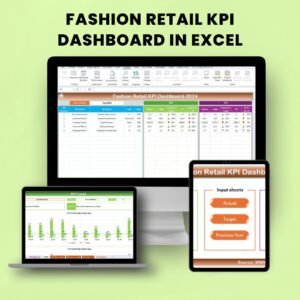
- Fashion Retail KPI Dashboard in Excel: KPIs for fashion retail in Excel
- Fashion & Apparel Dashboard in Excel: a full fashion and apparel dashboard in Excel
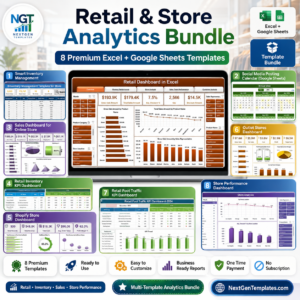
- Retail & Store Analytics Bundle: 8 retail and store templates in one download
Browse all Excel KPI dashboards.































Reviews
There are no reviews yet.