

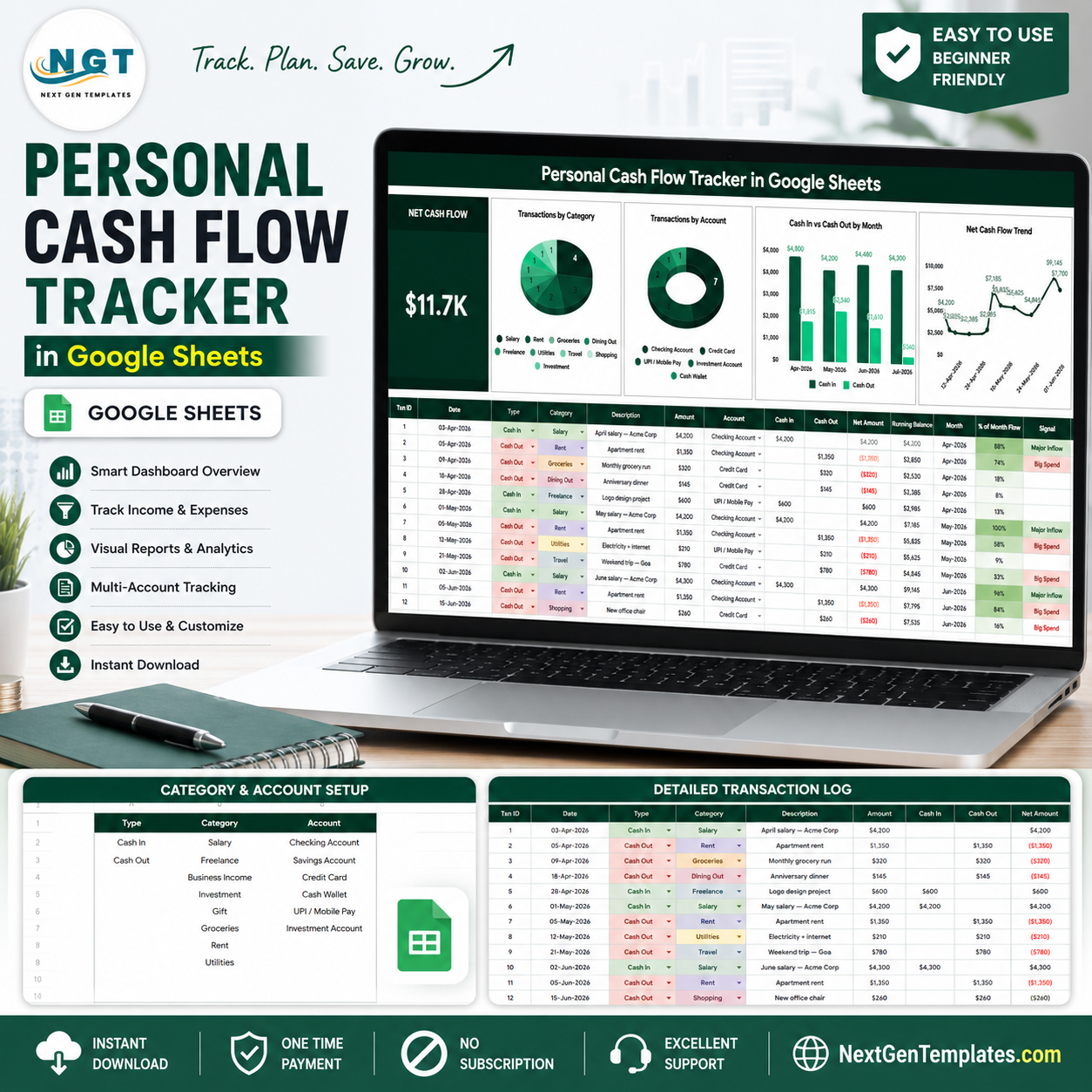

The FINRA Foundation’s 2024 National Financial Capability Study reported that 26% of U.S. adults were spending more than their income, while only 38% were spending less than their income. The Personal Cash Flow Tracker in Google Sheets helps you watch cash in, cash out, net cash flow, accounts, categories, and dates from one editable dashboard. Built by PK for a 300K+ subscriber learning audience, it is a one-time Google Sheets template, not a recurring finance app, and it does not require a bank login.
Key Features of Personal Cash Flow Tracker in Google Sheets
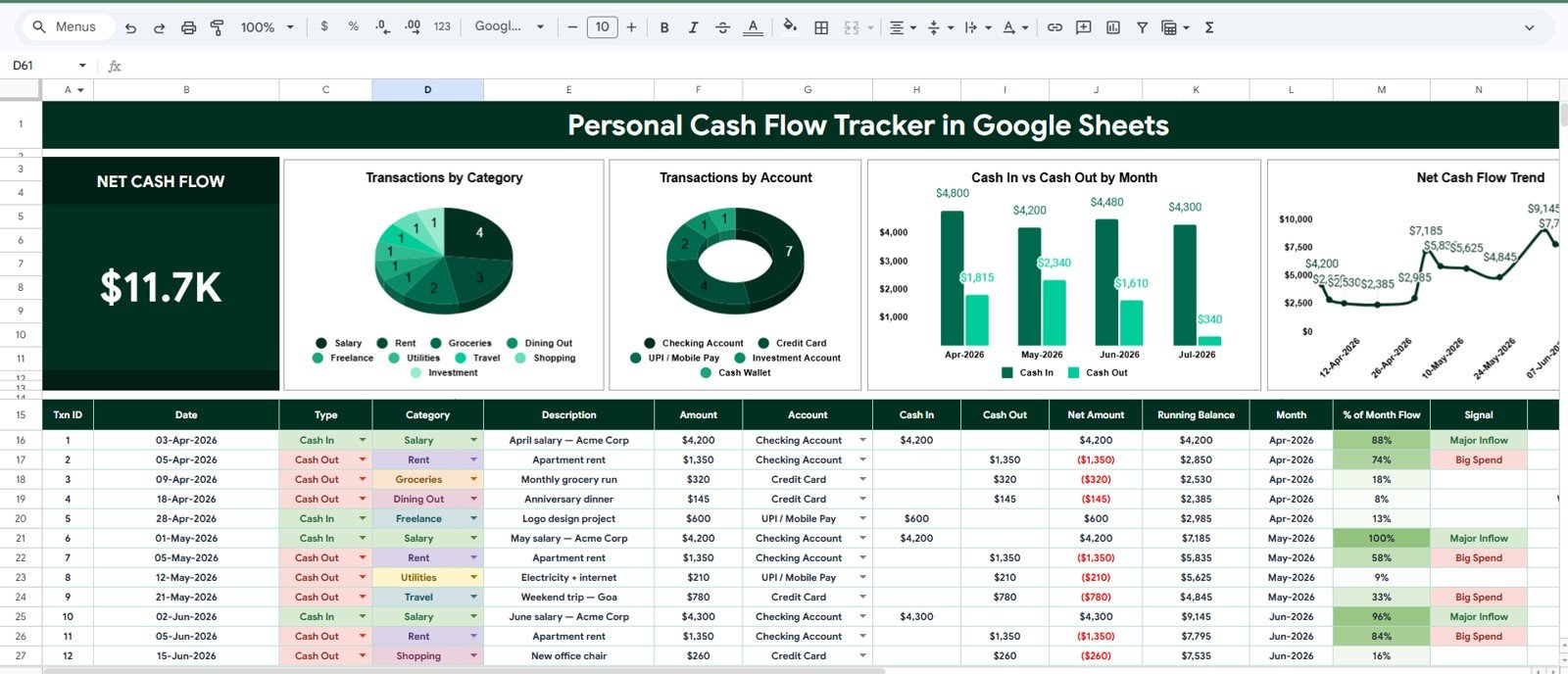
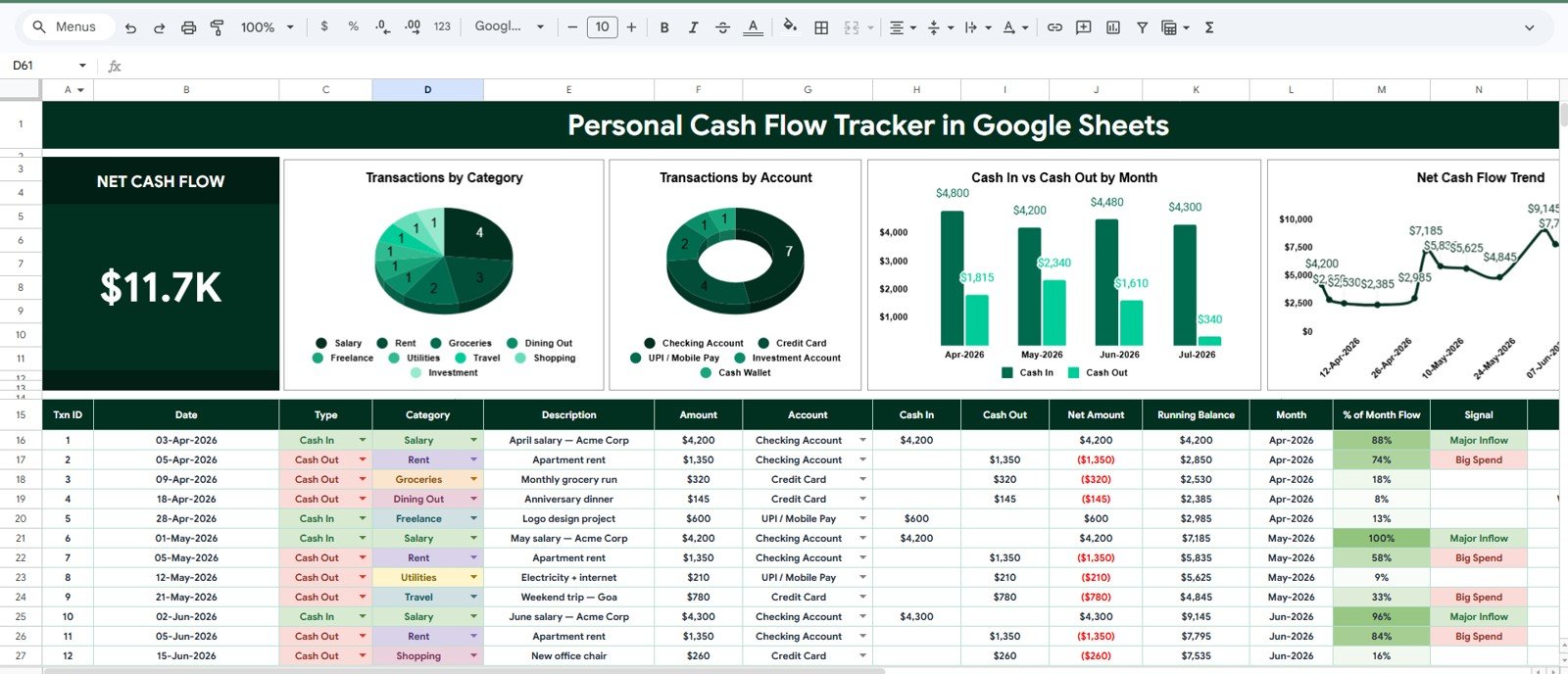
- Net Cash Flow card: See the headline difference between cash in and cash out at the top of the Overview Page.
- Four dashboard charts: Review transactions by category, account, month, and date.
- Multiple slicers: Filter the dashboard quickly during weekly or monthly money reviews.
- Cash in and cash out view: Compare inflows and outflows without building your own formulas.
- Setup List tab: Maintain transaction types, cash flow categories, and account options in one clean place.
- Google Sheets workflow: Copy to Drive, customize labels, and share with a trusted partner or advisor.
- Manual-entry privacy: Track cash flow without connecting bank credentials to a third-party app.
What’s Inside the Personal Cash Flow Tracker in Google Sheets
1 – Overview Page
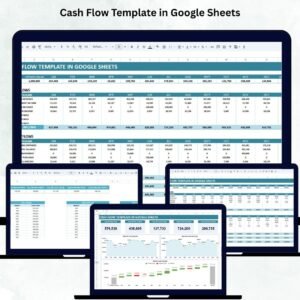
The Overview Page is the main cash flow dashboard. The Net Cash Flow card gives you a quick answer before you review the underlying transaction records, while slicers help you narrow the view by date, category, account, or type.
Transactions by Category: This chart groups your cash flow activity by category, such as income, groceries, rent, utilities, subscriptions, savings, or custom categories. Use it to identify which areas drive the most activity and where spending patterns may need closer review.
Transactions by Account: This chart shows activity by account, making it easier to compare checking, savings, wallet, card, or other account sources. It helps you see where money is moving most often and whether one account carries most of the cash flow load.
Cash In and Cash Out by Month: This chart compares monthly inflows and outflows side by side. It helps you spot months where expenses overtake income and months where you have room to save.
Net Cash Flow by Date: This date-based trend shows how net cash flow changes over time. It is useful for checking whether recent habits are improving or weakening your overall cash position.
2 – Setup List
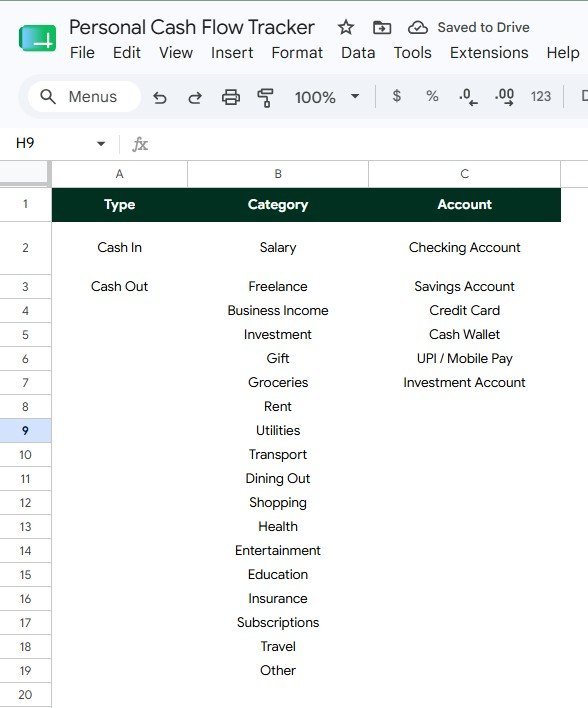
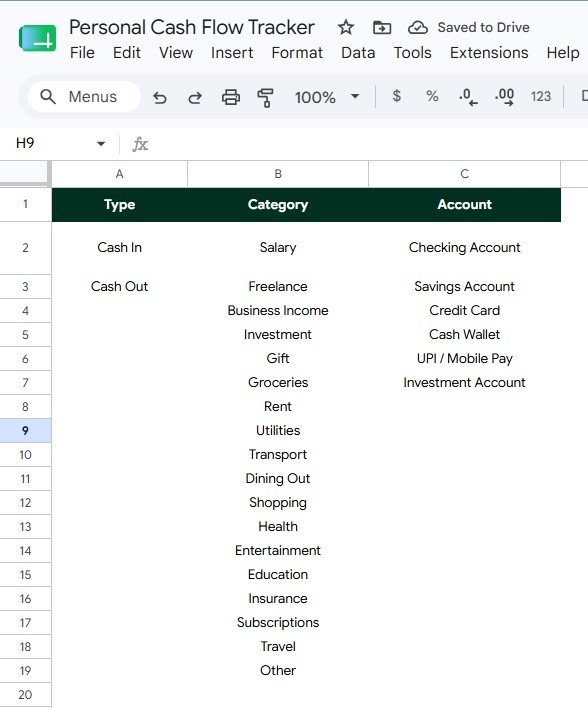
The Setup List tab keeps dropdown values organized so the dashboard stays clean as you add new records. It includes setup analysis for transaction types, cash flow categories, and account options.
Transaction Options by Type: This list controls the transaction types used in the tracker, such as cash in, cash out, transfer, adjustment, or custom labels. Consistent type values help the dashboard separate inflows from outflows correctly.
Cash Flow Categories by Category: This list stores the categories that appear in your transaction entries. You can tailor it for salary, freelance income, rent, groceries, utilities, subscriptions, savings, debt payments, or any personal cash flow group.
Account Options by Account: This list keeps account names consistent across the tracker. It is helpful when money moves across checking, savings, cash wallet, credit card, business account, or other accounts.
Personal Cash Flow Tracker in Google Sheets vs. Microsoft Excel vs. Paid Budgeting SaaS – Where This Fits
| Feature | This Google Sheets tracker | Microsoft Excel alternative | Paid budgeting SaaS |
|---|---|---|---|
| Cost | $6.99 sale price, one-time | Template cost plus any Microsoft license | Usually monthly or annual |
| Platform | Google Sheets in Drive | Excel desktop or web | Vendor-hosted app |
| Setup time | Copy the file, edit lists, enter transactions | Open workbook and customize | Create account and configure categories |
| Real-time collaboration | Built into Google Sheets sharing | Available through Microsoft sharing tools | Depends on plan |
| Mobile access | Google Sheets mobile app | Excel mobile app | Usually included |
| Customizable fields | Edit categories, accounts, types, and labels | Editable if workbook is unlocked | Often limited by app settings |
| Share with link | Yes, through Google Drive permissions | Yes, through OneDrive or SharePoint | Usually account-based |
| Year-1 cost at 5 users | $6.99 before any Google Workspace costs | Template plus licensing costs | Can rise with household or user plans |
| Cash flow dashboard | Net cash flow card, charts, slicers, and setup lists included | Must be built or customized | Depends on the app |
Who This Template Is For – and Who It’s Not For
This template is for individuals, couples, families, freelancers, students, finance coaches, and small business owners who want a simple cash flow view without connecting bank accounts. It works best for people who can enter or paste transactions regularly and want a visual way to review inflows, outflows, accounts, categories, and monthly movement.
It is not a bank-feed connector, tax filing system, investment platform, debt payoff calculator, or replacement for professional financial advice. If you need automatic bank syncing, payment processing, or regulated planning, use a specialist tool alongside this tracker.
How to Use the Personal Cash Flow Tracker in Google Sheets
- Open the PDF guide from your download and copy the Google Sheets template to your Drive.
- Edit the Setup List tab so transaction types, categories, and accounts match your real workflow.
- Enter each transaction with date, account, category, type, cash in, cash out, and notes.
- Review the Net Cash Flow card and the four dashboard charts on the Overview Page.
- Use slicers during weekly or monthly reviews to focus on the exact category, account, or period you need.
Real-World Use Cases
Maya, household budgeter: checks monthly cash in and cash out before deciding whether extra money should go toward savings, debt, or planned expenses.
Daniel, freelancer: tracks irregular client income against rent, software, taxes, and personal expenses so cash gaps are visible before they become stressful.
Priya, finance coach: uses a separate copy for each client and reviews the Overview Page during coaching sessions to explain category and account patterns visually.
Frequently Asked Questions
What does this tracker measure?
It measures cash in, cash out, net cash flow, transactions by category, transactions by account, monthly inflows and outflows, and net cash flow by date.
Does it connect directly to my bank?
No. It is a manual Google Sheets tracker, which keeps the workflow simple and avoids requiring bank login access.
Can I customize the categories?
Yes. The Setup List tab lets you edit transaction types, cash flow categories, and account options.
Can I use it for household and freelance cash flow?
Yes. You can customize accounts and categories for personal, household, freelance, or simple small business cash flow tracking.
Can two people use the same tracker?
Yes. After copying the file to Google Drive, you can share it with another user and choose viewer, commenter, or editor access.
Is this a subscription?
No. It is a one-time Google Sheets template purchase from NextGenTemplates.
About the Author
Built by PK – Microsoft Certified Professional with 15+ years of Excel, Google Sheets, and Power BI experience. Founder of NextGenTemplates, reaching 300K+ subscribers across YouTube channels. Every template is hand-built and tested before release.
Explore Related Templates
- Tracker Toolkit for a larger tracker bundle.
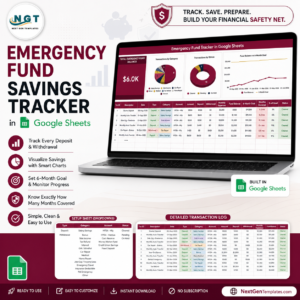
- Emergency Fund Savings Tracker in Google Sheets for safety-net savings.
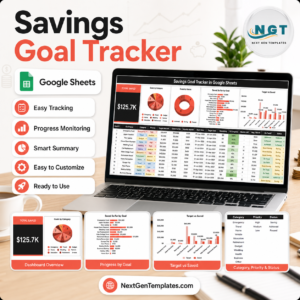
- Savings Goal Tracker in Google Sheets for target-based savings.
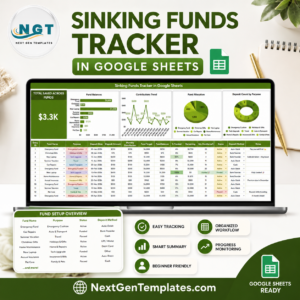
- Sinking Funds Tracker in Google Sheets for planned irregular expenses.
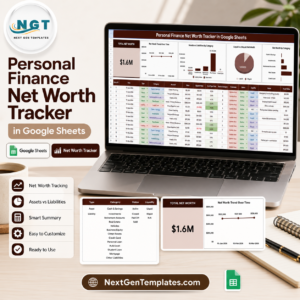
- Personal Finance Net Worth Tracker in Google Sheets for assets, liabilities, and net worth.
- Google Sheets tracker templates and Google Sheets financial tools.
Get the Personal Cash Flow Tracker in Google Sheets and start reviewing cash in, cash out, net cash flow, categories, accounts, and dates in one editable dashboard.
Watch the step-by-step video Demo:
Last updated: July 13, 2026.























Reviews
There are no reviews yet.