

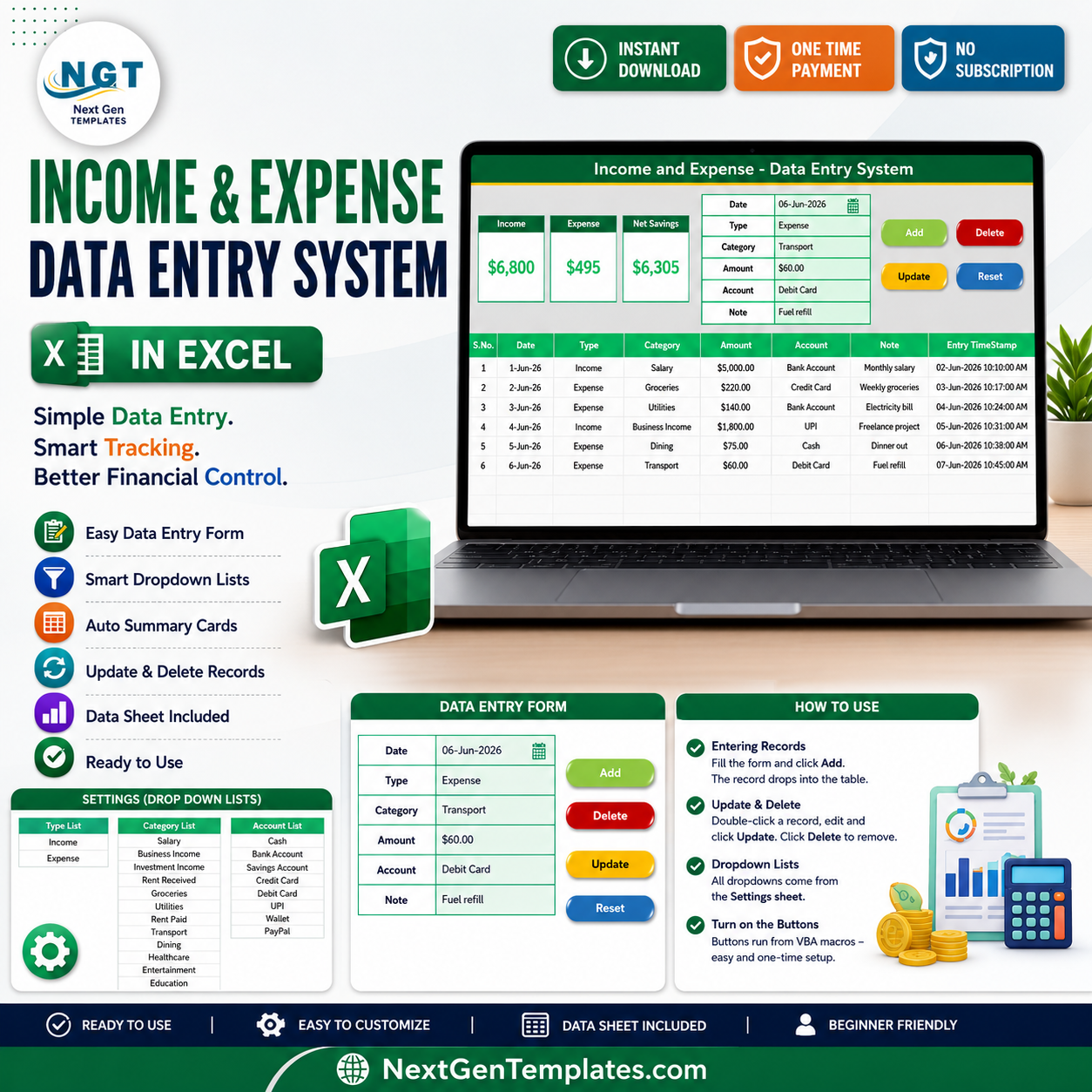
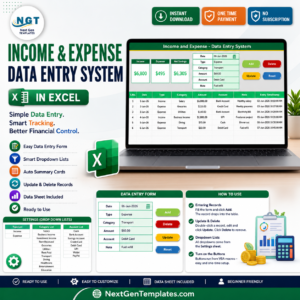
The Income and Expense Data Entry System in Excel captures 6 fields per transaction, shows 3 live KPI cards — Income, Expense, and Net Savings — and stores up to 200 preformatted records with timestamps. Setup takes under 5 minutes: enable macros, type your first entry, and every total recalculates instantly with SUMIF logic.
🌍 Join 8,400+ teams in 40+ countries using NextGenTemplates to replace paid SaaS tools with one-time-purchase Excel, Google Sheets, Power BI, and HTML templates.
✅ Instant download · One-time payment · No subscription · No per-user fees · Lifetime access
🔑 Key Features of the Income and Expense Data Entry System in Excel
This Income and Expense Data Entry System in Excel records Date, Type (Income or Expense), Category, Amount, Account, and Note for every entry. Three KPI cards on the Data Entry sheet recalculate automatically, so your numbers are never out of date.
- 📝 Guided entry form – Bold labels and tinted input cells keep every record consistent and stop missed fields.
- 📊 Live Income, Expense and Net Savings cards – Income and Expense are conditional SUMIF totals on the Type column, and Net Savings is Income minus Expense, never a plain column total, so one mislabelled row never breaks your figures.
- 🖱️ One-click VBA buttons – Add, Update, Delete, and Reset run from a clean macro module, so you never copy and paste rows by hand.
- 🔽 Editable dropdown lists – The Type list, 16 categories, and 8 accounts live on the Setting sheet and feed every dropdown through named ranges.
- 💱 Any currency – Ships with dollar formatting and switches to rupee, euro, or pound in one Format Cells change.
- 🕒 Audit-ready records – Auto-numbered rows with entry timestamps give you a clean, time-stamped transaction history of both income and spending.
📦 What Is Inside the Income and Expense Data Entry System in Excel
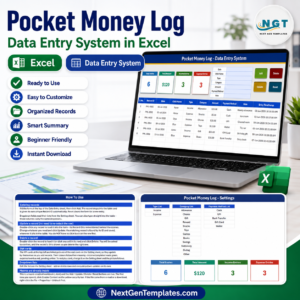
The workbook has four sheets: Data Entry, Setting, Instructions, and Get More Templates. The three views below show the everyday workflow.
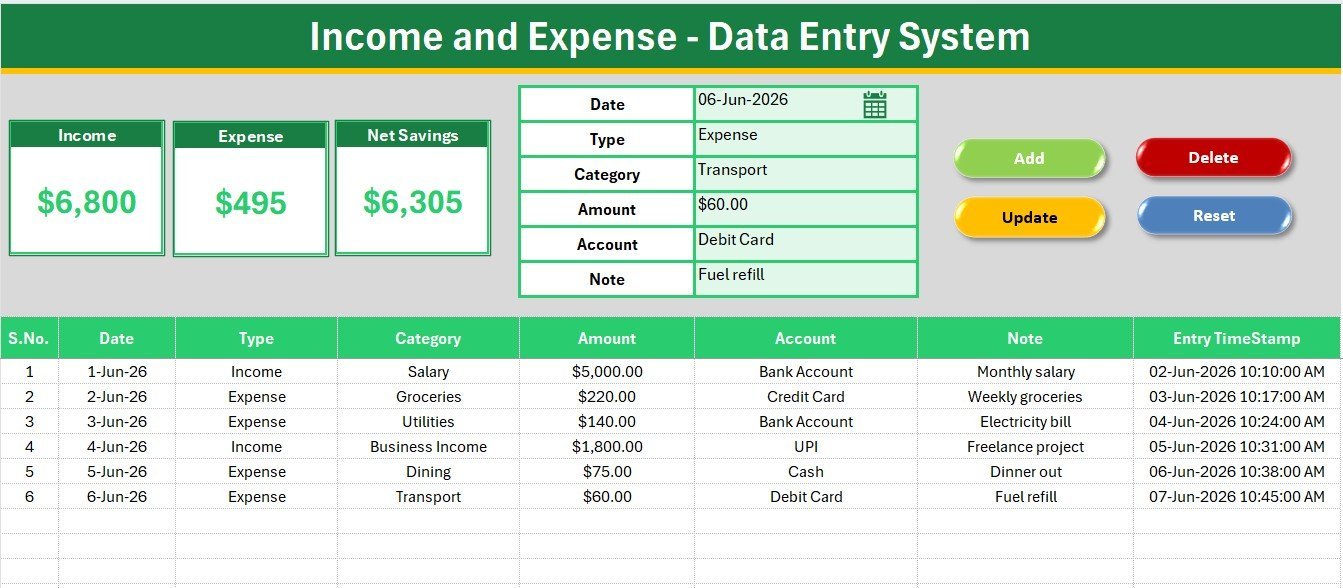
Data Entry Dashboard – Form, Live KPIs and Buttons
The home screen pairs the six-field entry form with the three KPI cards for Income, Expense, and Net Savings, plus the Add, Update, Delete, and Reset buttons for every record action.
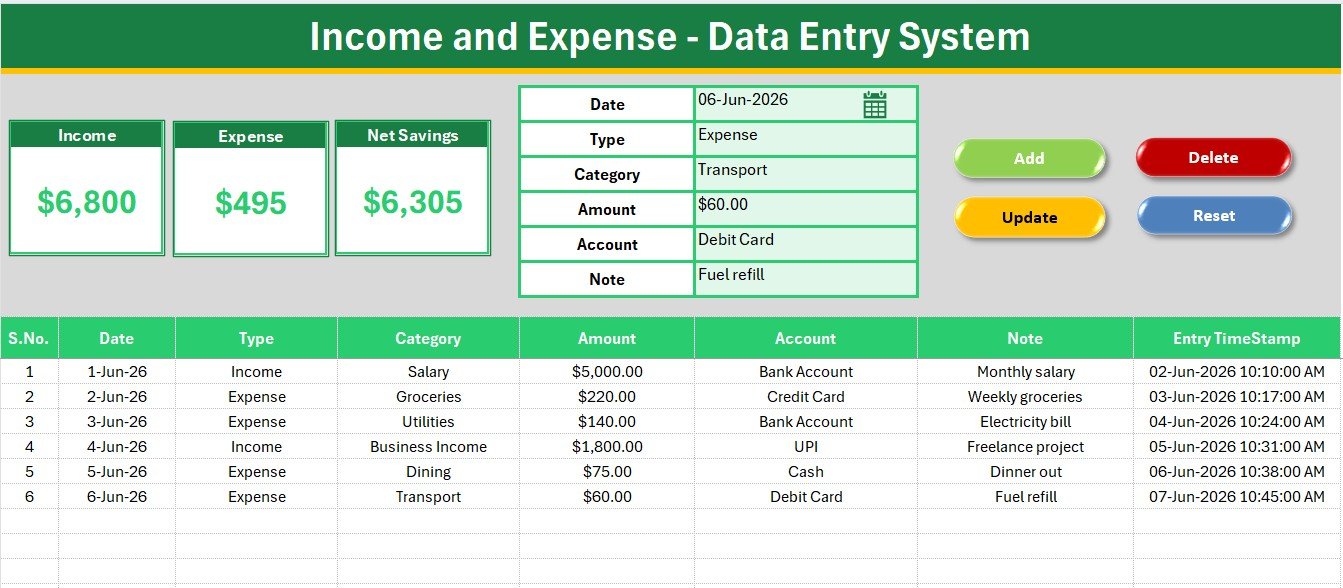
Income and Expense Records Table with Running Net Savings
Every saved entry drops into an auto-numbered records table with a timestamp. As rows are added, the KPI cards above recalculate so your running Net Savings is always correct.
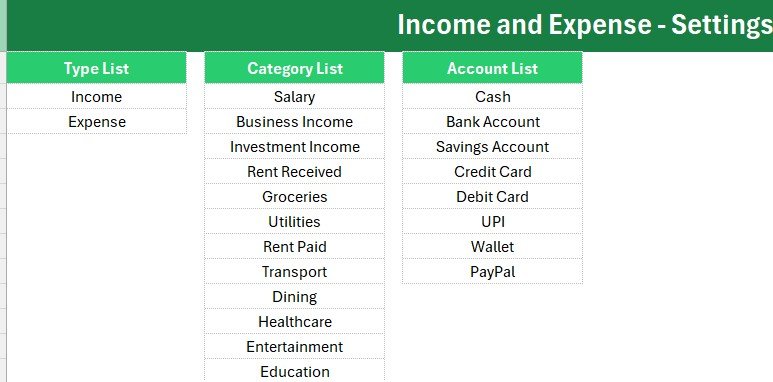
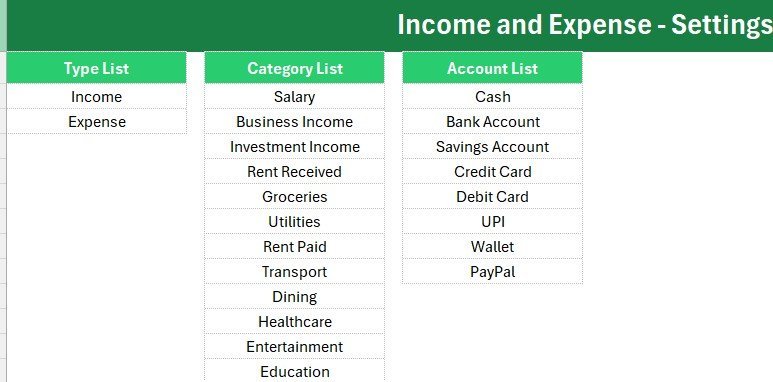
Setting Sheet – Editable Dropdown Lists
The Setting sheet holds the Type, Category, and Account lists. Add or remove a value here and every dropdown updates automatically, with no formula edits.
📊 Income and Expense System (Excel) vs Google Sheets vs Quicken or Zoho Expense
| Feature | Income and Expense System (Excel) | Google Sheets Tracker | Quicken / Zoho Expense |
|---|---|---|---|
| Cost | $5.99 one-time | Free but build it yourself | $5-18 / user / month |
| Platform | Microsoft Excel | Browser + Google account | Web + mobile app |
| Setup time | Under 5 minutes | Hours to design | Account + onboarding |
| Works fully offline | Yes | No | No |
| One-click Add / Update / Delete | Yes, VBA buttons | Manual rows | Yes |
| Live Income / Expense / Net Savings cards | Yes | Build formulas yourself | Yes |
| Editable dropdown lists | Yes | Manual setup | Fixed categories |
| Data stays on your device | Yes | Cloud | Cloud |
| Year-1 cost at 3 users | $5.99 total | $0 + your time | $180-648 |
For individuals and small teams that want quick, private income and expense tracking without a monthly bill, the Income and Expense Data Entry System in Excel sits in the sweet spot.
👥 Who This Template Is For — and Who It Is Not For
✅ This template is built for:
- Individuals and households tracking monthly income and expenses without a paid app.
- Freelancers and solo business owners who need a simple, private cash log with a savings figure.
- Small shops and offices that want a structured entry form instead of a blank sheet.
❌ This template is NOT for:
- Teams needing multi-user cloud access with live collaboration.
- Users who require automatic bank-feed imports or receipt scanning.
- Organizations that block macros and cannot enable VBA.
⚙️ How to Use the Income and Expense Data Entry System in Excel
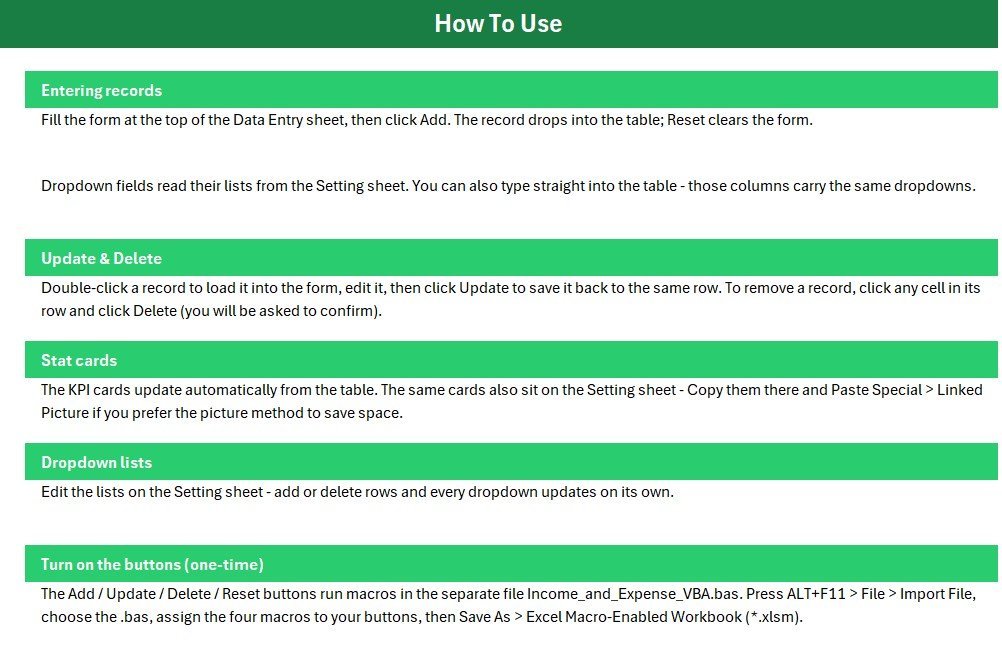
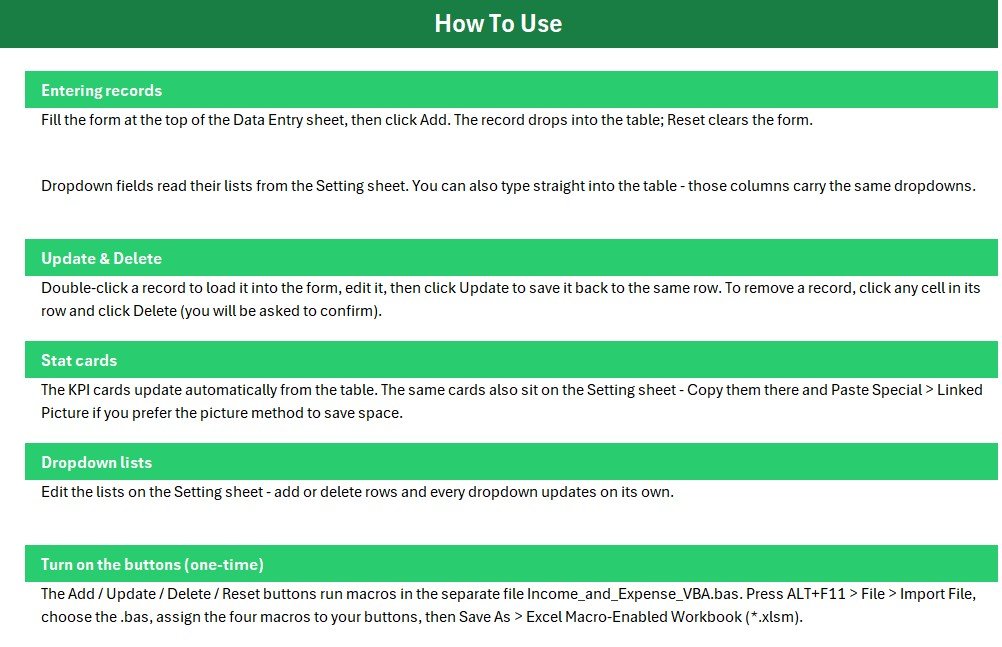
- Open the workbook and enable macros when Excel prompts.
- Press ALT+F11, import the included VBA module, and assign the Add, Update, Delete, and Reset macros to the four buttons.
- Save as an Excel Macro-Enabled Workbook (.xlsm).
- Fill the form with Date, Type, Category, Amount, Account, and Note, then click Add.
- Double-click any record to load it into the form, edit it, and click Update; click Delete to remove a row.
- Edit the Setting sheet to change the Type, Category, or Account lists.
💼 Real-World Use Cases
Anjali runs a freelance design studio. She logs every client payment as Income and every software, travel, and printing cost as Expense, then reads her monthly Net Savings off the KPI card before filing taxes, without paying for Zoho Expense.
Ravi manages a small grocery shop. He records daily takings as Income and supplier payments as Expense through the form, uses the Account dropdown to separate cash from UPI, and reviews the records table each weekend to see whether he saved or overspent.
❓ Frequently Asked Questions
What does the Income and Expense Data Entry System in Excel track?
It tracks Date, Type, Category, Amount, Account, and Note for every transaction, with live Income, Expense, and Net Savings cards that update automatically as you add records.
How long does setup take?
Under 5 minutes. Enable macros, import the VBA module once, assign the four buttons, save as a macro-enabled workbook, and start entering transactions in the Income and Expense Data Entry System in Excel.
How is Net Savings calculated?
Net Savings in the Income and Expense Data Entry System in Excel is Income minus Expense. Income and Expense are SUMIF totals on the Type column, so a single mislabelled row never distorts your savings figure.
Can I change the currency?
Yes. The Income and Expense Data Entry System in Excel ships with dollar formatting and switches to rupee, euro, pound, or any symbol through Format Cells in seconds.
How does this compare to Quicken or Zoho Expense?
Quicken and Zoho Expense charge $5 to $18 per user per month. This Income and Expense Data Entry System in Excel is a one-time $5.99 purchase that works offline and keeps your data on your own device, though it has no bank feeds or mobile apps.
Is it a one-time purchase?
Yes. One-time payment, lifetime access, free updates, no subscription, and no per-user fees.
👤 About the Author
Built by PK a Microsoft Certified Professional with 15+ years of Excel, Google Sheets, and Power BI experience. Founder of NextGenTemplates, reaching 300K+ subscribers across YouTube channels (@PK-AnExcelExpert, @NextGenTemplates, @NeoTechNavigators). Every template is hand-built and tested before release.
🔗 Explore Related Templates
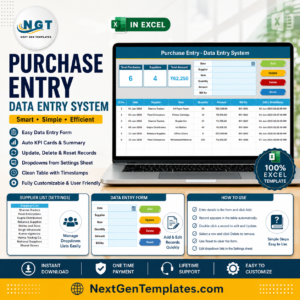
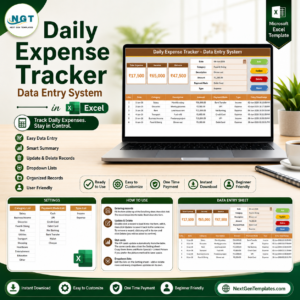
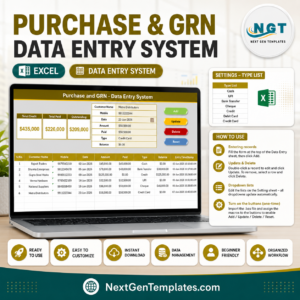
Pair this with the Daily Expense Tracker Data Entry System in Excel for day-by-day spending, or the Purchase Entry Data Entry System in Excel for buying records. For budgeting by month, see the Monthly Budgeting Calendar in Excel. Browse more Excel Financial Tools and Excel Trackers.
💎 Save more — get the FP&A Financial Planning & Analysis Pack (9 premium Excel, Google Sheets & Power BI templates) or the Small Business Owner Essentials bundle.
📖 Click here to read the detailed blog post
🎥 Visit our YouTube channel for step-by-step video tutorials
👉 YouTube.com/@NextGenTemplates






Reviews
There are no reviews yet.