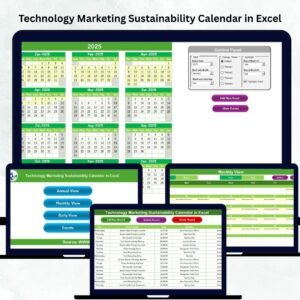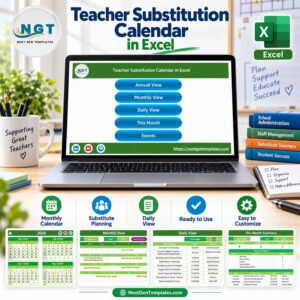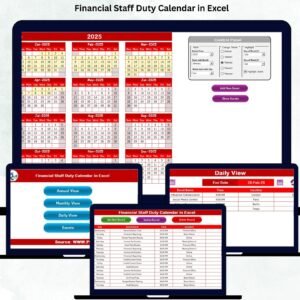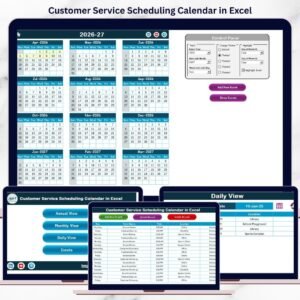

Stop missing customer follow-ups. Stop losing visibility. Start managing feedback like a pro. 🚀The Customer Feedback Analysis Task Calendar in Excel is your all-in-one solution to organize, track, and control every feedback-related activity in a structured and powerful calendar system. Instead of juggling scattered sheets and forgotten notes, you now manage everything from one centralized, interactive Excel workbook.
This ready-to-use template transforms your feedback workflow into a clear, organized, and highly efficient system. Whether you are scheduling review meetings, tracking complaint resolutions, or planning survey analysis sessions — everything stays visible and under control.
Key Feature of Customer Feedback Analysis Task Calendar in Excel
📌 5 Fully Integrated Worksheets – Home, Annual View, Monthly View, Daily View, and Events Database work seamlessly together.
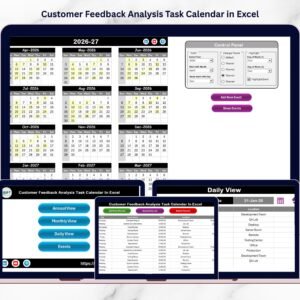
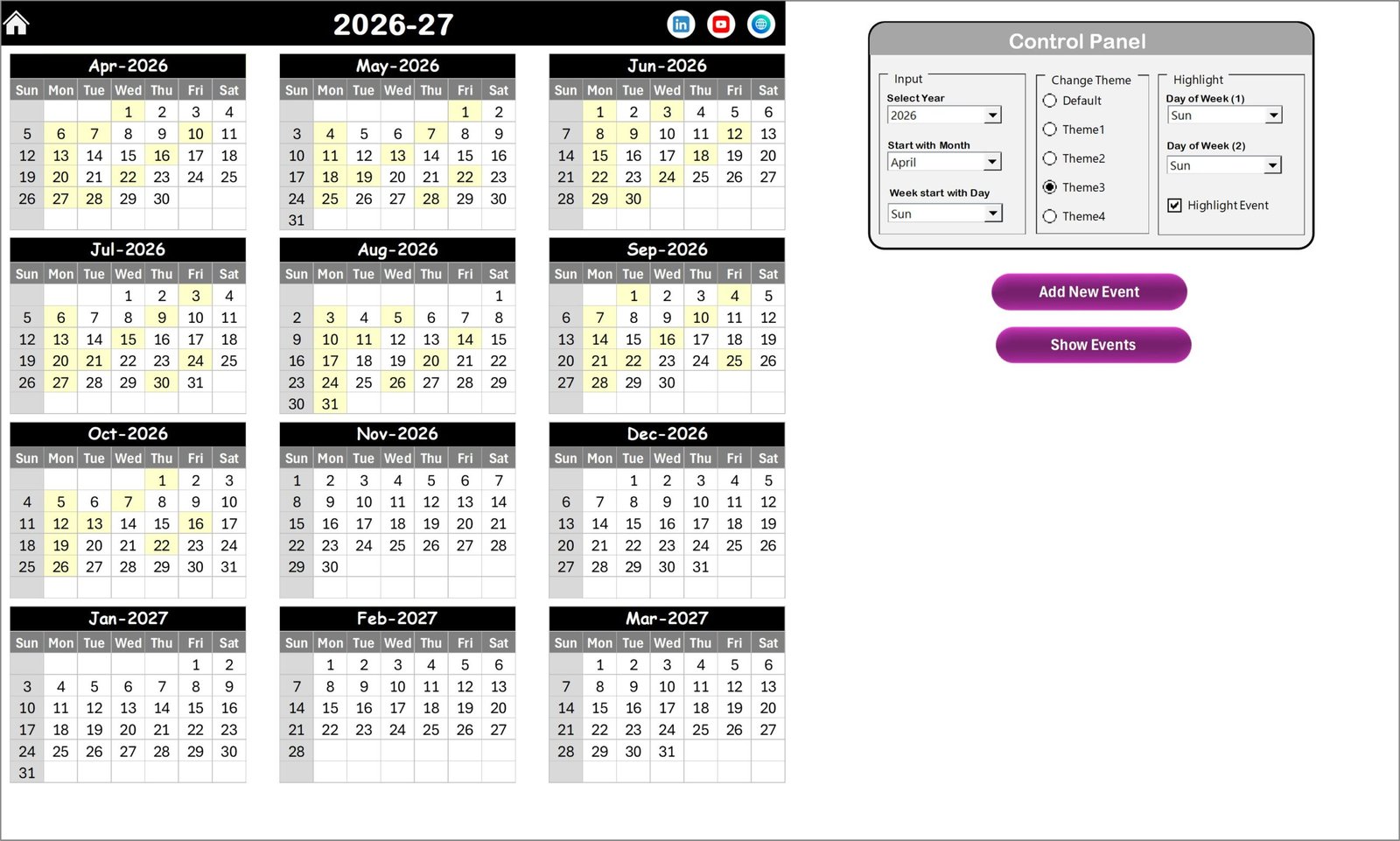
📅 Annual Calendar Overview – View all 12 months at once and instantly identify busy feedback seasons.
🎨 5 Custom Color Themes – Match the template with your company branding in seconds.
🗓 Monthly Planning View – Focus on one month at a time and instantly identify high-activity days.
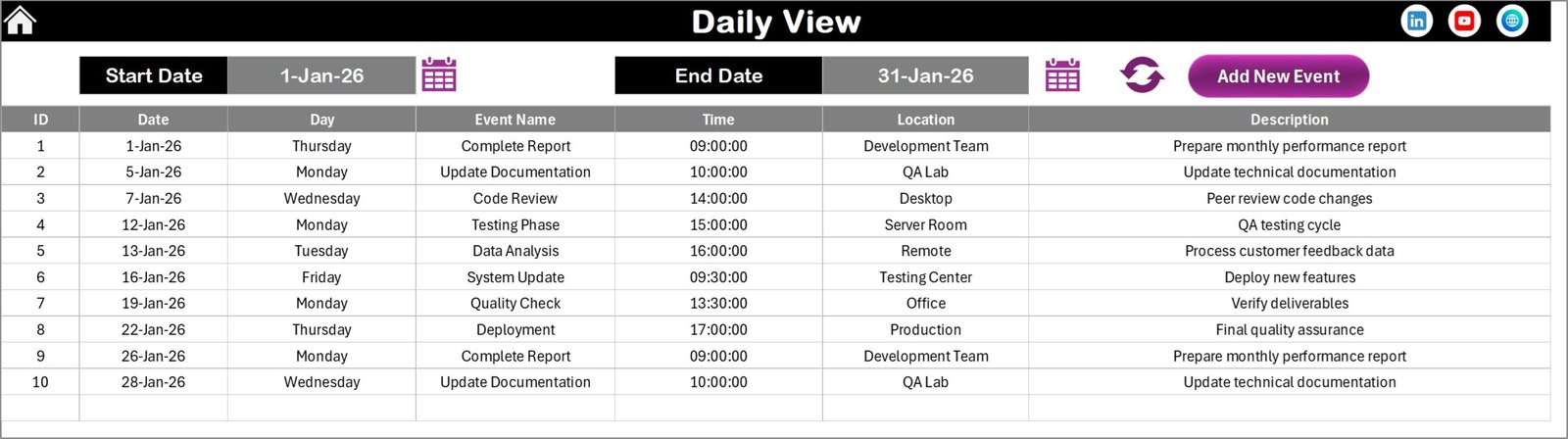
🔎 Daily Detailed Tracking – Select date ranges and analyze event details including time, location, and description.
➕ Add, Update & Delete Events – Full control with structured database management.
🌟 Highlight Weekends & Important Days – Improve visibility with smart highlighting features.
⚡ One-Click Navigation Buttons – Move between sheets instantly using interactive buttons.
Because of these features, you eliminate confusion and gain complete visibility.
What’s Inside the Customer Feedback Analysis Task Calendar in Excel
Here’s what you get inside this powerful Excel system:
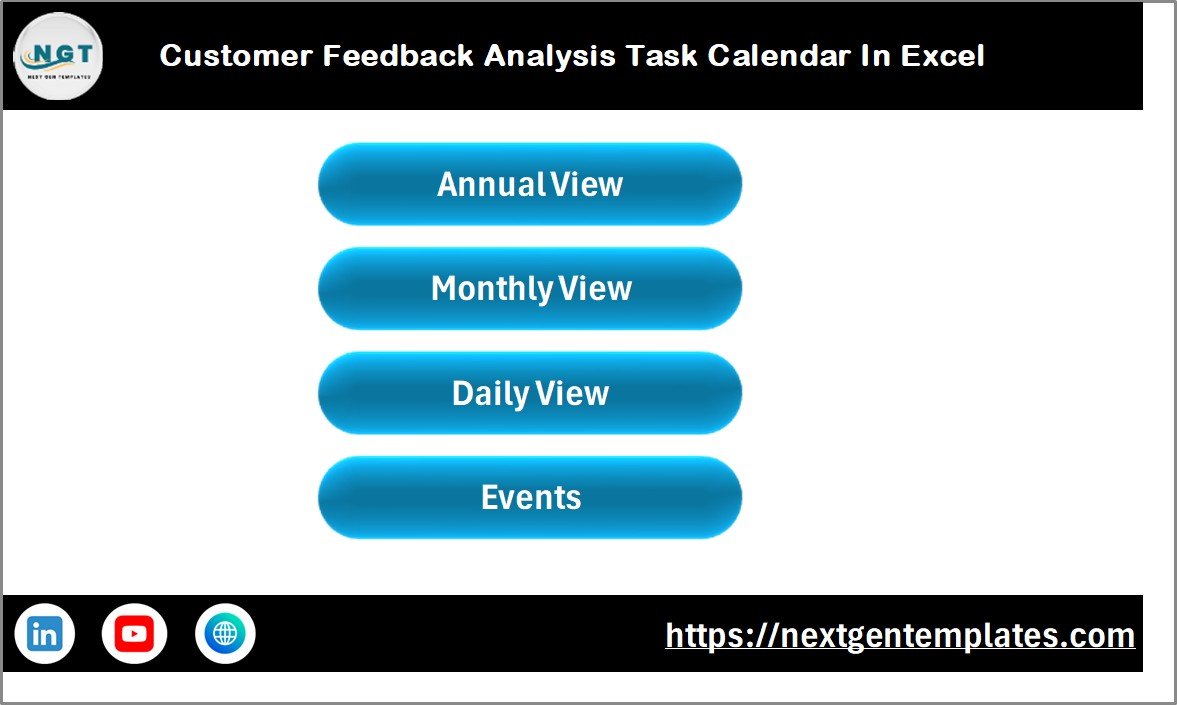
🏠 Home Sheet (Navigation Center)
Quick-access buttons for Annual, Monthly, Daily, and Events sheets.
Clean dashboard-style interface for smooth navigation.
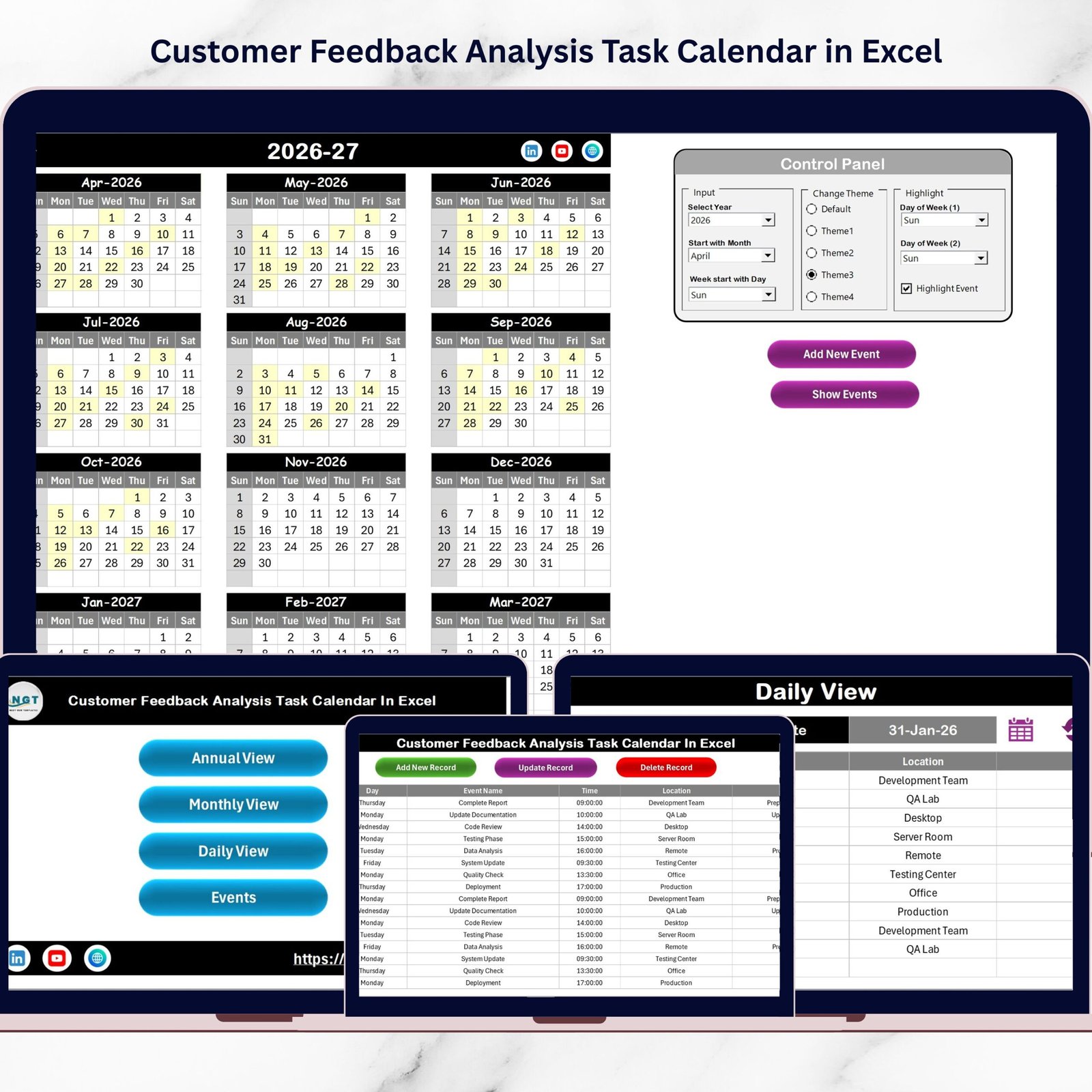
📆 Annual View Sheet
12-month calendar overview.
Control Panel to select:
Year
Starting Month
Starting Day of Week
Theme customization options.
Highlight feature for specific weekdays.
“Add New Event” and “Show Event” buttons.
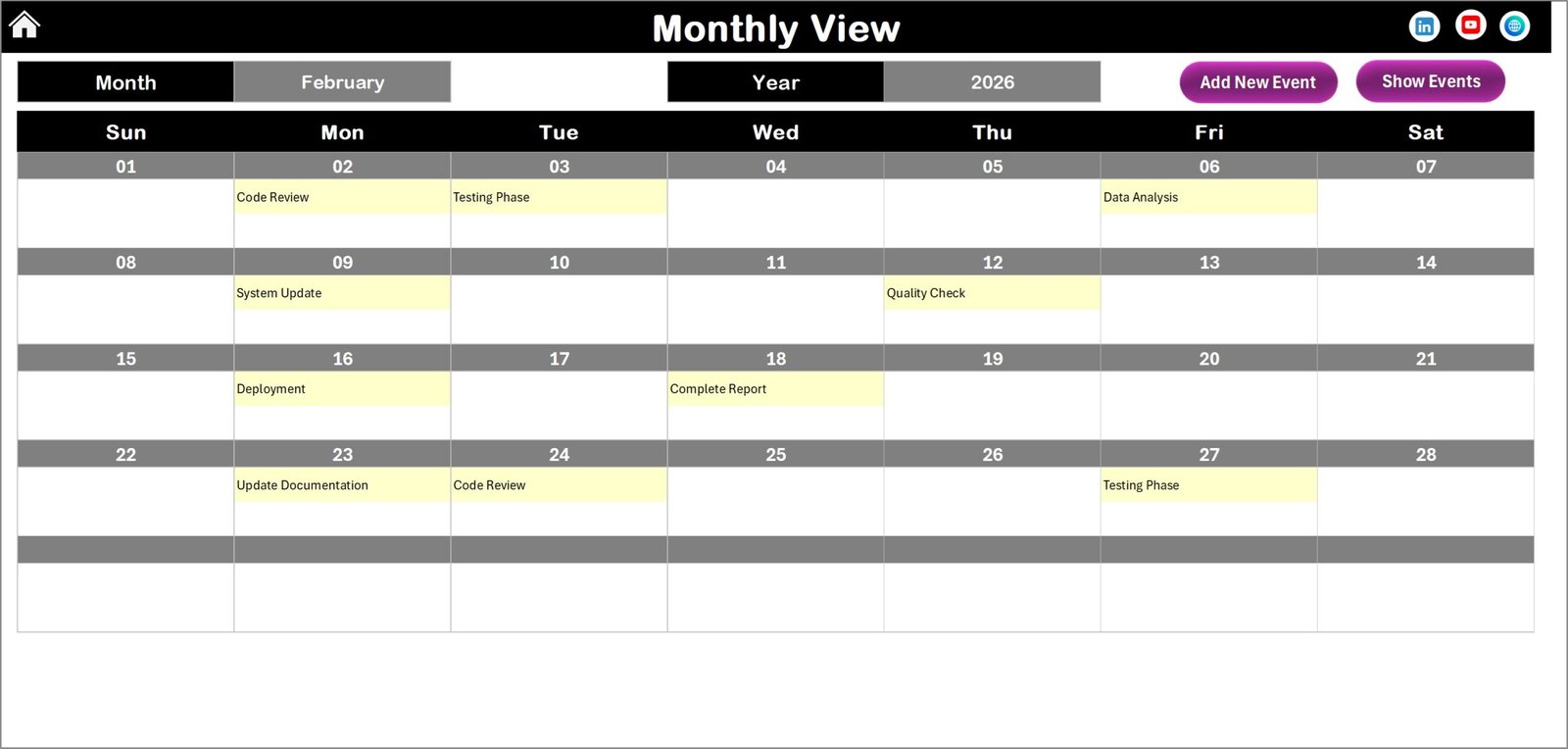
📅 Monthly View Sheet
Single-month dynamic calendar.
Auto-update based on selected month and year.
“More than 1…” indicator for multiple events.
Event management buttons.
📊 Daily View Sheet
Date range selection using calendar picker.
Displays:
Event Name
Time
Location
Description
Quick refresh option for instant data update.
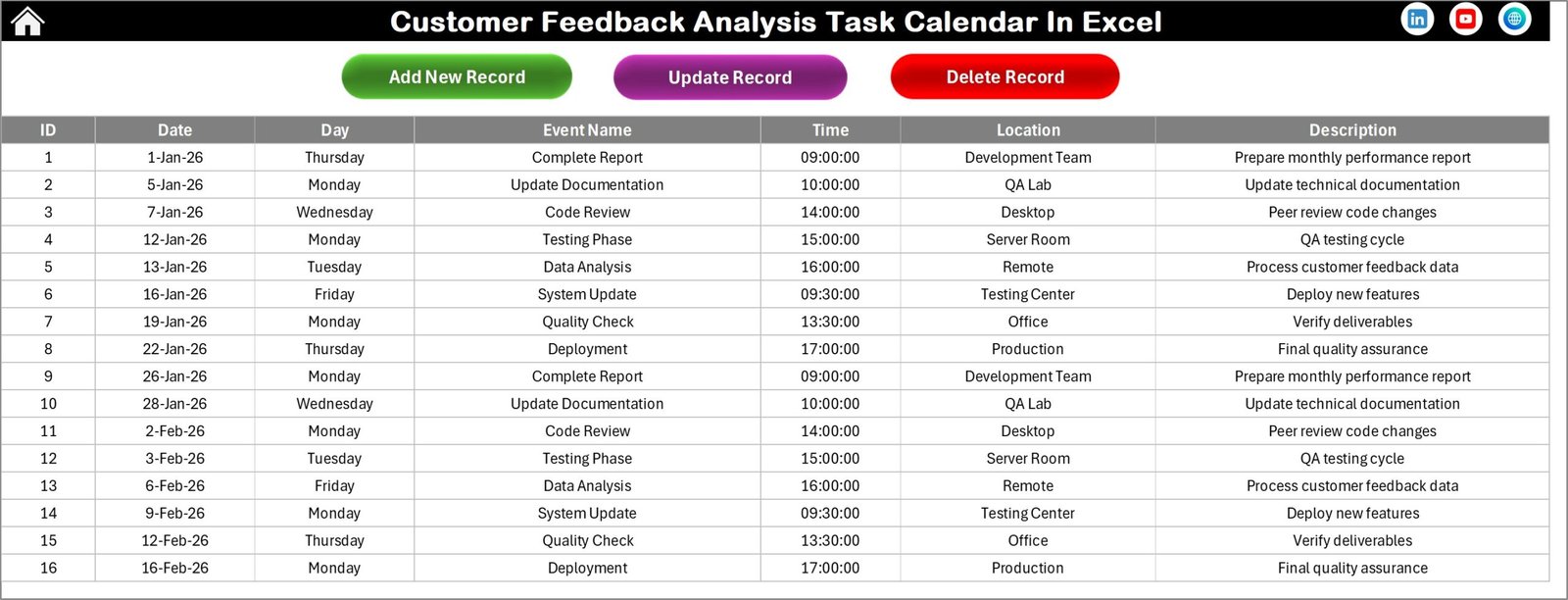
🗂 Events Sheet (Backend Database)
Auto-generated ID
Date & Day tracking
Event details storage
Add, Update, Delete control buttons
Everything works together. When you update the database, the calendar reflects changes instantly.
How to Use the Customer Feedback Analysis Task Calendar in Excel
Using this system is simple and beginner-friendly:
1️⃣ Download and open the template.
2️⃣ Set the year and starting month in the Annual View control panel.
3️⃣ Add your feedback meetings, survey deadlines, and complaint review tasks.
4️⃣ Use Monthly View for focused planning.
5️⃣ Use Daily View to track detailed workload.
6️⃣ Update or delete records from the Events sheet when required.
Because the layout is structured and intuitive, you do not need advanced Excel skills. Even teams with basic knowledge can operate it smoothly.
Who Can Benefit from This Customer Feedback Analysis Task Calendar in Excel
This template is perfect for:
👩💼 Customer Support Managers
📞 CRM Teams
📦 Product Managers
📊 Marketing Analysts
🛠 Quality Assurance Teams
🏢 Business Owners
📈 Service Managers
If your business depends on customer reviews, surveys, complaints, or feedback meetings — this calendar becomes your operational backbone.
It improves accountability, reduces response time, and ensures no customer concern gets ignored.
When you manage feedback properly, you improve customer trust. When you improve trust, you increase retention. And when you increase retention, you grow faster. 💡
This Excel calendar gives you structure, clarity, and control — without paying for expensive project management software.
Click here to read the Detailed blog post
Watch the step-by-step video tutorial:
Visit our YouTube channel to learn step-by-step video tutorials
Compatibility and Requirements
- Works in Microsoft Excel desktop (Excel 2016 or later, or Microsoft 365).
- Pick the year, starting month and starting day of the week from the control panel on the Annual View sheet. Microsoft explains how to create a drop-down list if you want to build similar lists in your own sheets.
Frequently Asked Questions
Which sheets are included?
Five worksheets: Home, Annual View, Monthly View, Daily View and Events.
Where do I enter feedback tasks and meetings?
On the Events sheet, which works as the database. Each record gets an auto-generated ID and stores the date, day, event name, time, location and description. You can add, update or delete records with the buttons on that sheet.
Can I see all 12 months at once?
Yes. The Annual View sheet shows all 12 months. You choose the year, starting month and starting day of the week in the control panel.
What happens when two events fall on the same day?
The Monthly View shows a “More than 1” indicator on that day. Open the Daily View, select a date range and you see every event with its time, location and description.
Can I change the colors?
Yes. There are 5 color themes, and you can also highlight specific weekdays on the Annual View.
Is there a checklist or tracker for customer feedback?
Yes. See the Customer Feedback Tracker in Excel and the Customer Feedback Review Checklist in Excel.
Related Customer Feedback Templates
- Customer Feedback Collection Calendar in Excel: a calendar for planning when feedback is collected
- Customer Feedback Tracker in Excel: a tracker for individual feedback items
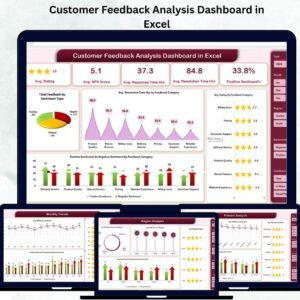
- Customer Feedback Analysis Dashboard in Excel: a dashboard to analyze the feedback you collect
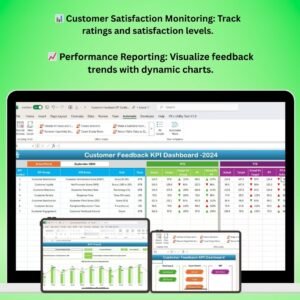
- Customer Feedback KPI Dashboard in Excel: KPI view of customer feedback
- Customer Feedback Review Checklist in Excel: a checklist for review sessions
Browse all Excel calendar templates.