Managing a supply chain is never simple. Suppliers change. Delivery timelines shift. Costs fluctuate. Compliance rules evolve. Therefore, businesses must review their supply chain operations regularly and systematically.
However, many companies still depend on emails, scattered spreadsheets, or memory-based follow-ups. As a result, they miss risks, overlook inefficiencies, and lose operational control.
That is exactly where the Supply Chain Review Checklist in Excel becomes a powerful and practical solution.
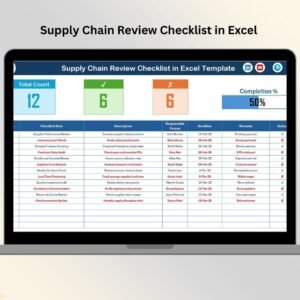
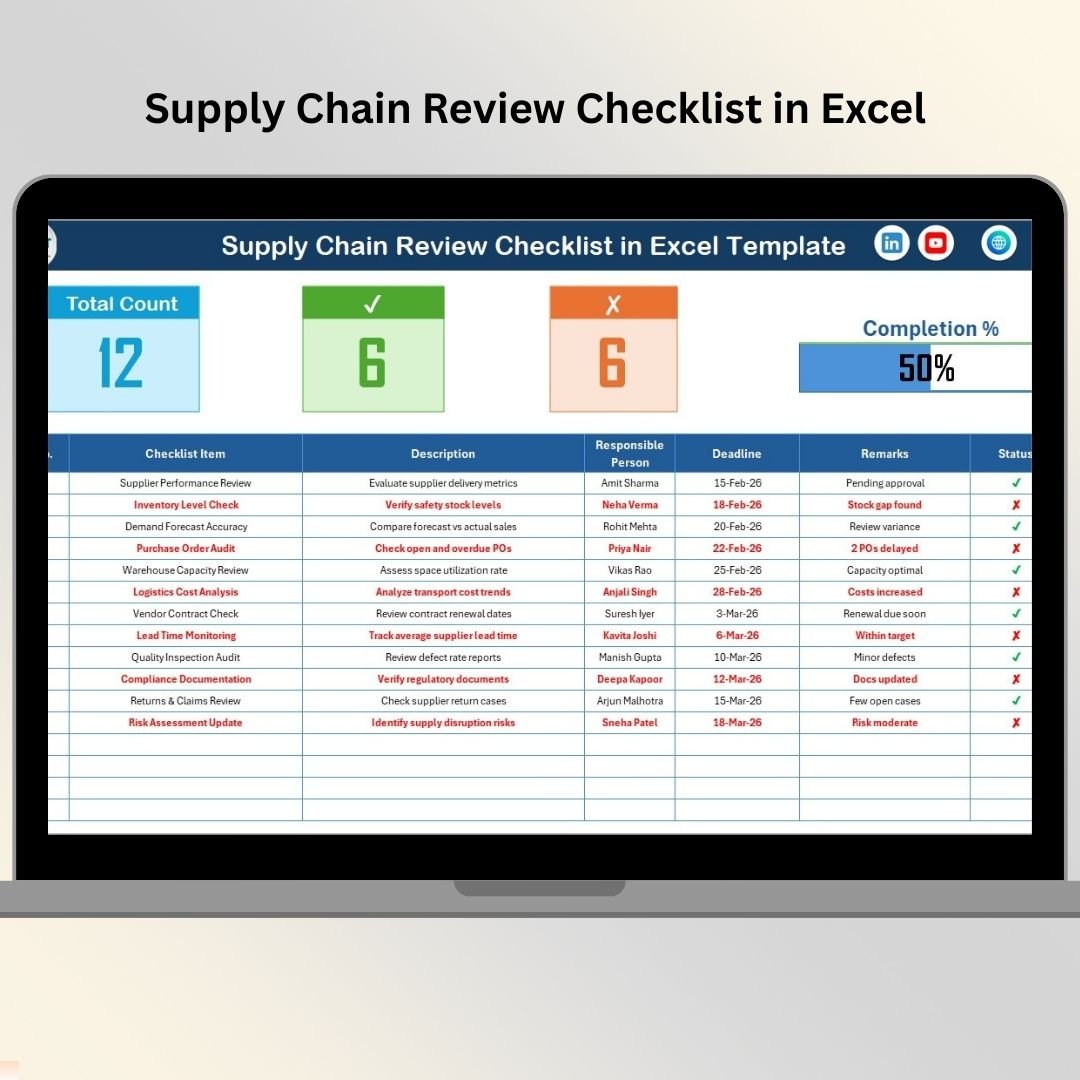
The Supply Chain Review Checklist in Excel is a ready-to-use, structured checklist template that helps businesses review suppliers, procurement processes, compliance, risks, documentation, and performance in one centralized system.
Instead of reviewing operations randomly, you follow a defined checklist process. Consequently, you ensure that nothing important gets ignored.
Because it runs completely in Excel, you can implement it immediately without complex software or expensive supply chain systems.
✅ Key Feature of Supply Chain Review Checklist in Excel
This template transforms unstructured reviews into a clear, trackable, and measurable process.
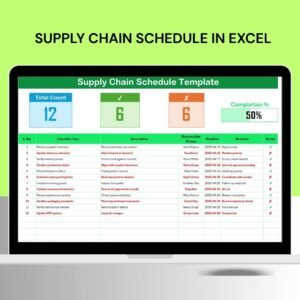
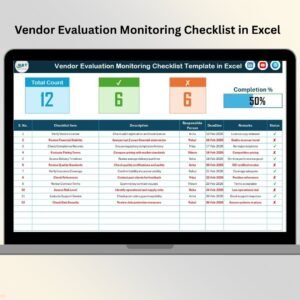
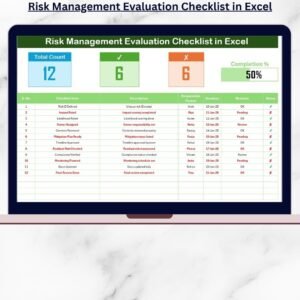
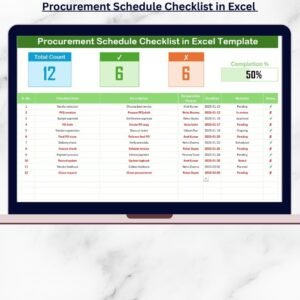
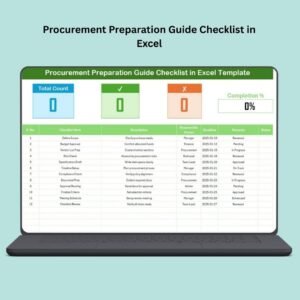
📊 Top Summary Dashboard – Instantly see review progress.
✔ Checked Count Tracking – Monitor completed items.
✘ Pending Item Count – Identify open review points.
📈 Automatic Progress Bar – Visual completion percentage.
👤 Responsible Person Drop-Down – Assign accountability easily.
📅 Deadline Tracking – Ensure timely completion.
📝 Remarks Section – Capture detailed review comments.
⚡ Automatic Status Update – Summary updates instantly when status changes.
Because everything updates dynamically, management gets real-time visibility.
📦 What’s Inside the Supply Chain Review Checklist in Excel
This ready-to-use template contains 2 structured worksheets, designed for simplicity and efficiency.
🗂️ 1️⃣ Supply Chain Review Checklist Sheet (Main Sheet)
This sheet acts as the control center of the entire review system.
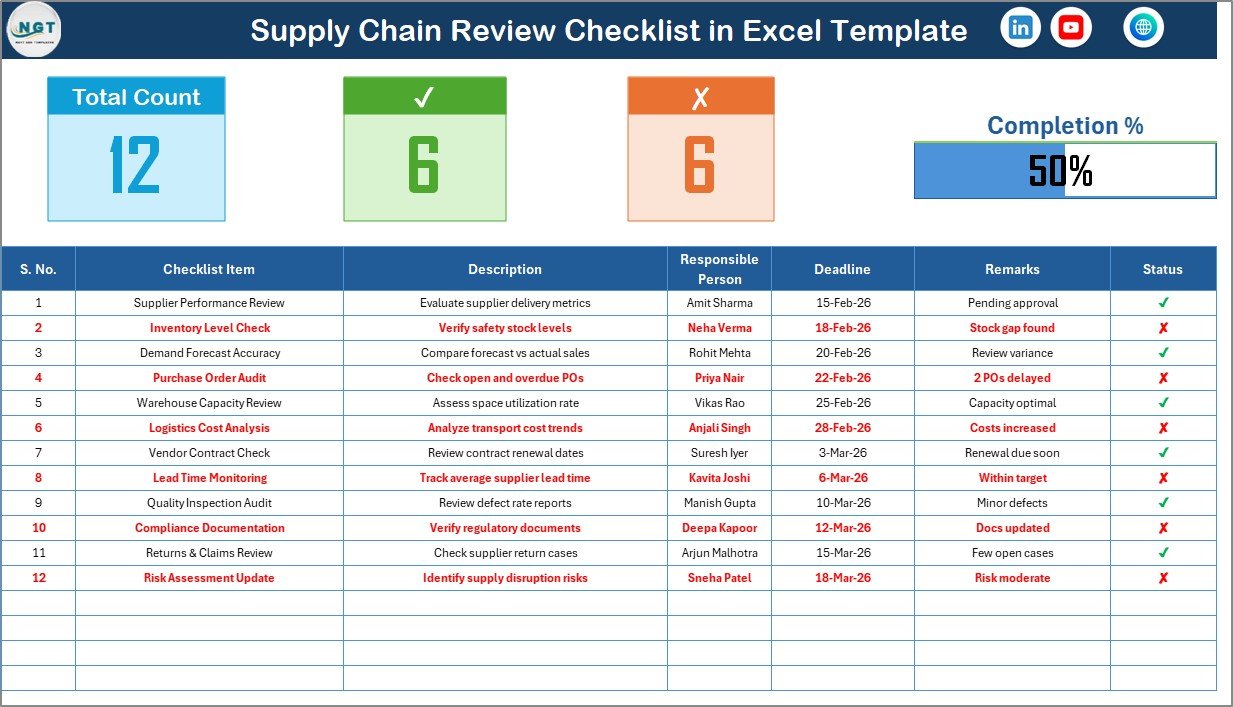
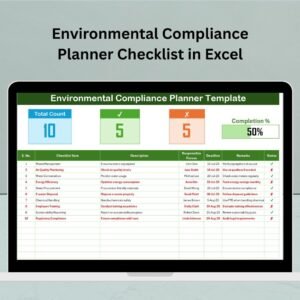
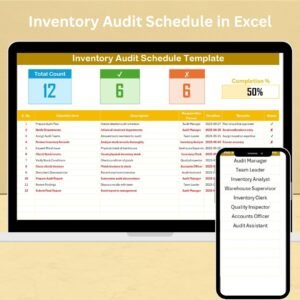
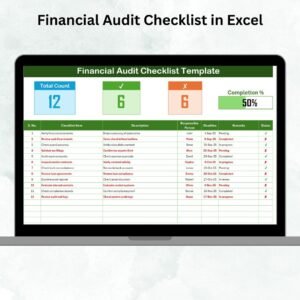
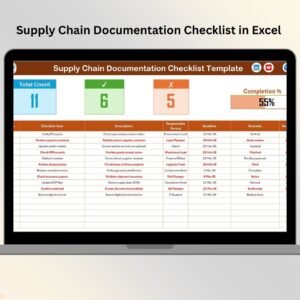
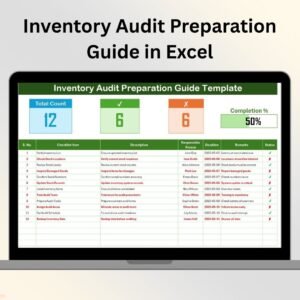
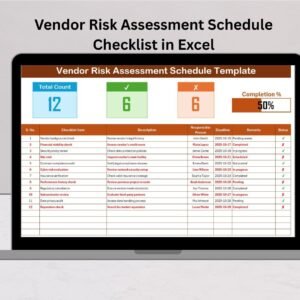
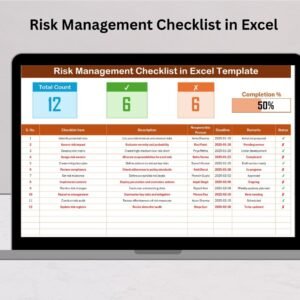
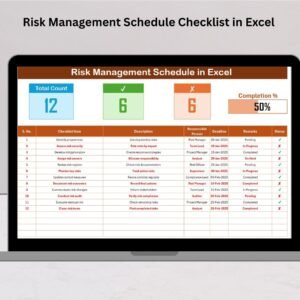
🔹 Top Section – Summary Dashboard
At the top of the sheet, you get instant performance visibility:
Total Count – Total checklist items
Checked Count (✔) – Completed items
Crossed Count (✘) – Pending or failed items
Progress Bar – Visual completion percentage
Instead of scanning rows manually, you instantly understand review status.
🔹 Checklist Table Structure
Each checklist item includes:
Checklist Item
Category
Responsible Person (Drop-Down)
Target Date
Status (✔ / ✘)
Remarks
Because of this structured format, your review process remains organized and consistent.
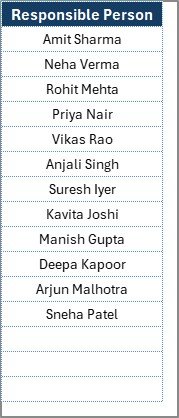
📋 2️⃣ List Sheet Tab (Support Sheet)
The List Sheet ensures data consistency.
Here, you maintain:
Unique list of responsible persons
Excel uses this list to generate drop-down selections in the main sheet.
As a result:
You avoid spelling errors
You maintain standardized names
You keep data clean and professional
🏭 What Areas Can You Review Using This Checklist?
A strong supply chain review covers multiple operational areas.
Supplier Management Review
Supplier performance evaluation
On-time delivery rate analysis
Contract compliance verification
Vendor audit tracking
Cost competitiveness review
Procurement Process Review
Purchase order accuracy
Approval workflow compliance
Budget variance check
Emergency procurement review
Cost-saving opportunity analysis
Inventory Management Review
Stock accuracy validation
Reorder point assessment
Safety stock evaluation
Slow-moving inventory review
Dead stock identification
Logistics & Transportation Review
Freight cost evaluation
Carrier performance monitoring
Route optimization analysis
Shipment tracking efficiency
Risk & Compliance Review
Regulatory compliance check
Documentation validation
Insurance verification
Backup supplier evaluation
Risk mitigation review
Because supply chains span multiple departments, this checklist keeps everything aligned and accountable.
🚀 How to Use the Supply Chain Review Checklist in Excel
Using the template is simple:
Define all review checkpoints.
Assign responsible person using drop-down.
Set target completion date.
Update status (✔ or ✘).
Monitor progress bar.
Review remarks for deeper insights.
Because calculations run automatically, you focus on analysis instead of manual tracking.
🎯 Advantages of Supply Chain Review Checklist in Excel
1️⃣ Improves Accountability
Assigned names and deadlines increase ownership.
2️⃣ Increases Visibility
The progress bar shows completion instantly.
3️⃣ Reduces Operational Risk
Structured checkpoints minimize oversight.
4️⃣ Standardizes Reviews
Every review follows the same format.
5️⃣ Easy Customization
Add columns, categories, or additional checklist items.
6️⃣ Cost-Effective Solution
No expensive supply chain software required.
7️⃣ Improves Management Reporting
Use summary metrics in review meetings.
👥 Who Should Use This Checklist?
This template is ideal for:
📦 Supply Chain Managers
🛒 Procurement Teams
🏭 Warehouse Managers
🚚 Logistics Coordinators
⚖ Compliance Officers
🏢 Operations Heads
💼 Business Owners
Whether you manage a small operation or a large distribution network, this checklist strengthens control.
🛠️ Best Practices for Implementation
✔ Conduct monthly or quarterly reviews
✔ Assign clear responsibility
✔ Keep checklist updated
✔ Set realistic deadlines
✔ Analyze recurring pending items
✔ Present progress summary in management meetings
✔ Back up the Excel file regularly
Because consistency drives improvement, disciplined usage is essential.
🔗 Click here to read the Detailed blog post
🎥 Visit our YouTube channel to learn step-by-step video tutorials
👉 https://www.youtube.com/@PKAnExcelExpert