


In today’s business world, ethics and professional conduct are not optional—they are essential for sustainable success. Ethics and Conduct Evaluation Checklist in Excel Organizations across industries face increasing scrutiny from regulators, clients, and even employees regarding how they uphold integrity and compliance. To build a culture of accountability, trust, and transparency, you need more than verbal promises—you need a structured system. That’s exactly where the Ethics and Conduct Evaluation Checklist in Excel comes in. ✅
This ready-to-use Excel checklist is designed to track, measure, and improve ethical behavior across teams. Ethics and Conduct Evaluation Checklist in Excel Whether you’re an HR manager, compliance officer, or business leader, this tool provides a simple yet powerful way to monitor conduct, assign responsibilities, and evaluate performance in real time. Unlike paper-based processes or expensive compliance tools, this Excel template is cost-effective, customizable, and user-friendly—making ethics evaluation accessible for every organization.
✨ Key Features of Ethics and Conduct Evaluation Checklist in Excel
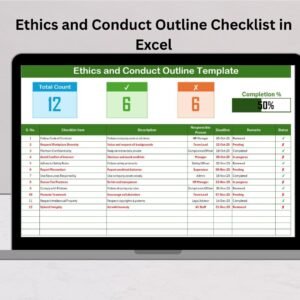
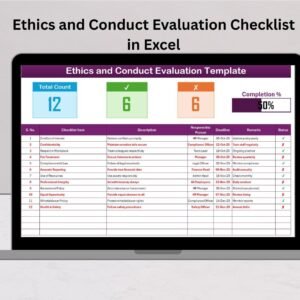
Two-Sheet Structure 📑 – A main checklist sheet for evaluations and a list sheet to manage responsible persons.
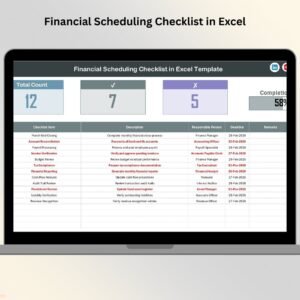
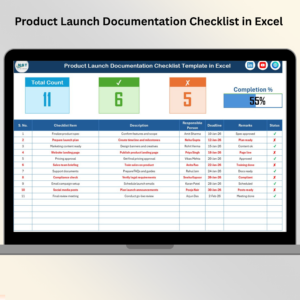
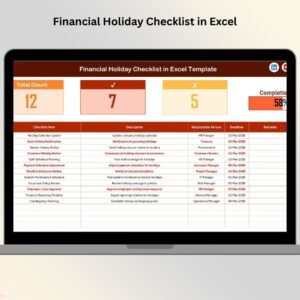
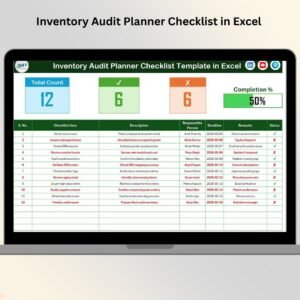
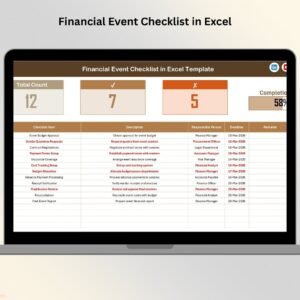
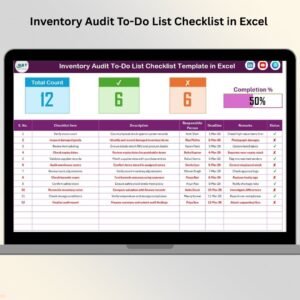
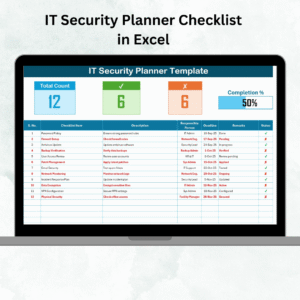
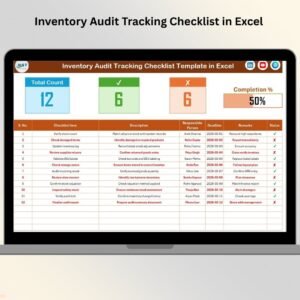
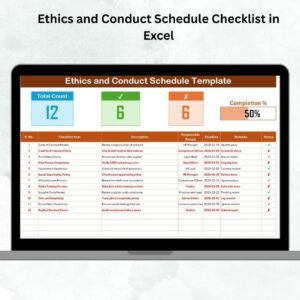
Top Section Summary 📊 – Instantly view total items, completed ✔, pending ✘, and a progress bar for visual tracking.
Checklist Table 🗂 – Includes Serial No., Checklist Item, Description, Responsible Person, Deadline, Remarks, and Status.
Drop-down Menus 🔽 – Assign tasks quickly and avoid errors with predefined responsible persons.
Progress Tracking 📈 – Visual bars update automatically as you mark tasks done or pending.
Automation Ready ⚡ – Built with Excel formulas and conditional formatting for efficiency.
User-Friendly Interface 👩💻 – No technical skills required; anyone can use it.
📦 What’s Inside the Ethics and Conduct Evaluation Checklist in Excel

When you download this product, you’ll get:
✔ Prebuilt Checklist Sheet with 10+ ethics and conduct tasks.
✔ Responsible Person List Sheet to keep dropdowns accurate and consistent.
✔ Built-in Progress Bar that updates automatically.
✔ Status Column to mark ✔ for done and ✘ for pending.
✔ Remarks Field for short notes and observations.
✔ Deadline Tracker to ensure timely evaluations.
✔ Customizable Structure so you can add or remove checklist items as needed.
This makes the template both ready-to-use immediately and flexible for your unique policies.
🛠️ How to Use the Ethics and Conduct Evaluation Checklist in Excel
Open the Template – Start with the prefilled checklist structure.
Enter Checklist Items – Add all relevant ethics and conduct points for your organization.
Assign Responsibility – Use the dropdown list to allocate tasks.
Set Deadlines – Ensure each task has a clear completion date.
Track Status – Mark ✔ for done or ✘ for not done.
Review Progress – Check the progress bar for completion percentage.
Add Remarks – Capture observations, notes, or next steps.
That’s it—your compliance tracking is now streamlined and measurable.
🙌 Who Can Benefit from This Ethics and Conduct Evaluation Checklist in Excel
This template is perfect for:
HR Teams 👥 – Monitor employee conduct and workplace policies.
Compliance Officers 🛡 – Track adherence to regulations and standards.
Managers & Supervisors 📋 – Ensure teams uphold organizational values.
Corporate Leaders 🏢 – Promote integrity and accountability across departments.
Healthcare & Education Sectors 🏥📚 – Enforce ethical practices in sensitive environments.
Non-Profits & Government Agencies 🌍 – Maintain transparency in public service and community work.
If your goal is to reduce risks, strengthen trust, and build a culture of ethics, this Excel template is the tool you need.
✅ Click here to read the Detailed blog post
Visit our YouTube channel to learn step-by-step video tutorials.
Watch the step-by-step video tutorial:
Compatibility and Requirements
- Works in Microsoft Excel desktop (Excel 2016 or later, or Microsoft 365).
- You assign each task to a person from a dropdown list. Microsoft explains how in Create a drop-down list.
Frequently Asked Questions
How many sheets does the template have?
Two sheets: the main checklist sheet and a list sheet where you manage the responsible persons.
What columns does the checklist table have?
Serial No., Checklist Item, Description, Responsible Person, Deadline, Remarks and Status.
How do I assign a task to someone?
Pick the name from the Responsible Person dropdown. The names come from the list sheet, so add or edit people there.
How do I track progress?
Mark each item with a tick for done or a cross for pending in the Status column. The summary at the top shows total, completed and pending items, and the progress bar updates automatically.
Can I add my own checklist items?
Yes. The template comes with 10+ ethics and conduct tasks, and you can add or remove items to match your own policies.
Is there a Google Sheets version?
We have the Ethics and Conduct Checklist in Google Sheets for teams that work in a browser.
Related Ethics and Conduct Templates
- Ethics and Conduct Audit Checklist in Excel: for audit reviews of conduct
- Ethics and Conduct Checklist Template in Excel: a general ethics checklist
- Ethics and Conduct Action Plan Checklist in Excel: for planning follow-up actions
- Ethics and Conduct Checklist in Google Sheets: the Google Sheets edition
- Checklist & SOP Pack: 12 checklist templates in one download
Browse all Excel checklists.







Reviews
There are no reviews yet.