

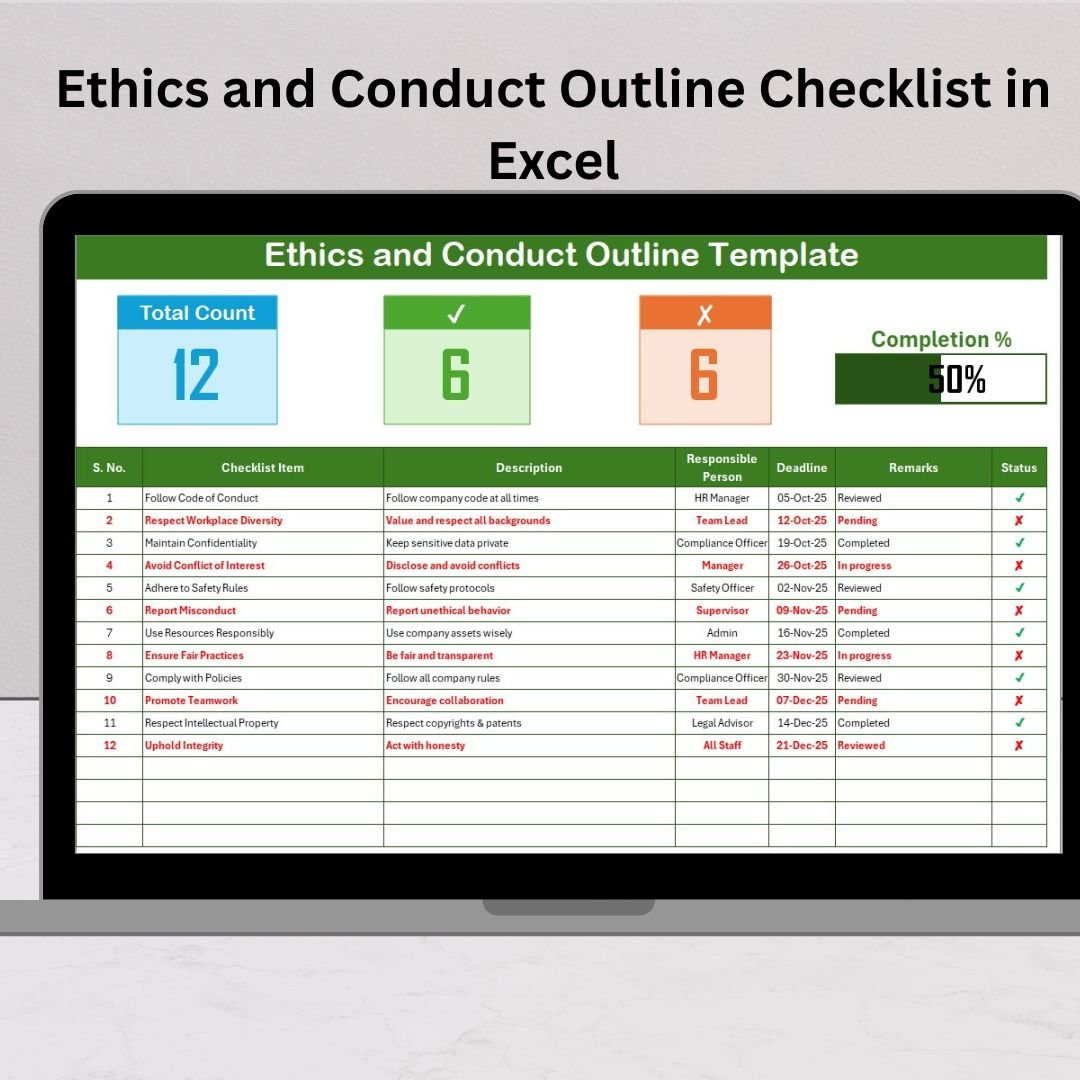
Managing workplace ethics and conduct is no longer just a formality—it’s a strategic necessity for any organization that values trust, professionalism, and compliance. 🚀 Every company needs a structured way to measure and monitor behavior standards, and that’s exactly what the Ethics and Conduct Outline Checklist in Excel delivers.
This ready-to-use template provides a simple yet powerful solution for tracking accountability, deadlines, and ethical responsibilities across all levels of your organization. Whether you’re an HR manager, compliance officer, or team leader, this tool helps you ensure transparency, discipline, and integrity in daily operations.
✨ Key Features of Ethics and Conduct Outline Checklist in Excel
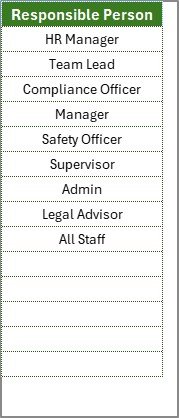
✔ Two Worksheets for Simplicity – Includes a Main Checklist Sheet for task tracking and a List Sheet to store responsible persons for dropdown selection.
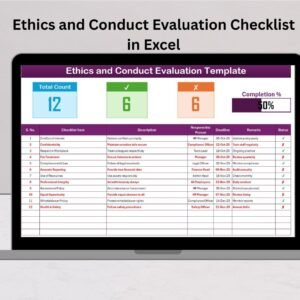
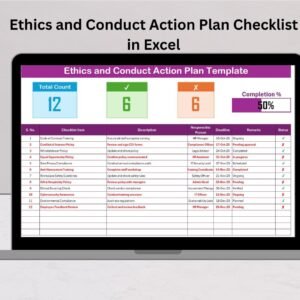
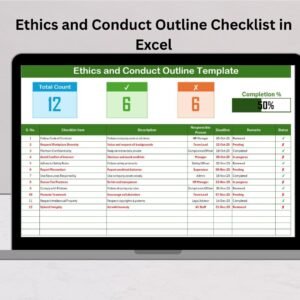
✔ Top Section Dashboard – Displays Total Items, Completed Items, Pending Items, and a Progress Bar so you can instantly measure compliance status.
✔ Checklist Table – Organizes all tasks with columns for Serial No., Checklist Item, Description, Responsible Person, Deadline, Remarks, and Status (✔ or ✘).
✔ Smart Dropdown – Ensures clean and consistent assignment of responsibilities by pulling names directly from the list sheet.
✔ Easy Customization – Modify fields, add rules, or format styles to perfectly suit your organizational needs.
📂 What’s Inside the Ethics and Conduct Outline Checklist
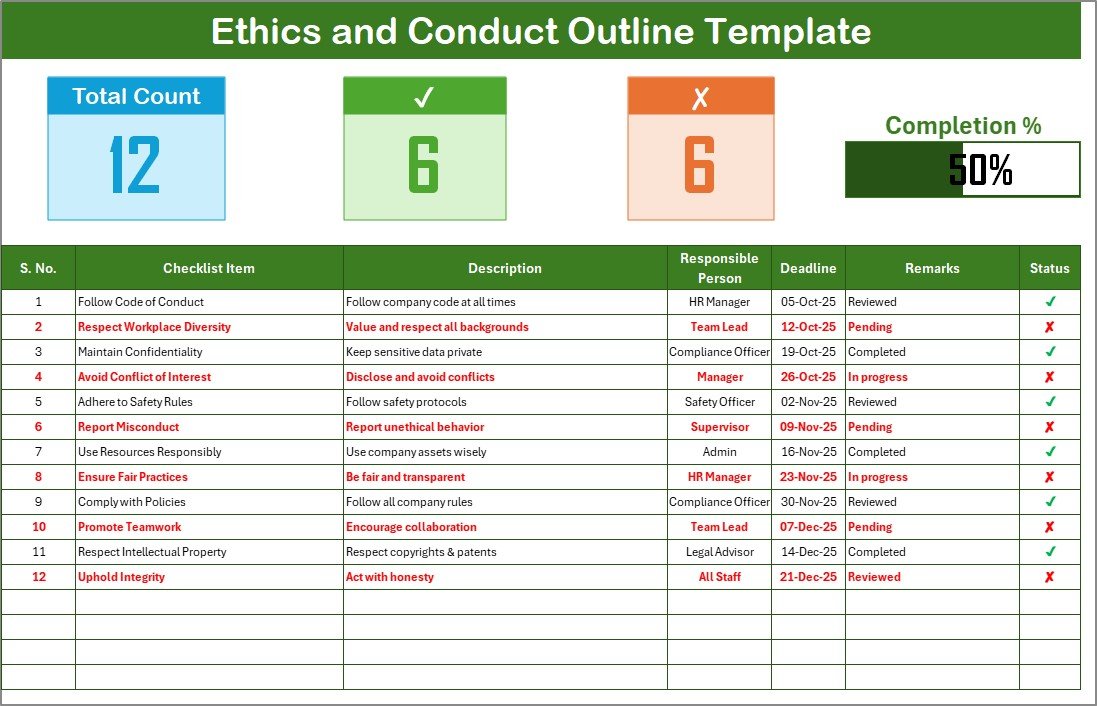
🔹 Main Checklist Tab – Where you capture all information, track deadlines, and update progress.
🔹 List Tab – A supporting sheet to maintain unique names for drop-down lists, ensuring smooth and consistent assignment.
🔹 Built-in Summary Cards – Get a quick overview of how many tasks are done, pending, or overdue.
🔹 Visual Progress Bar – Track overall compliance progress at a glance.
🔹 Audit-Friendly Structure – Keep accurate records that can be shown during reviews, audits, or inspections.
🛠️ How to Use the Ethics and Conduct Outline Checklist
Download & Open the Template – Start in Excel, no special software required.
Add Checklist Items – Enter tasks related to behavior, ethics, and compliance.
Assign Responsibilities – Use dropdowns to allocate tasks to the right person.
Set Deadlines – Keep the team aligned with clear due dates.
Track Progress – Update status as ✔ (completed) or ✘ (incomplete).
Review Frequently – Conduct regular weekly or monthly evaluations to stay on top of compliance.
👥 Who Can Benefit from This Template?
✅ HR Managers – Monitor employee behavior, training, and policy adherence.
✅ Compliance Officers – Track organizational ethics across departments.
✅ Team Leaders & Supervisors – Ensure workplace discipline and accountability.
✅ Small Businesses – Affordable alternative to costly compliance software.
✅ Enterprises – Scalable for large organizations with multiple departments.
✅ Healthcare & Education Institutions – Maintain ethical conduct and professional standards.
✅ Finance & Corporate Governance Teams – Prevent unethical practices and improve transparency.
By using the Ethics and Conduct Outline Checklist in Excel, organizations can:
💡 Promote accountability among employees.
💡 Enhance transparency with visual progress tracking.
💡 Save time with structured monitoring.
💡 Support audits with clear compliance evidence.
💡 Build a culture of integrity and trust.
If you want a cost-effective, flexible, and professional way to monitor organizational ethics, this checklist is the perfect solution. 🌟
























Reviews
There are no reviews yet.