In every successful organization, ethics and conduct are the cornerstones of trust, transparency, and accountability. Ethics and Conduct Schedule Checklist in Excel A workplace that actively manages ethical practices ensures fairness, professionalism, and long-term growth. But without a structured process, it’s easy for important tasks, policies, and compliance activities to slip through the cracks.
That’s why we created the Ethics and Conduct Schedule Checklist in Excel—a simple yet powerful template designed to streamline ethics and conduct management across departments. By centralizing responsibilities, deadlines, and progress tracking in one place, this ready-to-use Excel tool empowers organizations to stay compliant, accountable, and transparent.
✨ Key Features of the Ethics and Conduct Schedule Checklist in Excel
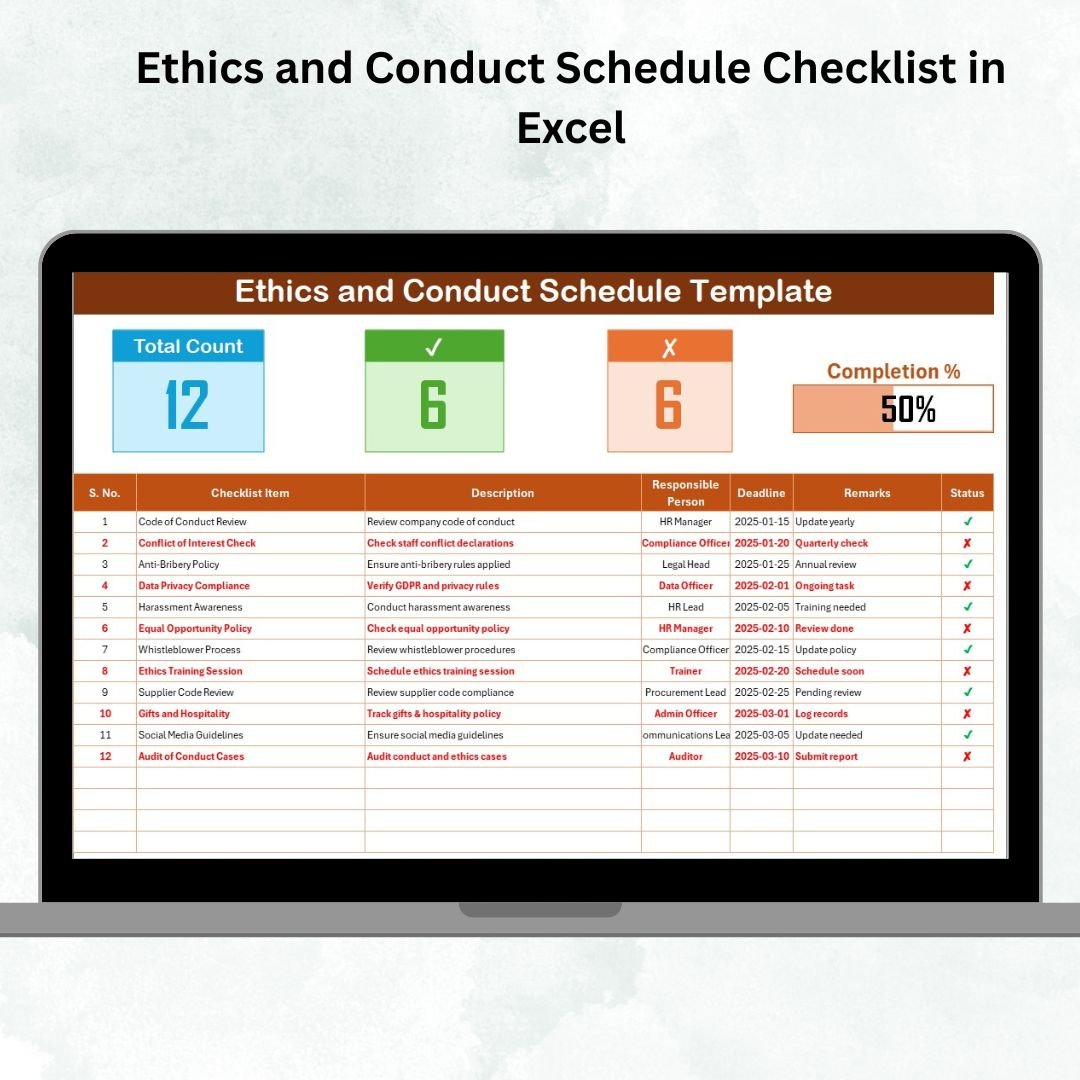
📋 Comprehensive Main Checklist Sheet – Capture all tasks related to ethics and conduct.
✅ Status Indicators – Mark ✔ for completed and ✘ for pending tasks for instant clarity.
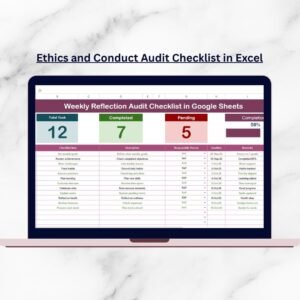
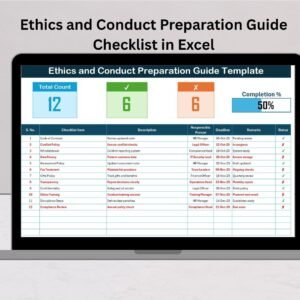
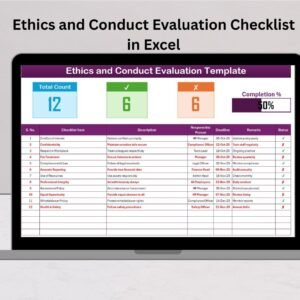
📊 Progress Tracker – Displays total, completed, and pending tasks with a dynamic progress bar.
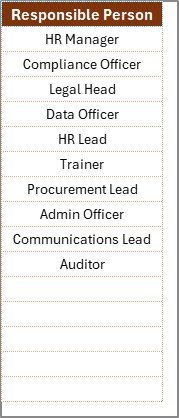
👥 List Sheet Tab – Maintain unique entries of responsible persons to create dropdown menus.
🎯 Deadline Monitoring – Ensure tasks are completed on time with built-in due date fields.
📝 Remarks Section – Record clarifications, notes, or action items.
🎨 Conditional Formatting – Highlight pending or overdue tasks for better visibility.
🔄 Real-Time Updates – Automated counts and percentages to track performance instantly.
💻 Excel-Based & Cost-Effective – No need for additional software or training.
📂 What’s Inside the Checklist
When you download the Ethics and Conduct Schedule Checklist in Excel, you’ll get:
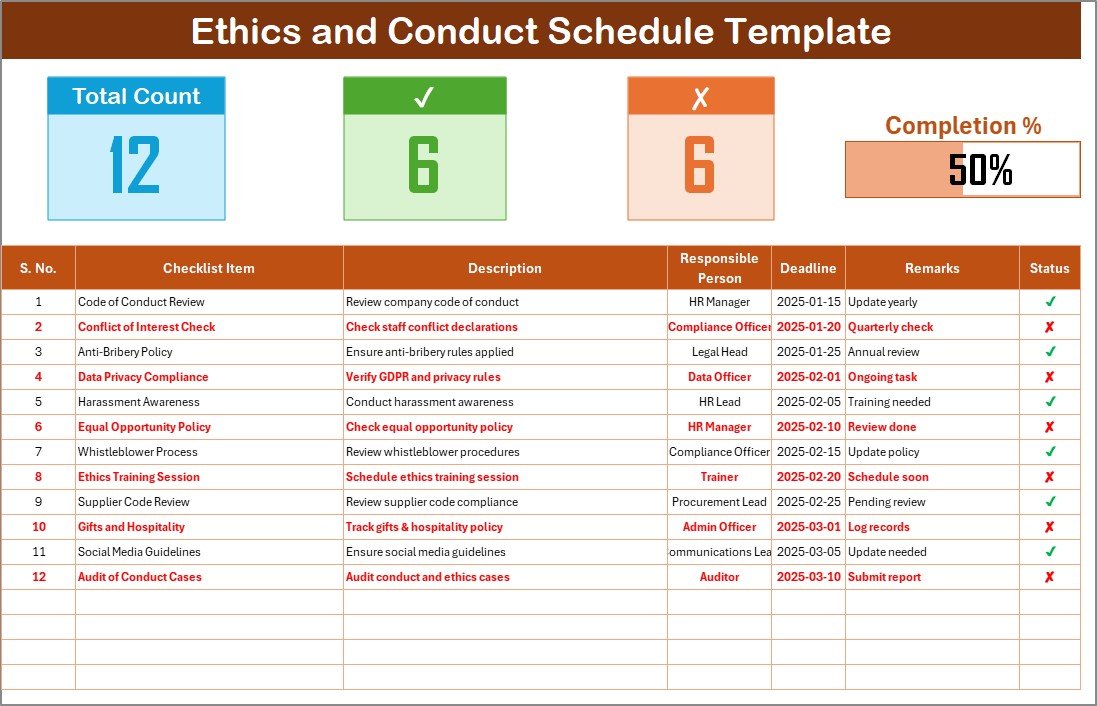
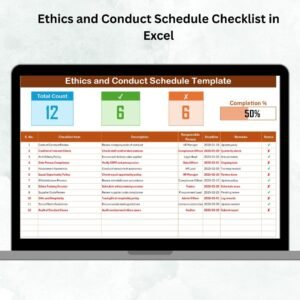
Ethics and Conduct Checklist Sheet Tab – The central sheet where all activities are tracked, including tasks, responsibilities, deadlines, and status.
List Sheet Tab – Stores the unique list of responsible persons, ensuring dropdown consistency across the main checklist.
This simple structure ensures clarity, accountability, and efficiency.
🛠️ How to Use the Checklist
Open the Template – Start with the pre-built Excel file.
Add Checklist Items – Enter all ethics and conduct-related activities.
Assign Responsibilities – Select responsible persons from the dropdown list.
Set Deadlines – Define completion dates to ensure accountability.
Update Status – Mark ✔ when completed or ✘ if pending.
Monitor Progress – Use the progress bar and counts for real-time tracking.
Review Regularly – Update weekly or monthly to ensure compliance.
👥 Who Can Benefit from This Checklist
HR Departments – Track employee training, policy updates, and compliance initiatives.
Compliance Teams – Ensure adherence to codes of conduct and regulatory requirements.
Managers & Leaders – Monitor ethical practices within teams and ensure fairness.
Auditors – Review ethics and conduct compliance during assessments.
Small Businesses – Build structured ethics processes without expensive tools.
This checklist is flexible enough to be used by organizations of any size and across industries.
🔗 Click here to read the Detailed Blog Post
📺 Visit our YouTube channel to learn step-by-step video tutorials: Youtube.com/@PKAnExcelExpert
Watch the step-by-step video tutorial: