

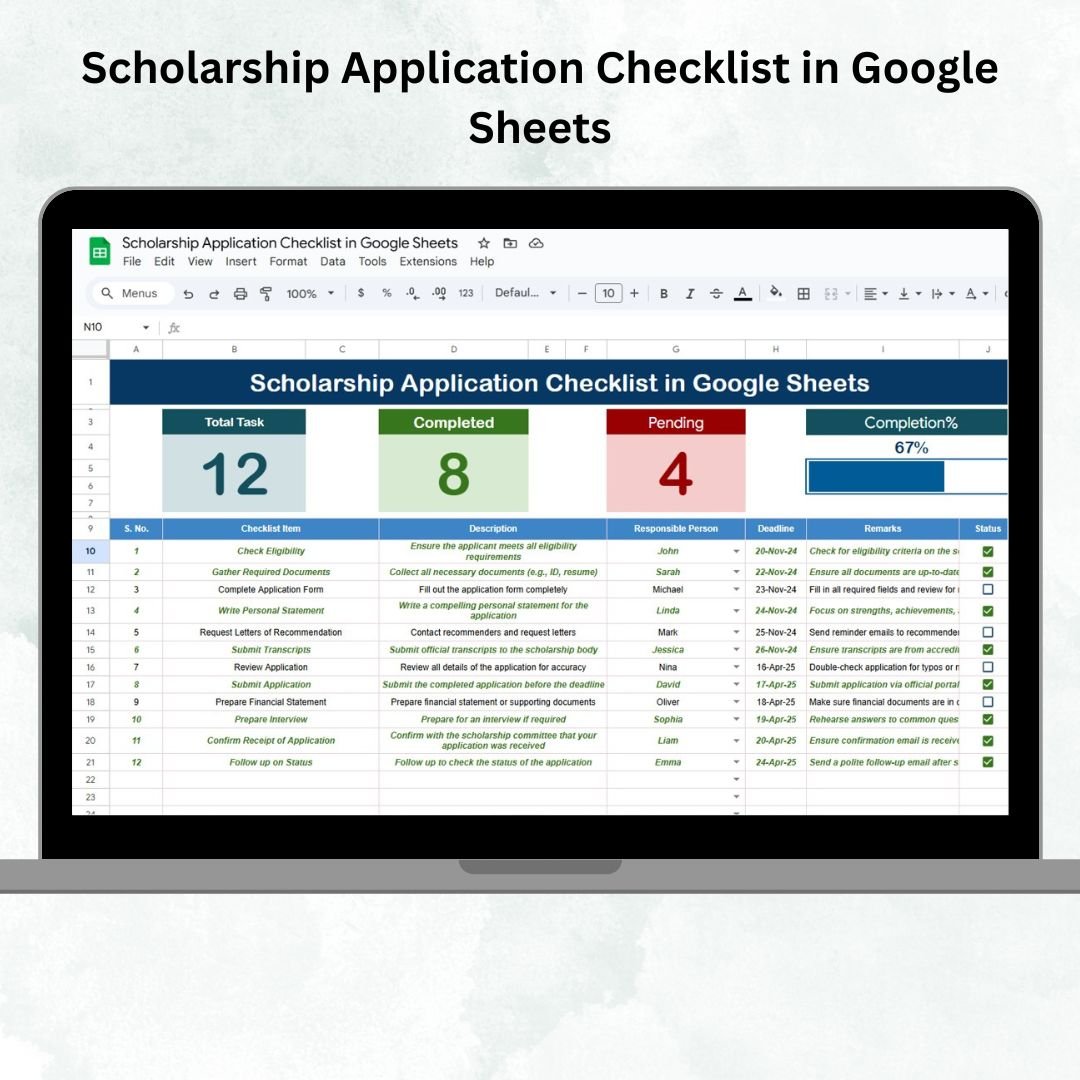

Applying for scholarships can be overwhelming. With multiple forms, essays, recommendations, and deadlines to juggle, it’s easy to miss an important step. The Scholarship Application Checklist in Google Sheets solves this problem with a ready-to-use, collaborative tool that organizes every task, tracks deadlines, and monitors progress.
Built in Google Sheets, this template ensures that students, counselors, and administrators can work together efficiently. Its structured design makes scholarship tracking simple, visual, and stress-free. 📊
🔑 Key Features of the Scholarship Application Checklist
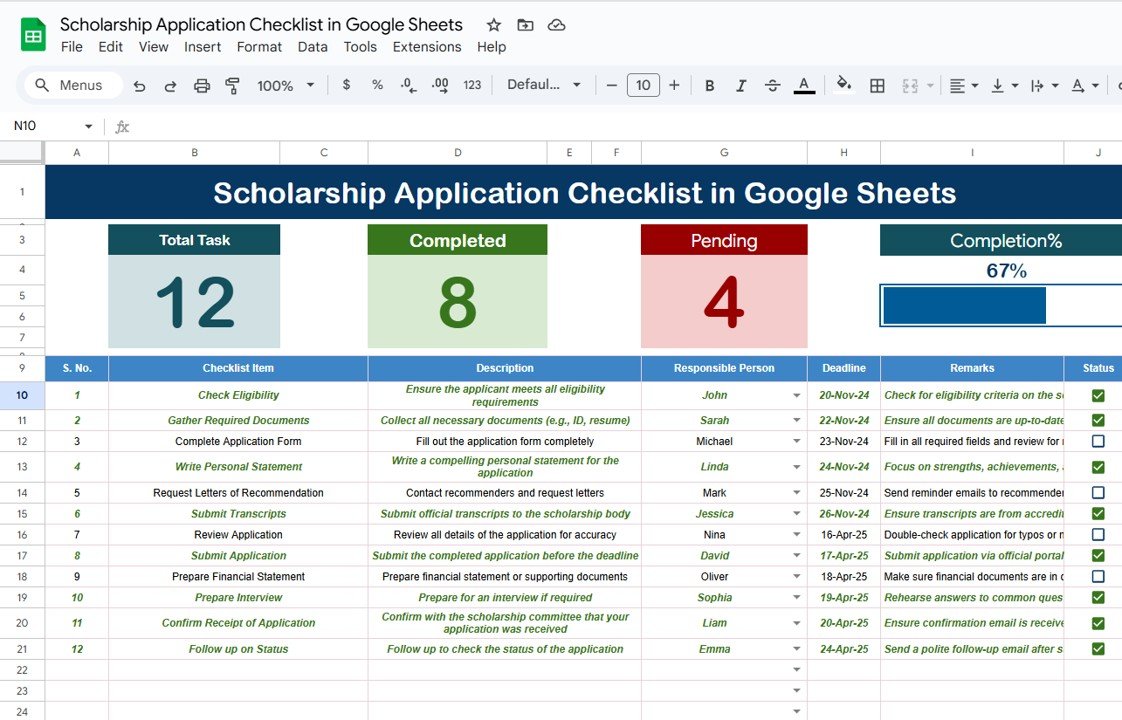
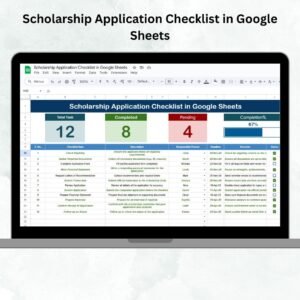
📋 Main Checklist Sheet
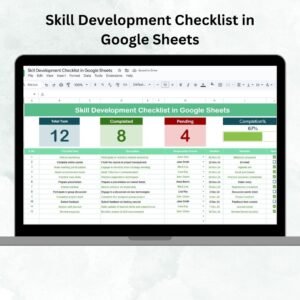
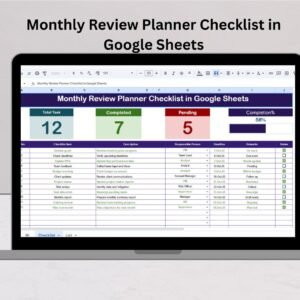
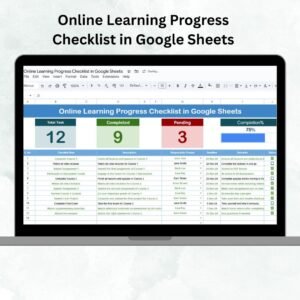
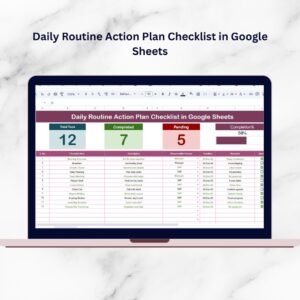
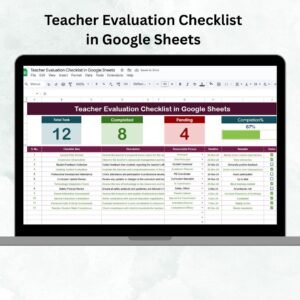
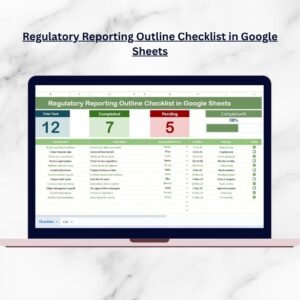
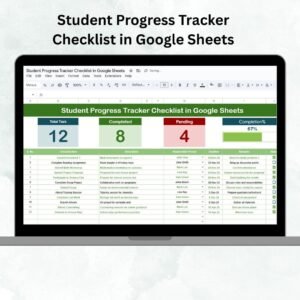
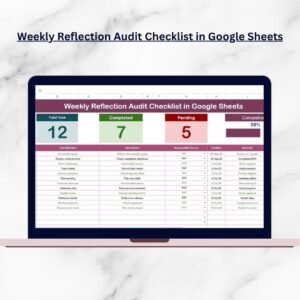
Top section with instant insights:
Total Count of tasks
Completed Count
Pending Count
Progress Bar to visualize completion %
Checklist table with columns for:
Serial No.
Checklist Item
Description
Responsible Person
Deadline
Remarks
Status (✔ for complete, ✘ for pending)
📑 List Sheet
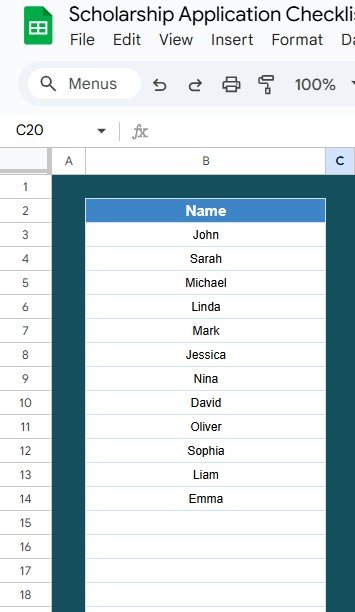
Unique list of responsible persons
Dropdown for “Responsible Person” column in the main checklist
Ensures consistency and avoids assignment errors
📦 What’s Inside the Scholarship Application Checklist?
When you download this template, you’ll get:
✅ Main Checklist Sheet – Track all application tasks in one place
✅ Progress Cards & Bar – Visual progress tracking for instant updates
✅ Dropdown Assignments – Assign responsibilities clearly with ease
✅ List Sheet – Keep a structured list of responsible persons
✅ Pre-Filled Sample Data – Quick understanding of functionality
✅ Real-Time Collaboration – Multiple users can update simultaneously
All features are built to be plug-and-play with no setup required.
🧑🎓 Who Can Benefit from This Checklist?
🎯 Students – Stay organized and meet all scholarship deadlines
🎯 Parents & Counselors – Monitor application progress and provide support
🎯 Academic Institutions – Manage multiple students’ applications with accountability
🎯 Administrators – Ensure compliance with requirements and track task ownership
This template adapts to both individual use and institutional needs.
🧪 How to Use the Scholarship Application Checklist
Input Tasks – Add all application requirements to the checklist table
Assign Responsibilities – Use the dropdown list for task ownership
Track Progress – Mark tasks as ✔ or ✘, and watch the progress bar update
Monitor Deadlines – Use the Deadline column to avoid missed opportunities
Review Weekly – Keep tasks updated for an accurate view of progress
With its simple design, this tool makes application tracking organized, visual, and stress-free.
🌟 Why Choose This Checklist?
Centralized application tracking
Real-time collaboration in Google Sheets
Progress monitoring with cards & bar
Accountability with dropdown assignments
Deadline tracking to prevent missed opportunities
Easy customization for multiple scholarships
With the Scholarship Application Checklist in Google Sheets, students can focus on crafting strong applications while staying confident that no requirement is overlooked. 🌟

Reviews
There are no reviews yet.