

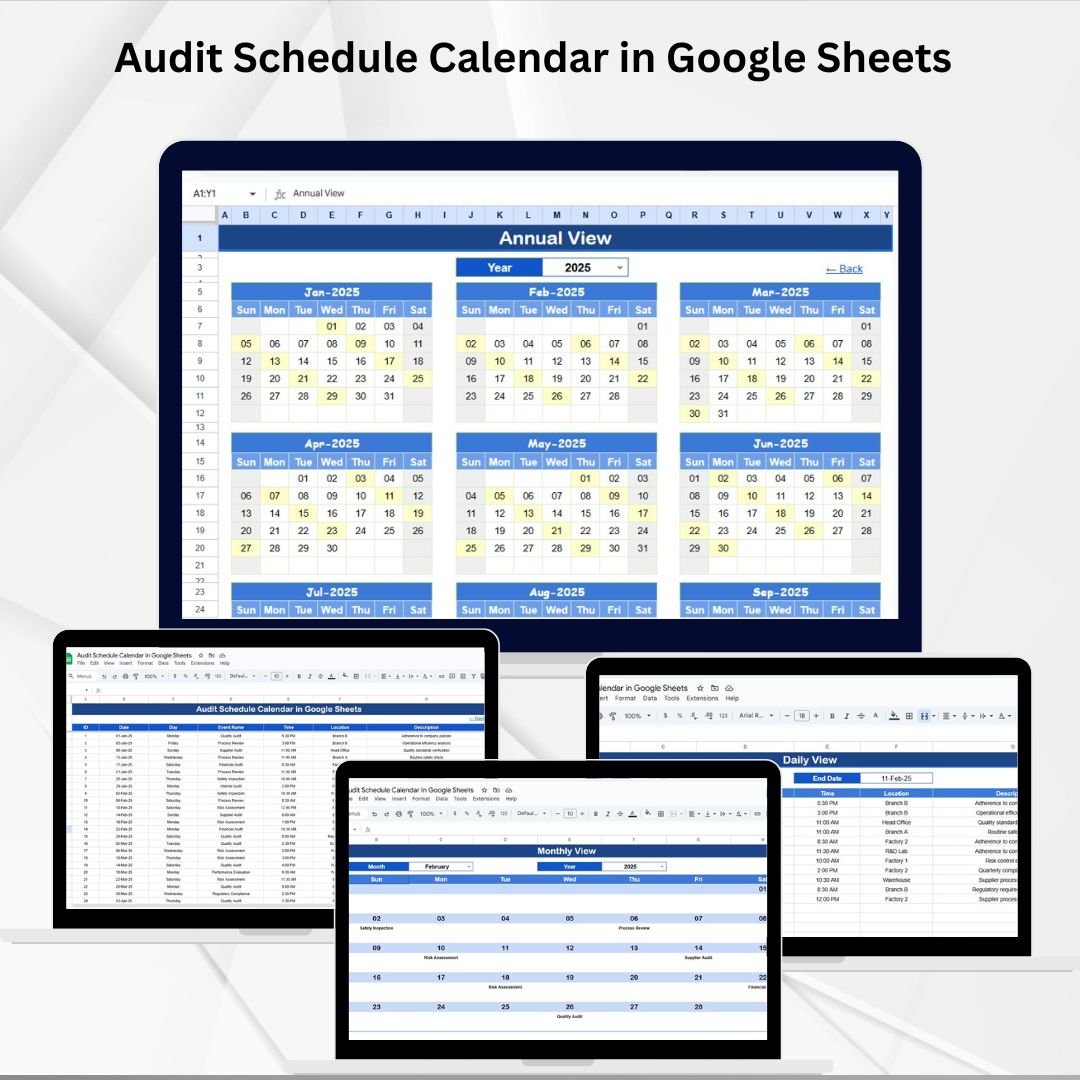
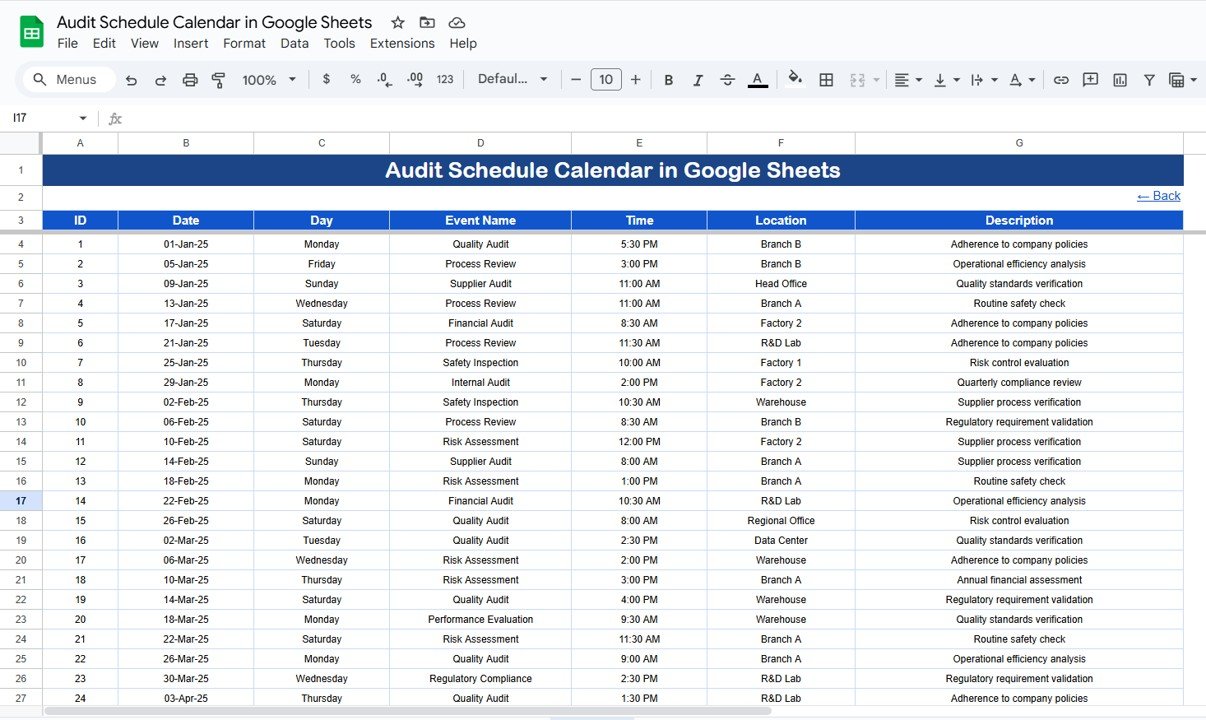

Managing audits across multiple departments, projects, or teams can be stressful without a clear system. Overlapping events, missed deadlines, and lack of visibility often slow down audit processes. That’s why we created the Audit Schedule Calendar in Google Sheets — a structured, ready-to-use calendar that helps you plan, track, and manage all your audits with ease. ✅📅Audit Schedule Calendar in Google Sheets
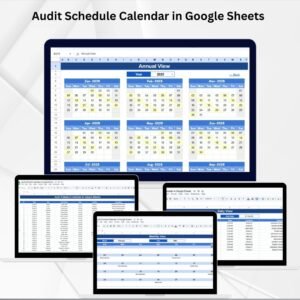
Whether you need an annual overview, a monthly snapshot, or a daily detailed view, this calendar has you covered. With built-in navigation buttons, centralized data storage, and easy-to-update sheets, you can ensure audits are organized, timely, and transparent.Audit Schedule Calendar in Google Sheets
🔑 Key Features of Audit Schedule Calendar in Google Sheets
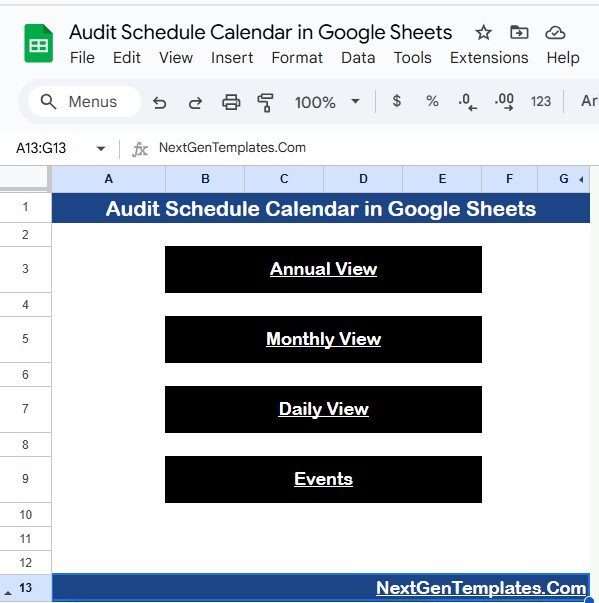
📊 Home Sheet (Navigation Dashboard)
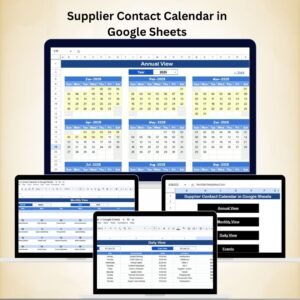
Central hub with four navigation buttons: Annual View, Monthly View, Daily View, Events.
Quickly switch between views without scrolling endlessly.
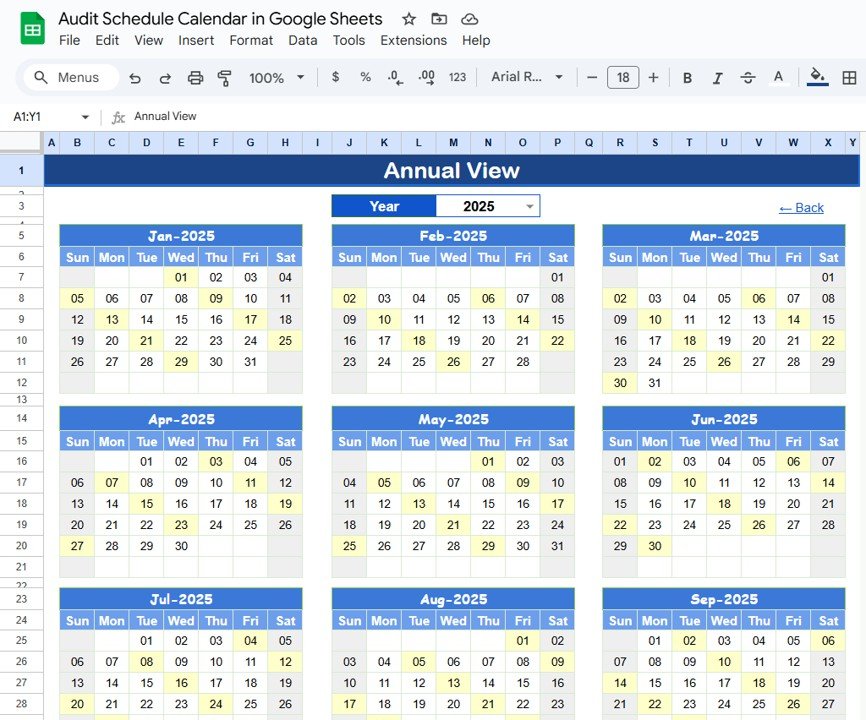
📅 Annual View Sheet
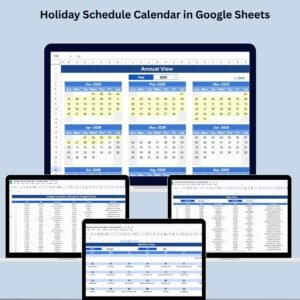
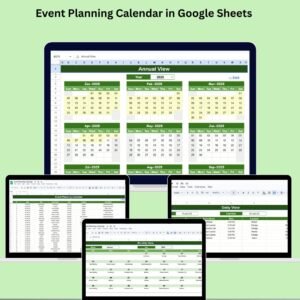
See all 12 months in one view.
Input group to select year, starting month, and starting day of the week.
Perfect for long-term audit planning and resource allocation.
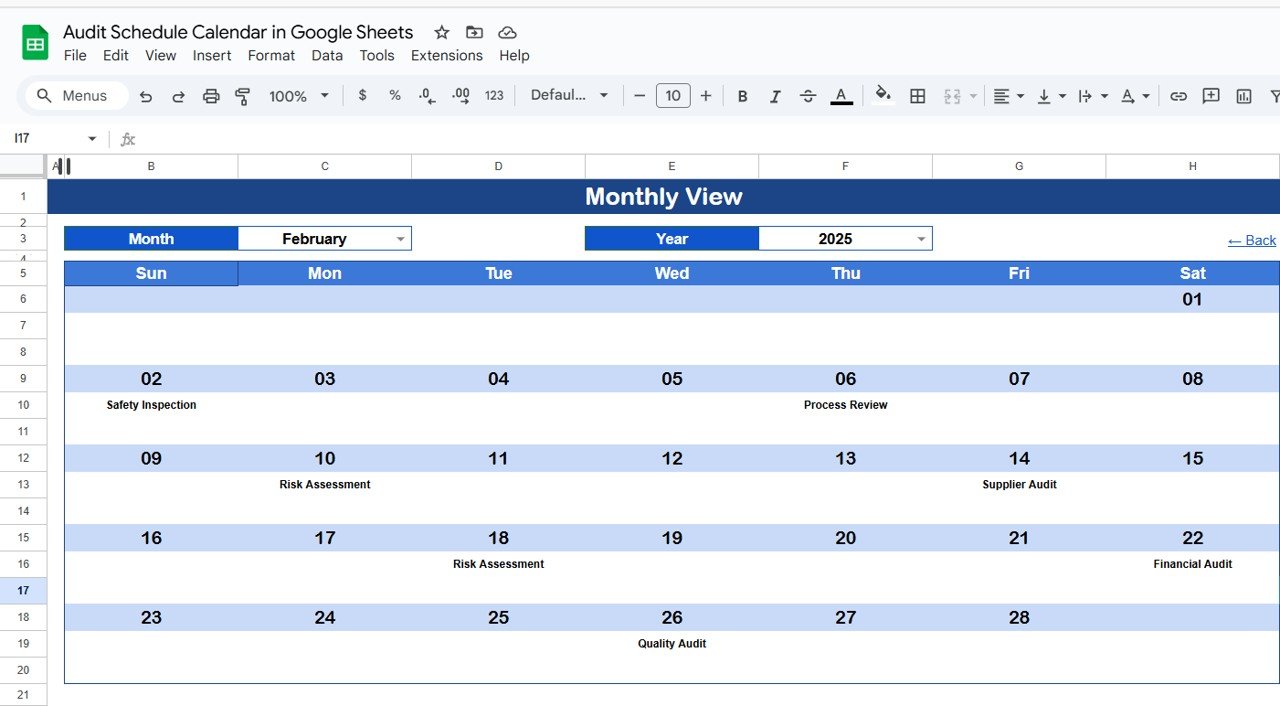
🗓️ Monthly View Sheet
Select month and year from dropdowns.
Displays scheduled events on the calendar.
Shows “more than 1…” when multiple audits occur on the same day for easy prioritization.
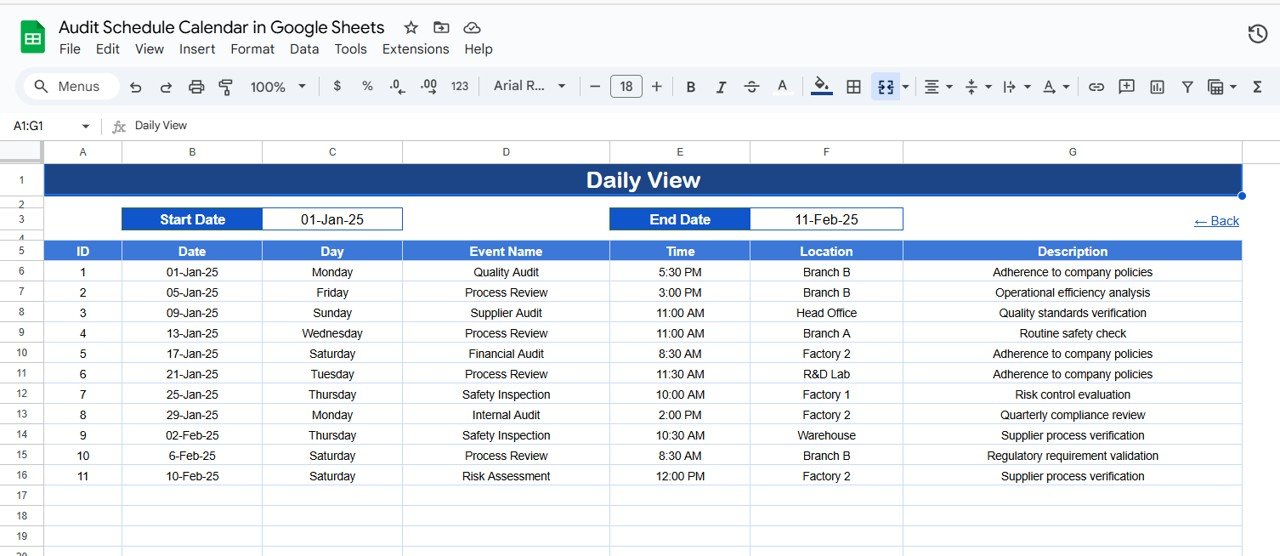
📆 Daily View Sheet
Choose start date and end date for detailed tracking.
View audit event details including Time, Location, and Description.
Ensures no daily audit task is overlooked.
📋 Events Sheet (Database)
Stores all audit details in structured format:
ID, Date, Day, Event Name, Time, Location, Description.
Centralized data source powering all calendar views.
📦 What’s Inside the Calendar?
When you download this Google Sheets template, you’ll get:
✅ Annual View Sheet – Yearly schedule overview
✅ Monthly View Sheet – Single month snapshot
✅ Daily View Sheet – Detailed daily planning
✅ Events Sheet – Master database of all audits
✅ Home Sheet – Navigation dashboard with quick buttons
✅ Pre-filled Sample Data – Ready for instant use
✅ Customizable Columns – Modify to suit your department’s needs
🎯 Who Can Benefit from This Calendar?
👨💼 Audit Managers – Plan yearly audits with clear visibility.
📋 Compliance Teams – Track completed vs. pending audits.
🏢 Project Managers – Coordinate audits across multiple projects.
📊 Internal Audit Departments – Maintain transparency and accountability.
📅 Organizations of Any Size – From small businesses to large enterprises.
🧠 How to Use the Audit Schedule Calendar
Enter Events in the Events Sheet with date, time, and details.
Use Annual View for big-picture planning.
Switch to Monthly View for workload distribution.
Use Daily View to manage specific dates.
Update events regularly to keep your calendar accurate.
No coding or advanced skills required — just enter your data and start scheduling audits efficiently. 📑✅
🚀 Advantages of Using This Calendar
Improved Planning – Visualize audits at yearly, monthly, and daily levels.
Better Time Management – Avoid overlaps and resource conflicts.
Centralized Tracking – All audit data in one sheet.
Quick Navigation – Jump between different views instantly.
Enhanced Accountability – Assign responsibilities clearly.
🔗 Click here to read the Detailed blog post
Watch the step-by-step video Demo:
🔗 Visit our YouTube channel to learn step-by-step video tutorials
Compatibility and Requirements
- Works in Google Sheets. You need a free Google account and a web browser.
- No coding is required.
- The month and year selectors are drop-down lists. Google explains these in Create an in-cell dropdown list.
Frequently Asked Questions
Which views are included?
Home, Annual View, Monthly View, Daily View and an Events sheet that stores every audit.
What details can I store for each audit?
ID, Date, Day, Event Name, Time, Location and Description.
What happens when two audits fall on the same day?
The Monthly View shows a note that more than one audit is scheduled, so you can check the Daily View for details.
Does it come with sample data?
Yes. It includes pre-filled sample data, and you can change the columns to suit your department.
Related Audit Templates
- Audit Schedule Calendar in Excel: the same calendar for Excel users
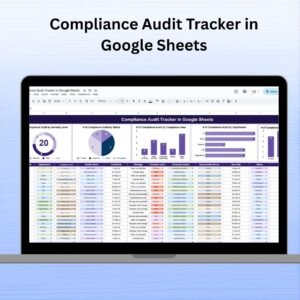
- Compliance Audit Tracker in Google Sheets: track audit findings and actions
- Internal Audit Dashboard in Excel: charts for internal audit results
- Financial Audit Preparation Checklist in Google Sheets: prepare for a financial audit
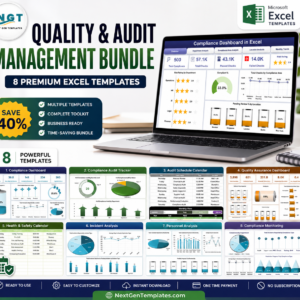
- Quality & Audit Management Bundle: 8 quality and audit templates in one bundle
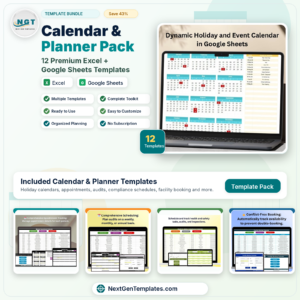
Browse all Google Sheets calendars or the Excel quality control templates.






Reviews
There are no reviews yet.