

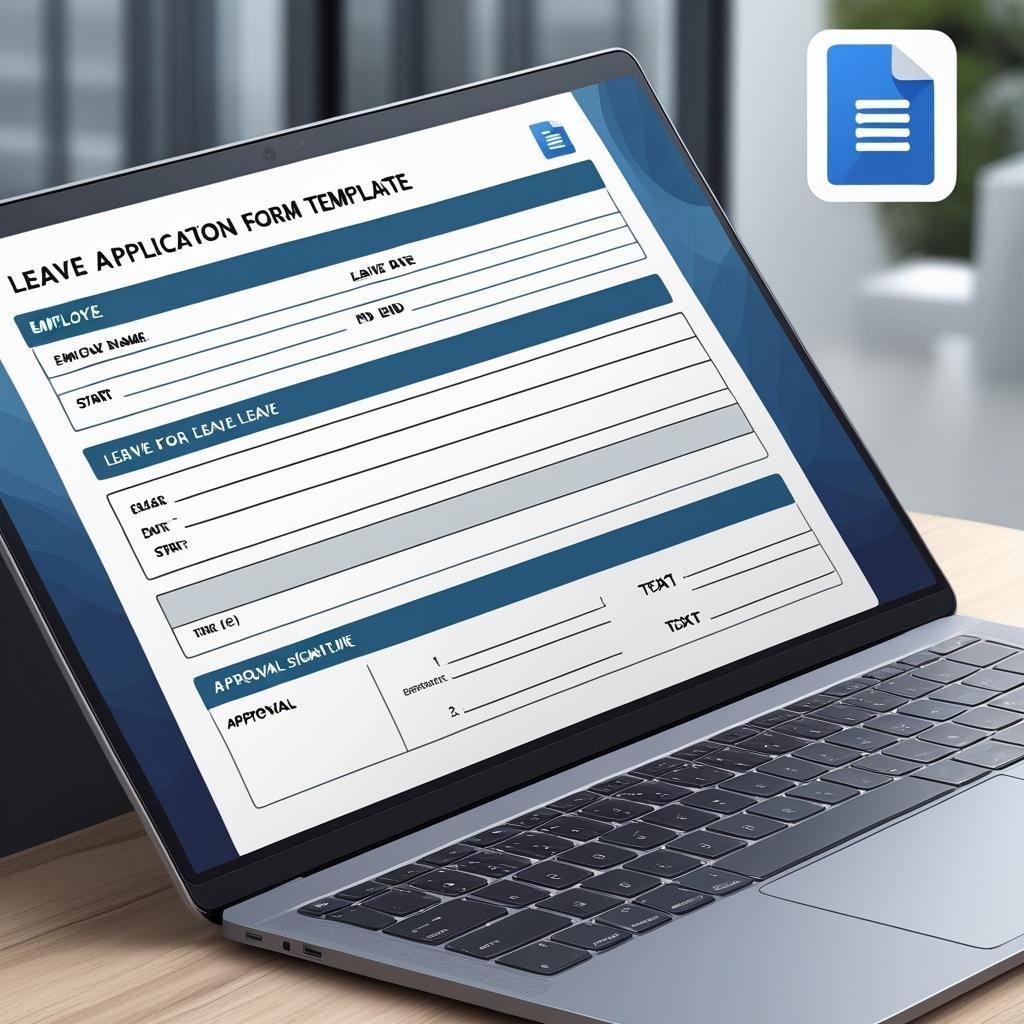

Need a quick, professional, and reliable way to manage employee leave requests? Look no further! Introducing the Leave Application Form Template — available in MS Word and Google Docs, this ready-to-use form helps HR teams and managers streamline the leave approval process with ease, accuracy, and consistency. 📄🗓️
This simple yet highly effective template enables employees to formally request leave by providing all necessary details in one clean, well-structured document. Whether it’s for casual leave, sick days, maternity, or any other time off — this form ensures clarity for both the employee and the approving authorities. ✅
No more back-and-forth emails or missing information. Just download, customize, and start using it in minutes!

🛠️ Key Features of Leave Application Form Template
🧾 Complete Employee Info Section
Capture essential employee details like name, ID, department, and designation for accurate recordkeeping.
📆 Detailed Leave Section
Specify type of leave, leave duration, and total days with neatly designed checkboxes and date fields.
✍️ Clear Reason for Leave Field
Dedicated space for employees to mention their reason for leave — ensures transparency and proper tracking.
🔄 Work Handover Details
Specify who will handle responsibilities during the leave and provide contact info to stay reachable if necessary.
📜 Formal Declaration & Signatures
Includes signature lines for the employee, manager/supervisor, and HR for proper authorization and compliance.
📝 Editable Format in MS Word & Google Docs
Fully customizable form — insert your logo, update the leave types, change fonts, or print instantly.
📦 What’s Inside the Leave Application Form Template
When you download this product, you get:
✅ 1 Editable MS Word File (.docx)
✅ 1 Editable Google Docs Link
✅ Pre-filled leave type options (Casual, Sick, Earned, Maternity, Other)
✅ Employee detail and leave period fields
✅ Reason for leave input area
✅ Handover and contact detail sections
✅ Signature blocks for employee, supervisor, and HR
With this template, you get everything needed to maintain proper documentation, ensure clarity, and approve leave requests smoothly. 🖨️📋
📝 How to Use the Leave Application Form Template
Download the form in your preferred format – MS Word or Google Docs
Enter your company details including logo, address, and contact info
Distribute the form digitally or in print to employees requesting leave
Fill in employee and leave details — type, duration, handover, and reason
Route it for approval — employee signs and submits to manager and HR
Store it safely for payroll processing and compliance records
This process takes just minutes and can be repeated across teams with consistency and professionalism. 🕒✅
Who It’s For
HR teams, office managers and supervisors who approve time off, and employees who need a formal way to request casual, sick, earned or maternity leave.
Frequently Asked Questions
Which leave types are on the form?
The form comes with Casual, Sick, Earned, Maternity and Other as pre-filled options. You can rename them or add your own.
Does it cover work handover?
Yes. A handover section names who will handle the work during the leave and how to reach the employee if needed.
Who approves the request?
There are signature lines for the employee, the manager or supervisor, and HR.
Is the Leave Application Form Template free?
Yes. It is a free download with one editable MS Word file and one Google Docs link.
Compatibility and Requirements
- Works in Microsoft Word (desktop or Microsoft 365) and in Google Docs with a free Google account.
- You can also upload the Word file to Google Drive and open it with Google Docs. Google explains the steps in Work with Office files.
Related HR Templates
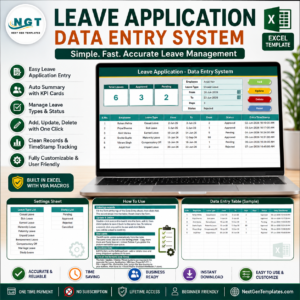
- Leave Management System: track approved leave and balances in Excel
- Annual Leave Tracker with Daily Monthly View in Excel: see who is off on any day of the year
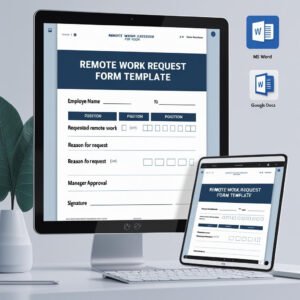
- Remote Work Request Form Template in MS Word and Google Docs
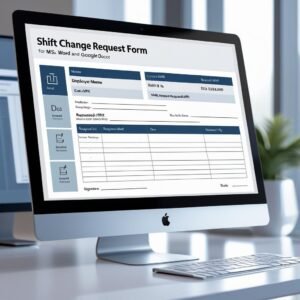
- Shift Change Request Form Template in MS Word and Google Docs
- Timesheet Form Template in MS Word and Google Docs
Browse all HR and business form templates or the letter templates.












Reviews
There are no reviews yet.