

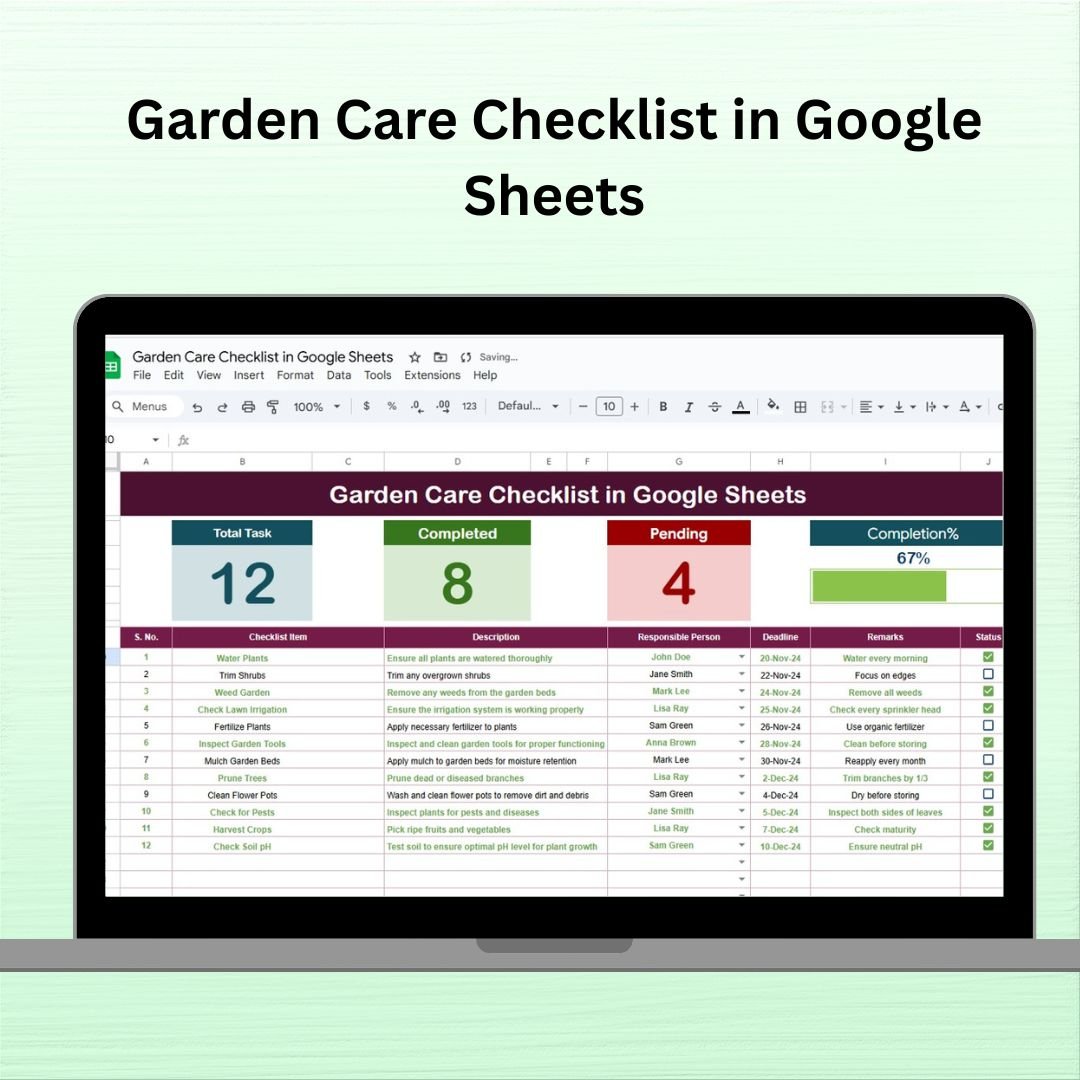
Whether you’re nurturing a flower bed, a veggie patch, or a backyard full of greenery, keeping track of gardening tasks is crucial. The Garden Care Checklist in Google Sheets is a ready-to-use, beautifully structured template that brings organization, clarity, and consistency to your gardening routine. 🌼📋
This digital planner helps you manage your garden like a pro—track watering, pruning, fertilizing, harvesting, and more, all in one place. Whether you’re a home gardener, landscaper, or urban grower, this checklist keeps you on top of every essential garden duty.
🌟 Key Features of the Garden Care Checklist
✅ 1. Garden Care Checklist Sheet Tab
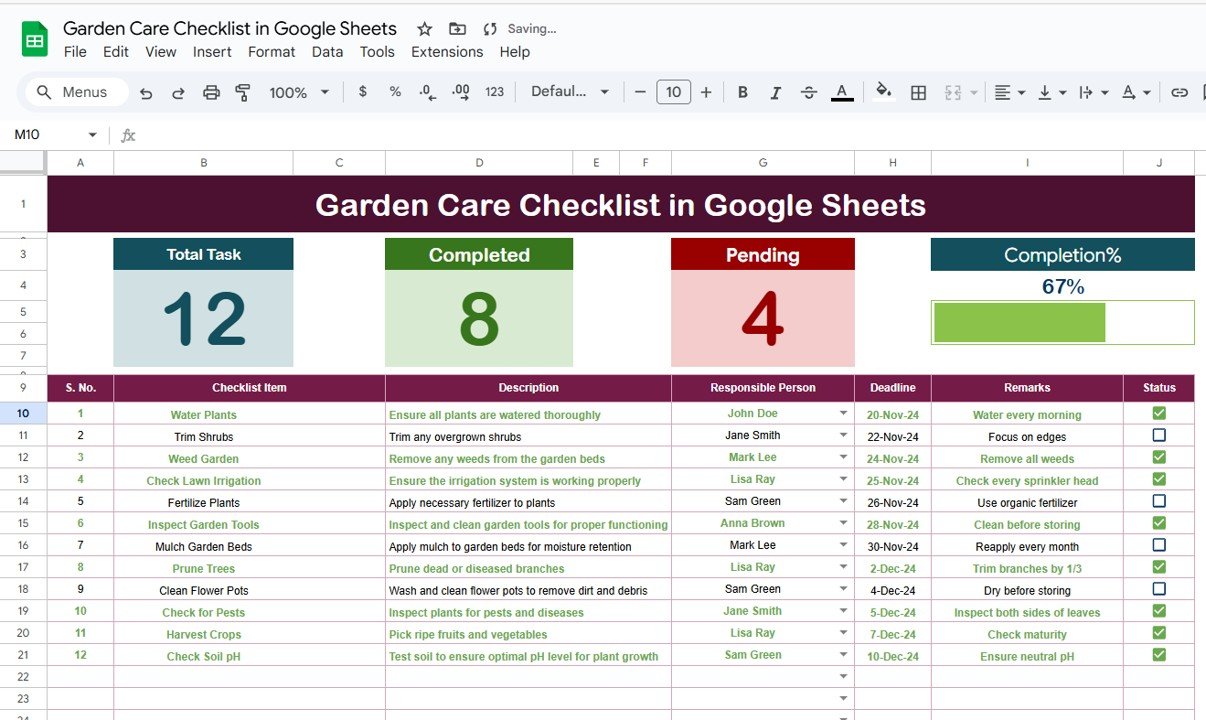
This is your main garden tracker sheet packed with practical features:
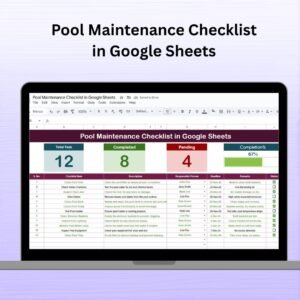
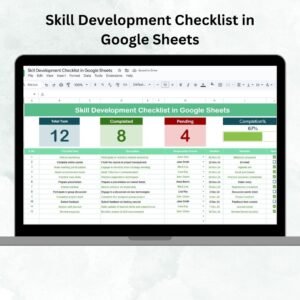
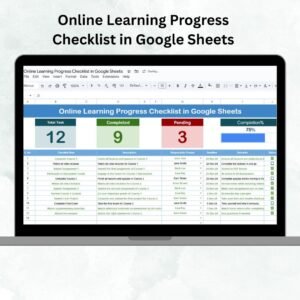
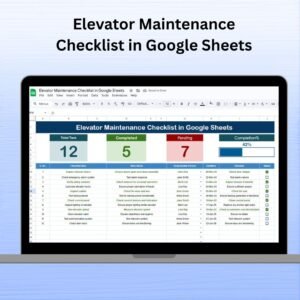
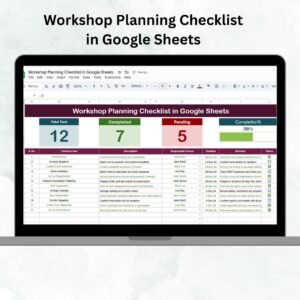
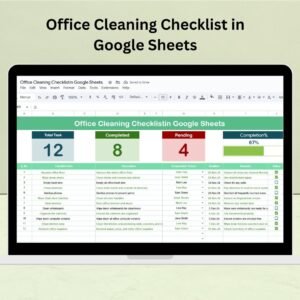
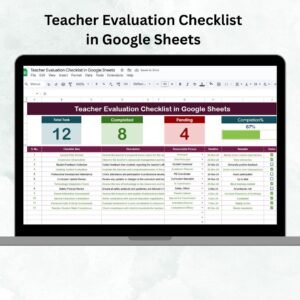
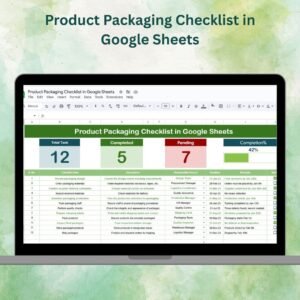
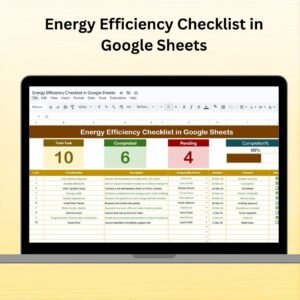
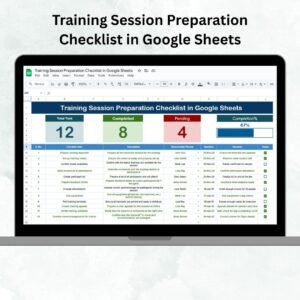
📌 Total, Completed, and Pending Task Counters
Instantly see how many tasks you’ve completed or still need to do.📊 Progress Bar
Visual progress tracker to monitor completion in real-time.📝 Task Table Columns:
Serial No. – For quick identification
Checklist Item – The task name (e.g., Water Plants, Fertilize Roses)
Description – Task-specific instructions or care tips
Responsible Person – Assign tasks to helpers or household members
Deadline – Keep seasonal tasks on track
Remarks – Leave notes, such as plant needs or weather warnings
Status – Mark ✔ for done, ✘ for pending
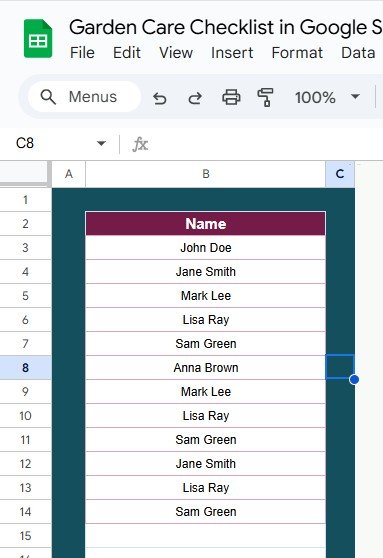
✅ 2. List Sheet Tab
A dedicated space to manage the dropdown list of responsible persons.
🎯 Helps delegate tasks efficiently
🧑🌾 Ideal for collaborative gardening or family task sharing
🌱 Benefits of Using This Checklist
🌟 Improved Organization – Keep every garden task in one clean, simple dashboard
🌟 Task Delegation – Assign duties and make gardening a shared joy
🌟 Customizable Template – Add your own tasks, categories, or seasons
🌟 Visual Progress – See how your garden care is progressing with one glance
🌟 Deadline-Oriented – Seasonal planting or pruning reminders made simple
🌟 Accessible Anywhere – Use it on mobile or desktop via Google Sheets
🌟 Beginner Friendly – Intuitive layout with no tech skills required
🌟 Saves Time – Plan once and never forget what your plants need again!
🌼 How to Use
✅ Open the template in Google Sheets
✍️ Add your garden care tasks into the checklist table
📅 Set deadlines and assign responsible persons
✔ Mark tasks as complete and track your progress via the progress bar
🌿 Customize it to match your seasons, garden types, or personal goals
📽️ Learn More
💬 Full blog post: Click here
Watch the step-by-step video Demo:
📺 Video Tutorial: YouTube.com/@NeotechNavigators








Reviews
There are no reviews yet.