

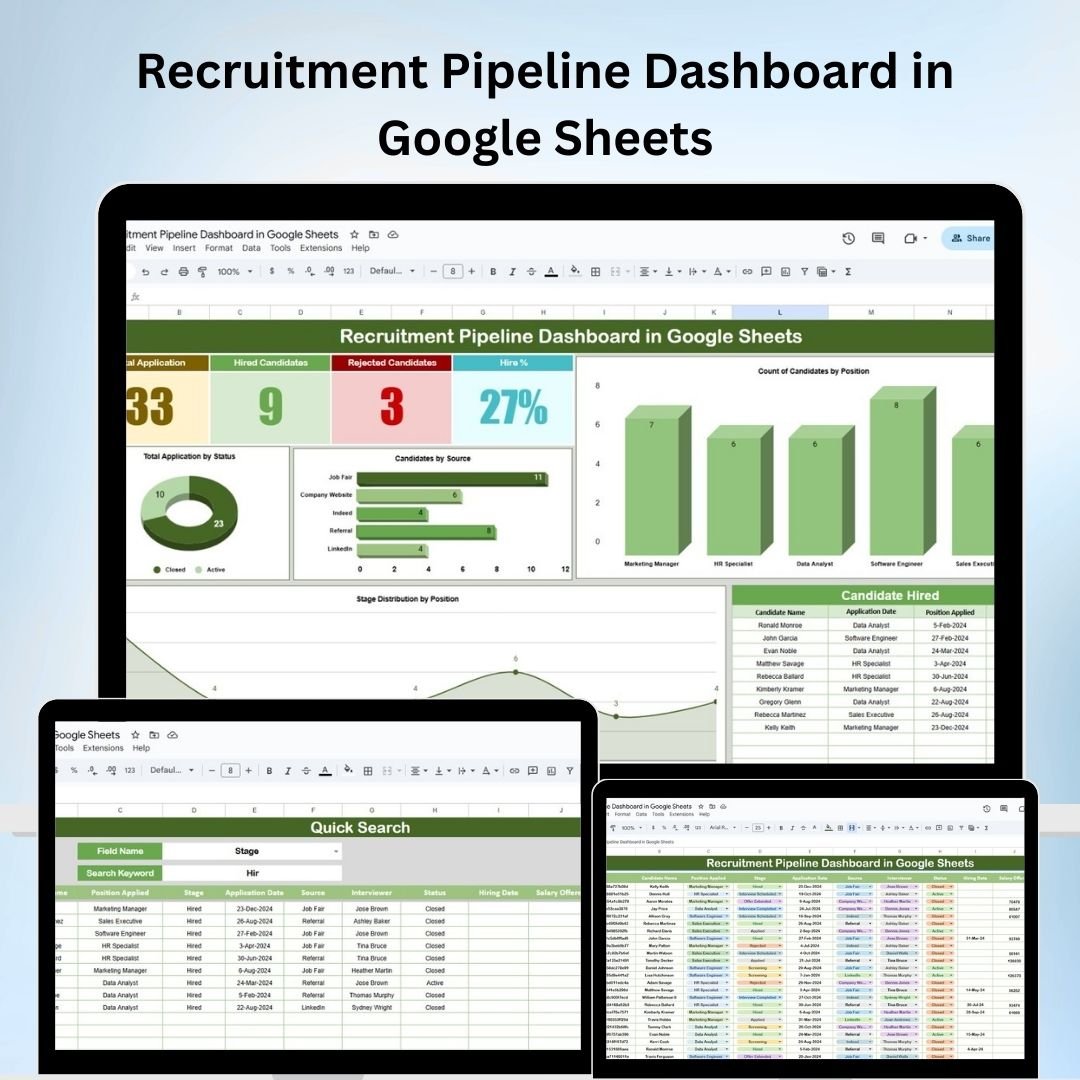



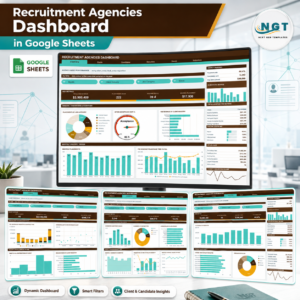
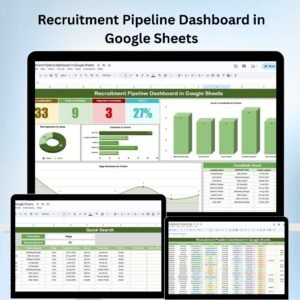
The Recruitment Pipeline Dashboard in Google Sheets is an essential tool for HR professionals and hiring managers looking to streamline their recruitment processes. This dashboard allows organizations to track candidates throughout various stages of the hiring process, measure recruitment efficiency, and make informed decisions based on real-time data.
With this Google Sheets dashboard, you can improve your hiring strategy by visualizing key performance indicators (KPIs) such as time-to-fill, source effectiveness, and cost-per-hire.

Key Features of the Recruitment Pipeline Dashboard in Google Sheets
📊 Pipeline Tracking
Visualize the Hiring Process: Track candidates through every stage—from initial application to final offer—ensuring no candidate falls through the cracks.
Stage Overview: Easily view the status of candidates in each phase of recruitment, whether it’s screening, interviews, or offer stage.
📈 Customizable KPIs
Track Key Metrics: Monitor KPIs such as time-to-fill, cost-per-hire, candidate source effectiveness, and more, allowing for continuous recruitment process optimization.
Tailor to Your Needs: Customize the dashboard to reflect your company’s hiring stages, specific roles, and the most important metrics for your recruitment efforts.
🔧 User-Friendly Interface
Easy Setup: The dashboard is easy to set up and can be quickly customized without advanced technical skills.
Real-Time Updates: Ensure your data is current by regularly inputting candidate status and hiring progress.
📅 Performance Monitoring
Monthly & Weekly Views: Track the progress of your recruitment efforts on a monthly or weekly basis, helping you adjust your strategy as needed.
Candidate Funnel Analysis: Visualize the number of candidates at each stage of the hiring funnel to pinpoint bottlenecks and streamline the process.
Benefits of Using the Recruitment Pipeline Dashboard in Google Sheets
✅ Data-Driven Decision Making
This dashboard helps HR teams and hiring managers make informed decisions based on real-time data, improving the overall recruitment process.
✅ Improved Efficiency
Identify areas where the recruitment process can be streamlined and optimize time-to-fill, making the entire hiring process more efficient.
✅ Cost Control
By tracking recruitment costs and the effectiveness of different hiring sources, organizations can reduce unnecessary spending and improve the ROI of hiring campaigns.
✅ Better Talent Acquisition
Monitor your pipeline, ensure candidates are progressing through the hiring process smoothly, and optimize the way you attract and select top talent.
Getting Started with Your Recruitment Pipeline Dashboard in Google Sheets
Download the Template: Download the Recruitment Pipeline Dashboard template and get started right away.
Define Your KPIs: Set up the KPIs that are most important for your recruitment goals, such as time-to-fill, cost-per-hire, and candidate quality.
Input Data: Regularly update the dashboard with candidate information to keep track of their status and progress.
Monitor & Analyze: Use the dashboard to analyze performance and assess how well your recruitment process is performing.
Take Action: Use the insights gathered to make data-driven decisions and continuously refine your recruitment process.
By using the Recruitment Pipeline Dashboard in Google Sheets, your organization can optimize its recruitment efforts, leading to faster, more cost-effective, and successful hires.
Click here to read the Detailed blog post
Recruitment Pipeline Dashboard in Google Sheets
Visit our YouTube channel to learn step-by-step video tutorials
YouTube.com/@NeotechNavigators
Watch the step-by-step video tutorial:
Compatibility and Requirements
- Works in Google Sheets with a free Google account and a web browser. Nothing to install.
- Make a copy to your own Google Drive and update candidate data there. Google explains charts in Add & edit a chart or graph.
Frequently Asked Questions
Which recruitment KPIs does the dashboard track?
It tracks time-to-fill, cost-per-hire and candidate source effectiveness, and shows how many candidates sit at each stage of the hiring funnel.
Can I change the hiring stages?
Yes. You can adjust the dashboard to your own hiring stages, roles and the metrics that matter most to your team.
Does it show weekly or monthly progress?
Yes. It has monthly and weekly views of recruitment progress.
Who is this dashboard for?
HR professionals and hiring managers who want to follow candidates from application to offer and find bottlenecks in the process.
Related Recruitment Templates
- Recruitment Pipeline Dashboard in Power BI: the same pipeline view for Power BI users
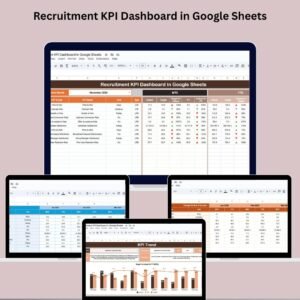
- Recruitment KPI Dashboard in Google Sheets: hiring KPIs in Google Sheets
- Recruitment Calendar in Google Sheets: plan interviews and hiring dates
- Recruitment Funnel KPI Dashboard in Excel: funnel KPIs for Excel users
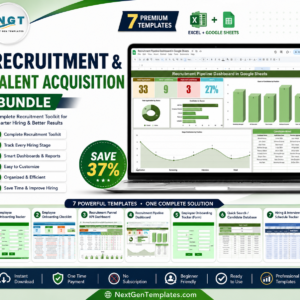
- Recruitment and Talent Acquisition Bundle: 7 premium recruitment templates in one bundle
Browse all Google Sheets dashboards or the Google Sheets HR and payroll templates.










Reviews
There are no reviews yet.