

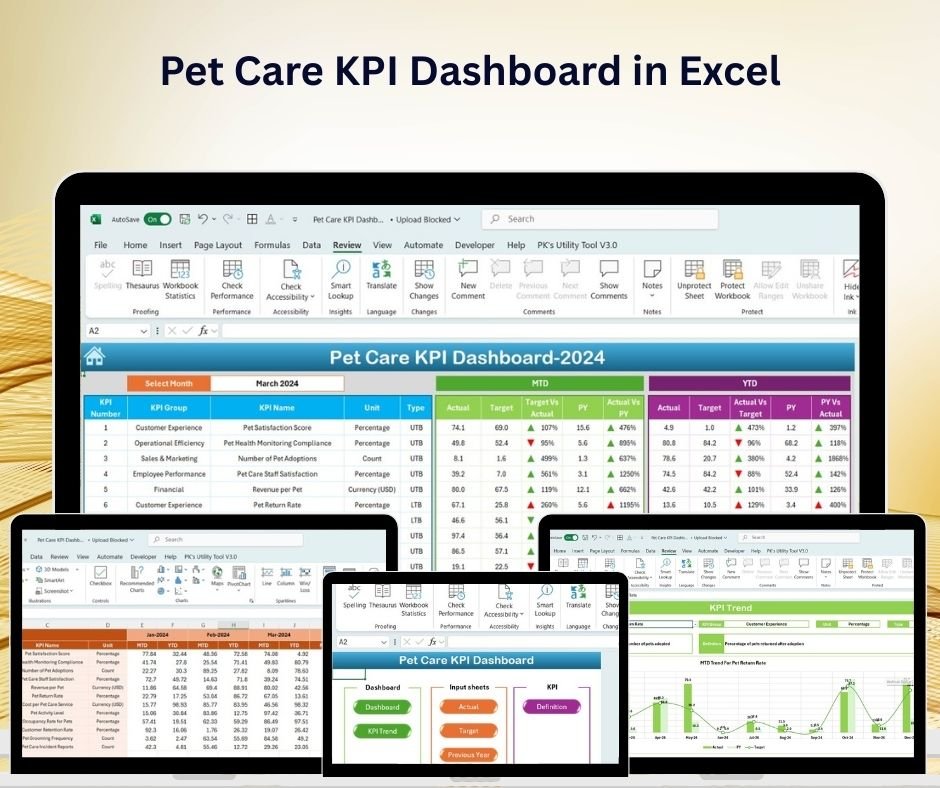
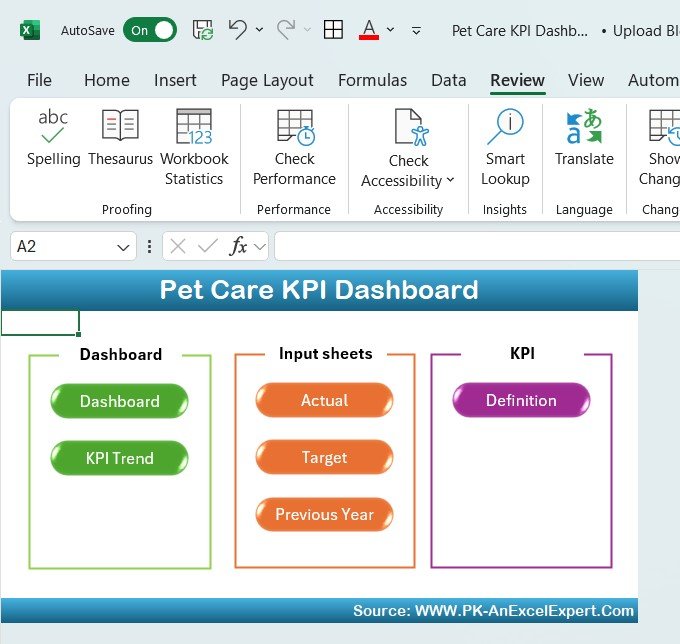
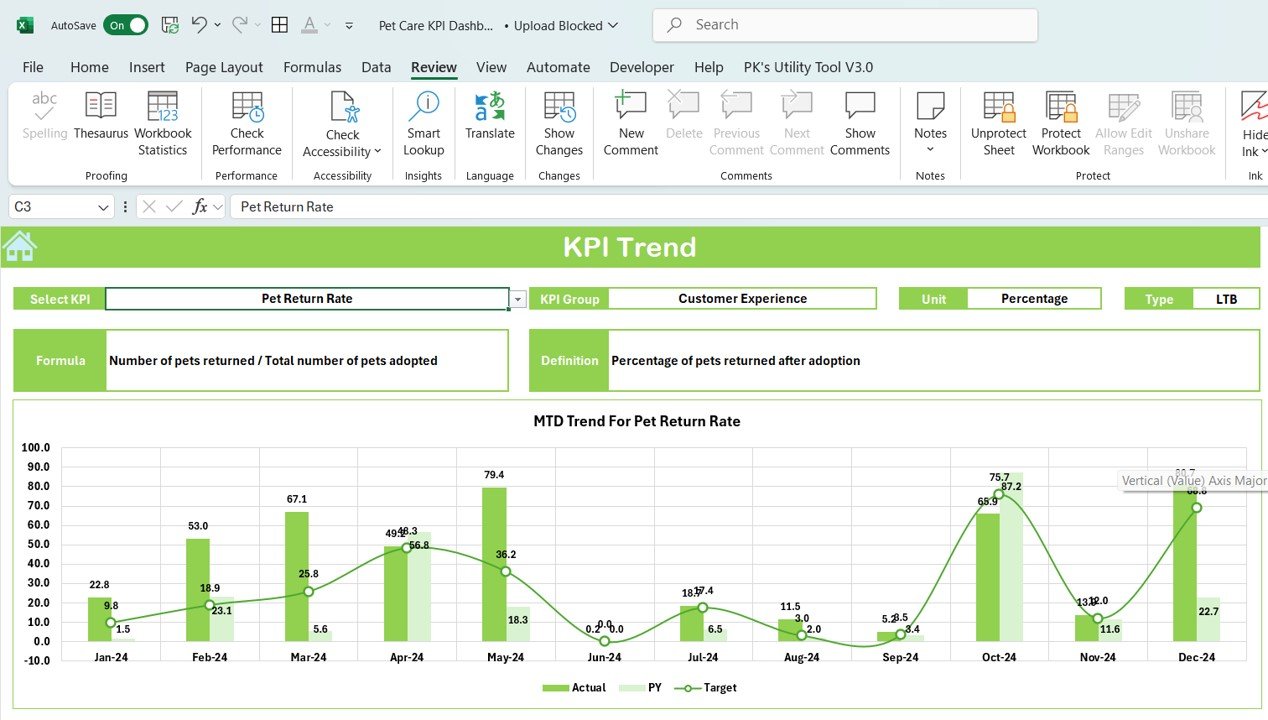
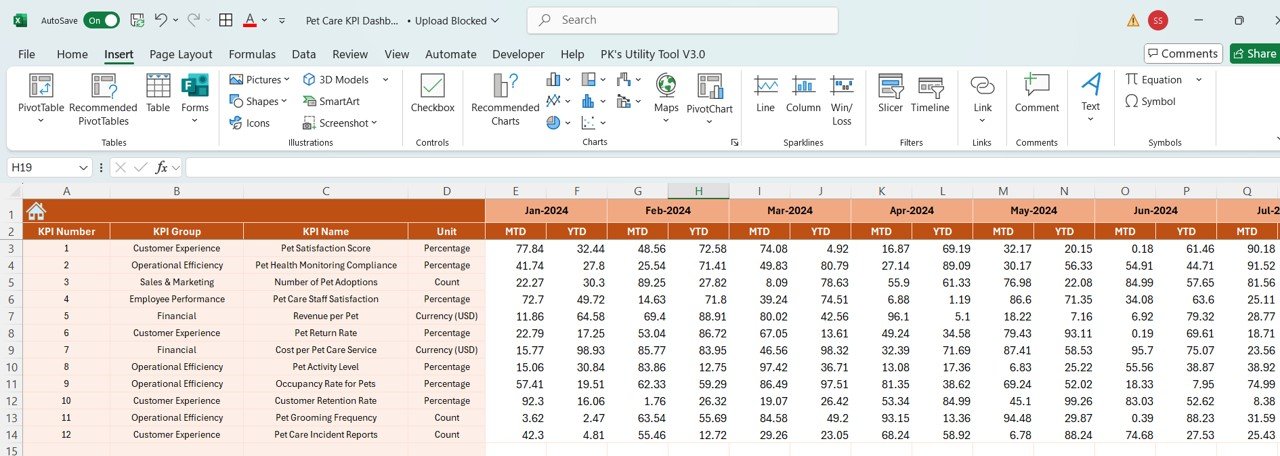
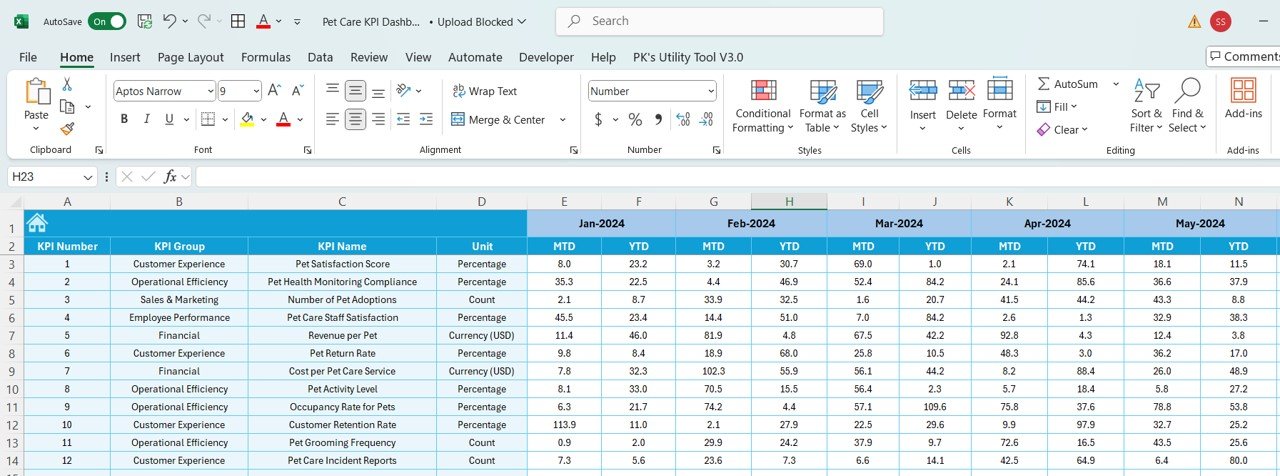
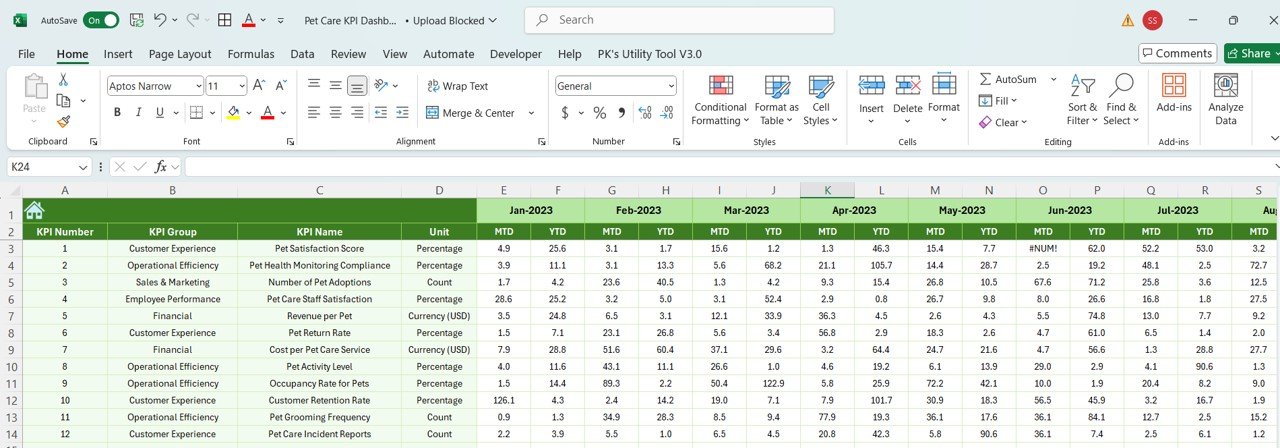
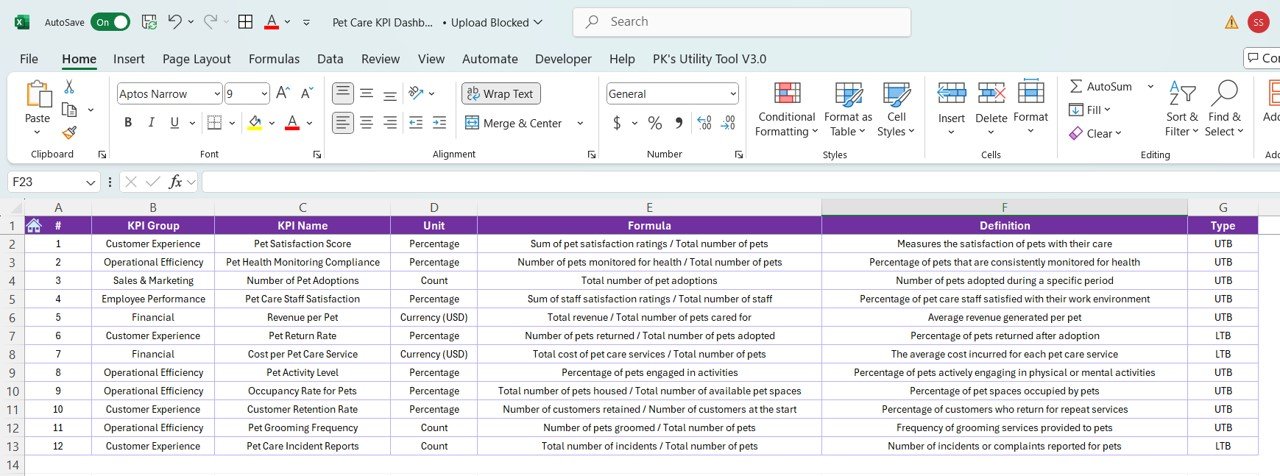

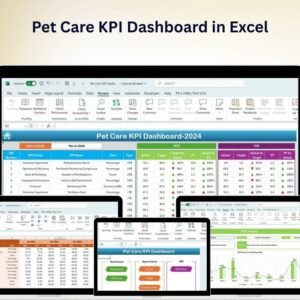
The Pet Care KPI Dashboard in Excel is an essential tool for pet care providers, animal shelters, pet groomers, and pet service businesses to track key performance indicators (KPIs) related to their operations. Whether you’re running a pet grooming business, managing an animal shelter, or operating a pet boarding facility, this Excel-based dashboard enables you to monitor critical metrics such as pet care appointments, revenue, customer satisfaction, and operational efficiency.
With customizable features and real-time tracking, this dashboard helps you make data-driven decisions, improve operational efficiency, and ensure the well-being of the pets in your care. It’s the perfect tool for any pet care business looking to streamline operations and enhance customer service.
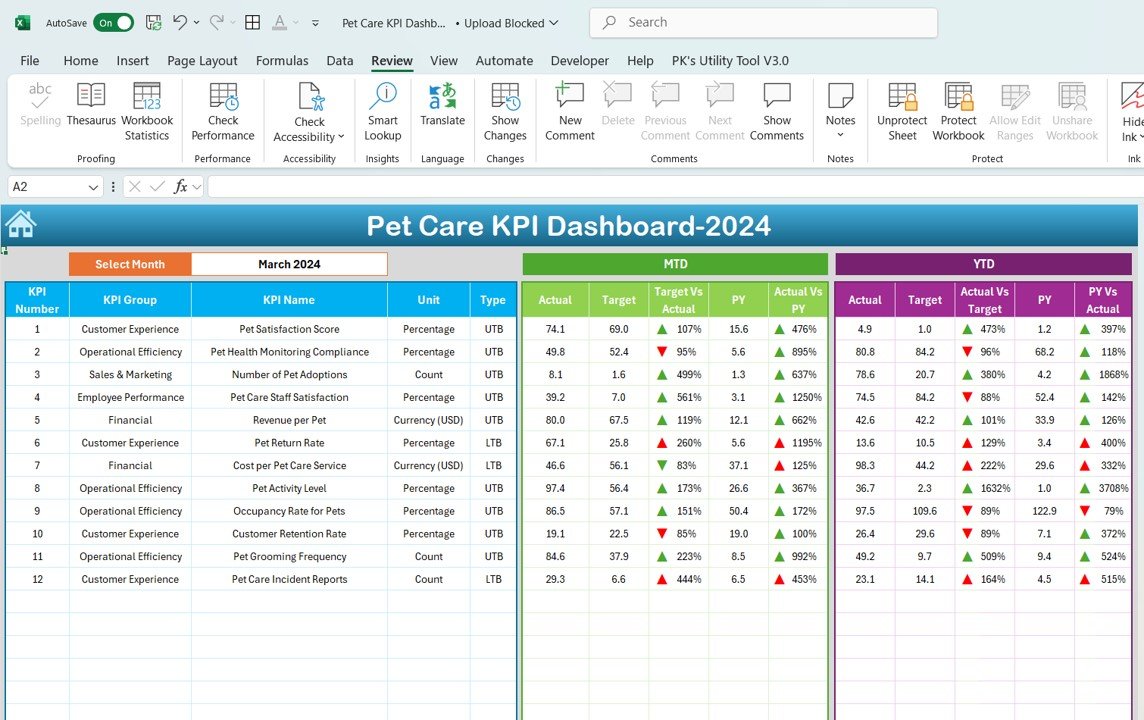
Key Features of the Pet Care KPI Dashboard in Excel:
🐾 Pet Care Appointment Tracking
Monitor appointments for services like grooming, training, and veterinary visits. Track appointment scheduling, cancellations, and client preferences to ensure the highest level of service.
💰 Revenue and Financial Tracking
Track revenue generated from services such as grooming, pet boarding, and medical treatments. Monitor income and expenses to assess profitability and ensure financial sustainability.
📅 Appointment and Service Efficiency
Track appointment types, staff allocation, service time, and efficiency to optimize scheduling and ensure that services are provided in a timely manner.
👨⚕️ Staff Performance and Productivity
Monitor staff productivity, the number of pets treated, and service quality. Evaluate employee performance based on pet care quality, efficiency, and customer feedback.
💬 Customer Satisfaction and Retention
Track customer feedback, satisfaction surveys, and pet owner reviews to ensure a high level of satisfaction, which can lead to increased customer loyalty and repeat business.
🚀 Why You’ll Love the Pet Care KPI Dashboard in Excel:
✅ Track Pet Care Appointments – Monitor pet grooming, veterinary visits, training sessions, and other appointments to ensure timely service and better scheduling.
✅ Maximize Revenue and Profitability – Track income from pet care services and assess financial performance to optimize pricing and improve profitability.
✅ Improve Operational Efficiency – Track service times, appointment scheduling, and resource allocation to streamline operations and reduce wait times.
✅ Enhance Customer Satisfaction – Monitor client feedback and satisfaction scores to improve the quality of service and build long-lasting relationships with pet owners.
✅ Monitor Staff Performance – Track employee productivity, service quality, and customer satisfaction to ensure high standards of care and operational excellence.
✅ Fully Customizable and Interactive – Tailor the dashboard to your specific pet care business needs, with interactive features for real-time tracking and insights.
What’s Inside the Pet Care KPI Dashboard in Excel:
Pet Care Appointment Tracking: Track the number of appointments, cancellations, and pet care services rendered to monitor service delivery and client demand.
Revenue and Profitability Monitoring: Track revenue from pet grooming, veterinary services, and other pet care offerings, as well as associated costs to assess financial health.
Service Efficiency: Monitor appointment types, service time, and staff allocation to optimize clinic or business operations.
Staff Performance Tracking: Track employee performance based on the number of services performed, client feedback, and overall productivity.
Customer Satisfaction: Track client feedback, reviews, and satisfaction ratings to ensure the best possible service and improve customer retention.
Custom Reports: Generate custom reports summarizing key performance metrics such as appointment volume, revenue, customer satisfaction, and employee performance for better decision-making.
How to Use the Pet Care KPI Dashboard in Excel:
1️⃣ Download the Template – Instantly access your Excel file upon purchase.
2️⃣ Input Appointment and Service Data – Enter details such as service types, appointment times, client names, and revenue for each session.
3️⃣ Monitor Key Metrics – Use the dashboard to track pet care appointments, revenue, staff performance, and client satisfaction in real-time.
4️⃣ Evaluate Financials – Track revenue and expenses to assess profitability and ensure the business is financially stable.
5️⃣ Generate Reports – Create detailed reports summarizing pet care service performance, client satisfaction, and staff productivity to inform your business strategy.
Who Can Benefit from the Pet Care KPI Dashboard in Excel:
Pet Groomers
Animal Shelters and Rescue Organizations
Pet Boarding and Daycare Services
Veterinary Clinics
Pet Service Providers
Pet Care Business Owners and Managers
Administrative Staff in Pet Care Businesses
Customer Service Teams in Pet Care Services
The Pet Care KPI Dashboard in Excel is the perfect tool for managing and optimizing your pet care business operations. By tracking key metrics such as pet care appointments, revenue, staff performance, and customer satisfaction, this dashboard helps ensure smooth operations, improved service quality, and business growth.
Click here to read the Detailed blog post
https://www.pk-anexcelexpert.com/pet-care-kpi-dashboard-in-excel/
Visit our YouTube channel to learn step-by-step video tutorials
Youtube.com/@PKAnExcelExpert
Compatibility and Requirements
- Works in Microsoft Excel desktop (Excel 2016 or later, or Microsoft 365).
- The KPIs are shown in interactive charts. Microsoft explains Excel charts in Create a chart from start to finish.
Frequently Asked Questions
What does the Pet Care KPI Dashboard track?
It tracks appointments and cancellations for grooming, training and veterinary visits, revenue and costs, service time and staff allocation, staff performance, and customer satisfaction.
How do I add my own data?
Enter service types, appointment times, client names and revenue for each session. Then use the dashboard to monitor the KPIs.
Can I create reports from it?
Yes. It includes custom reports that summarize appointment volume, revenue, customer satisfaction and staff performance.
Can I change it to fit my business?
Yes. The template is fully customizable, so you can adjust it to the KPIs and data you use.
Is there a Google Sheets version?
Yes. The Pet Care KPI Dashboard in Google Sheets covers the same KPIs on that platform.
Related Pet Care Templates
- Pet Care KPI Dashboard in Google Sheets: the same dashboard in Google Sheets
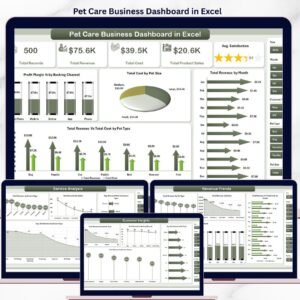
- Pet Care Business Dashboard in Excel: a full dashboard for a pet care business
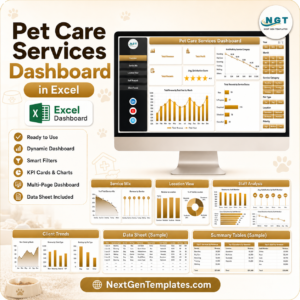
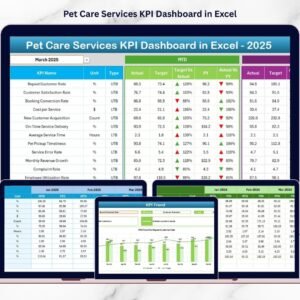
- Pet Care Services KPI Dashboard in Excel: KPIs for pet care services
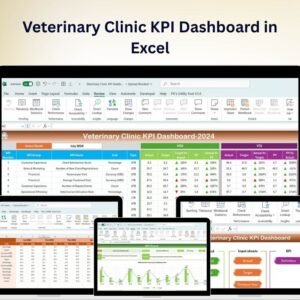
- Veterinary Clinic KPI Dashboard in Excel: KPIs for a vet clinic
- Pet Care Checklist in Excel: a daily pet care checklist
Browse all Excel KPI dashboards or the Excel health and safety templates.





















Reviews
There are no reviews yet.