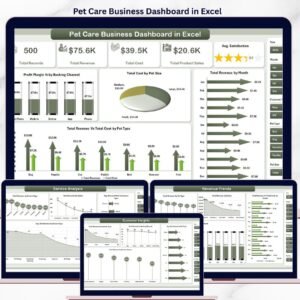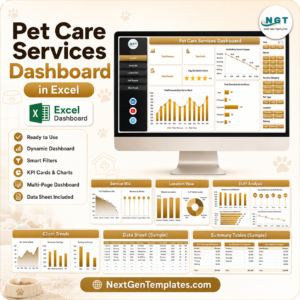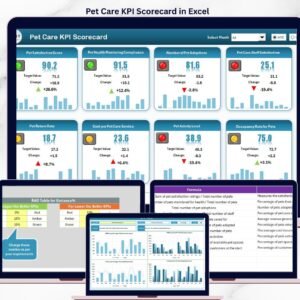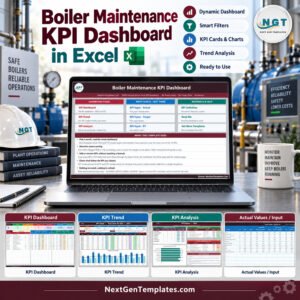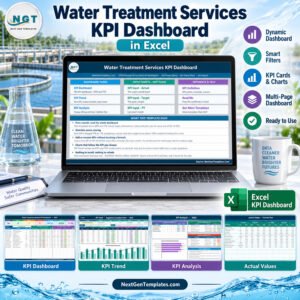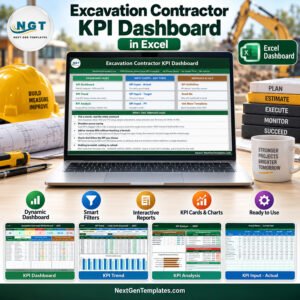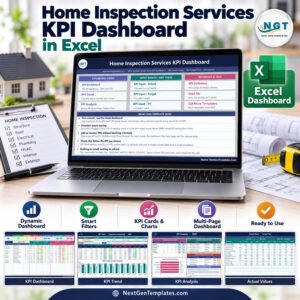

Running a pet care business today is not just about loving animals — it’s about managing performance, revenue, bookings, and customer satisfaction with precision.
If you still rely on scattered spreadsheets, manual reports, and guesswork, you are leaving growth opportunities behind.
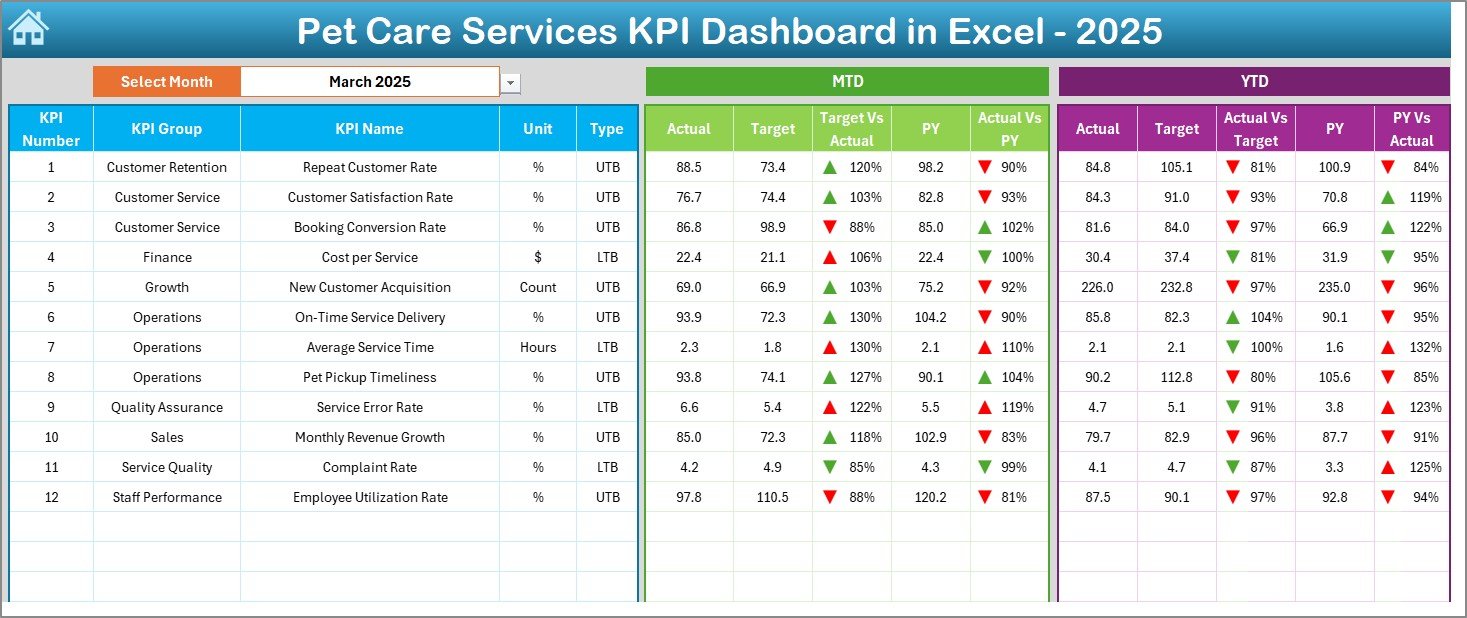
That’s why you need the Pet Care Services KPI Dashboard in Excel — a ready-to-use, professionally designed performance management system built specifically for pet grooming salons, boarding facilities, veterinary clinics, daycare centers, and training institutes.
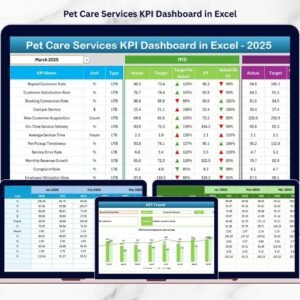
This powerful Excel dashboard brings all your important metrics into one structured and automated system. Instead of switching between files, you can monitor revenue, occupancy, retention, targets, and trends in one interactive view.
It is simple. It is smart. And it is built for growth.
🚀 Key Feature of Pet Care Services KPI Dashboard in Excel
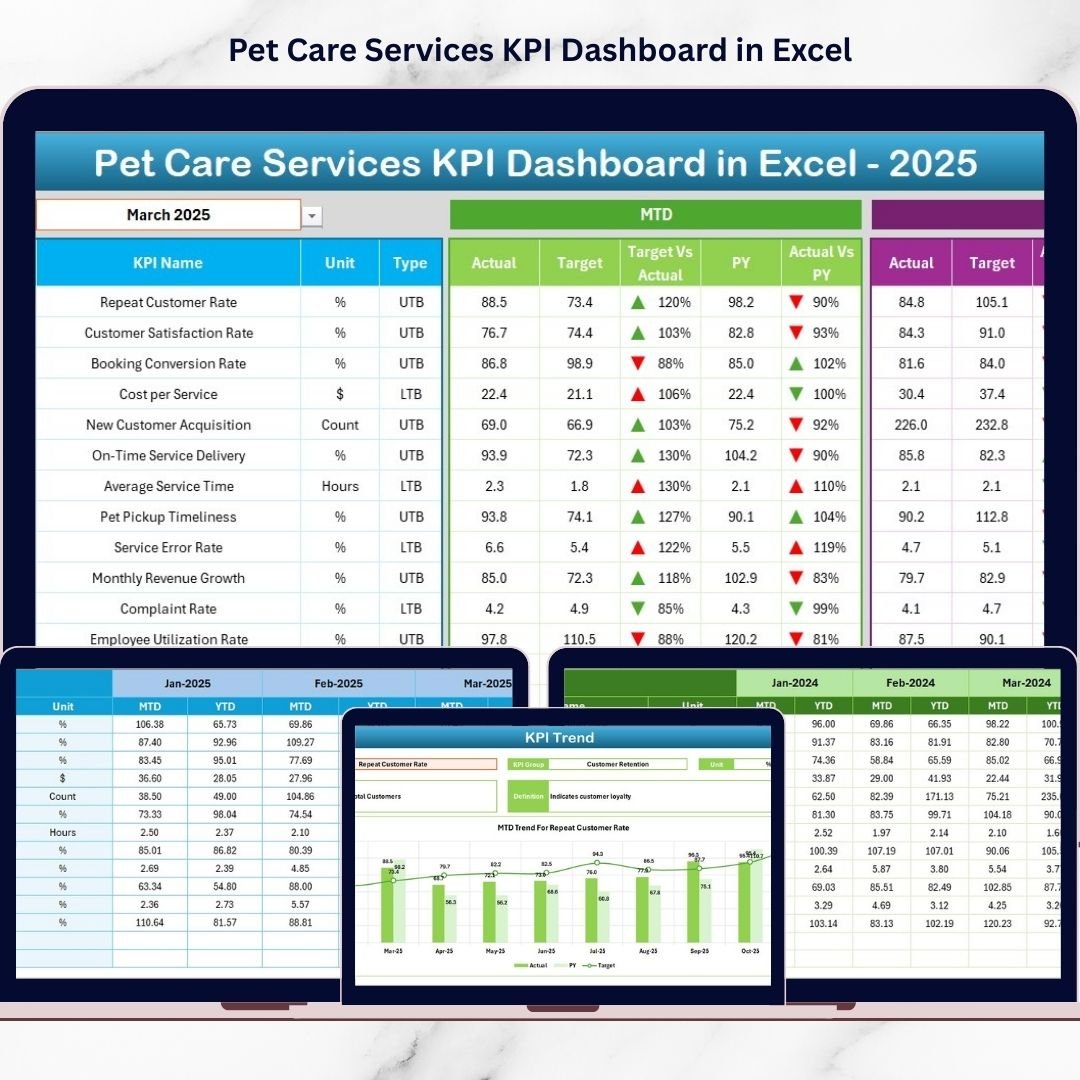
📊 Interactive Monthly Dashboard
Select the month from a drop-down (Cell D3) and instantly update the entire dashboard.
📈 MTD & YTD Tracking
Monitor Month-To-Date and Year-To-Date Actual, Target, and Previous Year numbers automatically.
🎯 Target vs Actual Comparison
Quickly identify performance gaps using visual indicators and conditional formatting.
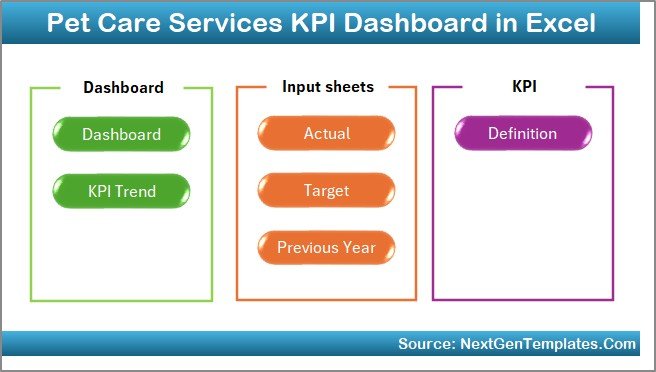
📅 7 Structured Worksheets
Home, Dashboard, KPI Trend, Actual Input, Target, Previous Year, and KPI Definition sheets.
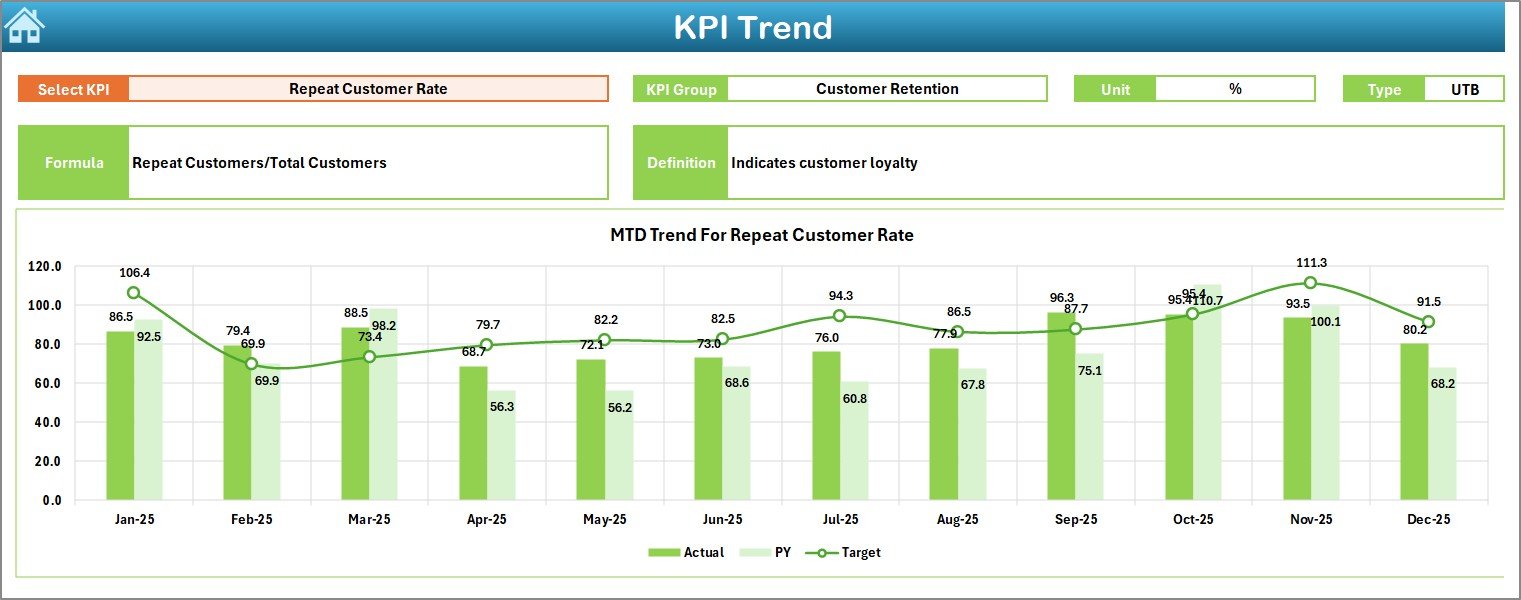
📉 Trend Analysis Charts
Track KPI performance patterns with MTD and YTD trend charts.
🔁 Year-over-Year Comparison
Understand growth and seasonal performance changes instantly.
🧮 Automated Calculations
Built-in formulas eliminate manual calculations and reporting errors.
📦 What’s Inside the Pet Care Services KPI Dashboard in Excel
This ready-to-use template includes:
✔️ Home Sheet – Clean navigation center with 6 quick-access buttons.
✔️ Dashboard Sheet – Central performance screen with KPI comparisons.
✔️ KPI Trend Sheet – Deep analysis with charts and KPI definitions.
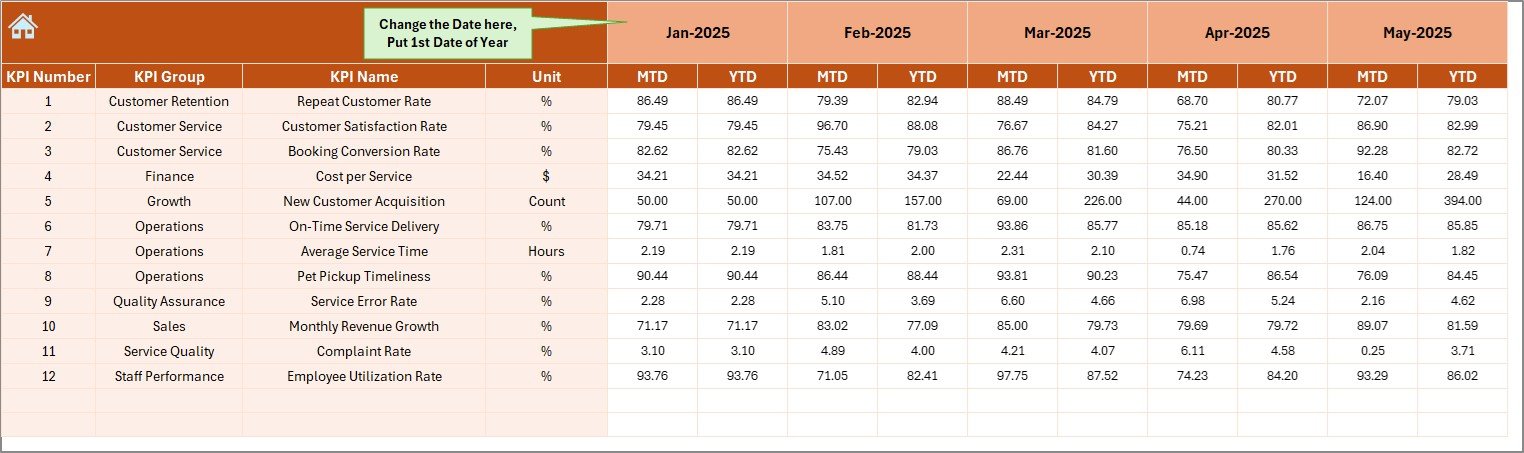
✔️ Actual Numbers Sheet – Simple input area for MTD and YTD actuals.
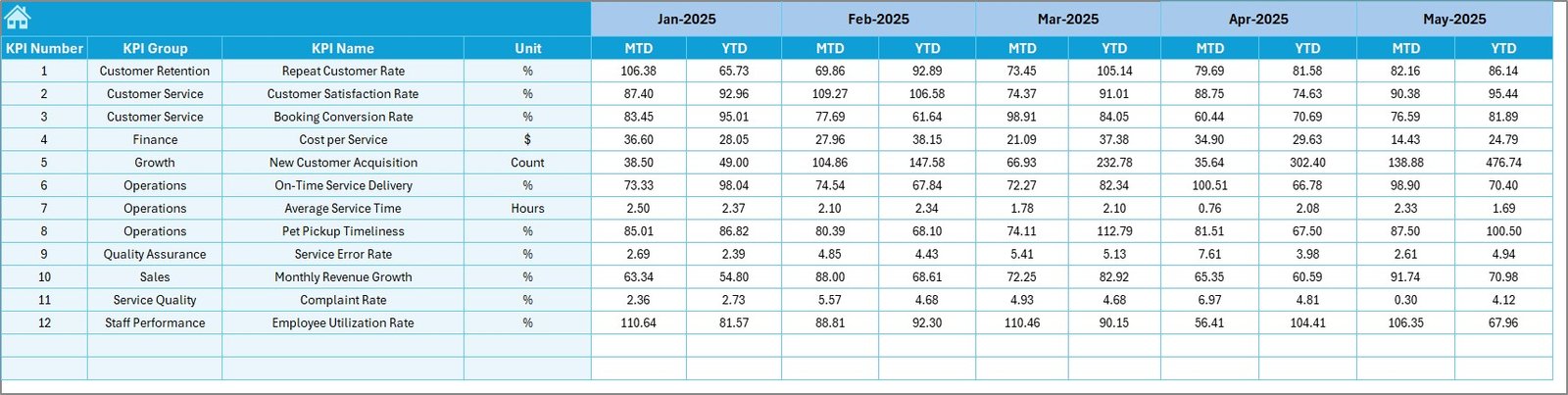
✔️ Target Sheet – Define monthly and yearly business goals.
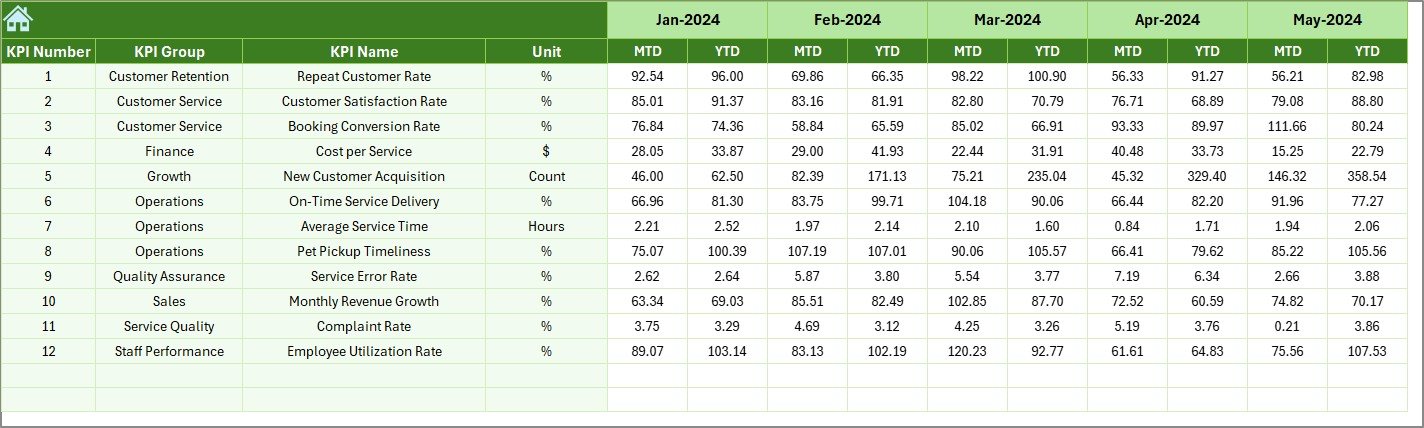
✔️ Previous Year Sheet – Enter last year’s data for YoY comparison.
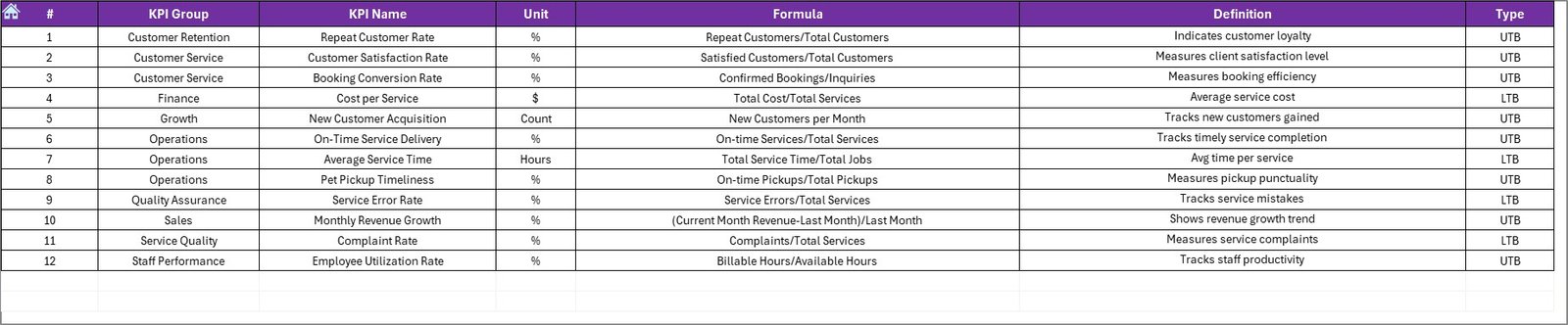
✔️ KPI Definition Sheet – Structured KPI name, formula, type, and unit storage.
Everything is organized, structured, and professionally formatted. You just enter your numbers — the dashboard does the rest.
🛠️ How to Use the Pet Care Services KPI Dashboard in Excel
Using this dashboard is extremely simple:
1️⃣ Enter your first month in the Actual Sheet (Cell E1).
2️⃣ Input MTD and YTD actual values.
3️⃣ Set monthly targets in the Target Sheet.
4️⃣ Enter last year’s numbers in the Previous Year Sheet.
5️⃣ Select the month from the Dashboard drop-down.
That’s it.
The system automatically calculates comparisons, highlights performance, and updates charts instantly.
No advanced Excel skills required.
🐕 Who Can Benefit from This Pet Care Services KPI Dashboard in Excel
This dashboard is perfect for:
🐾 Pet Grooming Salons
🐾 Veterinary Clinics
🐾 Pet Boarding Centers
🐾 Pet Daycare Facilities
🐾 Pet Training Institutes
🐾 Multi-Branch Pet Care Businesses
If you want structured performance tracking, clear visibility, and data-driven decisions — this dashboard is built for you.
Instead of reviewing multiple spreadsheets, you can now:
✔️ Track revenue trends
✔️ Monitor booking utilization
✔️ Analyze customer retention
✔️ Evaluate staff productivity
✔️ Compare actual vs targets
✔️ Plan business expansion
This is not just an Excel file.
It is your business control center.
⭐ Why This Dashboard Will Transform Your Pet Care Business
• Centralized KPI monitoring
• Faster monthly reviews
• Professional performance reporting
• Better financial control
• Stronger decision-making
• Easy customization
Stop guessing.
Start managing with clarity.
If you want to grow your pet care business with confidence, this Pet Care Services KPI Dashboard in Excel will become your most valuable management tool.
### Click here to read the Detailed blog post
Visit our YouTube channel to learn step-by-step video tutorials
Watch the step-by-step video tutorial:
Compatibility and Requirements
- Works in Microsoft Excel desktop (Excel 2016 or later, or Microsoft 365).
- You pick the month from a dropdown on the Dashboard sheet. Microsoft explains dropdowns in Create a drop-down list.
Frequently Asked Questions
Which sheets are included?
Seven sheets: Home, Dashboard, KPI Trend, Actual Numbers, Target, Previous Year and KPI Definition.
How do I update the dashboard?
Enter your MTD and YTD figures in the Actual Numbers sheet and your goals in the Target sheet. Then select a month in the Dashboard drop-down and it updates.
Can I compare this year with last year?
Yes. Add last year’s figures to the Previous Year sheet and the dashboard shows them next to your actuals and targets.
What does the KPI Trend sheet show?
It has MTD and YTD trend charts for each KPI, plus the KPI name, formula, type and unit from the KPI Definition sheet.
Is there a Power BI or Google Sheets version?
Yes. See the Pet Care Services KPI Dashboard in Power BI and the Pet Care KPI Dashboard in Google Sheets.
Related Pet Care Templates
- Pet Care Services KPI Dashboard in Power BI: the Power BI edition of this dashboard
- Pet Care KPI Dashboard in Google Sheets: a Google Sheets version for pet care KPIs
- Pet Care Services Dashboard in Excel: a dashboard view for pet care services
- Pet Care KPI Scorecard in Excel: a scorecard view of your pet care metrics
- Pet Care Checklist in Excel: a checklist for daily pet care tasks
Browse all Excel KPI dashboards.