


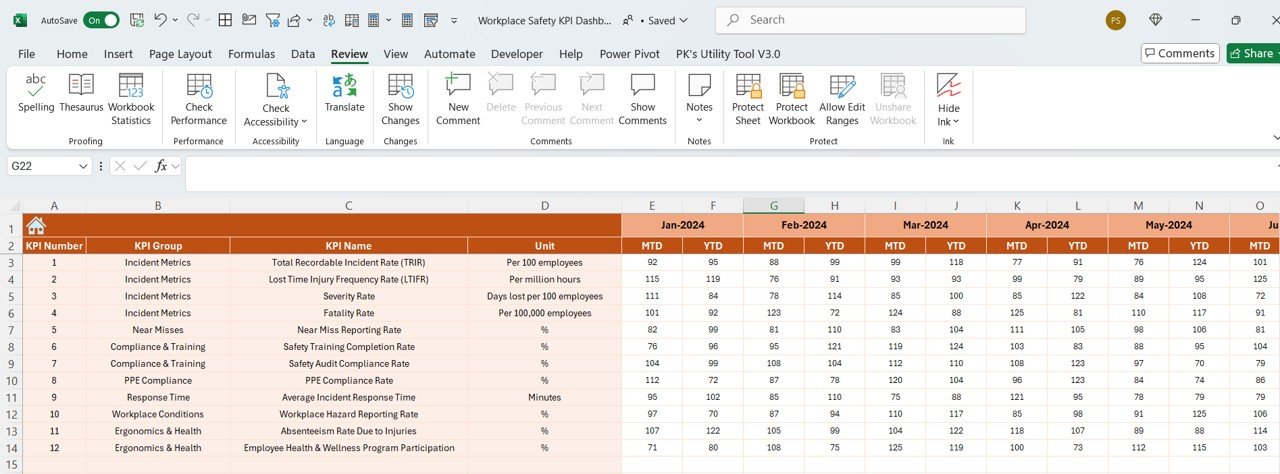
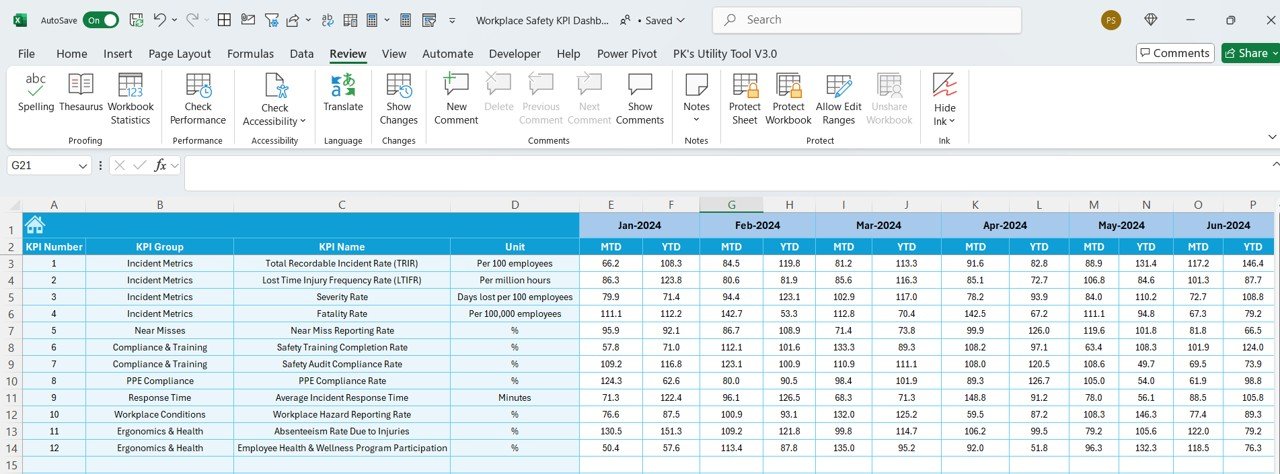
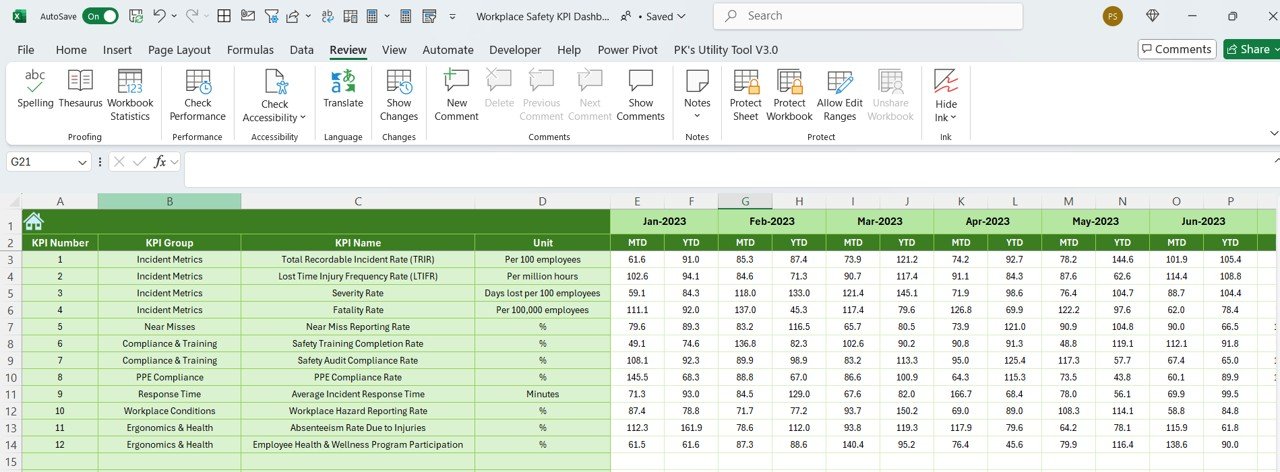
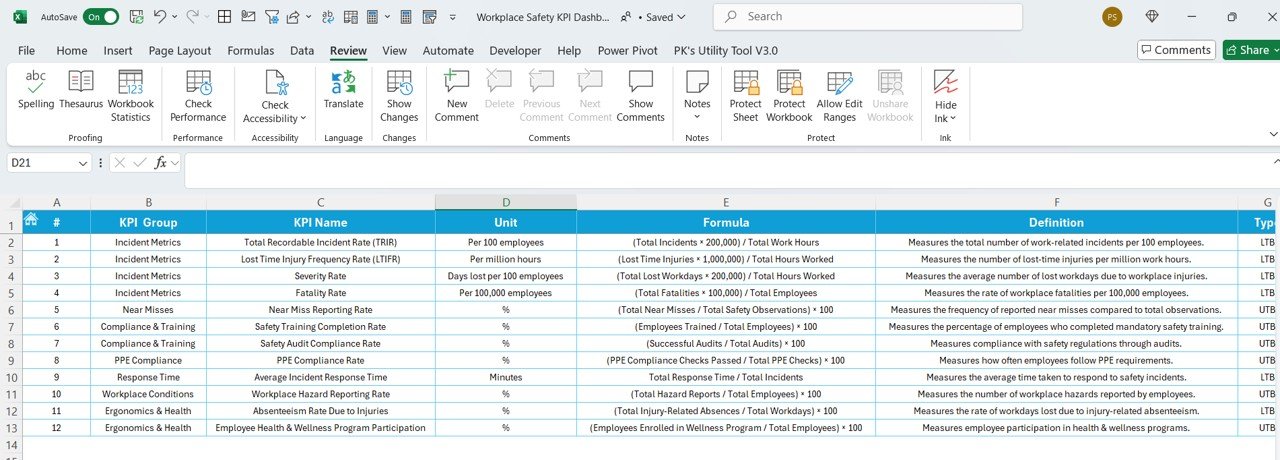

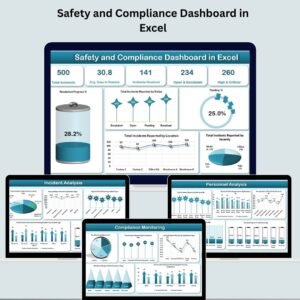
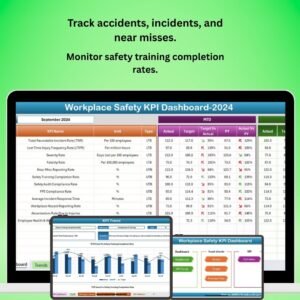
The Workplace Safety KPI Dashboard in Excel is an essential tool for safety officers, HR managers, and business owners aiming to ensure the safety and well-being of their employees. This Excel-based dashboard helps you track key performance indicators (KPIs) such as accident rates, safety training completion, incident reports, safety audits, and compliance levels, helping you maintain a safe work environment.
With real-time data tracking, customizable charts, and detailed reporting capabilities, this dashboard helps you monitor workplace safety, improve hazard identification, and ensure compliance with safety standards.
Key Features of the Workplace Safety KPI Dashboard in Excel:
⚠️ Accident and Incident Tracking
Track the number of accidents, near misses, and safety incidents within your workplace, helping to identify areas for improvement and reduce workplace injuries.
📚 Safety Training Monitoring
Track safety training sessions, completion rates, and certification status to ensure that all employees are properly trained on safety protocols.
📊 Safety Audit Monitoring
Monitor the frequency and results of safety audits, ensuring that the workplace remains compliant with safety regulations and that corrective actions are taken when necessary.
📈 Compliance Tracking
Track compliance with safety regulations, ensuring that your workplace adheres to local, state, and federal safety laws and standards.
🛠 Hazard and Risk Identification
Monitor the identification and mitigation of workplace hazards and risks, ensuring proactive safety management and reducing the likelihood of incidents.
🚀 Why You’ll Love the Workplace Safety KPI Dashboard in Excel:

✅ Track Workplace Safety Metrics – Monitor accident rates, safety training, and incident reports to ensure a safe and compliant work environment.
✅ Ensure Compliance – Keep track of safety audits and compliance with regulations to avoid penalties and improve workplace safety standards.
✅ Reduce Workplace Accidents – Track incidents and near misses, identify trends, and take proactive measures to reduce workplace accidents and injuries.
✅ Streamline Safety Training – Monitor training progress and ensure all employees are up-to-date on safety procedures and regulations.
✅ Customizable and Easy-to-Use – This Excel dashboard is simple to navigate and can be customized to suit your organization’s specific safety requirements.
✅ Data-Driven Safety Decisions – Make informed decisions based on real-time safety data, improving safety performance across your workplace.
What’s Inside the Workplace Safety KPI Dashboard in Excel:
Accident and Incident Tracking: Track the number of workplace accidents, injuries, and near misses, helping to identify safety risks and trends over time.
Safety Training Completion: Monitor safety training completion rates for employees and ensure that all staff are trained in workplace safety procedures.
Safety Audit Results: Track the frequency and results of safety audits to ensure that corrective actions are taken to improve safety protocols.
Compliance Tracking: Track compliance with safety laws and regulations to ensure your business meets legal requirements and industry standards.
Hazard Identification: Identify workplace hazards and track the actions taken to mitigate risks, ensuring a safer working environment.
Custom Reports: Generate reports that summarize your workplace safety performance, helping to share insights with management and stakeholders.
How to Use the Workplace Safety KPI Dashboard in Excel:
1️⃣ Download the Template – Instantly access your Excel file upon purchase.
2️⃣ Input Safety Data – Enter data on workplace accidents, safety training, compliance levels, audits, and hazard mitigation into the dashboard.
3️⃣ Track Key Safety Metrics – Monitor key KPIs such as incident rates, training completion, and audit results in real-time.
4️⃣ Analyze Safety Trends – Use interactive charts to analyze trends in workplace safety incidents and identify areas for improvement.
5️⃣ Generate Reports – Create custom reports for stakeholders, management, or compliance officers, summarizing safety performance and areas needing attention.
Who Can Benefit from the Workplace Safety KPI Dashboard in Excel:
Safety Officers
HR Managers
Compliance Officers
Operations Managers
Facility Managers
EHS (Environment, Health, and Safety) Managers
Workplace Safety Consultants
Business Owners and Executives
The Workplace Safety KPI Dashboard in Excel is the ideal solution for businesses looking to improve safety performance, track safety incidents, and ensure compliance with safety regulations. By monitoring key safety metrics, this dashboard helps organizations create a safer work environment and reduce the risk of accidents and injuries.
Click here to read the Detailed blog post
https://www.pk-anexcelexpert.com/workplace-safety-kpi-dashboard-in-excel/
Visit our YouTube channel to learn step-by-step video tutorials
Youtube.com/@PKAnExcelExpert
Compatibility and Requirements
- Works in Microsoft Excel desktop (Excel 2016 or later, or Microsoft 365).
- The dashboard is for tracking safety KPIs inside your business. In the US, official injury and illness records use OSHA’s own forms: see OSHA injury and illness recordkeeping forms.
Frequently Asked Questions
Which safety KPIs does the dashboard track?
Accidents, near misses and incidents, safety training completion and certification status, safety audit results, compliance with safety rules, and hazard identification and mitigation.
How do I update the dashboard?
Enter your data on accidents, training, audits, compliance and hazard actions, and the KPIs and charts update from it.
Can I share results with management?
Yes. The template includes custom reports that summarize safety performance for managers and stakeholders.
Is there a Google Sheets option?
Yes. The Workplace Safety & Incident Management Dashboard in Google Sheets covers safety and incidents in the browser.
Related Health and Safety Templates
- Incident Report Tracker in Excel: log each incident in detail
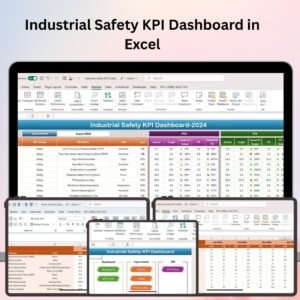
- Industrial Safety KPI Dashboard in Excel: safety KPIs for plants and factories
- Construction Safety KPI Dashboard in Excel: safety KPIs for construction sites
- Health & Safety Compliance Calendar in Excel: plan inspections and compliance dates
- Health and Safety Monitoring Checklist in Excel: run routine safety checks
Browse all health and safety templates or the Excel KPI dashboards.






















Reviews
There are no reviews yet.