

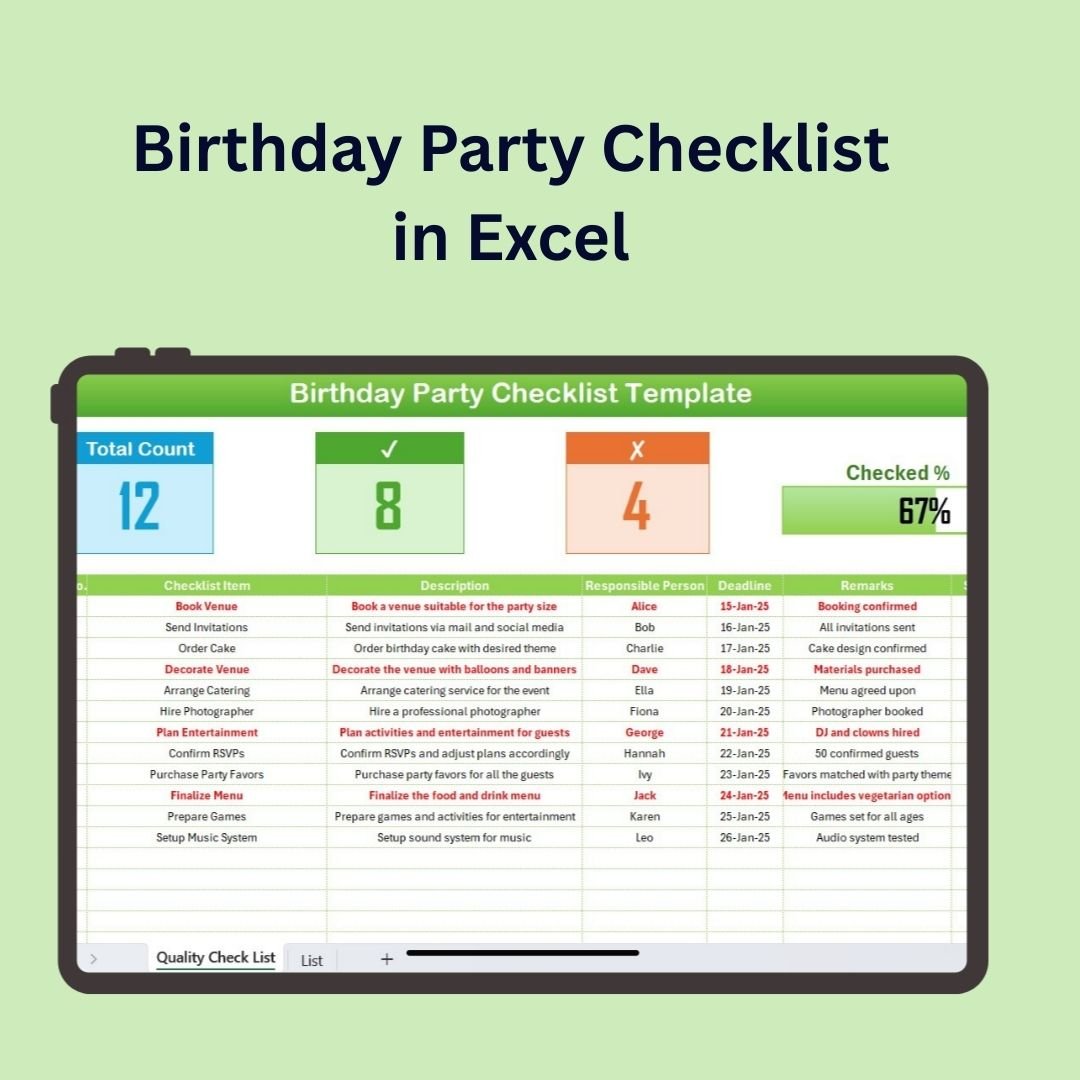
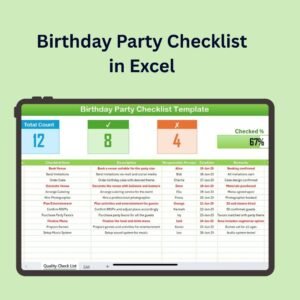
The Birthday Party Checklist in Excel is an easy-to-use, organized tool that helps you plan and manage every detail of your birthday party. Whether you’re planning a small gathering or a large celebration, this customizable checklist will ensure you stay on top of the essentials. From guest lists and decorations to catering and entertainment, this Excel-based checklist has everything you need to throw a memorable birthday party without any stress.
With real-time tracking, easy-to-edit features, and an intuitive layout, this dashboard ensures that all aspects of your party are planned and organized so you can focus on enjoying the celebration.
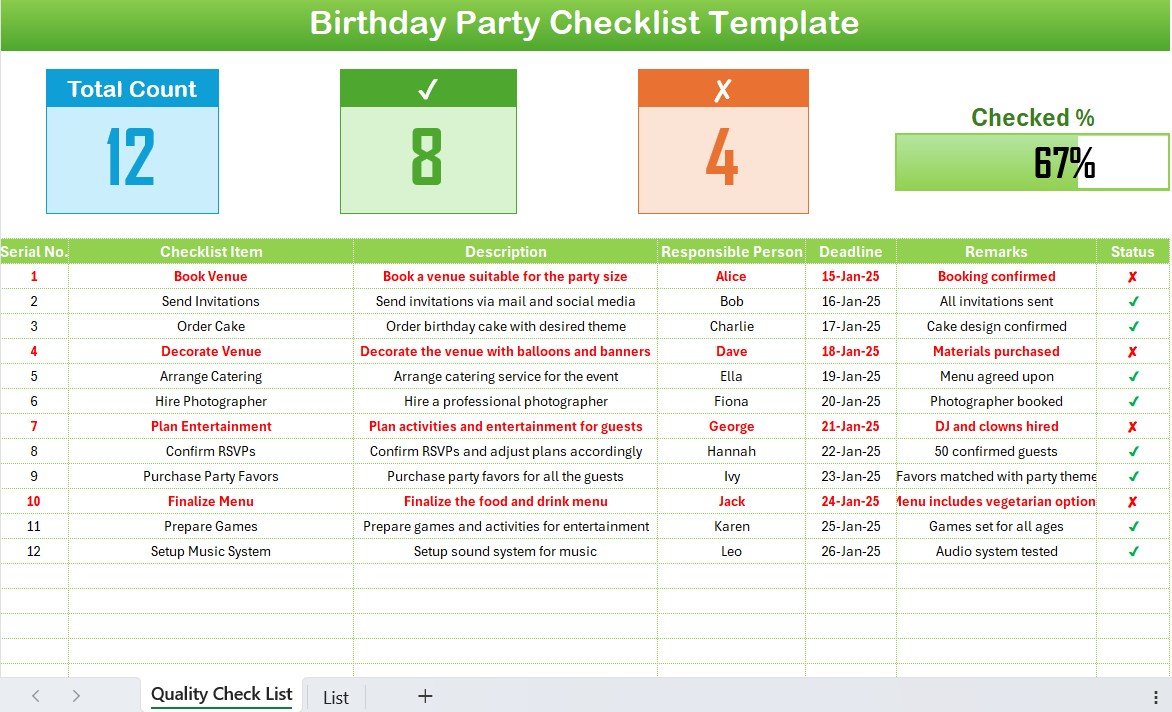
Key Features of the Birthday Party Checklist in Excel:
🎉 Guest List Management
Easily create and manage your guest list, track RSVPs, and monitor dietary preferences or special requests to ensure everyone has a great time.
🍰 Food and Beverage Planning
Track food and drink items needed for your party, including quantities, dietary needs, and any special requests to ensure your catering meets everyone’s expectations.
🎈 Decorations and Party Favors
Stay on top of decoration ideas, supplies, and party favors. Monitor each item’s purchase status to make sure your party space is perfectly set up.
🎶 Entertainment and Activities
Plan entertainment and activities for guests, including music playlists, games, and other entertainment options to keep everyone entertained throughout the event.
🎁 Gift Tracking and Budget
Track gifts you need to purchase and stay on budget with an integrated cost tracker to ensure your party stays financially on track.
🚀 Why You’ll Love the Birthday Party Checklist in Excel:
✅ Stay Organized – Manage your guest list, food, decorations, and entertainment all in one place to ensure everything is covered.
✅ Customize the Checklist – Tailor the checklist to fit the size and theme of your party, adding or removing categories as necessary.
✅ Track Your Budget – Stay on track financially by monitoring gift purchases, party supplies, and other costs in real-time.
✅ Streamline Planning – With an easy-to-use and intuitive layout, planning the perfect birthday party has never been simpler.
✅ Make the Party a Success – Ensure no detail is overlooked, from the guest list to the entertainment, creating a seamless and fun event.
What’s Inside the Birthday Party Checklist in Excel:
Guest List Management: Add and track your guest list, RSVPs, and special requests to ensure a smooth guest experience.
Food and Beverage Planning: Plan the food and drinks for the event, including dietary needs, quantity, and menu options.
Decorations and Party Favors: Organize decoration items and party favors, ensuring your venue is festive and ready for guests.
Entertainment & Activities: Track games, music playlists, and activities to keep everyone engaged and entertained.
Budget and Gift Tracker: Stay on budget by tracking your spending for gifts, party supplies, and other expenses.
Custom Reports: Generate customized reports to track all aspects of your party planning, from the guest list to the food menu and expenses.
How to Use the Birthday Party Checklist in Excel:
1️⃣ Download the Template – Instantly access your Excel file upon purchase.
2️⃣ Input Party Details – Add data about your guest list, food, decorations, and entertainment to start planning.
3️⃣ Track RSVPs and Preferences – Keep track of guests and their dietary preferences or special needs.
4️⃣ Monitor Your Budget – Stay on top of party expenses to ensure you don’t exceed your budget while still having a great time.
5️⃣ Generate Reports – Use the generated reports to stay organized and view all aspects of your party plan in one place.
Who Can Benefit from the Birthday Party Checklist in Excel:
Event Planners
Parents Planning Children’s Birthdays
Individuals Organizing Adult Birthday Parties
Corporate Teams Organizing Employee Birthday Celebrations
Anyone Looking to Throw a Well-Organized Birthday Party
The Birthday Party Checklist in Excel is your all-in-one tool for planning the perfect birthday celebration. With the ability to track everything from your guest list to party supplies and costs, this template ensures that your event goes off without a hitch.
Click here to read the Detailed blog post
https://www.pk-anexcelexpert.com/birthday-party-checklist-in-excel/
Visit our YouTube channel to learn step-by-step video tutorials
Youtube.com/@PKAnExcelExpert
Compatibility and Requirements
- Works in Microsoft Excel desktop (Excel 2016 or later, or Microsoft 365).
- New to Excel? Microsoft’s Excel for Windows training covers the basics.
Frequently Asked Questions
What can I plan with this checklist?
You can plan the guest list and RSVPs, food and drinks, decorations and party favors, entertainment and activities, and the budget for gifts and supplies.
Can I track dietary needs?
Yes. You can track each guest’s RSVP, dietary preferences and special requests.
Does it help me stay on budget?
Yes. The budget and gift tracker records spending on gifts, party supplies and other expenses.
Can I add my own items?
Yes. The checklist is customizable, so you can add tasks for a small gathering or a large celebration.
Can I see the whole plan in one place?
Yes. The custom reports pull the guest list, food menu and expenses together so you can review the full plan.
Related Party and Event Templates
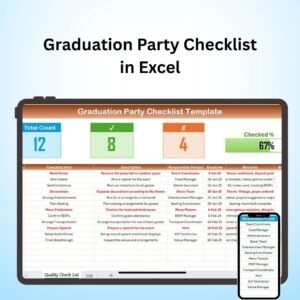
- Graduation Party Checklist in Excel: plan a graduation party
- Halloween Party Checklist in Excel: plan a Halloween party
- Housewarming Party Checklist in Excel: plan a housewarming
- Event Planning Calendar in Excel: put event dates on a calendar
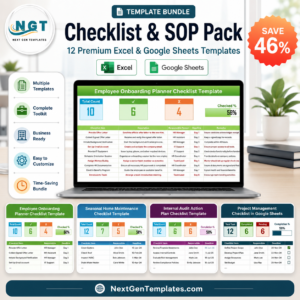
- Checklist & SOP Pack: 12 Excel and Google Sheets checklists in one download
Browse all Excel checklists or the Google Sheets checklists.




Reviews
There are no reviews yet.