

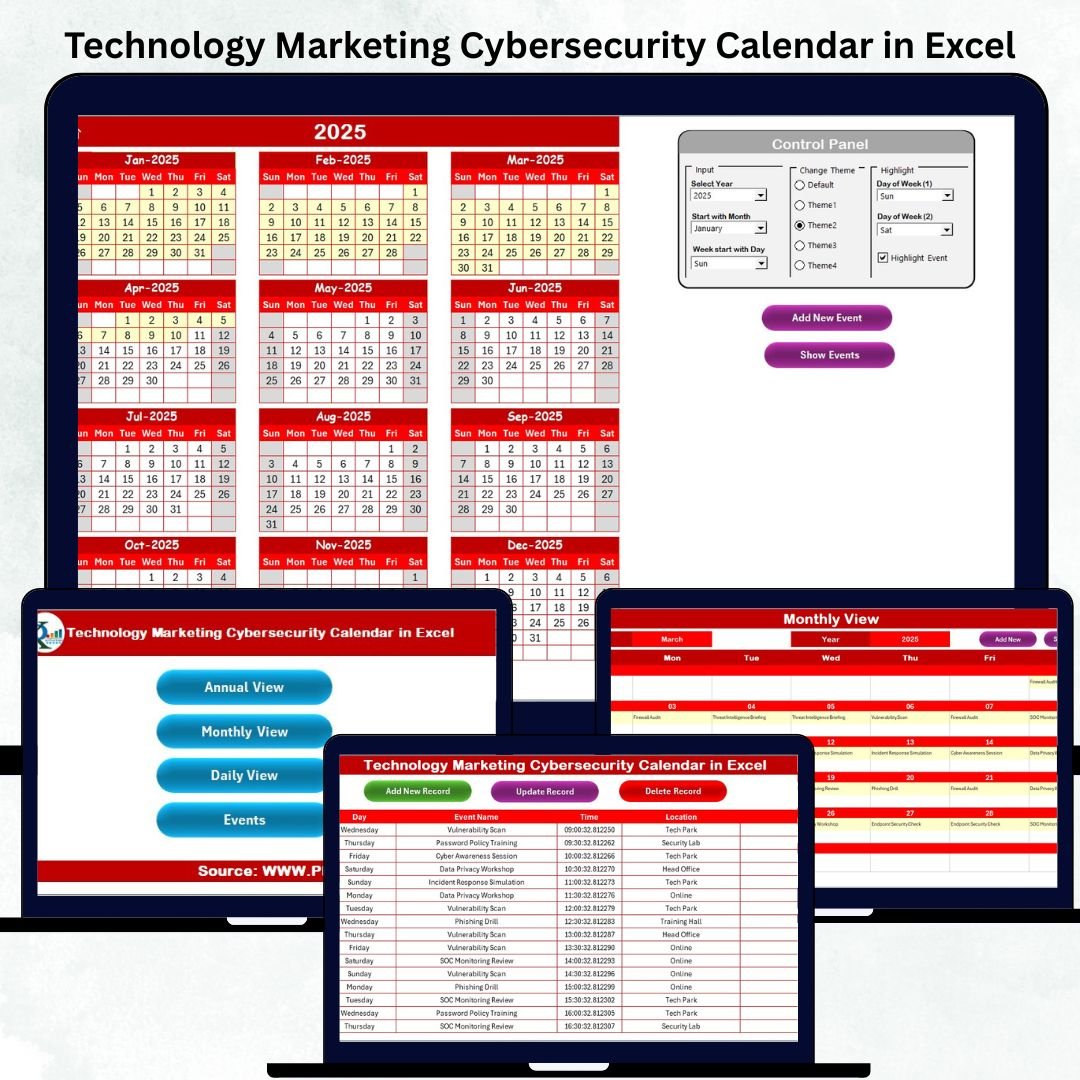

A fast-moving digital workplace demands clear planning, quick coordination, and complete visibility. Technology teams manage upgrades and deployments, marketing teams plan campaigns and content calendars, and cybersecurity teams safeguard systems every single day. When so many activities run at the same time, you need one reliable tool to stay organized. The Technology Marketing Cybersecurity Calendar in Excel is your all-in-one solution to plan, track, and manage every important activity with clarity and confidence.Technology Marketing Cybersecurity Calendar in Excel
This ready-to-use Excel planner brings your entire annual, monthly, and daily schedule into one clean, automated, and easy-to-navigate workbook. Whether you’re planning product launches, scheduling cybersecurity audits, tracking campaigns, or organizing technology updates, this template gives you a simple system to stay ahead without missing anything.
With automated buttons, event forms, date filters, customizable themes, and a powerful events database, this digital product transforms your planning process into a smooth, structured experience.
✨ Key Features of the Technology Marketing Cybersecurity Calendar in Excel
📅 1. Multi-View Calendar System
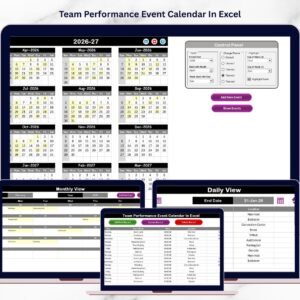
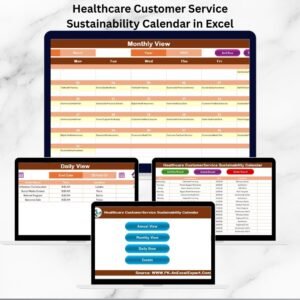
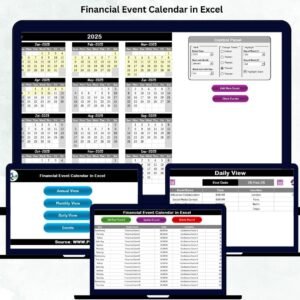
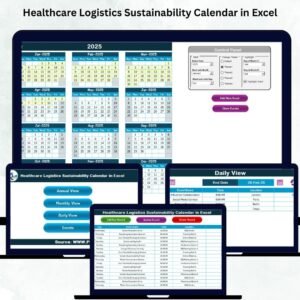
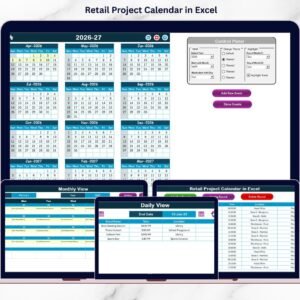
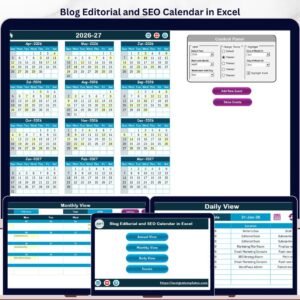
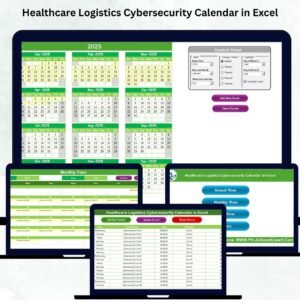
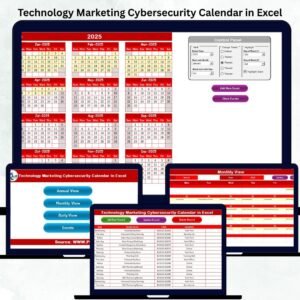
Switch effortlessly between Annual, Monthly, and Daily views to see your entire schedule from every angle. Track busy periods, important deadlines, and critical task windows instantly.
🎨 2. Customizable Themes
Choose from five beautifully crafted color themes to match your preference. One-click theme changing gives your workflow a clean and personalized look.Technology Marketing Cybersecurity Calendar in Excel
⚡ 3. Automated Event Form
Add events in seconds using the built-in popup form. Enter event name, time, location, and description—Excel updates everything automatically.Technology Marketing Cybersecurity Calendar in Excel
📌 4. Smart Highlighting Options
Highlight weekends, security review days, campaign posting days, or patch cycles using the built-in highlight group. Easily mark special days or critical checkpoints.
🔍 5. One-Click Navigation Buttons
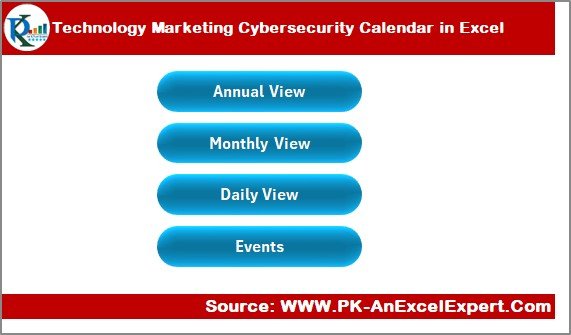
Jump instantly to Annual, Monthly, Daily, or Events sheets using the Home Page buttons. No scrolling. No searching. Just smooth navigation.
📦 What’s Inside the Technology Marketing Cybersecurity Calendar in Excel
🗂️ 1. Home Sheet
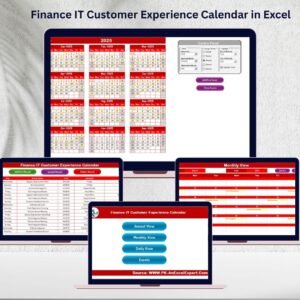
A clean index page with four smart buttons—Annual View, Monthly View, Daily View, and Events. Start your planning from one central gateway.
📆 2. Annual View Sheet
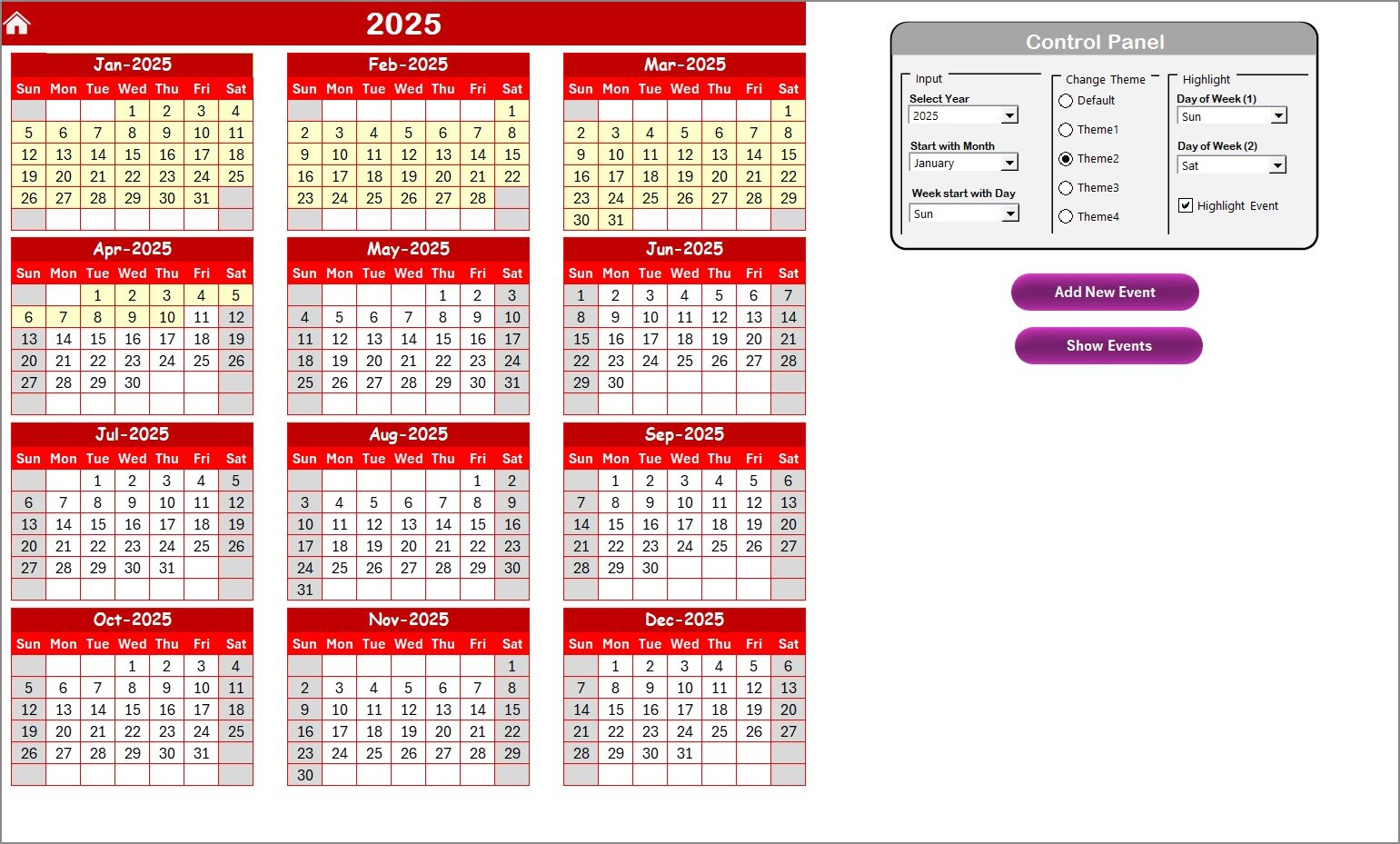
View all 12 months on a single page. Choose year, start month, and start day of the week. Perfect for long-term planning, project roadmaps, cybersecurity cycles, and marketing campaigns.
🗓️ 3. Monthly View Sheet
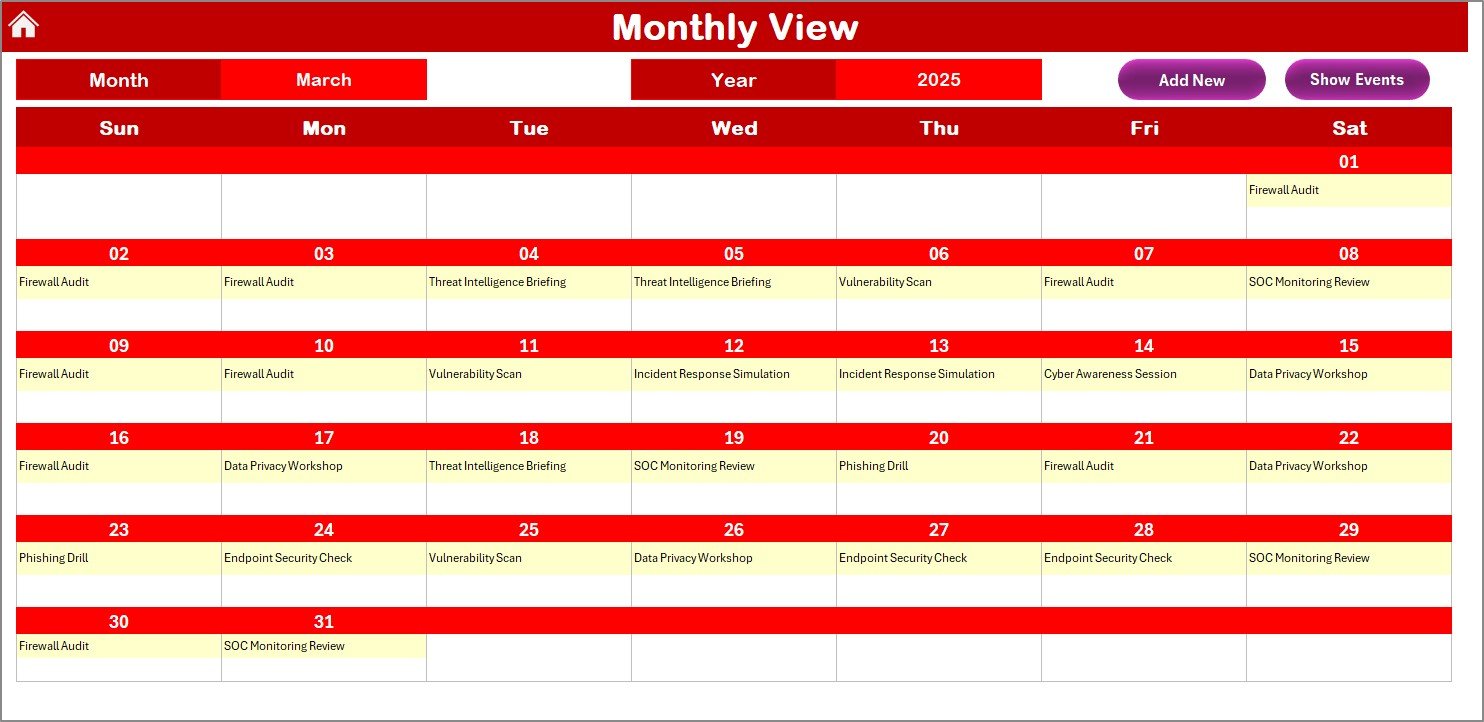
See detailed monthly plans with automatic event summaries. If a date has multiple events, it shows “More than 1…” for easy tracking.
📅 4. Daily View Sheet
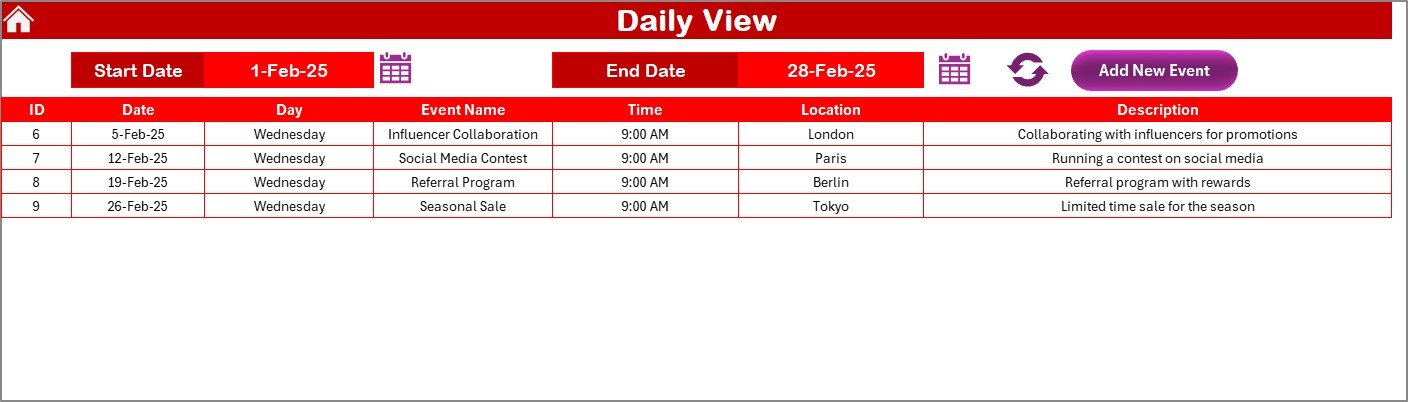
Select a start and end date to get all events within that range. Ideal for sprint planning, audits, reviews, and busy-week monitoring.
📘 5. Events Database Sheet
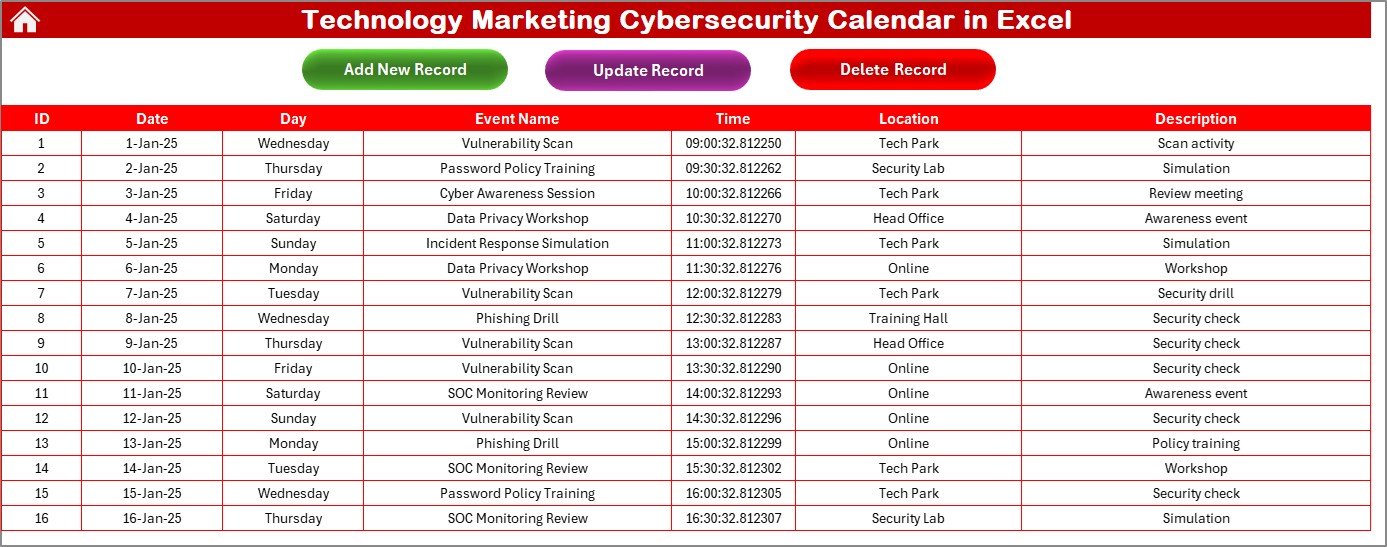
A fully structured backend storing ID, date, day, event name, time, location, and description. Includes Add, Update, and Delete buttons.
🛠️ How to Use the Technology Marketing Cybersecurity Calendar in Excel
1️⃣ Set Your Year & Preferences
Choose your year, start month, start day, and preferred theme.
2️⃣ Add Events Through the Form
Click Add New Event, fill the popup form, and let Excel update everything automatically.
3️⃣ Plan Using Multiple Views
Overview your yearly roadmap in the Annual View
Plan campaigns and audits in the Monthly View
Track daily tasks and sprints in the Daily View
4️⃣ Manage & Update Records
Use the Events sheet buttons to update or delete entries anytime.
5️⃣ Highlight & Customize
Mark weekends, patch cycle days, or marketing post days for better clarity.
🎯 Who Can Benefit from This Technology Marketing Cybersecurity Calendar in Excel
🖥️ Technology Teams
Plan deployments, maintenance windows, software updates, downtime, and testing cycles.
🛡️ Cybersecurity Teams
Track patch updates, log monitoring, firewall reviews, awareness campaigns, and monthly audits.
🎨 Marketing Teams
Schedule campaigns, posts, content releases, product launches, ads, and seasonal promotions.
🏢 Business Owners & Managers
Get a single, unified view of business operations throughout the year.
🤝 Cross-Functional Teams
Collaborate better with one shared planning file for the entire organization.
### Click here to read the Detailed blog post
Watch the step-by-step video tutorial:
Visit our YouTube channel to learn step-by-step video tutorials — Youtube.com/@PKAnExcelExpert
Compatibility and Requirements
- Works in Microsoft Excel desktop on Windows with macros enabled. The Add, Update and Delete buttons, the event form and the navigation buttons run on macros, so the template does not run in Excel for the web, Google Sheets or mobile.
- Microsoft explains how to turn macros on in Enable or disable macros in Microsoft 365 files.
Frequently Asked Questions
Which sheets are included?
Five sheets: Home, Annual View, Monthly View, Daily View and Events. The Home sheet has four buttons that take you to the other views and the Events sheet.
How do I add an event?
Click Add New Event and fill in the popup form with the event name, time, location and description. Excel then updates the Annual, Monthly and Daily views.
What happens when one date has several events?
The Monthly View shows “More than 1…” on that date. You can see the full list on the Events sheet or in the Daily View.
Can I change the year, start month and colors?
Yes. You choose the year, the start month and the start day of the week, and you can pick one of five color themes.
Is there a similar calendar for marketing and cybersecurity only?
Yes. See the Marketing Cybersecurity Calendar in Excel.
Related Calendar Templates
- Marketing Cybersecurity Calendar in Excel: the same planner for marketing and security events
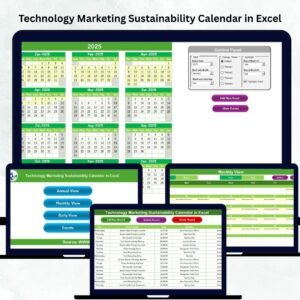
- Technology Marketing Sustainability Calendar in Excel: the technology and marketing planner with a sustainability focus
- Marketing Campaign Calendar in Excel: a calendar for planning campaigns
- Cybersecurity Review Calendar in Excel: a calendar for security reviews
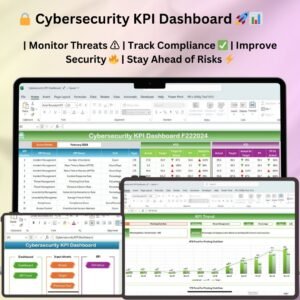
- Cybersecurity KPI Dashboard in Excel: track security KPIs next to your schedule
Browse all Excel calendar templates.









Reviews
There are no reviews yet.