

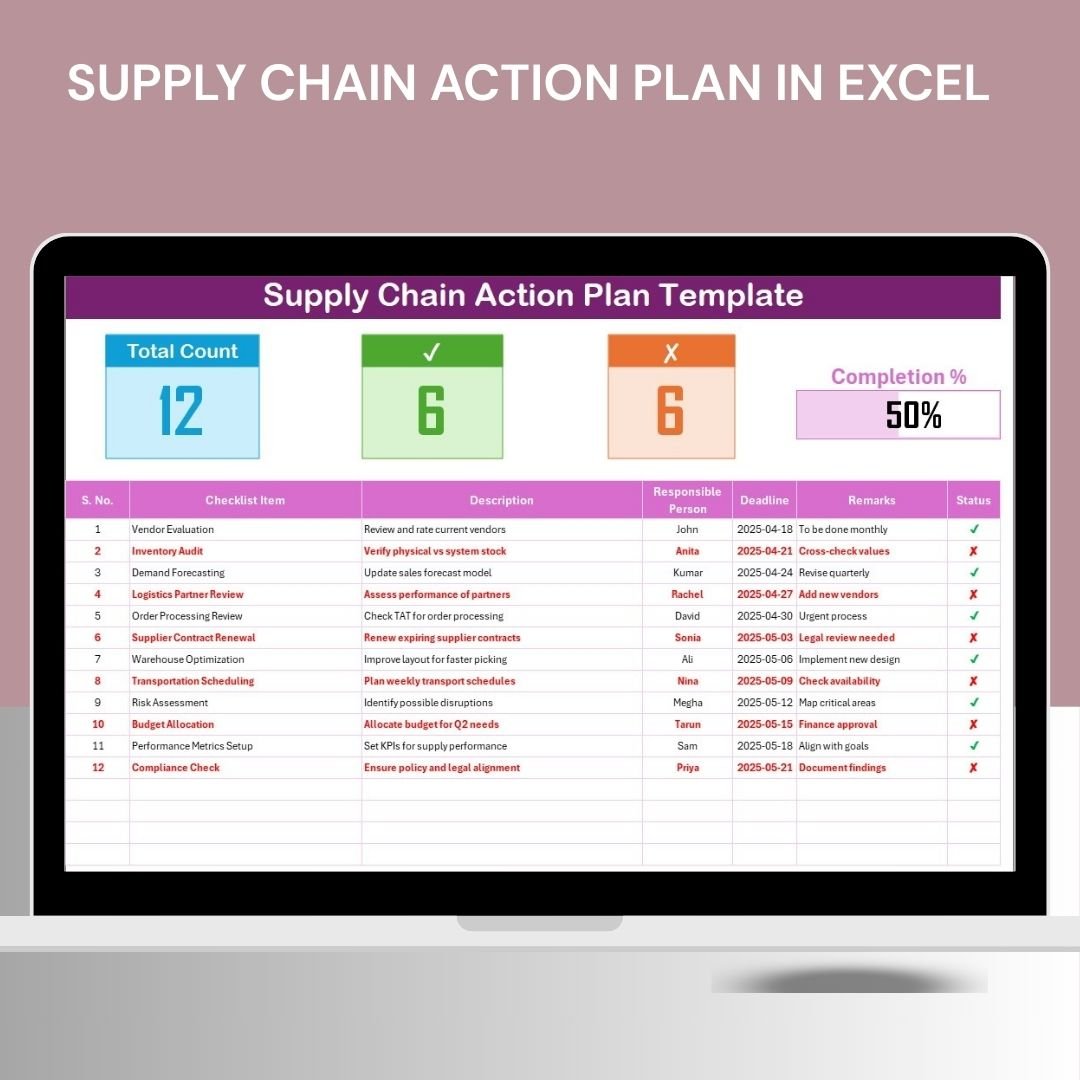


The Supply Chain Action Plan in Excel is a strategic tool designed to help businesses and supply chain managers plan, monitor, and optimize their supply chain operations. This Excel-based action plan allows you to define key tasks, set objectives, assign responsibilities, and track progress, ensuring a smooth and efficient supply chain process. With a focus on improving productivity, reducing delays, and optimizing resource management, this template is perfect for businesses of all sizes looking to streamline their supply chain functions.
By using this action plan, you can identify critical supply chain issues, create actionable steps to resolve them, and track the implementation of solutions in real-time. Whether you are managing inventory, logistics, procurement, or distribution, this tool ensures that every aspect of your supply chain is well-organized and aligned with your business goals.
Key Features of the Supply Chain Action Plan in Excel
📊 Task Management & Prioritization
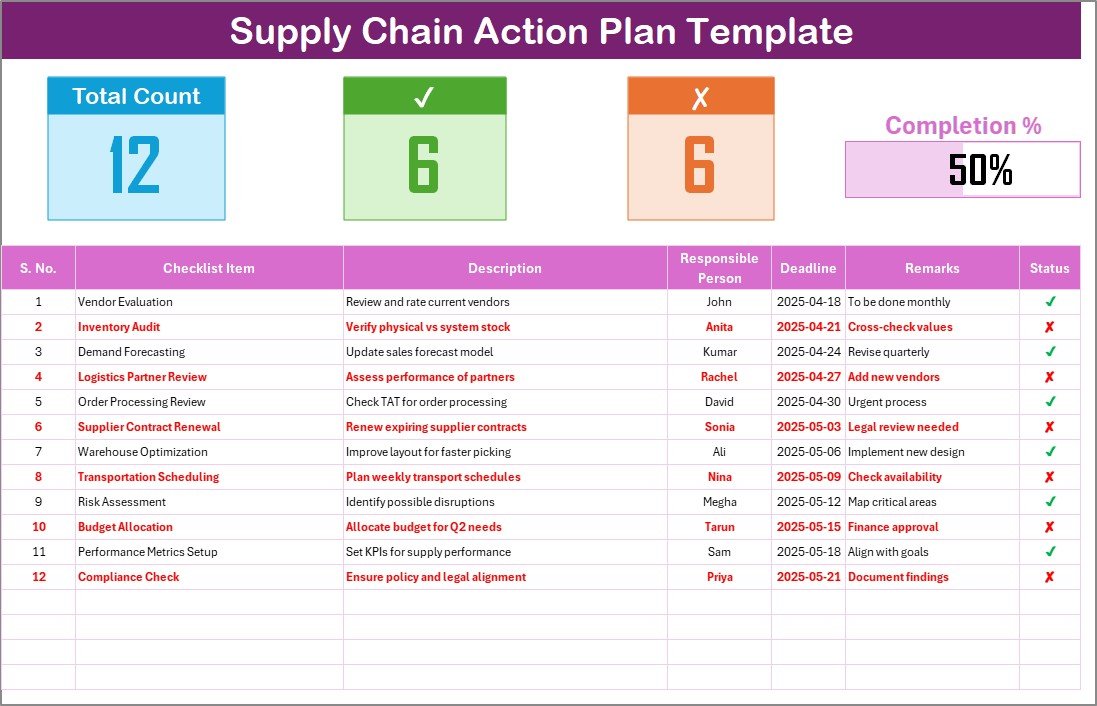
Track all supply chain-related tasks, prioritize them based on urgency, and set deadlines for completion. Assign responsibilities to team members to ensure accountability.
📝 Goal Setting & Milestone Tracking
Define clear goals for your supply chain operations and monitor progress toward achieving these goals. Set milestones to track key achievements and keep your team focused on the bigger picture.
⚙️ Resource Allocation
Allocate resources efficiently to different supply chain tasks, ensuring that you have the right materials, workforce, and infrastructure in place for each task.
📅 Time-Based Action Plan
Monitor task progress over time. With time-based tracking, you can assess the status of supply chain activities on a daily, weekly, or monthly basis to identify any bottlenecks or delays.
📈 Performance Monitoring & Reporting
Track the performance of your supply chain actions, generate reports on progress, and evaluate whether you are meeting your targets. Use this data to adjust your strategies and improve performance.
🔑 Customizable Plan for Your Business Needs
Tailor the action plan to suit your specific supply chain operations. Add or modify tasks, deadlines, and responsible parties based on your business’s unique supply chain needs.
Why You’ll Love the Supply Chain Action Plan in Excel
✅ Streamline Supply Chain Tasks
Manage and organize all tasks in one place, ensuring that every step of your supply chain is carefully planned and executed.
✅ Boost Operational Efficiency
By tracking progress, allocating resources effectively, and monitoring performance, the action plan helps to improve overall supply chain efficiency and productivity.
✅ Minimize Delays & Bottlenecks
Identify potential issues early on by tracking milestones and deadlines. This proactive approach helps to reduce delays and bottlenecks in your supply chain operations.
✅ Data-Driven Decision Making
Use insights from the action plan to make informed decisions and optimize your supply chain. Data-driven decision-making improves operational efficiency and reduces costs.
✅ Customizable & Scalable
Adapt the plan to your organization’s needs. Whether you’re a small business or a large enterprise, this plan can be scaled to accommodate any size operation.
What’s Inside the Supply Chain Action Plan in Excel?
Task Management & Prioritization: Track tasks and set priorities to ensure that critical activities are completed first.
Goal Setting & Milestone Tracking: Define and track progress toward achieving supply chain goals.
Resource Allocation: Allocate necessary resources to supply chain tasks and ensure smooth operations.
Time-Based Monitoring: Track progress over different time periods (daily, weekly, monthly).
Performance Monitoring & Reporting: Generate reports and evaluate the success of supply chain strategies.
Customizable Action Plan: Adjust the action plan to fit your supply chain’s unique needs.
How to Use the Supply Chain Action Plan in Excel
1️⃣ Download the Template: Access the Supply Chain Action Plan in Excel instantly.
2️⃣ Set Up Tasks & Deadlines: Input your tasks, deadlines, and assign responsibilities.
3️⃣ Monitor Task Progress: Track the completion of tasks and milestones over time.
4️⃣ Allocate Resources Efficiently: Ensure resources are available for critical tasks and monitor their usage.
5️⃣ Analyze Data & Make Adjustments: Use performance data to make informed decisions and optimize your supply chain.
Who Can Benefit from the Supply Chain Action Plan in Excel?
🔹 Supply Chain Managers & Operations Teams
🔹 Logistics & Warehouse Teams
🔹 Procurement & Sourcing Managers
🔹 Business Owners & Executives
🔹 Consultants & Analysts in Supply Chain Management
🔹 Small & Medium Enterprises (SMBs)
🔹 Large Corporations with Complex Supply Chains
Optimize your supply chain operations and improve efficiency with the Supply Chain Action Plan in Excel. Track tasks, allocate resources, and monitor performance to ensure a smooth and effective supply chain process.
Click here to read the Detailed blog post
Visit our YouTube channel to learn step-by-step video tutorials
Youtube.com/@PKAnExcelExpert
Watch the step-by-step video Demo:
Compatibility and Requirements
- Works in Microsoft Excel desktop (Excel 2016 or later, or Microsoft 365).
- The plan is a regular Excel sheet, so you can add tasks, deadlines and owners without any add-ins.
- Microsoft’s guide Create a drop-down list shows how to add your own status lists if you want them.
Frequently Asked Questions
What can I plan with this template?
You can list supply chain tasks, set goals and milestones, assign owners, set deadlines and allocate resources such as materials and staff.
Can I track progress over time?
Yes. You can review task status on a daily, weekly or monthly basis to spot delays and bottlenecks.
Which areas of the supply chain does it cover?
You can use it for inventory, logistics, procurement or distribution work.
Can I change the tasks and deadlines?
Yes. Add or modify tasks, deadlines and responsible people to fit your own supply chain.
Related Supply Chain Templates
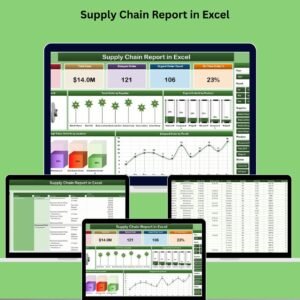
- Supply Chain Outline in Excel: outline the main supply chain steps
- Supply Chain Schedule in Excel: schedule supply chain work by date
- Supply Chain Management Checklist Template in Excel: a checklist for daily supply chain tasks
- Supply Chain Management Checklist in Google Sheets: for teams that work in the browser
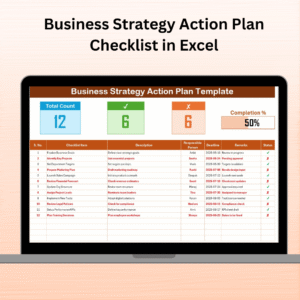
- Checklist and SOP Pack: 12 premium Excel and Google Sheets checklists in one bundle
Browse all Excel checklists or the Excel logistics templates.
































Reviews
There are no reviews yet.