

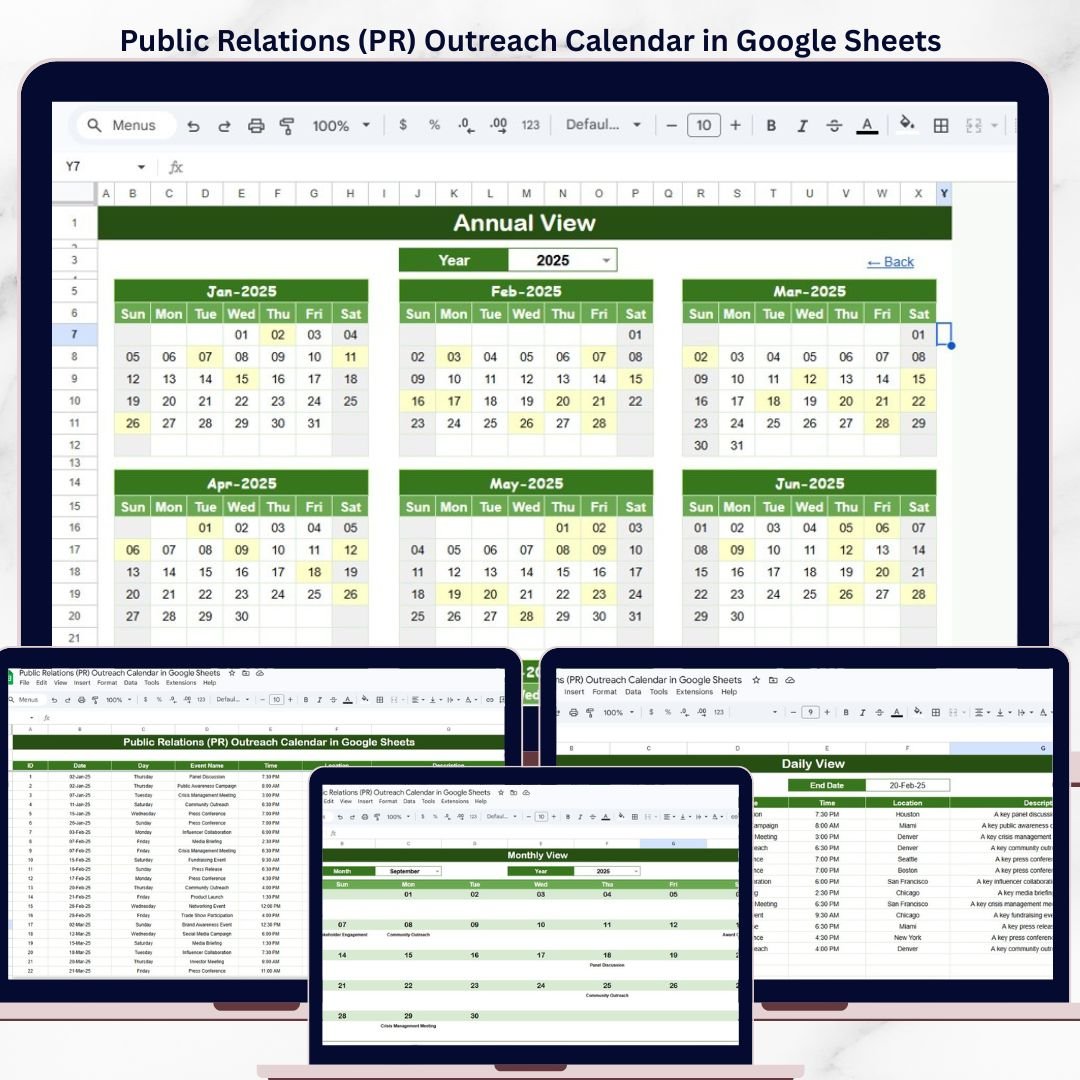

The Public Relations (PR) Outreach Calendar in Google Sheets organizes media pitches, press releases, journalist follow-ups, and campaign events across 5 interactive worksheets — Home, Annual View, Monthly View, Daily View, and Events — with auto-calculated day names and date-range filtering. Setup takes under 5 minutes: replace the sample data with your PR schedule and every view updates automatically.Public Relations PR Outreach Calendar in Google Sheets
🌍 Join 8,400+ teams in 40+ countries using NextGenTemplates to replace paid SaaS tools with one-time-purchase Excel, Google Sheets, Power BI, and HTML templates.
✅ Instant download · One-time payment · No subscription · No per-user fees · Lifetime access
🔑 Key Features of Public Relations (PR) Outreach Calendar in Google Sheets
This Google Sheets calendar template tracks PR outreach events with 7 data fields per entry: auto-generated ID, Date, Day, Event Name, Time, Location, and Description. It provides 4 distinct views — a 12-month annual overview, a single-month calendar with event indicators, a daily list filtered by date range, and a master events database. PR managers use this template to schedule media pitches, coordinate press conference logistics, plan product launch announcements, and track journalist follow-up deadlines — all from a single shared Google Sheets file.Public Relations PR Outreach Calendar in Google Sheets
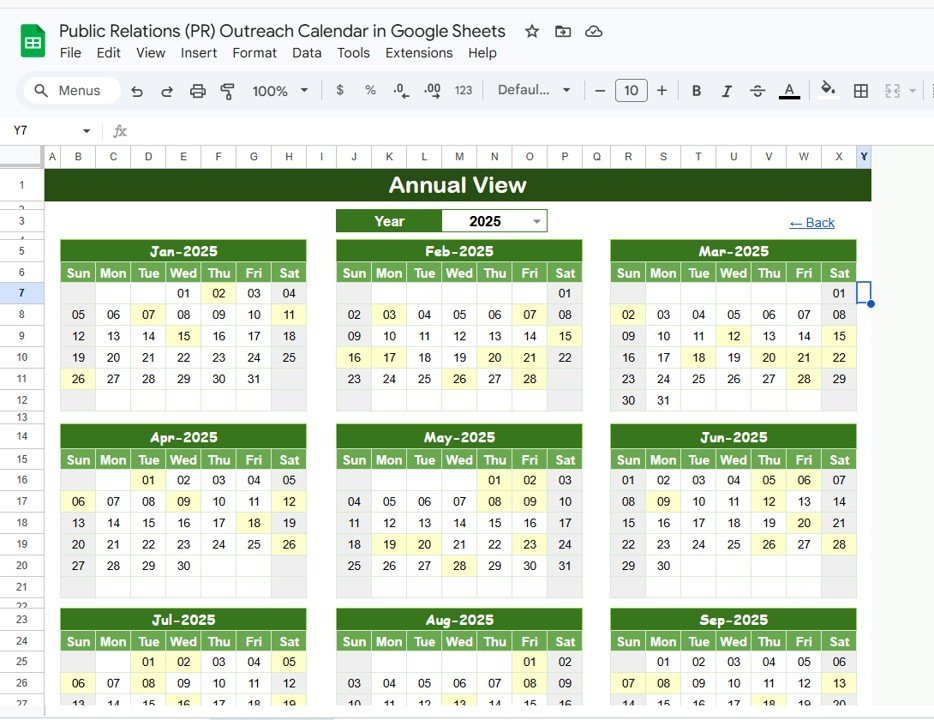
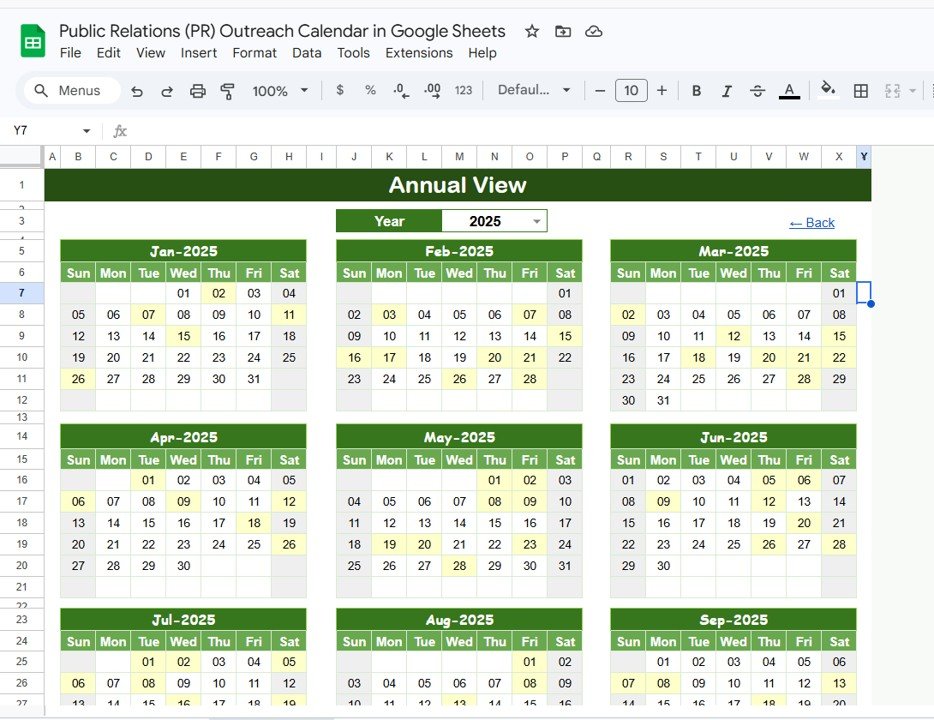
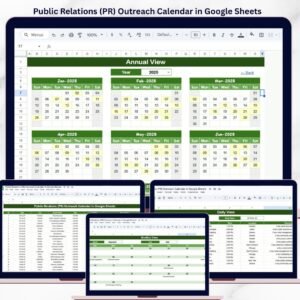
📅 Annual View with 12-Month Calendar — displays all 12 months on a single sheet. Spot gaps in your PR calendar or identify months with heavy media activity at a glance.
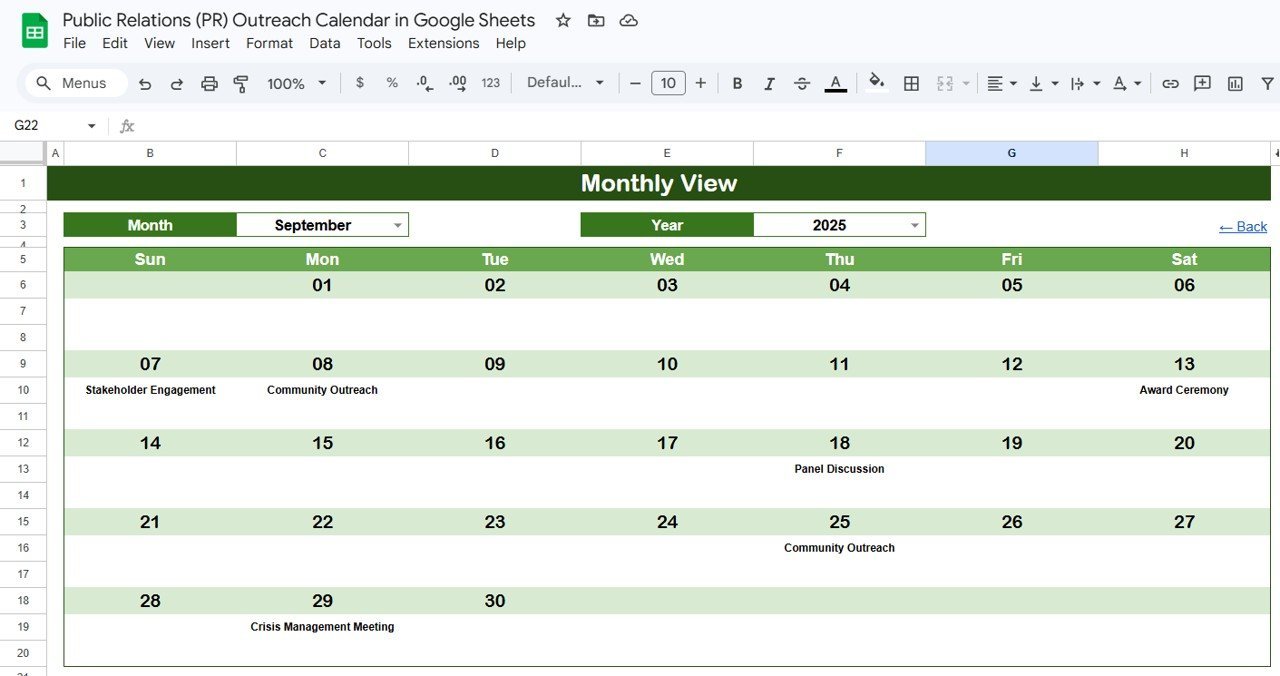
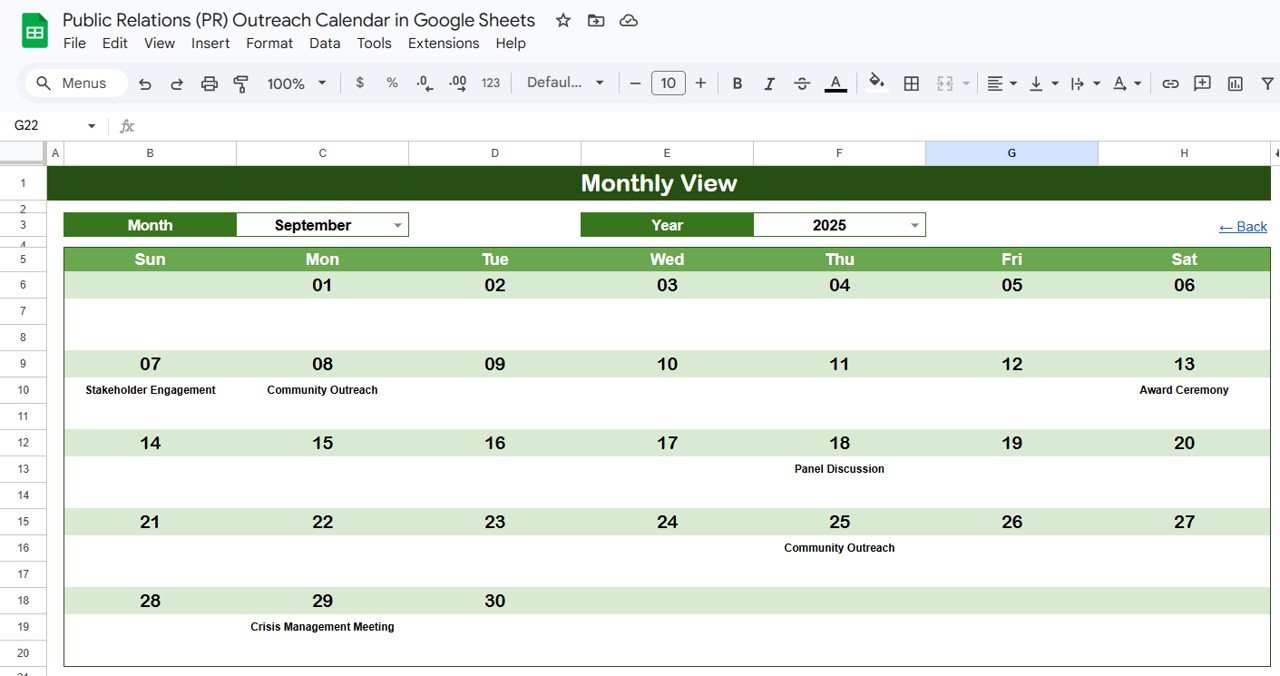
📆 Dynamic Monthly View — select any month and year from dropdown menus and the calendar rebuilds automatically. Each date cell shows 1 event, and dates with multiple PR activities display “more than 1…” so nothing gets missed.
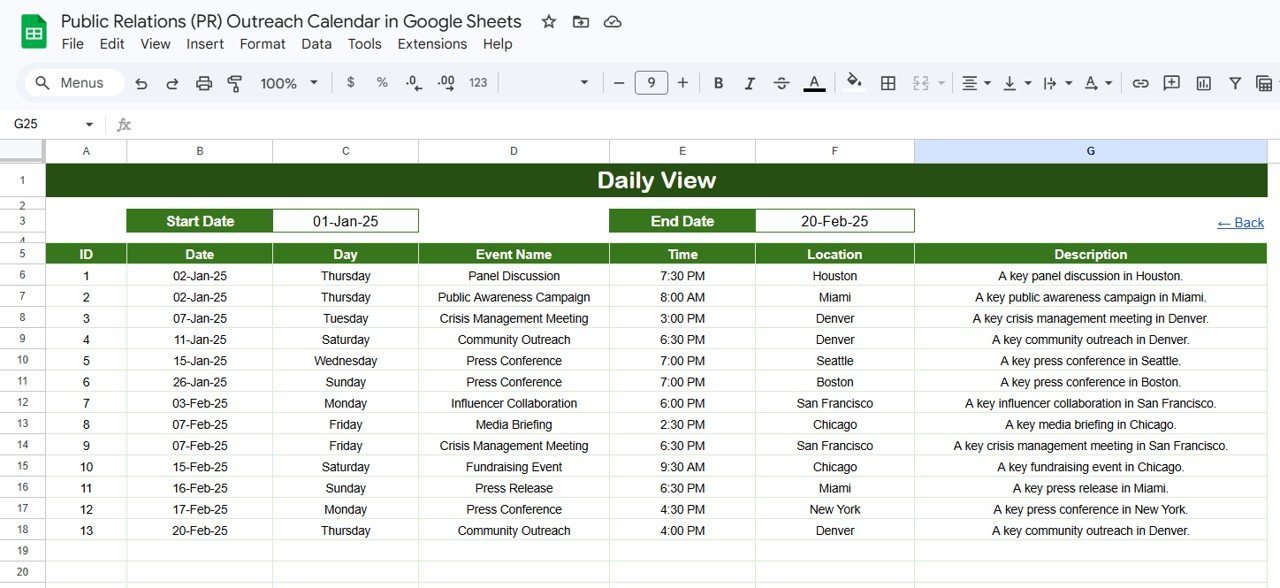
📋 Daily View with Date Range Filter — enter a start date and end date to see all PR events within that window. Double-click any date cell to open the built-in date picker. Ideal for weekly press briefing prep or campaign sprint planning.
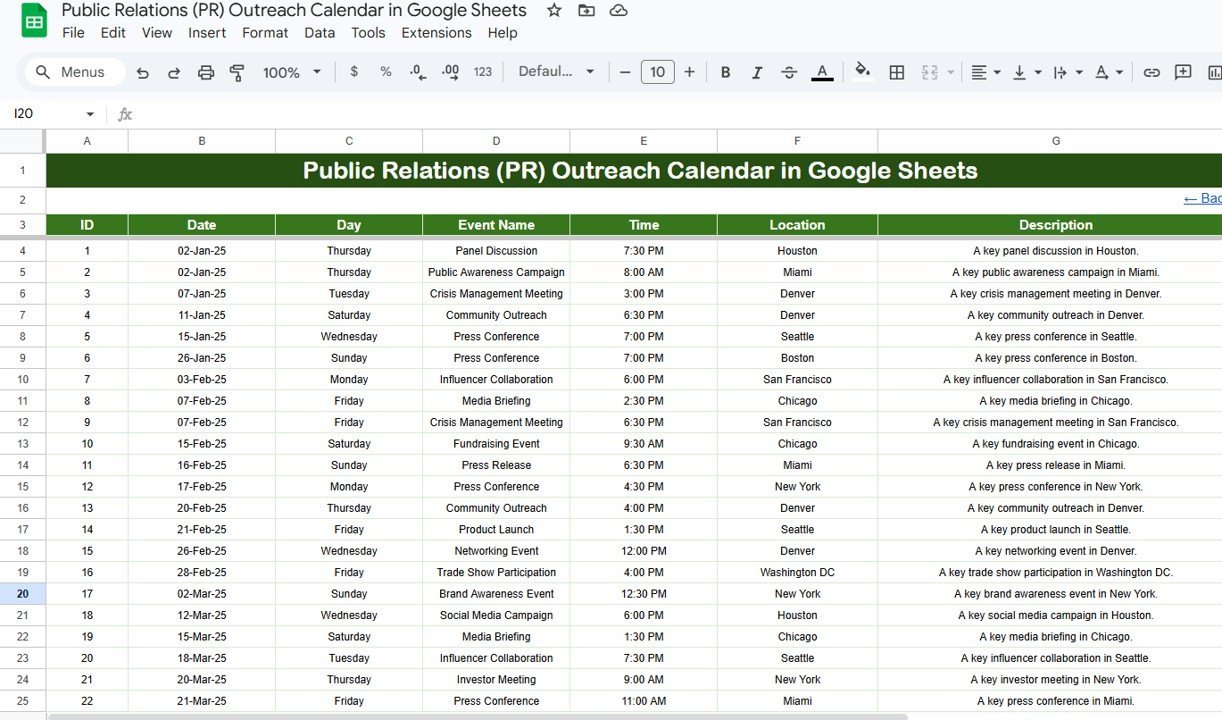
🗂️ Events Database Sheet — the central data hub where every PR event is recorded with 7 fields: ID (auto-generated), Date, Day, Event Name, Time, Location, and Description. All other views pull from this single source of truth.
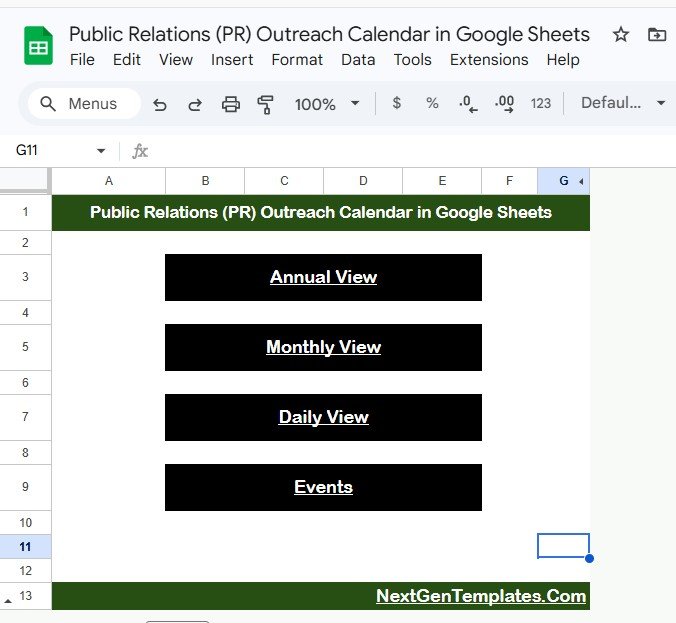
🏠 Home Sheet with Navigation Buttons — 4 clickable buttons (Annual View, Monthly View, Daily View, Events) let you jump between views instantly without scrolling through tabs.Public Relations PR Outreach Calendar in Google Sheets
For teams already using Google Sheets Dashboard Templates, this calendar integrates into your existing workflow with zero learning curve.
📦 What’s Inside the Public Relations (PR) Outreach Calendar
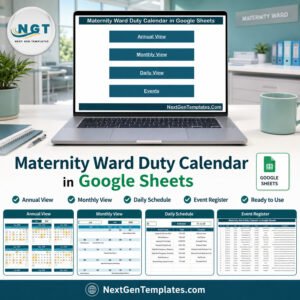
This template includes 5 worksheets designed for end-to-end PR scheduling:
📌 1. Home Sheet — An index page with 4 navigation buttons: Annual View, Monthly View, Daily View, and Events. Click any button to jump directly to that sheet.
Public Relations (PR) Outreach Calendar in Google Sheets
📌 2. Annual View Sheet — Displays all 12 months in a single view. Use this to map the entire PR year — mark press release dates, media event windows, quarterly campaigns, and editorial deadlines.Public Relations PR Outreach Calendar in Google Sheets
Annual View Sheet tab
📌 3. Monthly View Sheet — A single calendar for the selected month. Select the Month and Year from the top dropdowns. Each date cell shows one event, and if a date has more than one PR activity, it displays “more than 1…” to flag overlapping events.Public Relations PR Outreach Calendar in Google Sheets
Monthly View Sheet tab
📌 4. Daily View Sheet — Lists all events within a selected date range. Set your Start Date and End Date at the top (double-click the cell to open the date picker), and the sheet filters all matching PR events with full details.Public Relations PR Outreach Calendar in Google Sheets
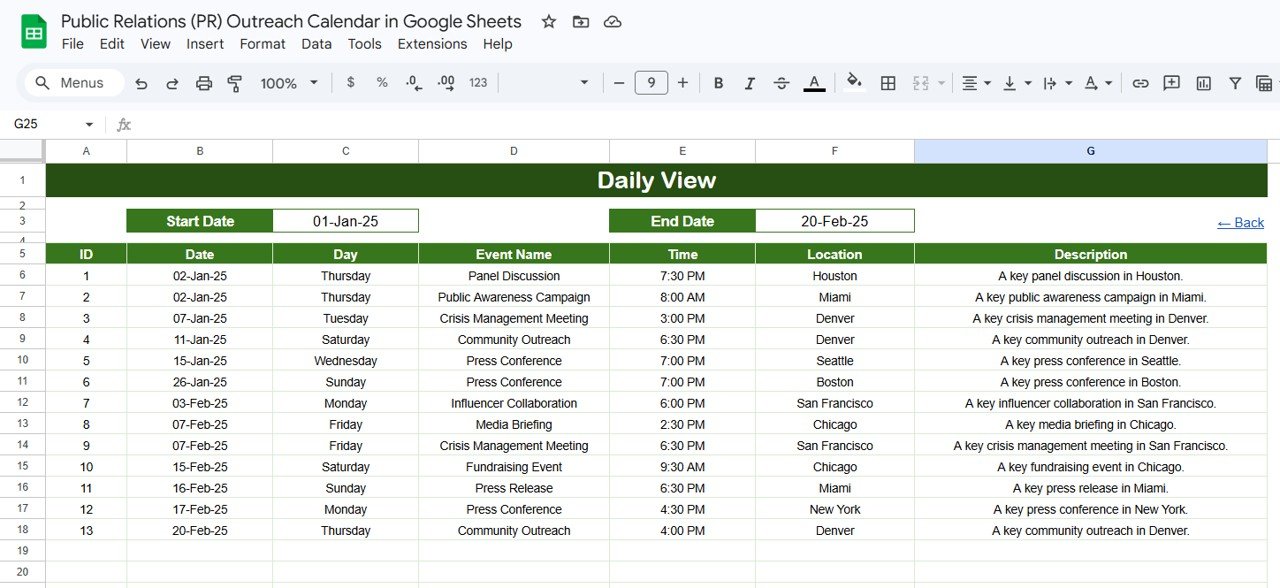
Daily View Sheet tab
📌 5. Events Sheet — The master database. Each row captures: auto-generated ID, Date, Day (auto-calculated), Event Name, Time, Location, and Description. Enter your PR outreach data here and all calendar views update automatically.
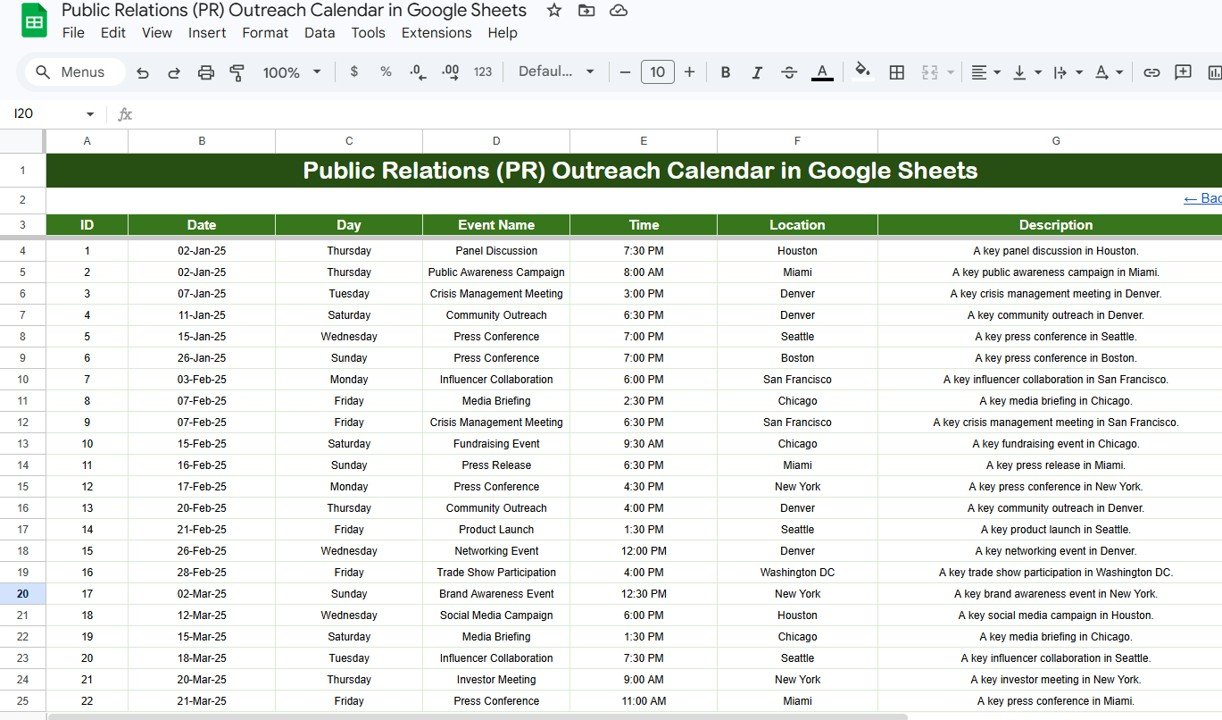
Events Sheet tab
📊 PR Outreach Calendar vs. Microsoft Excel Calendar vs. Meltwater — Where This Fits
| Feature | PR Outreach Calendar (Google Sheets) | Microsoft Excel Calendar | Meltwater / Cision |
|---|---|---|---|
| Cost | $4.99 one-time | $5-15 one-time | $4,000-12,000/year |
| Platform | Google Sheets (browser-based) | Microsoft Excel (desktop) | Cloud SaaS |
| Setup Time | Under 5 minutes | 10-15 minutes | 2-4 weeks onboarding |
| Real-Time Team Collaboration | ✅ Built-in (Google Sheets) | Limited (OneDrive required) | ✅ Yes |
| Mobile Access | ✅ Google Sheets app | Limited via Excel mobile | ✅ Mobile app |
| Customizable Fields | ✅ Fully editable | ✅ Fully editable | ⚠️ Admin-configured |
| Share with Link | ✅ One-click sharing | Requires OneDrive/email | ✅ Role-based sharing |
| Year-1 Cost at 5 Users | $4.99 total | $5-15 total | $4,000-12,000 |
| Media Contact Database | Manual (add columns) | Manual | ✅ Built-in 1M+ contacts |
For PR teams that want a visual outreach calendar without paying thousands for enterprise media monitoring, the Public Relations (PR) Outreach Calendar in Google Sheets sits in the sweet spot.
👥 Who This Template Is For — and Who It’s Not For
✅ This template is built for:
- PR managers and communications directors at 10-200 person companies scheduling media outreach, press releases, and journalist follow-ups
- Marketing teams at startups and SMBs coordinating product launch announcements and campaign event timelines
- Freelance PR consultants managing outreach calendars for multiple clients from a shared Google Sheets file
❌ This template is NOT for:
- Enterprise PR teams needing integrated media monitoring with sentiment analysis and automated clipping (consider Meltwater or Cision)
- Agencies requiring real-time social listening dashboards tied to earned media metrics
- Teams that need automated email pitch sequences triggered by calendar events
⚙️ How to Use the Public Relations (PR) Outreach Calendar
- Open the Google Sheets copy link from the PDF guide included in your download.
- Go to the Events sheet and enter your PR outreach details — date, event name, time, location, and description. The ID and Day columns auto-populate.
- Navigate to the Annual View to see all 12 months of PR activities at a glance.
- Use the Monthly View to drill into a specific month — select month and year from the dropdowns at the top.
- Switch to the Daily View and set a date range to see all PR events within that window.
- Use the Home sheet buttons to jump between views instantlyPublic Relations PR Outreach Calendar in Google Sheets
💼 Real-World Use Cases
Meera runs PR for a 60-person fintech startup in Bangalore. She tracks 25+ media pitches per quarter — from tech journalists to financial publications — using the Events sheet. The Monthly View helps her spot weeks with no scheduled outreach, and the Daily View generates a filtered list for her Monday morning media briefings. The entire PR team accesses the same Google Sheet from their browsers, replacing a $300/month project management tool.Public Relations PR Outreach Calendar in Google Sheets
James manages communications at a mid-size nonprofit in Chicago. He schedules press conferences, donor event announcements, and grant deadline reminders in one calendar. The Annual View lets his executive director see the entire year’s media plan on a single screen during board meetings — something their previous system of scattered Google Calendar events couldn’t deliver.
Sofia is a freelance PR consultant handling 4 client accounts simultaneously. She creates a separate copy of the PR Outreach Calendar for each client, enters pitch deadlines and media follow-ups into the Events sheet, and shares view-only links with each client for transparency. Setup for a new client takes under 5 minutes.Public Relations PR Outreach Calendar in Google Sheets
❓ Frequently Asked Questions
What views does the PR Outreach Calendar include?
The Public Relations (PR) Outreach Calendar in Google Sheets includes 5 worksheets with 4 views: Home (navigation), Annual View (12-month overview), Monthly View (single-month calendar with event display), Daily View (date-range filtered event list), and Events (master database). All views update automatically from the Events sheet.Public Relations PR Outreach Calendar in Google Sheets
Can I share this calendar with my PR team?
Yes. Since this template runs in Google Sheets, you can share it via a link. Everyone sees real-time updates — no syncing, no version conflicts. Click Share in the top-right corner and add your team members’ email addresses.Public Relations PR Outreach Calendar in Google Sheets
How many PR events can this calendar handle?
There is no hard limit. Google Sheets supports up to 10 million cells, so you can track hundreds of press releases, media pitches, and campaign events without performance issues.Public Relations PR Outreach Calendar in Google Sheets
How does this compare to Meltwater or Cision for PR scheduling?
Meltwater and Cision cost $4,000-12,000 per year and focus on media monitoring and contact databases. The PR Outreach Calendar costs $4.99 one-time and focuses on scheduling, viewing, and filtering PR activities. For teams under 200 that need a visual outreach schedule without enterprise media intelligence, this template covers the planning side at 0.1% of the cost.
How long does setup take?
Setup takes under 5 minutes. Open the Google Sheets link from the PDF guide, make a copy to your Google Drive, and start entering PR events in the Events sheet. All views populate automatically from your entries.
Can I customize the fields in the Events sheet?
Yes. You can add columns for media outlet, journalist name, pitch status, or any other field your PR workflow requires. The existing views pull from the core columns (Date, Event Name, Time, Location, Description), and you can extend the Events sheet as needed.Public Relations PR Outreach Calendar in Google Sheets
Does this work on mobile devices?
Yes. Google Sheets works on iOS and Android through the Google Sheets app. You can view PR schedules, add new events, and filter by date range directly from your phone or tablet.Public Relations PR Outreach Calendar in Google Sheets
👤 About the Author
Built by PK — Microsoft Certified Professional with 15+ years of Excel, Google Sheets, and Power BI experience. Founder of NextGenTemplates, reaching 300K+ subscribers across YouTube channels (@PK-AnExcelExpert, @NextGenTemplates, @NeoTechNavigators). Every template is hand-built and tested before release.Public Relations PR Outreach Calendar in Google Sheets
🔗 Explore Related Templates
📌 Vendor Contract Renewal Calendar in Google Sheets — Track vendor contract deadlines with the same 4-view calendar structure.
📌 Inventory Audit Calendar in Google Sheets — Schedule and track audits with Annual, Monthly, and Daily views.
📌 Monthly Sales Goals Calendar in Google Sheets — Plan monthly sales targets with calendar-based goal tracking.
Browse all Google Sheets Dashboard Templates | Calendar Templates
📖 Click here to read the Detailed Blog Post
🎥 Visit our YouTube channel for step-by-step video tutorials
👉 YouTube.com/@NextGenTemplates
Compatibility and Requirements
- Works in Google Sheets. You need a free Google account and a web browser, and the Google Sheets app works on iOS and Android.
- You pick the month and year from dropdowns on the Monthly View sheet. Google explains dropdowns in Create an in-cell dropdown list.
Related PR Templates
- Public Relations (PR) Dashboard in Google Sheets: a dashboard view for PR results
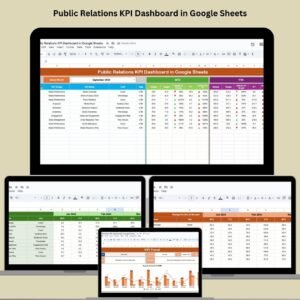
- Public Relations KPI Dashboard in Google Sheets: track PR KPIs next to your outreach schedule
- Dynamic Holiday and Event Calendar in Google Sheets: a general event calendar in Google Sheets
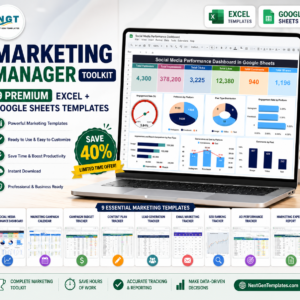
- Marketing Manager Toolkit: 9 templates for marketing teams in one download
Browse all Google Sheets calendar templates.









Reviews
There are no reviews yet.