Launching a product without a clear documentation system can quickly turn into chaos. Missed approvals, unclear responsibilities, and last-minute surprises often delay even the best product ideas. But what if you could manage your entire launch documentation in one powerful, ready-to-use Excel file?
The Product Launch Documentation Checklist in Excel is designed to bring structure, visibility, and confidence to your product launch process. This smart and professionally built template helps teams track every required document, assign ownership, monitor deadlines, and measure completion progress — all from one centralized dashboard.
Instead of juggling multiple spreadsheets and emails, your team gets a single source of truth. As a result, you reduce risks, improve accountability, and accelerate launch readiness.
Whether you are a product manager, startup founder, or PMO professional, this checklist gives you the clarity needed for a smooth and successful product release.
✨ Key Feature of Product Launch Documentation Checklist in Excel
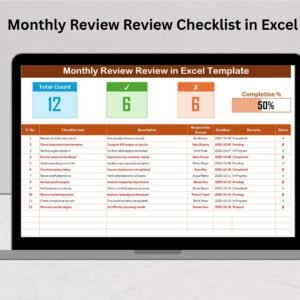
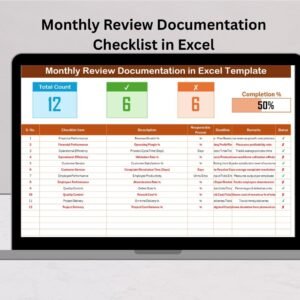
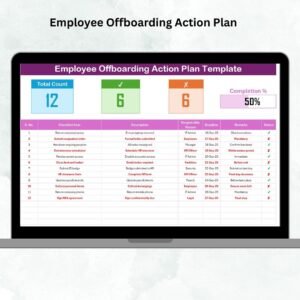
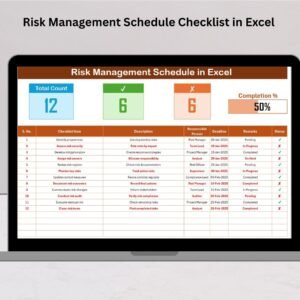
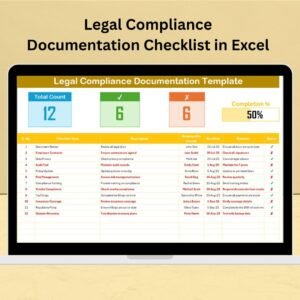
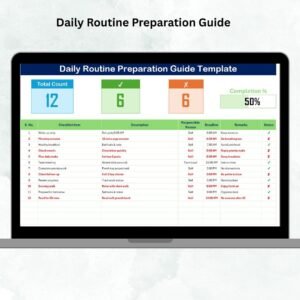
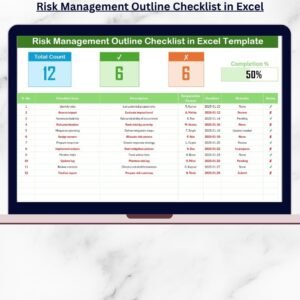
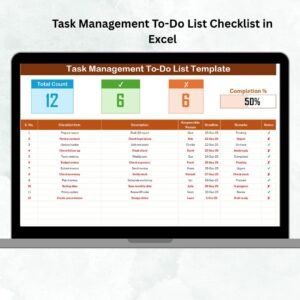
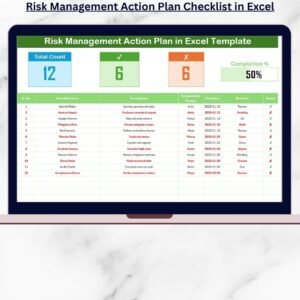
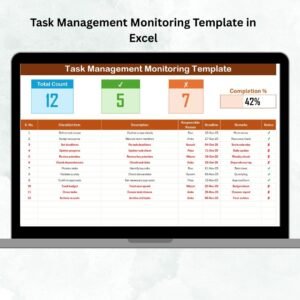
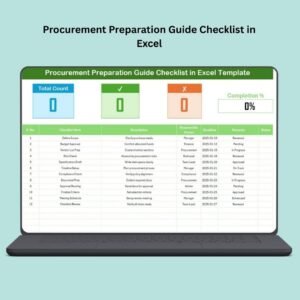
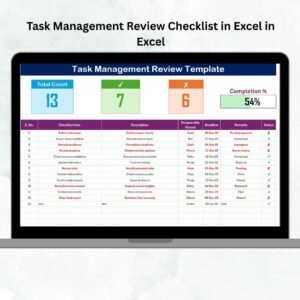
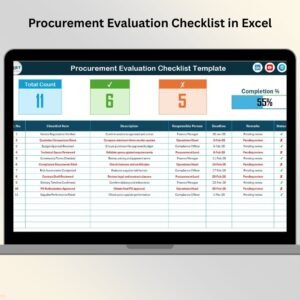
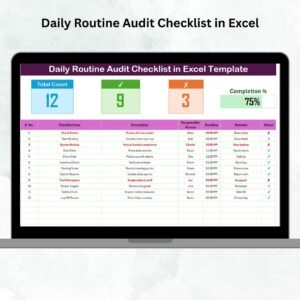
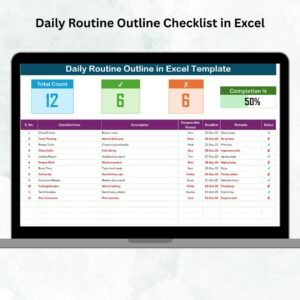
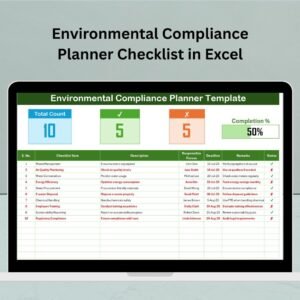
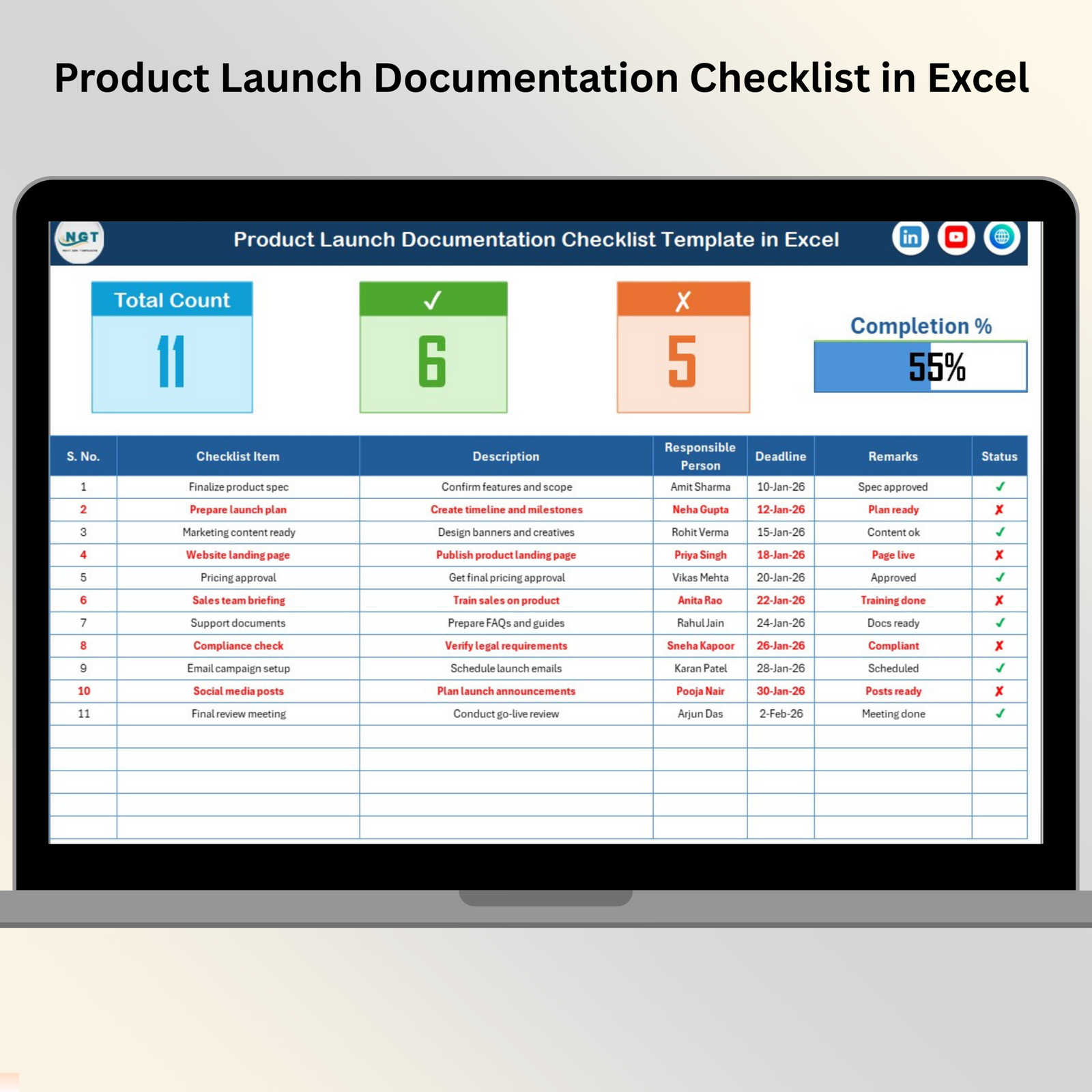
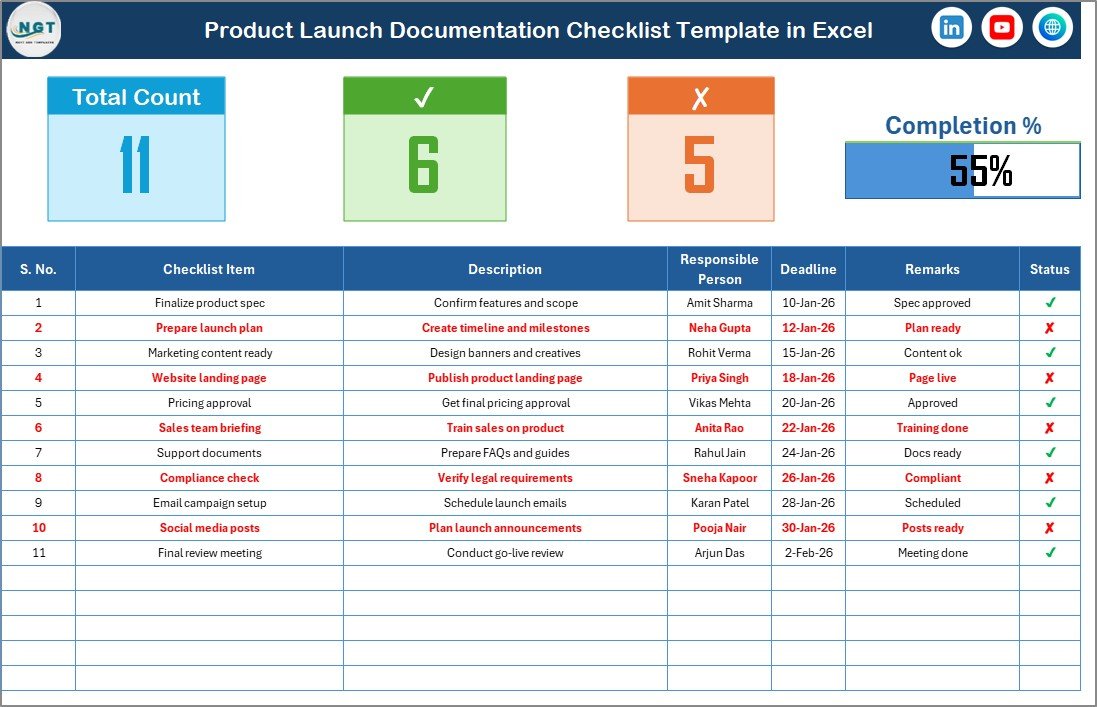
✅ Dynamic Progress Dashboard – Instantly view Total Count, Checked Count, Crossed Count, and completion percentage with an automated progress bar.
📋 Structured Checklist Table – Track every documentation task with clearly defined columns for responsibility and deadlines.
🎯 Real-Time Status Tracking – Simply mark ✔ or ✘ and watch the dashboard update automatically.
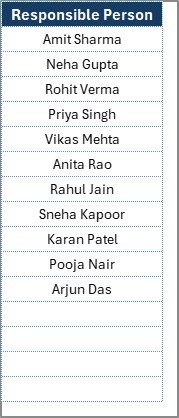
👥 Responsible Person Dropdown – Assign tasks quickly using validated dropdown lists to maintain consistency.
⏱️ Deadline Monitoring – Keep launches on schedule by tracking due dates in one place.
🔄 Reusable Template Design – Use the same checklist for multiple product launches without rebuilding from scratch.
🧩 Fully Customizable Format – Easily add columns, modify fields, or adapt the checklist to your workflow.
📊 Clean & Professional Layout – Designed for clarity so managers can review progress at a glance.
📦 What’s Inside the Product Launch Documentation Checklist in Excel
When you download this template, you receive a well-structured Excel file built for real-world launch management.
You will get:
-
✔ Main Checklist Sheet (command center)
-
✔ Automated summary section with progress bar
-
✔ Ready-to-use checklist table
-
✔ Responsible person dropdown system
-
✔ List Sheet for data validation
-
✔ pre-formatted status tracking
-
✔ Clean and user-friendly layout
Because everything is pre-configured, you can start using the checklist within minutes — no complex setup required.
🛠️ How to Use the Product Launch Documentation Checklist in Excel
Getting started is extremely simple. The template is designed for beginners as well as advanced users.
Step 1: Enter your documentation checklist items
Step 2: Assign the responsible person from the dropdown
Step 3: Set realistic deadlines
Step 4: Update status using ✔ for complete or ✘ for pending
Step 5: Monitor the automated progress dashboard
That’s it! The template handles calculations automatically, so your team can focus on execution instead of manual tracking.
🎯 Who Can Benefit from This Product Launch Documentation Checklist in Excel
This powerful checklist is ideal for any organization involved in product releases.
Best suited for:
-
Product Managers
-
Project Managers
-
Marketing Teams
-
PMO Offices
-
Startup Founders
-
Operations Teams
-
Compliance Teams
-
Cross-functional launch teams
If your organization wants smoother launches, better coordination, and zero missed documentation steps, this template is a must-have tool.
# Click hare to read the Detailed blog post
Visit our YouTube channel to learn step-by-step video tutorials
👉 https://Youtube.com/@PKAnExcelExpert