

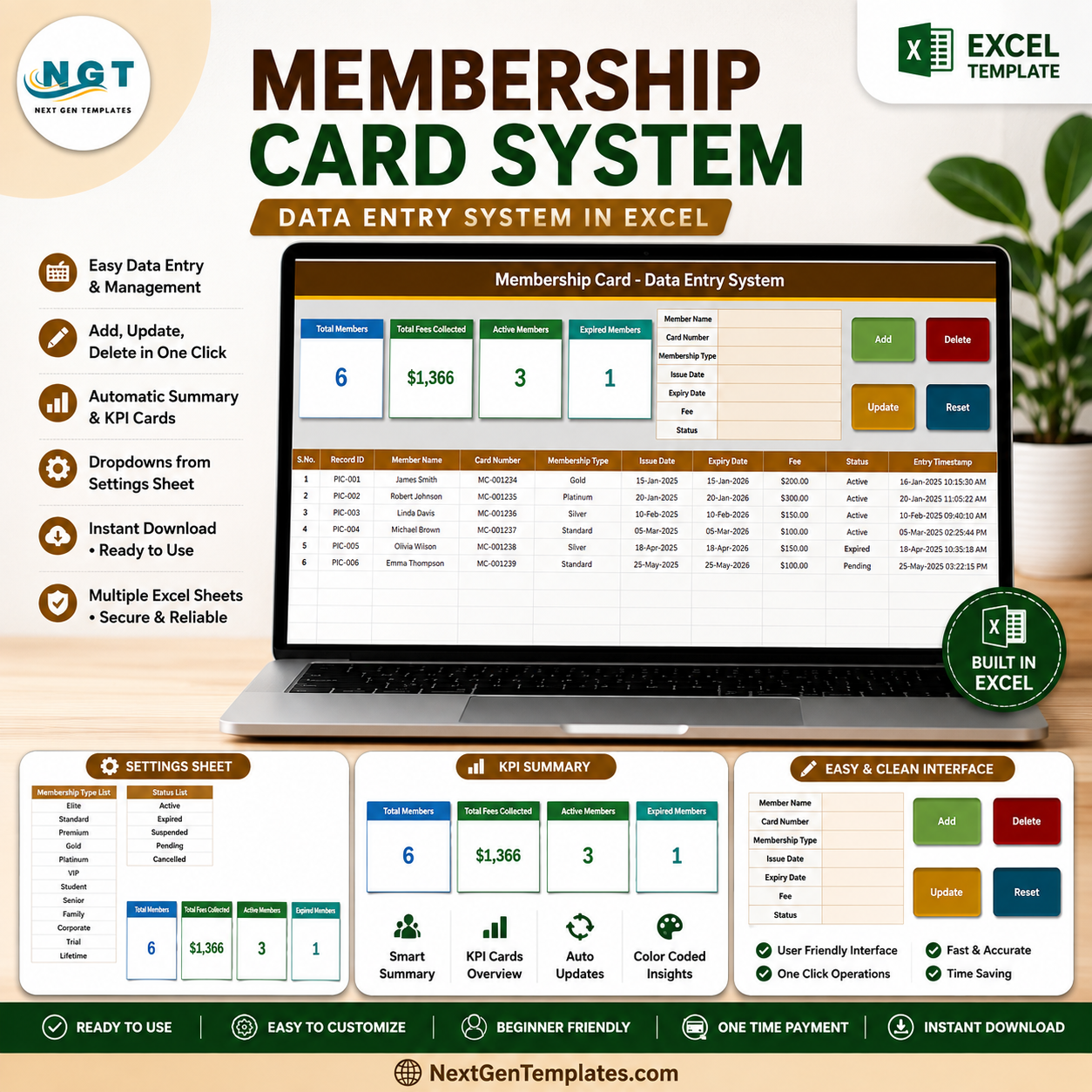

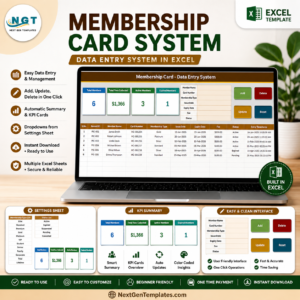
The Membership Card Data Entry System in Excel turns member administration into one guided workbook: 7 form fields, 4 VBA action buttons, 4 live summary cards, and a 10-column audit-ready records table. The Setting sheet includes 11 editable membership types and 5 statuses, while automatic Record IDs and timestamps reduce manual filing mistakes. Join 8,400+ teams in 40+ countries using NextGenTemplates to replace recurring software fees with practical templates.
Instant download · One-time payment · No subscription · Lifetime access
This is a desktop Excel record-keeping tool, not a card-printing application or multi-user cloud membership platform. Sample names, fees, and dates are fictional.
Key Features of the Membership Card Data Entry System in Excel
- Seven-field member form: capture Member Name, Card Number, Membership Type, Issue Date, Expiry Date, Fee, and Status in one place.
- Four one-click operations: Add, Update, Delete, and Reset are driven by VBA. Double-click a row to load it for editing, then save by its unique Record ID.
- Four live KPI cards: Total Members, Total Fees Collected, Active Members, and Expired Members update from the underlying table.
- Automatic control fields: sequential Record IDs and Entry TimeStamps help distinguish records and preserve an operational trail.
- Editable dropdowns: change the membership types and statuses on the Setting sheet; form and table dropdowns follow.
- Filterable Excel table: ten columns make it easy to sort upcoming expiry dates, review fees, or isolate a status.
What’s Inside the Membership Card Data Entry System in Excel
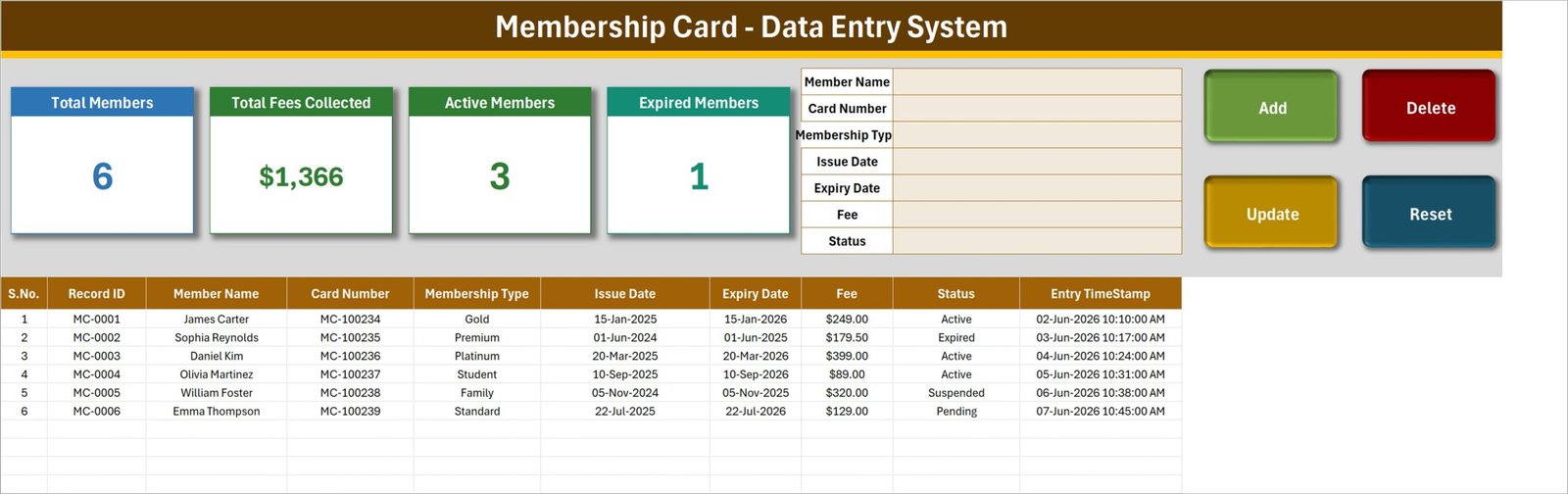
Data Entry sheet
The daily workspace combines four member-summary cards, the seven-field form, the action buttons, and the complete records table. The sample shows six members, $1,366 collected, three active memberships, and one expired membership so you can understand the model before clearing the examples.
Setting sheet
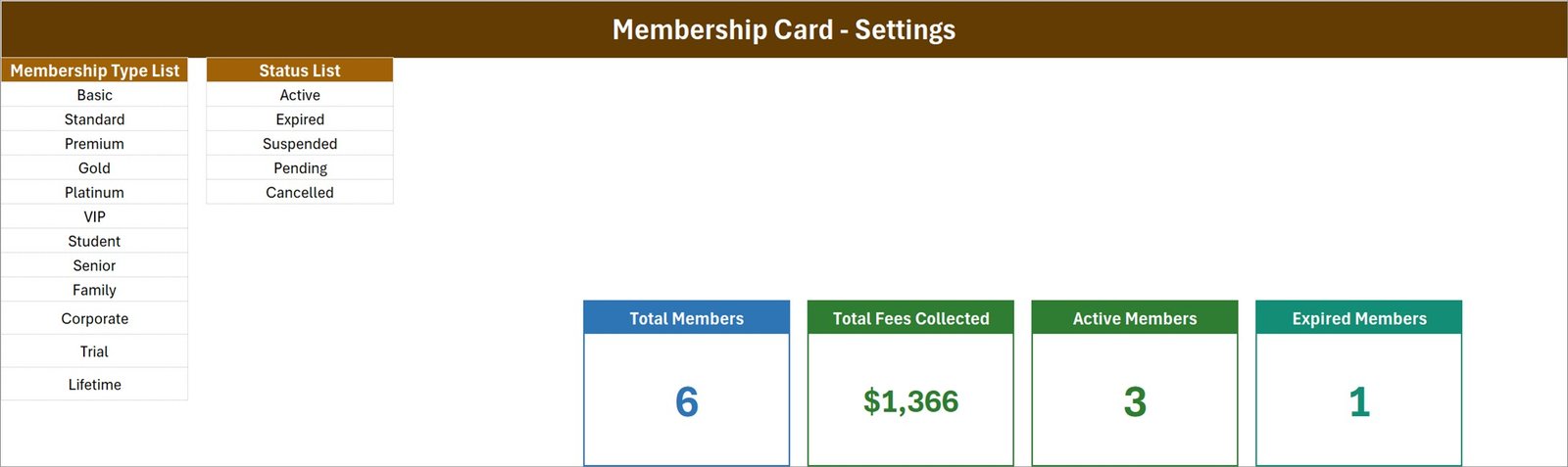
Edit eleven starting membership types – Basic, Standard, Premium, Gold, Platinum, VIP, Student, Senior, Family, Corporate, Trial, and Lifetime – plus Active, Expired, Suspended, Pending, and Cancelled statuses. The source KPI cards also live here for easy restyling.
How To Use sheet
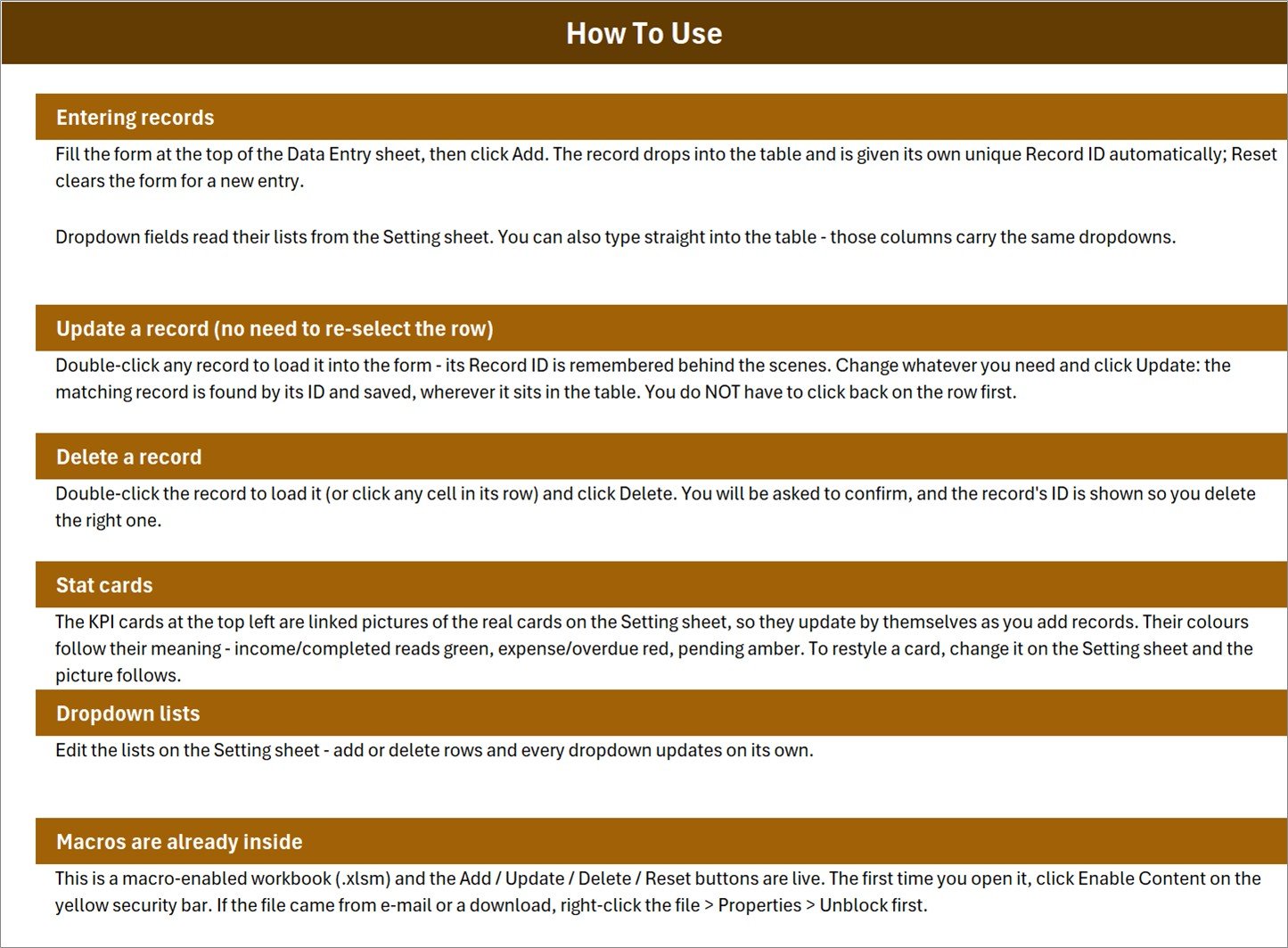
Built-in instructions explain entry, double-click editing, safe deletion, stat-card behavior, dropdown maintenance, and the macro-security step required on first open.
Membership Card Data Entry System in Excel vs. Google Sheets vs. Paid Membership SaaS – Where This Fits
| Feature | This Excel template | Google Sheets log | Paid membership SaaS |
|---|---|---|---|
| Cost | $6.99 one-time | Free, but self-built | Typically recurring |
| Setup | Enable macros, edit lists, clear samples | Build forms and automation | Configure plans and users |
| Add/update/delete form | Built in with 4 VBA buttons | Requires Apps Script | Usually included |
| Team collaboration | Single desktop file | Real-time sharing | Role-based cloud access |
| Mobile access | Not for VBA actions | Yes | Usually yes |
| Custom fields | Editable in Excel | Editable | Plan-dependent |
| Data location | Your local file | Google Drive | Vendor cloud |
Who This Template Is For – and Who It’s Not For
Good fit: gyms, clubs, associations, studios, libraries, coworking spaces, and small membership programs managed by one administrator in desktop Excel.
Not a fit: teams needing simultaneous data entry, barcode or physical-card printing, automated renewal emails, payment processing, door-access integration, or operation in Excel for the web. VBA requires desktop Excel and enabled macros.
How to Use the Membership Card Data Entry System in Excel
- Unzip the download, right-click the .xlsm file, choose Properties, and select Unblock if Windows shows that option.
- Open it in desktop Excel and click Enable Content so Add, Update, Delete, and Reset can run.
- Edit Membership Type List and Status List on the Setting sheet.
- Clear the six sample records, then complete the form and click Add.
- Double-click a record to load it, change fields, and click Update. Use Delete only after checking the displayed Record ID.
- Filter the table by Expiry Date or Status and review the four KPI cards as records change.
Real-World Use Cases
Maya, a yoga studio manager, records each member’s plan and renewal window, then filters Expiry Date before monthly follow-ups. Daniel, a private-club administrator, separates Gold, Family, and Corporate plans while monitoring total fees. Aisha, an association secretary, uses Record IDs and timestamps to maintain a consistent roster without buying a CRM.
Frequently Asked Questions
Does this create or print physical membership cards?
No. It records card numbers and membership details; it does not design or print cards.
Do I need macros?
Yes. Add, Update, Delete, and Reset use VBA, so enable content in desktop Microsoft Excel.
Can I change membership types and statuses?
Yes. Edit the lists on the Setting sheet and the dropdowns update.
Can two people enter data simultaneously?
No. This is a single desktop workbook, not a concurrent cloud database.
Can I track expiry dates and fees?
Yes. Both are dedicated fields, and the cards summarize total fees and expired members.
Will it work in Google Sheets or Excel Online?
The table may open, but the VBA buttons will not run. Use desktop Excel.
About the Author
Built by PK – Microsoft Certified Professional with 15+ years of Excel, Google Sheets, and Power BI experience. Founder of NextGenTemplates, reaching 300K+ subscribers across YouTube channels. Every template is hand-built and tested before release.
Explore Related Templates
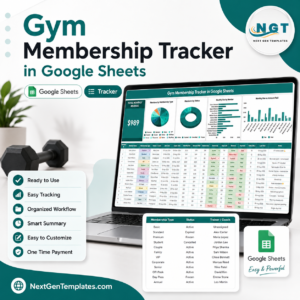
- Gym Membership Tracker in Google Sheets for shared browser access.
- Private Clubs Dashboard in Excel for deeper membership analysis.
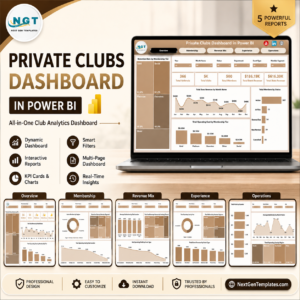
- Private Clubs Dashboard in Power BI for interactive reporting.
- Supplement Sales Data Entry System in Excel for gym retail transactions.
- Salon Appointment Data Entry System in Excel for appointment-led member businesses.
Browse more Microsoft Excel templates and Excel VBA tools.
Read the detailed Membership Card System guide
Ready to replace an improvised member list? Download the template, enable macros, edit the two lists, and start recording memberships today.
Last updated: August 2026





























Reviews
There are no reviews yet.