


In today’s fast-changing business environment, managing risk effectively isn’t optional — it’s essential. The Risk Management Audit Checklist in Excel is your one-stop solution for tracking, evaluating, and improving your organization’s risk control activities. Whether you’re managing financial compliance, operational safety, or data governance, this Excel-based tool helps you stay one step ahead.
This ready-to-use Excel template empowers you to identify, assess, and monitor risks across all business areas with just a few clicks. Built for professionals who value clarity, accountability, and efficiency, it provides a structured way to conduct audits while saving you time and effort.
✨ Key Features of Risk Management Audit Checklist in Excel
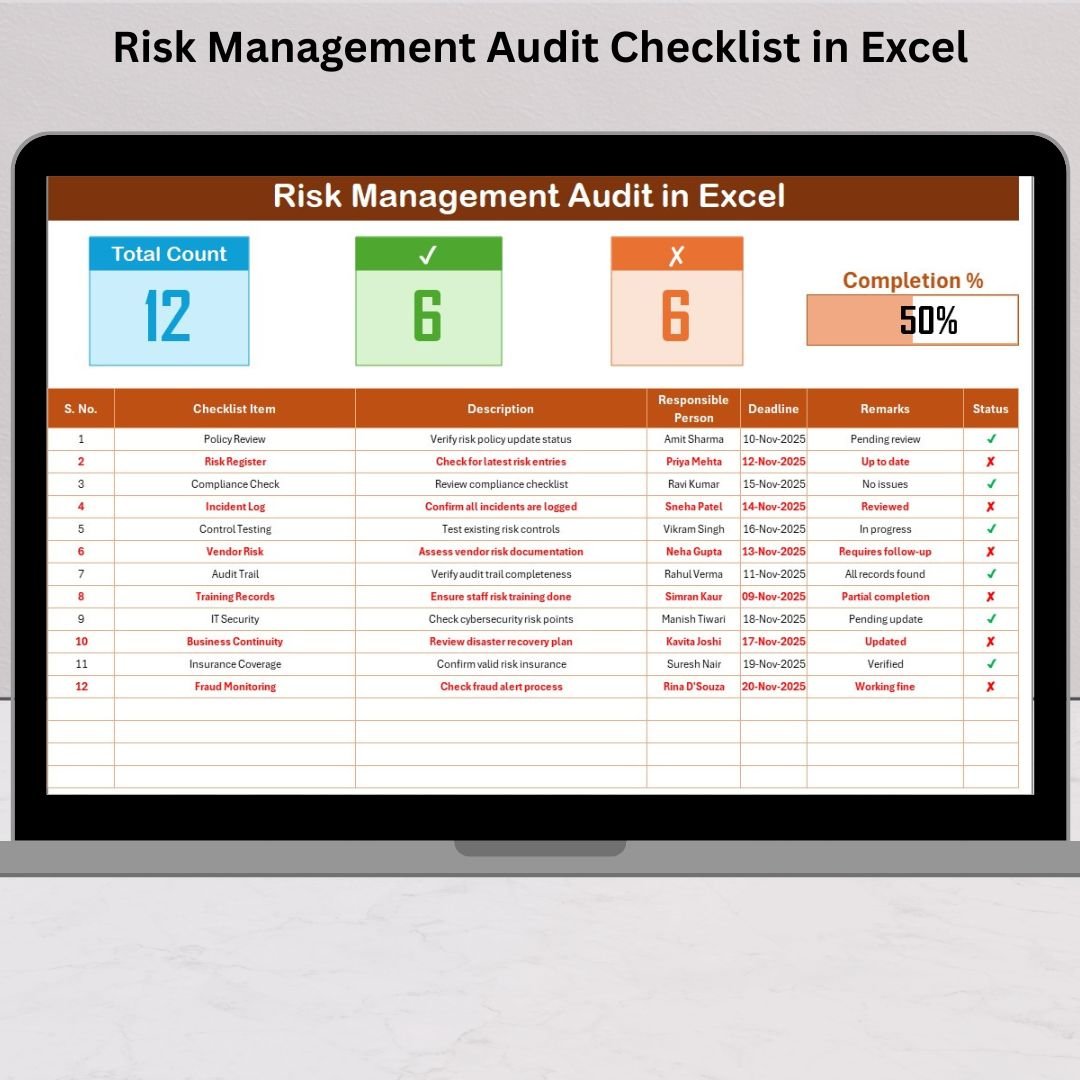
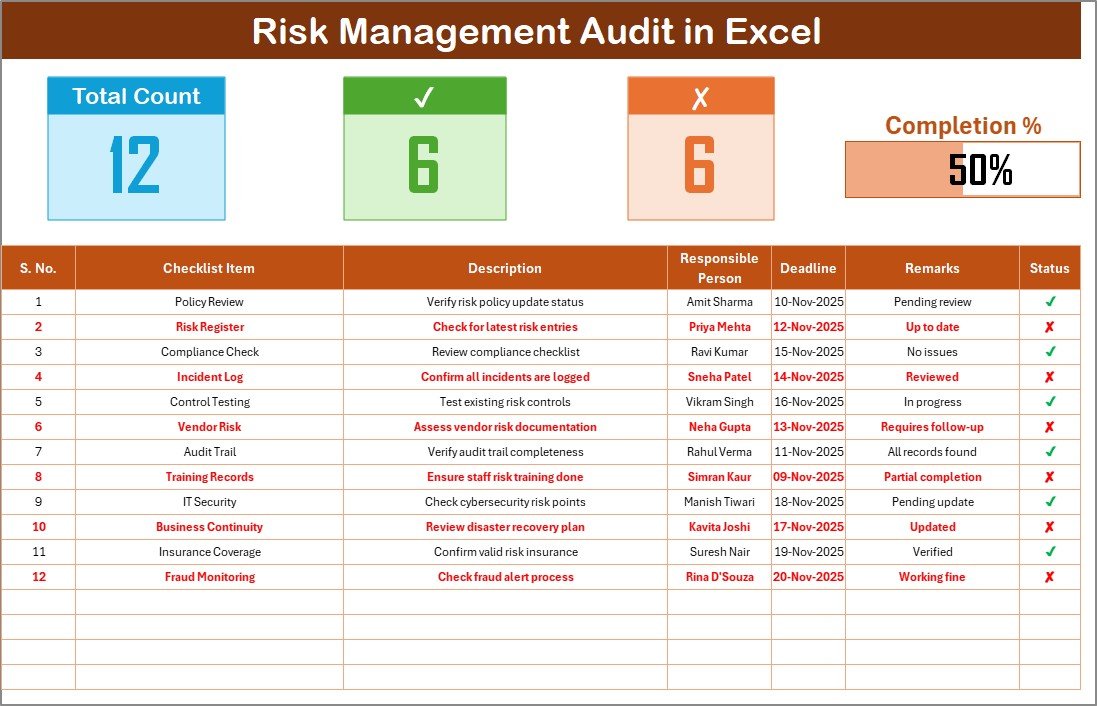
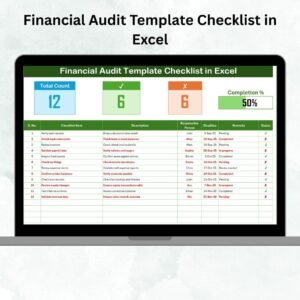
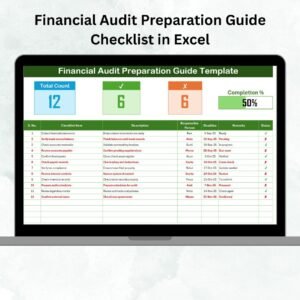
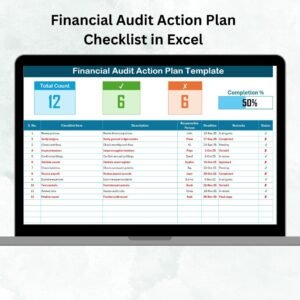
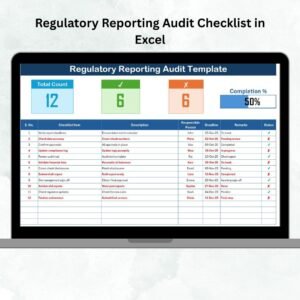
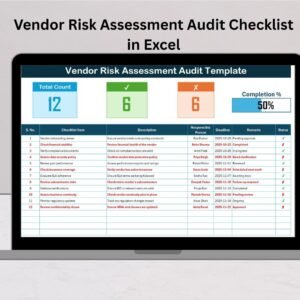
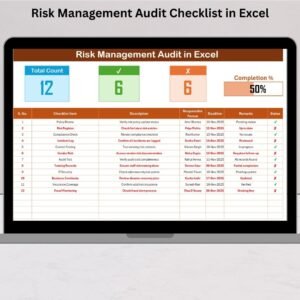
✅ Comprehensive Dashboard: Instantly view total, completed, and pending audit items — along with a real-time progress bar showing your audit status.
✅ Smart Status Tracking: Mark each item as ✔ (Completed) or ✘ (Pending) to auto-update progress percentages and completion visuals.
✅ Interactive Cards: Get quick insights into your audit performance without manual counting or report generation.
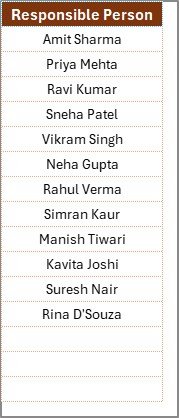
✅ Dropdown Selections: Assign responsibilities from a predefined list to ensure accuracy and consistency across departments.
✅ Error-Free Entries: The built-in list sheet prevents duplication and ensures standardized data input.
✅ Fully Customizable: Add new checklist items, departments, or deadlines as your organization grows.
✅ Professional Design: Sleek, organized, and color-coded for clarity and ease of navigation.
✅ Seamless Integration: Connect with Power BI, SharePoint, or Google Sheets for extended analytics and reporting.
This checklist is designed not just for tracking but also for streamlining audit operations and encouraging better collaboration among teams.
📋 What’s Inside the Risk Management Audit Checklist in Excel
When you download this professional template, you’ll get two powerful, prebuilt worksheets that make audit tracking effortless:
1️⃣ Risk Management Audit Checklist Sheet:
This is your main working interface where you can record every audit activity. It comes with an intuitive top section featuring total counts, progress tracking cards, and a visual progress bar — all automated with Excel formulas.
2️⃣ List Sheet Tab:
A dedicated list that stores all unique Responsible Persons’ names. This ensures dropdown accuracy, consistency, and smoother data handling across audit departments like HR, Finance, or Operations.
With these two sheets, you can organize, monitor, and evaluate all your audit items in a structured, transparent way.
🛠️ How to Use the Risk Management Audit Checklist in Excel
1️⃣ Define Your Audit Scope: Decide which departments or risk areas (like Financial, Operational, or IT) will be covered.
2️⃣ Enter Checklist Items: Add all tasks or audit points that need evaluation.
3️⃣ Assign Responsibility: Choose the responsible person from the dropdown for each task.
4️⃣ Set Deadlines: Add realistic due dates — conditional formatting will highlight overdue ones.
5️⃣ Mark Status: Use ✔ or ✘ to update progress — the dashboard auto-updates instantly.
6️⃣ Monitor Results: View the real-time completion rate and pending tasks through progress bars and summary cards.
It’s that simple! No coding, no formulas — just plug, track, and manage your audit process with ease.
👥 Who Can Benefit from This Risk Management Audit Checklist in Excel
💼 Risk Managers & Compliance Officers: For conducting structured risk assessments and ensuring compliance with company policies.
🏭 Operations Managers: For tracking safety, quality, and operational risks across departments.
💻 IT & Data Security Teams: To monitor cybersecurity and system integrity checks effectively.
🏢 Internal Auditors & Consultants: For streamlined audit documentation and accountability.
📊 Executives & Business Owners: To get a snapshot of organizational risk readiness and performance.
This template fits any industry — from finance and construction to education, healthcare, or tech startups.
💡 Why You’ll Love This Template
It’s not just a spreadsheet — it’s a risk control system designed for simplicity and productivity. By automating repetitive tasks and providing clear visual insights, you can focus on what matters most — making better, faster, and data-driven decisions.
Click here to read the Detailed blog post
Watch the step-by-step video tutorial:
Visit our YouTube channel to learn step-by-step video tutorials YouTube.com/@PKAnExcelExpert
Compatibility and Requirements
- Works in Microsoft Excel desktop (Excel 2016 or later, or Microsoft 365).
- Microsoft’s guide Create a drop-down list explains the Excel feature this file is built on.
Frequently Asked Questions
What sheets are in the Risk Management Audit Checklist in Excel?
There are two: the Risk Management Audit Checklist sheet where you record audit items, and a List sheet that stores the responsible person names for the dropdown.
How is progress calculated?
Mark each item with a tick for completed or a cross for pending. The total, completed and pending counts and the progress bar update from those marks.
Are overdue items highlighted?
Yes. Once you add due dates, conditional formatting highlights the overdue items.
Can I add my own audit areas?
Yes. Add new checklist items, departments or deadlines, for example financial, operational or IT risk areas.
Related Risk and Audit Templates
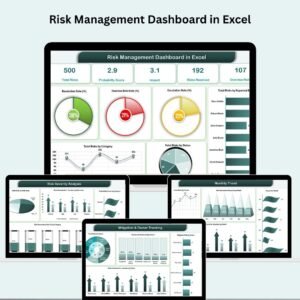
- Risk Management Dashboard in Excel: analyze risks with charts
- Risk Management Checklist in Excel: a general risk checklist
- Internal Audit Checklist in Excel: steps for internal audits
- Risk Management Dashboard in Google Sheets: risk tracking in the browser
- Quality and Audit Management Bundle: eight audit and quality templates
Browse all Excel checklists or the Excel dashboards.























Reviews
There are no reviews yet.