


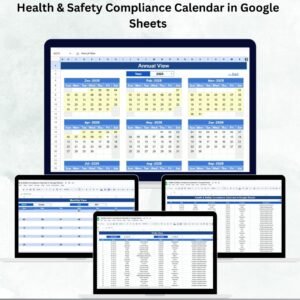
Staying compliant with health and safety regulations is a non-negotiable responsibility for every organization. Missing inspection dates, overdue audits, or incomplete training can expose your business to risks, penalties, and unsafe working environments. That’s why we built the Health & Safety Compliance Calendar in Google Sheets — a ready-to-use, interactive tool that ensures you never miss an important compliance event again.Health & Safety Compliance Calendar in Google Sheets
This template centralizes all compliance activities into one easy-to-use Google Sheets file. With multiple calendar views, automated updates, and a centralized events database, it simplifies compliance tracking and enhances workplace governance.Health & Safety Compliance Calendar in Google Sheets
🔑 Key Features of Health & Safety Compliance Calendar
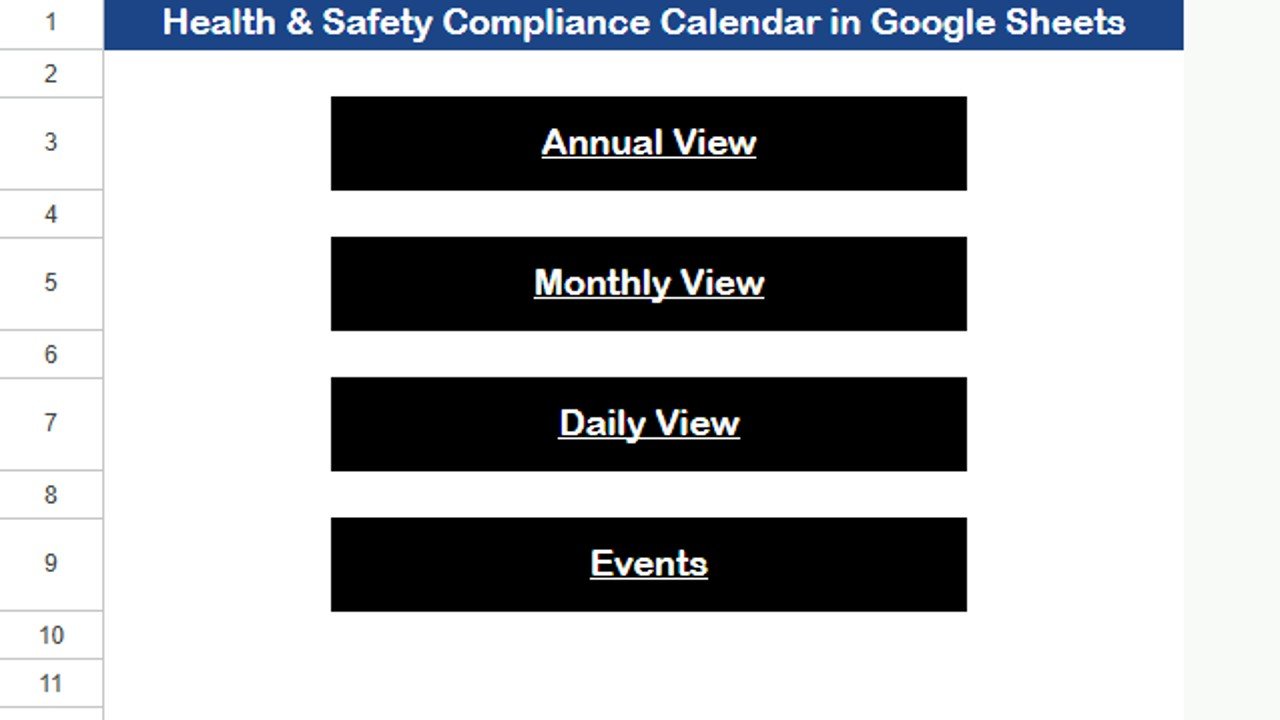
🏠 Home Sheet Tab
Acts as the index page for smooth navigation.
Quick buttons to jump to:
Annual View
Monthly View
Daily View
Events Database
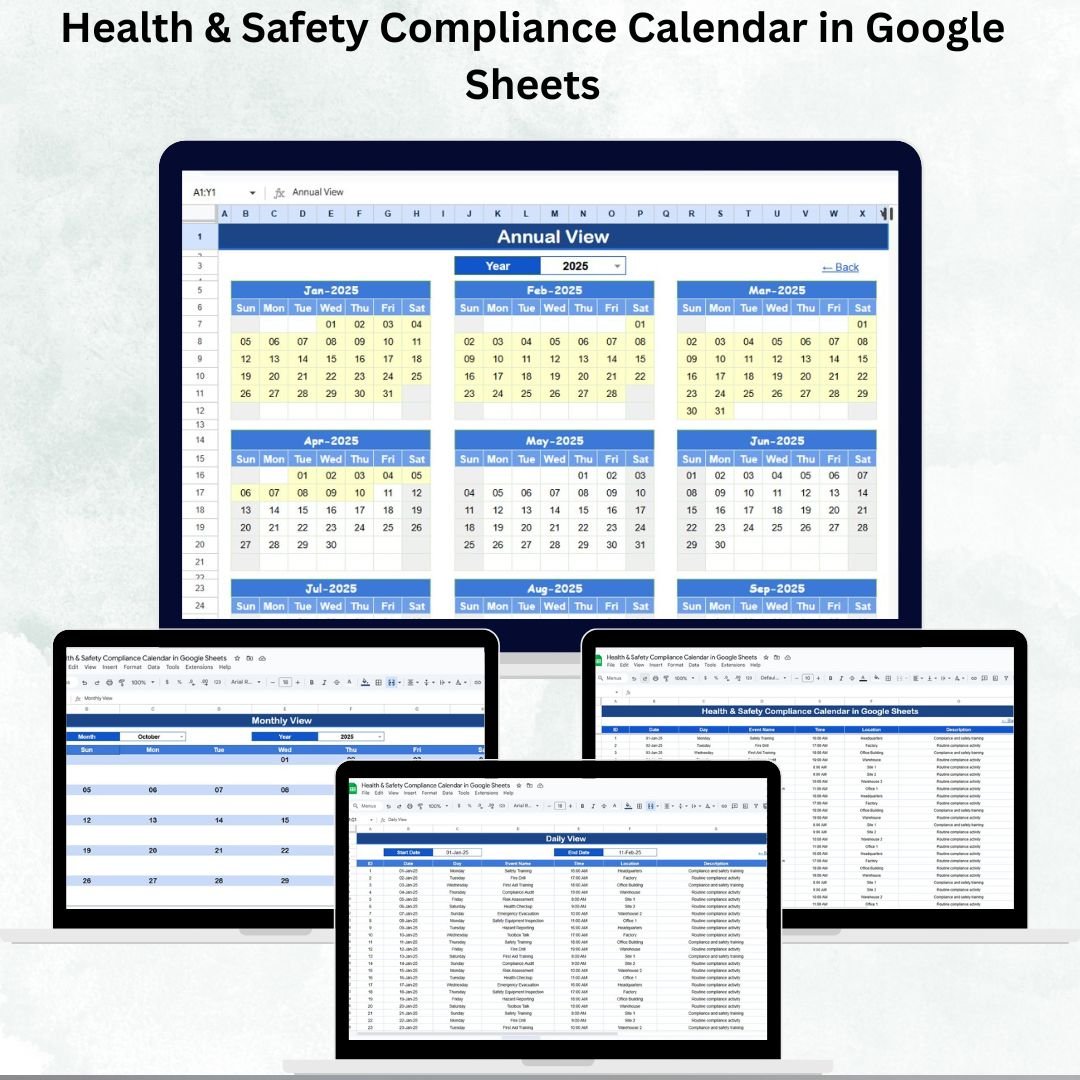
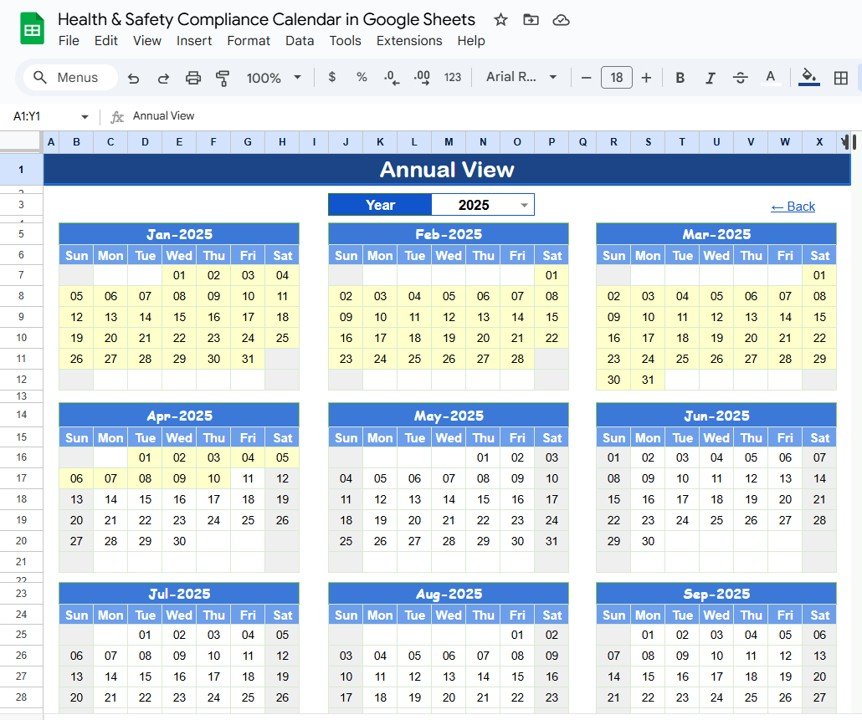
📅 Annual View Sheet Tab
Displays a 12-month calendar for the entire year.
Select the year to auto-update dates.
Customize starting month and week start (Sunday/Monday).
Get a bird’s-eye view of compliance activities across the year.
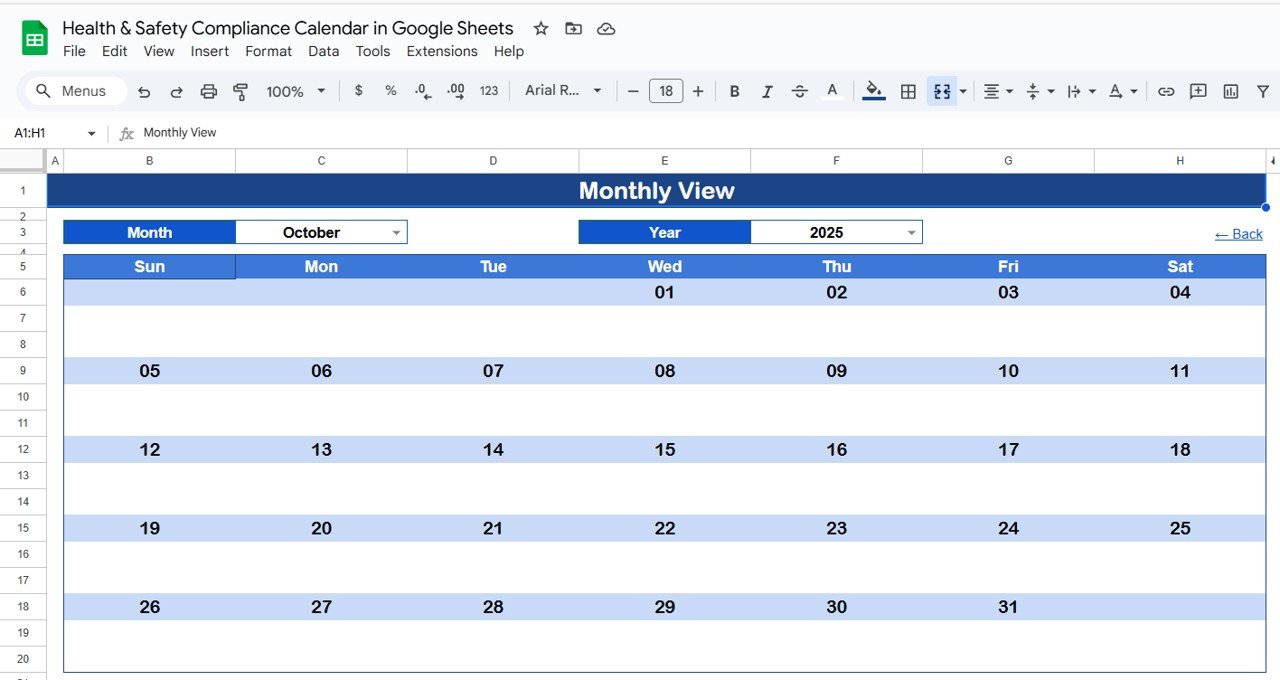
🗓️ Monthly View Sheet Tab
Displays a calendar for one selected month.
Auto-updates when month/year is changed.
Shows one event per day; if multiple events exist, displays “more than 1…”.
Perfect for planning and team coordination.
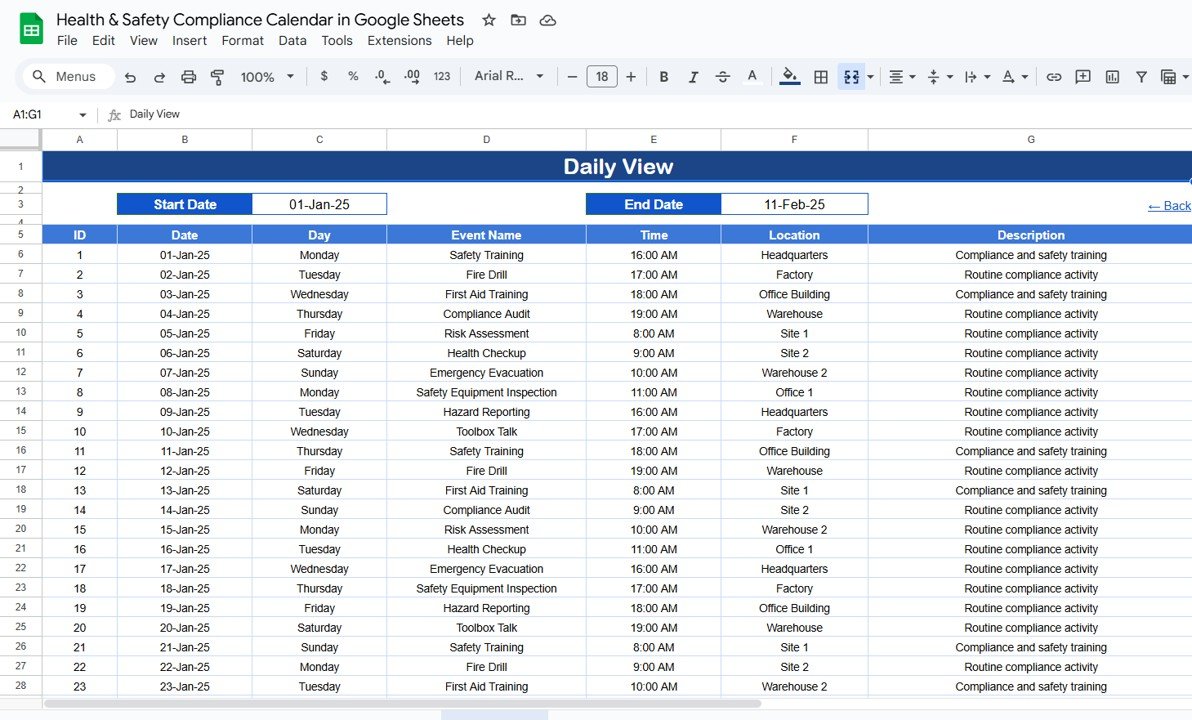
📋 Daily View Sheet Tab
Provides a list of events within a date range.
Enter start and end dates for filtered results.
Displays event time, location, and description for clarity.
Ideal for daily or weekly compliance task reviews.
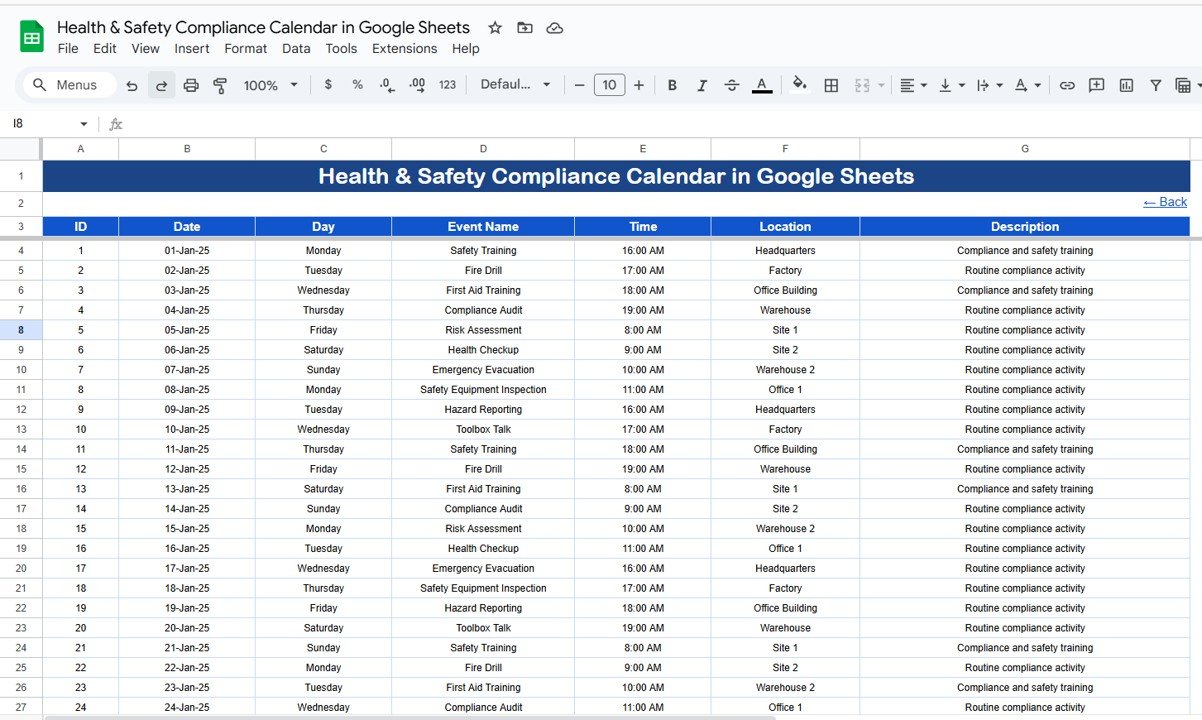
🧾 Events Sheet Tab
Centralized database of all compliance events.
Columns include:
ID
Date & Day
Event Name
Time
Location
Description
Updates automatically reflect across all other views.
📦 What’s Inside the Calendar
✅ 5 Pre-Built Tabs – Home, Annual View, Monthly View, Daily View, Events
✅ Centralized Database – One master list for all compliance events
✅ Dynamic Calendar Views – Annual, monthly, and daily breakdowns
✅ Auto-Updates – New events appear instantly across tabs
✅ Fully Customizable – Add, edit, or adjust fields for your organization’s needs
✅ Google Sheets Collaboration – Share with teams in real time
👥 Who Can Benefit from This Calendar?
🏭 Manufacturing Companies – Track inspections, safety drills, and equipment checks.
🏢 Corporate Offices – Manage training sessions, fire drills, and audits.
🏥 Healthcare Facilities – Stay compliant with hygiene, inspection, and safety protocols.
🏫 Schools & Universities – Track safety inspections, training, and compliance deadlines.
👨💼 Compliance Officers & HR Teams – Simplify safety event planning and reporting.
This template is industry-neutral and can be customized to fit organizations of any size.
📋 Best Practices for Using the Compliance Calendar
🔄 Update Events Regularly – Add events as soon as they are scheduled.
📅 Use All Views – Annual for strategy, Monthly for planning, Daily for execution.
🎨 Standardize Naming – Keep event titles consistent for easy reporting.
🔍 Leverage Filters – Use Daily View to focus on critical date ranges.
💾 Back Up Periodically – Download copies to prevent accidental loss.
✅ Advantages of Health & Safety Compliance Calendar
Centralized Tracking – All compliance activities in one place.
Error Reduction – Automated calendar updates reduce risks of missed deadlines.
Flexible Views – See compliance tasks yearly, monthly, or daily.
Collaboration-Friendly – Share with teams for transparency and accountability.
Cost-Effective – No need for complex compliance management software.
Customizable – Adapt columns, events, and views to suit your requirements.
🔗 Click here to read the Detailed blog post
Watch the step-by-step video Demo:
🔗 Visit our YouTube channel to learn step-by-step video tutorials
Compatibility and Requirements
- Works in Google Sheets with a free Google account and a web browser. Nothing to install.
- Share the file with your team so everyone sees the same compliance dates. Google explains the basics in How to use Google Sheets.
How to Use the Health & Safety Compliance Calendar
- Open the Home sheet and use the buttons to move between views.
- Add each inspection, audit, drill or training session to the Events sheet with its date, time, location and description.
- On the Annual View, select the year and set the starting month and week start.
- Use the Monthly View to plan one month at a time.
- On the Daily View, enter a start and end date to list the events in that range.
Frequently Asked Questions
Which views does the calendar include?
It has Annual, Monthly and Daily views, a Home sheet for navigation and an Events sheet that feeds all views.
What happens when a day has more than one event?
The Monthly View shows one event per day. When there are more, it shows a note that more than one event is scheduled.
Can the week start on Monday?
Yes. You can choose Sunday or Monday as the week start and set the starting month.
What details can I store for each event?
Each event has an ID, date and day, event name, time, location and description.
Related Health and Safety Templates
- Health & Safety Compliance Calendar in Excel: the same calendar for Excel users
- Health and Safety Checklist in Google Sheets: check safety items in Google Sheets
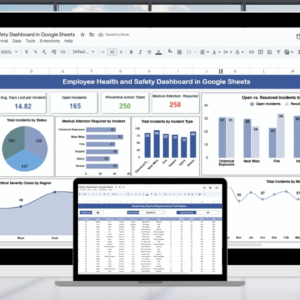
- Employee Health and Safety Dashboard in Google Sheets: report on safety results
- Legal Compliance Calendar in Google Sheets: plan legal compliance dates
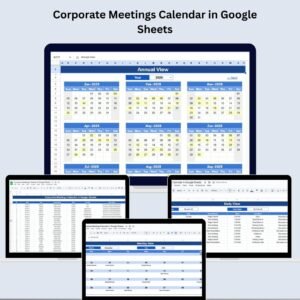
- Calendar & Planner Pack: 12 premium Excel and Google Sheets calendars and planners
Browse all Google Sheets calendars.










Reviews
There are no reviews yet.