


The Gaming Esports KPI Dashboard operates in a high-pressure, data-intensive, and ultra-competitive environment. Teams, coaches, analysts, tournament organizers, and sponsors all depend on accurate performance tracking to gain a competitive edge. However, many esports organizations still rely on scattered spreadsheets, manual reports, and disconnected data sources. As a result, insights arrive late, trends go unnoticed, and decisions become reactive.
That is exactly where the Gaming Esports KPI Dashboard in Excel delivers massive value 🚀.
This ready-to-use Excel KPI dashboard is designed specifically to help esports organizations track, analyze, and visualize performance KPIs in one centralized system. Instead of juggling multiple files, you can monitor player performance, team efficiency, engagement metrics, financial results, and operational KPIs using a single interactive dashboard.
Built entirely in Microsoft Excel, this dashboard combines MTD & YTD tracking, target vs actual comparison, previous-year benchmarking, trend analysis, and visual indicators—without requiring expensive BI tools or technical expertise.
Whether you manage a professional esports team, a gaming startup, or a tournament operation, this dashboard helps you turn raw data into winning strategy.
🔑 Key Features of Gaming Esports KPI Dashboard in Excel
📊 Centralized Esports KPI Monitoring
🎯 MTD & YTD Performance Tracking
📈 Target vs Actual & Previous Year Comparison
⬆️⬇️ Automatic Green/Red Performance Indicators
📉 KPI Trend Analysis with Visual Charts
🧭 Easy Navigation with Home Index Page
⚙️ Flexible & Fully Customizable KPI Structure
💰 Cost-Effective Excel-Based Solution
📂 What’s Inside the Gaming Esports KPI Dashboard in Excel
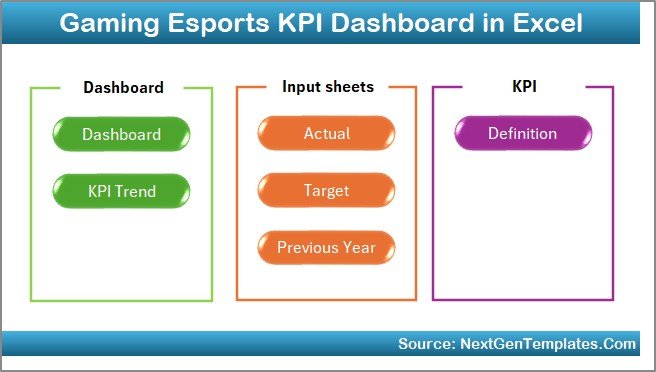
🏠 Home Sheet – Easy Navigation Hub
The Home Sheet works as an index page with navigation buttons that let you jump instantly to any analysis sheet. This improves usability and saves time during reviews and presentations.
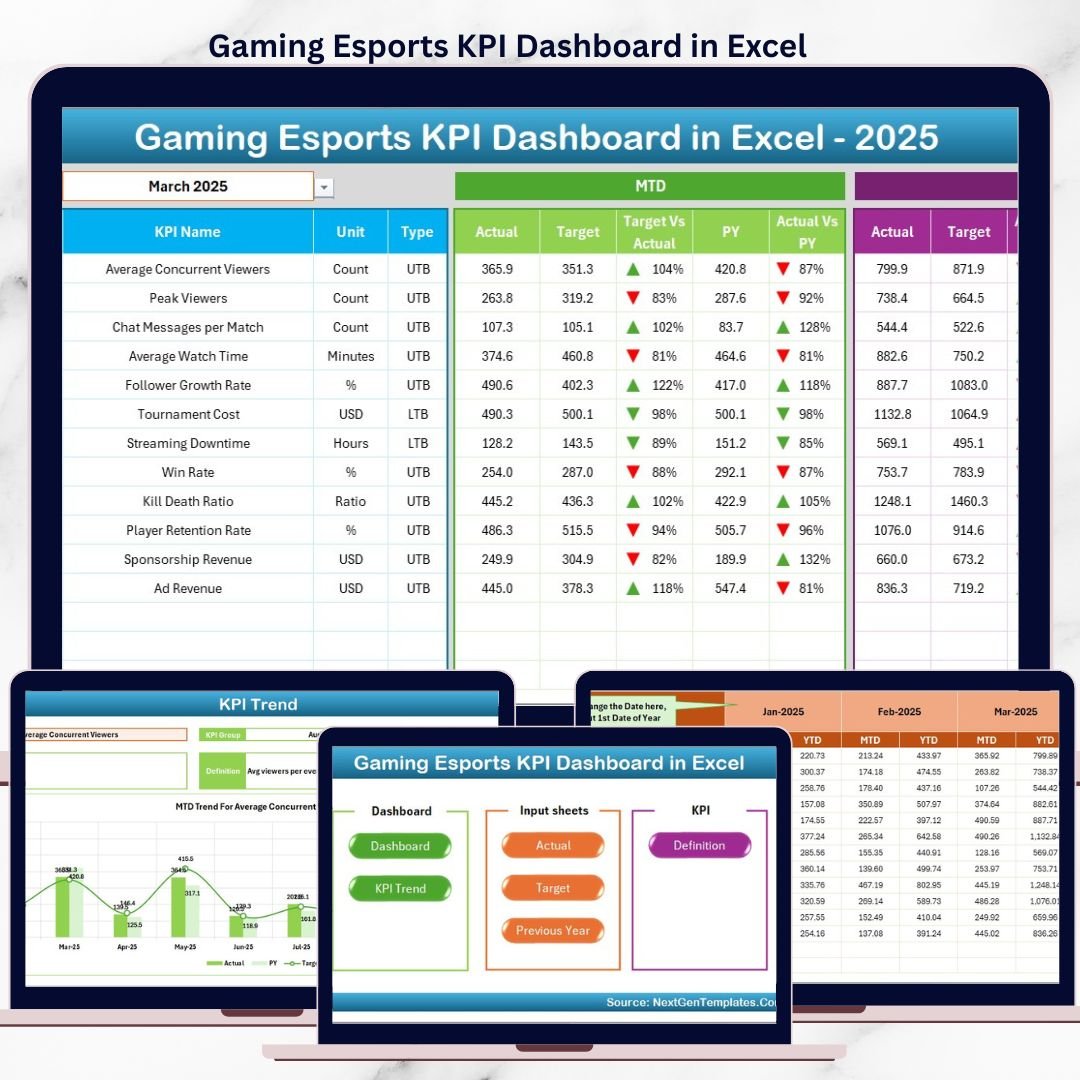
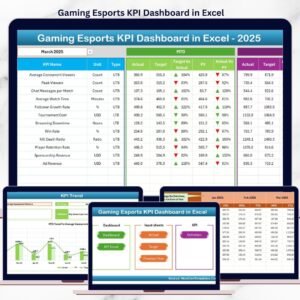
📊 Dashboard Sheet – Overall KPI Performance
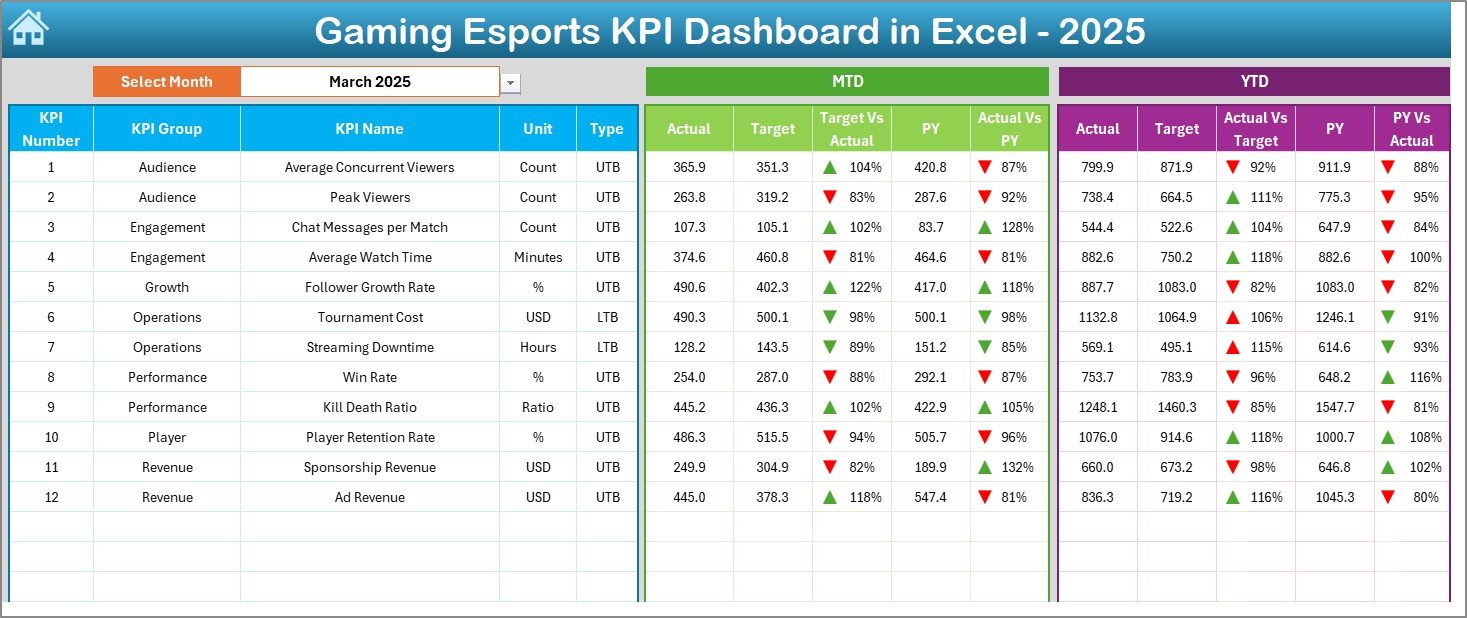
Gaming Esports KPI Dashboard
This is the main performance view of the dashboard.
What you see here:
Month selector (dropdown)
MTD Actual, Target & Previous Year values
YTD Actual, Target & Previous Year values
Target vs Actual variance
Previous Year vs Actual variance
Automatic ▲▼ indicators for performance direction
This page gives management an instant health check of esports performance.
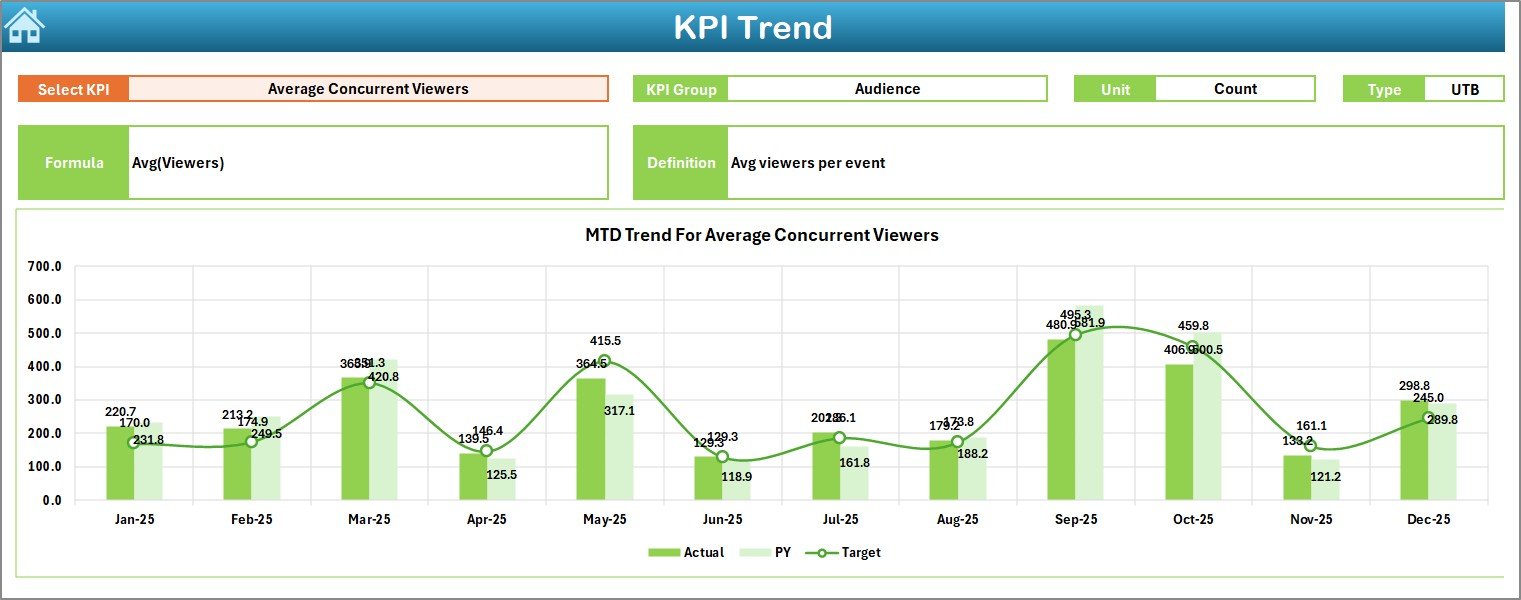
📈 KPI Trend Sheet – Deep KPI Analysis
The KPI Trend Sheet focuses on performance movement over time.
Key capabilities:
Select KPI from dropdown
View KPI Group, Unit, Type (UTB / LTB)
Understand KPI Formula & Definition
Analyze:
MTD trend (Actual vs Target vs PY)
YTD trend (Actual vs Target vs PY)
This sheet helps analysts and coaches spot trends early and act faster.
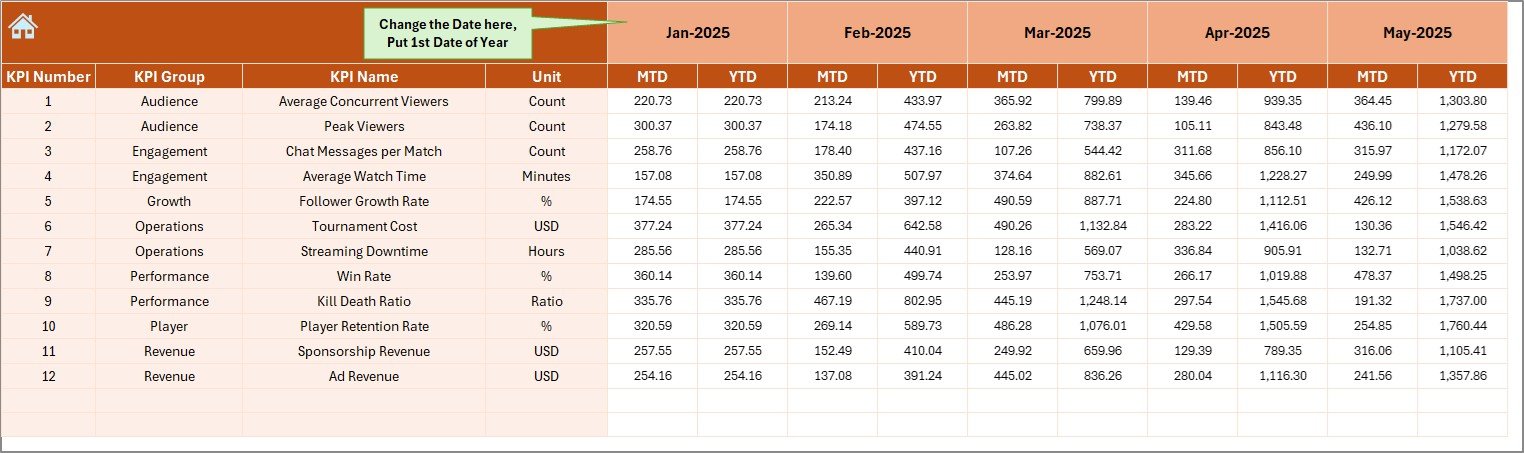
🧾 Actual Numbers Input Sheet – Data Entry
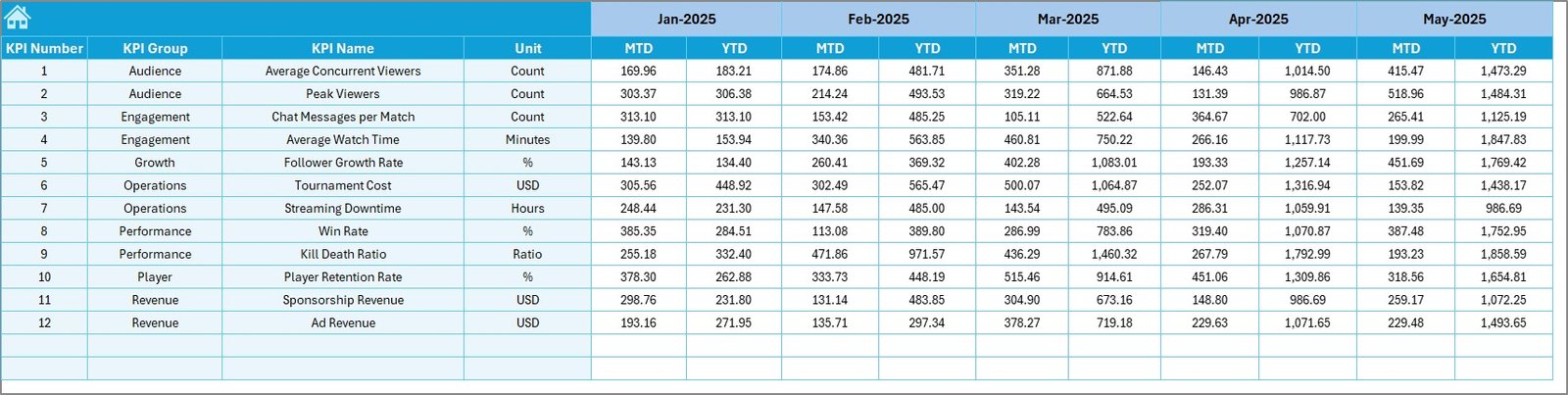
This sheet is used to enter actual KPI values.
Month control included
Clean, structured input layout
Automatic MTD & YTD calculation
Once data is updated here, the entire dashboard refreshes automatically.
🎯 Target Sheet – Performance Goals
The Target Sheet stores KPI benchmarks.
Monthly MTD targets
Cumulative YTD targets
Targets keep teams aligned and focused on measurable outcomes.
📅 Previous Year Number Sheet – Historical Comparison
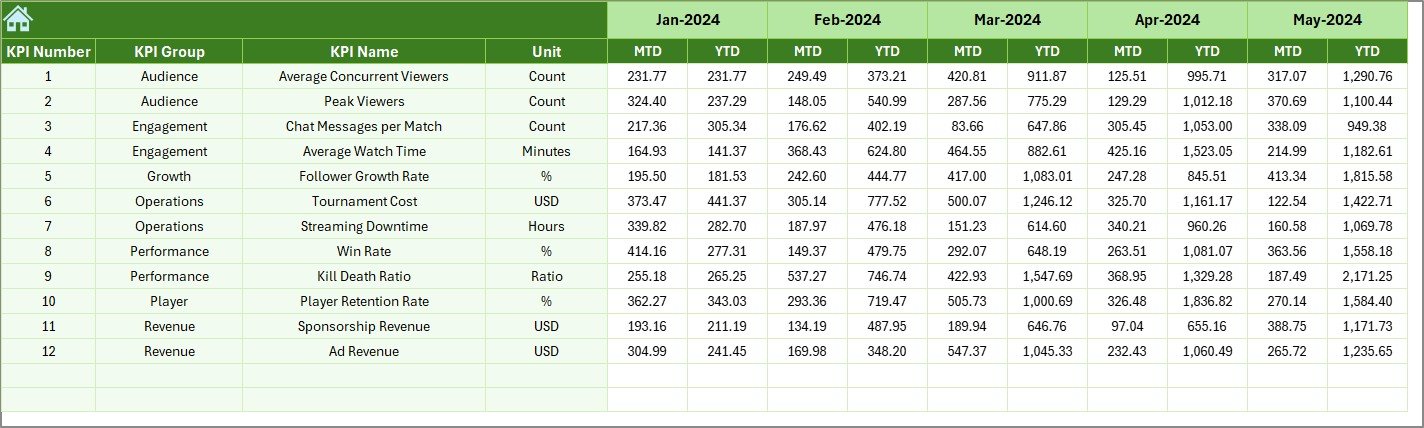
This sheet captures last year’s KPI values.
Enables year-over-year analysis
Highlights growth, decline, and seasonality
Adds business context to current performance
📘 KPI Definition Sheet – Single Source of Truth
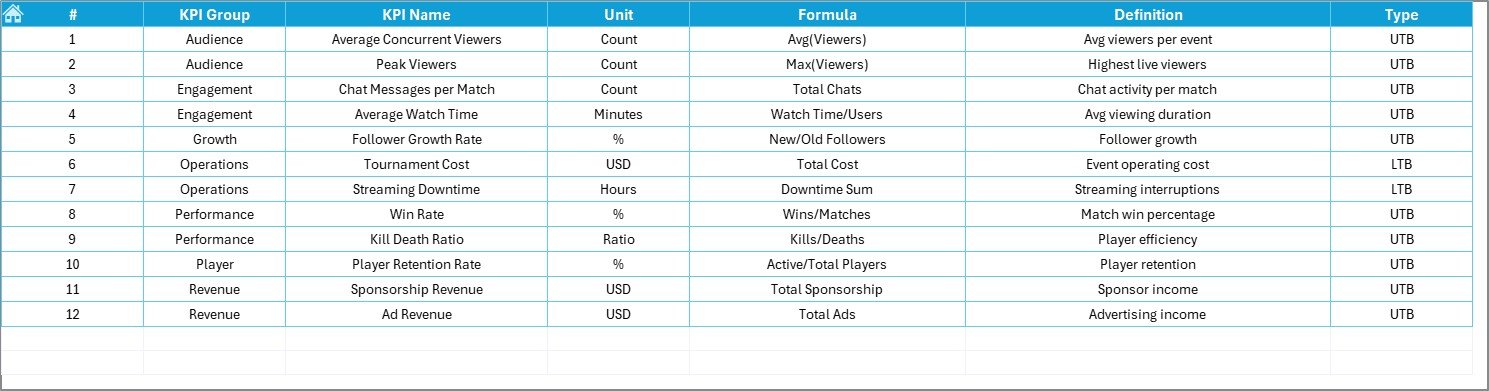
The KPI Definition Sheet ensures clarity across teams.
It contains:
KPI Name
KPI Group
Unit
Formula
KPI Definition
This eliminates confusion and ensures consistent interpretation.
⚙️ How to Use the Gaming Esports KPI Dashboard in Excel
1️⃣ Enter KPI data in input sheets
2️⃣ Select reporting month
3️⃣ Review MTD & YTD performance
4️⃣ Analyze trends and gaps
5️⃣ Take data-driven actions
No macros. No coding. Just Excel.
🎯 Who Can Benefit from This Dashboard?
🎮 Esports Teams & Organizations
🧠 Coaches & Performance Analysts
🏆 Tournament Organizers
📊 Gaming Startups
🤝 Sponsorship & Partnership Teams
📈 Management & Investors
### 👉 Click here to read the Detailed blog post
▶️ Visit our YouTube channel to learn step-by-step video tutorials
https://youtube.com/@PKAnExcelExpert
Watch the step-by-step video tutorial:
Compatibility and Requirements
- Works in Microsoft Excel desktop (Excel 2016 or later, or Microsoft 365).
- The Dashboard and KPI Trend sheets use dropdowns to pick the month and the KPI. Microsoft explains them in Create a drop-down list.
Frequently Asked Questions
Which sheets are included?
Seven sheets: Home, Dashboard, KPI Trend, Actual Numbers, Target, Previous Year Number and KPI Definition.
How do I update the dashboard?
Enter your actual KPI values in the Actual Numbers sheet and your goals in the Target sheet. MTD and YTD are calculated automatically, and the Dashboard refreshes for the month you select.
Can I compare this year with last year?
Yes. Add last year’s values to the Previous Year Number sheet. The Dashboard shows Actual against Target and against Previous Year, with up and down arrows for the direction.
How do I see the trend for one KPI?
Open the KPI Trend sheet and pick a KPI from the dropdown. It shows the KPI group, unit, type (UTB or LTB), formula and definition, plus MTD and YTD trend charts for Actual, Target and Previous Year.
Is there a Power BI version?
Yes. See the Gaming Esports KPI Dashboard in Power BI.
Related Gaming and Esports Templates
- Gaming Esports KPI Dashboard in Power BI: the same KPIs in Power BI
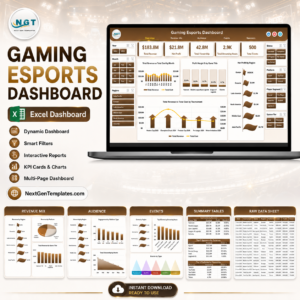
- Gaming Esports Dashboard in Excel: another esports dashboard in Excel
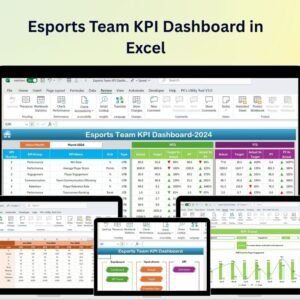
- Esports Team KPI Dashboard in Excel: KPIs focused on the team
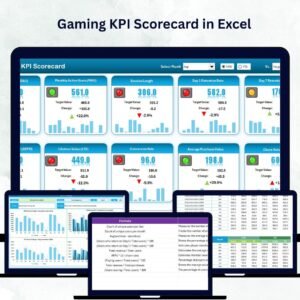
- Gaming KPI Dashboard in Excel: a general gaming KPI view
- Esports Team KPI Dashboard in Google Sheets: an esports team dashboard for Google Sheets
Browse all Excel KPI dashboards.

























Reviews
There are no reviews yet.