




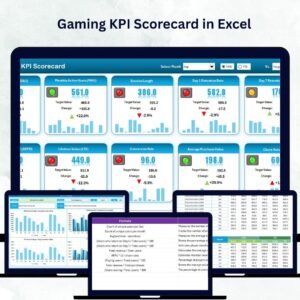
In the competitive world of gaming, success isn’t just about creating fun experiences — it’s about measuring them. The Gaming KPI Scorecard in Excel 🕹️📊 empowers game studios, developers, and esports managers to track critical performance metrics that drive engagement, growth, and profitability — all within the familiar environment of Microsoft Excel.
Whether you’re analyzing player retention, monetization, or marketing ROI, this ready-to-use Excel scorecard gives you real-time, data-driven insights. It’s not just a spreadsheet — it’s your command center for smarter, faster, and more informed gaming decisions.
⚡ Key Features of Gaming KPI Scorecard in Excel
✅ All-in-One Performance Dashboard: View Month, Month-to-Date (MTD), or Year-to-Date (YTD) insights at a glance.
✅ Actual vs Target Comparisons: Instantly identify KPIs that exceed or miss targets with dynamic visuals.
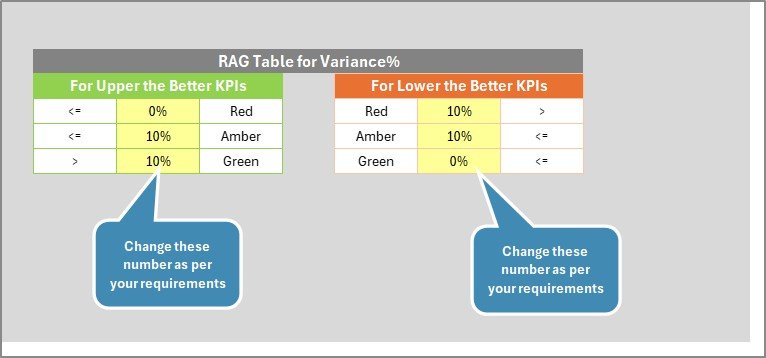
✅ Conditional Formatting Indicators: Use arrows and color codes 🔴🟡🟢 to instantly highlight performance trends.
✅ Comprehensive KPI Overview: Track metrics like Daily Active Users (DAU), Average Revenue per User (ARPU), Retention Rate, and Bug Fix Rate.
✅ KPI Definition Library: Maintain clarity with pre-defined KPIs, units, formulas, and definitions.
✅ Auto-Updating Charts: Enter new data once — all visuals update automatically.
✅ Customizable Template: Add, edit, or remove KPIs to suit your gaming project’s unique goals.
✅ Easy to Use: 100% Excel-based — no macros or external tools needed.
✅ Scalable for Growth: Suitable for indie studios, publishers, and enterprise-level gaming firms.
The Gaming KPI Scorecard transforms raw data into actionable insights, helping your team move from intuition to intelligence.
🧩 What’s Inside the Gaming KPI Scorecard in Excel
The scorecard is structured into four purpose-driven worksheets, each designed to streamline data management and performance tracking:
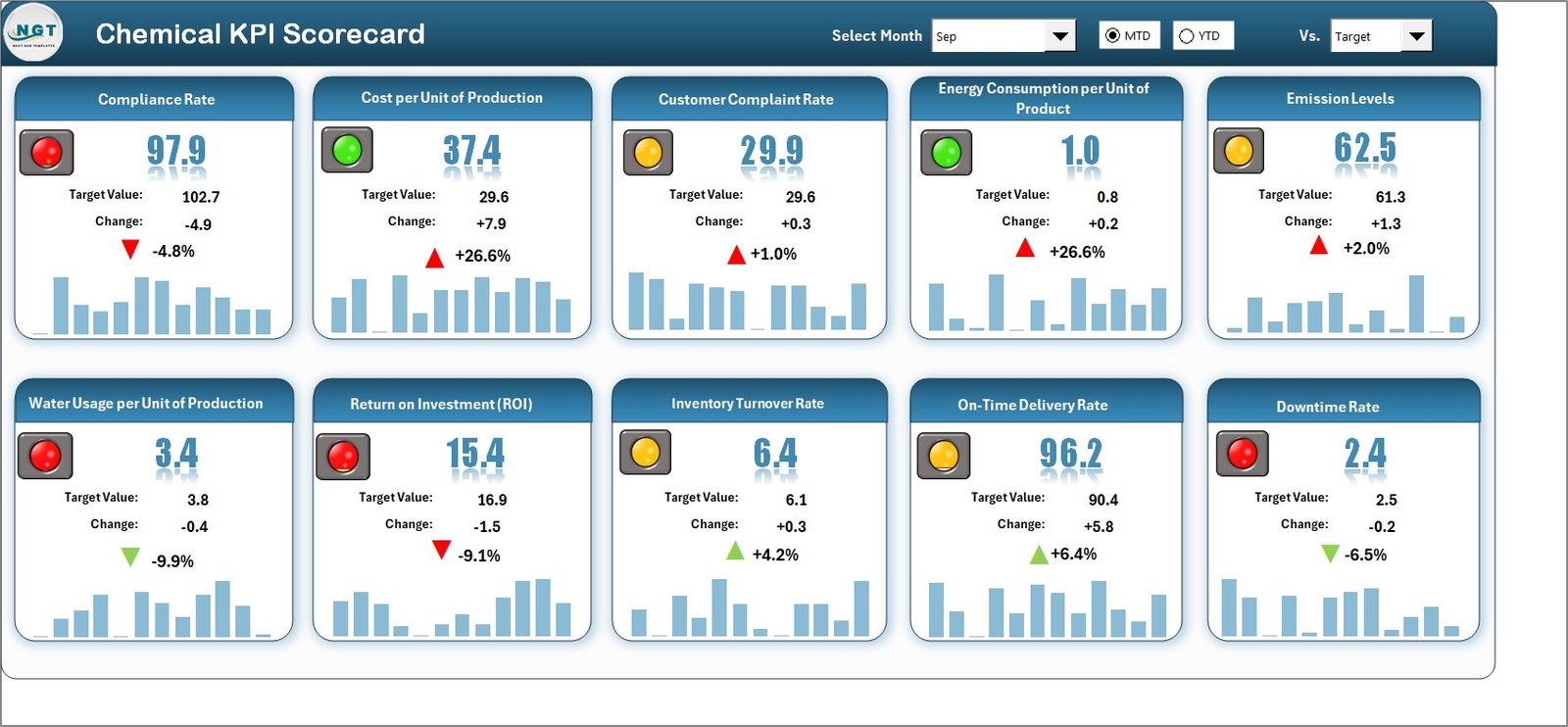
1️⃣ Scorecard Sheet: Your main performance dashboard, showing real-time MTD/YTD analytics with visual comparisons and trend indicators.
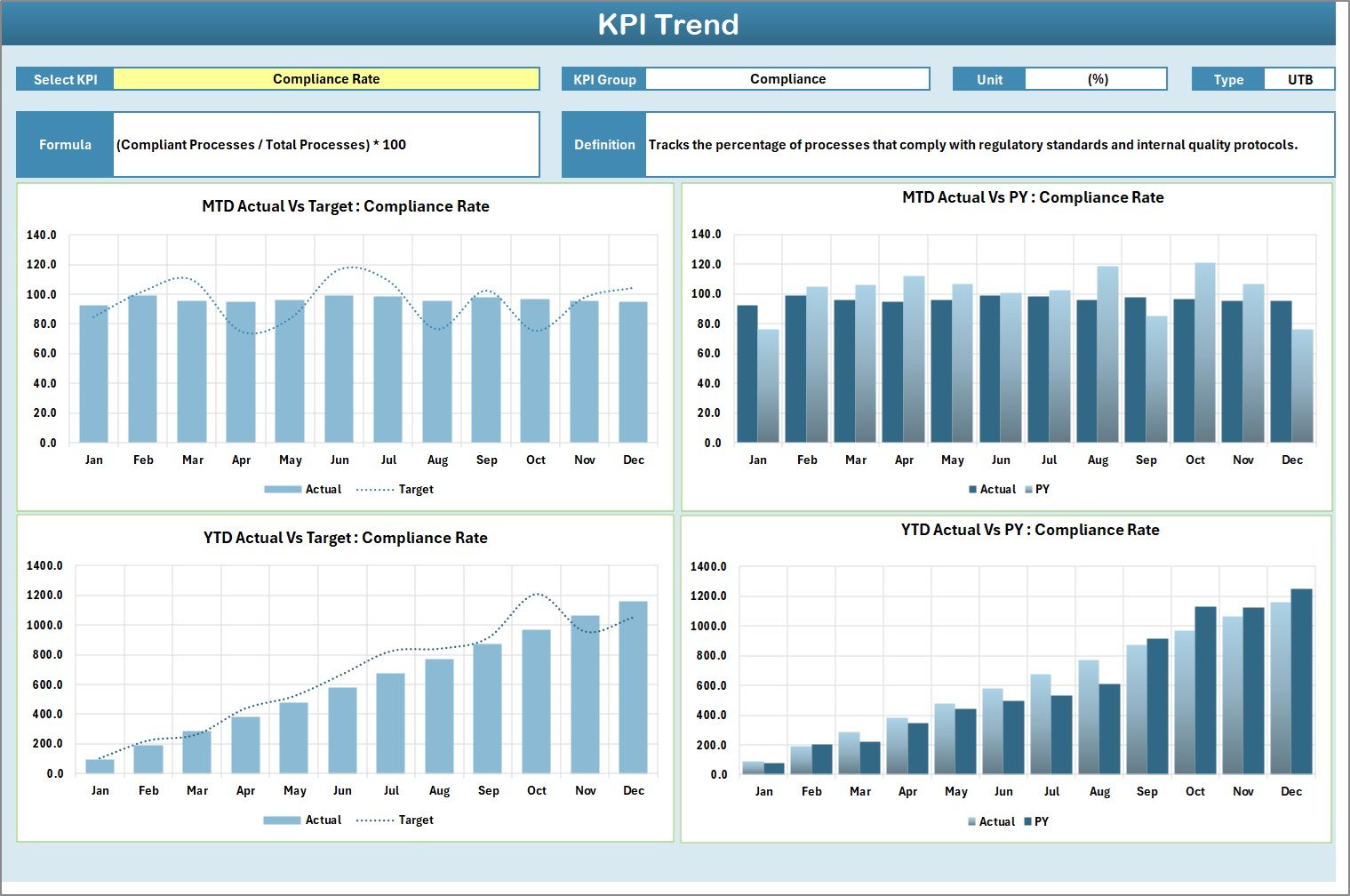
2️⃣ KPI Trend Sheet: Select a KPI (via dropdown in cell C3) to view detailed performance over time using charts for Actual, Target, and Previous Year (PY).
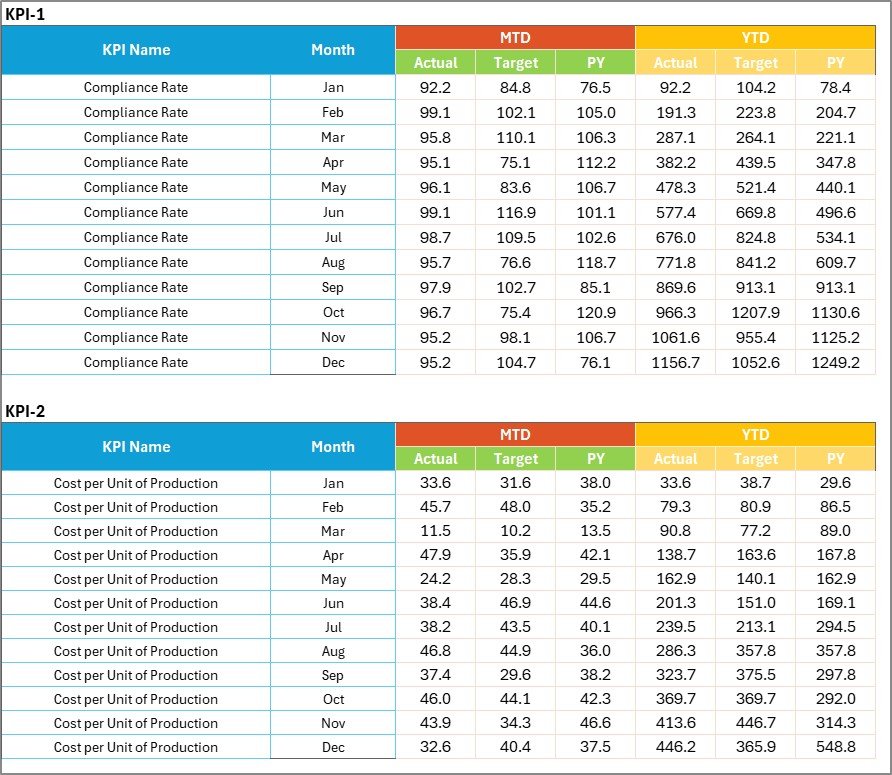
3️⃣ Input Data Sheet: The data engine of your scorecard — record monthly Actual, Target, and PY values for all KPIs. All dashboard visuals update automatically.
4️⃣ KPI Definition Sheet: A complete glossary listing KPI Name, Group, Unit, Formula, and Definition to maintain consistency and alignment across teams.
This clean structure eliminates the need for multiple tools or reports — everything you need is built into one file.
🧠 How to Use the Gaming KPI Scorecard in Excel
🎮 Step 1: Open the Excel template and go to the Input Data Sheet to enter your Actual, Target, and PY data.
📊 Step 2: Move to the Scorecard Sheet to instantly view updated KPI visuals.
📈 Step 3: Use the dropdown menus to switch between Month, MTD, and YTD views.
📉 Step 4: Visit the KPI Trend Sheet to analyze patterns across months or years.
📘 Step 5: Refer to the KPI Definition Sheet for formula explanations and metric details.
Within minutes, you’ll have a fully automated gaming analytics dashboard that turns complex data into visual insights — no coding required.
👥 Who Can Benefit from This Gaming KPI Scorecard
🧑💻 Game Developers: Track bug fixes, production efficiency, and player feedback.
🎮 Gaming Studios: Monitor revenue, engagement, and retention across multiple titles.
📊 Marketing Teams: Evaluate campaign performance, user acquisition, and conversion rates.
💼 Publishers: Compare project performance across platforms or regions.
🏆 Esports Organizations: Analyze match data, sponsorship ROI, and audience growth.
🧠 Data Analysts: Generate reports that align business goals with player data insights.
This dashboard empowers every gaming stakeholder to take data-backed actions that improve performance and profitability.
🔗 Click here to read the Detailed Blog Post
🎥 Visit our YouTube channel to learn step-by-step video tutorials
👉 YouTube.com/@PKAnExcelExpert
Watch the step-by-step video tutorial:
Compatibility and Requirements
- Works in Microsoft Excel desktop (Excel 2016 or later, or Microsoft 365).
- You pick the KPI on the KPI Trend sheet from a dropdown in cell C3. Microsoft explains dropdowns in Create a drop-down list.
Frequently Asked Questions
Which sheets are included?
Four sheets: Scorecard, KPI Trend, Input Data and KPI Definition.
Where do I enter my data?
Enter the monthly Actual, Target and Previous Year (PY) values for each KPI on the Input Data sheet. The charts and indicators update from there.
Can I switch between month, MTD and YTD views?
Yes. Use the dropdown menus on the Scorecard sheet to switch between Month, MTD and YTD.
How do I see the trend for one KPI?
Open the KPI Trend sheet and select a KPI from the dropdown in cell C3. It shows charts for Actual, Target and Previous Year.
Can I add or remove KPIs?
Yes. The template is customizable, so you can add, edit or remove KPIs to match your gaming project’s goals. The KPI Definition sheet lists each KPI’s group, unit, formula and definition.
Is there another gaming template in Excel?
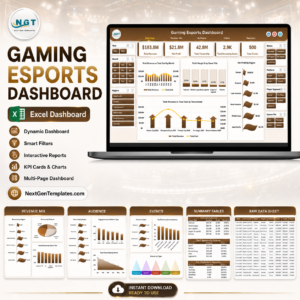
Yes. See the Gaming KPI Dashboard in Excel and the Gaming Esports Dashboard in Excel.
Related Gaming and KPI Scorecard Templates
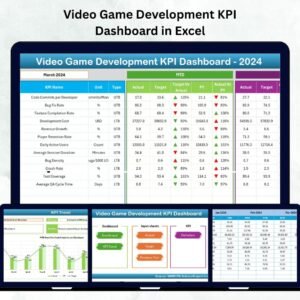
- Gaming KPI Dashboard in Excel: a dashboard view of gaming KPIs
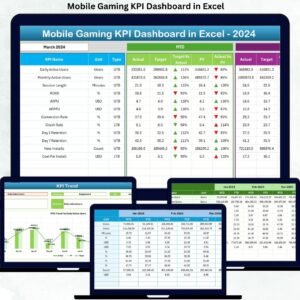
- Mobile Gaming KPI Dashboard in Excel: KPIs for mobile games
- Gaming Esports Dashboard in Excel: an esports-focused dashboard
- Event Management KPI Scorecard in Excel: the same scorecard layout for events
- KPI Dashboard Library (Excel): 15 KPI templates in one download
Browse all Excel KPI dashboards.














Reviews
There are no reviews yet.