

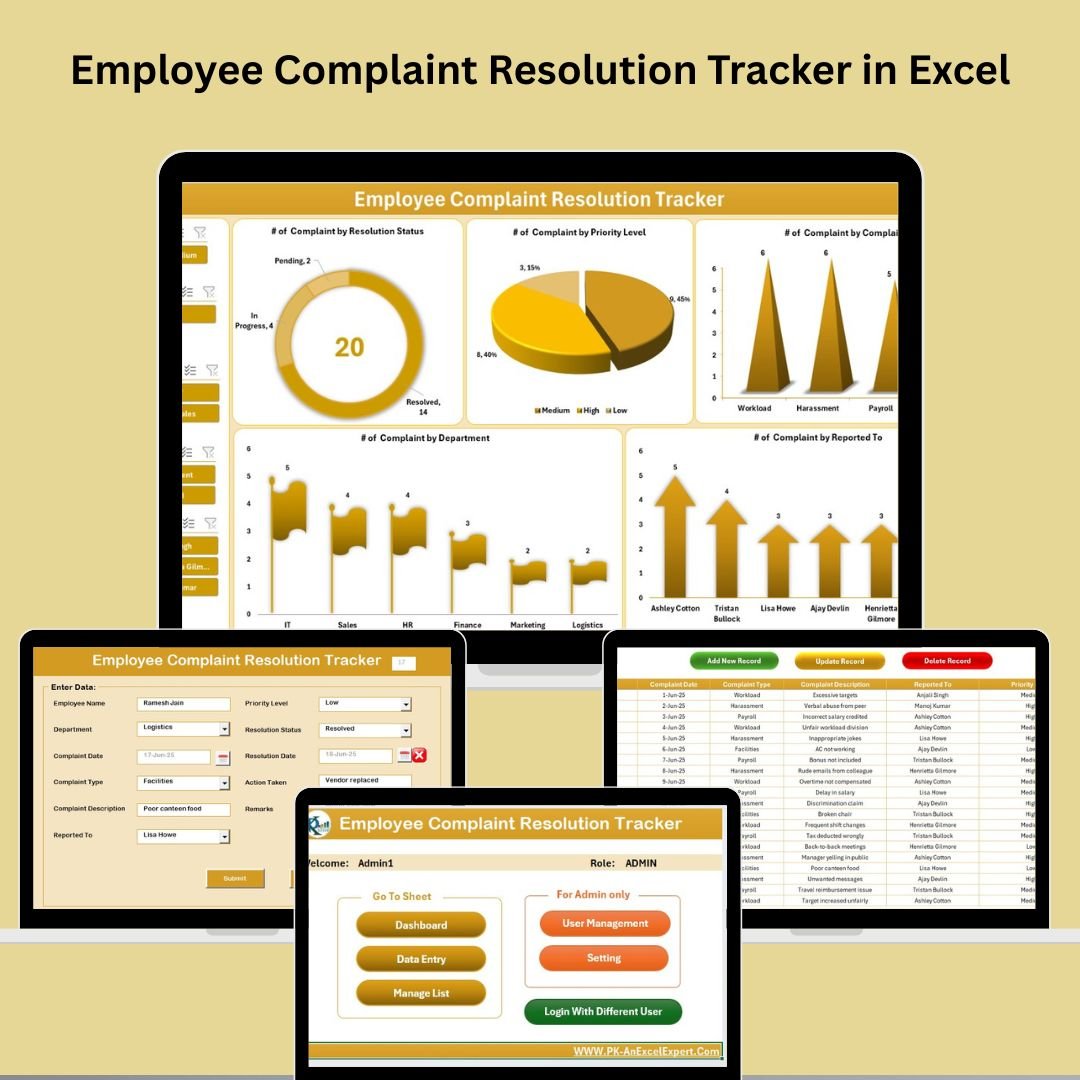
No workplace is perfect—but how you manage employee complaints defines your organization’s integrity. That’s where the Employee Complaint Resolution Tracker in Excel comes in—a powerful, VBA-powered tool that enables HR teams to log, track, and resolve employee grievances with speed, accuracy, and accountability. 🎯📋
This ready-to-use Excel solution simplifies complaint management through dynamic forms, secure login, and visual dashboards—without expensive HR software. Whether you’re in HR, admin, or management, this tracker helps you foster transparency, boost employee satisfaction, and improve workplace culture.
✅ Key Features of Employee Complaint Resolution Tracker in Excel
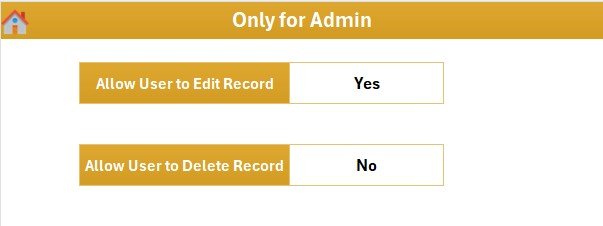
🔐 Secure Login System – Password-protected access with user roles and admin controls
📊 Real-Time Dashboard – Visual reports with slicers and dynamic charts
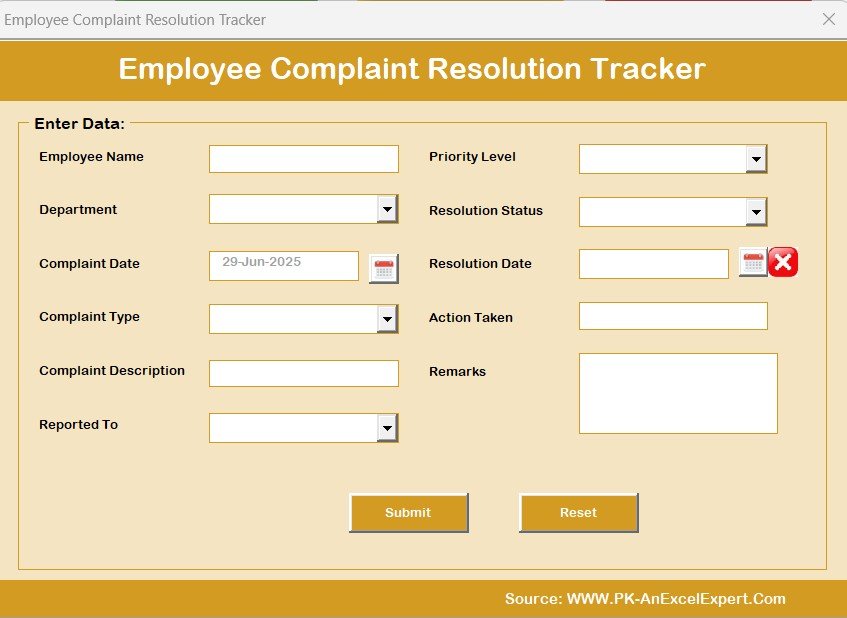
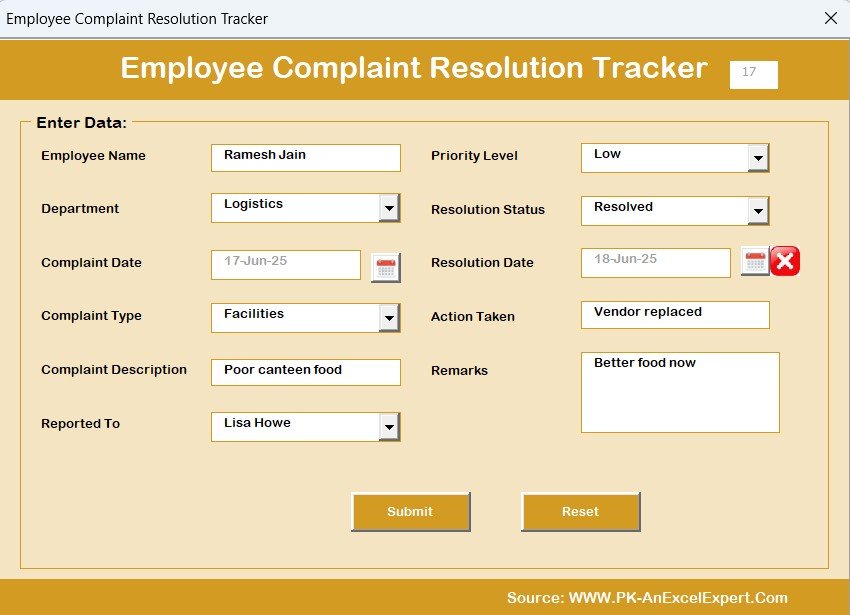
📥 Automated Complaint Entry Form – One-click add, update, or delete actions
📌 Complaint Metrics Tracked – Resolution Status, Priority, Type, Department, Reported To
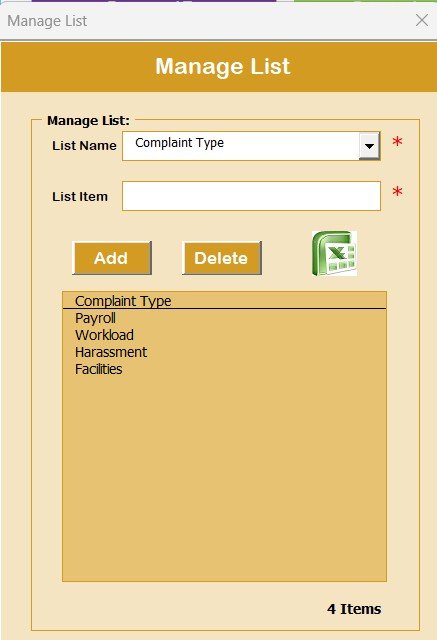
🧾 Manage Lists Seamlessly – Customize dropdowns like complaint type, department, and priority
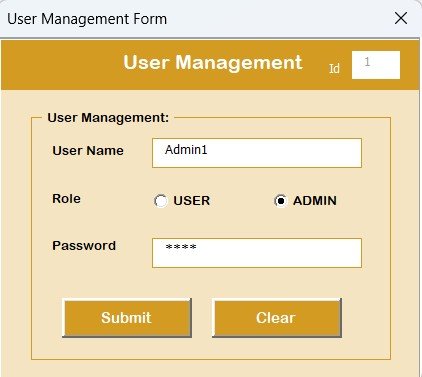
🧑💼 User Management Module – Add, edit, delete users or reset passwords
📂 Data Entry with VBA Forms – Structured logging without touching raw data
⚙️ Fully Customizable Settings Sheet – Configure categories, statuses, or default views
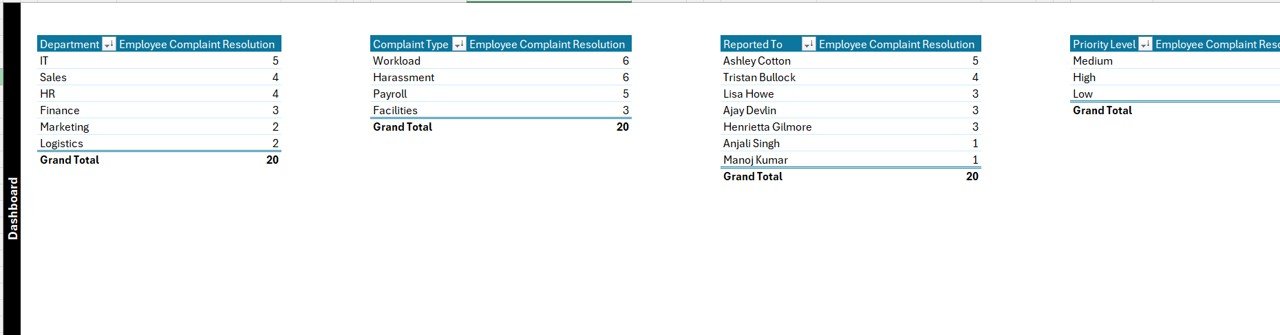
📁 Pivot-Based Dashboard – Automatically reflects changes in complaint records
This tool brings structure and clarity to grievance handling in any organization—big or small!
📦 What’s Inside the Complaint Tracker?
The tracker is organized into 7 highly functional sheets and forms:
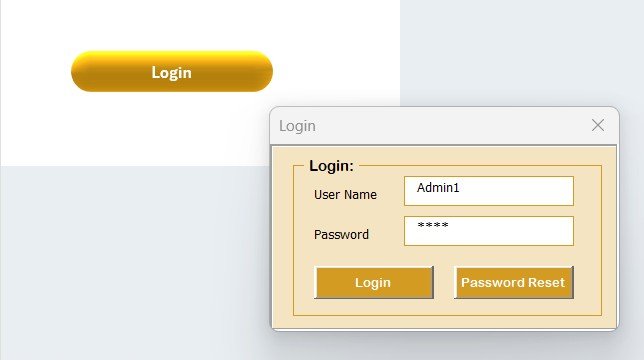
🔐 Login Form
Secure system login with default credentials (Admin1/abcd)
Protect sensitive HR data
Prevent unauthorized access
Controlled access via User Management module
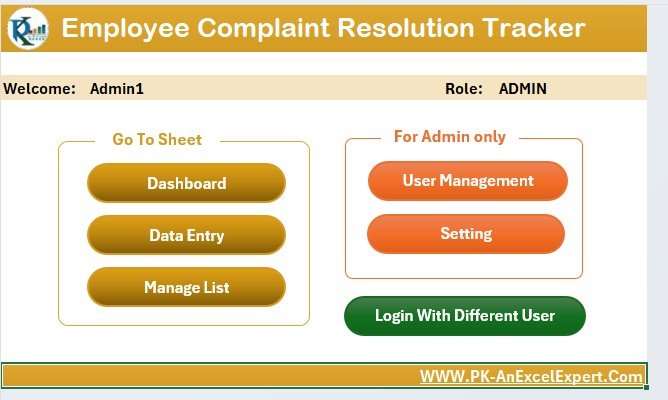
🏠 Main Form
The control hub to:
Add new complaints
Update or delete existing ones
Access dashboards and lists via navigation buttons
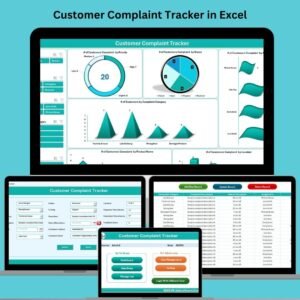
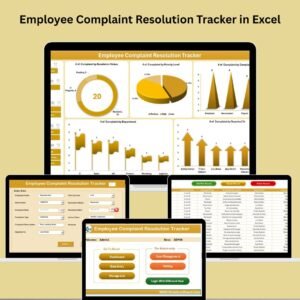
📊 Dashboard Sheet
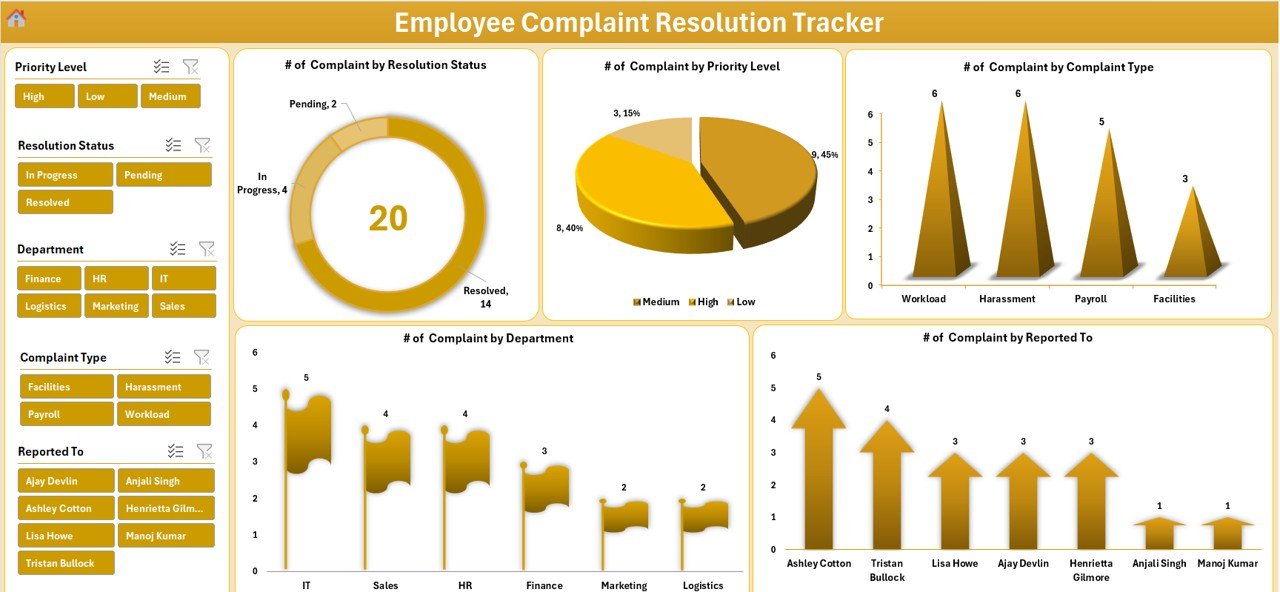
Interactive visual analytics with:
Complaints by Status (Doughnut)
By Priority Level (Pie)
By Type & Department (Bar/Flag Charts)
By Reported To (Bar Chart)
Slicers to filter by key categories
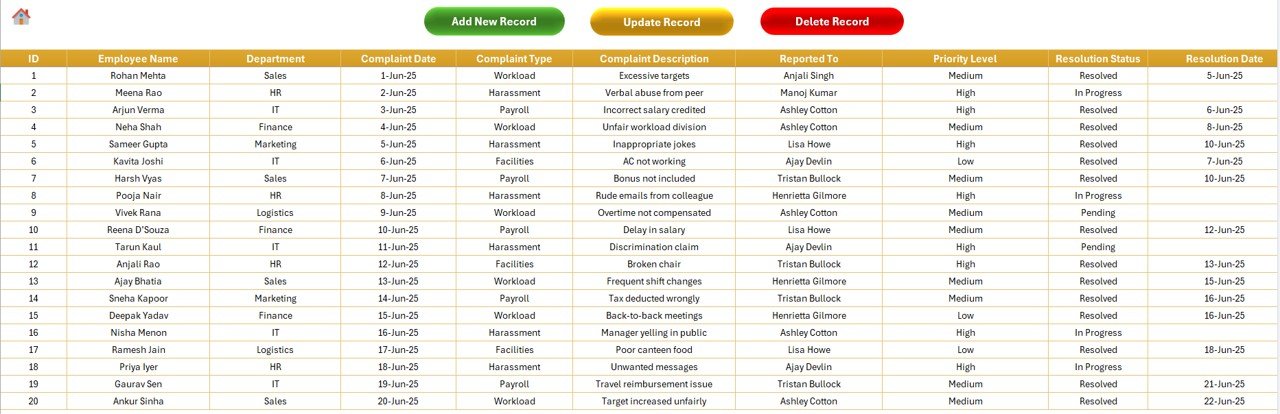
📥 Data Entry Sheet
The backend data store with columns for:
Employee Name, Department, Complaint Type
Description, Priority, Reported To
Resolution Status, Dates, Actions, Remarks
🧾 Manage List Sheet
Easily maintain dropdowns used in forms:
Departments, Complaint Types, Priorities, Statuses
Add/delete options with VBA buttons
🧑💻 User Management Sheet
Admin-only module to:
Create users
Update login details
Reset or delete accounts
⚙️ Settings Sheet
Optional tab to:
Configure default dropdowns
Apply color formatting
Set behavioral options for automation
🛠️ How to Use the Tracker
Download & Open the File – Enable macros when prompted
Log in Using Default Credentials
Navigate via Main Form to enter or view complaints
Add/Edit Complaints Using Buttons – No manual typing into sheets
Review Dashboard for Visual Insights
Customize Dropdowns via Manage List Sheet
Update User Access via User Management
All records are automatically synced and dashboard updates in real-time. No manual refresh needed!
👥 Who Can Benefit from This Tracker?
🏢 HR Departments – Centralize complaint handling and reduce delays
👨💼 Team Leaders & Managers – Track issues in their departments
📊 SMEs & Startups – Avoid costly HR software with this low-cost solution
🏫 Educational Institutions – Track faculty or administrative grievances
🧑💻 Administrative Offices – Ensure accountability and data-driven decisions
🔗 Click here to read the Detailed blog post
🔗 Visit our YouTube channel to learn step-by-step video tutorials






















Reviews
There are no reviews yet.