

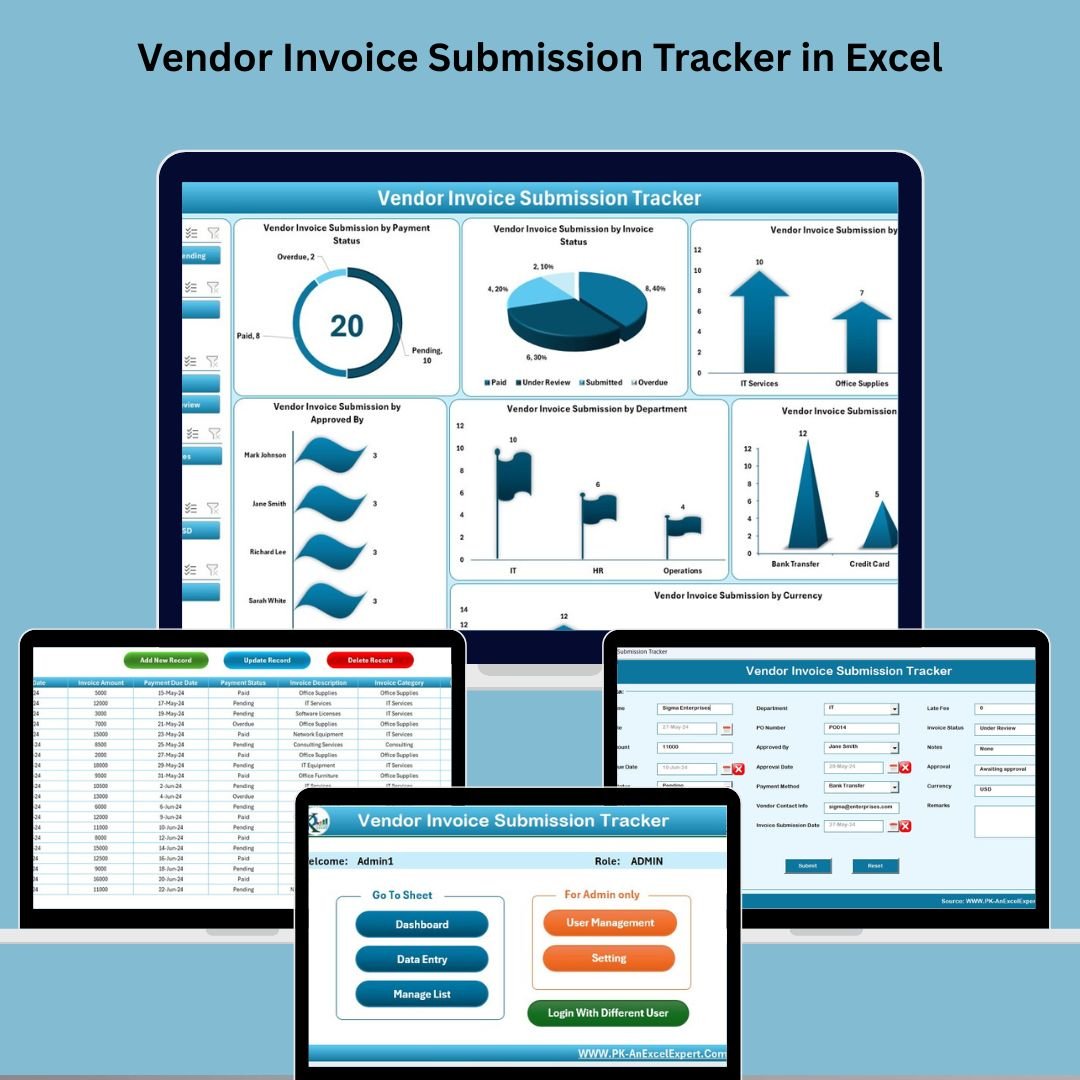
Vendor Invoice Submission Tracker in Excel 📊 is the ultimate Excel + VBA-based solution for businesses looking to simplify and automate invoice management. From submission to approval and payment tracking, this all-in-one tool ensures your finance team is always organized, efficient, and audit-ready. Say goodbye to spreadsheet chaos and hello to real-time dashboards, secure access, and insightful reports—all within Excel!
🧩 Key Features of Vendor Invoice Submission Tracker in Excel
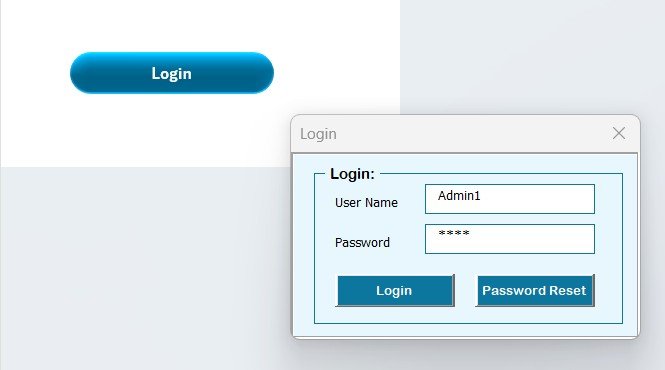
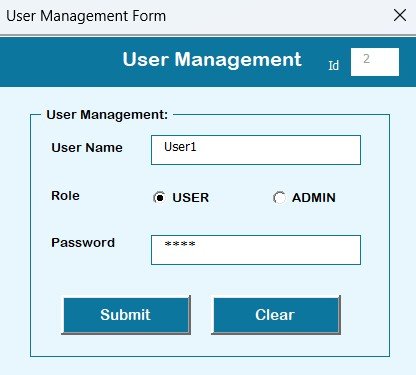
🔐 Login Form with User Control
Access is password-protected with default credentials and secure user management. Easily add, update, or delete users and manage passwords via a dedicated screen. Perfect for teams that require different levels of access.
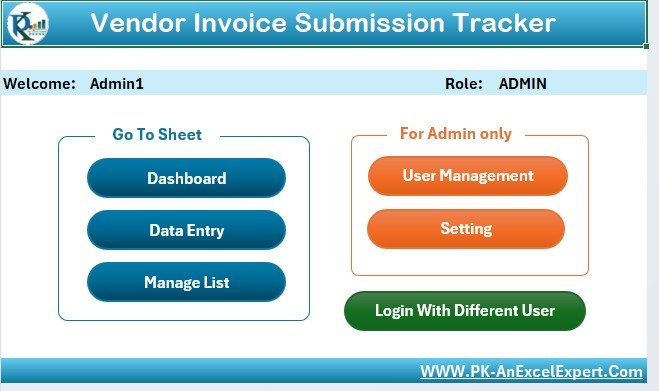
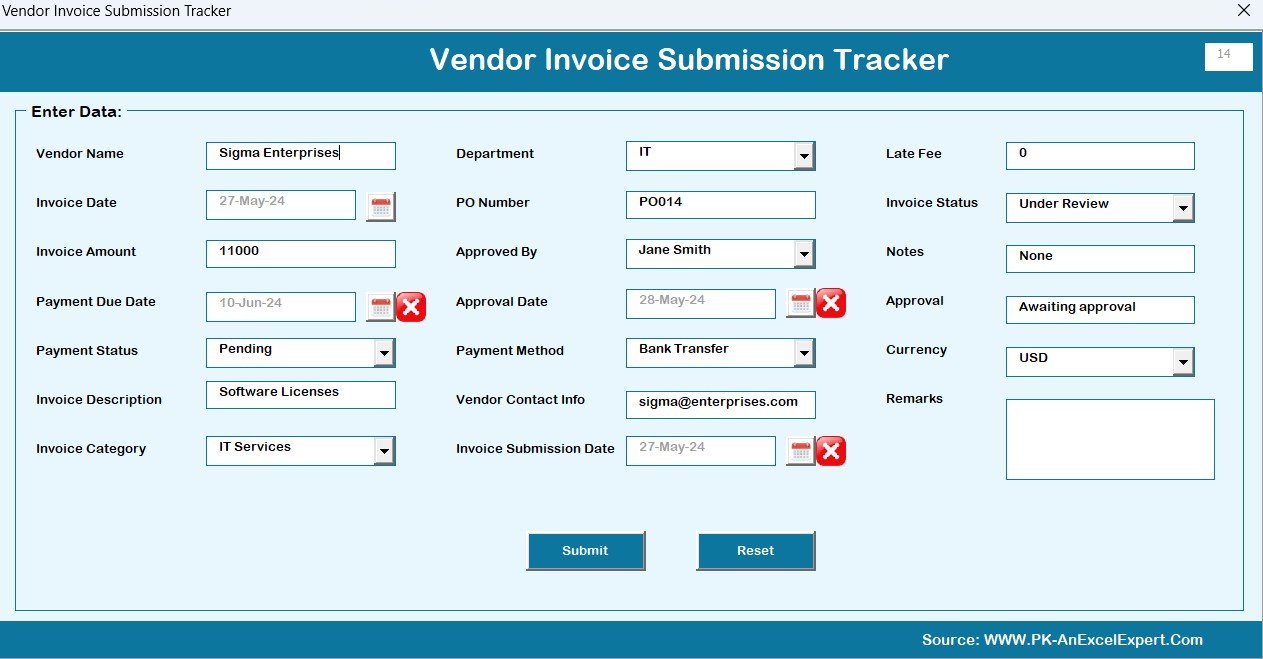
🗂️ Intuitive Main Form
The central hub for your invoice operations. Effortlessly add, update, or delete records with just a click—no need to navigate multiple sheets manually.
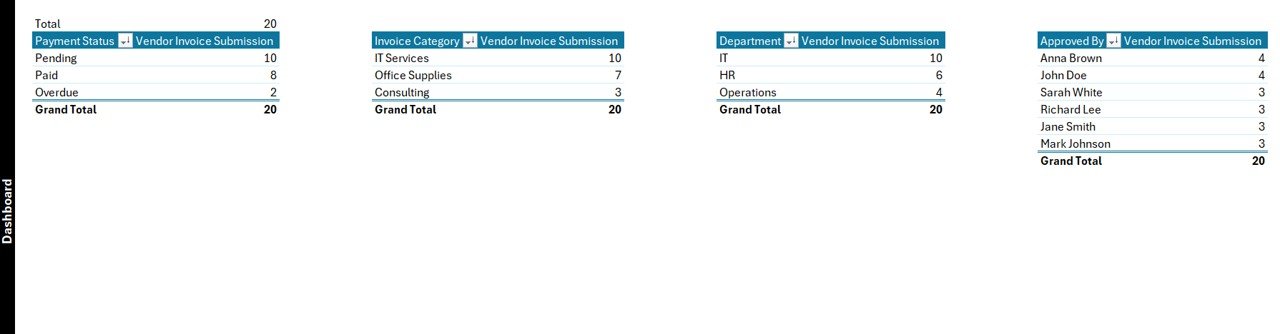
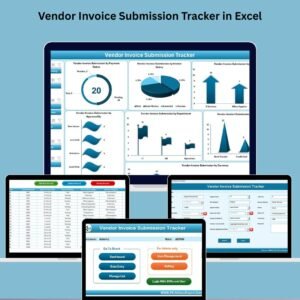
📊 Dynamic Dashboard for Real-Time Insights
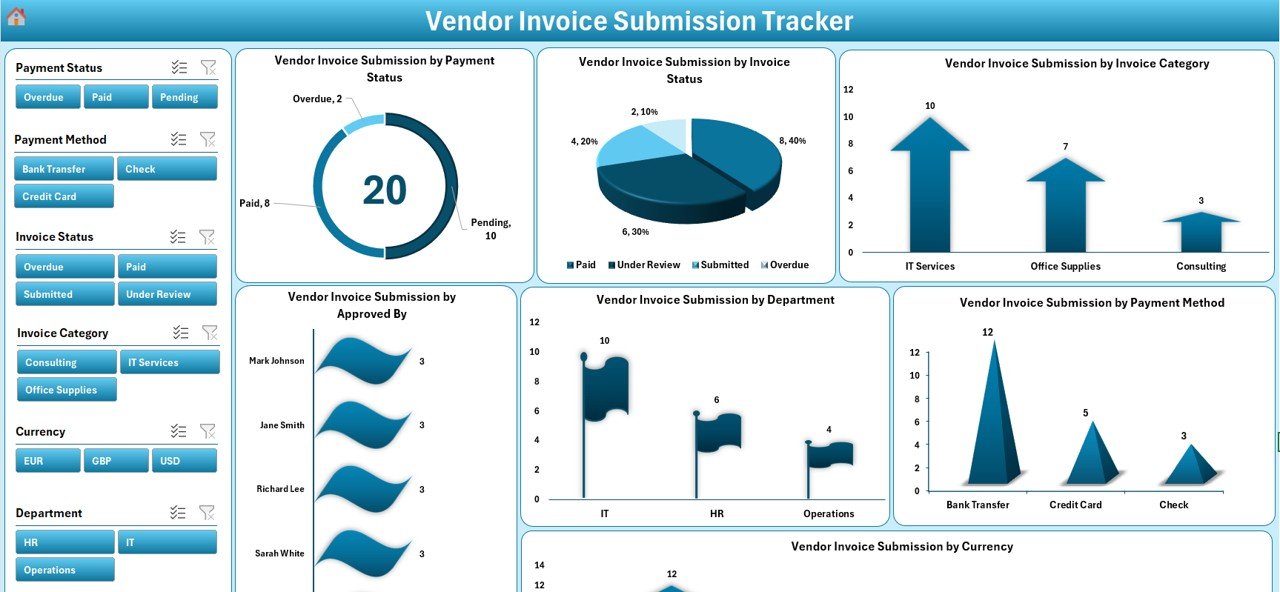
Visualize your invoice process through:
Doughnut Chart: Invoices by payment status
Pie Chart: Invoices by current status
Arrow, Bar, Flag & Column Charts: Filtered insights by department, approver, method, and currency
Slicers: Slice and dice your data across seven key fields for quick decisions
📦 What’s Inside the Vendor Invoice Submission Tracker
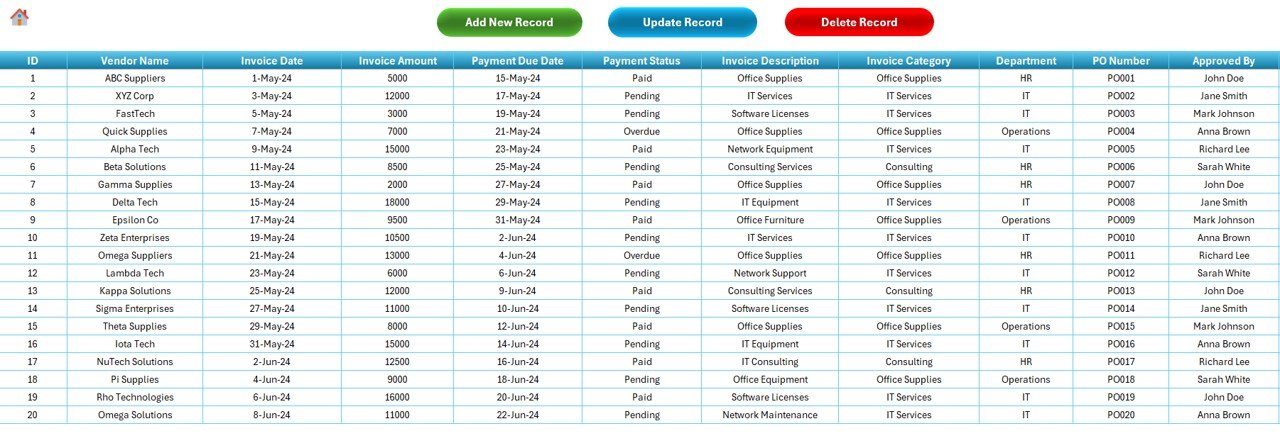
📝 Data Entry Sheet
Track every detail of your invoice with fields like:
Vendor Name
Invoice Amount, Date, Submission Date, Due Date
Payment Status & Method
Approved By & Approval Date
Department, Category, PO Number
Remarks and Late Fees
✅ Includes buttons to Add, Update, or Delete a record with confirmation prompts.
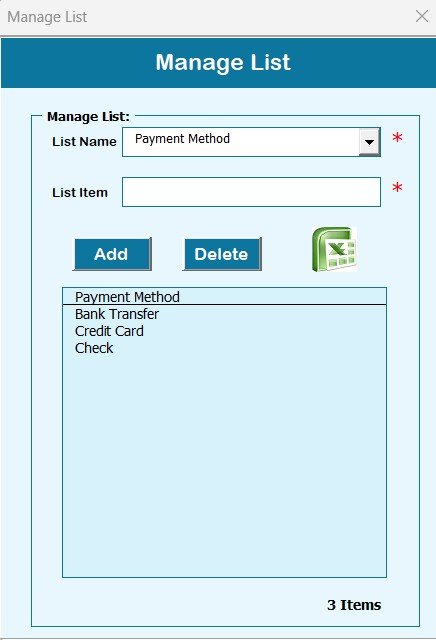
📃 Manage List Sheet
Customize dropdowns used in the form for departments, payment methods, invoice categories, and more. No more scrolling or typing errors!
🔧 Support Sheet
This behind-the-scenes tab powers the dashboard’s charts using pivot tables—automated and hands-free.
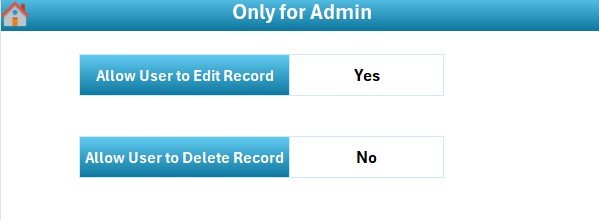
🛠️ Settings Sheet
Configure currency formats, date preferences, and default behaviors to match your internal processes.
🧑💼 How to Use the Vendor Invoice Submission Tracker
Login securely using your credentials.
Navigate to the Main Form to add or edit invoice records.
Use the Data Entry Sheet for detailed invoice information.
Customize dropdowns in the Manage List tab.
Check the Dashboard for instant visual updates on your invoice status.
Assign roles using the User Management tab to secure access.
Tweak settings for currency, format, and more in the Settings tab.
⚡Bonus Tip: Regularly backup your data to prevent accidental loss.
👥 Who Can Benefit from This Tool?
This tool is designed for:
📦 Procurement Teams managing multiple vendors
💰 Finance Departments handling invoice processing
🧾 Accounting Firms tracking payments & due dates
🏢 SMEs and Enterprises optimizing their vendor workflows
🔐 Auditors needing accurate, organized records
Whether you’re a small business or a large organization, this tracker adapts to your workflow and simplifies the complex process of invoice management.
🔗 Click here to read the Detailed blog post
📺 Visit our YouTube channel to learn step-by-step video tutorials
























Reviews
There are no reviews yet.