
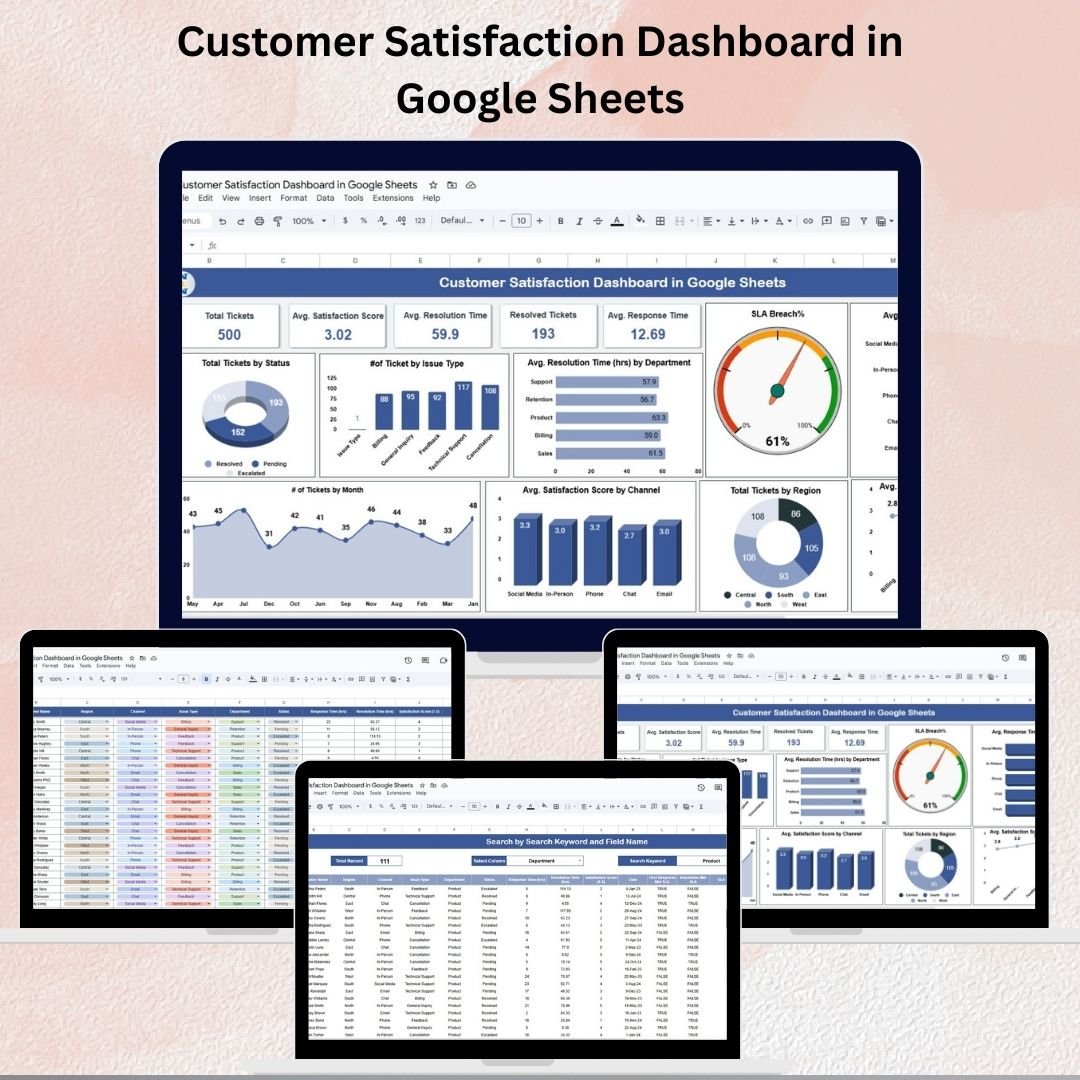
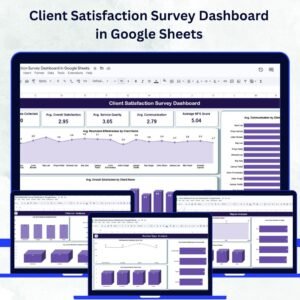
Monitoring and improving customer satisfaction is essential for businesses that want to deliver high-quality service and build strong customer relationships. Our Customer Satisfaction Dashboard in Google Sheets is a ready-to-use, interactive tool that allows you to track, analyze, and optimize customer service performance effectively.
Designed with simplicity and functionality in mind, this dashboard is perfect for customer service managers, support teams, and business leaders who want to gain real-time insights into ticket handling, SLA compliance, and customer feedback.
⭐ Key Features of the Customer Satisfaction Dashboard
1. Dashboard Sheet 📊
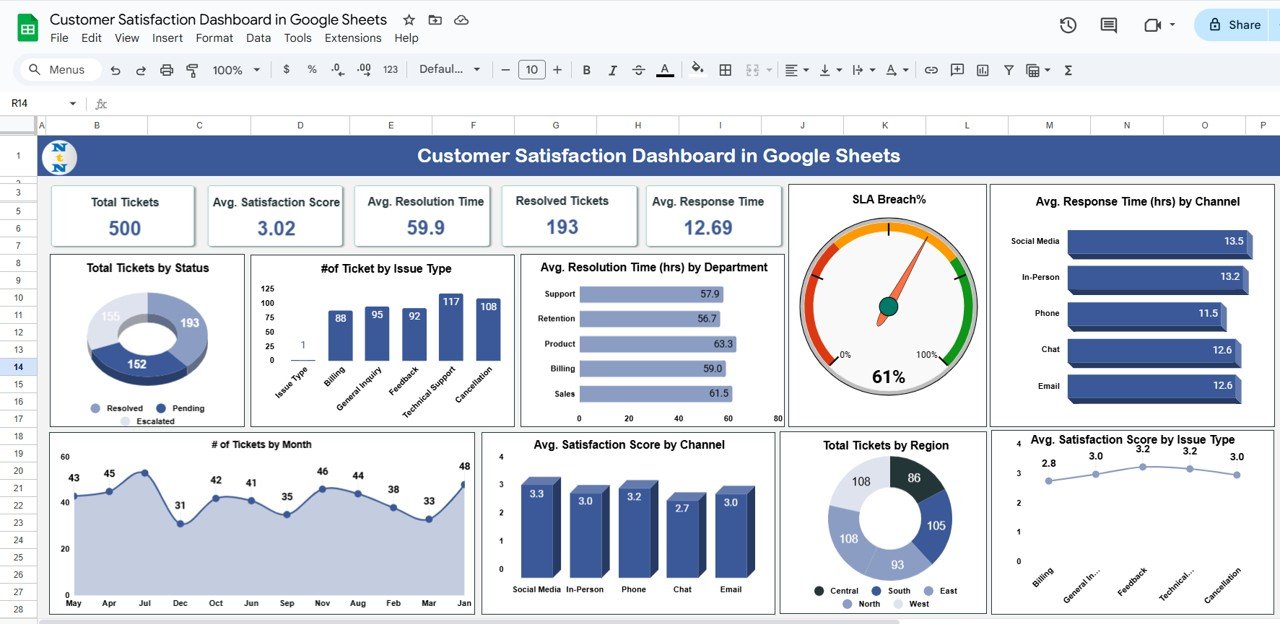
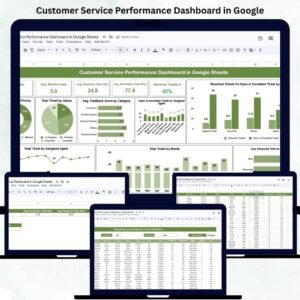
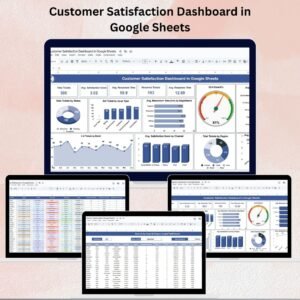
The Dashboard Sheet provides a visual and interactive summary of your customer support performance.
Cards Include:
-
Total Tickets → Count of all tickets logged.
-
Avg. Satisfaction Score (1–5) → Overall customer feedback rating.
-
Avg. Resolution Time (hrs) → Average hours taken to close tickets.
-
Resolved Tickets → Total successfully closed tickets.
-
Avg. Response Time (hrs) → Average time taken to respond initially.
Charts Include:
-
📌 Total Tickets by Status – Open, Pending, Resolved, Escalated
-
📌 Number of Tickets by Issue Type – Identify common customer problems
-
📌 Avg. Resolution Time by Department – Spot slow-performing departments
-
📌 SLA Breach % – Track tickets exceeding Service Level Agreements
-
📌 Avg. Response Time by Channel – Compare Email, Chat, Phone, In-person
-
📌 Avg. Satisfaction Score by Issue Type – Discover where customers are least satisfied
-
📌 Total Tickets by Region – Regional support performance
-
📌 Tickets by Month – Monthly workload trends
This sheet gives instant insights into customer satisfaction and performance bottlenecks.
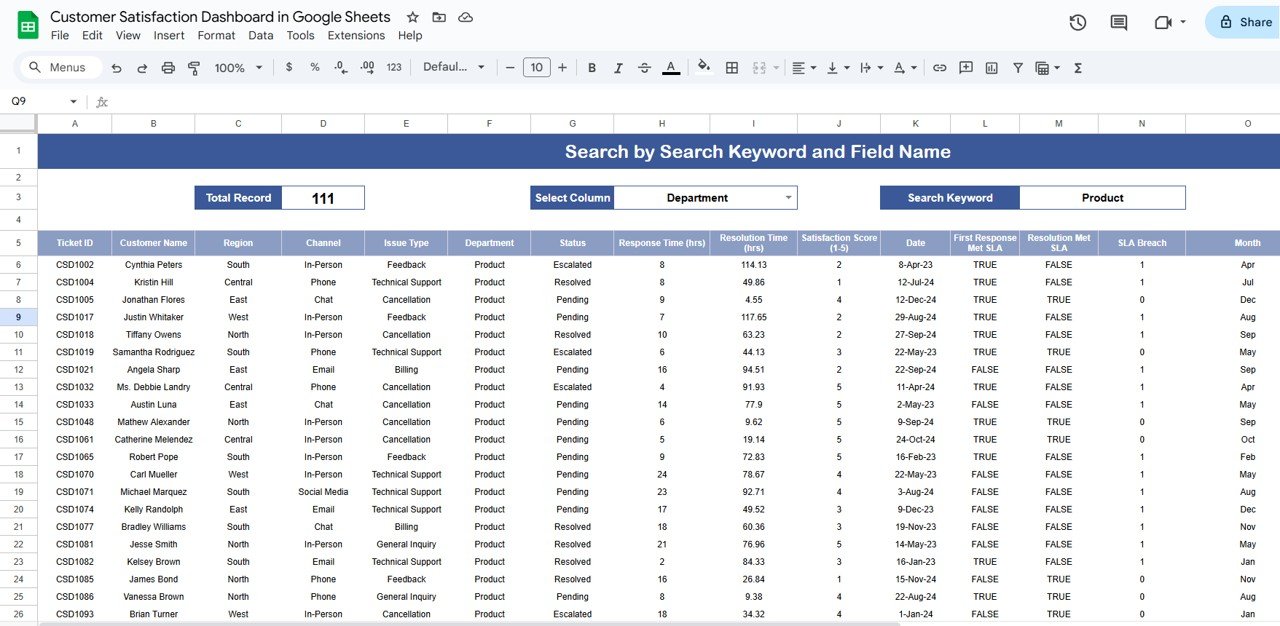
2. Search Sheet 🔍
The Search Sheet allows quick filtering of tickets by multiple criteria. You can search by:
-
Department
-
Issue Type
-
Customer Name
-
Ticket Status
This makes it easy to analyze issues by category, highlight unresolved tickets, and focus on problem areas quickly.
3. Data Sheet 📑
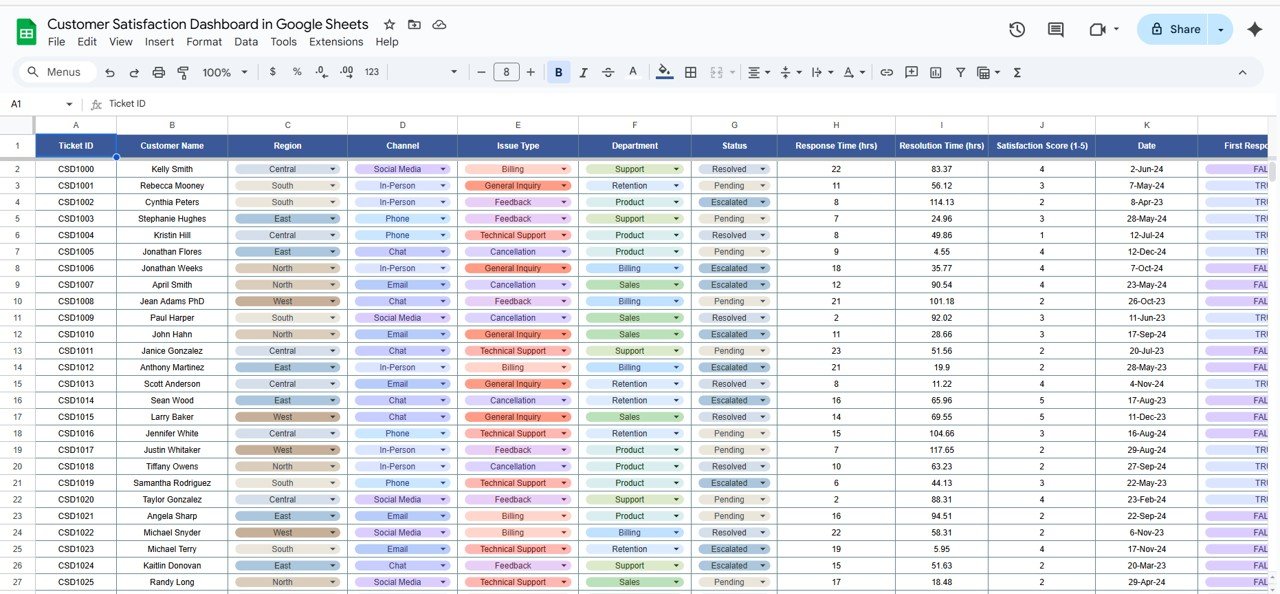
The Data Sheet is the backend database of the dashboard, where all raw ticket details are stored.
Captured Information:
-
Ticket ID
-
Customer Name
-
Region
-
Channel
-
Issue Type
-
Department
-
Status
-
Response Time (hrs)
-
Resolution Time (hrs)
-
Satisfaction Score (1–5)
-
Date
-
SLA Breach Indicator
This structured dataset ensures the dashboard is always accurate and auto-updated in real time.
💡 Benefits of Using the Customer Satisfaction Dashboard
-
📈 Quick Insights → See customer satisfaction trends instantly.
-
🕑 Monitor Efficiency → Track resolution times & SLA compliance.
-
🎯 Identify Weak Areas → Spot underperforming departments or channels.
-
⚡ Improve Decision-Making → Use data to drive better service strategies.
-
✅ User-Friendly → No advanced Excel/Sheets knowledge required.
🚀 Opportunities for Enhancement
-
🔗 Integrate with CRM or live support systems for real-time ticket updates.
-
📊 Add predictive analytics to forecast ticket volumes & SLA breaches.
-
💬 Use sentiment analysis on customer comments for deeper insights.
📝 Best Practices
-
Update the Data Sheet regularly for accurate results.
-
Use the Search Sheet to drill into specific issues.
-
Align dashboard metrics with employee KPIs to improve accountability.
-
Share the dashboard with your team for collaborative improvements.
✅ Conclusion
The Customer Satisfaction Dashboard in Google Sheets is an all-in-one solution to monitor ticket management, SLA compliance, and customer feedback. By adopting this tool, your business can resolve issues faster, track performance efficiently, and enhance customer experience across all touchpoints.
📌 Click here to read the Detailed Blog Post
📺 Visit our YouTube channel for step-by-step video tutorials










Reviews
There are no reviews yet.