


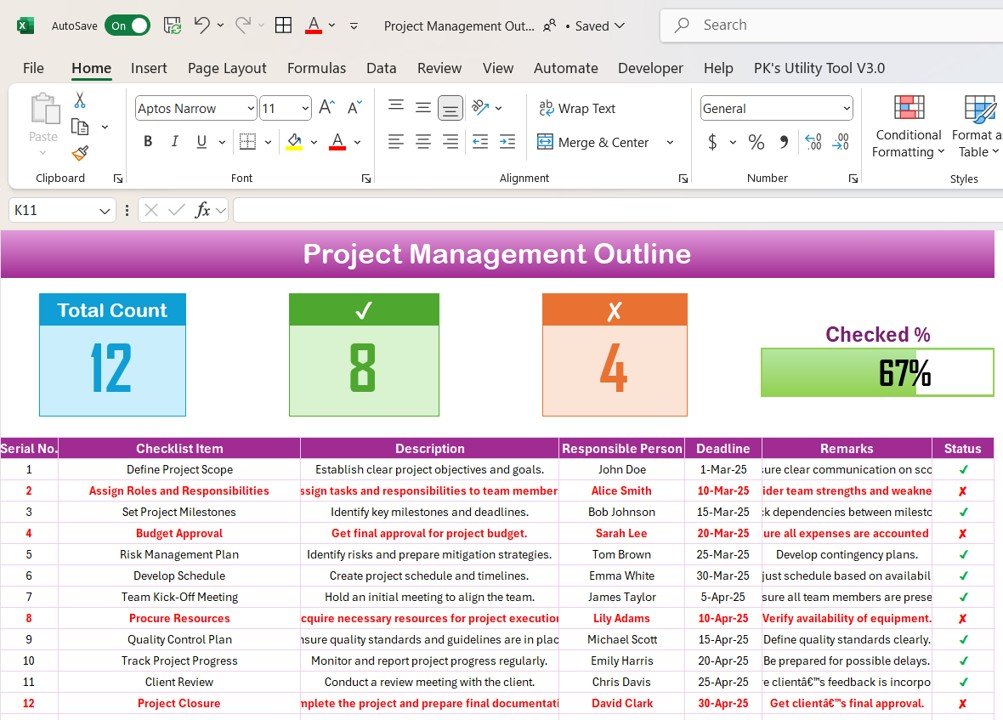
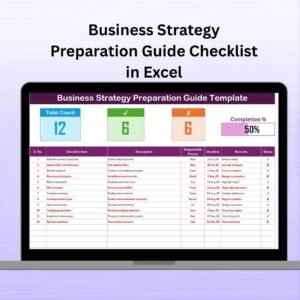
The Project Management Outline Checklist in Excel is a detailed and user-friendly tool designed to help project managers, teams, and businesses organize and manage their projects from start to finish. This Excel-based checklist helps you outline key tasks, set priorities, define milestones, and track progress, ensuring every project is completed on time and within scope.
This tool is perfect for managing multiple projects at once, providing you with a clear overview of deadlines, responsibilities, and task dependencies. Whether you’re handling a small team or managing large-scale projects, this checklist simplifies project planning, task management, and progress tracking, ensuring efficiency and accountability throughout the project lifecycle.
Key Features of the Project Management Outline Checklist in Excel
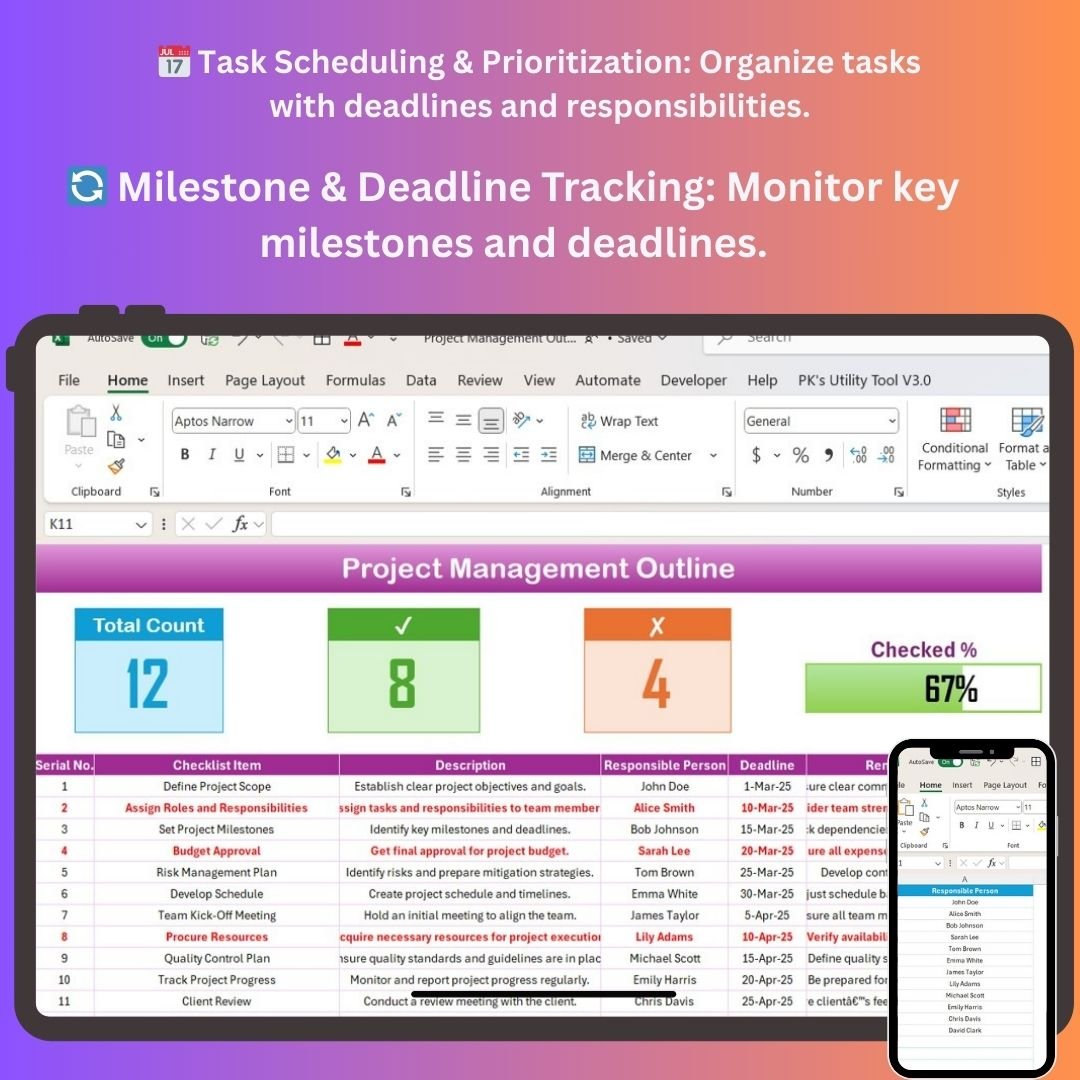
📅 Task Scheduling & Prioritization
Organize tasks by deadlines, set priorities, and assign responsibilities. Ensure that every task is completed on time and aligns with the project’s objectives.
🔄 Milestone & Deadline Tracking
Track key milestones and deadlines to ensure that your project is moving forward as planned. Monitor progress and keep your team on schedule by checking off completed tasks.
📊 Progress Tracking & Reporting
Monitor task completion and project progress with real-time tracking. Use visual reports to analyze your project’s status and identify any areas that need improvement.
📝 Task Dependencies & Responsibilities
Link tasks with dependencies to ensure that tasks are completed in the right order. Assign responsibilities and track accountability for every aspect of the project.
⚙️ Customizable Categories & Metrics
Customize the checklist to fit the specific needs of your project. Add or modify fields such as task categories, resource allocation, and budget tracking to suit your project’s requirements.
📈 Time-Based Performance Analysis
Analyze project performance over different time periods, such as weekly or monthly. Track overall project timelines and identify trends to optimize future projects.
Why You’ll Love the Project Management Outline Checklist in Excel
✅ Streamlined Project Planning
Easily organize and prioritize tasks for smooth project execution. Manage resources, deadlines, and milestones with ease.
✅ Ensure Timely Project Completion
Track deadlines, monitor progress, and ensure that tasks are completed on time. Prevent delays and bottlenecks by staying on top of tasks and milestones.
✅ Improve Team Accountability
Assign tasks to specific team members and hold them accountable for completion. Keep everyone aligned and informed with clear task assignments.
✅ Data-Driven Insights
Use real-time tracking and reporting to evaluate project progress. Make informed decisions and adjust project timelines as needed for better outcomes.
✅ Fully Customizable for Your Project Needs
Tailor the checklist to your project’s requirements. Add custom categories, modify task fields, and track KPIs that are specific to your project.
What’s Inside the Project Management Outline Checklist in Excel?
- Task Scheduling & Prioritization: Organize and prioritize tasks with deadlines and responsibilities.
- Milestone & Deadline Tracking: Track key milestones and ensure deadlines are met.
- Progress Monitoring: Keep track of task completion and overall project progress.
- Task Dependencies & Responsibility Tracking: Ensure tasks are completed in the correct order and hold team members accountable.
- Customizable Fields: Adapt the checklist to suit your project’s unique needs and requirements.
- Time-Based Analysis: Analyze project progress over different time periods and track trends.
How to Use the Project Management Outline Checklist in Excel
1️⃣ Download the Template: Get immediate access to the Project Management Outline Checklist in Excel.
2️⃣ Set Up Tasks & Milestones: Input your project tasks, milestones, and deadlines.
3️⃣ Assign Responsibilities: Assign tasks to team members and track progress.
4️⃣ Monitor Project Progress: Use the checklist to monitor progress and ensure timely task completion.
5️⃣ Analyze & Optimize: Review project performance and make adjustments as needed for better efficiency and results.
Who Can Benefit from the Project Management Outline Checklist in Excel?
🔹 Project Managers & Team Leaders
🔹 Operations Managers & Coordinators
🔹 Small & Medium Enterprises (SMEs)
🔹 Large Corporations & Enterprises
🔹 Freelancers & Consultants Managing Multiple Projects
🔹 Construction & Event Managers
🔹 HR & Performance Managers
Keep your projects on track, organized, and on schedule with the Project Management Outline Checklist in Excel. Streamline your planning process, monitor progress, and ensure successful project delivery.
Click here to read the Detailed blog post
Visit our YouTube channel to learn step-by-step video tutorials
Youtube.com/@PKAnExcelExpert
Compatibility and Requirements
- Works in Microsoft Excel desktop (Excel 2016 or later, or Microsoft 365).
- New to Excel? Microsoft has free lessons in Excel for Windows training.
Frequently Asked Questions
What can I track with this checklist?
You can track tasks, priorities, deadlines, milestones, responsibilities and task dependencies for a project, and check off tasks as they are completed.
Can I manage more than one project with it?
Yes. It gives you an overview of deadlines, responsibilities and task dependencies, so you can keep several projects on one checklist. For a dedicated multi-project view, see the Multiple Projects Management Dashboard in Excel.
Can I add my own fields?
Yes. You can add or change fields such as task categories, resource allocation and budget tracking to match your project.
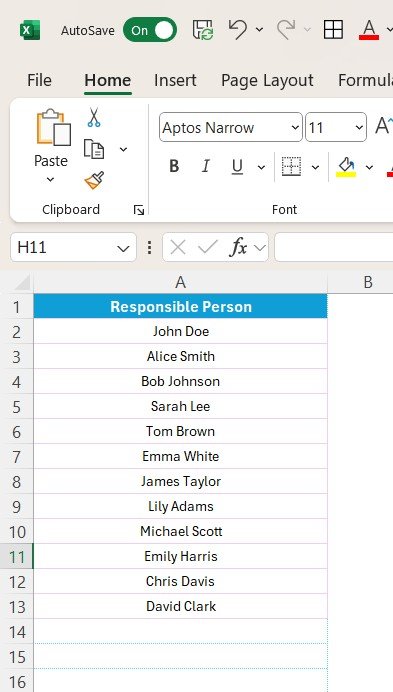
Can I assign tasks to team members?
Yes. Each task can have a responsible person, so everyone can see who owns what.
Is there a Google Sheets version?
Yes. See the Project Management Checklist in Google Sheets.
Related Project Management Templates
- Project Management Checklist in Google Sheets: the same kind of checklist for Google Sheets
- Task Management Outline Checklist in Excel: an outline checklist focused on individual tasks
- Project Progress Tracker in Excel: follow project progress over time
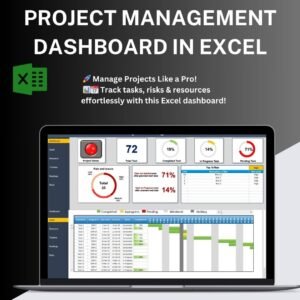
- Project Management Dashboard in Excel: a dashboard view of your projects
- Project Management Pro Bundle: 9 project templates in one download
Browse all Excel project management templates and Excel checklists.
































Reviews
There are no reviews yet.