

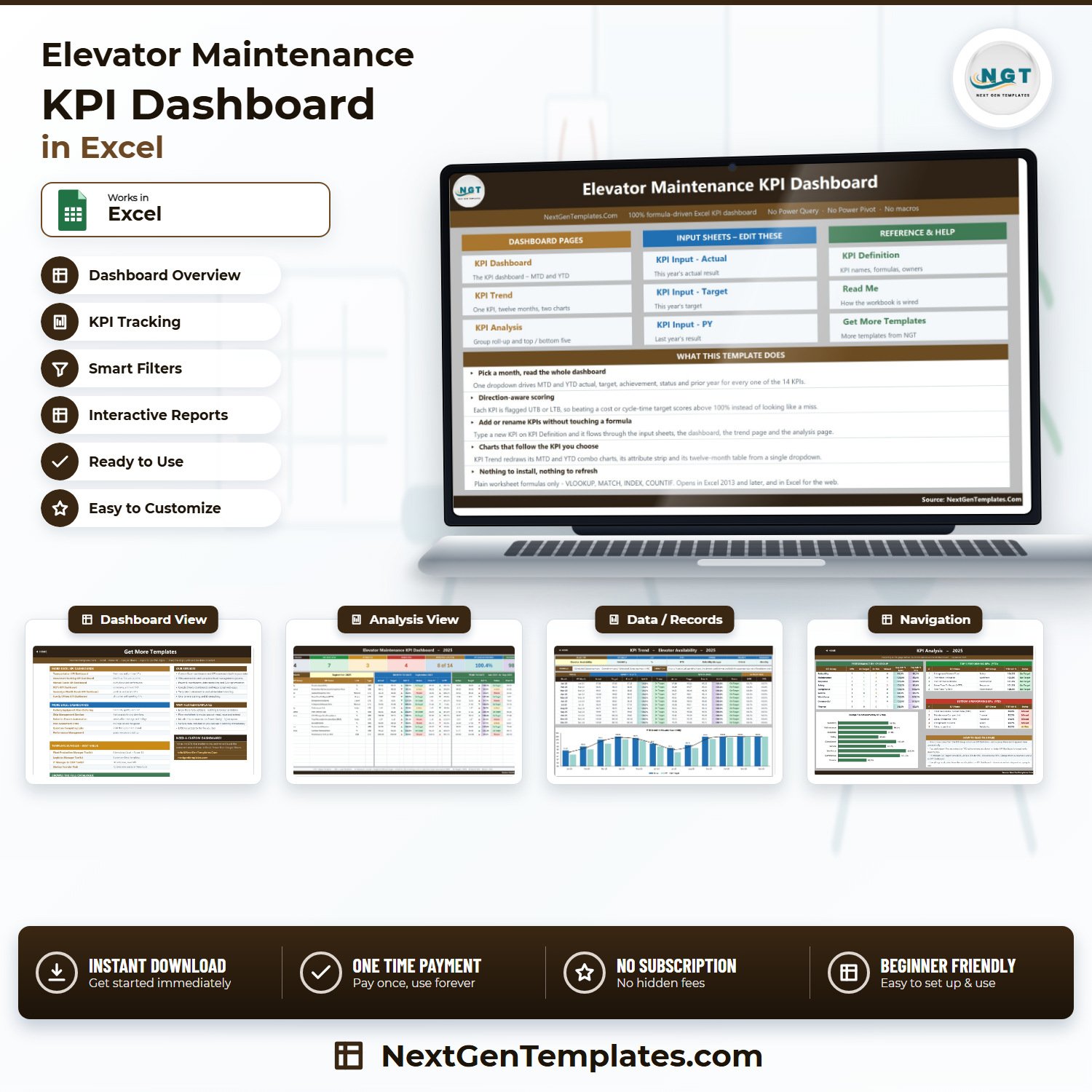
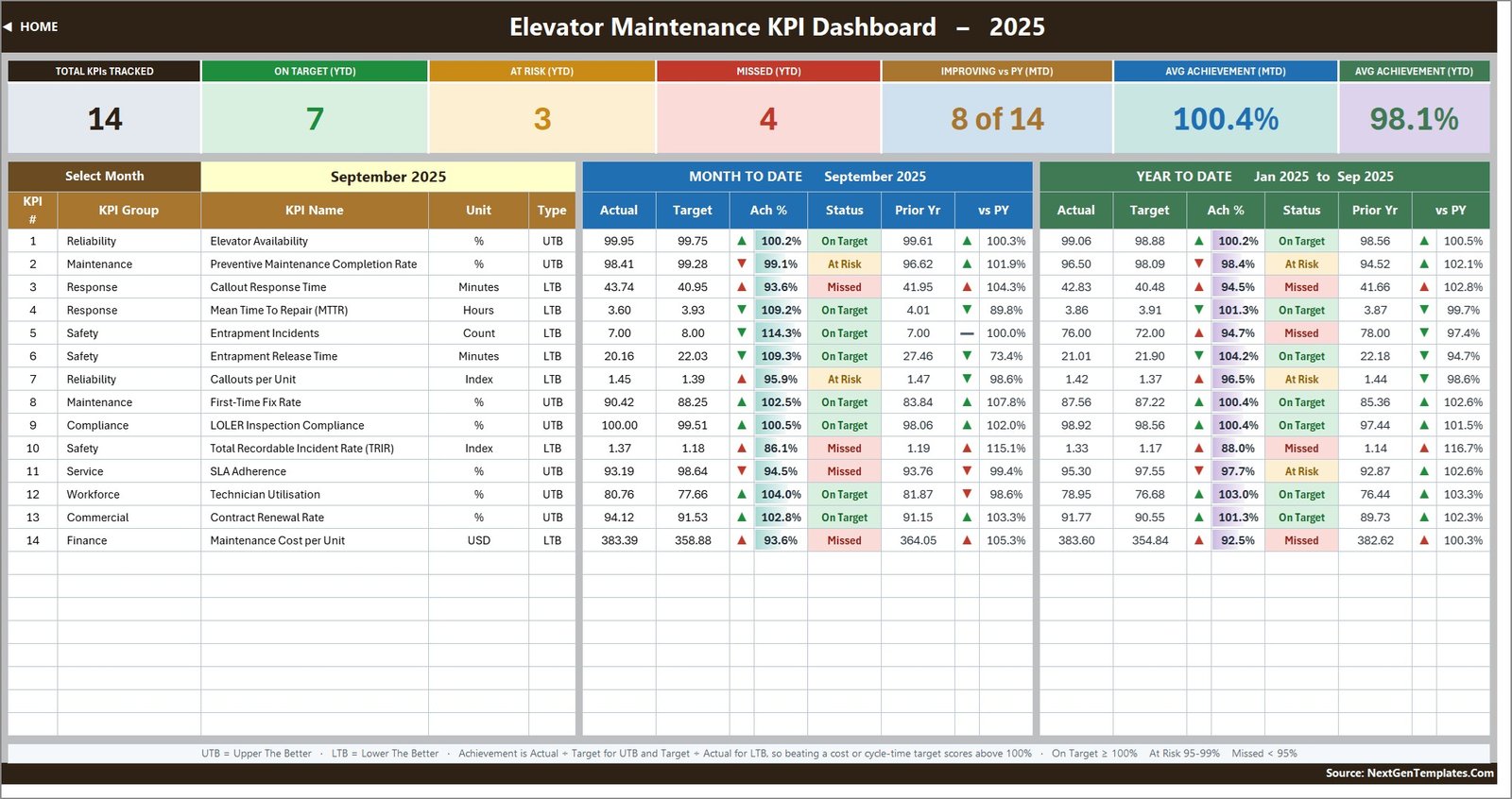

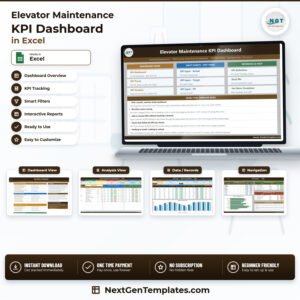
Review 14 elevator-maintenance KPIs without rebuilding a management report every month. The Elevator Maintenance KPI Dashboard in Excel brings Reliability, Maintenance, Response, Safety, Compliance, Service, Workforce, Commercial, and Finance measures into one formula-driven workbook. Select a month and the dashboard recalculates MTD and YTD actuals, targets, achievement, status, and prior-year comparisons. The sample September view shows 7 on-target KPIs, 3 at risk, and 4 missed, with average achievement of 100.4% MTD and 98.1% YTD. It is a one-time purchase with no macros, Power Query, Power Pivot, add-ins, or recurring software fee.
Key Features of Elevator Maintenance KPI Dashboard in Excel
- Fourteen ready-made KPIs: track the supplied elevator maintenance measures across nine KPI groups.
- MTD and YTD views: compare current performance over two reporting horizons on one screen.
- Direction-aware scoring: UTB and LTB logic treats lower-is-better cycle-time, cost, incident, and defect measures correctly.
- Seven summary cards: see total KPIs, on target, at risk, missed, improving versus prior year, and average achievement.
- Month selector: one dropdown drives the dashboard, KPI Analysis page, and visible reporting period.
- KPI Trend page: choose one measure to see a 12-month table plus MTD and YTD Actual, Target, and Prior Year charts.
- Group analysis: review average achievement by KPI group and the top and bottom five YTD performers.
- Editable KPI master: change names, groups, units, formulas, owners, priorities, frequency, and UTB/LTB type.

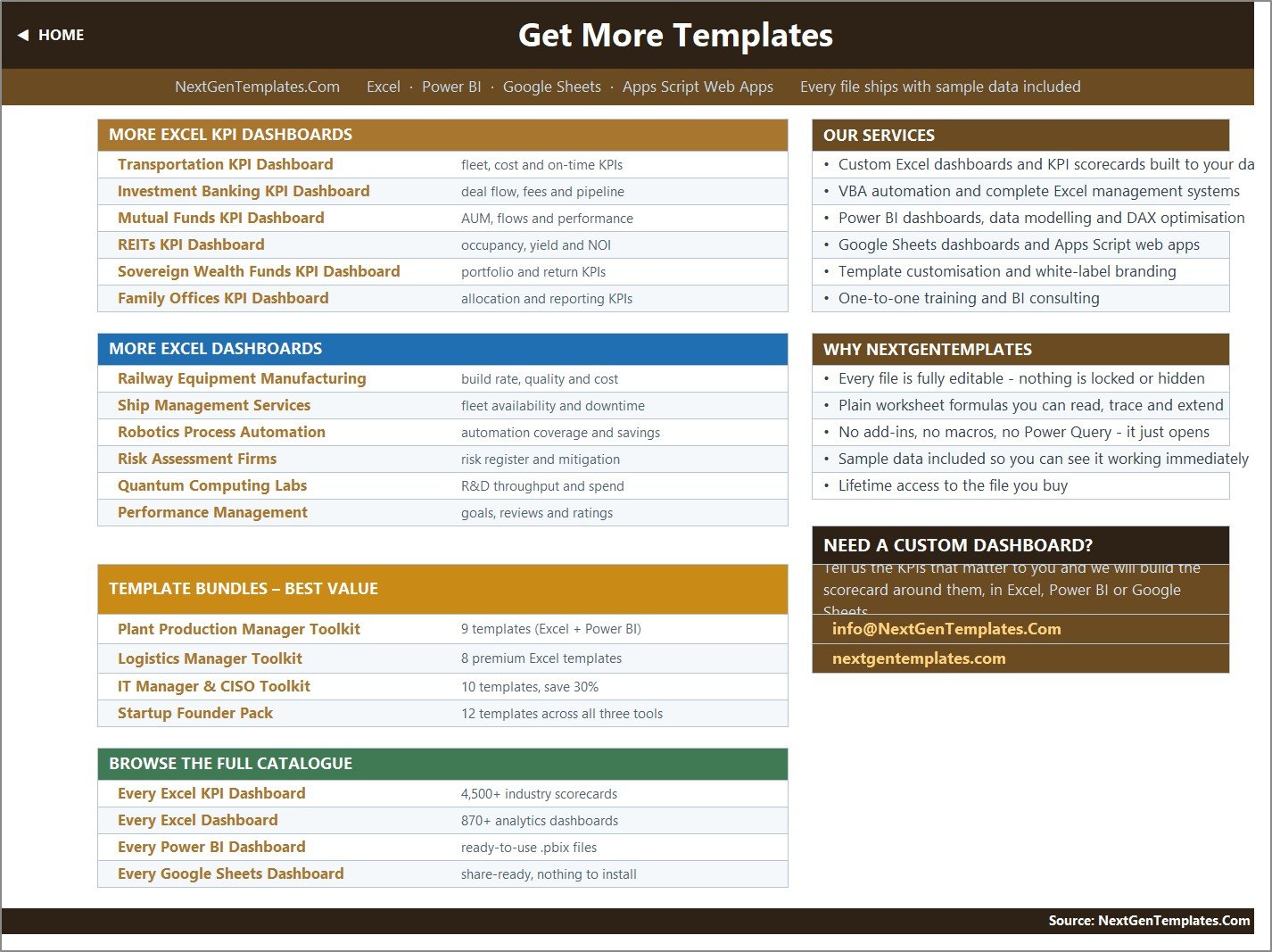
Home worksheet and workbook navigation
What’s Inside the Elevator Maintenance KPI Dashboard in Excel
KPI Dashboard
The main sheet lists all 14 KPIs with MTD and YTD Actual, Target, Achievement, Status, Prior Year, and variance versus prior year. The supplied measures include Elevator Availability, Preventive Maintenance Completion Rate, Callout Response Time, Mean Time To Repair (MTTR), Entrapment Incidents, Entrapment Release Time, Callouts per Unit, First-Time Fix Rate, LOLER Inspection Compliance, Total Recordable Incident Rate (TRIR), SLA Adherence, Technician Utilisation, Contract Renewal Rate, and Maintenance Cost per Unit.

Month-controlled KPI Dashboard
KPI Trend and KPI Analysis
KPI Trend follows one selected KPI and shows its group, unit, type, owner, priority, frequency, formula, definition, 12-month results, and two charts. KPI Analysis rolls performance up by the nine KPI groups, charts average YTD achievement, and ranks the top and bottom five measures for the selected month.

Selected-KPI monthly trend

KPI group roll-up and rankings
Actual, Target, and Prior Year inputs
Three structured input sheets hold monthly MTD and YTD values. Enter current actuals, targets, and prior-year results in the matching rows; formula-driven report pages read them automatically. The first month on the Actual sheet rebases the reporting year throughout the workbook.

Current-year Actual input

Current-year Target input

Prior Year input
KPI Definition and guidance
KPI Definition is the master list for every measure. The Read Me page explains setup, MTD/YTD behavior, UTB/LTB achievement, status thresholds, and capacity. Fourteen rows are populated and the workbook is wired for 22 KPIs before formulas need extending.

Editable KPI Definition master list
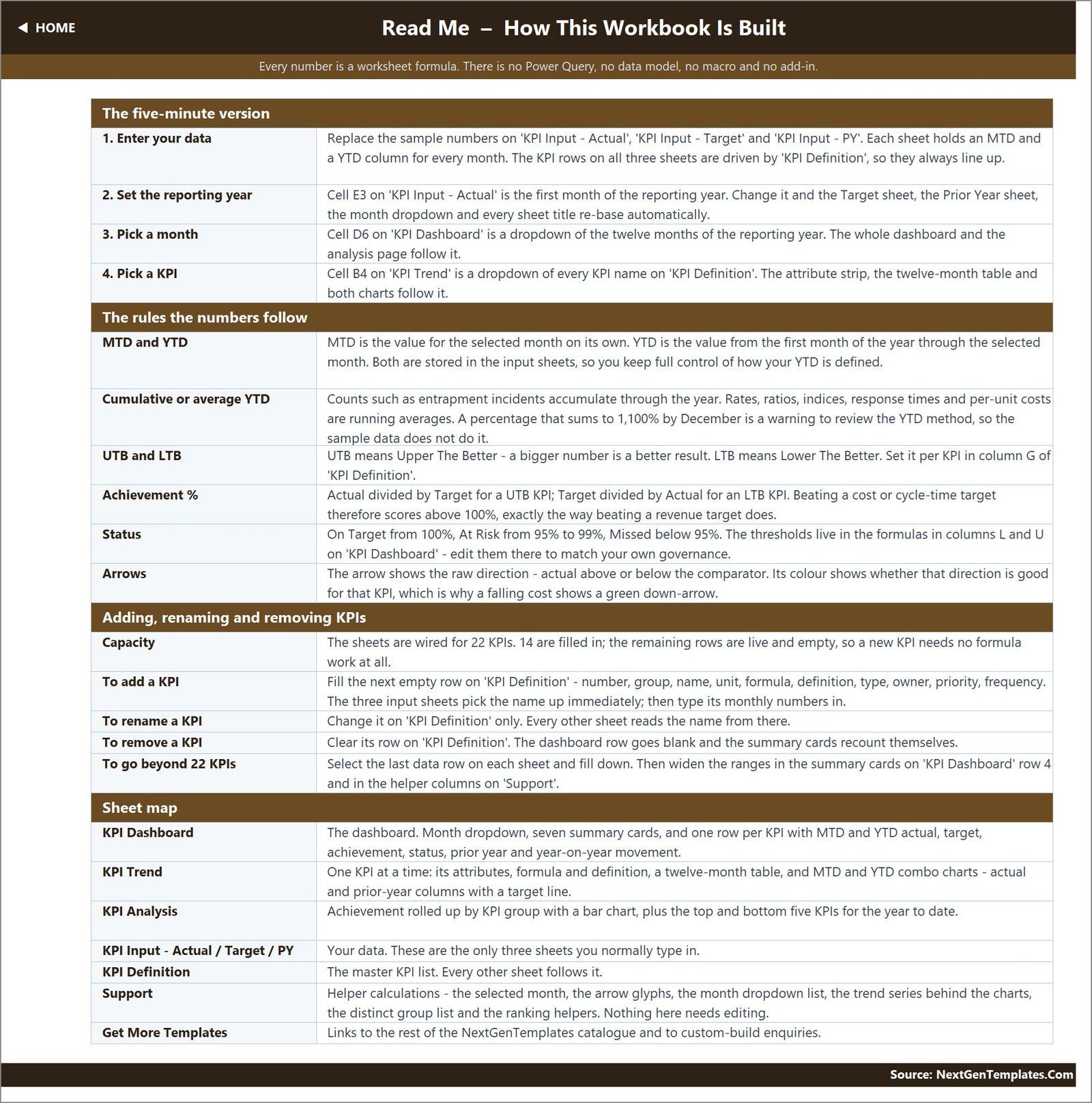
Built-in Read Me guidance
Elevator Maintenance KPI Dashboard vs. Google Sheets vs. Paid Field-Service SaaS – Where This Fits
| Decision point | This Excel template | Google Sheets alternative | Paid field-service SaaS |
|---|---|---|---|
| Cost | One-time purchase | Template plus Google account | Recurring plan, often per user |
| Platform | Excel 2013+ or Excel for the web | Browser and Google Drive | Vendor web/mobile application |
| Setup | Replace monthly summary values | Copy and enter values | Configuration and migration |
| Team collaboration | File sharing or cloud co-authoring | Native link sharing | Role-based accounts |
| Custom KPIs | Editable master and formulas | Editable sheet structure | Depends on vendor plan |
| Job scheduling, quoting, CRM | No | No | Often included |
| Best fit | Monthly management review | Shared spreadsheet review | Live operational workflow |
Who This Template Is For – and Who It’s Not For
This Excel KPI dashboard suits elevator maintenance contractors, lift service companies, facilities teams, reliability managers, maintenance managers, service-desk leads, safety managers, compliance officers, workforce managers, and business owners. It works best when approved source systems already hold the detailed records and leadership needs a consistent monthly summary.
It is not CMMS, job dispatch, statutory inspection, incident-management, payroll, CRM, accounting, or safety-compliance software. It does not import data, validate source records, or replace required operational, safety, compliance, or statutory systems.
Teams searching for a elevator maintenance KPI dashboard can also use this as an Excel elevator service KPI dashboard, a lift maintenance performance dashboard, or a elevator KPI tracking template. These phrases describe the same downloadable workbook, not separate editions.
Compliance and safety scope: LOLER Inspection Compliance and TRIR are user-entered management indicators. The workbook does not perform statutory inspections, determine legal compliance, investigate incidents, issue certifications, or replace competent-person records and applicable safety procedures.
How to Use This Excel KPI Dashboard
- Download and unzip the package, then open the .xlsx file in Microsoft Excel.
- Save a clean backup before replacing the sample values.
- Review KPI Definition and confirm every formula, owner, priority, frequency, and UTB/LTB direction.
- Set the first reporting month on the Actual sheet.
- Enter monthly Actual, Target, and Prior Year MTD/YTD values.
- Select a month on KPI Dashboard and investigate exceptions on KPI Trend and KPI Analysis.
- Validate one KPI manually after each update before sharing the report.
If several people will maintain the file, review Microsoft’s guidance on sharing and collaborating in Excel and define one owner for each reporting cycle.
Real-World Use Cases
Operations review
A maintenance manager compares availability, preventive maintenance completion, callout response, MTTR, first-time fix, and callouts per unit before assigning improvement work.
Quality and safety meeting
A safety or compliance lead can review entrapment incidents, release time, LOLER inspection completion, and TRIR as management summaries while retaining statutory evidence and incident records in approved systems.
Owner and estimator review
A service director connects SLA adherence, technician utilisation, contract renewal, and maintenance cost per unit without turning the workbook into a CMMS, CRM, or accounting ledger.
Frequently Asked Questions
Does the workbook use macros?
No. It uses standard worksheet formulas including VLOOKUP, MATCH, INDEX, and COUNTIF.
Can I change the 14 KPIs?
Yes. Edit the KPI Definition master and the linked sheets follow. The workbook has room for 22 KPIs before ranges need extending.
What do UTB and LTB mean?
Upper the Better and Lower the Better define which direction counts as stronger performance.
Does it import job data automatically?
No. This elevator maintenance KPI tracking template uses manually entered monthly summaries.
Can it replace field-service software?
No. The elevator service performance dashboard is for KPI reporting, not live job operations.
What files are included?
The ZIP contains the Excel workbook and an Excel KPI Dashboard user manual.
About the Author
Built by PK – Microsoft Certified Professional with 15+ years of Excel, Google Sheets, and Power BI experience. Founder of NextGenTemplates, reaching 300K+ subscribers across YouTube channels. Every template is hand-built and tested before release.
Explore Related Templates
Browse the Excel KPI Dashboard collection for related management templates.
Download this elevator maintenance KPI dashboard and turn validated monthly figures into a repeatable management review.
Last updated: 10 September 2026.
Watch the demo video:
Compatibility and Requirements
- Works in Microsoft Excel desktop (Excel 2016 or later, or Microsoft 365). Excel for the web is also listed as supported on this page.
- The workbook uses standard worksheet formulas. It has no macros, Power Query, Power Pivot or add-ins.
- You pick the reporting month from a dropdown on the KPI Dashboard sheet. Microsoft explains dropdowns in Create a drop-down list.
Related Elevator and Maintenance Templates
- Elevator Maintenance KPI Dashboard in Power BI: the same dashboard in Power BI
- Elevator Maintenance KPI Dashboard in Google Sheets: the Google Sheets edition
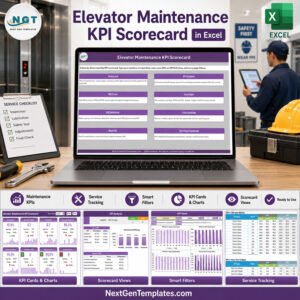
- Elevator Maintenance KPI Scorecard in Excel: a scorecard view of the same measures
- Elevator Maintenance Checklist in Excel: a checklist for routine service visits
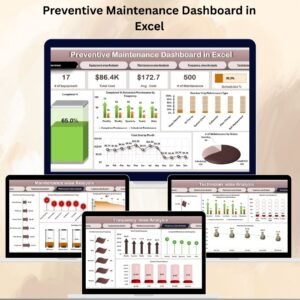
- Preventive Maintenance Dashboard in Excel: a dashboard for preventive maintenance work
Browse all Excel operations templates.





























Reviews
There are no reviews yet.