

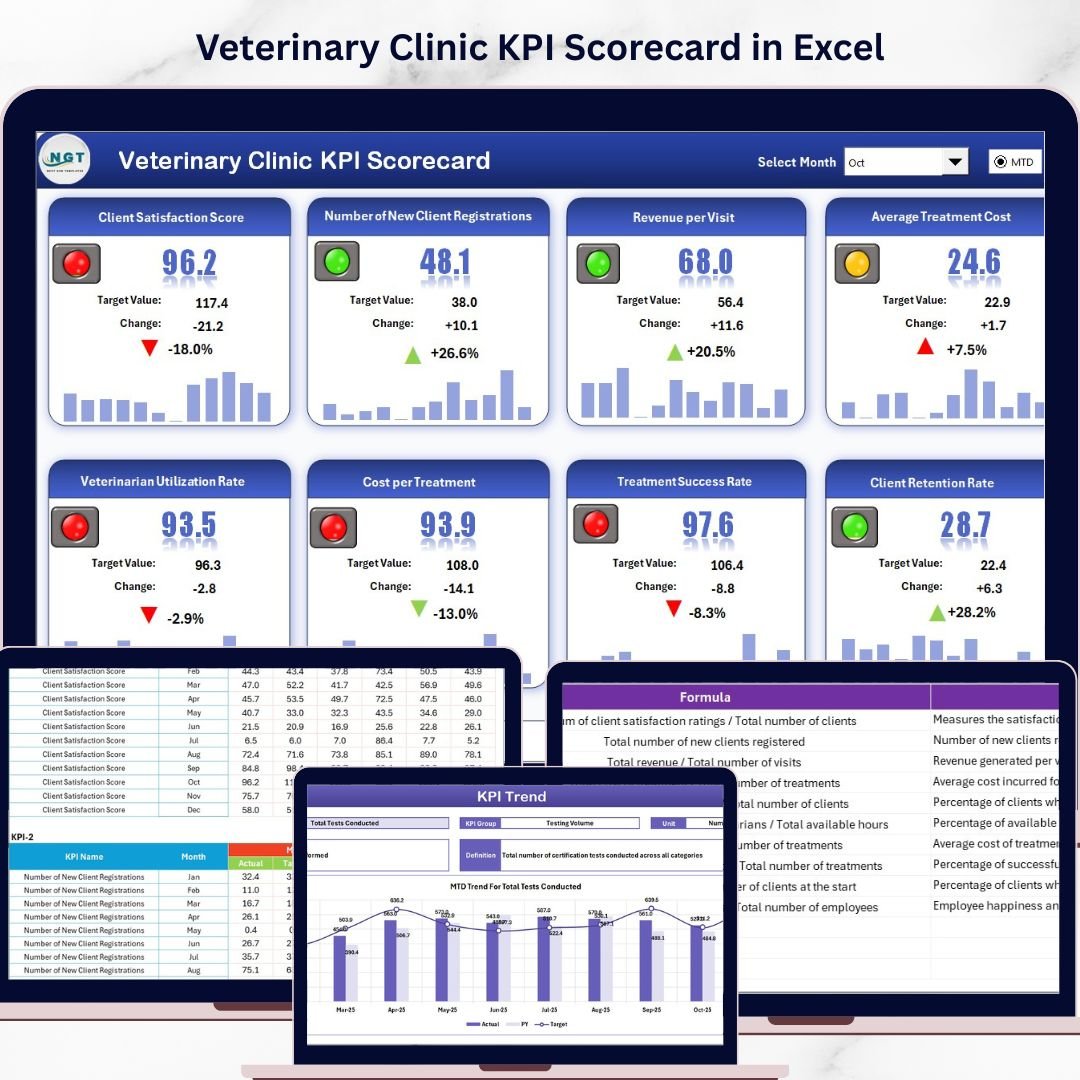


Key Features of Veterinary Clinic KPI Scorecard
Unlock the full potential of your veterinary clinic’s performance with our Veterinary Clinic KPI Scorecard – a ready-to-use, comprehensive digital template designed for effortless tracking, analysis, and improvement of your clinic’s key performance indicators (KPIs). Whether you are a practice manager, veterinarian, or business owner, this scorecard provides you with clear insights to help you make data-driven decisions and optimize operational efficiency.
This scorecard features four meticulously crafted worksheets tailored to cover every aspect of your veterinary clinic’s performance management:
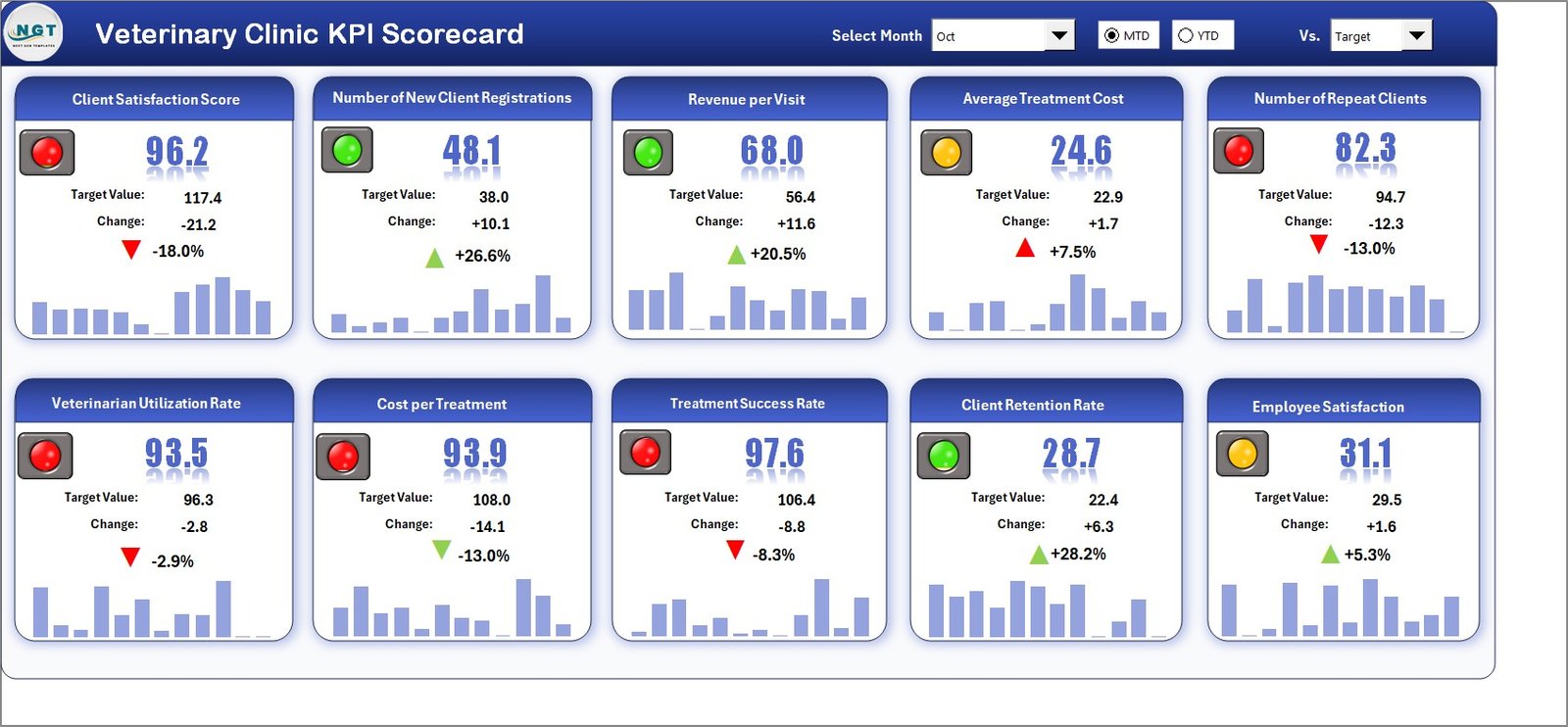
- 🗓️ Scorecard Sheet: Your main dashboard to view KPI performance with dropdown menus for selecting Month, MTD (Month-to-Date), or YTD (Year-to-Date) views. Compare actual values against targets with intuitive color-coded visuals that instantly highlight performance status. This sheet offers a comprehensive overview of all KPIs, enabling quick and accurate decision-making.
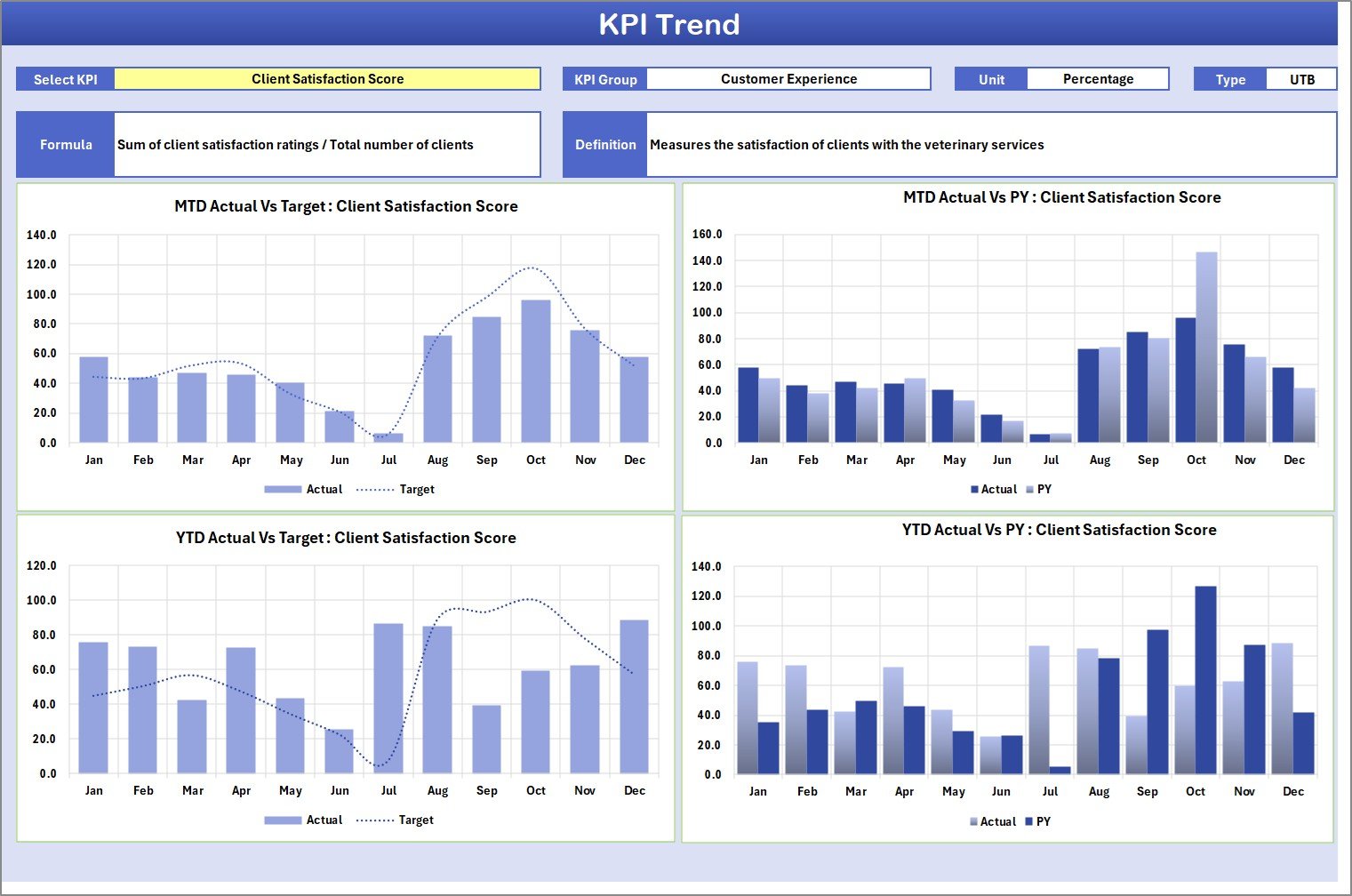
- 📈 KPI Trend Sheet: Analyze trends over time by selecting KPIs from a dropdown. This sheet provides detailed KPI information, including KPI Group, Unit, Type (Lower the Better or Upper the Better), Formula, and Definition. Visualize MTD and YTD trends with dynamic charts that compare Actual, Target, and Previous Year data.
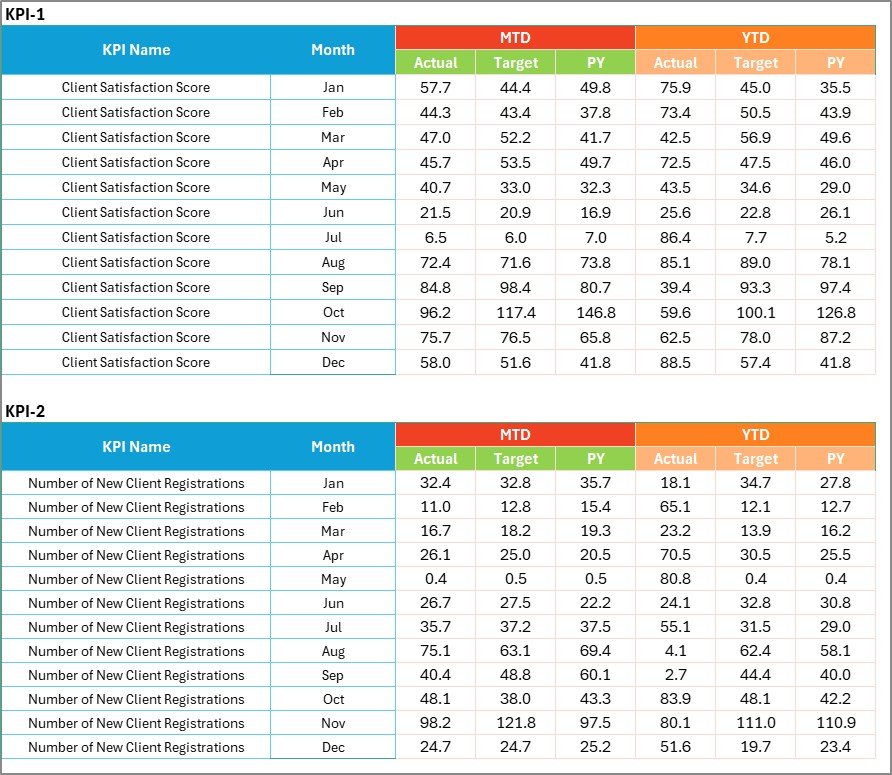
- 📝 Input Data Sheet: The central hub for entering all KPI data. Easily input actual values, targets, and metrics to keep your scorecard updated in real-time. This ensures your performance tracking is always current and accurate.
- 📚 KPI Definition Sheet: Manage and define each KPI clearly by entering the KPI Name, Group, Unit, Formula, and detailed definitions. This ensures clarity and uniform understanding across your veterinary team.
What’s Inside the Veterinary Clinic KPI Scorecard
This digital product comes fully equipped with all the tools you need to monitor and improve your veterinary clinic’s performance effectively:
- 🐾 Four fully functional worksheets designed specifically for veterinary clinic KPIs.
- 📊 Interactive dropdowns for flexible data analysis by Month, MTD, and YTD.
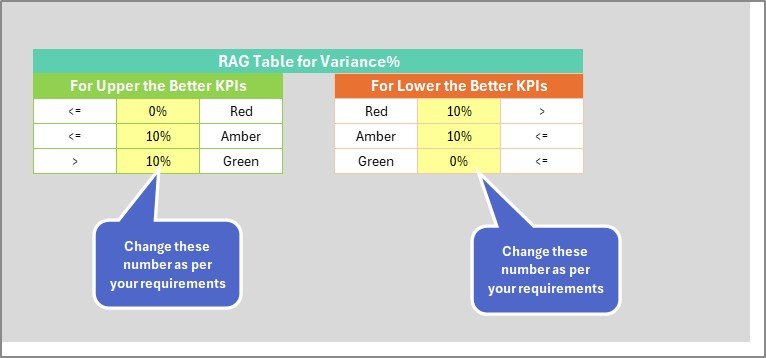
- 🎨 Color-coded visual indicators for quick performance insights.
- 📉 Trend charts displaying Actual vs Target vs Previous Year data.
- 📥 Easy-to-use data input sheet to keep your KPIs updated effortlessly.
- 📖 Detailed KPI definitions to ensure consistent understanding and accurate reporting.
- ⚙️ Editable formulas and KPI settings for customization to your clinic’s unique needs.
- 💻 Compatible with most spreadsheet software (Excel, Google Sheets, etc.) for seamless use.
How to Use the Veterinary Clinic KPI Scorecard
Getting started with your Veterinary Clinic KPI Scorecard is simple and efficient. Follow these steps to maximize the benefits:
- 🔍 Select your analysis period: Use the dropdown menus on the Scorecard Sheet to pick the month and view performance data as MTD or YTD.
- 🗂️ Review KPI performance: Quickly assess actual vs target values with intuitive color-coded indicators for each KPI.
- 📊 Analyze trends: Navigate to the KPI Trend Sheet, select the KPI you want to study, and view detailed trend charts comparing current and past performance.
- 📝 Input fresh data: Regularly update the Input Data Sheet with new actual values and targets to maintain accurate tracking.
- 📚 Manage KPI definitions: Use the KPI Definition Sheet to add or modify KPI details, ensuring clarity across your team.
- 📈 Make informed decisions: Use insights from the scorecard to identify performance gaps and implement improvements for your veterinary clinic.
Who Can Benefit from This Veterinary Clinic KPI Scorecard
Our Veterinary Clinic KPI Scorecard is an indispensable tool designed for a wide range of professionals in the animal healthcare industry:
- 👩⚕️ Veterinarians: Track clinical performance metrics and improve patient care quality.
- 🏥 Practice Managers: Monitor operational KPIs to enhance clinic efficiency and profitability.
- 📊 Business Owners: Gain strategic insights to guide growth and investment decisions.
- 🤝 Consultants: Use the scorecard to provide clear, data-driven advice to veterinary clients.
- 💼 Veterinary Teams: Foster transparency and teamwork by sharing performance data regularly.
Whether you manage a small animal practice or a multi-location veterinary clinic, this scorecard is tailored to streamline your KPI tracking and accelerate your clinic’s success.
Click here to read the Detailed blog post.
Visit our YouTube channel to learn step-by-step video tutorials
Compatibility and Requirements
- Works in Microsoft Excel desktop (Excel 2016 or later, or Microsoft 365).
- You pick the month and the MTD or YTD view from dropdowns on the Scorecard sheet. Microsoft explains how in Create a drop-down list.
Frequently Asked Questions
Which sheets are included?
Four sheets: Scorecard, KPI Trend, Input Data and KPI Definition.
How do I update the scorecard?
Enter your actual values and targets in the Input Data sheet. Then choose a month and the MTD or YTD view on the Scorecard sheet.
Can I compare this year with last year?
Yes. The KPI Trend sheet shows Actual, Target and Previous Year data in charts for the KPI you select.
Can I add or change KPIs?
Yes. Use the KPI Definition sheet to enter the KPI name, group, unit, formula and definition. The formulas and KPI settings are editable.
Is there a Google Sheets or Power BI version?
The Veterinary Clinic KPI Dashboard in Google Sheets and the Veterinary Clinic Dashboard in Power BI cover the same topic on those platforms.
Related Veterinary Clinic Templates
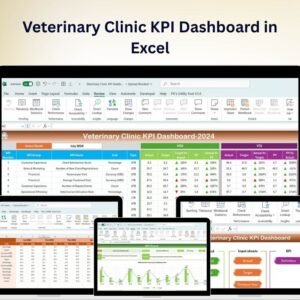
- Veterinary Clinic KPI Dashboard in Excel: a dashboard view of clinic KPIs
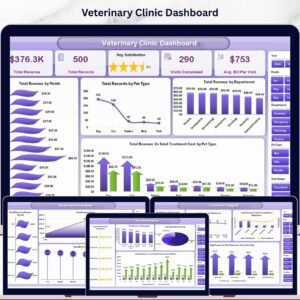
- Veterinary Clinic Dashboard in Excel: another Excel dashboard for the clinic
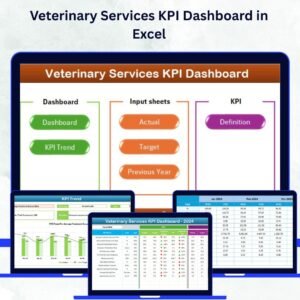
- Veterinary Services KPI Dashboard in Excel: KPIs for veterinary services
- Veterinary Clinic Calendar in Excel: a calendar for clinic scheduling
- Healthcare KPI Scorecard in Excel: a scorecard for wider healthcare KPIs
Browse all Excel KPI dashboards.




























Reviews
There are no reviews yet.