


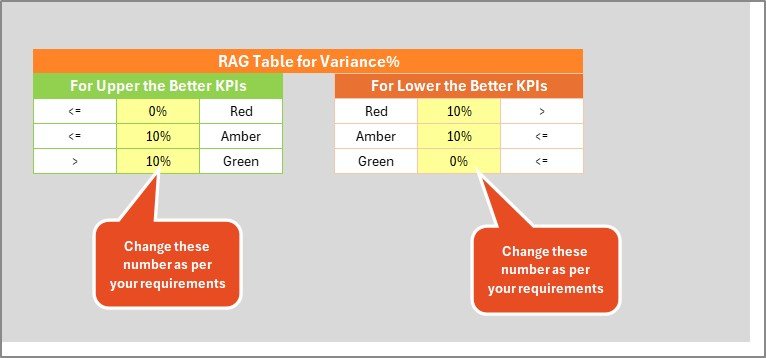

Key Features of Golf Course KPI Scorecard
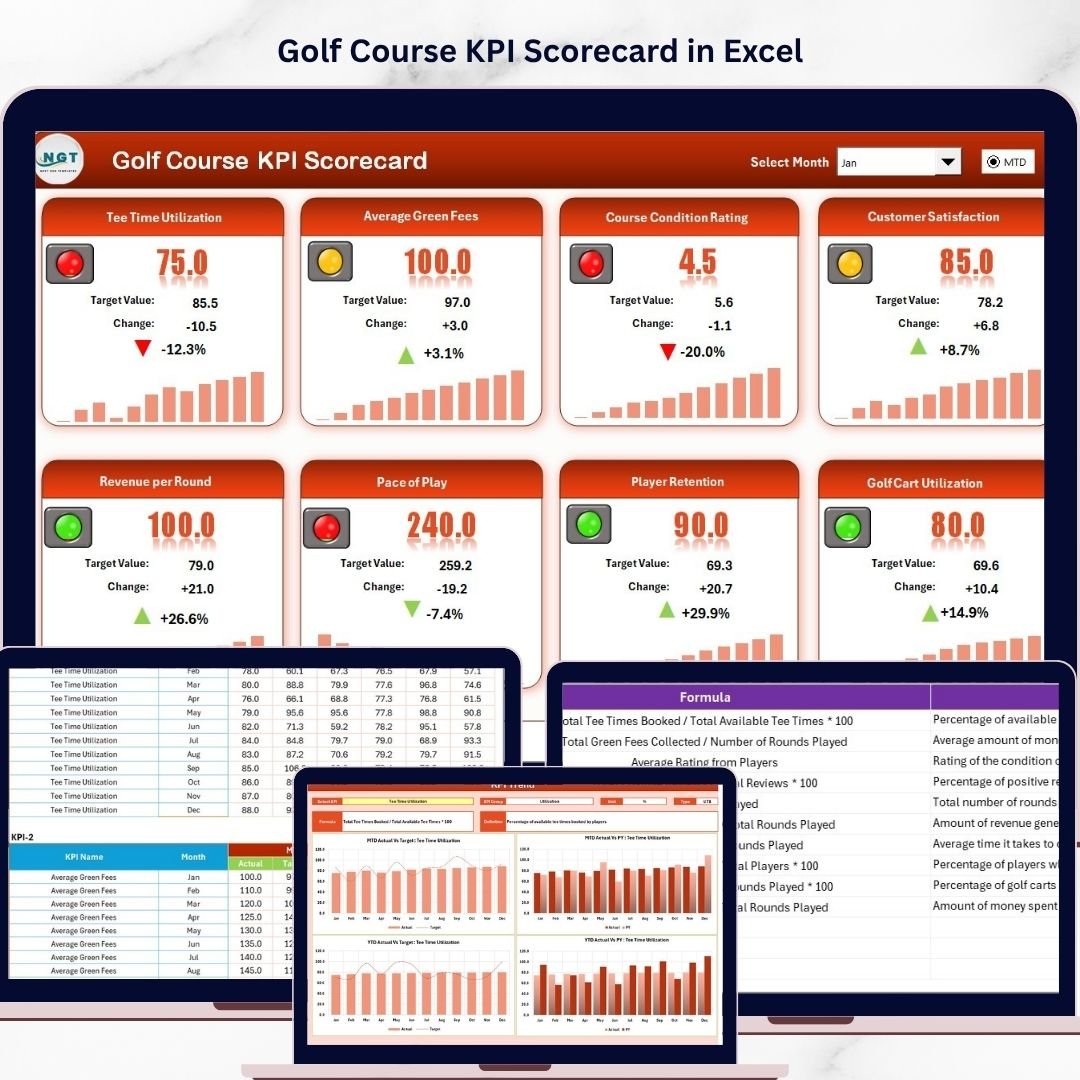
Introducing the Golf Course KPI Scorecard, a powerful, ready-to-use digital template designed to help golf course managers, operators, and stakeholders effectively track, analyze, and improve their key performance indicators (KPIs). This comprehensive scorecard offers a visually engaging and user-friendly interface that streamlines performance management, ensuring you stay on top of your golf course’s operational and financial goals.
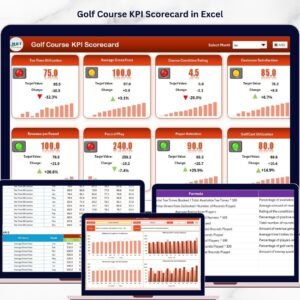
With four dynamic worksheets integrated into one template, you can easily monitor monthly, month-to-date (MTD), and year-to-date (YTD) KPI performance, compare actual results against targets, and visualize trends for actionable insights. The scorecard’s smart dropdown menus and color-coded indicators allow you to quickly assess areas needing attention and celebrate successes, helping you make data-driven decisions that boost your golf course’s profitability and guest satisfaction.
What’s Inside the Golf Course KPI Scorecard
Our template includes four meticulously crafted worksheets, each serving a specific purpose to deliver a full-spectrum KPI management experience:
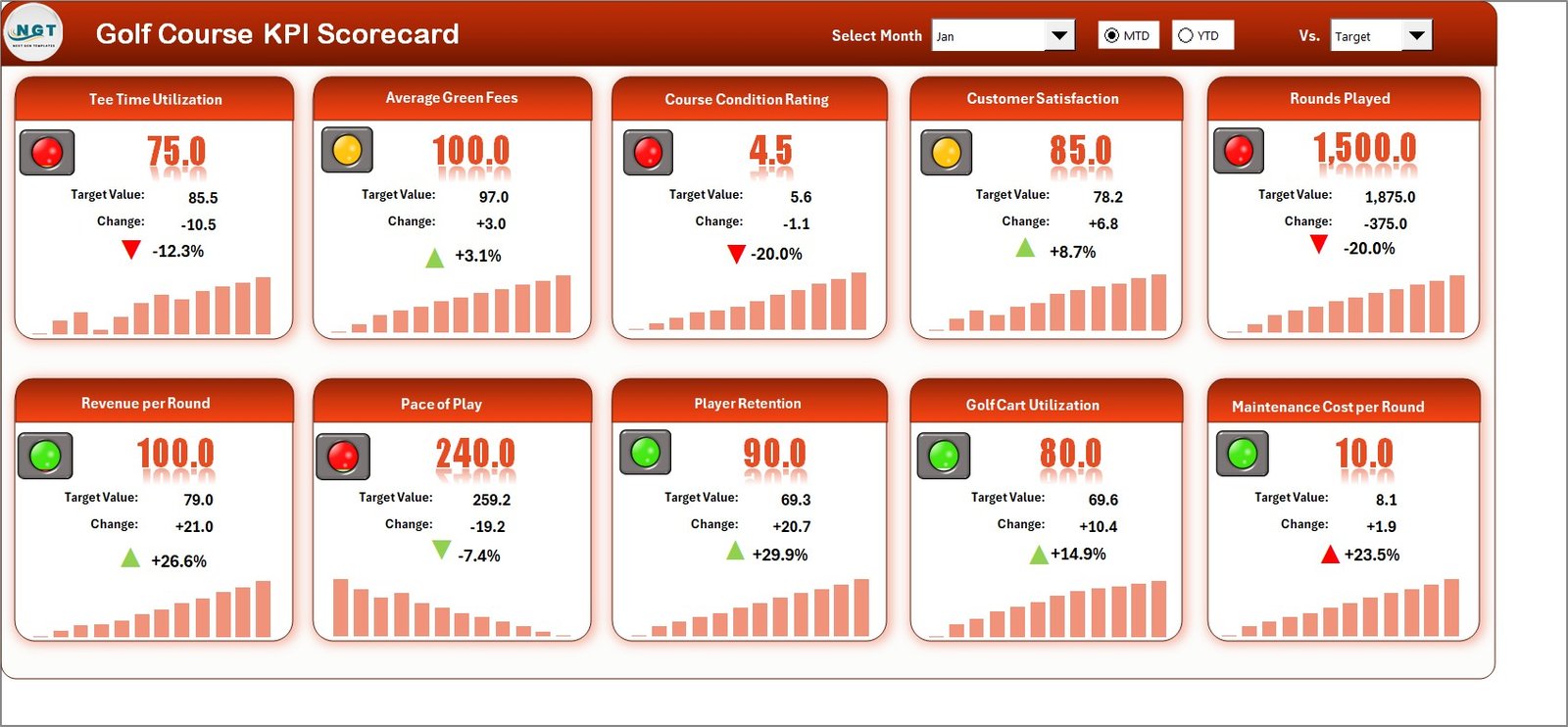
- 🟢 Scorecard Sheet: The main dashboard where you can select the month, MTD, or YTD via dropdown menus. View actual vs target values for each KPI, enhanced with color-coded visual indicators to instantly recognize performance status. All essential KPI details are displayed for comprehensive analysis.
- 📋 KPI Definition Sheet: Define each KPI by entering its name, group, unit of measurement, formula, and detailed description. This clarity helps maintain consistency and understanding across your team.
How to Use the Golf Course KPI Scorecard
Getting started with the Golf Course KPI Scorecard is straightforward and intuitive. Follow these simple steps to unlock its full potential:
- 🔍 Select Date Range: Use the dropdown menus on the Scorecard Sheet to pick the month, MTD, or YTD for your performance view.
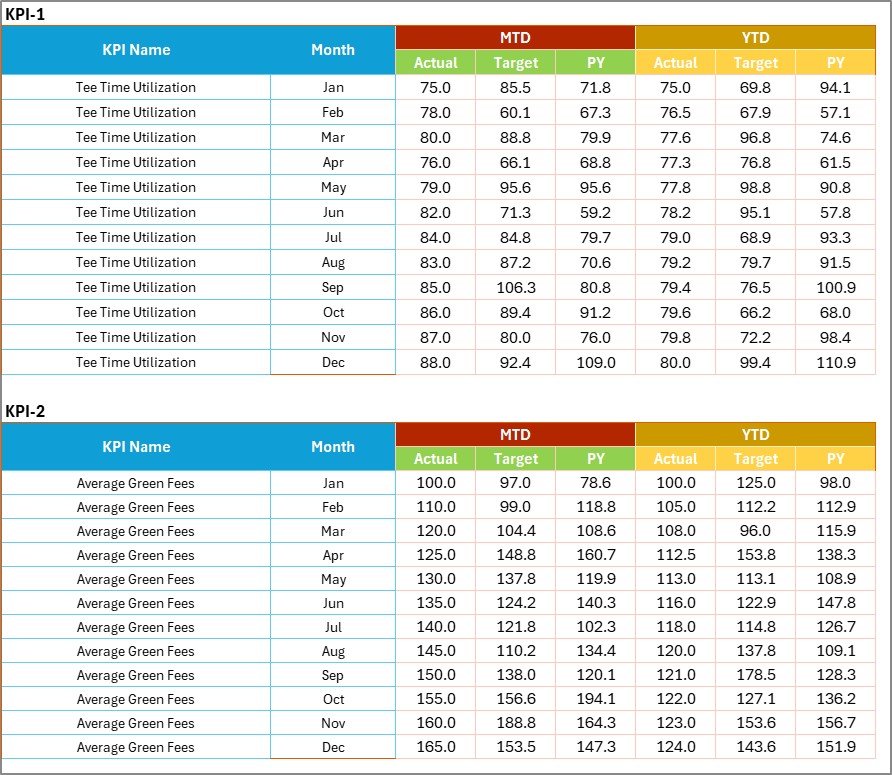
- 📝 Enter Data: Input your latest KPI figures in the Input Data Sheet to keep the scorecard current and accurate.
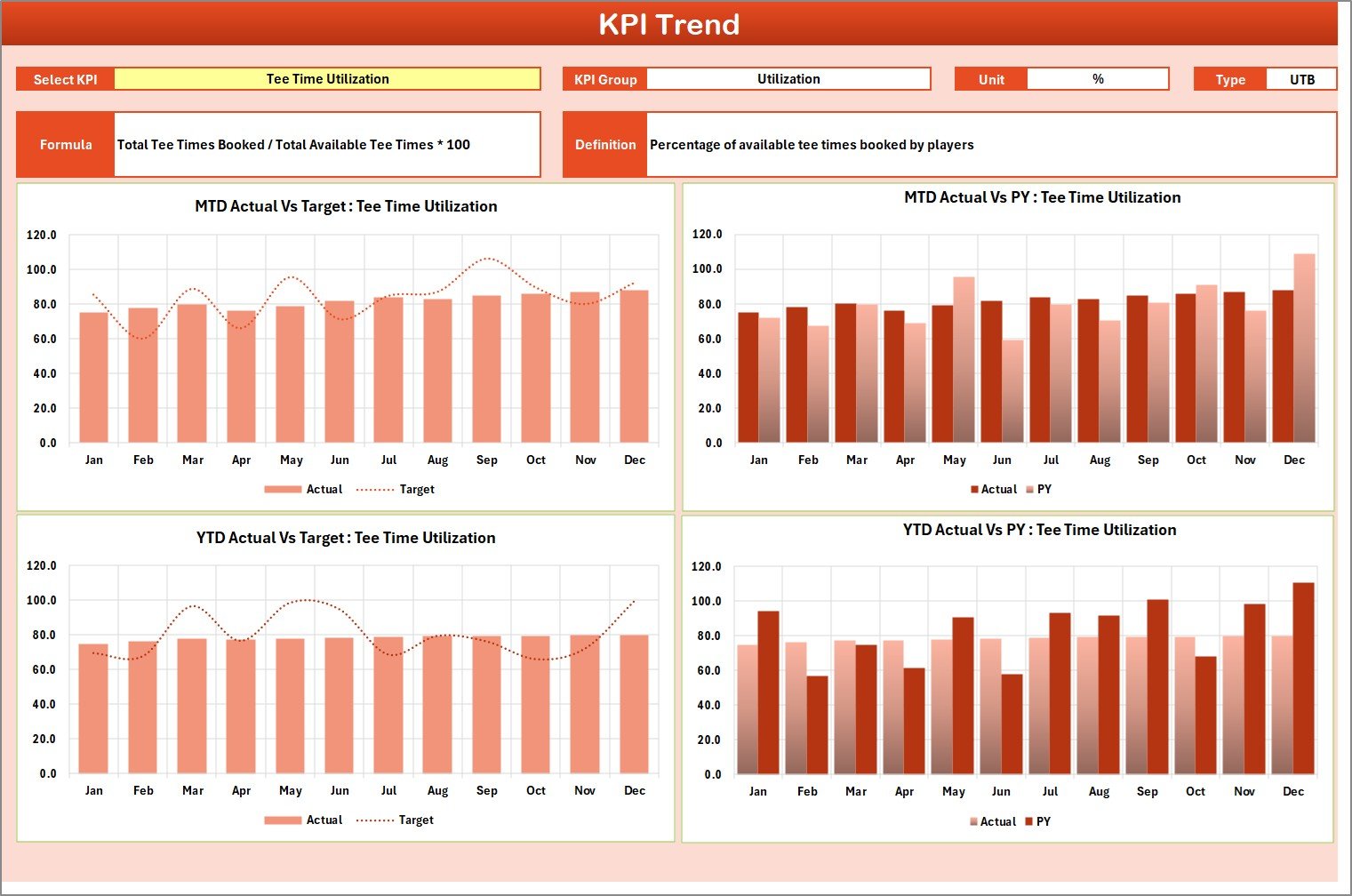
- 📊 Analyze Trends: Navigate to the KPI Trend Sheet to explore detailed charts that reveal performance patterns and growth opportunities.
- 📚 Review Definitions: Use the KPI Definition Sheet to ensure everyone understands each metric’s meaning and calculation.
- 📈 Make Informed Decisions: Leverage the visual indicators and comparative analytics to identify strengths and address weaknesses in your golf course operations.
Who Can Benefit from This Golf Course KPI Scorecard
This scorecard is tailored for anyone involved in managing or improving golf course operations, including:
- 🏌️♂️ Golf Course Managers: Monitor financial, operational, and customer service KPIs with ease.
- 📊 Business Analysts: Gain actionable insights with comprehensive data visualization and trend analysis.
- 📈 Owners & Investors: Track performance to ensure your investment is yielding expected returns.
- 🤝 Marketing Teams: Align marketing strategies with operational outcomes to boost engagement and revenue.
- 🛠️ Operations Staff: Identify areas needing improvement and maintain high standards of service.
Click here to read the Detailed blog post.
Visit our YouTube channel to learn step-by-step video tutorials
Compatibility and Requirements
- Works in Microsoft Excel desktop (Excel 2016 or later, or Microsoft 365).
- You choose the month, MTD or YTD from dropdown menus on the Scorecard sheet. Microsoft explains dropdowns in Create a drop-down list.
Frequently Asked Questions
How many worksheets does the scorecard have?
Four worksheets: Scorecard, Input Data, KPI Trend and KPI Definition.
Can I view month-to-date and year-to-date results?
Yes. Pick the month, MTD or YTD from the dropdown menus on the Scorecard sheet to see actual values against targets.
How do I update the scorecard with new figures?
Enter your latest KPI figures in the Input Data sheet. The Scorecard sheet then shows them with color-coded indicators.
Where can I see trends for each KPI?
Open the KPI Trend sheet. It has charts that show how each KPI has moved over time.
Is there a Dashboard, Power BI or Google Sheets version?
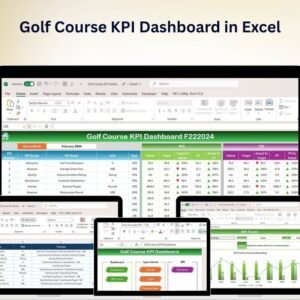
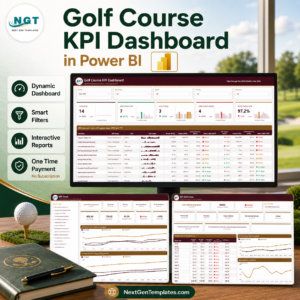
Yes. See the Golf Course KPI Dashboard in Excel, the Golf Course KPI Dashboard in Power BI and the Golf Course KPI Dashboard in Google Sheets.
Related Golf and KPI Templates
- Golf Course KPI Dashboard in Excel: a dashboard view of golf course KPIs
- Golf Course KPI Dashboard in Power BI: the Power BI edition
- Golf Course KPI Dashboard in Google Sheets: the Google Sheets edition
- Hospitality KPI Scorecard in Excel: a scorecard for guest-facing businesses
- KPI Scorecard Mega Pack: 12 scorecard templates in one download
Browse all Excel KPI dashboards.








Reviews
There are no reviews yet.