

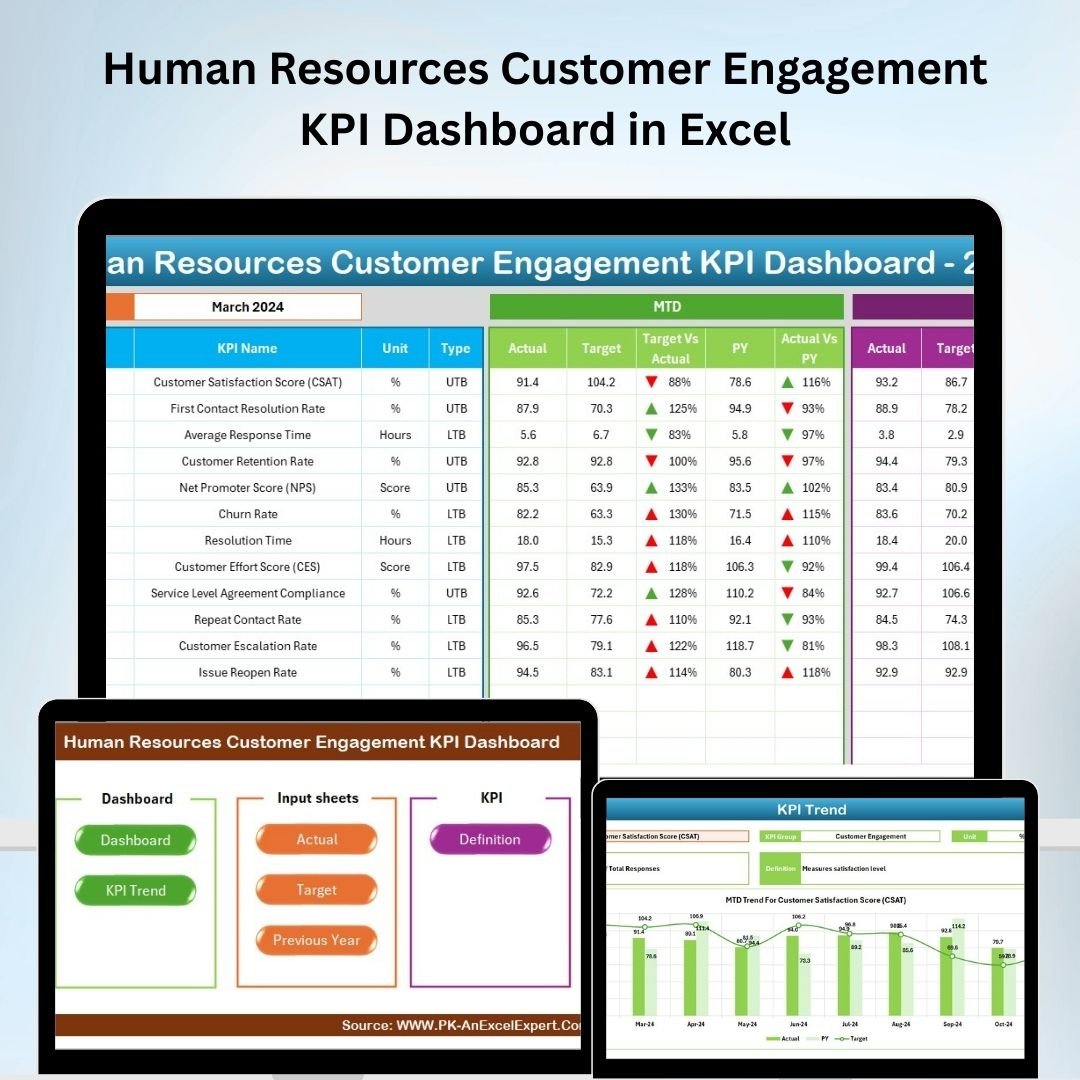
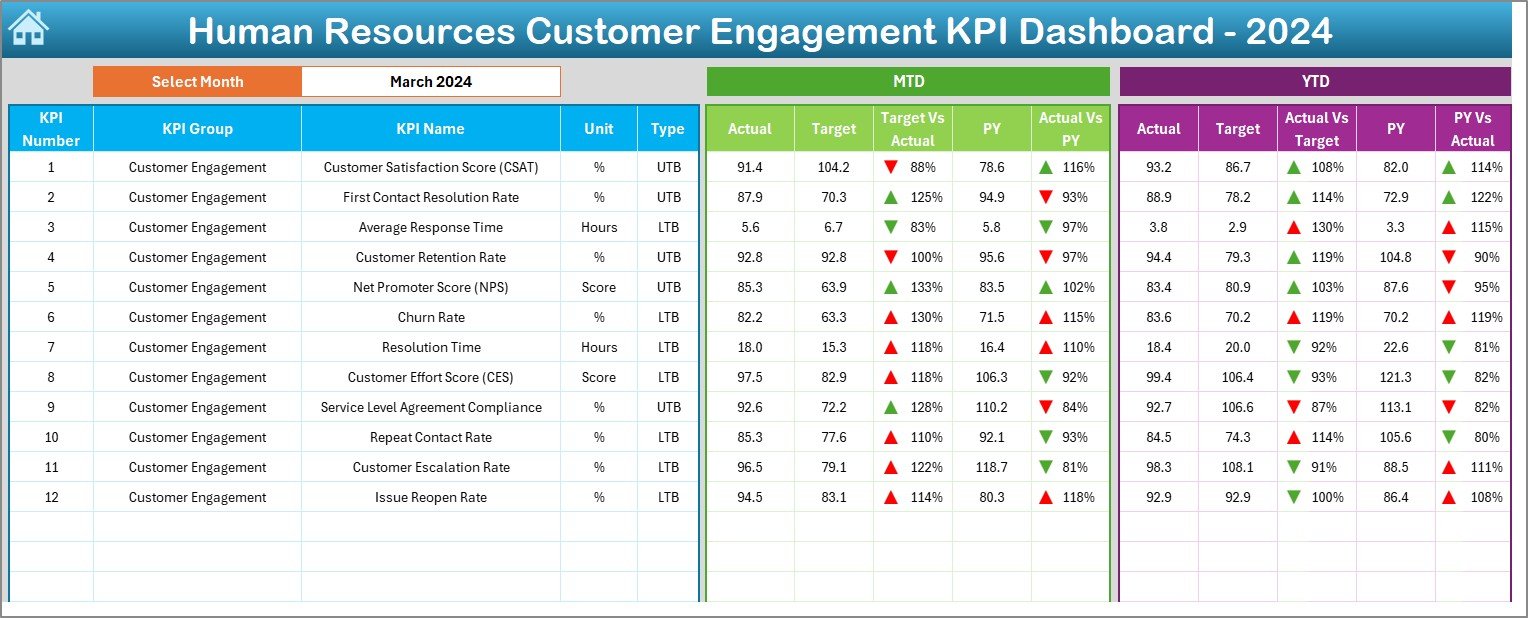
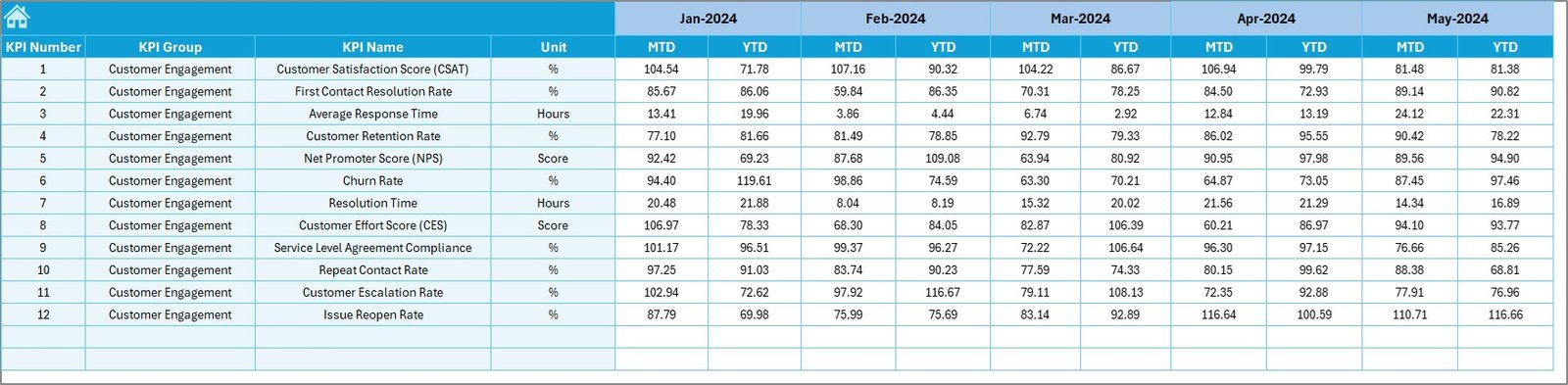
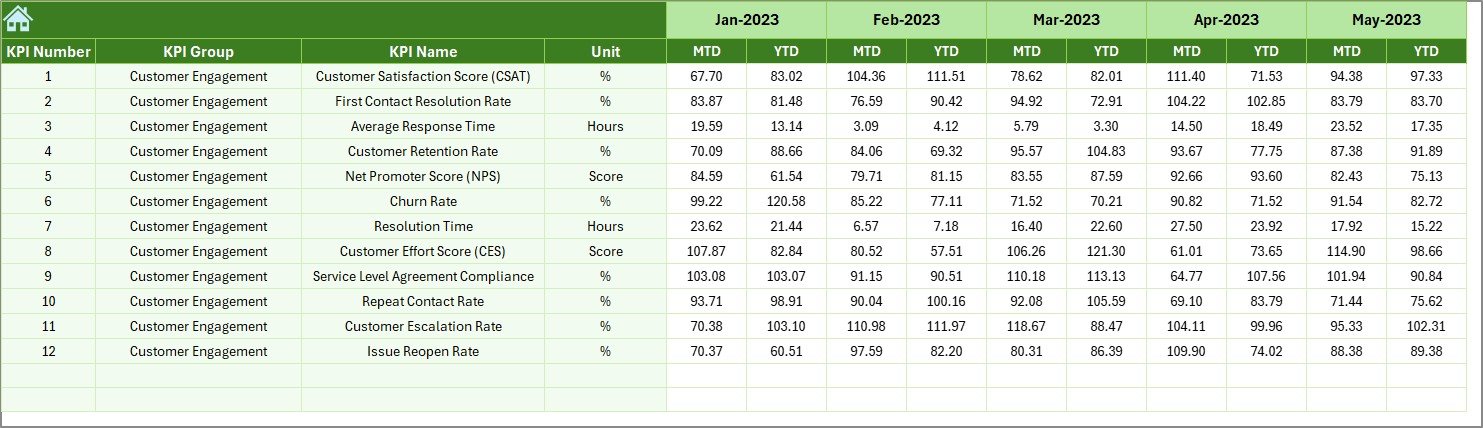
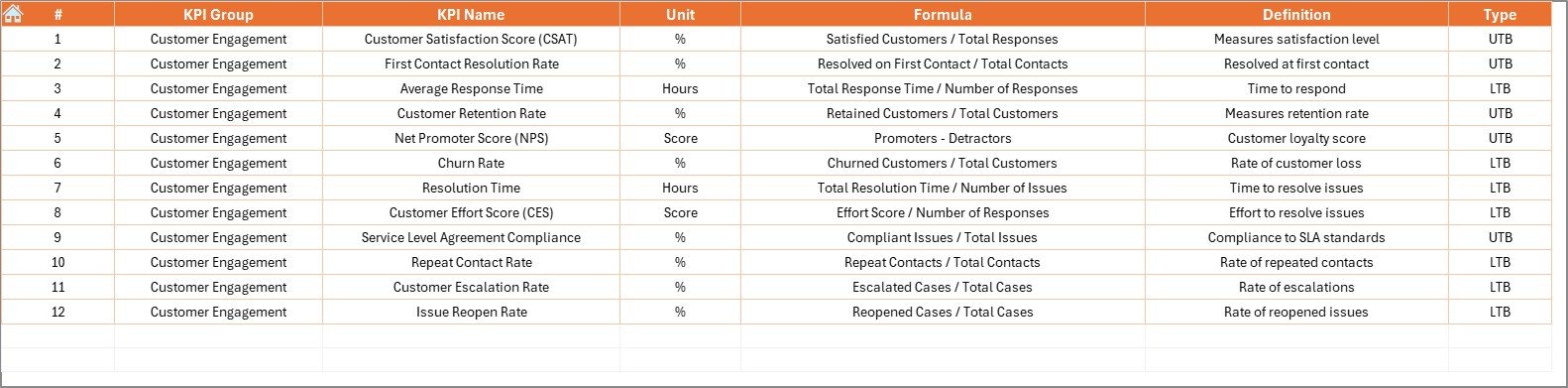

The Human Resources Customer Engagement KPI Dashboard in Excel is an essential tool designed for HR teams to track and improve employee engagement and satisfaction. This Excel-based dashboard allows HR professionals to measure key performance indicators (KPIs) related to employee engagement, satisfaction, retention, and productivity, enabling organizations to create a positive workplace environment that drives success.
With this dashboard, HR departments can assess employee feedback, monitor engagement levels, and identify areas for improvement. The tool helps businesses make data-driven decisions to enhance the overall employee experience, boost retention rates, and create a more engaged and productive workforce.
Key Features of the Human Resources Customer Engagement KPI Dashboard in Excel
📊 Employee Engagement Tracking
Monitor key engagement metrics such as employee satisfaction scores, engagement levels, and morale across various departments and teams. Track progress and identify areas that need attention.
📈 Retention & Turnover Rates
Track employee retention and turnover rates to understand how well your organization is retaining top talent. Identify trends and work towards reducing turnover through improved engagement strategies.
🔑 Employee Feedback & Survey Analysis
Analyze employee feedback and survey results to assess workplace satisfaction. Use this data to make improvements in management practices, employee benefits, and workplace culture.
⚙️ Departmental & Team Performance Metrics
Measure engagement and satisfaction levels across different departments or teams. Tailor strategies to address specific needs and challenges within individual teams to enhance overall engagement.
📅 Time-Based Performance Analysis
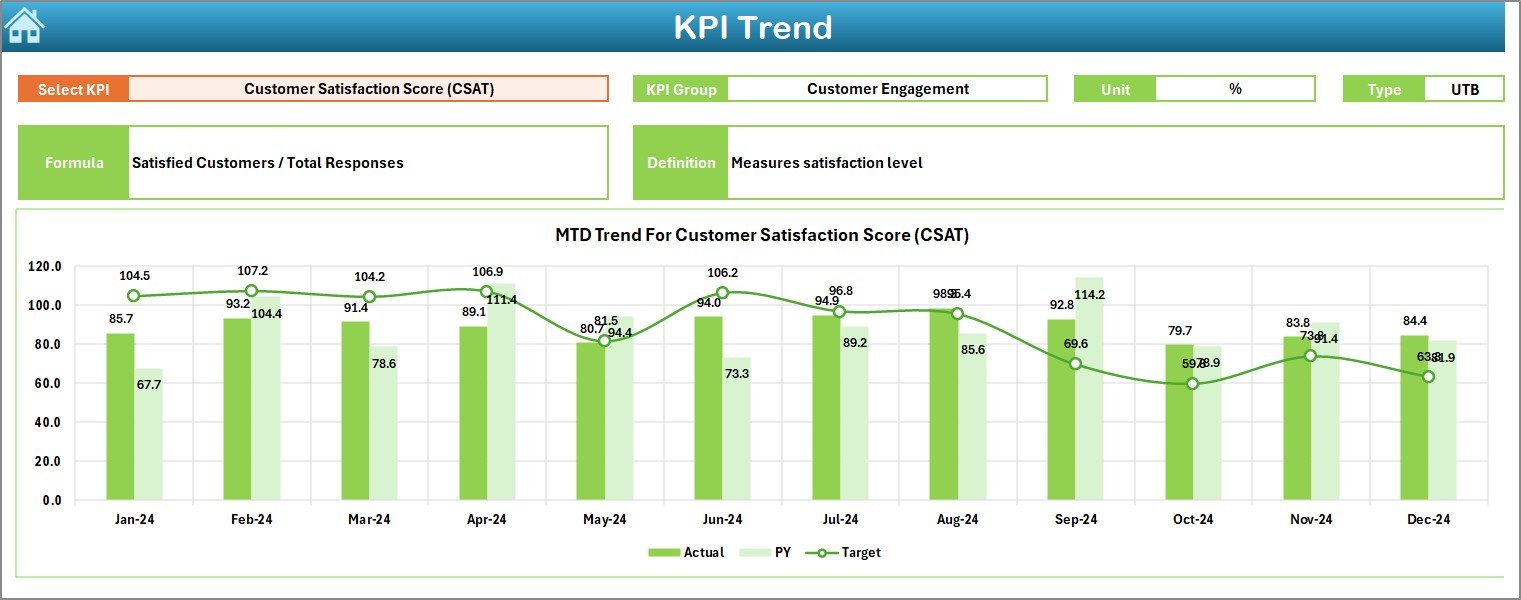
Analyze HR KPIs over different periods (monthly, quarterly, annually) to identify long-term trends and track improvements in engagement, retention, and productivity.
🔄 Customizable KPIs & Metrics
Customize the dashboard to include the KPIs most relevant to your HR strategy, whether it’s monitoring specific employee benefits, team dynamics, or internal communications.
Why You’ll Love the Human Resources Customer Engagement KPI Dashboard in Excel
✅ Track Employee Engagement Effectively
Monitor engagement metrics, satisfaction scores, and morale in real time. Ensure that your workforce is engaged and motivated by identifying areas for improvement.
✅ Optimize Retention Strategies
Track retention rates and identify potential issues causing high turnover. Develop targeted strategies to improve employee retention and reduce costs associated with hiring and training.
✅ Leverage Employee Feedback for Improvement
Use employee feedback and survey results to make informed decisions that positively impact workplace culture, employee satisfaction, and team collaboration.
✅ Customizable & Scalable
Tailor the dashboard to meet your organization’s unique needs. Customize KPIs and metrics to track specific employee engagement goals and scale it as your organization grows.
✅ Data-Driven HR Decision Making
Make data-driven decisions to enhance the employee experience, improve HR practices, and create a positive workplace culture that drives success.
What’s Inside the Human Resources Customer Engagement KPI Dashboard in Excel?
Employee Engagement Tracking: Monitor employee satisfaction, engagement, and morale.
Retention & Turnover Analysis: Track retention rates and employee turnover.
Employee Feedback Analysis: Review employee feedback and survey results.
Departmental & Team Performance Metrics: Track engagement by department or team.
Time-Based Performance Monitoring: Analyze engagement trends over time.
Customizable KPIs: Tailor the dashboard to meet your HR needs and goals.
How to Use the Human Resources Customer Engagement KPI Dashboard in Excel
1️⃣ Download the Template: Access the Human Resources Customer Engagement KPI Dashboard in Excel instantly.
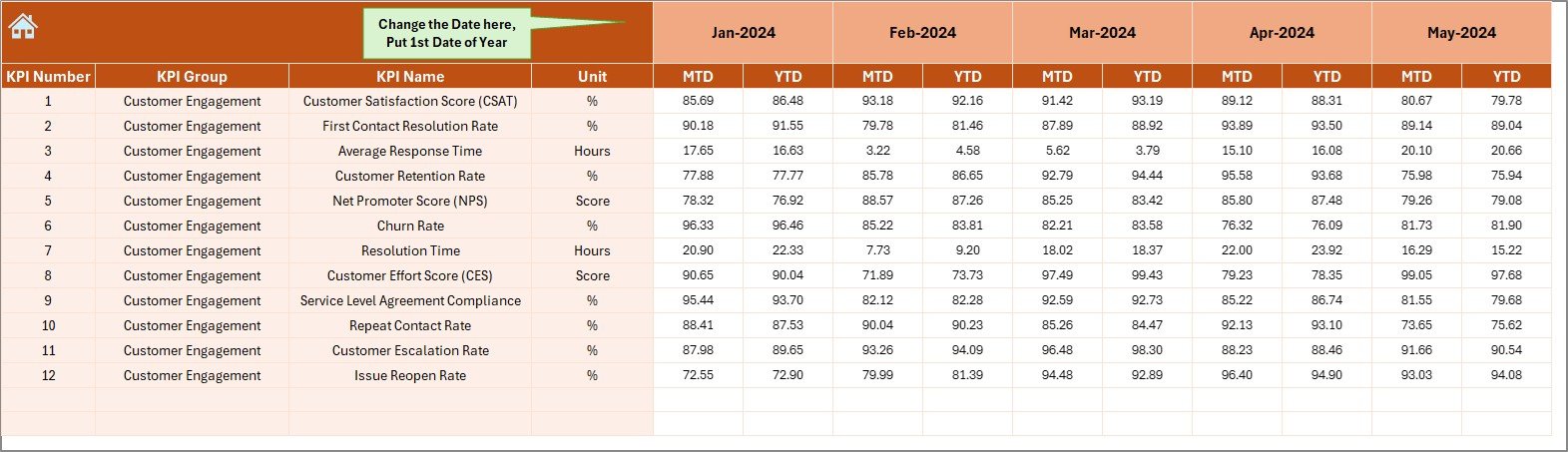
2️⃣ Input Employee Data: Enter engagement scores, retention rates, and feedback data into the dashboard.
3️⃣ Track KPIs & Performance: Monitor key metrics such as satisfaction, retention, and feedback analysis.
4️⃣ Analyze Employee Trends: Use time-based analysis to understand long-term employee engagement trends.
5️⃣ Optimize HR Strategies: Use insights from the dashboard to develop engagement improvement strategies and boost retention.
Who Can Benefit from the Human Resources Customer Engagement KPI Dashboard in Excel?
🔹 HR Managers & Teams
🔹 Employee Engagement Specialists
🔹 Talent Retention Professionals
🔹 Business Owners & Founders
🔹 Operations Managers
🔹 Data Analysts in HR
🔹 Small & Medium Enterprises (SMBs)
🔹 Large Corporations with a Focus on Employee Experience
Optimize employee engagement and retention with the Human Resources Customer Engagement KPI Dashboard in Excel. Track key metrics, analyze feedback, and make data-driven decisions to enhance the overall employee experience and drive business success.
Click here to read the Detailed blog post
Visit our YouTube channel to learn step-by-step video tutorials
Youtube.com/@PKAnExcelExpert
Watch the step-by-step video Demo:
Compatibility and Requirements
- Works in Microsoft Excel desktop (Excel 2016 or later, or Microsoft 365).
- You enter engagement scores, retention rates and feedback data in Excel. Microsoft’s Excel for Windows training covers the basics.
Frequently Asked Questions
What does this dashboard track?
It tracks employee engagement and satisfaction scores, retention and turnover rates, employee feedback and survey results, and engagement by department or team.
What data do I enter?
You enter engagement scores, retention rates and feedback data into the dashboard. The metrics and trends update from that data.
Can I see trends over time?
Yes. The time-based analysis shows HR KPIs by month, quarter or year, so you can follow engagement, retention and productivity over a longer period.
Can I change the KPIs?
Yes. You can customize the dashboard to the KPIs that match your HR strategy, such as employee benefits, team dynamics or internal communications.
Is there a Power BI version of an HR KPI dashboard?
Yes. See the Human Resources (HR) KPI Dashboard in Power BI.
Related HR KPI Dashboards
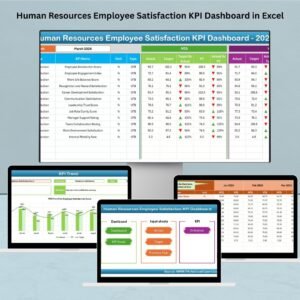
- Human Resources Employee Satisfaction KPI Dashboard in Excel: a closer look at satisfaction scores
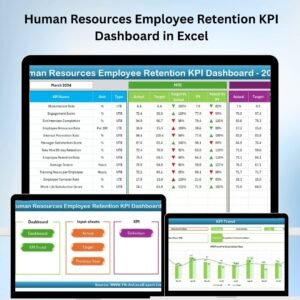
- Human Resources Employee Retention KPI Dashboard in Excel: retention and turnover in detail
- Human Resources (HR) KPI Dashboard in Excel: a general HR dashboard
- Human Resources (HR) KPI Dashboard in Power BI: the Power BI edition
- Human Resources Training and Development KPI Dashboard in Excel: training metrics for HR teams
Browse all Excel KPI dashboards.











Reviews
There are no reviews yet.