

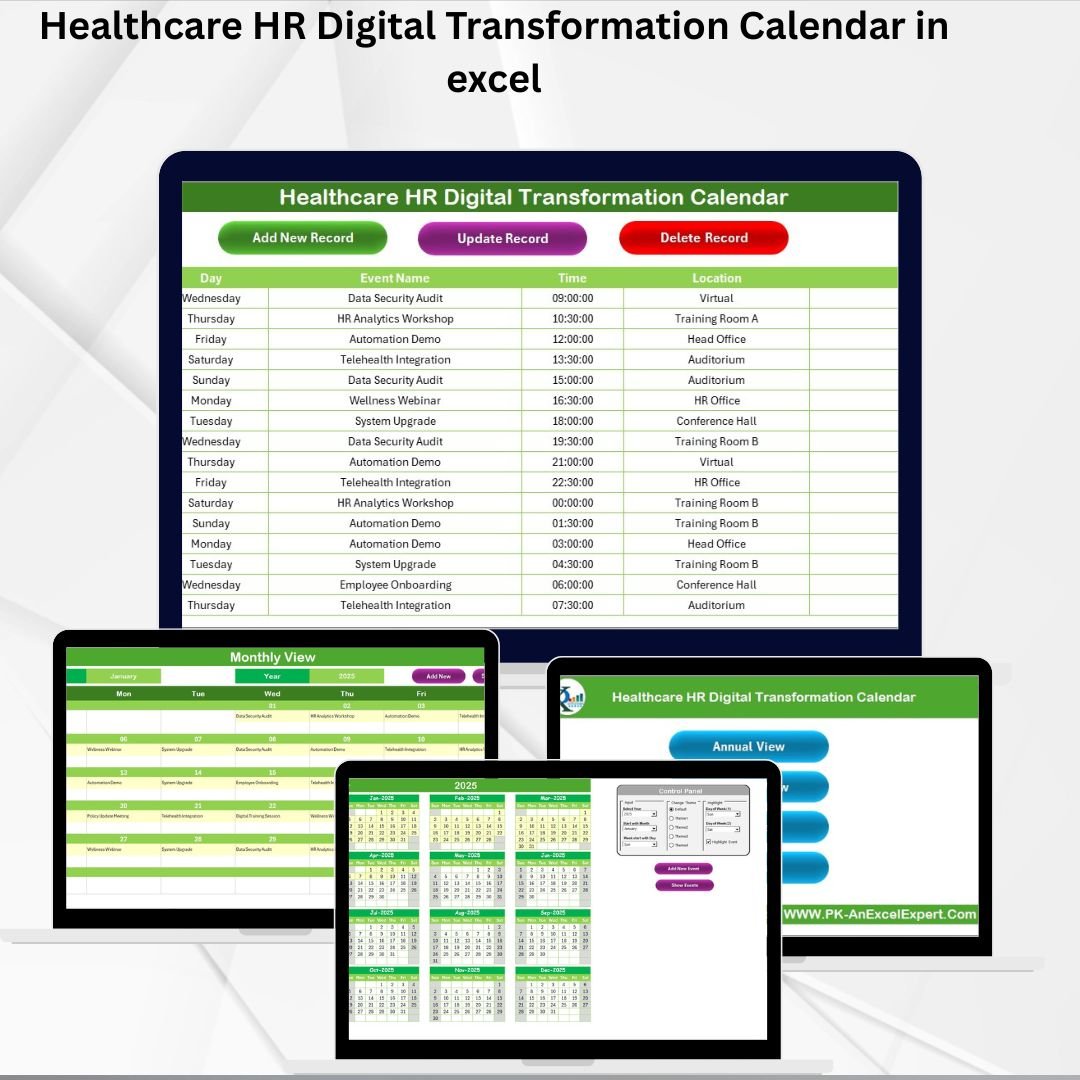

Managing HR in the healthcare industry is no easy task. From employee scheduling to compliance tracking and wellness programs, HR teams are constantly juggling multiple responsibilities. Traditional paper calendars and static spreadsheets often create confusion, wasted time, and errors. That’s why we’ve created the Healthcare HR Digital Transformation Calendar in Excel — a powerful, ready-to-use solution that brings structure, clarity, and efficiency to your HR workflows.Healthcare HR Digital Transformation Calendar in excel
This isn’t just a calendar. It’s a complete digital transformation tool designed to simplify scheduling, streamline HR operations, and empower your healthcare staff with transparency and accountability.Healthcare HR Digital Transformation Calendar in excel
✨ Key Features of the Healthcare HR Digital Transformation Calendar in excel
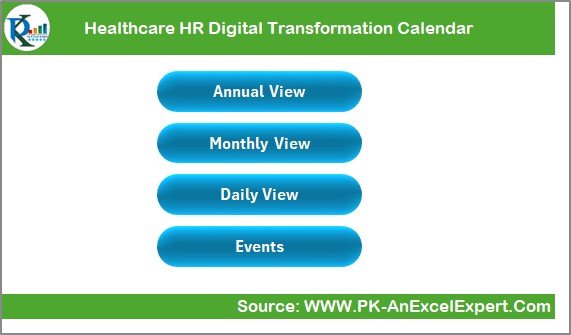
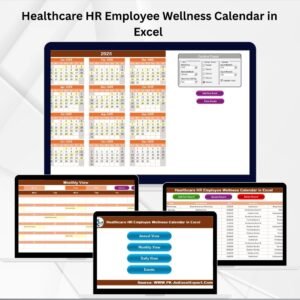
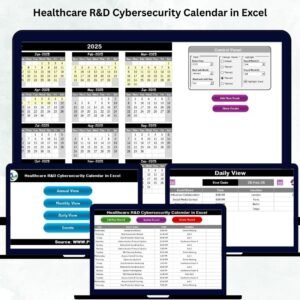
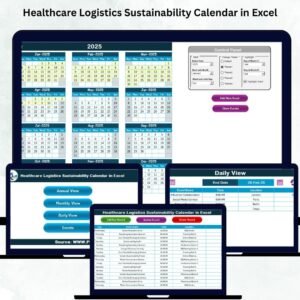
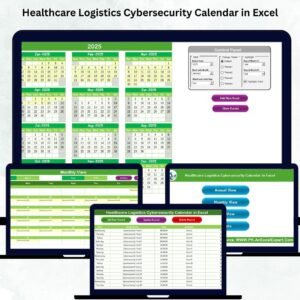
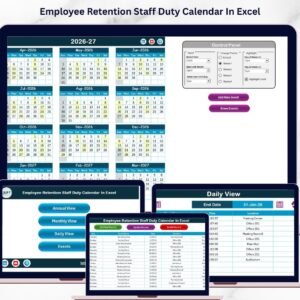
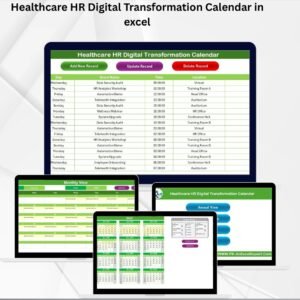
🏠 Home Sheet Tab: A smart index page with quick navigation buttons (Annual View, Monthly View, Daily View, and Events).
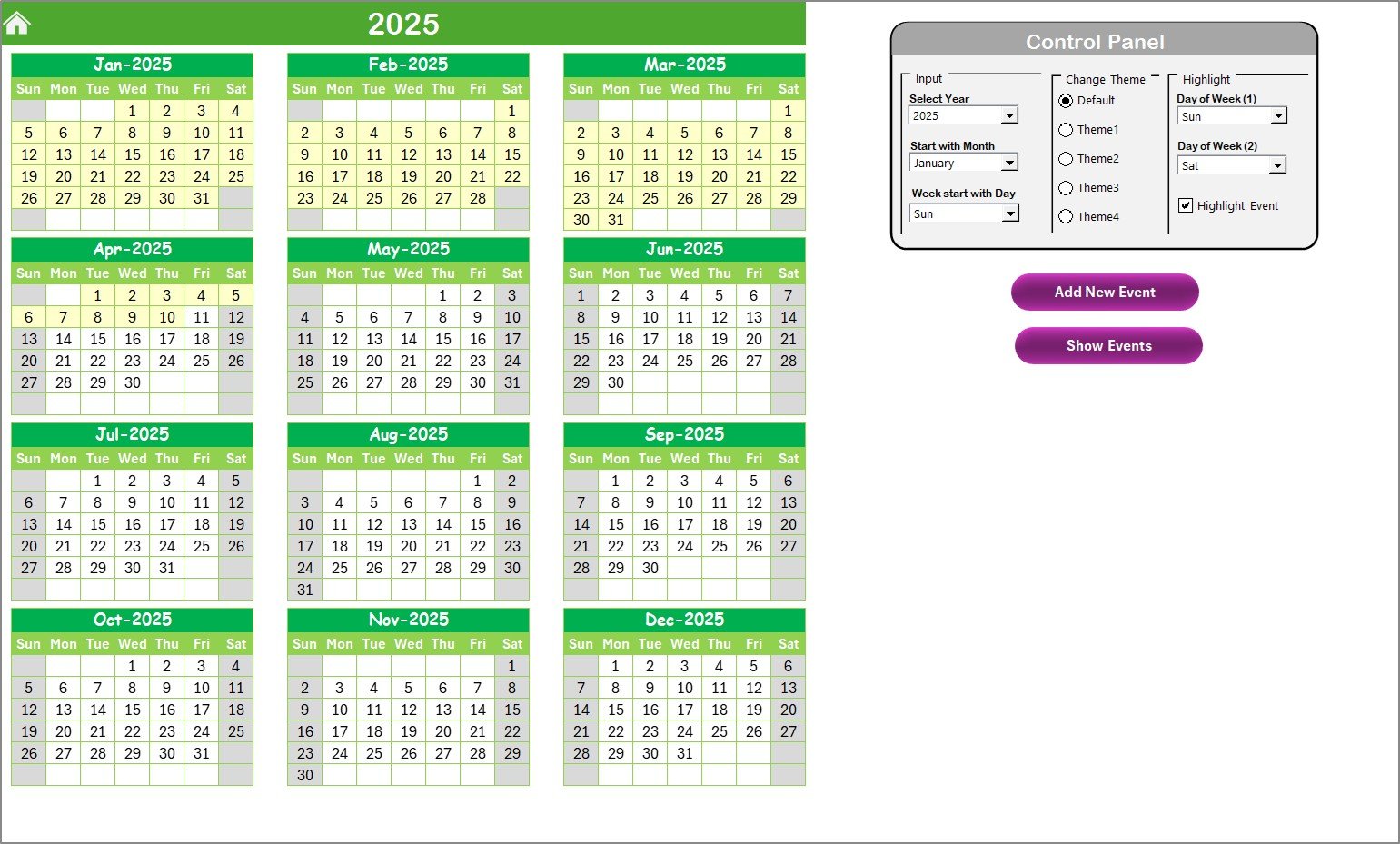
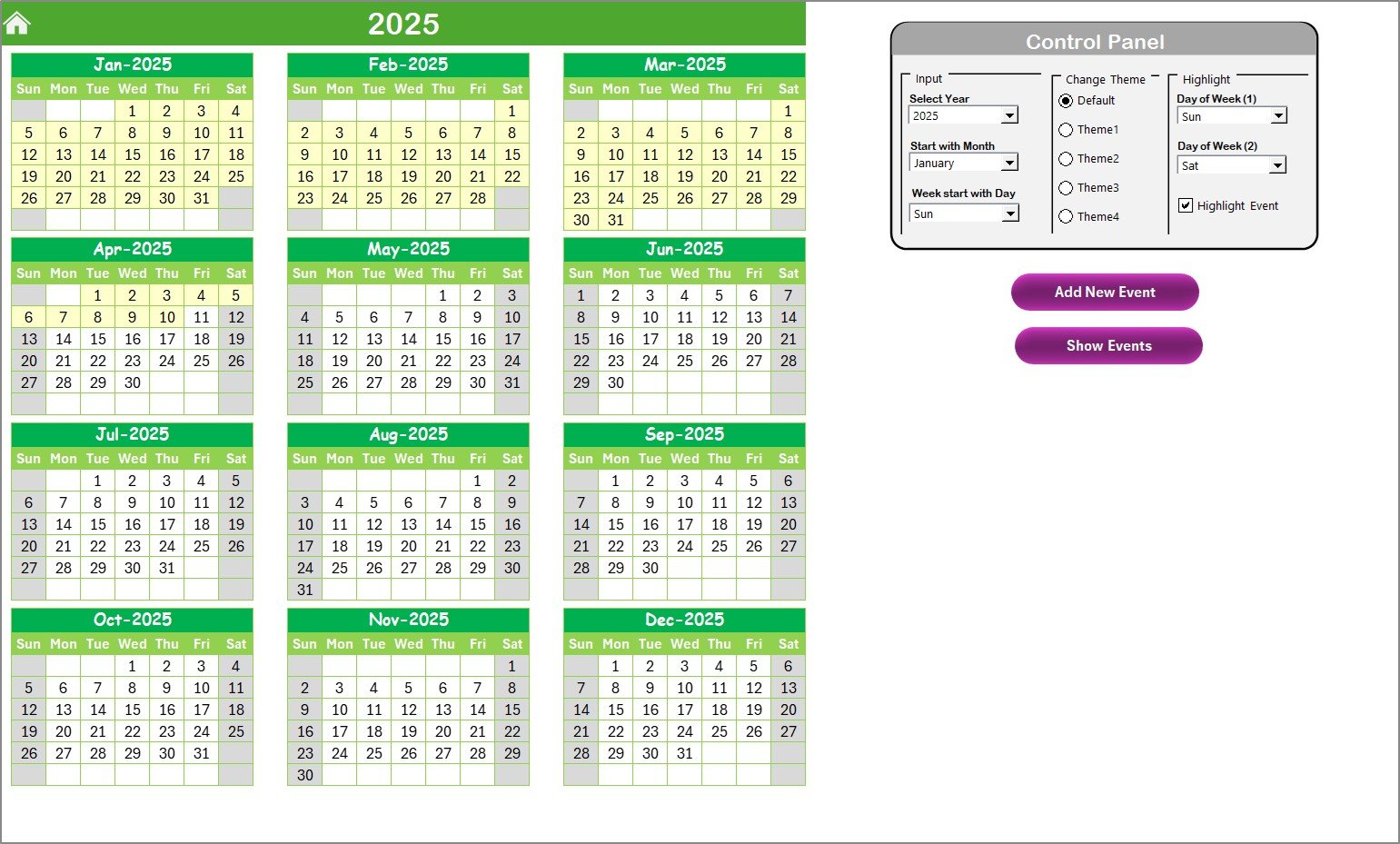
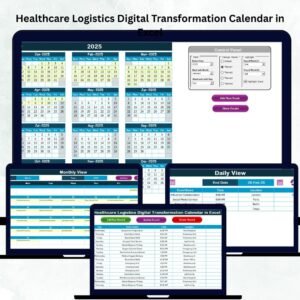
📅 Annual View Sheet: See all 12 months at a glance with a powerful Control Panel to adjust year, month, week start, themes, and highlights. Add and view events instantly with dedicated buttons.
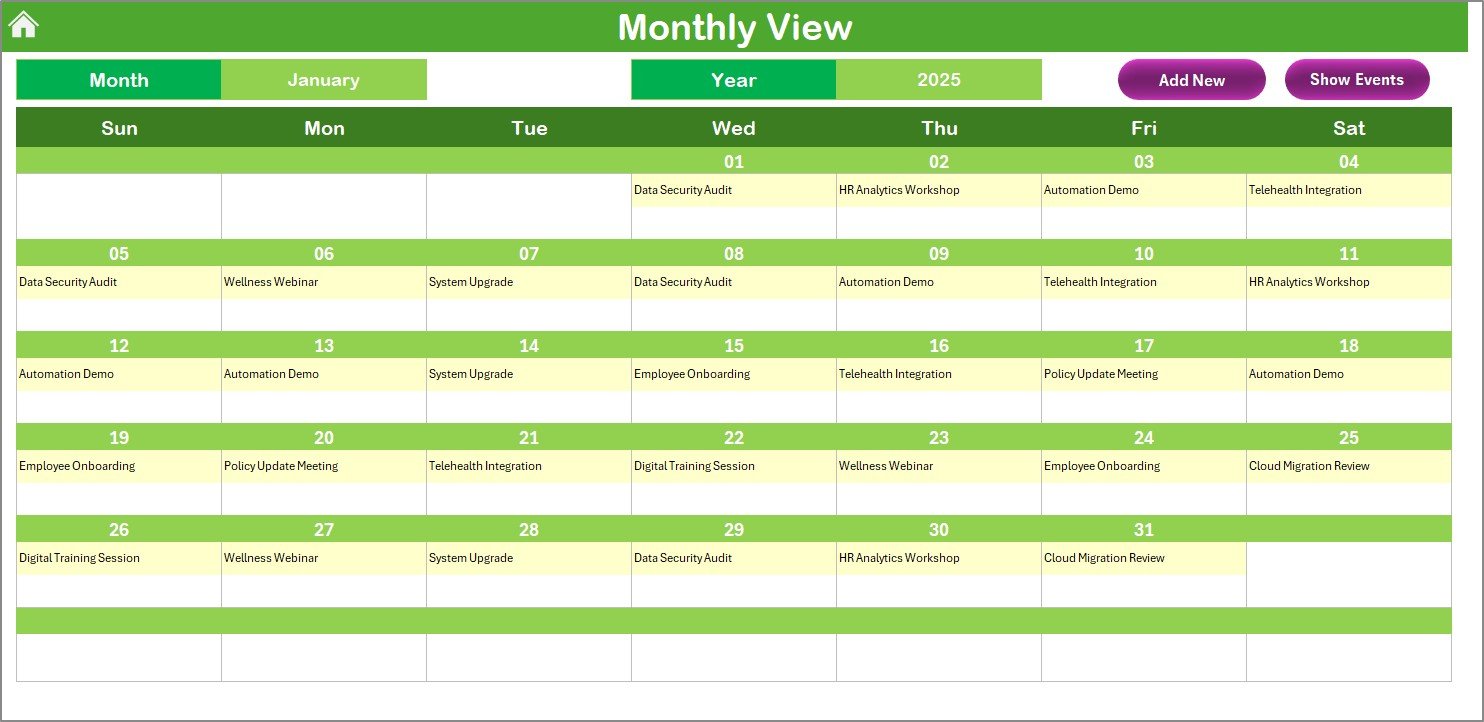
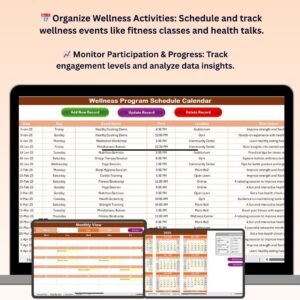
📆 Monthly View Sheet: Focus on a single month and view scheduled events. Handles multiple events on the same day with an easy-to-read format.
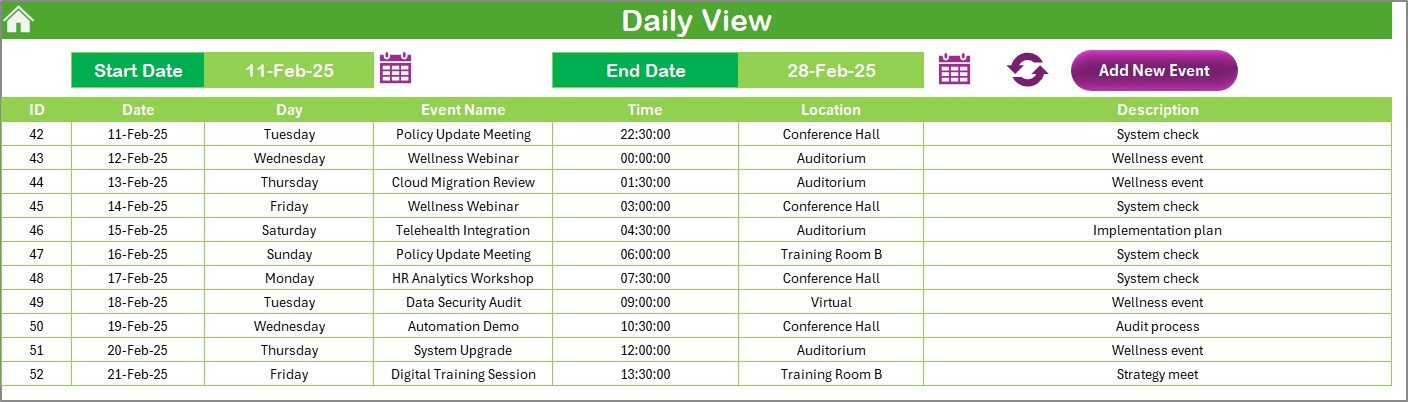
📊 Daily View Sheet: Select a custom date range to track activities and refresh data dynamically.
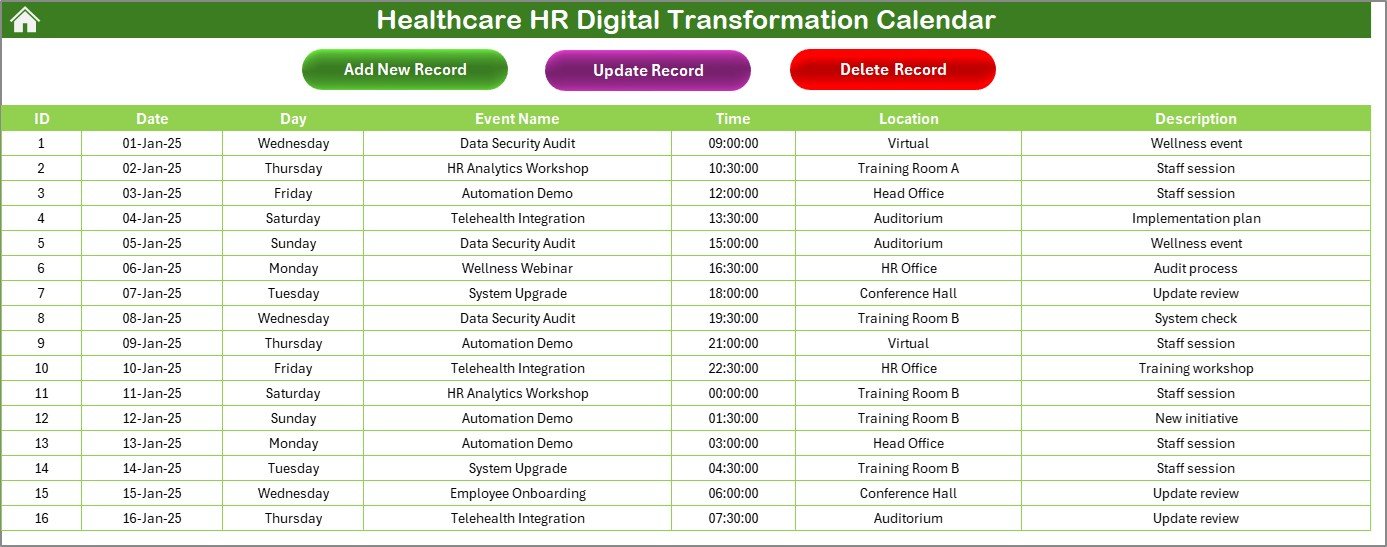
🗂 Events Sheet Tab: Your centralized database with event ID, date, time, location, and description. Add, update, or delete records with a click.
📦 What’s Inside the Healthcare HR Digital Transformation Calendar in excel
When you download this template, you get:
✅ A pre-built Excel file with 5 interactive sheets.
✅ Navigation buttons for easy movement across views.
✅ Customizable color themes (choose from 5 professional options).
✅ Highlighting tools to mark weekends, holidays, or custom days.
✅ Smart event management (add, edit, delete in seconds).
✅ A complete event database for accuracy and transparency.
✅ Ready-to-use formula-driven automation, no coding needed.
⚙️ How to Use the Healthcare Healthcare HR Digital Transformation Calendar in excel
Download the template and open it in Microsoft Excel.
Go to the Home Sheet and pick where you want to start — Annual, Monthly, Daily, or Events view.
Use the Annual View to plan the year ahead, switching between themes and highlighting key days.
Jump to the Monthly or Daily View to focus on specific time frames and check scheduled events.
Add or update events directly in the Events Sheet — every change reflects instantly across the workbook.
Share the file with your HR team for centralized access.
No advanced Excel skills are required — the template is designed for plug-and-play usability.
👥 Who Can Benefit from This Calendar?
🏥 Hospitals & Clinics: Manage staff shifts, training, compliance, and wellness programs with ease.
👨⚕️ Healthcare HR Managers: Stay organized with all HR events in one place.
💼 Administrators: Reduce scheduling conflicts and improve communication.
🏢 Small to Large Healthcare Organizations: Scale the calendar to match your HR needs.
📊 Compliance Officers: Track training sessions and audits for reporting purposes.
📌 Why Choose This Template?
Centralized scheduling saves time and effort.
Transparent database supports audits and compliance.
No expensive software required — runs on Excel.
User-friendly design means anyone can use it.
Future-ready: You can enhance it with dashboards, reminders, or calendar syncs.
Click here to read the Detailed blog post
Visit our YouTube channel to learn step-by-step video tutorials
Compatibility and Requirements
- Works in Microsoft Excel desktop (Excel 2016 or later, or Microsoft 365).
- The Annual View has a Control Panel for the year, month, week start, theme and highlights. Microsoft explains how Excel colors cells in Use conditional formatting to highlight information in Excel.
Frequently Asked Questions
Which sheets are included?
Five sheets: Home, Annual View, Monthly View, Daily View and Events. The Home sheet has buttons that take you to each view.
Where do I add or change events?
Use the Events sheet. It stores the event ID, date, time, location and description, and you can add, update or delete records there. The calendar views update from it.
Can I change the look of the calendar?
Yes. The Control Panel on the Annual View lets you pick from 5 color themes, set the year, month and week start, and highlight weekends, holidays or custom days.
Can I view a custom date range?
Yes. On the Daily View sheet you select a date range and refresh the data to see the activities in that period.
Are there similar healthcare calendars for other teams?
Yes. See the Healthcare Operations Digital Transformation Calendar in Excel and the Healthcare Compliance Digital Transformation Calendar in Excel.
Related Calendar Templates
- Healthcare Operations Digital Transformation Calendar in Excel: the same calendar layout for operations teams
- Healthcare Compliance Digital Transformation Calendar in Excel: for compliance dates and audits
- Medical Appointment Calendar in Excel: for scheduling appointments
- Health & Safety Compliance Calendar in Excel: for health and safety dates
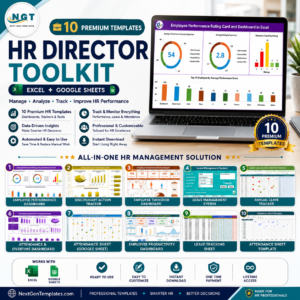
- HR Director Toolkit: 10 templates for HR teams in one download
Browse all Excel calendar templates.








Reviews
There are no reviews yet.