

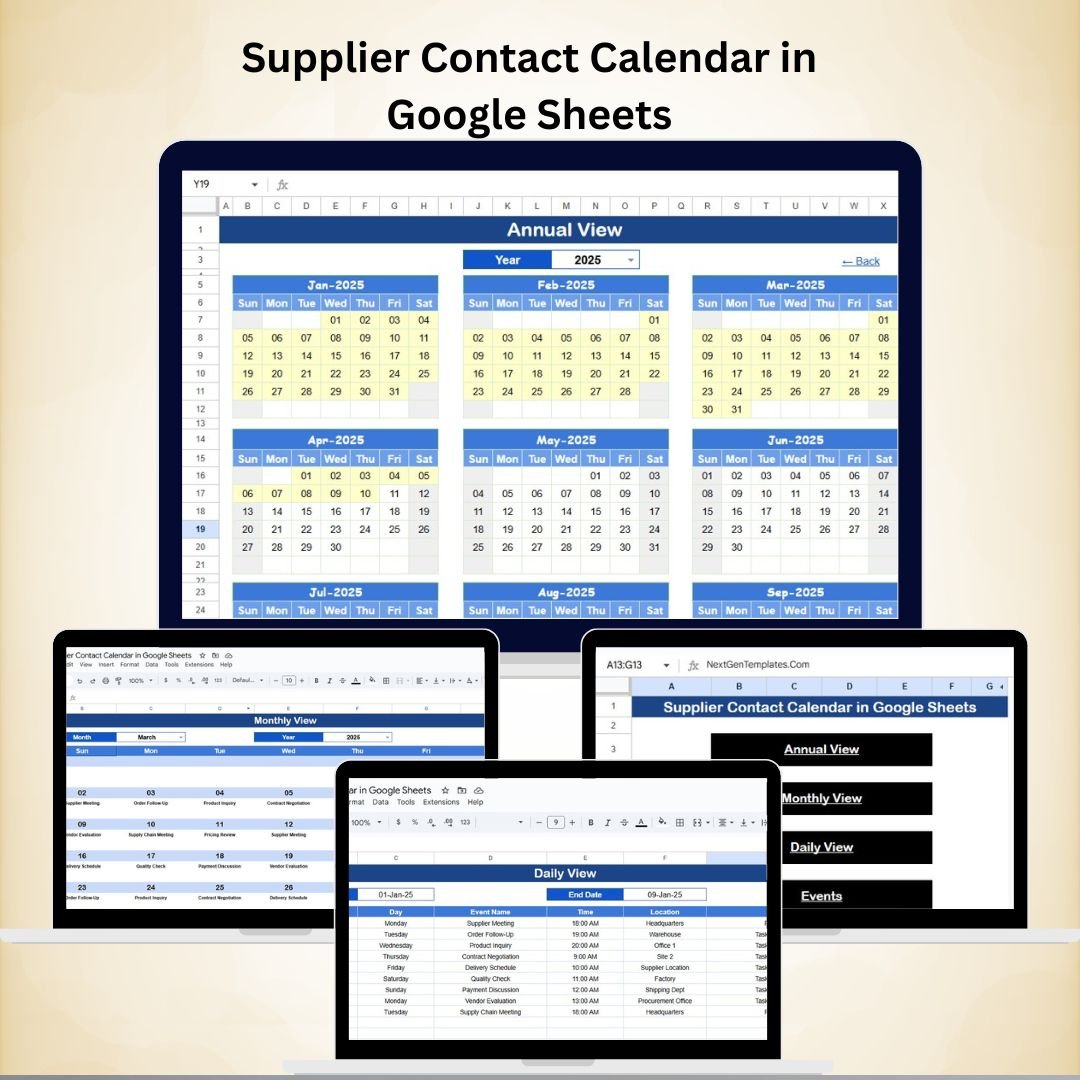
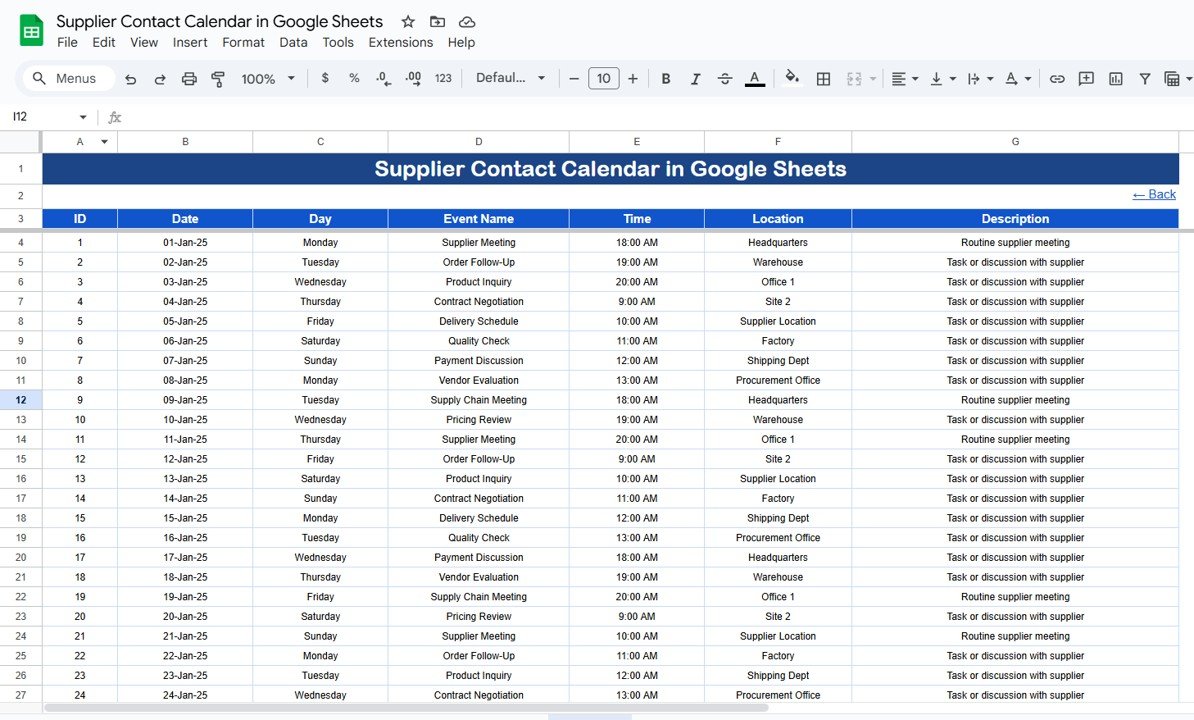

Managing supplier relationships efficiently is the backbone of smooth business operations. Missed meetings, delayed deliveries, or poor follow-ups can disrupt your supply chain. That’s where the Supplier Contact Calendar in Google Sheets comes in — a ready-to-use, cloud-based tool that ensures you stay ahead of every supplier interaction. 📅✅
Built for procurement, operations, and vendor management teams, this calendar allows you to plan, track, and review supplier activities across annual, monthly, and daily levels — all in one place.
🔑 Key Features of Supplier Contact Calendar in Google Sheets
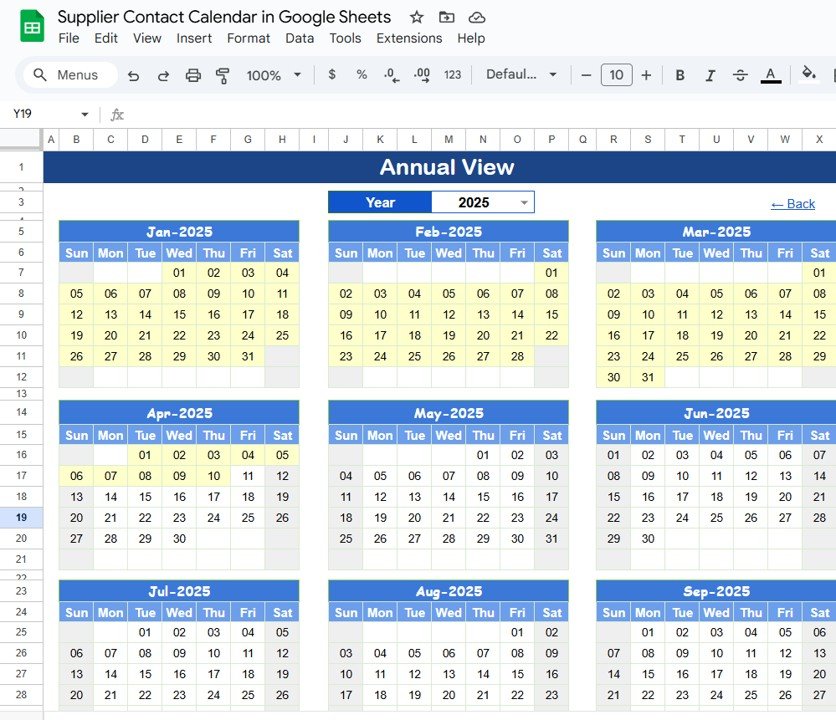
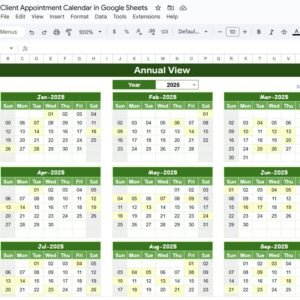
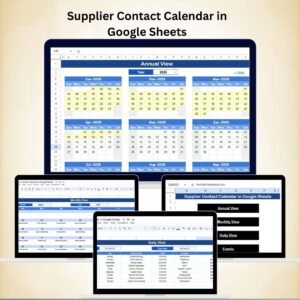
📊 Annual View for Long-Term Planning
Track all 12 months of supplier events at once.
Choose your year dynamically and adjust the starting month.
Highlight key supplier meetings, audits, or contract renewals.
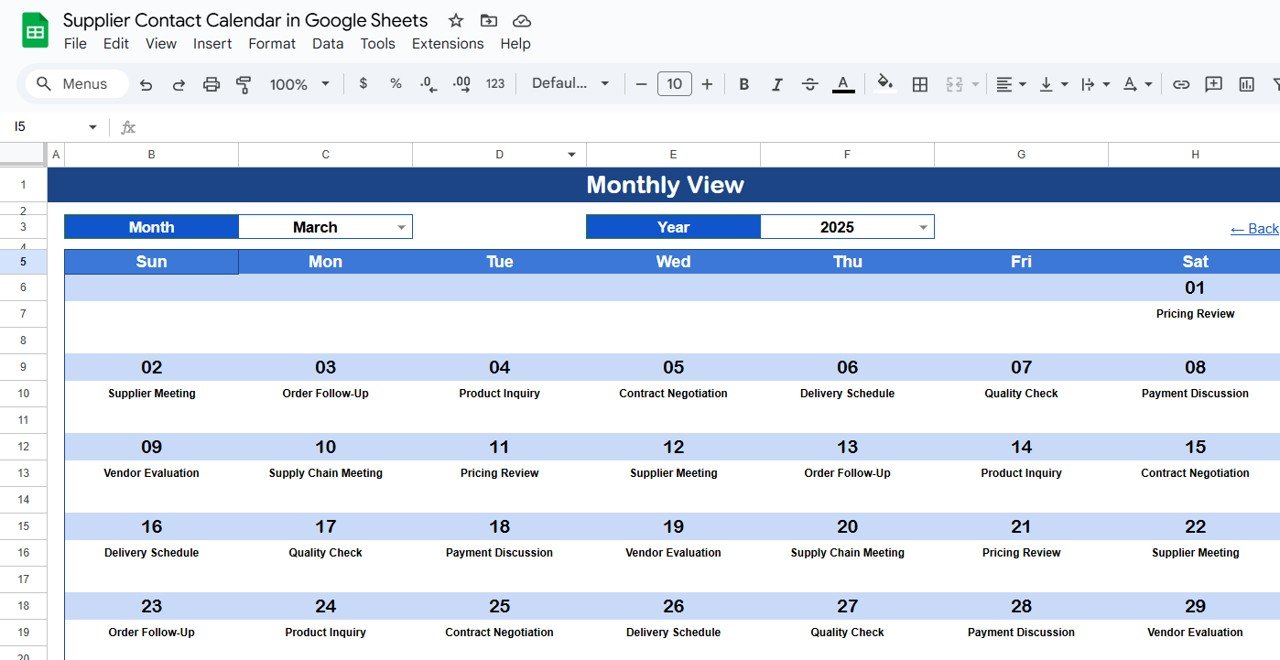
📅 Monthly View for Detailed Planning
Focus on one month at a time with event summaries on each date.
Instantly see “more than 1…” when multiple events occur on the same day.
Perfect for managing deliveries, recurring calls, and short-term schedules.
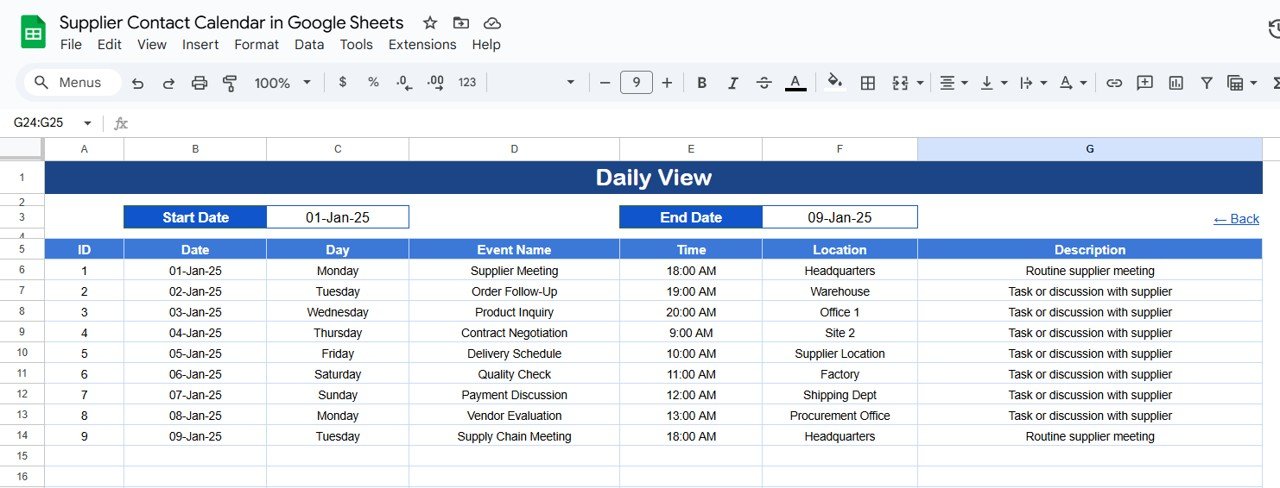
📆 Daily View for Operational Control
Filter by start and end dates to view supplier interactions for specific periods.
Capture details like Event Date, Time, Location, and Description.
Ensure no meeting or follow-up slips through the cracks.
📂 Events Master Sheet
Centralized record of all supplier interactions.
Powers the Annual, Monthly, and Daily views to maintain consistency.
Easy updates — add once, reflect everywhere.
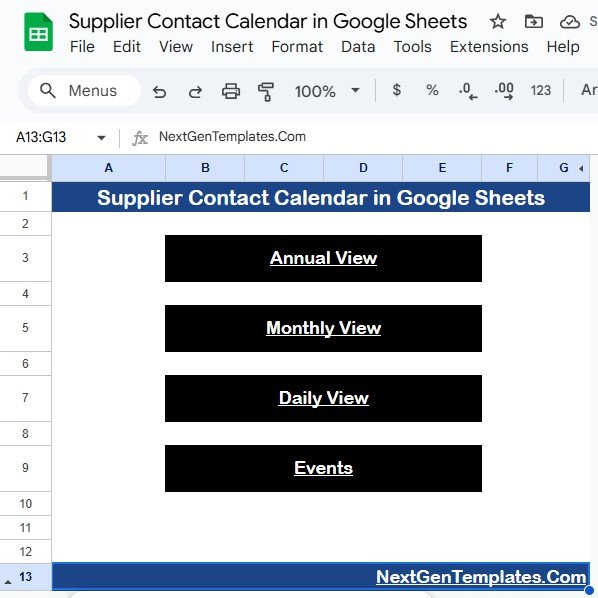
⚡ Home Sheet with Quick Navigation
Jump between Annual, Monthly, Daily, and Events tabs with one click.
Saves time when managing multiple suppliers and teams.
📦 What’s Inside the Supplier Contact Calendar?
When you download this Google Sheets template, you’ll get:
✅ Home Tab with navigation buttons
✅ Annual View Tab for year-wide planning
✅ Monthly View Tab for detailed monthly breakdowns
✅ Daily View Tab for operational tracking
✅ Events Tab as the central database
Everything comes pre-built and formatted, so you can start using it immediately. 🚀
👥 Who Can Benefit from This Calendar?
🏭 Procurement Teams – Stay on top of supplier contracts, meetings, and deliveries.
📦 Operations Managers – Avoid delays by planning supplier follow-ups.
💼 Small Businesses – Simplify supplier communication without expensive tools.
🌍 Logistics Teams – Track supplier activities across regions and time zones.
📊 Finance & Audit Teams – Monitor contract renewals and compliance dates.
If you’re managing multiple vendors, this calendar is your go-to solution for organized supplier interactions.
🧾 How to Use the Supplier Contact Calendar
📥 Download the Template and make a copy to your Google Drive.
📝 Populate the Events Sheet with supplier meetings, deliveries, or reviews.
🔍 Use Year & Month selectors to filter the calendar views.
📆 Review Daily View to see upcoming supplier events.
🤝 Share with your team for real-time collaboration.
🎨 Customize as Needed – Add supplier ratings, contact details, or priority flags.
With built-in navigation and views, your team will always know what’s next.
🔗 Click here to read the Detailed blog post
🔗 Visit our YouTube channel to learn step-by-step video tutorials
Compatibility and Requirements
- Works in Google Sheets. You need a free Google account and a web browser.
- Make a copy of the template to your Google Drive before you start. Google explains how Drive handles Office and Sheets files in Get started with Google Sheets.
Frequently Asked Questions
Which tabs are included?
Five tabs: Home, Annual View, Monthly View, Daily View and Events. The Events tab is the central database that feeds the other views.
Where do I enter supplier meetings and deliveries?
Enter them once on the Events tab. The Annual, Monthly and Daily views read from it, so you do not repeat the entry.
What happens when two events fall on the same day?
The Monthly View shows “more than 1…” on that date. Open the Daily View to see each event with its date, time, location and description.
Can I look at a specific period?
Yes. The Daily View filters by start and end dates, and the Annual and Monthly views let you pick the year and month.
Is there an Excel version?
Yes. See the Supplier Contact Calendar in Excel.
Related Supplier and Calendar Templates
- Supplier Contact Calendar in Excel: the same calendar for Excel
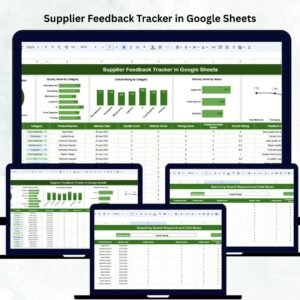
- Supplier Feedback Tracker in Google Sheets: record feedback on each supplier
- Supplier Delivery Schedule Calendar in Excel: plan supplier deliveries by date
- Dynamic Holiday and Event Calendar in Google Sheets: a general event calendar in Google Sheets
- Procurement and Vendor Management Kit: 7 templates for procurement and vendor work in one download
Browse all Google Sheets calendars.








Reviews
There are no reviews yet.