

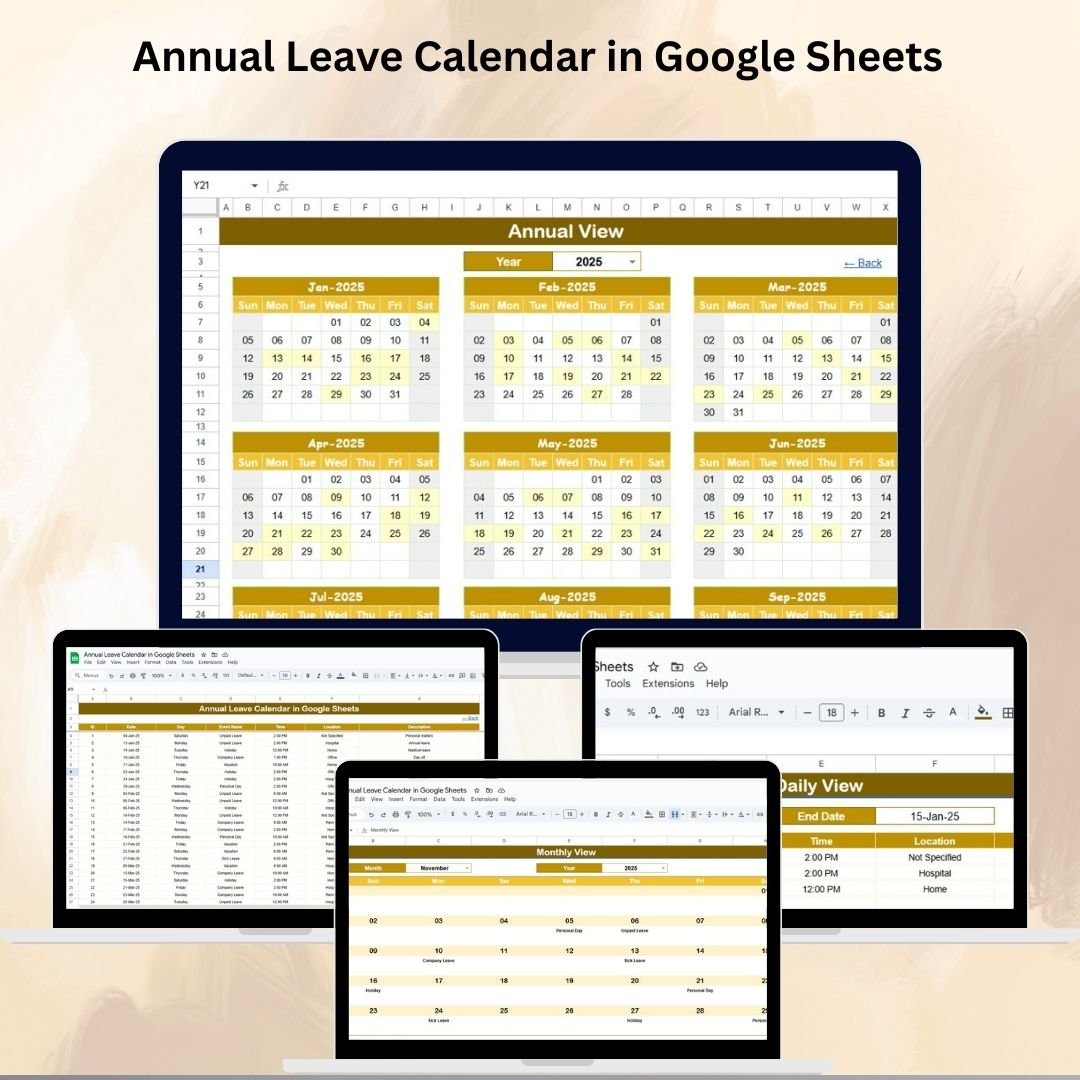

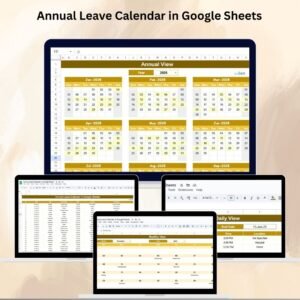
Managing employee leave effectively is a cornerstone of smooth HR operations. 🌍 Overlapping leave schedules, mismanaged records, and lack of visibility can lead to confusion and reduced productivity. The Annual Leave Calendar in Google Sheets is designed to eliminate these problems by providing an interactive, structured, and easy-to-use leave management tool.
This ready-to-use calendar allows HR teams, managers, and employees to plan, track, and monitor leave across an entire year. With its annual, monthly, and daily views, plus a central events database, it ensures leave management is clear, collaborative, and efficient.
🔑 Key Features of the Annual Leave Calendar
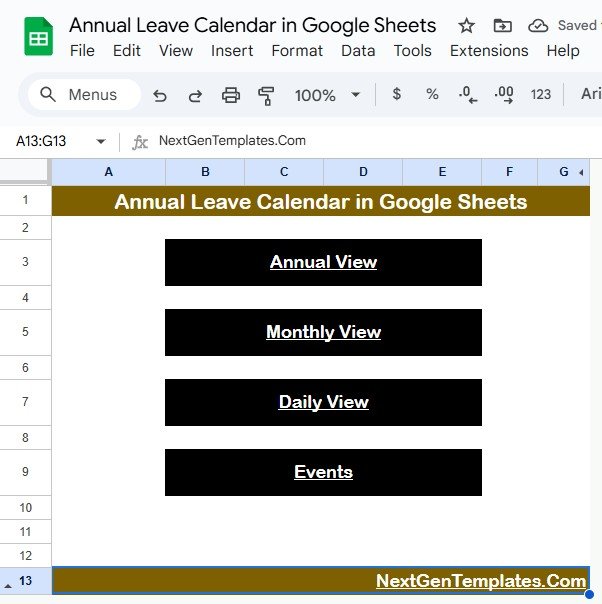
🏠 Home Sheet Tab – Navigation Hub
Quick buttons to switch between Annual, Monthly, Daily, and Events views
Helps HR and managers move seamlessly across different calendar levels
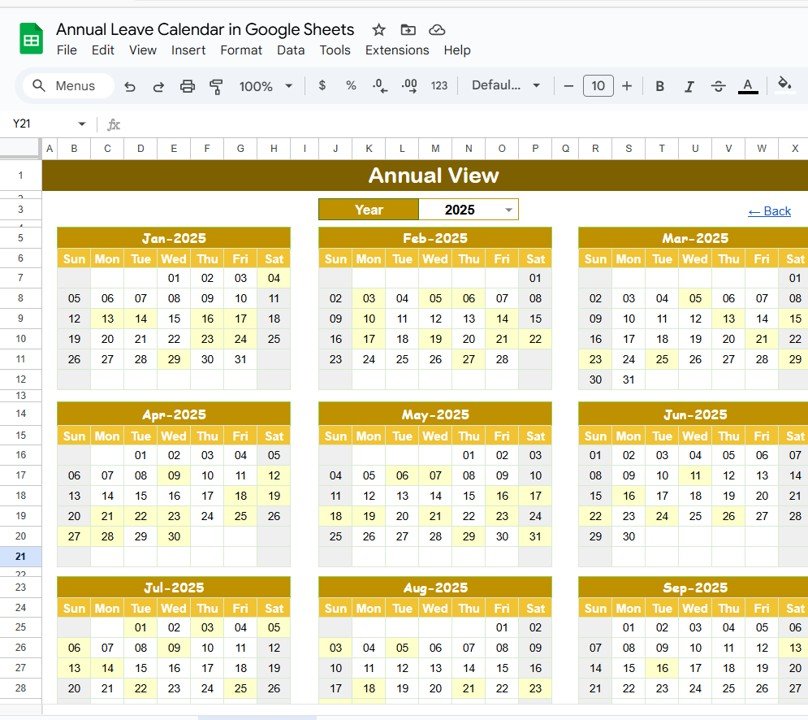
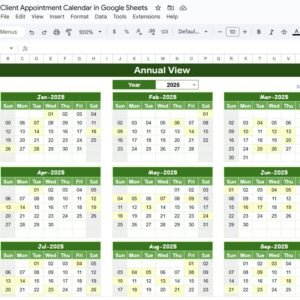
📅 Annual View Sheet Tab – Yearly Overview
Full 12-month calendar in one sheet
Year selector updates calendar automatically
Adjust starting month and starting day of the week
Provides a bird’s-eye view of planned leave across the year
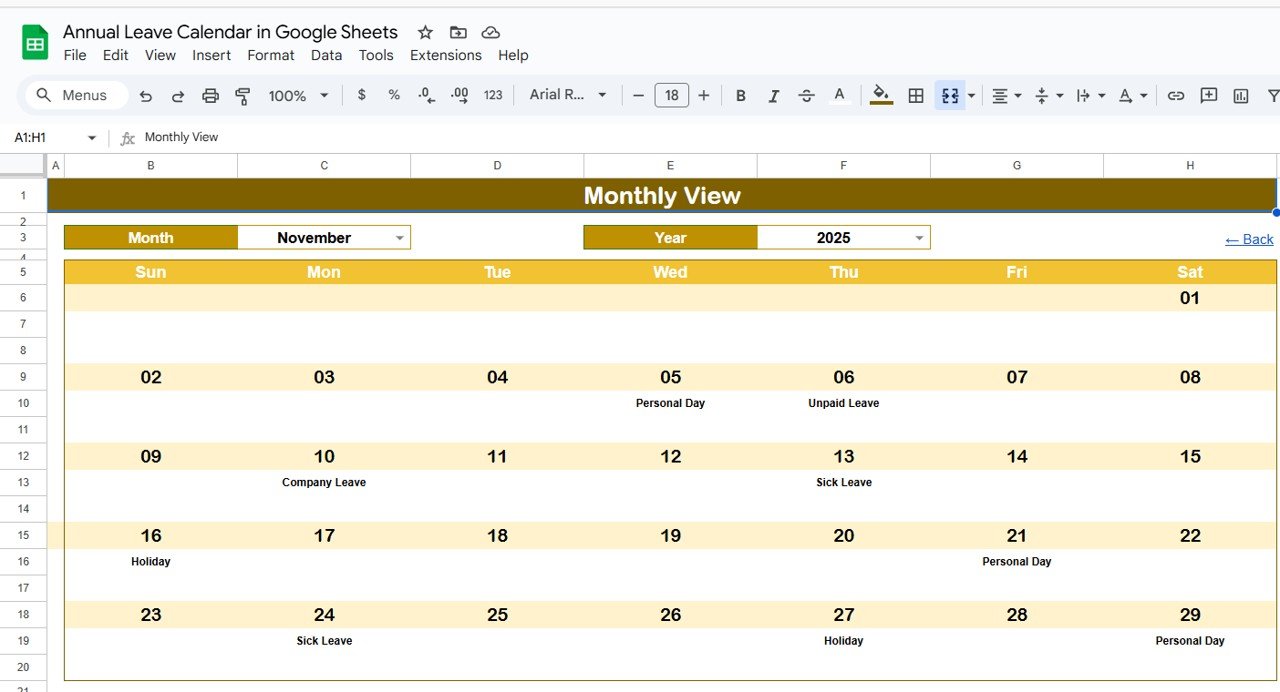
🗓 Monthly View Sheet Tab – Month-Specific Planning
Month & Year selector for precise planning
Displays employee leave events for each date
Shows “more than 1…” when multiple leaves overlap
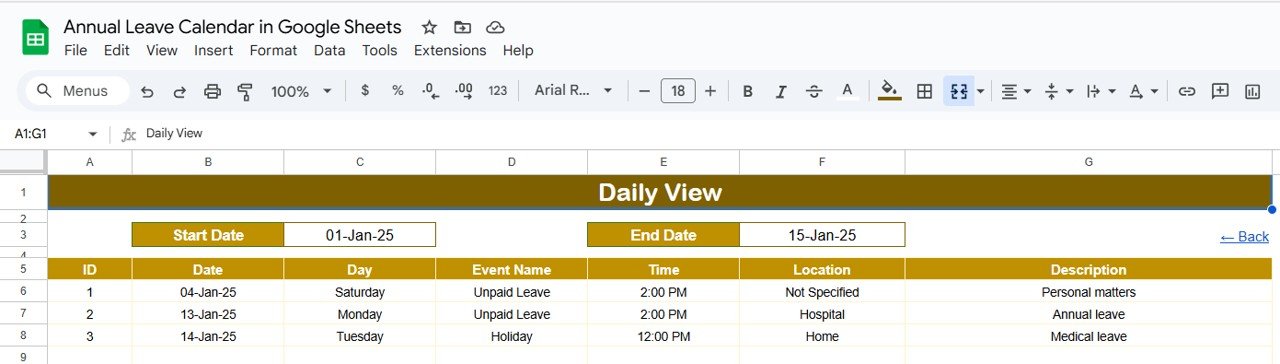
📆 Daily View Sheet Tab – Detailed Tracking
Select start and end dates to see leave entries within that range
Detailed employee list with leave type and notes
Perfect for planning meetings, deadlines, and daily operations
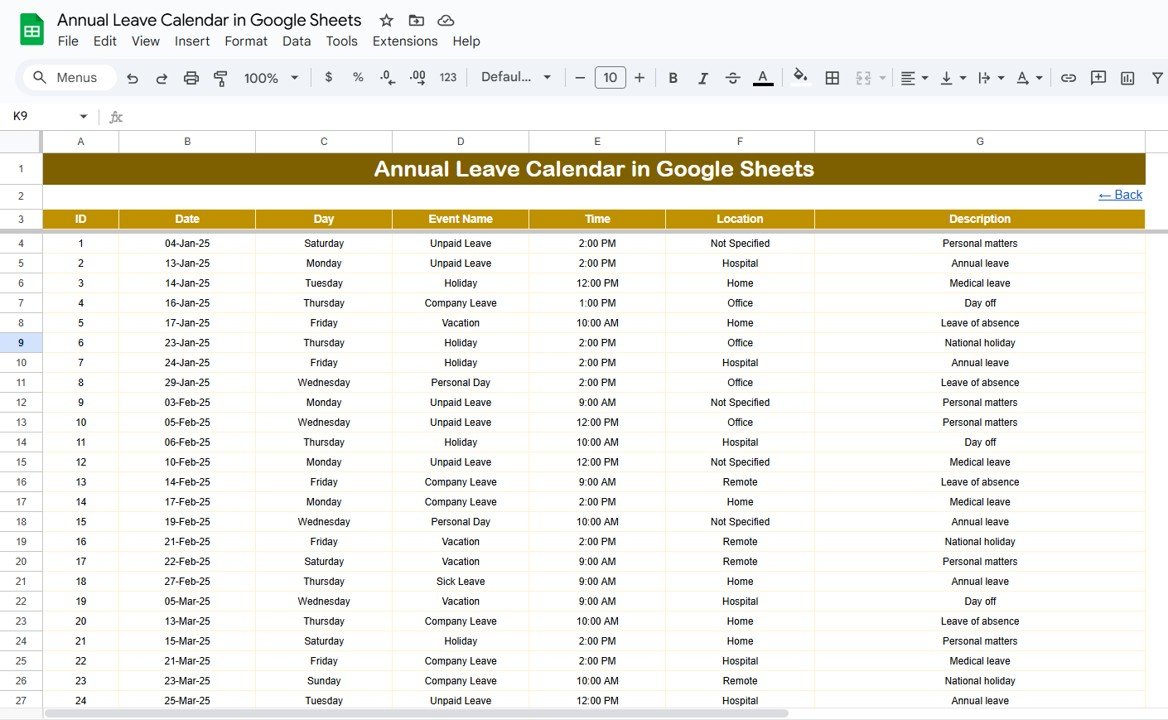
📋 Events Sheet Tab – Centralized Database
Stores all leave entries in structured columns:
ID
Date & Day
Event Name (type of leave)
Time & Location (if applicable)
Description (notes)
Acts as the backbone of the calendar, powering all views dynamically
📦 What’s Inside the Annual Leave Calendar?
✅ Home Tab – Central navigation with quick access buttons
✅ Annual View Tab – Full-year leave overview
✅ Monthly View Tab – Detailed monthly leave schedules
✅ Daily View Tab – Event list by date range
✅ Events Tab – Master data entry sheet
✅ Pre-Filled Sample Data – Demonstrates functionality out-of-the-box
✅ Fully Customizable – Add color codes, categories, or extra fields
🧠 How to Use the Annual Leave Calendar
Open the Template – Start from the Home Tab for navigation
Enter Data – Input leave requests in the Events sheet
Check Annual View – Plan resources across the year
Use Monthly View – See who is on leave in any given month
Switch to Daily View – Review leaves for a specific date range
Update Regularly – Ensure HR and employees keep the sheet current
👥 Who Can Benefit from This Calendar?
HR Teams – Centralize leave management and reduce scheduling errors
Managers – Plan workloads around team absences
Employees – Check approved leave dates before applying for time off
Small Businesses – Manage leave efficiently without costly software
Large Organizations – Handle multiple teams and departments with ease
⭐ Advantages of Using the Annual Leave Calendar
📊 Centralized Leave Records – All events stored in one place
📅 Visual Clarity – Annual, monthly, and daily views for better planning
⚡ Conflict-Free Scheduling – Avoid overlapping leaves and ensure coverage
🤝 Collaboration-Ready – Share with employees and managers easily
🧾 Time-Saving – Structured input reduces HR workload
🔄 Fully Customizable – Add color codes, categories, or leave types
🔗 Click here to read the Detailed blog post
Watch the step-by-step video Demo:
🔗 Visit our YouTube channel to learn step-by-step video tutorials
Compatibility and Requirements
- Works in Google Sheets. You need a free Google account and a web browser.
- You pick the year, month and date range with selectors on the Annual, Monthly and Daily view sheets. Google explains how Sheets works in Get started with Google Sheets.
Frequently Asked Questions
Which sheets are included?
Five sheets: Home, Annual View, Monthly View, Daily View and Events.
Where do I enter leave requests?
Enter them in the Events sheet. Each entry has an ID, date, day, event name (the type of leave), time, location and a description for notes. The three calendar views read from this sheet.
What happens when two people are off on the same day?
The Monthly View shows “more than 1…” on that date. Open the Daily View to see the full list of employees, leave types and notes.
Can I change the year or the first day of the week?
Yes. The Annual View has a year selector and lets you set the starting month and the starting day of the week.
Is there an Excel version?
Yes. See the Annual Leave Calendar in Excel.
Related Leave and Calendar Templates
- Annual Leave Calendar in Excel: the same leave calendar for Excel
- Annual Leave Tracker with Daily Monthly View in Excel: an Excel leave tracker with daily and monthly views
- Leave Management System: a fuller system for managing leave requests
- Dynamic Holiday and Event Calendar in Google Sheets: another Google Sheets calendar for events and holidays
- HR Google Sheets Pack: 10 HR templates for Google Sheets in one download
Browse all Google Sheets calendars and HR and payroll templates in Google Sheets.











Reviews
There are no reviews yet.