

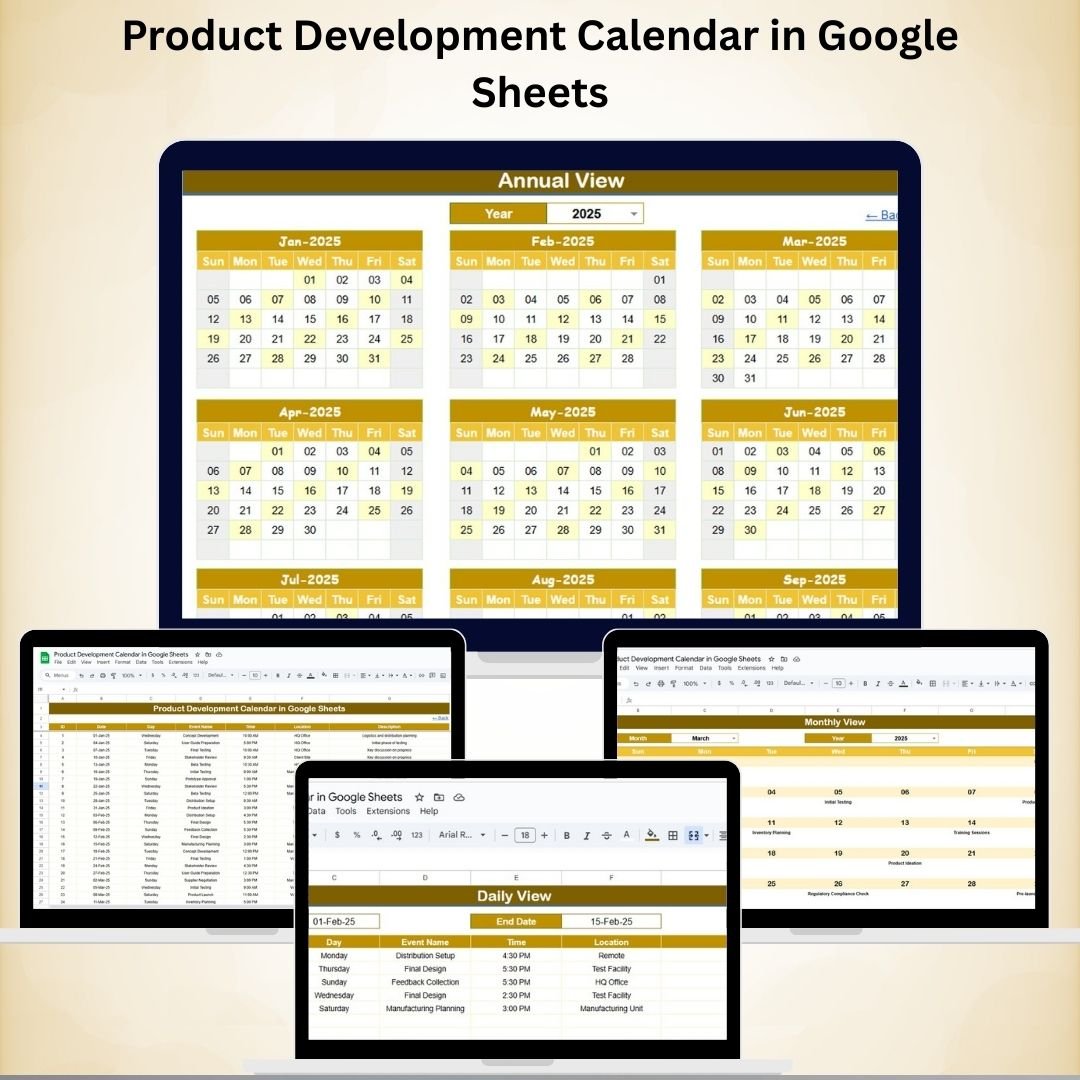
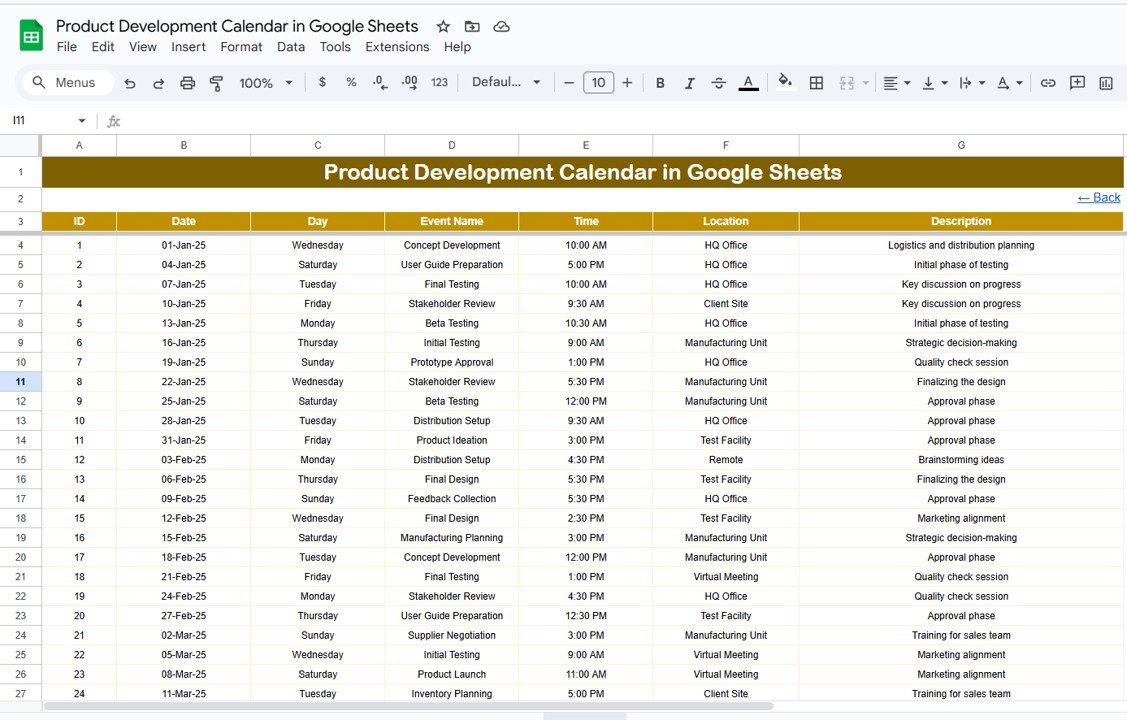
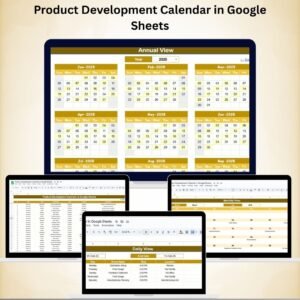
Efficiently managing product development timelines is the key to launching successful products without delays. Our Product Development Calendar in Google Sheets is a ready-to-use, fully interactive tool designed to help product managers, project leads, and teams plan, track, and execute development activities with precision. With multiple calendar views and a centralized event database, this tool ensures your team always stays aligned and on schedule.
⭐ Key Features of the Product Development Calendar
1. Home Sheet Tab 🏠
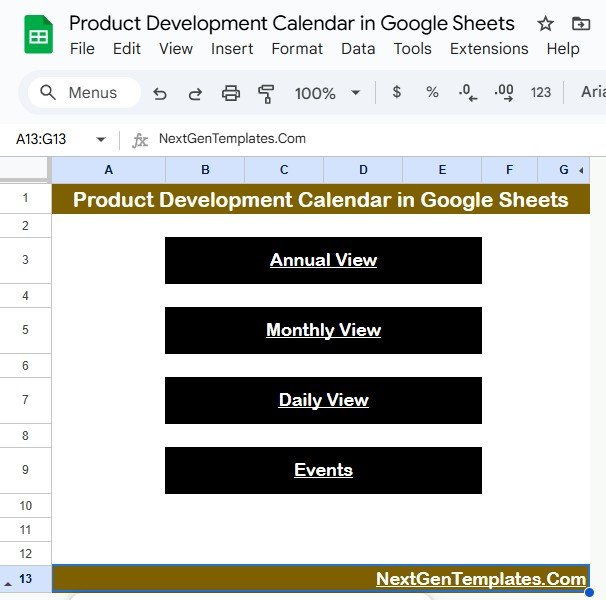
The Home Sheet acts as the command center, giving teams quick navigation options. With one click, you can jump to:
Annual View → High-level timeline for the entire year
Monthly View → Zoom into one month for milestone tracking
Daily View → Focus on detailed activities for specific dates
Events Database → Centralized record of all scheduled events
This structured layout ensures smooth navigation across all project timelines.
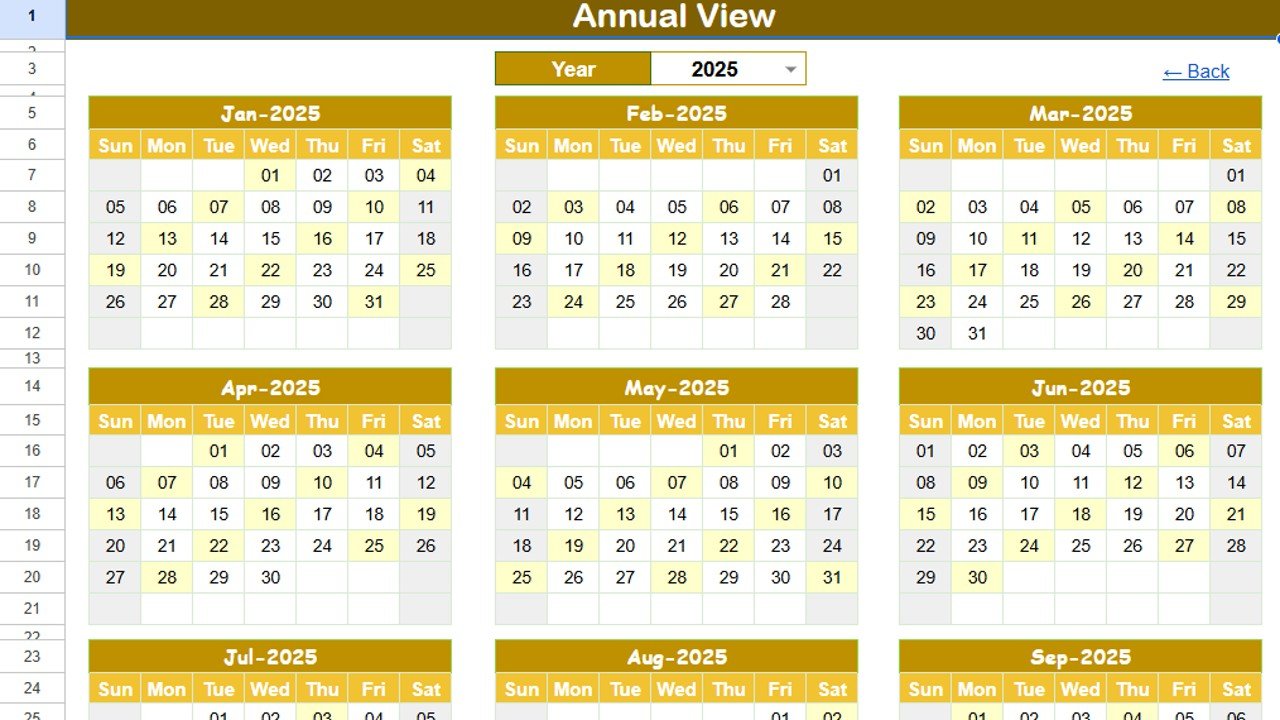
2. Annual View Sheet Tab 📅
The Annual View provides a bird’s-eye view of all 12 months. Perfect for strategic planning, you can:
Select the year and auto-update the calendar
Change the starting month to align with your fiscal or project year
Set the starting day of the week for flexibility
This view is ideal for tracking key milestones, quarterly goals, and long-term product roadmaps.
3. Monthly View Sheet Tab 📆
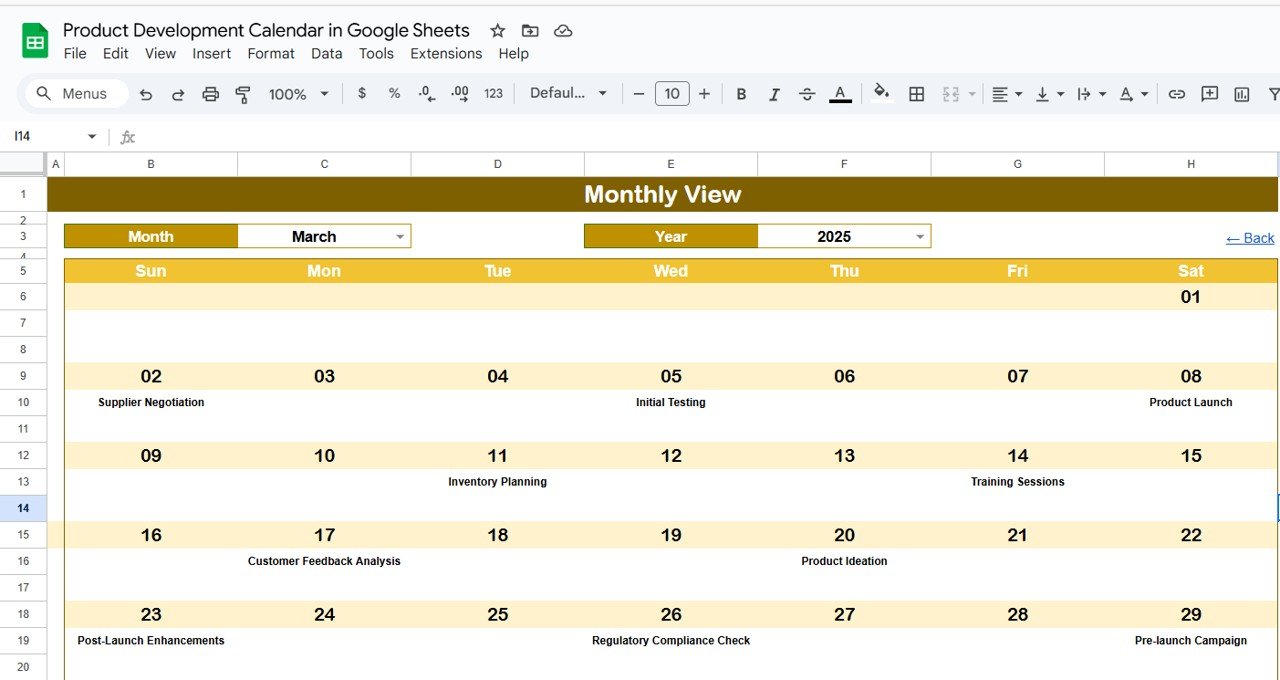
The Monthly View breaks down activities for one month. Key features:
Select Month & Year to filter relevant events
Each date displays scheduled events. If multiple tasks fall on the same day, the calendar highlights it with “more than 1…”
This helps teams in sprint planning, monthly check-ins, and milestone reviews.
4. Daily View Sheet Tab ⏰
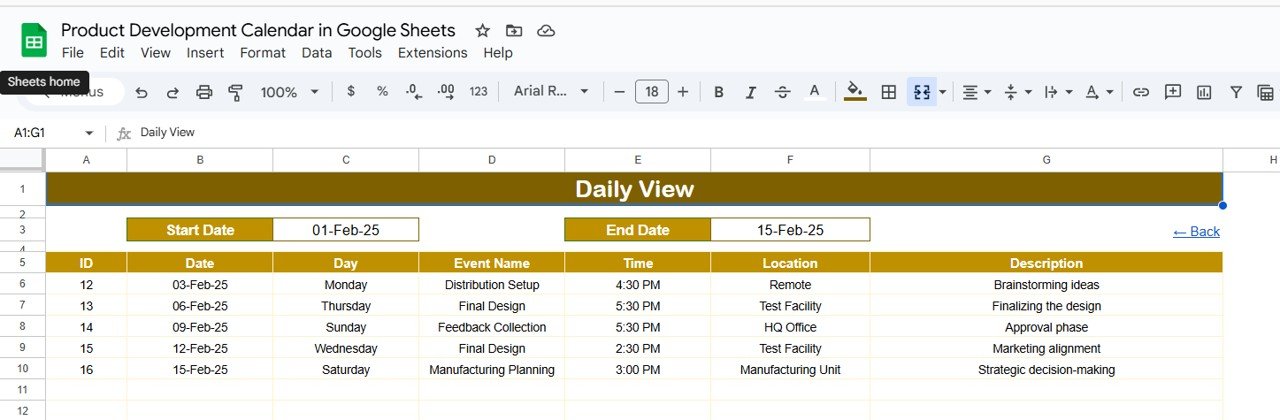
For day-to-day execution, the Daily View provides complete clarity. You can:
Choose a start and end date range
View a detailed list of all follow-up tasks, meetings, and deadlines within that range
This ensures daily team stand-ups, task prioritization, and on-time execution.
5. Events Sheet Tab 📑
The Events Sheet is the heart of the calendar, serving as a centralized database. Each entry includes:
Event ID – Unique identifier
Date & Day – Exact schedule details
Event Name & Description – Task details
Time & Location – For team coordination
Notes – For additional updates
This ensures accurate tracking, easy updates, and consistency across views.
💡 Who Can Benefit from This Calendar?
Product Managers → Track product roadmaps & ensure deadlines are met
Project Leads → Plan sprints, allocate resources, and monitor execution
Development Teams → Stay on top of daily and monthly tasks
Executives & Stakeholders → Gain visibility into project progress
✅ How to Use the Product Development Calendar
Enter all development tasks and milestones in the Events Sheet.
Switch to Annual, Monthly, or Daily Views depending on the planning need.
Use the calendar for team meetings, sprint planning, and milestone reviews.
Share the sheet with your team for real-time collaboration.
🌟 Benefits of Using the Product Development Calendar
📊 Centralized Tracking – All activities in one place
🗓 Multi-View Flexibility – Annual, monthly, and daily perspectives
🤝 Team Collaboration – Share and update in real time
⏱ Improved Time Management – Never miss a deadline
🚀 Better Product Launches – Stay organized and ensure timely delivery












Reviews
There are no reviews yet.