

📌 Key Features of Transfer Order Template
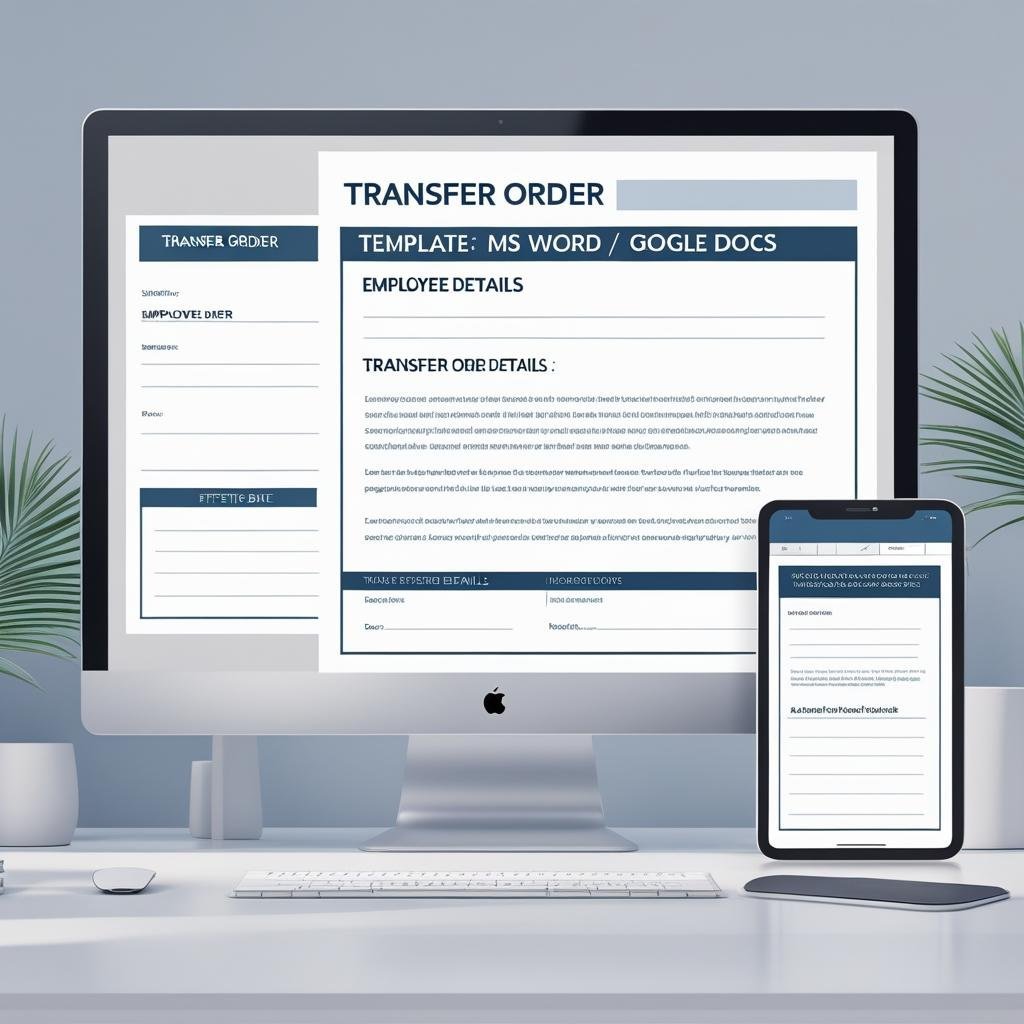
Streamline internal mobility with professionalism! Our Transfer Order Template in MS Word and Google Docs is a ready-to-use document that helps HR departments and team leads formally notify employees about role or location transfers. Whether the shift is departmental or geographic, this template ensures every communication is crystal clear, respectful, and compliant.
🚀 Enable smooth transitions. Empower career growth. Keep everything documented.
✅ Professional Corporate Layout – Clean and structured A4 format
✅ Editable Fields – Customize name, designation, old and new department/location
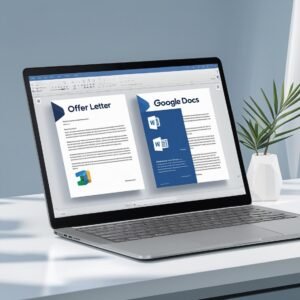
✅ Dual Format Support – Works in both MS Word and Google Docs
✅ Includes Reporting Details – Specify the new reporting manager
✅ HR-Compliant Language – Aligned with formal transfer policy
✅ Print & Email Ready – Perfect for hard copy or digital sharing
✅ Signature Block Included – Formal closure with manager details
✅ Easy Customization – Add logos, contact info, and terms
📂 What’s Inside the Transfer Order Template
Your download includes:
📄 1 MS Word (.docx) file
🔗 1 Google Docs editable link
🧾 Customizable placeholders for:
Employee Name
Current and New Job Title
Department and/or Location
Effective Date
Reporting Manager Name
🖋️ Signature area for HR/Manager
📌 Standard A4 layout with header for company branding
🧑💼 Polished wording to maintain professionalism and clarity
Whether you’re processing a departmental change or relocation, this template gets it done in minutes.
🛠️ How to Use the Transfer Order Template
Get started in just 5 steps:
📥 Download the template file
📂 Open it in MS Word or Google Docs
✏️ Replace the placeholders with actual employee details
🎨 Add your logo or adjust layout if desired
📤 Send digitally or print for physical delivery
You’ll save time, avoid legal miscommunication, and handle employee movement with clarity.
👥 Who Can Benefit from This Transfer Order Template
This template is perfect for:
🧑💼 HR Teams managing staff redeployments
🏢 Corporate Managers organizing department shifts
📋 Operations Heads aligning manpower with new functions
👨💻 Startups or SMEs needing ready-to-use formal documents
📇 HR Consultants offering policy-compliant letter solutions
Whether it’s a promotion, location change, or role realignment — this tool ensures a seamless, professional process.
✨ Shift roles the smart way using our Transfer Order Template – clear, compliant, and crafted to help you manage workforce changes smoothly.
Compatibility and Requirements
- Edit the Transfer Order Template in Microsoft Word (desktop or Microsoft 365).
- It also works in Google Docs with a free Google account. Upload the .docx to Google Drive and open it with Google Docs, or use the Google Docs link. Google explains the steps in Work with Office files.
- Print it for paper records, or save it as a PDF to share by email.
Frequently Asked Questions
What details does the transfer order include?
Placeholders for the employee name, current and new job title, department or location, effective date and the new reporting manager, plus a signature area for HR or the manager.
Can I use it for a location transfer as well as a department change?
Yes. The wording covers both departmental and geographic transfers. Edit the placeholders to match the move.
Can I add my company branding?
Yes. The A4 layout has a header for your company name, logo and contact details.
Is the Transfer Order Template free?
Yes. It is a free download in Word format with an editable Google Docs link.
Related Employee Transfer Templates
- Internal Transfer Request Tracker in Excel: log and approve transfer requests before the order goes out.
- Internal Transfer Request Tracker in Google Sheets: the same tracker in the browser.
- Employee Transfer and Movement Management System V1.0 in Excel VBA: a full system for staff movements.
- Promotion Letter Template in MS Word and Google Docs: for transfers that come with a promotion.
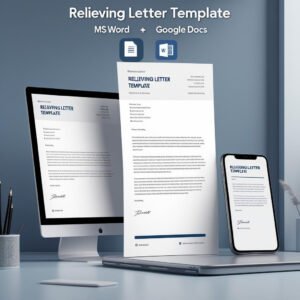
- Relieving Letter Template in MS Word and Google Docs: for employees leaving the company.
Browse all letter templates or the HR and Payroll templates.












Reviews
There are no reviews yet.