



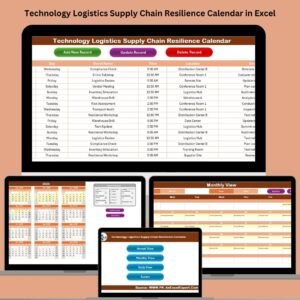
Ready to build a smarter, more resilient supply chain? Say hello to the Technology Logistics Supply Chain Resilience Calendar — a fully interactive, Excel-based calendar designed for logistics professionals, supply chain managers, and operations teams to manage crucial events with ease, visibility, and control.
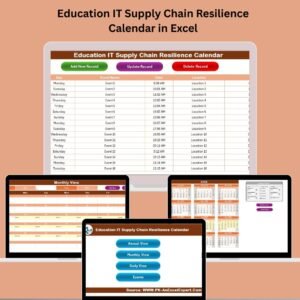
This powerful Excel calendar helps you track and plan your logistics activities using annual, monthly, and daily views. Whether you’re scheduling audits, coordinating shipments, or planning risk-mitigation drills, this template brings order to chaos — with zero coding required.
✨ Key Features of the Resilience Calendar
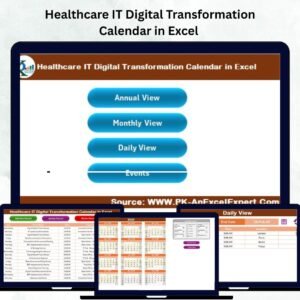
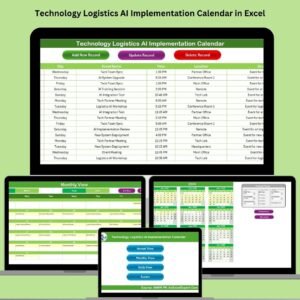
🏠 Home Sheet – Command Central

4 Smart Buttons: Instantly jump to Annual View, Monthly View, Daily View, or Events Database
Overview Snapshots: Show key highlights or last month’s critical updates
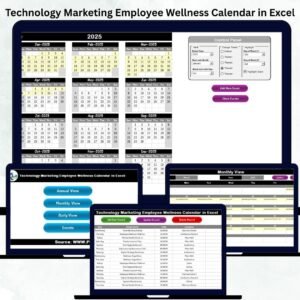
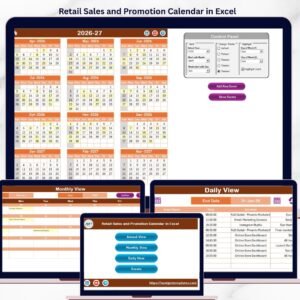
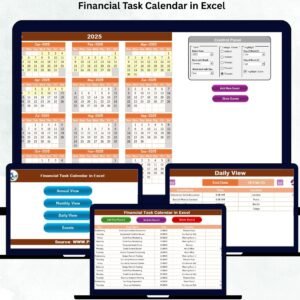
📅 Annual View Sheet – The 12-Month Planner
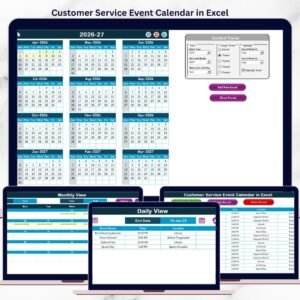
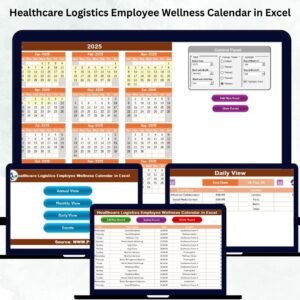
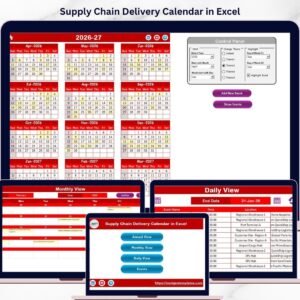
📆 Full-year calendar with month and day-of-week controls
🎨 Choose from 5 pre-set themes
📌 Highlight peak days, maintenance slots, and weekends
🧩 “Add New Event” and “Show Event” buttons for instant editing
📆 Monthly View Sheet – Focused Monthly Planning
🔽 Select month and year to auto-update view
📋 Days show single or multiple events (with count)
➕ Add or view events directly from this sheet for the selected month
📍 Daily View Sheet – Precision Event Tracking
📅 Select date range using Start and End Date pickers
🔁 Click “Refresh” to load filtered events
📑 View full details: Event ID, Date, Time, Name, Location, Description
🧾 Add New Event button connects to input form
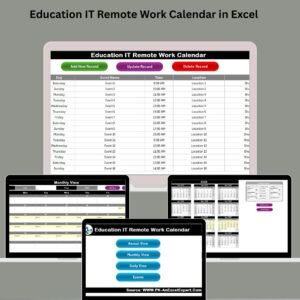
📓 Events Sheet – Your Logistics Database
🧠 Stores every entry with Event ID, Date, Day, Time, Description
🔧 Add, Edit, or Delete events using dedicated buttons
✅ Ensures clean records for analysis or export
📦 What’s Inside the Calendar?
✅ Full-year dynamic calendar
✅ Monthly and daily views
✅ Event scheduling buttons (add, view, update, delete)
✅ Control panel to change year, theme, start day, and month
✅ Built-in dropdowns and data validation for fast edits
✅ Structured Events table for exporting to Power BI, ERP, or CSV
🛠️ How to Use the Template
Set the Year & Preferences
In Annual View’s control panel, choose the year, week start, and preferred theme 🎨
Add Events
Use “Add New Event” on any sheet to fill in the popup form
Include date, time, location, and description
View Events
Click any date and press “Show Event” to get a detailed list
Filter Dates
In Daily View, use start/end selectors to narrow down logistics activities
Customize Easily
No code needed. Adjust highlight rules, themes, or add conditional formatting
🎯 Who Can Benefit from This Calendar?
🚚 Logistics Coordinators
🏭 Warehouse Operations Managers
🌐 Supply Chain Teams
🔄 Technology & Maintenance Planners
📦 Inventory Controllers
🧑💻 Project Managers handling delivery timelines
💡 Why Choose This Excel Calendar?
✅ Resilience & Risk-Ready
Plan maintenance, deliveries, and peak loads in advance
→ avoid surprises and missed deadlines.
✅ 3-Tier Visibility
Toggle between annual, monthly, and daily planning in seconds.
✅ No Coding or Software
Built with native Excel – works on any Windows/Mac Excel version with macros.
✅ Cost-Effective
No need to purchase logistics software. Pay once, use forever.
✅ Powerful for Teams
Sync over cloud (OneDrive/SharePoint), collaborate in real time, and avoid email chaos.
📎 Click here to read the Detailed Blog Post
🎥 Visit our YouTube channel to learn step-by-step video tutorials
👉 Youtube.com/@PKAnExcelExpert
Watch the step-by-step video tutorial:
Compatibility and Requirements
- Works in Microsoft Excel desktop (Excel 2016 or later, or Microsoft 365) with macros enabled. The Add, Edit, Delete and Show Event buttons use macros.
- It does not run in Excel for the web, Google Sheets or mobile apps.
- Microsoft explains how to turn macros on in Enable or disable macros in Microsoft 365 files.
Frequently Asked Questions
What views does the calendar have?
It has an Annual View, a Monthly View and a Daily View, plus an Events sheet that stores every entry. The Home sheet has buttons that jump to each one.
How do I add an event?
Click “Add New Event” on any sheet and fill in the form with the date, time, location and description. Each event is saved on the Events sheet with an Event ID.
Can I edit or delete an event?
Yes. The Events sheet has buttons to add, edit and delete entries.
Can I change the look of the calendar?
Yes. The Annual View control panel lets you choose the year, the week start day and one of 5 themes.
Is there a version for another department?
Yes. The Logistics Supply Chain Resilience Calendar in Excel covers logistics without the technology focus, and the Technology IT Supply Chain Resilience Calendar in Excel is built for IT teams.
Related Supply Chain Templates
- Logistics Supply Chain Resilience Calendar in Excel: the same calendar for general logistics planning
- Technology Operations Supply Chain Resilience Calendar in Excel: a version for operations teams
- Technology Procurement Supply Chain Resilience Calendar in Excel: a version for procurement teams
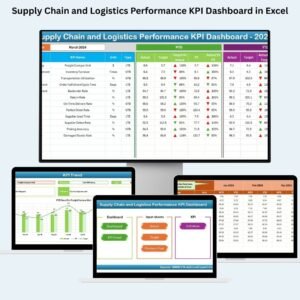
- Supply Chain and Logistics Performance KPI Dashboard in Excel: track logistics KPIs alongside your schedule
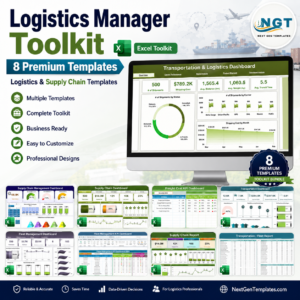
- Logistics Manager Toolkit: 8 logistics templates in one download
Browse all Excel calendar templates and logistics templates.






Reviews
There are no reviews yet.