







Referrals are the most effective hiring channel—and now you can manage them like a pro. The Employee Referral Tracker in Excel is a powerful, fully automated tool built with Excel and VBA that simplifies the way your HR team collects, tracks, and analyzes employee referrals.
Whether you’re a recruiter, HR professional, or small business owner, this smart Excel template puts you in full control of your referral program—with zero coding and no additional software required.
✨ Key Features of the Employee Referral Tracker
🔐 Login Form – Secure Access
Start with a simple login form:
User ID: Admin1
Password: abcd
Hit enter or click “Login” to unlock the main dashboard. Protect your data while controlling access.
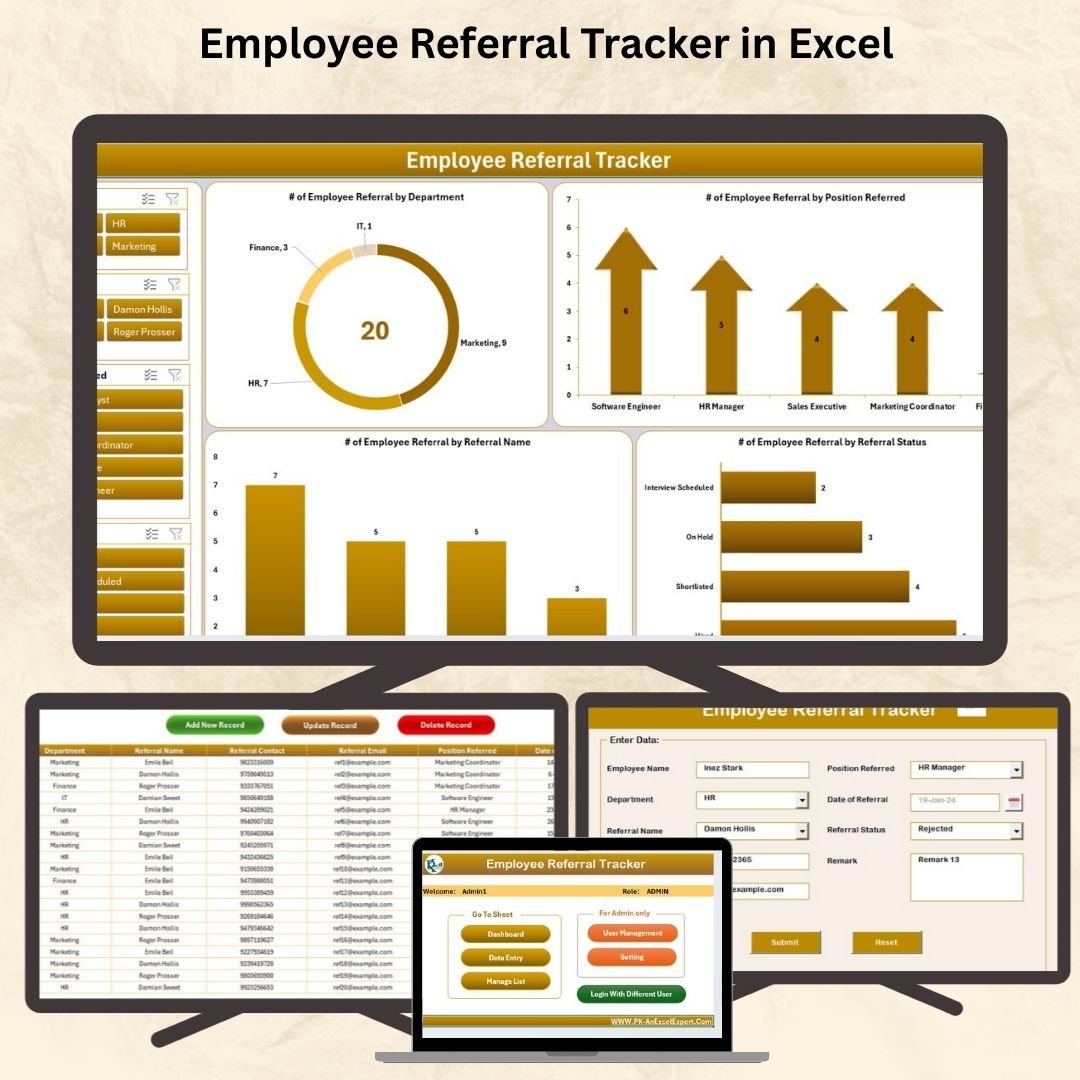
🧭 Main Form – Your Referral Command Center
The main form is your go-to hub for:
Adding, updating, or deleting referral records
Navigating directly to the dashboard or support tabs
Managing users and dropdown lists with a single click
No clutter. No confusion. Just clean, centralized control.
📊 Dashboard Sheet – Instant Visual Insights

See what’s happening in real-time with auto-refreshing charts:
🟠 Doughnut Chart: Referrals by Department
🟢 Arrow Chart: Referrals by Position Referred
🔵 Column Chart: Referrals by Employee
🔴 Bar Chart: Referrals by Status
🎯 Slicers: Filter data by Department, Position, and Date with a click
Perfect for HR reviews and strategy meetings.
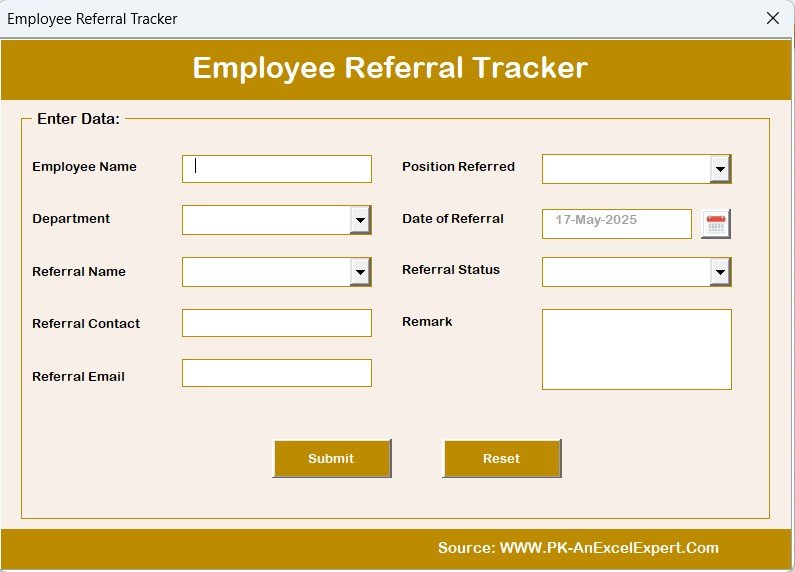
📋 Data Entry Sheet – Organized, Editable, Reliable
Capture every detail with structured columns:
Employee Name
Department
Referral Name & Contact
Position Referred
Date of Referral
Referral Status
Remarks
Use top buttons to:
✅ Add New Records
✏️ Update Existing Entries
❌ Delete Records Instantly
🔄 Manage List Sheet – Customize Dropdowns in Seconds
Manage your dropdowns for:
Departments
Positions
Referral Status
Referral Names
Just click “Add” or “Delete”—no formulas or coding needed.
⚙️ Support + Settings Sheets – Power & Flexibility
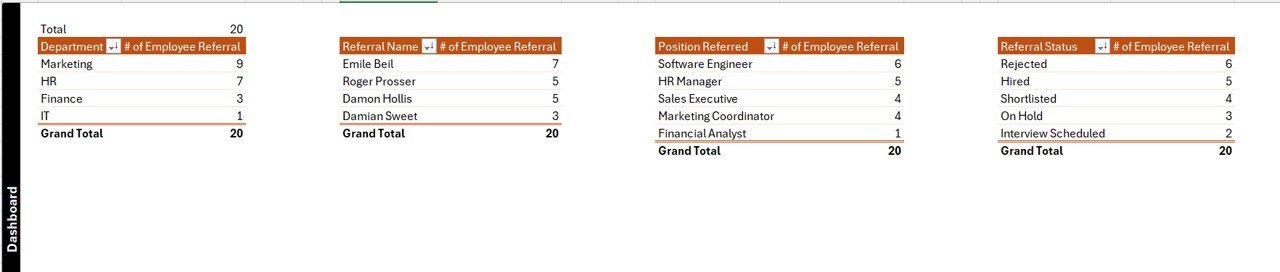
Support Sheet: Auto-pivot calculations, dashboard logic
Settings Tab: Update login credentials and default preferences
User Management: Add, remove, or modify user credentials easily
💡 Advantages of Using This Excel Referral Tracker
📈 Accelerate Hiring: Streamline and speed up your referral process
📊 Track KPIs Visually: No more scattered sheets—centralized insights with automated charts
🧩 No Coding Required: Simple form-based interface powered by Excel VBA
🔐 Built-In Access Control: Secure logins for users and admins
🖥️ Offline Friendly: 100% Excel-based—no internet needed
🔧 Fully Customizable: Modify dropdowns, add metrics, and tailor charts to your company
🛠 Best Practices to Maximize Value
✔ Keep the file secure with workbook protection
✔ Update referral statuses weekly to ensure dashboard accuracy
✔ Customize dropdowns to match your company structure
✔ Backup the file regularly
✔ Train your HR staff to maintain data consistency
👥 Who Should Use This Tool?
✅ HR Managers & Recruiters
✅ Startup Founders & Small Business Owners
✅ Talent Acquisition Teams
✅ Freelance HR Consultants
Perfect for businesses with referral programs but no access to expensive HR software.
📘 Click here to read the Detailed blog post
🎥 Visit our YouTube channel for step-by-step tutorials
Watch the step-by-step video tutorial:
Compatibility and Requirements
- Works in Microsoft Excel desktop on Windows with macros enabled. It does not run in Excel for the web, Google Sheets or mobile apps.
- The workbook uses a login form and data entry forms, so macros must be turned on when you open the file. Microsoft explains how in Enable or disable macros in Microsoft 365 files.
- No other software is needed, and the file works offline.
Frequently Asked Questions
Which sheets are included?
The workbook has a Dashboard sheet, a Data Entry sheet, a Manage List sheet, a Support sheet and a Settings sheet. A login form and a main form open on top of them.
What information can I record for each referral?
Each record holds the employee name, department, referral name and contact, position referred, date of referral, referral status and remarks.
What charts does the dashboard show?
The Dashboard has four charts: referrals by department (doughnut), by position referred (arrow), by employee (column) and by status (bar). Slicers filter the data by department, position and date.
Can I change the dropdown lists?
Yes. Use the Manage List sheet to add or delete departments, positions, referral statuses and referral names with the Add and Delete buttons.
How do I change the login details?
Open the Settings tab to update the login credentials, or use the user management option to add, remove or edit users.
Is there a Google Sheets version?
Yes. See the Employee Referral Tracker in Google Sheets.
Related HR Templates
- Employee Referral Tracker in Google Sheets: the same referral tracker for Google Sheets
- Employee Onboarding Tracker in Excel: follow new hires after the referral is accepted
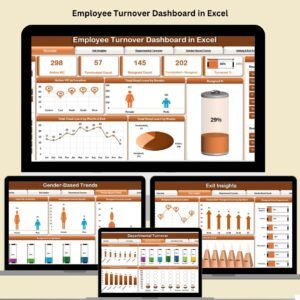
- Employee Turnover Dashboard in Excel: see how many people leave and when
- Employee Database Tracker in Excel: keep employee records in one workbook
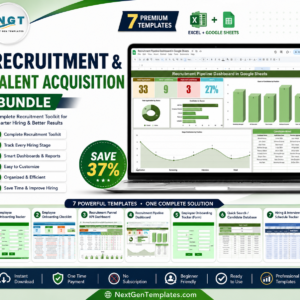
- Recruitment & Talent Acquisition Bundle: 7 Excel and Google Sheets templates for hiring teams
Browse all Excel trackers and HR and Payroll templates.
















Reviews
There are no reviews yet.