

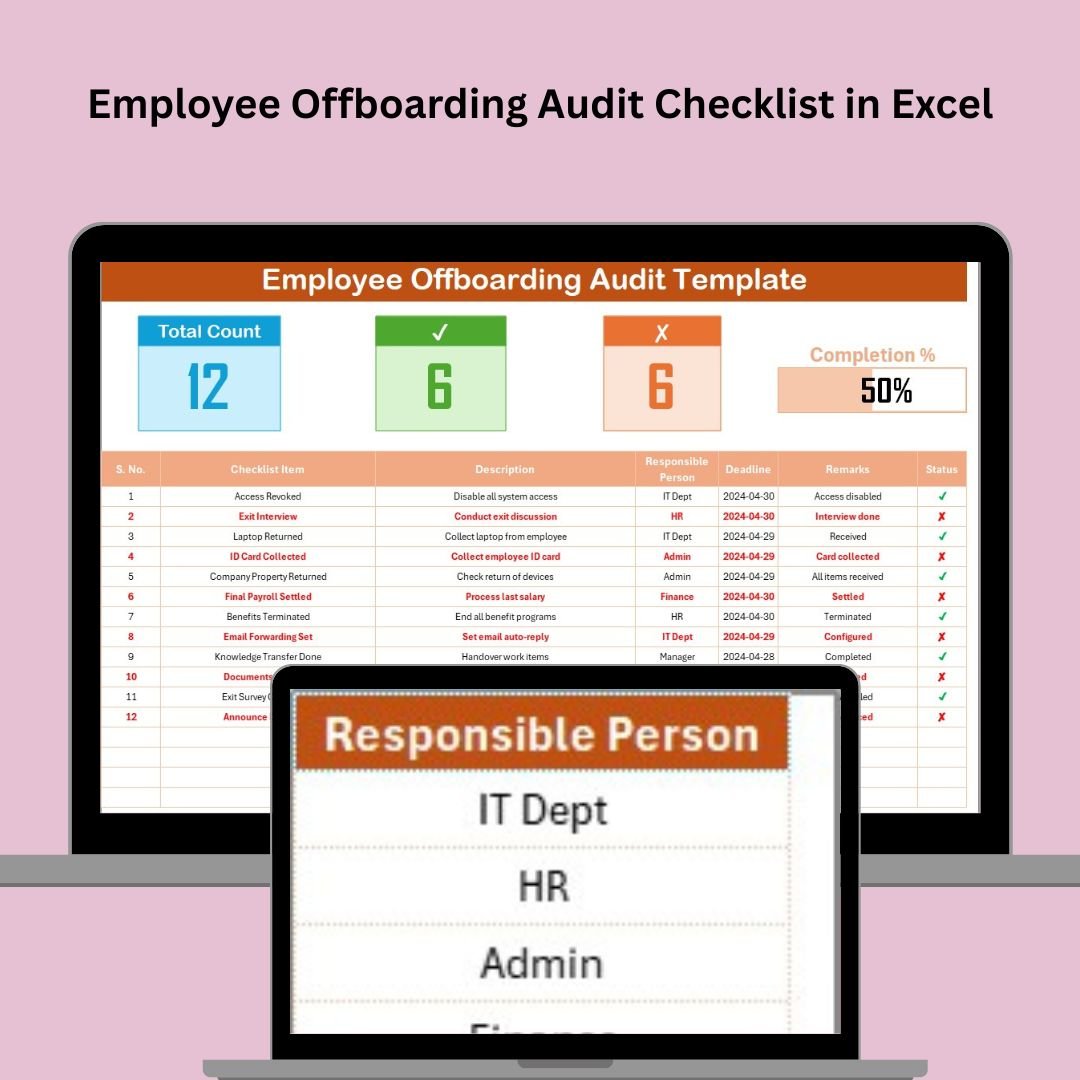

Managing employee departures is a critical part of maintaining a secure and compliant business environment. The Employee Offboarding Audit Checklist in Excel is a structured and comprehensive tool designed to help HR teams, managers, and IT departments track every necessary step when an employee leaves. From ensuring that company assets are returned to revoking system access and conducting exit interviews, this checklist ensures a smooth and secure transition.
Key Features:
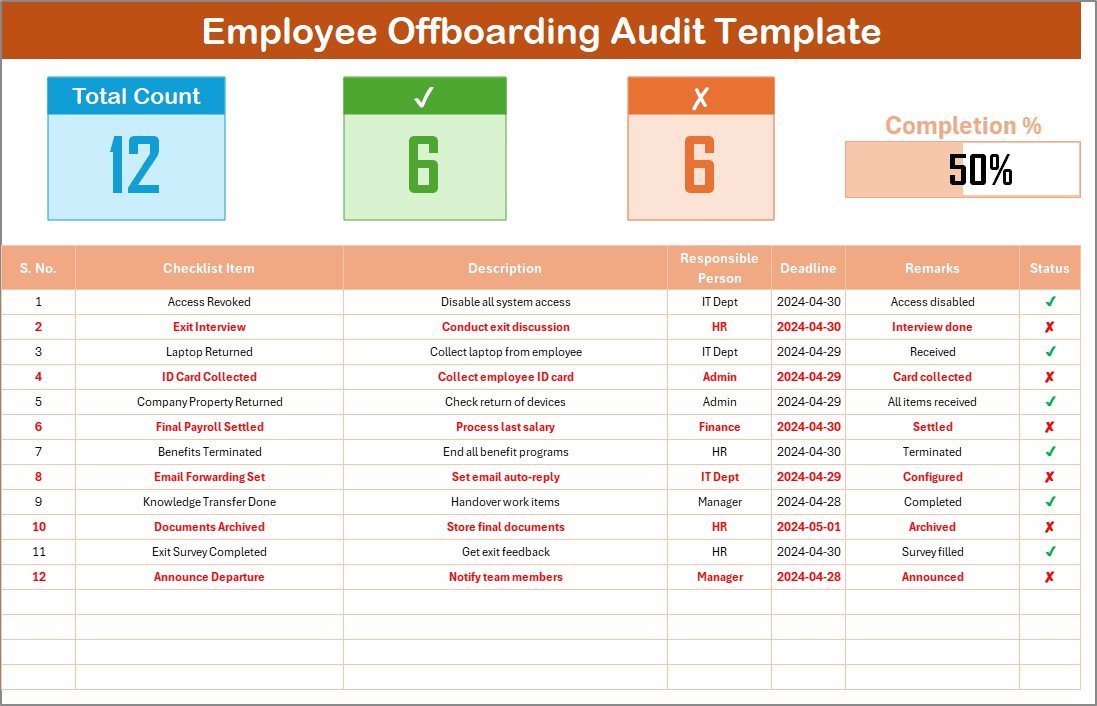
Structured Offboarding Process: The checklist offers a clear, step-by-step offboarding process, making sure no task is overlooked during the employee exit. From notifying the relevant teams to deactivating accounts, every aspect of offboarding is covered.
Task Tracking: Each task in the checklist is assigned to the appropriate person, with deadlines and status updates to ensure nothing is forgotten. Tasks such as collecting company property, conducting exit interviews, and deactivating system access are all systematically tracked.
Comprehensive Coverage: The checklist includes all the necessary steps, including returning company devices, updating security access, transferring knowledge, completing exit interviews, and gathering feedback.
Customizable Template: The Excel format makes it easy to adjust the checklist to meet the specific needs of your organization. You can add or remove tasks as necessary to fit the nature of your business and the role of the departing employee.
Benefits:
Ensures Compliance: A structured offboarding process ensures that all legal, regulatory, and company-specific requirements are met, reducing compliance risks.
Protects Company Assets: By tracking the return of company property (laptops, ID cards, keys, etc.), the checklist helps prevent the loss of valuable company assets.
Improves Security: Ensuring that system access is revoked, and sensitive information is properly handled safeguards against potential data breaches and unauthorized access after the employee’s departure.
Enhances Employee Experience: A well-managed offboarding process helps provide a positive, professional exit experience for employees, which can contribute to a positive employer brand.
How to Use:
Download the Template: Access the Excel Employee Offboarding Audit Checklist template.
Customize the Checklist: Modify the template to include all tasks specific to your organization’s offboarding process. Add or remove tasks as needed.
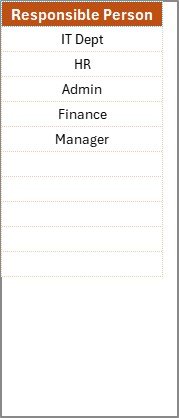
Assign Responsibilities: Designate responsible individuals for each task and set deadlines to ensure tasks are completed on time.
Track Progress: As tasks are completed, update their status and make sure all the offboarding steps are finished before the employee’s departure.
Review and Finalize: Once all tasks are completed, review the checklist to ensure no steps have been missed. This ensures the employee’s exit is fully documented and compliant.
Conclusion:
The Employee Offboarding Audit Checklist in Excel is an essential tool for organizations looking to streamline their offboarding process. By providing a structured, comprehensive approach to employee exits, it ensures that your business remains secure and compliant, while also offering a positive exit experience for departing employees. With customizable features and a clear task-tracking system, this checklist ensures nothing is left to chance during an employee’s exit.
🔗 Click here to read the Detailed blog post
Visit our YouTube channel to learn step-by-step video tutorials
Youtube.com/@PKAnExcelExpert
Watch the step-by-step video Demo:
Compatibility and Requirements
- Works in Microsoft Excel desktop (Excel 2016 or later, or Microsoft 365).
- You can add or remove tasks to match your own offboarding process. Microsoft’s Excel for Windows training covers the basics of editing a workbook.
Frequently Asked Questions
What does this offboarding checklist cover?
It covers notifying the relevant teams, returning company property such as laptops, ID cards and keys, revoking system access, transferring knowledge, completing exit interviews and gathering feedback.
Can I add my own offboarding tasks?
Yes. The template is in Excel, so you can add or remove tasks to fit your business and the role of the departing employee.
How do I track progress?
Assign a responsible person and a deadline to each task, then update the status as tasks are completed. Review the full checklist before the employee’s last day to confirm nothing was missed.
Who can use this checklist?
HR teams, managers and IT departments can all use it, since each task is assigned to the person responsible for it.
Is there a Google Sheets version?
Yes. See the Employee Offboarding Checklist in Google Sheets.
Related Offboarding and HR Templates
- Employee Offboarding Checklist in Google Sheets: the same topic in Google Sheets
- Employee Offboarding Checklist Template in Excel: another Excel offboarding checklist
- Employee Offboarding Tracker in Excel: a tracker view of departures
- Employee Onboarding Audit Checklist in Excel: the audit checklist for new hires
- HR Director Toolkit: 10 HR templates in one download
Browse all Excel checklist templates.



































Reviews
There are no reviews yet.