

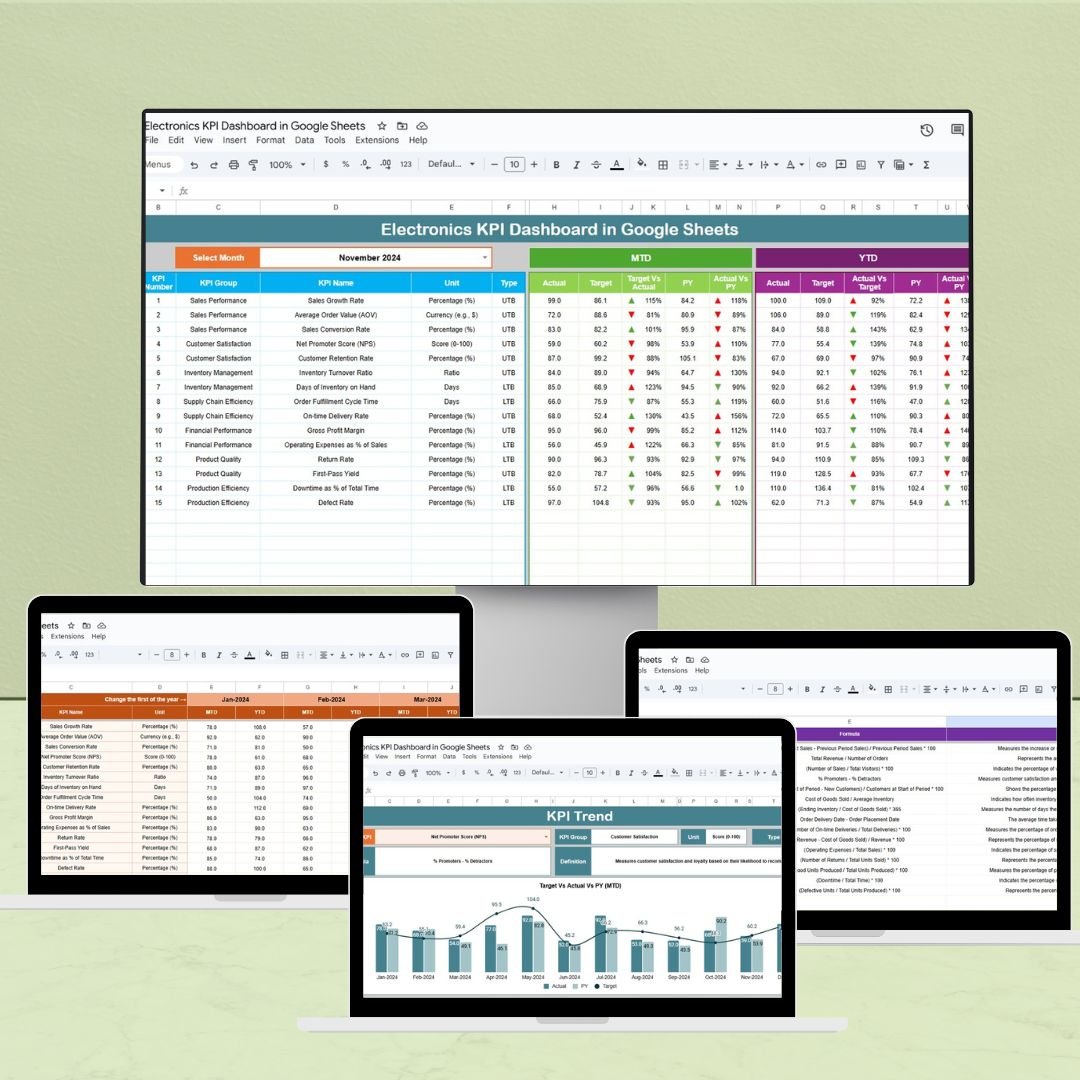
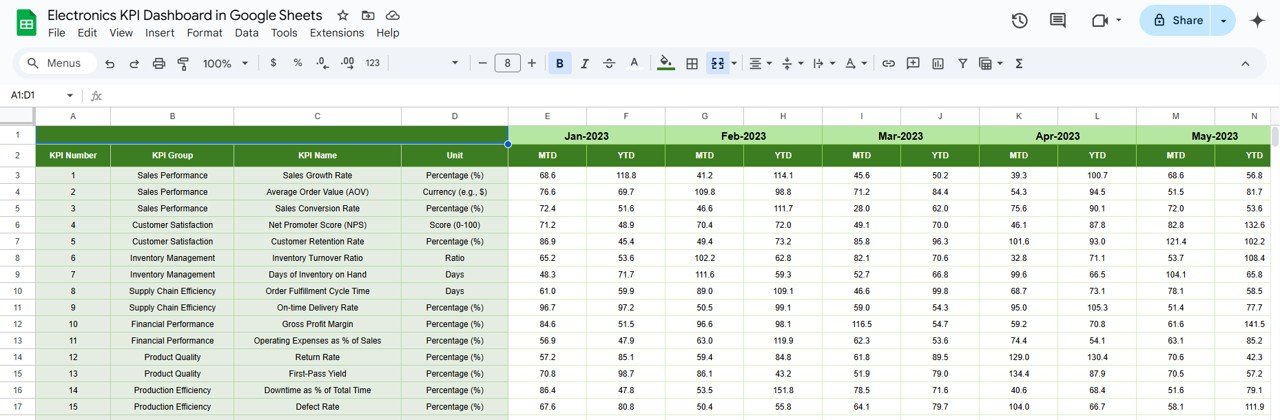
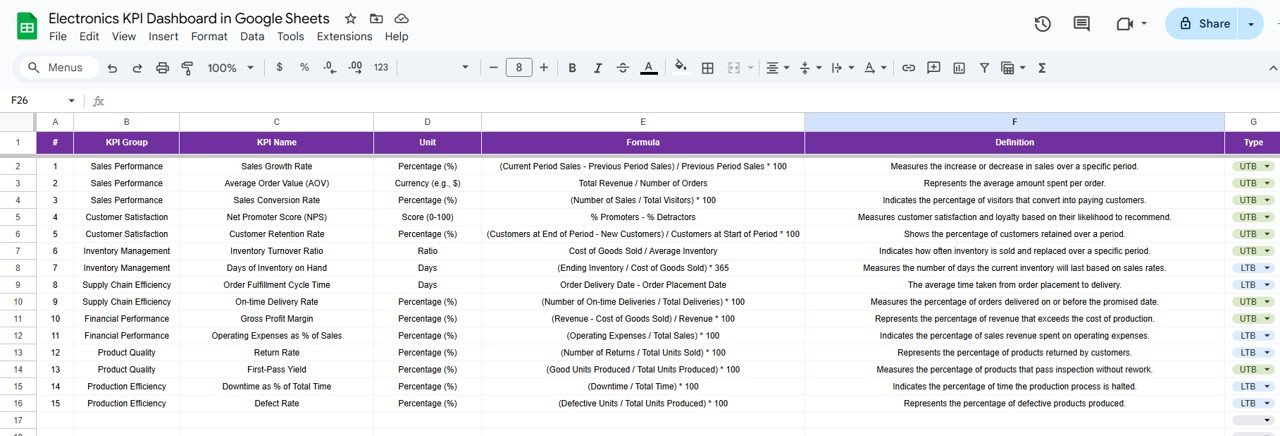

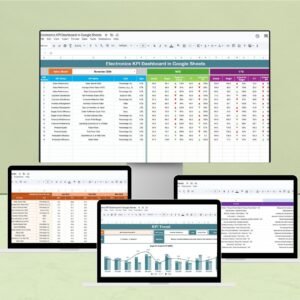
The Electronics KPI Dashboard in Google Sheets is a powerful tool designed to help electronics businesses track, monitor, and optimize their key performance indicators (KPIs). This dashboard provides a visual representation of crucial metrics, enabling teams to monitor performance, identify trends, and make informed decisions to enhance operational efficiency and profitability.
By utilizing this dashboard, electronics companies can streamline their operations, optimize performance, and align their business strategy with clear, measurable objectives.

Key Features of the Electronics KPI Dashboard in Google Sheets
📊 Comprehensive KPI Tracking
Monitor Key Metrics: Track essential KPIs like product sales, inventory turnover, customer satisfaction, and manufacturing efficiency.
Real-Time Data: Keep your dashboard updated with live data for accurate insights at all times.
📈 Customizable Metrics
Tailored to Your Needs: Define and track KPIs that are relevant to your specific business goals, such as production output, cost of goods sold, or market share.
Flexible Dashboard: Easily add or remove KPIs based on your evolving business needs.
🔧 User-Friendly Interface
Simple Setup: Designed to be easy to use, the dashboard doesn’t require advanced technical skills to get started.
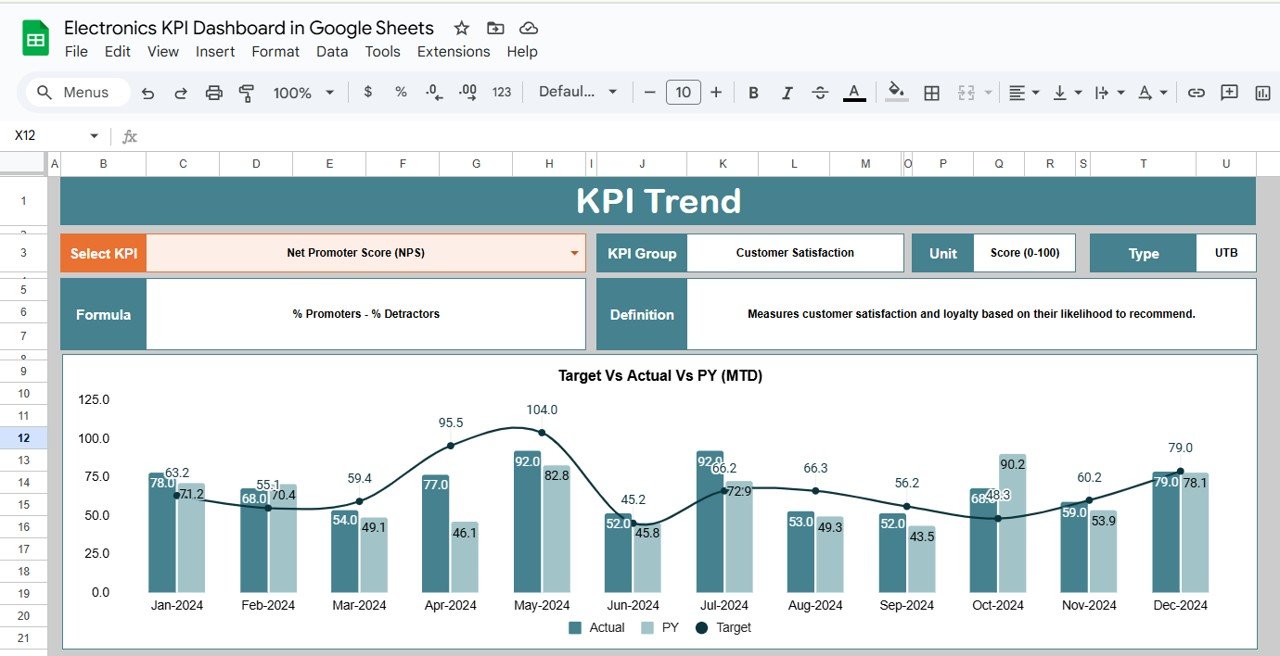
Visual Indicators: Utilize charts, graphs, and color-coded signals to quickly identify performance gaps and trends.
📅 Performance Monitoring & Reporting
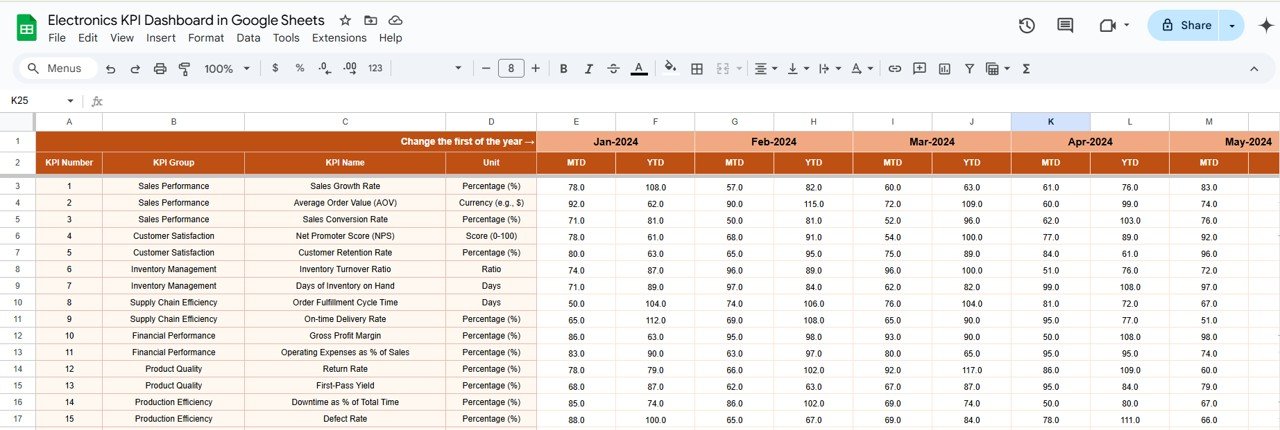
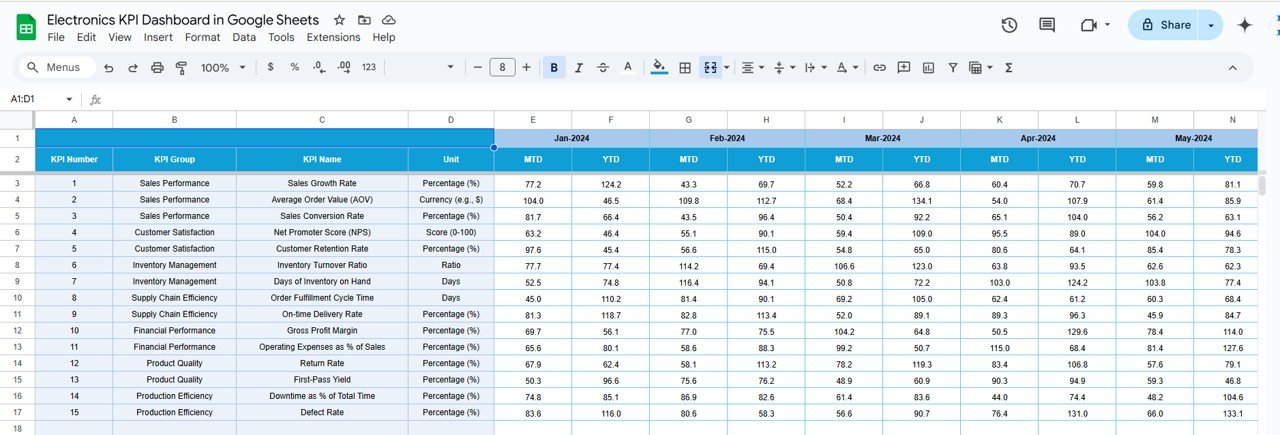
MTD & YTD Tracking: Monitor Month-to-Date (MTD) and Year-to-Date (YTD) performance for better trend analysis.
Target vs. Actual Comparison: Compare actual results to set targets to measure progress and make adjustments.
Benefits of Using the Electronics KPI Dashboard in Google Sheets
✅ Informed Decision-Making
By providing real-time insights into your electronics business performance, the dashboard helps decision-makers act quickly and with confidence.
✅ Increased Operational Efficiency
Track key metrics like production efficiency, sales performance, and inventory levels, helping you identify areas for optimization and streamline your processes.
✅ Improved Profitability
By tracking operational costs, sales growth, and manufacturing efficiency, you can make data-driven decisions to reduce waste and increase profitability.
✅ Customer Satisfaction
Monitor customer feedback and satisfaction KPIs to ensure you are meeting or exceeding customer expectations, leading to better customer loyalty and retention.
Getting Started with Your Electronics KPI Dashboard in Google Sheets
Download the Template: Download the Electronics KPI Dashboard template and customize it to your business needs.
Set Your KPIs: Define the KPIs that are essential for your business, such as sales figures, product performance, or customer feedback.
Input Data: Regularly input data to keep the dashboard updated with the latest performance metrics.
Track & Analyze: Use the dashboard to track trends, monitor progress, and evaluate areas for improvement.
Share & Act: Share the dashboard with stakeholders and take necessary actions based on insights gained.
By leveraging the Electronics KPI Dashboard in Google Sheets, you can optimize your business operations, improve performance, and achieve profitability goals more effectively.
Click here to read the Detailed blog post
Electronics KPI Dashboard in Google Sheets
Visit our YouTube channel to learn step-by-step video tutorials
YouTube.com/@NeotechNavigators
Watch the step-by-step video Demo:
Who Uses This Dashboard
Owners and managers of electronics businesses, production and inventory teams, and sales managers who track sales, stock and customer satisfaction together.
Compatibility and Requirements
- Works in Google Sheets. You need a free Google account and a web browser.
- New to Sheets? Google’s guide How to use Google Sheets covers the basics.
Frequently Asked Questions
Which electronics KPIs does it track?
It tracks product sales, inventory turnover, customer satisfaction and manufacturing efficiency, and you can add metrics such as production output or cost of goods sold.
Can I compare results with my targets?
Yes. It shows month-to-date and year-to-date results and compares actual figures with your targets.
How do I see where performance is weak?
Charts, graphs and color-coded signals highlight performance gaps and trends.
Can I add or remove KPIs?
Yes. You can add or remove KPIs as your business needs change.
Related Electronics Templates
- Electronics KPI Dashboard in Excel: the same KPIs in Excel
- Electronics KPI Dashboard in Power BI: the same KPIs in Power BI
- Consumer Electronics KPI Dashboard in Google Sheets: KPIs for consumer electronics sellers
- Electronics & Semiconductors KPI Dashboard in Excel: KPIs for semiconductor makers
- Google Sheets Business Pack (Pro): 14 business templates for Google Sheets in one download
Browse all Google Sheets KPI dashboards or the Google Sheets dashboards.







Reviews
There are no reviews yet.