

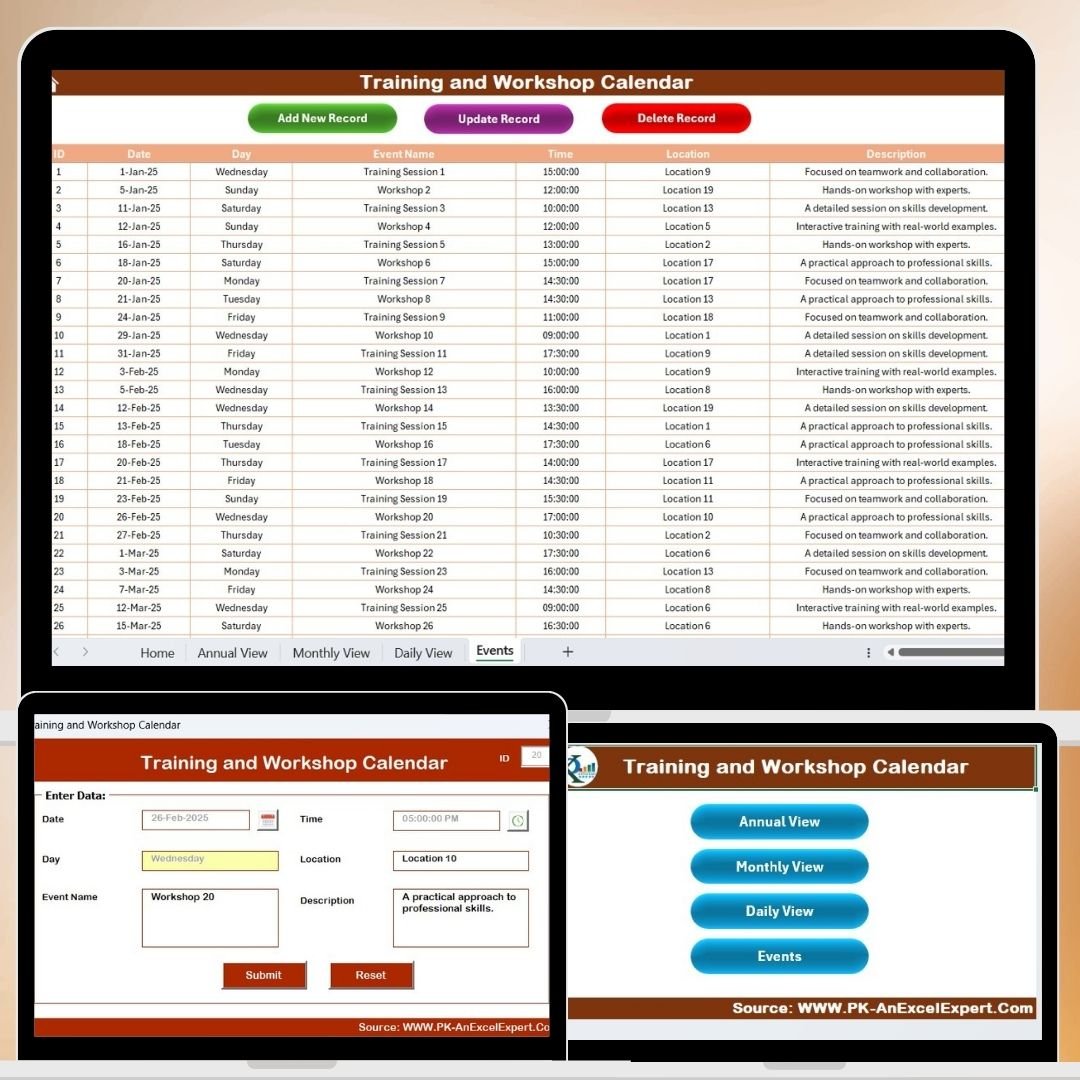
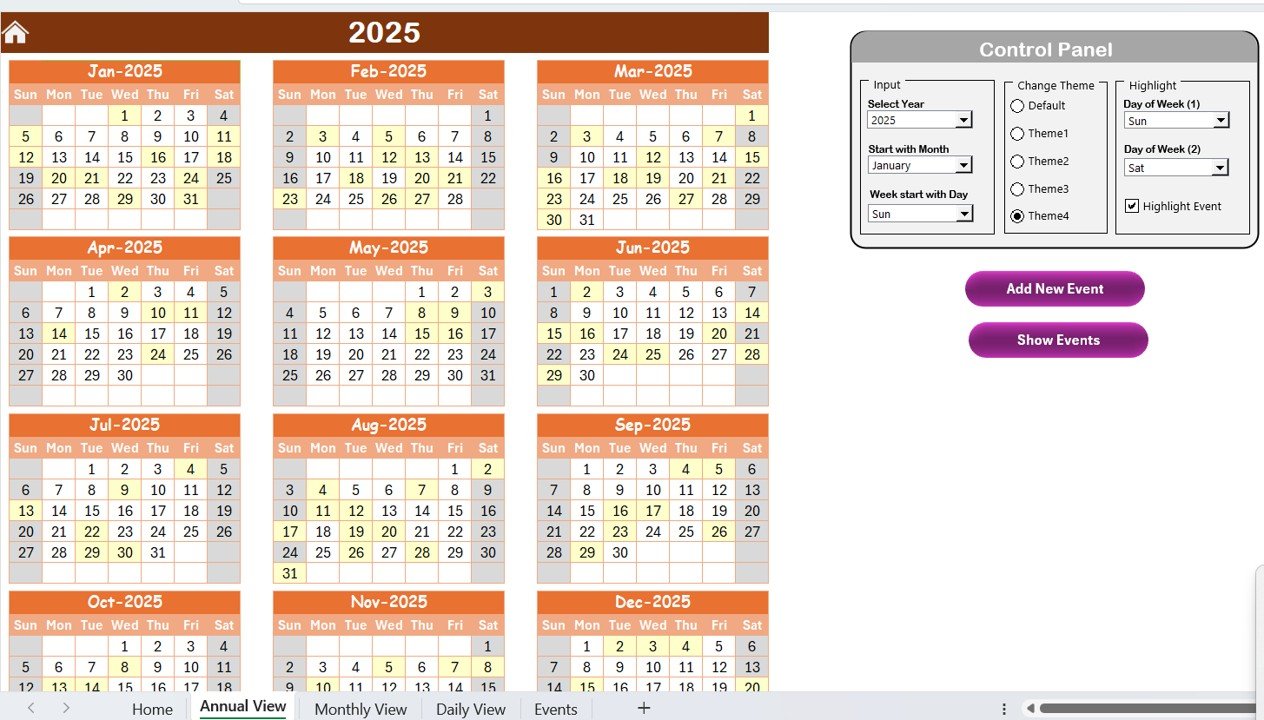
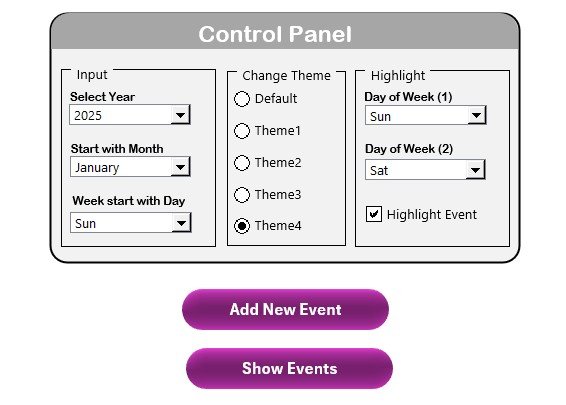
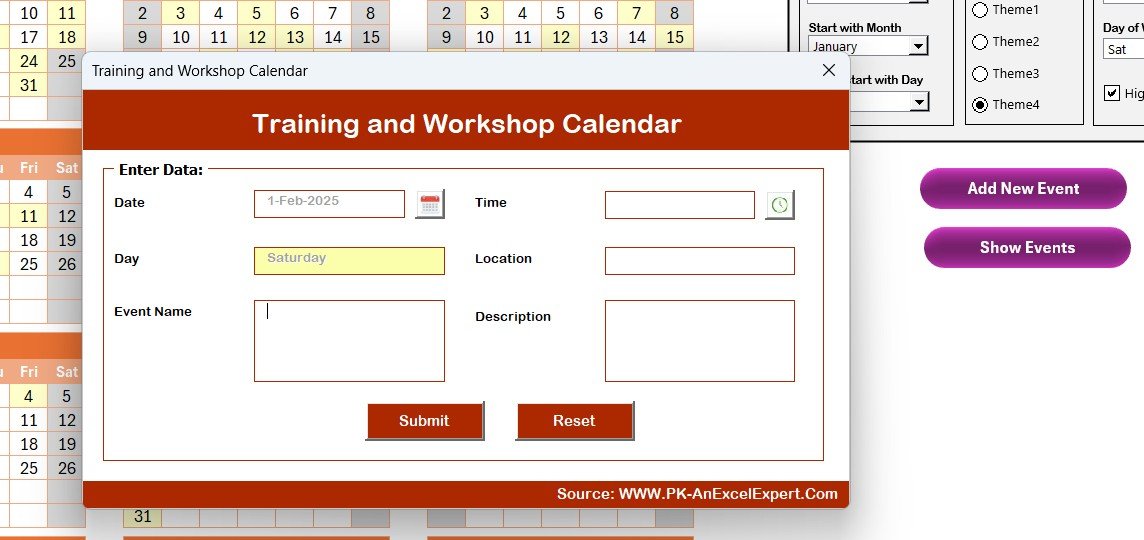
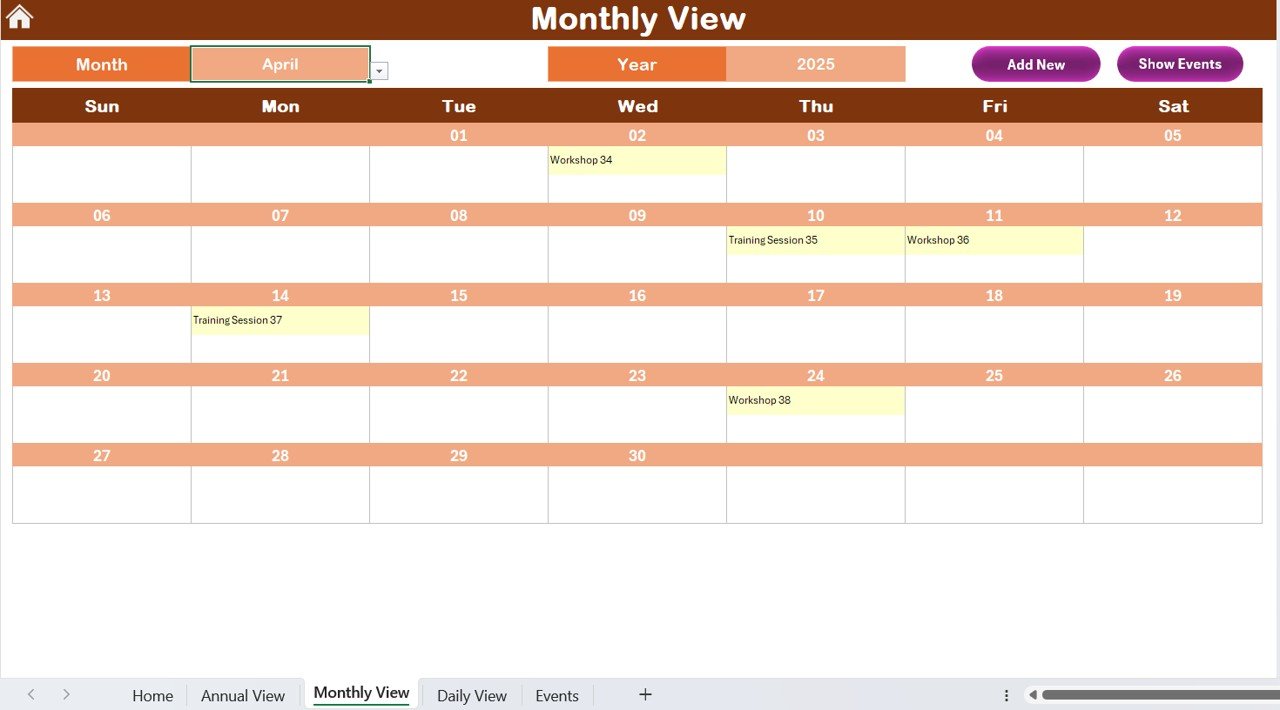
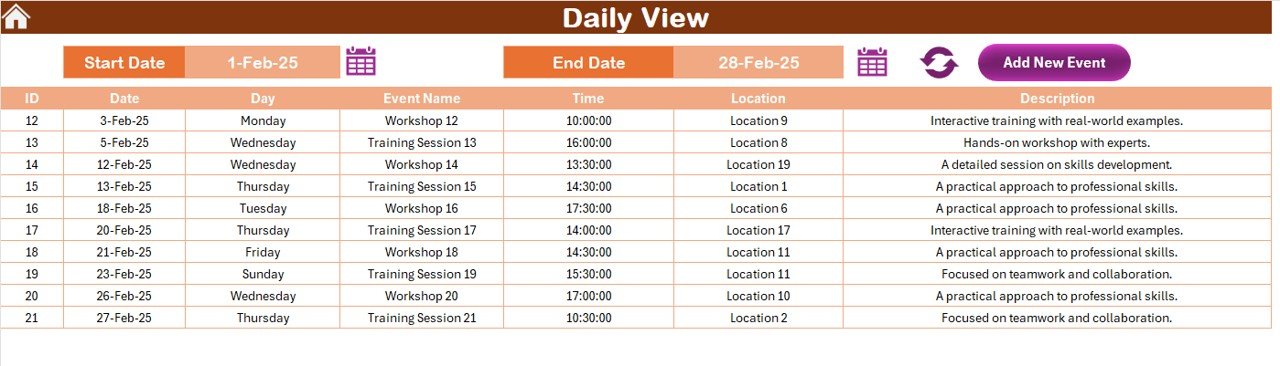
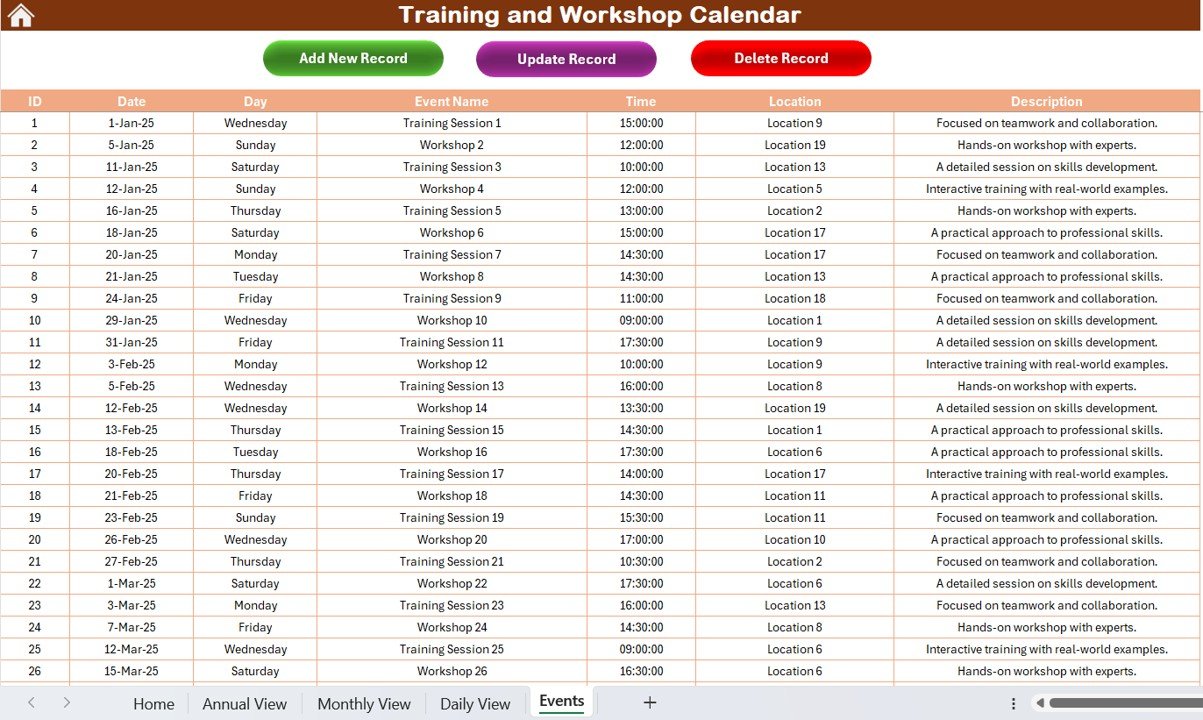
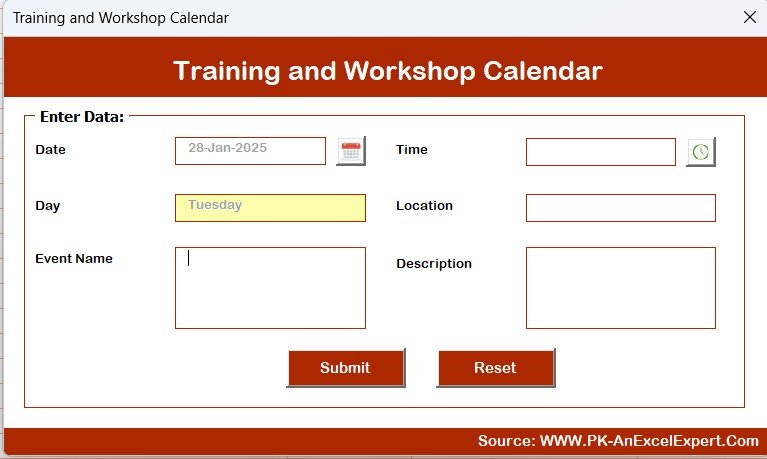
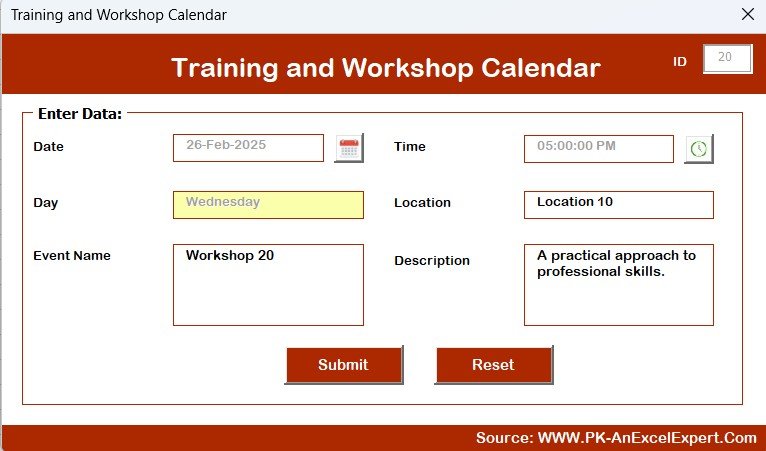

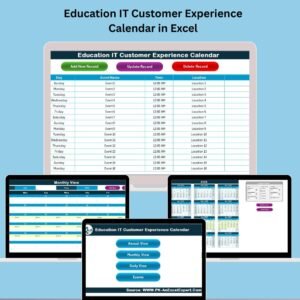
The Training and Workshop Calendar in Excel is an essential tool for organizations and educational institutions to efficiently plan, schedule, and track training sessions and workshops. This Excel-based calendar allows you to organize upcoming training events, track participant details, and manage key logistics such as dates, locations, and facilitators.
Whether you are managing a corporate training program, an educational workshop series, or an individual learning session, this calendar simplifies the scheduling process, ensures timely reminders, and helps you track participation and progress. This tool is fully customizable, allowing you to tailor it to suit your specific needs and ensure that your training events run smoothly.
Key Features of the Training and Workshop Calendar in Excel
📅 Comprehensive Scheduling
Easily schedule and track multiple training sessions or workshops. Enter dates, locations, topics, and facilitators to keep track of all training activities in one place.
📝 Participant Tracking
Record participant details, including names, contact information, and attendance status. Monitor which attendees have confirmed their participation and send reminders accordingly.
⏰ Time Management & Reminders
Set up automated reminders for upcoming training sessions, ensuring that both participants and facilitators are reminded in advance of the training event.
📈 Training Performance Tracking
Evaluate the success of each training session with post-session feedback, ratings, and assessments. Track progress over time and identify areas for improvement in future sessions.
⚙️ Customizable Fields
Tailor the calendar to match your training requirements by adding custom fields for various details such as special requests, training objectives, or assessment results.
📊 Reporting & Analytics
Generate reports on participant attendance, feedback, and overall training performance. Use these insights to optimize future training sessions and improve the effectiveness of your workshops.
Why You’ll Love the Training and Workshop Calendar in Excel
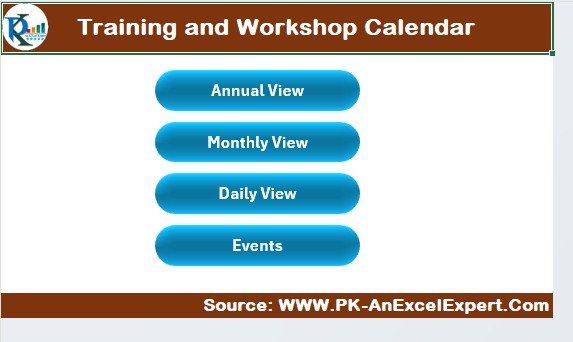
✅ Efficient Scheduling & Planning
Easily manage multiple training events and workshops in a single, centralized location. Never double-book or miss an important session again.
✅ Track Participants & Attendance
Monitor participant details and ensure everyone is properly enrolled in the right sessions. Keep track of attendance and send timely reminders to reduce no-shows.
✅ Improve Training Effectiveness
Use post-training feedback and performance tracking to assess how well each session was received, ensuring continuous improvement in your training programs.
✅ Enhance Communication & Organization
Keep all participants, trainers, and stakeholders in the loop with clear schedules and automated reminders, ensuring everyone is on the same page.
✅ Customizable for Any Organization
This tool is fully customizable to fit the unique needs of your organization, whether you’re hosting internal corporate training, industry workshops, or educational classes.
What’s Inside the Training and Workshop Calendar in Excel?
Comprehensive Scheduling: Track training session dates, times, and locations.
Participant Tracking: Record details about participants and monitor attendance.
Automated Reminders: Set reminders for upcoming sessions.
Training Feedback: Collect participant feedback and ratings for each session.
Customizable Fields: Tailor the calendar to your specific needs.
Reporting & Analytics: Generate reports on attendance and performance.
How to Use the Training and Workshop Calendar in Excel
1️⃣ Download the Template: Instantly access the Training and Workshop Calendar in Excel.
2️⃣ Input Session Details: Add dates, locations, facilitators, and session topics for upcoming workshops.
3️⃣ Track Participants: Record participant information and track attendance for each session.
4️⃣ Set Automated Reminders: Use built-in reminders to ensure participants and facilitators are aware of upcoming sessions.
5️⃣ Analyze Feedback & Improve: Use post-session feedback to assess training effectiveness and make improvements for future workshops.
Who Can Benefit from the Training and Workshop Calendar in Excel?
🔹 HR & Training Departments
🔹 Educational Institutions
🔹 Corporate Training Managers
🔹 Workshop Organizers
🔹 Event Coordinators
🔹 Learning & Development Teams
🔹 Small & Medium Enterprises (SMBs)
🔹 Large Corporations with Ongoing Training Programs
Ensure seamless scheduling, tracking, and management of your training events and workshops with the Training and Workshop Calendar in Excel. Organize your sessions, track attendance, and enhance training effectiveness in one convenient tool.
Click here to read the Detailed blog post
Visit our YouTube channel to learn step-by-step video tutorials
Youtube.com/@PKAnExcelExpert
Compatibility and Requirements
- Works in Microsoft Excel desktop (Excel 2016 or later, or Microsoft 365).
Frequently Asked Questions
What details can I record for each session?
Dates, times, locations, topics and facilitators for every training session or workshop.
Can I track who attended?
Yes. You record participant names, contact details and attendance status for each session.
Can I collect feedback after a session?
Yes. There is space for post-session feedback, ratings and assessments so you can compare sessions over time.
Can I add my own fields?
Yes. You can add custom fields such as special requests, training objectives or assessment results.
Related Training Templates
- Training and Workshop Calendar in Google Sheets: the same calendar in Google Sheets
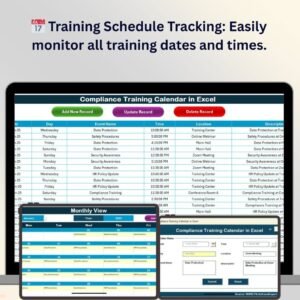
- Compliance Training Calendar in Excel: plans mandatory compliance training
- Workshop Planning Checklist in Excel: covers the prep tasks before a workshop
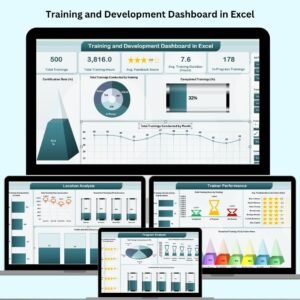
- Training and Development Dashboard in Excel: reports on training results with charts
- Calendar and Planner Pack: 12 calendar and planner templates in one bundle
Browse all Excel calendar templates or the Excel education templates.































Reviews
There are no reviews yet.