

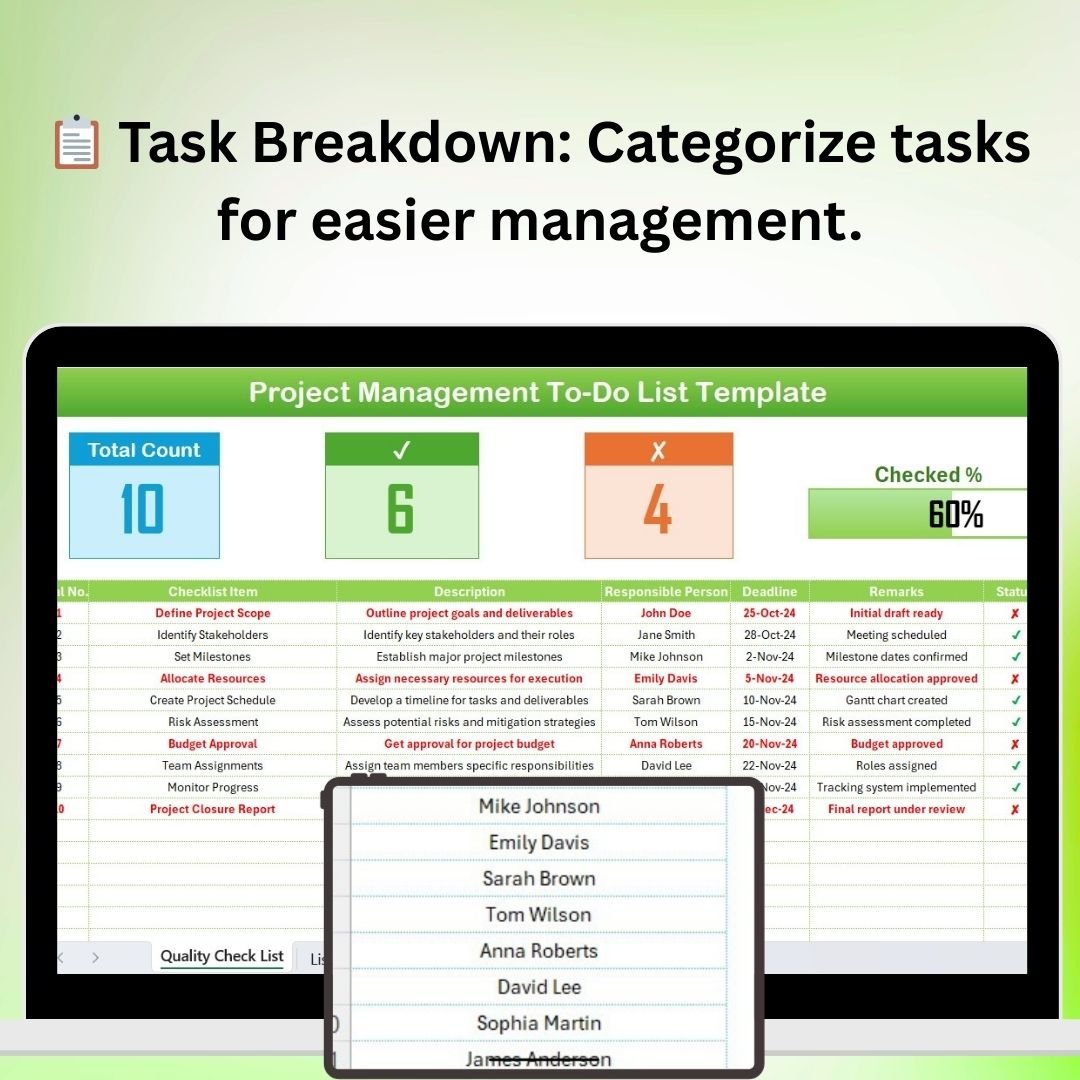

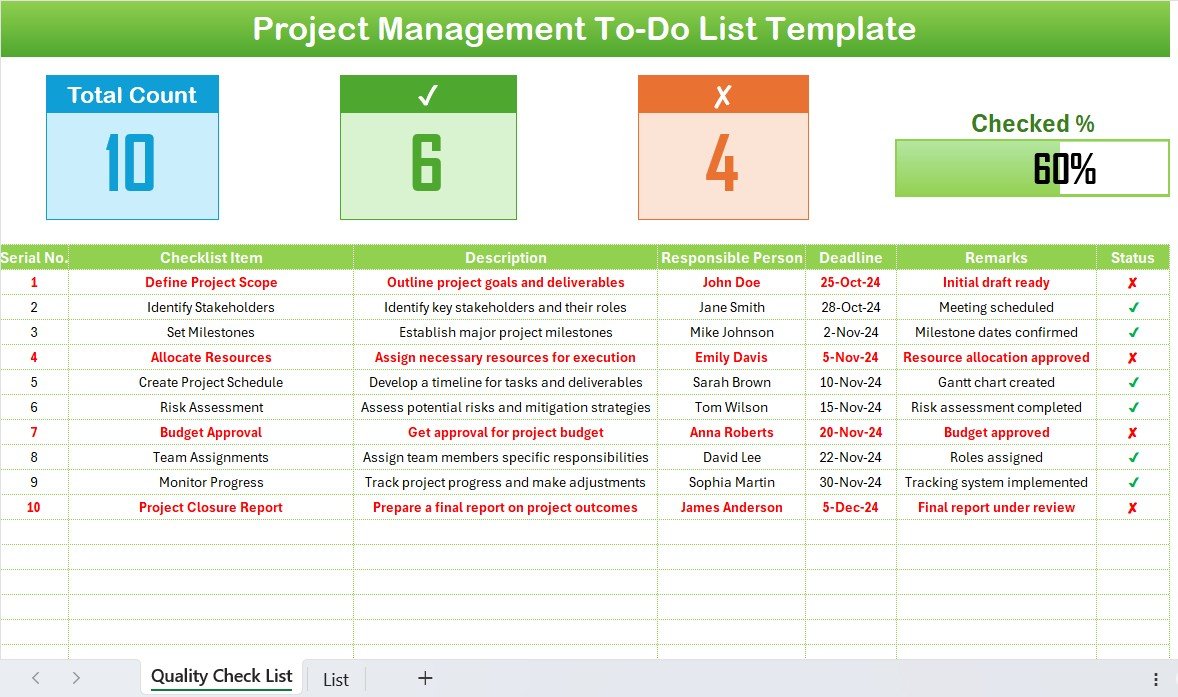
The Project Management To-Do List in Excel is an essential tool for project managers, teams, and business owners looking to streamline their project planning and task management. This Excel-based to-do list helps you organize all tasks, monitor deadlines, track progress, and ensure that nothing is overlooked during the course of a project.
Designed with ease of use in mind, this template allows you to break down large projects into manageable tasks and track them through completion. Whether you’re managing a small team or leading a large-scale project, this to-do list template helps ensure that each phase of the project is completed on time and according to plan.
Key Features of the Project Management To-Do List in Excel
📋 Task Breakdown & Categorization
Easily organize tasks into categories such as planning, execution, and delivery. This helps break large projects into smaller, more manageable chunks, making it easier to focus on each step of the process.
🗓 Deadline Tracking
Set clear deadlines for each task and track progress in real-time. Ensure that every task is completed on time, preventing delays and keeping the project on schedule.
✅ Progress Tracking & Status Updates
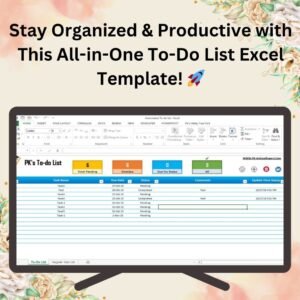
Monitor the progress of each task with simple checkboxes. Mark tasks as “Not Started,” “In Progress,” or “Completed,” helping you see which tasks are still pending and which are on track.
🔑 Priority Assignment
Assign priority levels to tasks to focus on the most critical items first. This ensures that important tasks are completed promptly while preventing bottlenecks.
💡 Customizable Layout
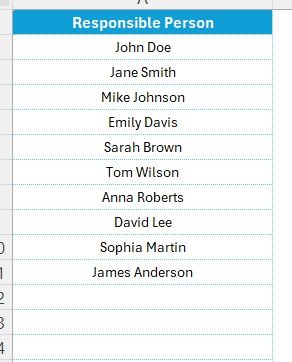
Tailor the to-do list to meet your specific project needs. You can add additional columns for specific tasks, team members, or any other relevant details.
📈 Time & Resource Management
Estimate the time required to complete each task and assign resources accordingly. Track the allocation of time and resources throughout the project.
Why You’ll Love the Project Management To-Do List in Excel
✅ Stay Organized
Easily track and organize all tasks and milestones, ensuring that nothing falls through the cracks.
✅ Efficient Project Tracking
Monitor your project’s progress from start to finish, making it easier to manage deadlines, resources, and deliverables.
✅ Simplified Team Collaboration
Share the to-do list with team members to ensure everyone is on the same page and knows their responsibilities and deadlines.
✅ Real-Time Status Updates
Quickly assess the status of any task, project phase, or deliverable to identify potential delays and keep your project moving forward.
✅ Customizable & Flexible
Adapt the to-do list to any project type, making it a versatile tool for various industries, including IT, construction, marketing, and more.
What’s Inside the Project Management To-Do List in Excel?
Task Breakdown & Categorization: Organize tasks into categories for better management.
Deadline Tracking: Set deadlines and monitor task completion.
Progress Tracking & Status Updates: Track the status of each task (Not Started, In Progress, Completed).
Priority Assignment: Assign priority levels to tasks to stay on track.
Customizable Layout: Customize the template to fit your project’s needs.
Time & Resource Management: Estimate and allocate time and resources efficiently.
How to Use the Project Management To-Do List in Excel
1️⃣ Download the Template: Instantly access your Excel to-do list.
2️⃣ Break Down Your Project: Categorize tasks into various phases and assign deadlines.
3️⃣ Assign Responsibilities & Priorities: Assign tasks to team members and set priority levels.
4️⃣ Track Progress: Use checkboxes and status updates to monitor each task’s progress.
5️⃣ Stay On Track: Use the time and resource management tools to ensure the project stays on schedule.
Who Can Benefit from the Project Management To-Do List in Excel?
🔹 Project Managers
🔹 Team Leaders & Supervisors
🔹 Business Owners
🔹 Marketing & IT Teams
🔹 Freelancers & Contractors
🔹 Construction & Event Managers
🔹 Startups & Small Businesses
Keep your projects organized and on track with the Project Management To-Do List in Excel. Whether you’re managing a team or working on your own, this tool is essential for efficient task management and project success.
Click here to read the Detailed blog post
Visit our YouTube channel to learn step-by-step video tutorials
Youtube.com/@PKAnExcelExpert
Frequently Asked Questions
Which task statuses does the to-do list use?
Not Started, In Progress and Completed, with checkboxes to mark progress.
Can I group tasks by project phase?
Yes. Tasks can be organized into categories such as planning, execution and delivery.
Does it track time and resources?
Yes. You can estimate the time each task needs and assign resources to it.
Can I add more columns?
Yes. The layout is customizable, so you can add columns for team members or other details.
Compatibility and Requirements
- Works in Microsoft Excel desktop (Excel 2016 or later, or Microsoft 365).
- For help with check boxes, see Microsoft’s guide Using check boxes in Excel.
Related Project Management Templates
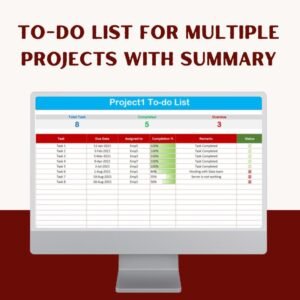
- To-do list for multiple Projects with Summary: track several projects with a summary view
- Fully Functional To-do List in Excel
- Project Management Planner Checklist in Excel
- Project Management Checklist in Google Sheets: the Google Sheets version for shared teams
- Project Management Pro Bundle: 9 Excel and Google Sheets project templates
Browse all Excel project management templates or the Excel checklists.































Reviews
There are no reviews yet.