

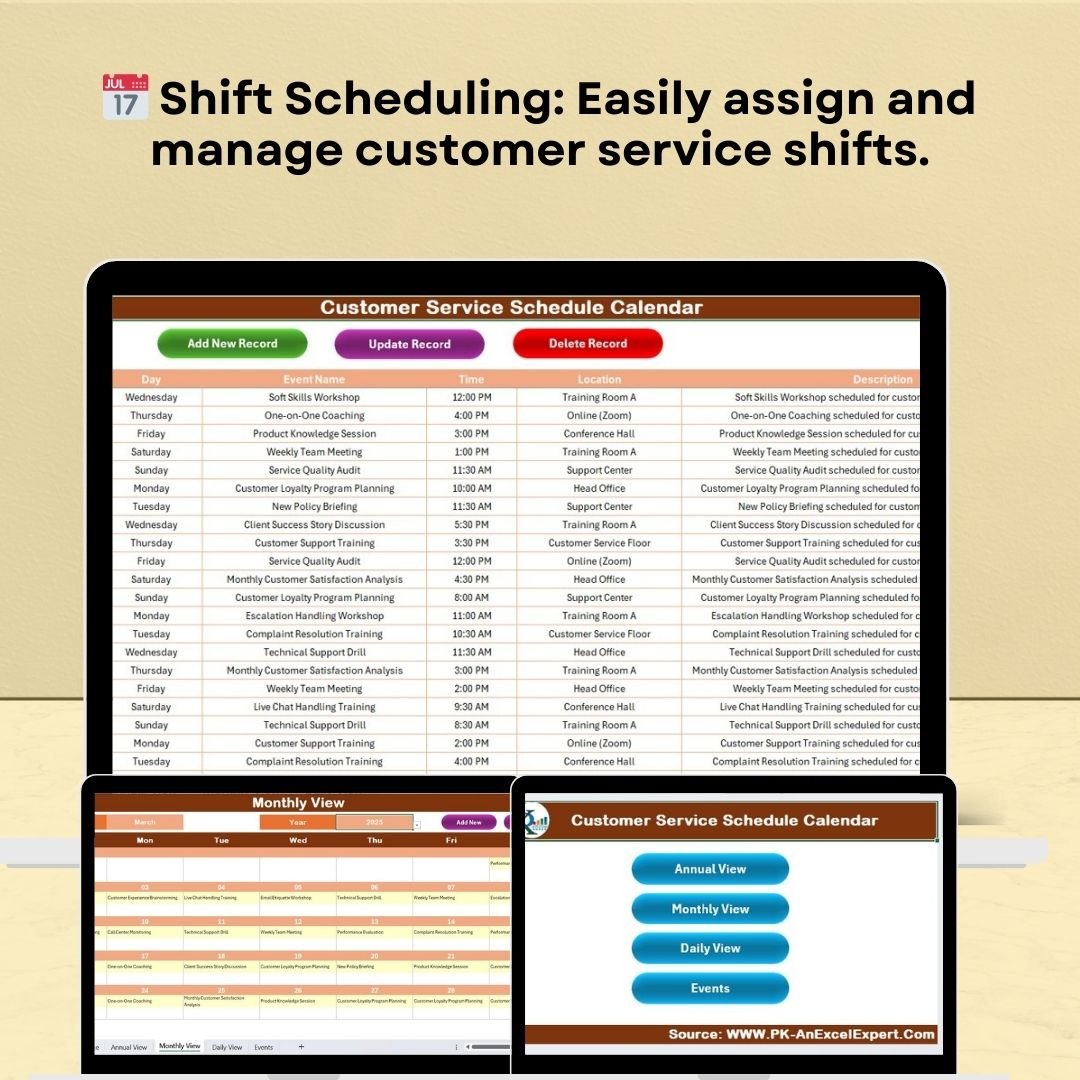
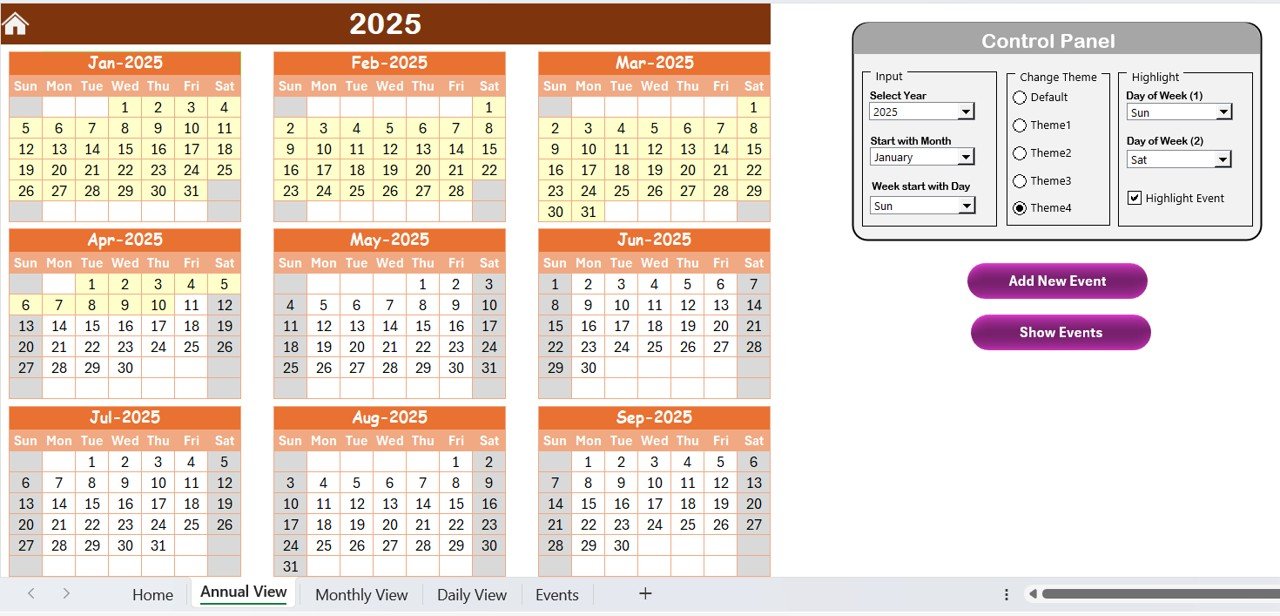
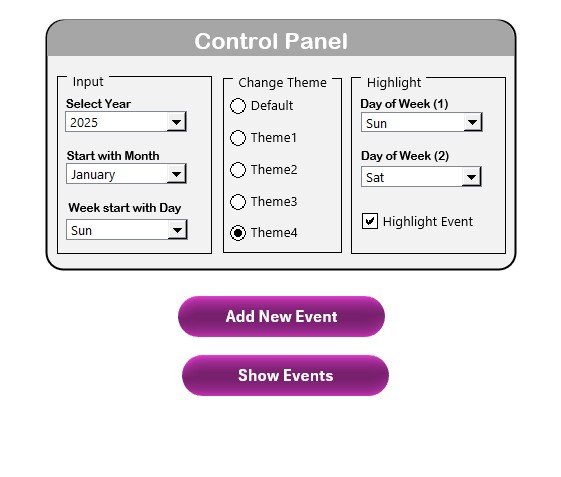
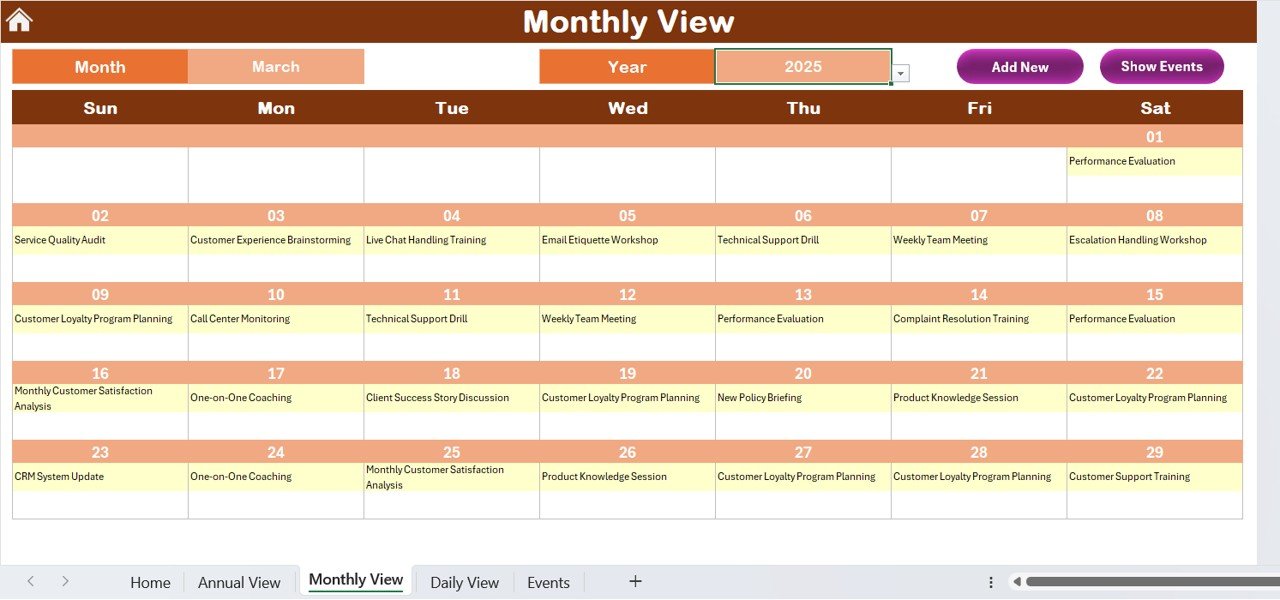

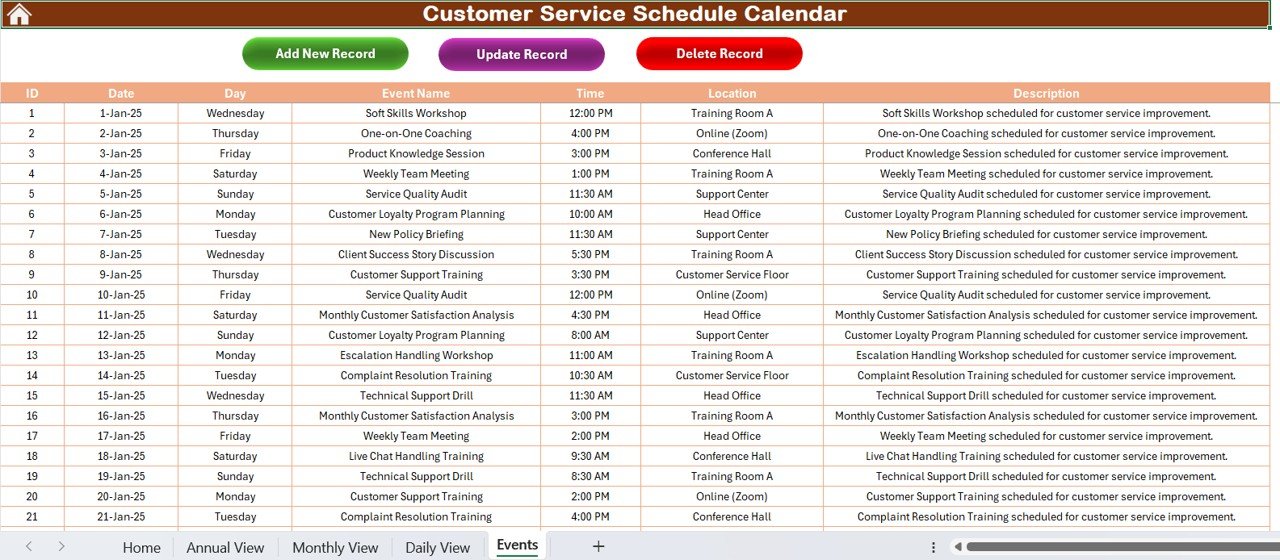
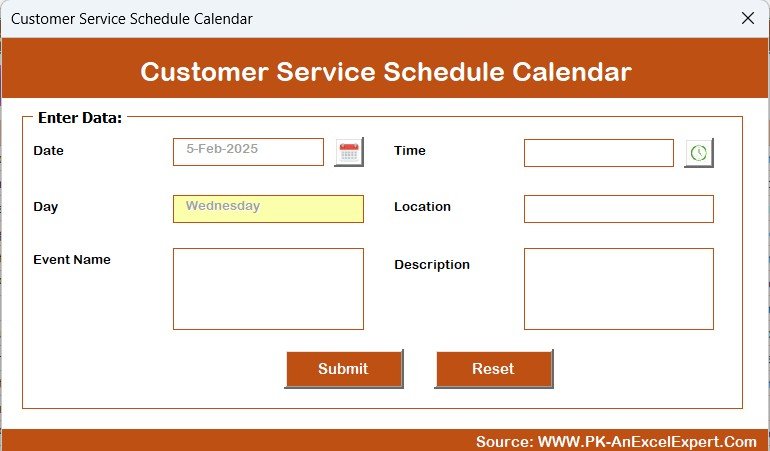
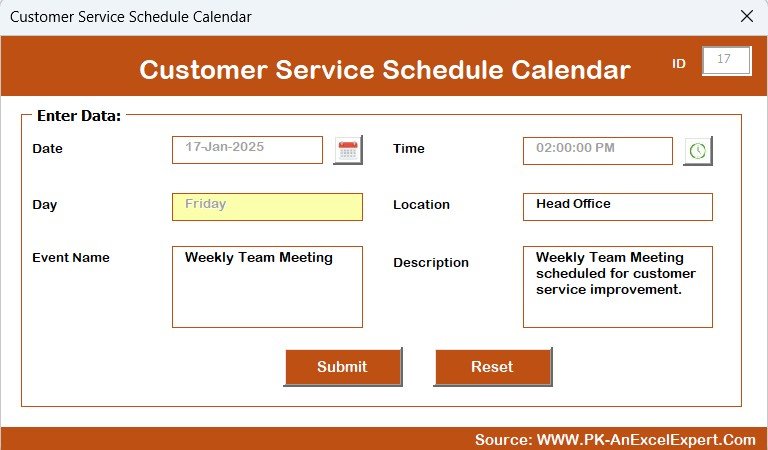

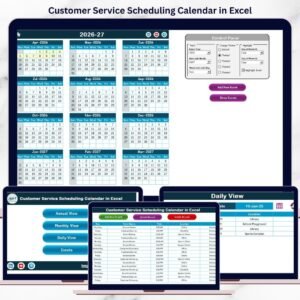
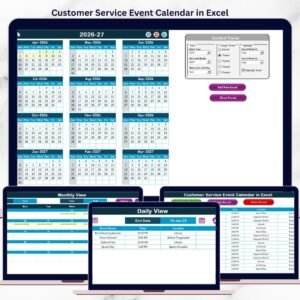
The Customer Service Schedule Calendar in Excel is a versatile tool designed to help businesses manage and organize customer service schedules efficiently. Whether you’re running a small team or managing a large customer service department, this Excel-based calendar helps you plan shifts, monitor availability, and track service delivery times effectively.
This tool enables you to schedule customer service agents, track their working hours, and ensure that your team is always available to provide exceptional service. With a user-friendly interface and customizable features, the Customer Service Schedule Calendar is ideal for businesses that aim to maintain a high level of customer satisfaction and ensure smooth customer service operations.
Key Features of the Customer Service Schedule Calendar in Excel
📅 Schedule Management
Create and manage customer service schedules for your team, ensuring that all shifts are covered. The calendar allows you to easily assign agents to different shifts, making sure you always have the right people available to assist customers.
⏰ Shift Time Tracking
Track the working hours of customer service representatives, including start and end times for each shift. This feature helps in monitoring attendance and managing overtime effectively.
📊 Real-Time Availability Monitoring
Keep track of agent availability in real time. Use the calendar to see which team members are available and avoid overbooking or understaffing, which can lead to service gaps or delays.
🔄 Flexible & Customizable
The calendar is fully customizable to meet the unique needs of your customer service team. Modify shift hours, add custom labels, and adjust schedules according to business hours or special shifts like holiday or weekend work.
📈 Performance Tracking
Track key performance metrics such as agent response time and service level agreements (SLAs). Use this data to identify areas of improvement and enhance overall service delivery.
⚙️ User-Friendly Interface
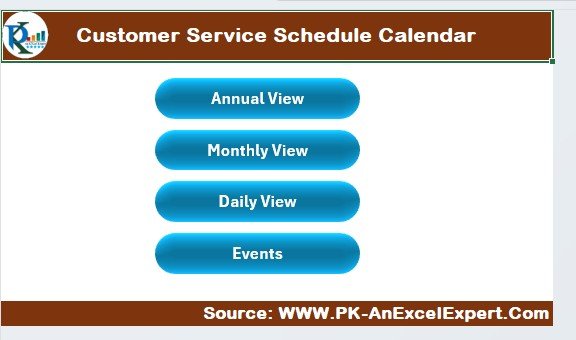
Designed with simplicity in mind, the calendar allows easy navigation and quick updates. It’s perfect for businesses of any size looking to streamline their customer service scheduling process.
Why You’ll Love the Customer Service Schedule Calendar in Excel
✅ Easy-to-Use & Organized
Stay organized with a simple and clear layout for tracking shifts, availability, and performance. Quickly assign and modify schedules and ensure that all your agents are accounted for.
✅ Improved Team Efficiency
Track your agents’ shifts, reduce scheduling conflicts, and optimize resource allocation for better customer service. This ensures that your team is always prepared to handle customer inquiries efficiently.
✅ Increase Customer Satisfaction
Ensure that your customers always have access to a support agent, reducing wait times and improving the overall customer experience. A well-organized team is key to meeting customer needs promptly.
✅ Customizable for Your Business Needs
The calendar is fully customizable, allowing you to tailor it to your team’s specific work hours, shifts, and holiday schedules. Adapt it to meet the needs of your business.
✅ Track KPIs & Performance
Analyze performance metrics such as response times, service levels, and agent availability, and use the data to improve service efficiency and meet your SLAs.
What’s Inside the Customer Service Schedule Calendar in Excel?
Schedule Management: Create and manage customer service schedules for your team.
Shift Time Tracking: Monitor agent start and end times for each shift.
Availability Monitoring: Keep track of team availability in real-time.
Customizable & Flexible: Adapt the calendar to fit your team’s specific shift patterns.
Performance Tracking: Monitor key metrics like response times and service levels.
User-Friendly Interface: A simple, intuitive layout for easy use and updates.
How to Use the Customer Service Schedule Calendar in Excel
1️⃣ Download the Template: Access the Customer Service Schedule Calendar in Excel instantly.
2️⃣ Input Team Shifts & Availability: Add your team’s shifts, working hours, and availability.
3️⃣ Track Attendance & Overtime: Use the calendar to manage working hours and monitor overtime.
4️⃣ Analyze Service Performance: Track key performance indicators to ensure high-quality service.
5️⃣ Adjust as Needed: Update the calendar for new shifts, holidays, or changes in availability.
Who Can Benefit from the Customer Service Schedule Calendar in Excel?
🔹 Customer Service Managers & Supervisors
🔹 Call Center Teams & Support Centers
🔹 HR & Operations Managers
🔹 Businesses of All Sizes with Customer Service Teams
🔹 Freelancers & Service Providers
🔹 E-commerce & Retail Customer Support Teams
Ensure your customer service team is always available to help your clients with the Customer Service Schedule Calendar in Excel. Manage shifts, track performance, and improve customer satisfaction with ease.
Click here to read the Detailed blog post
Visit our YouTube channel to learn step-by-step video tutorials
Youtube.com/@PKAnExcelExpert
Compatibility and Requirements
- Works in Microsoft Excel desktop (Excel 2016 or later, or Microsoft 365).
- Microsoft has a beginner guide in Excel for Windows training.
Frequently Asked Questions
What can I plan with this calendar?
You can schedule customer service agents, assign them to shifts and record start and end times for each shift.
Can I see which agents are available?
Yes. The calendar tracks agent availability so you can spot gaps or overbooked shifts before they cause delays.
Does it track overtime?
Yes. It records working hours for each shift, which helps you monitor attendance and overtime.
Can I adapt it for holidays or weekend shifts?
Yes. You can change shift hours, add custom labels and adjust schedules for holiday or weekend work.
Is there a Google Sheets version?
Yes. See the Customer Service Schedule Calendar in Google Sheets.
Related Customer Service Templates
- Customer Service Schedule Calendar in Google Sheets: the same schedule calendar for Google Sheets
- Customer Support Coverage Calendar in Excel: a calendar for support coverage
- Customer Service Remote Work Calendar in Excel: a calendar for remote work planning
- Customer Service Dashboard in Excel: a dashboard to review service results
- Customer Service Request Tracker in Excel: a tracker for customer requests
Browse all Excel calendar templates.













Reviews
There are no reviews yet.