

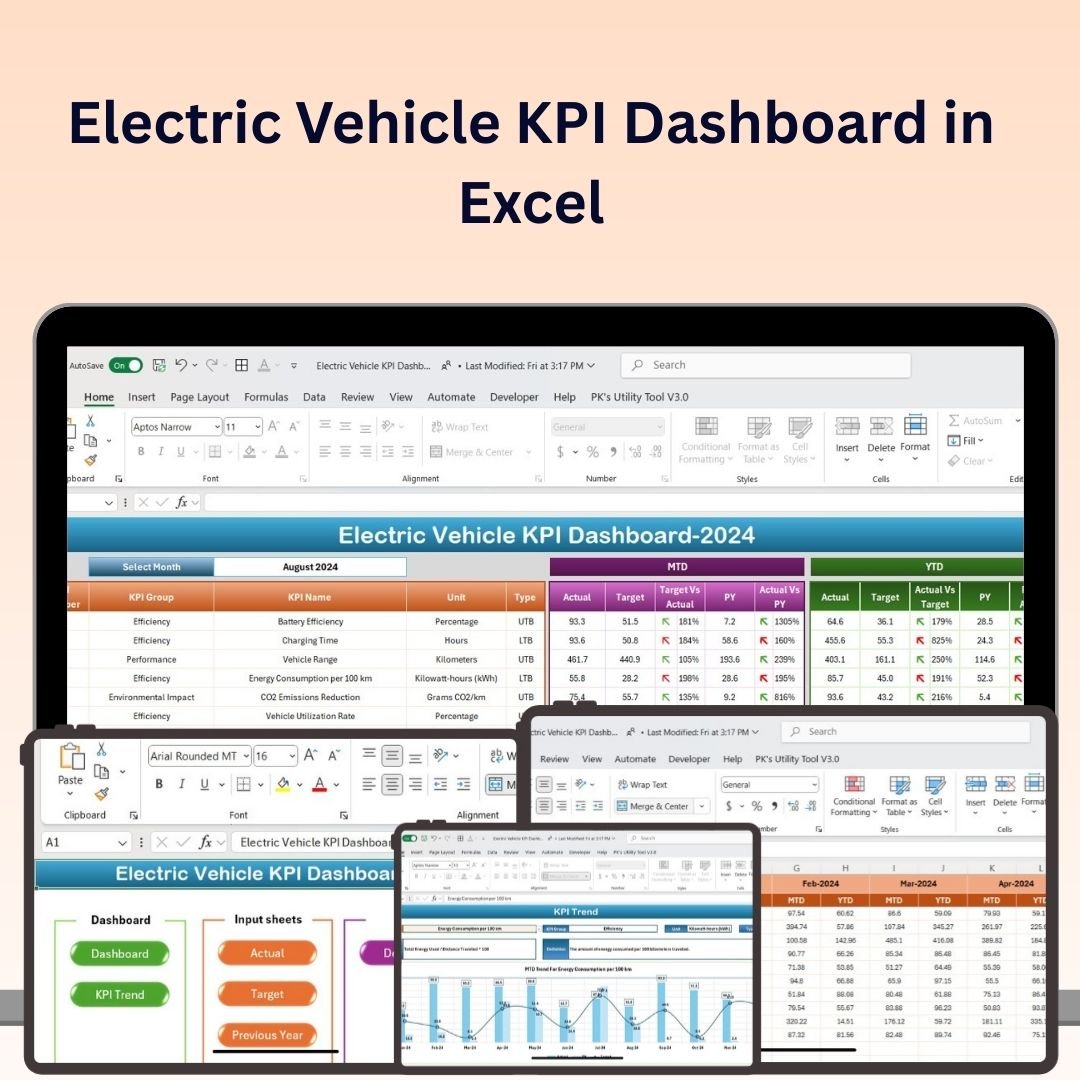
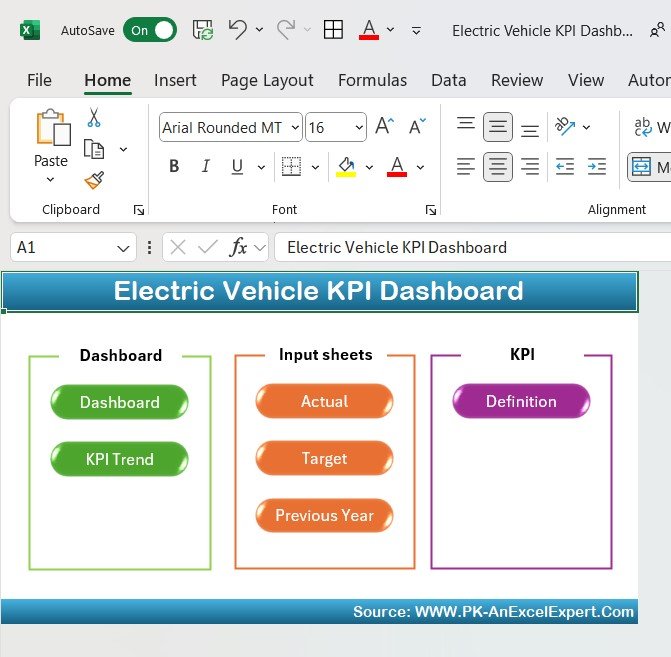
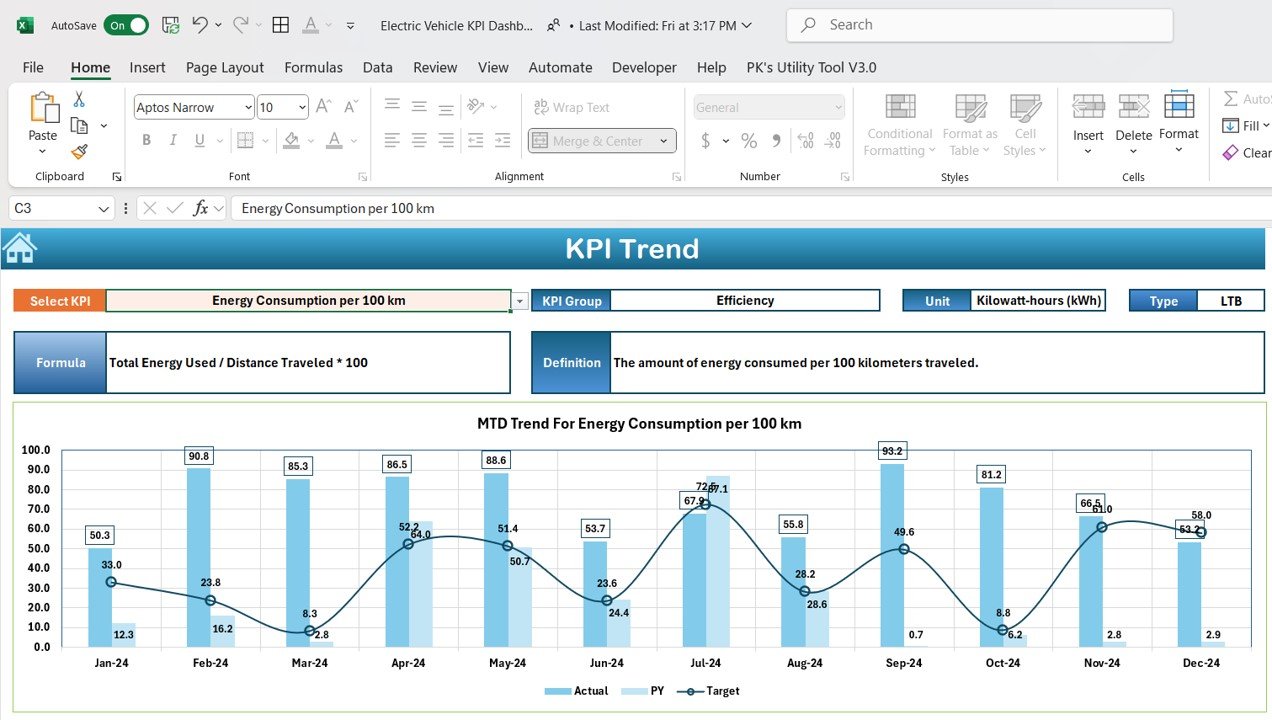
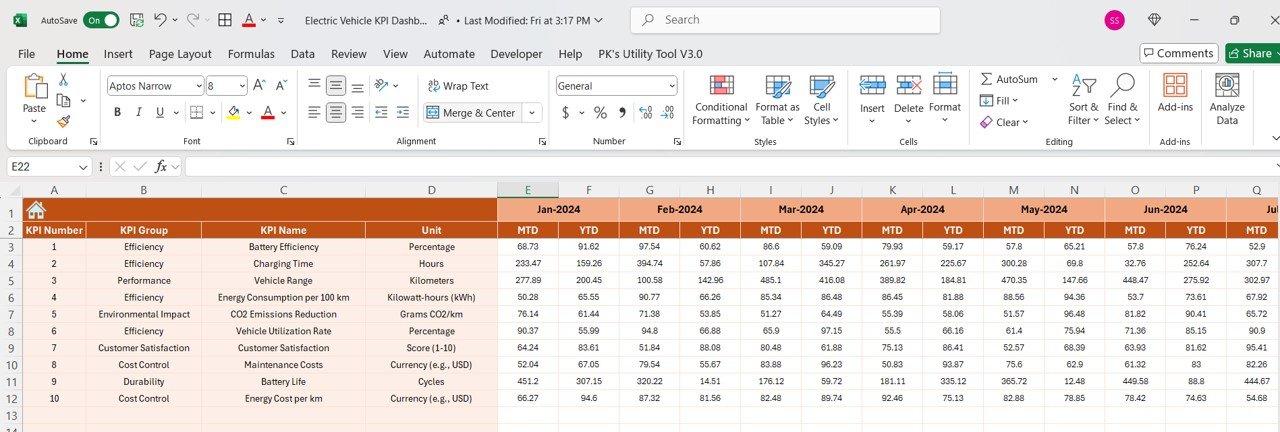
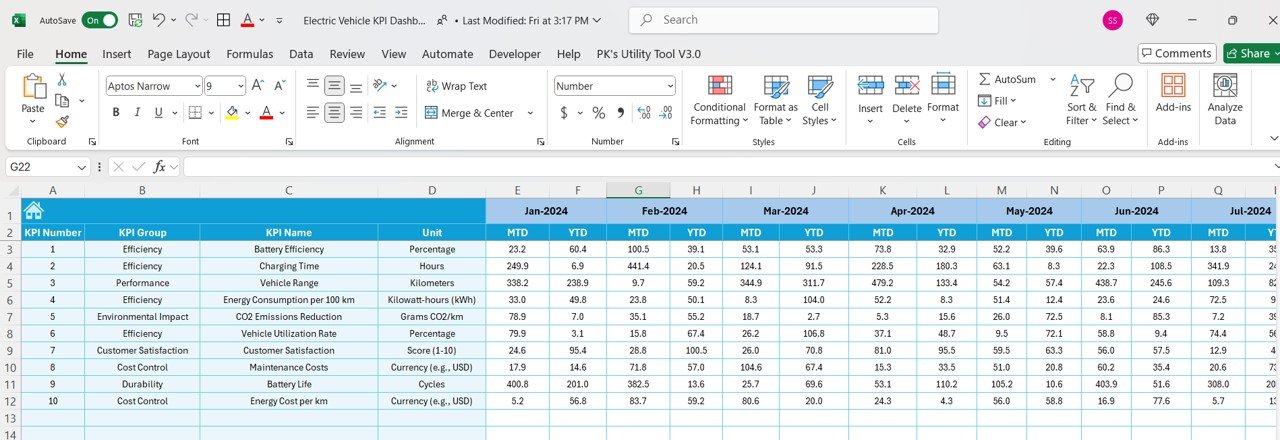
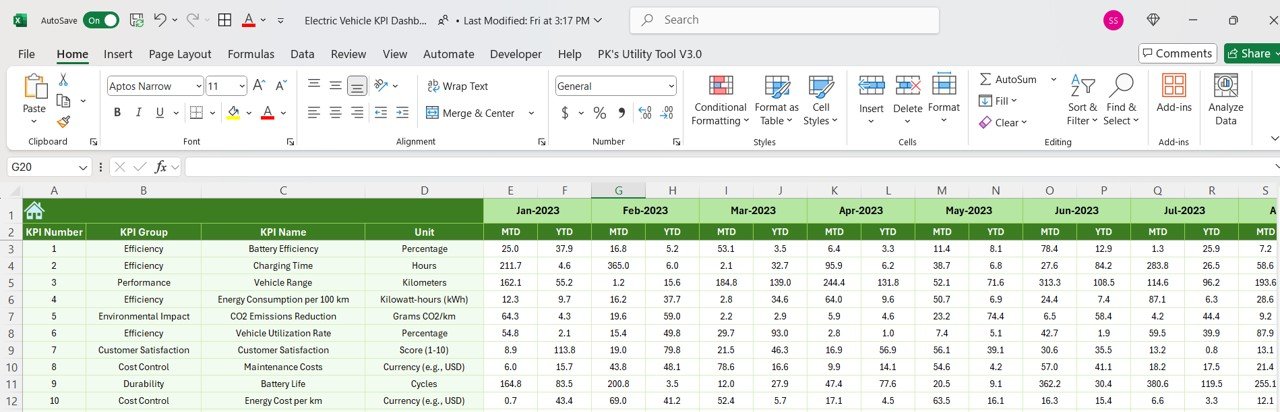
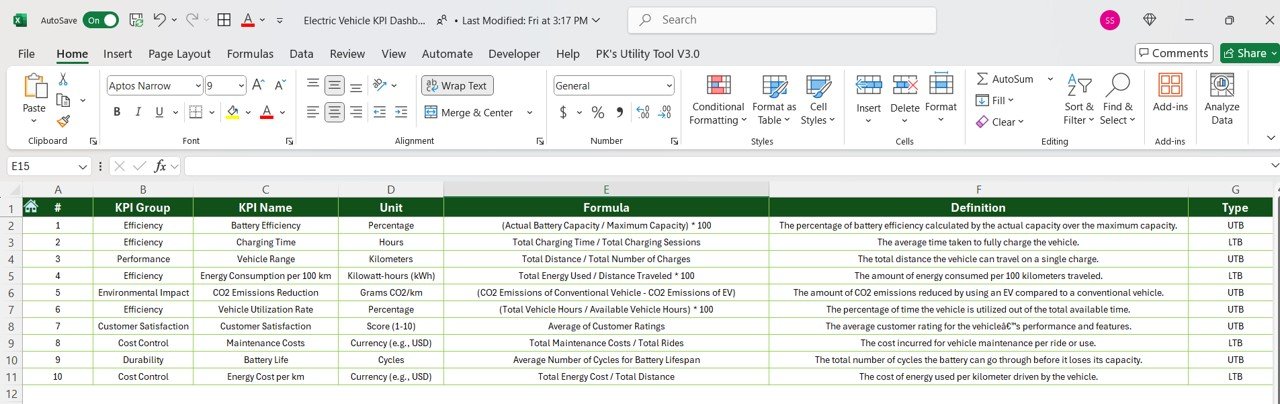

The Electric Vehicle KPI Dashboard in Excel is a comprehensive and interactive tool designed to help organizations, fleet managers, and sustainability teams track key performance indicators (KPIs) related to electric vehicle (EV) fleets. Whether you are managing a fleet of electric cars, buses, or trucks, this Excel dashboard provides real-time insights into critical metrics such as energy consumption, charging times, vehicle performance, and cost savings.
The dashboard is tailored to help you optimize the performance and efficiency of your electric vehicle operations. With detailed visualizations and powerful data tracking features, it allows you to monitor the health and operational status of your EV fleet, reduce energy consumption, and increase operational efficiency. This tool is perfect for organizations looking to transition to electric vehicles or improve the management of their existing fleet.
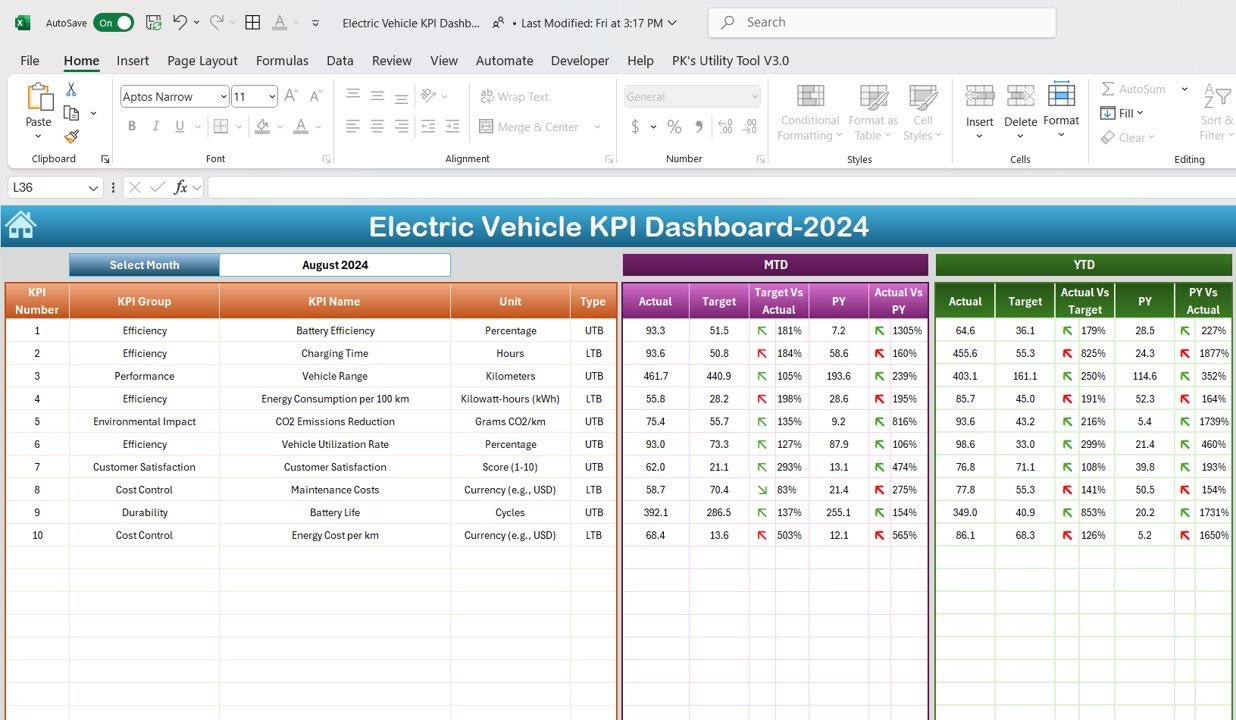
Key Features of the Electric Vehicle KPI Dashboard in Excel
🔋 Energy Consumption Monitoring
Track the energy consumption of your electric vehicles, helping you optimize routes and reduce overall energy costs. View detailed energy usage by vehicle and analyze trends over time to reduce consumption.
🚗 Vehicle Performance Analysis
Monitor key performance metrics such as battery health, range per charge, and vehicle uptime. Use this data to improve vehicle performance and ensure long-term reliability.
💰 Cost Savings Calculation
Track cost savings by comparing the operational costs of electric vehicles to traditional fuel-powered vehicles. Calculate energy savings, maintenance savings, and overall return on investment (ROI) to make informed decisions.
⏱ Charging Time Tracking
Monitor the time required for each vehicle to fully charge. Use this information to optimize charging schedules and reduce downtime.
📊 Fleet Efficiency Analytics
Analyze fleet-wide performance with real-time data on energy usage, vehicle availability, and performance metrics. Compare different vehicles in your fleet to identify underperformers and optimize fleet management.
⚙️ Customizable & Scalable
The dashboard is fully customizable to meet your specific fleet management needs. Add or remove metrics, modify vehicle data, and tailor the dashboard to suit any fleet size.
Why You’ll Love the Electric Vehicle KPI Dashboard in Excel
✅ Comprehensive Fleet Management
Track all key aspects of your electric vehicle fleet, from energy consumption to vehicle performance, all in one place. Stay organized and on top of your fleet’s operations.
✅ Optimize Operational Efficiency
Use the dashboard to reduce energy consumption, optimize charging times, and improve fleet performance. Make data-driven decisions that lead to improved fleet efficiency.
✅ Measure Cost Savings & ROI
Track the cost savings from switching to electric vehicles, including energy savings and reduced maintenance costs. Calculate ROI to ensure that the transition to electric vehicles is financially beneficial.
✅ Improve Vehicle Performance
Monitor key performance metrics like battery health and range per charge to ensure your electric vehicles are performing optimally and are ready for the next task.
✅ Customizable & Scalable
Easily adapt the dashboard to track the specific KPIs that matter most to your organization. Whether you manage a small fleet or a large operation, this dashboard can scale to meet your needs.
What’s Inside the Electric Vehicle KPI Dashboard in Excel?
- Energy Consumption Monitoring: Track energy usage by vehicle and optimize consumption.
- Vehicle Performance Tracking: Monitor battery health, range, and uptime.
- Cost Savings Calculation: Measure cost savings, energy savings, and ROI.
- Charging Time Tracking: Track charging time for better fleet scheduling.
- Fleet Efficiency Analytics: Analyze fleet-wide performance for optimal operations.
- Customizable Features: Tailor the dashboard to your fleet management needs.
How to Use the Electric Vehicle KPI Dashboard in Excel
1️⃣ Download the Template: Access the Electric Vehicle KPI Dashboard in Excel instantly.
2️⃣ Input Vehicle Data: Add details such as energy usage, charging times, and vehicle performance metrics.
3️⃣ Track Key Metrics: Monitor important KPIs such as energy consumption, battery health, and cost savings.
4️⃣ Analyze Data & Optimize Performance: Use data to optimize energy usage, vehicle performance, and fleet operations.
5️⃣ Generate Reports & Improve Fleet Efficiency: Use reports to make data-driven decisions that improve your electric vehicle fleet’s efficiency and reduce costs.
Who Can Benefit from the Electric Vehicle KPI Dashboard in Excel?
🔹 Fleet Managers & Operators
🔹 Sustainability & Environmental Managers
🔹 E-Mobility Companies
🔹 Businesses with Electric Vehicle Fleets
🔹 Companies Transitioning to Electric Vehicles
🔹 Transportation & Logistics Companies
🔹 Government & Public Transport Organizations
Optimize your electric vehicle fleet operations with the Electric Vehicle KPI Dashboard in Excel. Monitor energy usage, improve vehicle performance, and track cost savings with this comprehensive and customizable tool.
Click here to read the Detailed blog post
Visit our YouTube channel to learn step-by-step video tutorials
Youtube.com/@PKAnExcelExpert
Compatibility and Requirements
- Works in Microsoft Excel desktop (Excel 2016 or later, or Microsoft 365).
- The KPI views and charts are built into the workbook. Microsoft explains Excel charts in Create a chart from start to finish.
Frequently Asked Questions
Which EV fleet KPIs does it track?
Energy consumption, battery health, range per charge, vehicle uptime, charging time, cost savings and return on investment.
Can I compare electric vehicles with fuel vehicles?
Yes. The cost savings section compares the operating costs of electric vehicles with traditional fuel vehicles, including energy and maintenance savings.
Can I compare vehicles in my fleet?
Yes. The fleet efficiency view compares vehicles so you can spot underperformers.
What data do I enter?
Vehicle details such as energy usage, charging times and performance metrics.
Is there a Google Sheets version?
Yes. The Electric Vehicle KPI Dashboard in Google Sheets covers the same topic in Google Sheets.
Related Electric Vehicle Templates
- Electric Vehicle KPI Dashboard in Google Sheets: the same topic in Google Sheets
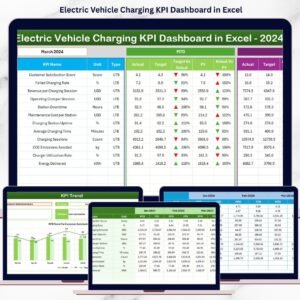
- Electric Vehicle Charging KPI Dashboard in Excel: focused on charging stations
- Electric Vehicle Charging Dashboard in Excel: charging analysis in Excel
- Electric Vehicle Charging Dashboard in Power BI: charging analysis in Power BI
- Logistics and Transportation Hub: 7 logistics and transport templates in one download
Browse all Excel KPI dashboards or the Excel logistics templates.




























Reviews
There are no reviews yet.