

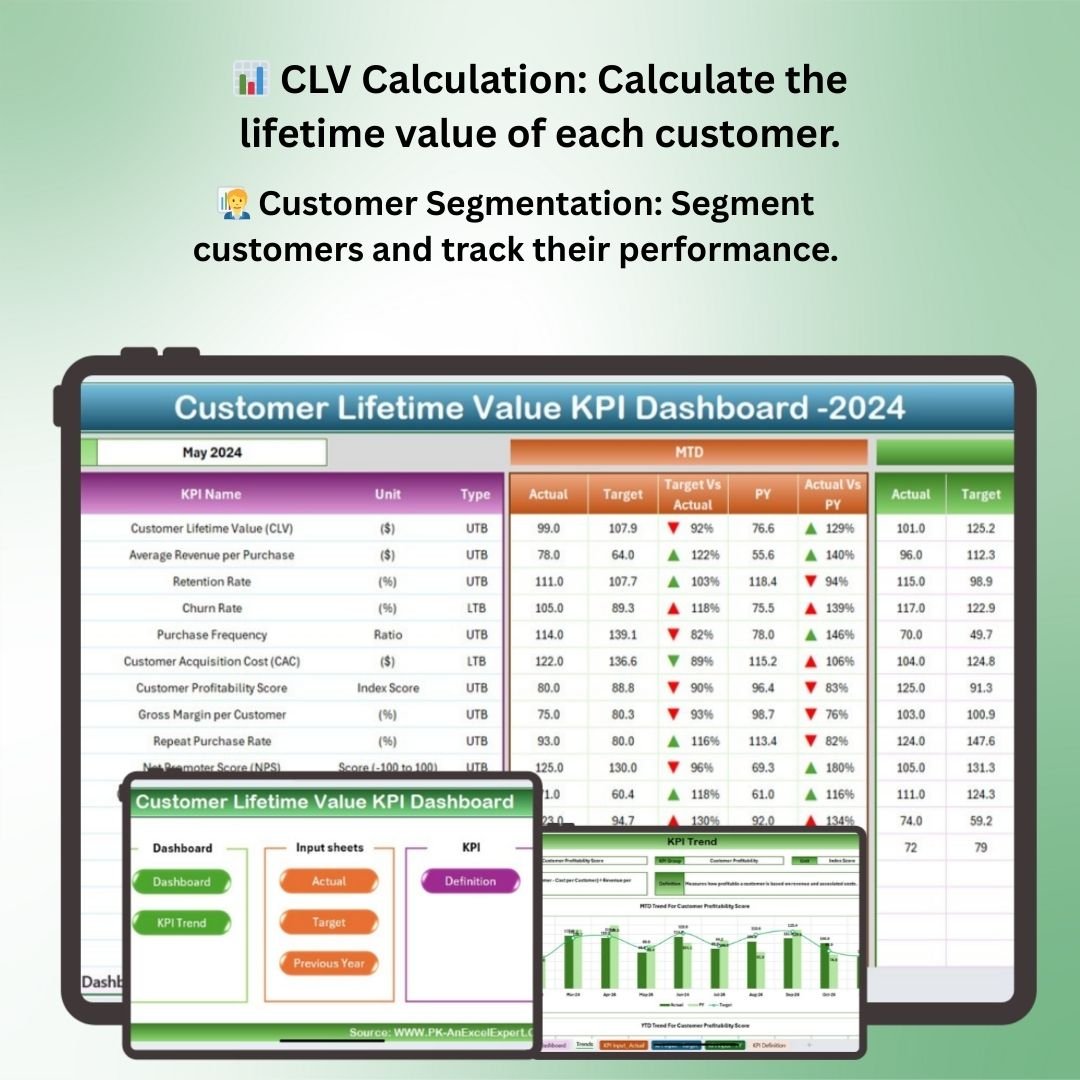
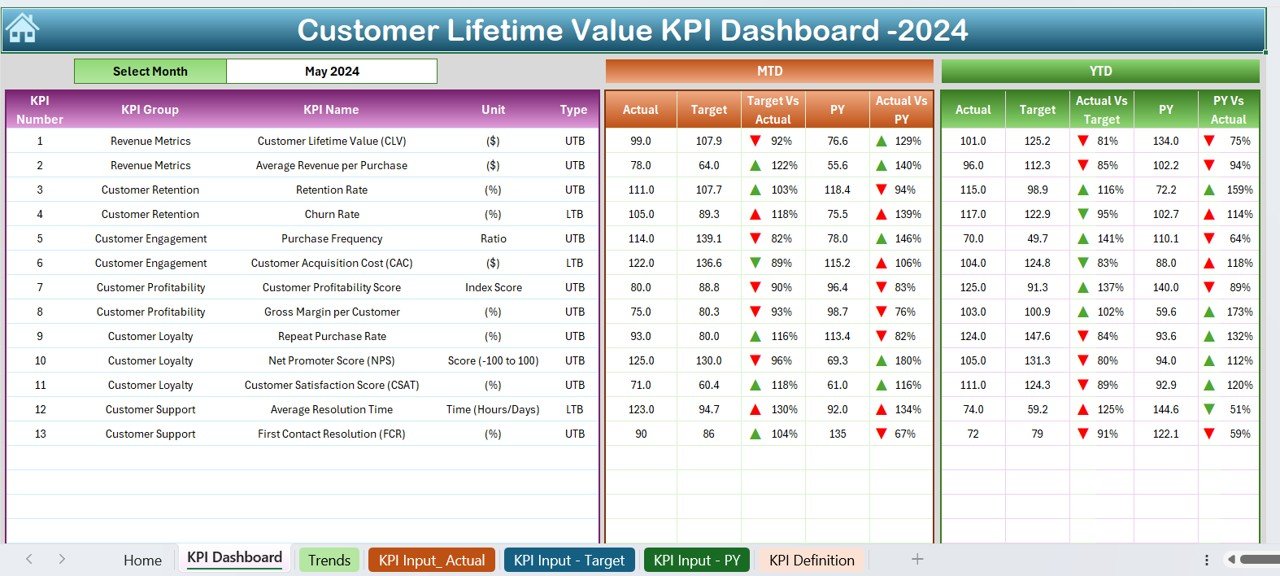
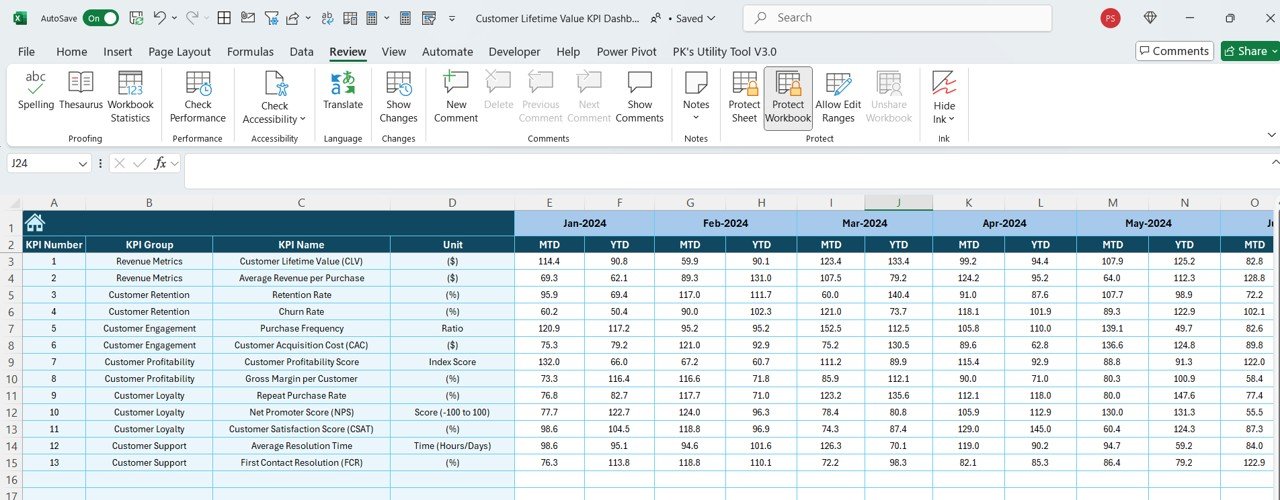
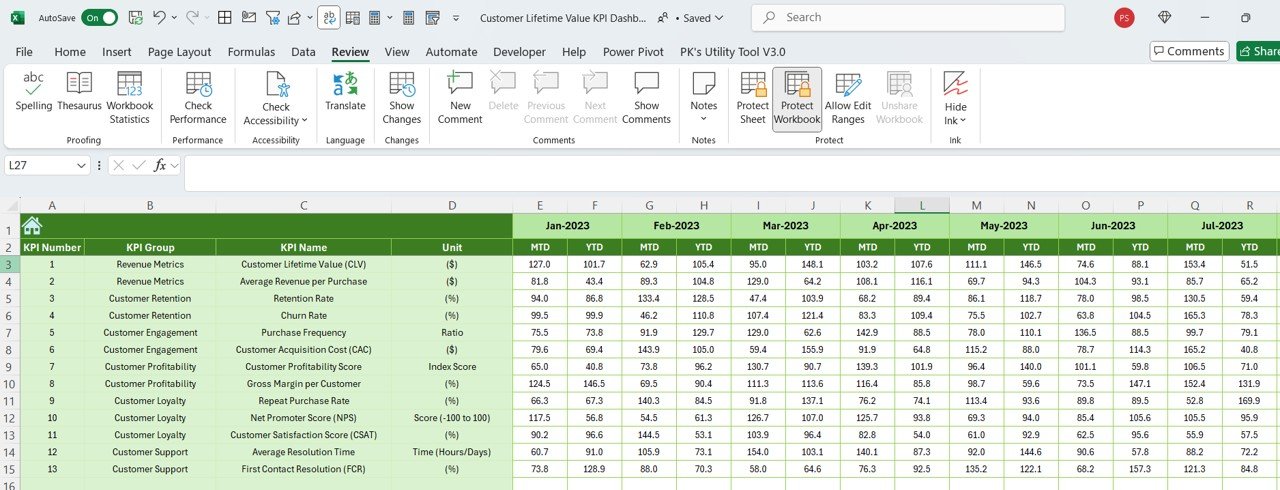
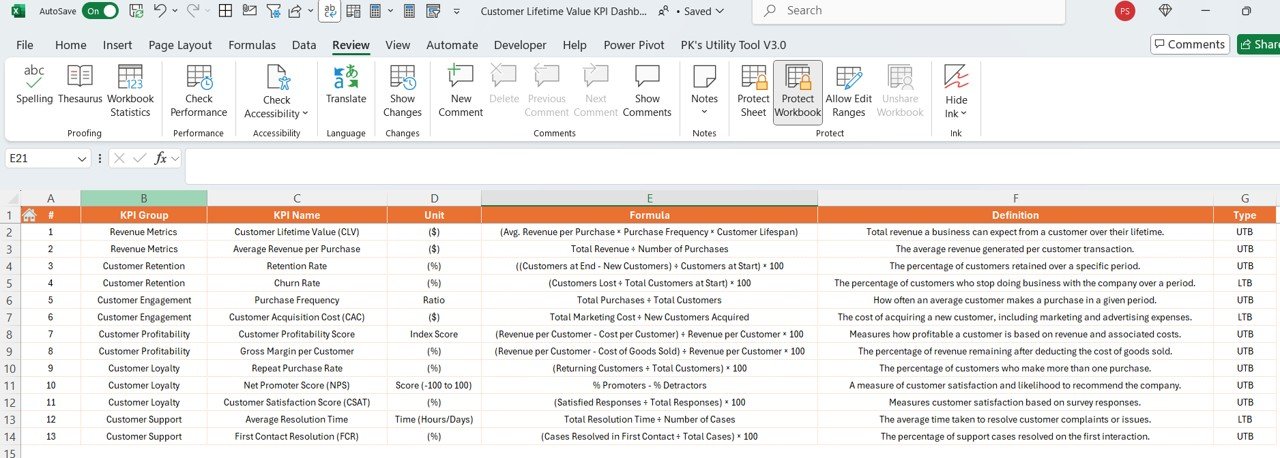

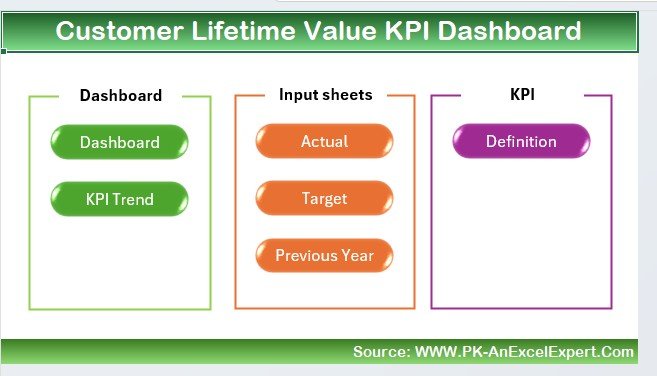
The Customer Lifetime Value KPI Dashboard in Excel is an essential tool for businesses looking to track and optimize the lifetime value of their customers. This Excel-based dashboard helps you monitor critical metrics such as customer acquisition costs, retention rates, and average purchase value, allowing you to calculate the long-term value of each customer. By understanding CLV, businesses can make informed decisions on customer acquisition, retention strategies, and resource allocation.
The dashboard provides real-time insights and visualizations that help you understand how your customer base is performing. It also allows you to track the effectiveness of your marketing efforts and customer retention strategies. With the CLV dashboard, businesses can make data-driven decisions that maximize customer profitability and ensure sustainable growth.
Key Features of the Customer Lifetime Value (CLV) KPI Dashboard in Excel
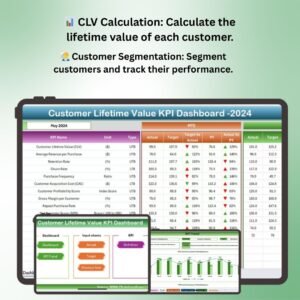
📊 Customer Lifetime Value Calculation
Easily calculate the CLV for each customer by integrating metrics such as average purchase value, purchase frequency, and customer retention rate. Get a clear understanding of the revenue each customer is expected to generate throughout their relationship with your company.
📈 Real-Time Data Integration
The dashboard integrates your sales and customer data in real-time, providing up-to-date insights into your customer base and helping you track the performance of various customer segments.
🧑💼 Customer Segmentation & Performance Tracking
Segment your customer base into different categories (e.g., high-value, low-value, new customers) and track the performance of each group. This allows you to focus your marketing and retention efforts on the most profitable segments.
💡 Retention & Acquisition Metrics
Track the effectiveness of your customer acquisition and retention efforts. Analyze customer churn rates and monitor how different marketing strategies impact CLV.
📅 Time-Based Performance Monitoring
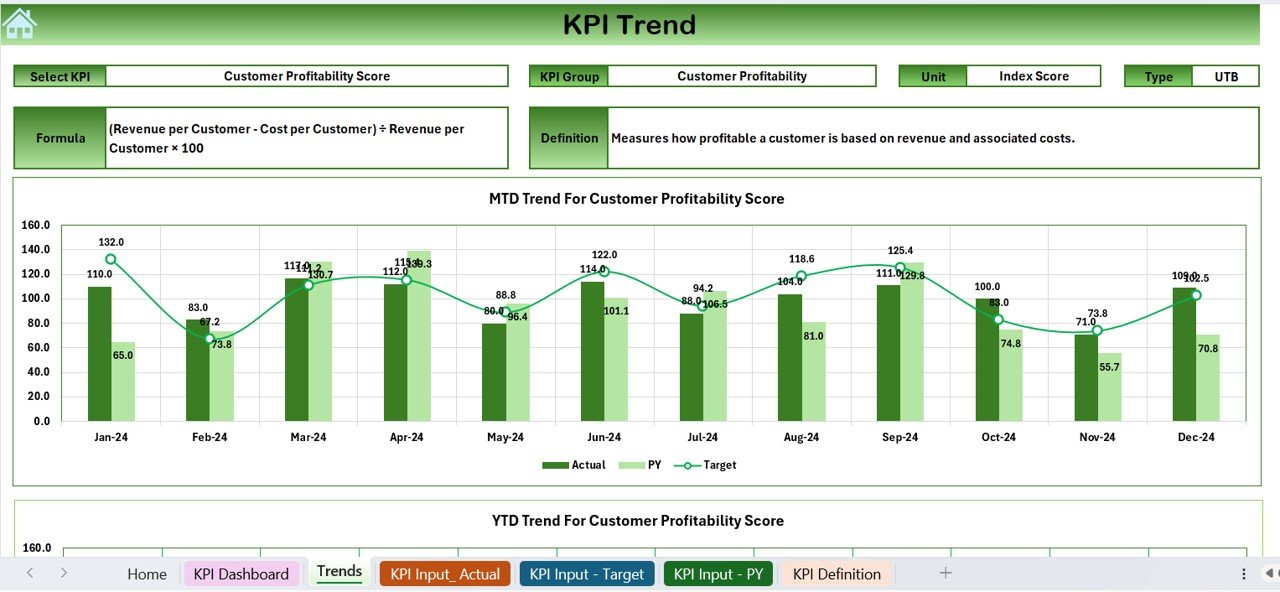
Monitor CLV and other key metrics over different time periods (monthly, quarterly, yearly). Use this data to assess the long-term effectiveness of your strategies and adjust accordingly.
⚙️ Customizable Metrics & Dashboards
Tailor the dashboard to meet your unique business needs. Add or modify metrics and adjust the layout to track the most relevant KPIs for your company’s customer lifecycle.
Why You’ll Love the Customer Lifetime Value (CLV) KPI Dashboard in Excel
✅ Maximize Customer Profitability
By tracking CLV, you can identify your most valuable customers and tailor your strategies to retain them, ultimately driving greater profitability for your business.
✅ Improve Marketing ROI
Understand which customer acquisition channels are the most effective by analyzing the relationship between customer acquisition cost (CAC) and CLV. Optimize your marketing spend to generate the best returns.
✅ Enhance Customer Retention
Track retention metrics and develop strategies to increase the lifetime value of your customers. A higher CLV means more repeat business and long-term customer loyalty.
✅ Data-Driven Decision Making
Leverage the insights from the dashboard to make informed decisions about pricing, marketing, and resource allocation, helping you focus on the most profitable customers.
✅ Customizable & Scalable
Whether you’re a small business or a large enterprise, this dashboard can scale to fit your needs. Customize the layout and metrics to align with your unique business objectives and goals.
What’s Inside the Customer Lifetime Value (CLV) KPI Dashboard in Excel?
- CLV Calculation: Calculate customer lifetime value by integrating key metrics such as purchase frequency, average order value, and retention rate.
- Customer Segmentation: Track and analyze customer performance across different segments.
- Retention & Acquisition Metrics: Monitor customer acquisition cost (CAC), churn rates, and retention effectiveness.
- Time-Based Monitoring: Track CLV and performance over multiple time periods.
- Customizable Features: Adapt the dashboard to your specific business needs by adding or removing KPIs.
How to Use the Customer Lifetime Value (CLV) KPI Dashboard in Excel
1️⃣ Download the Template: Instantly access the Customer Lifetime Value (CLV) KPI Dashboard in Excel.
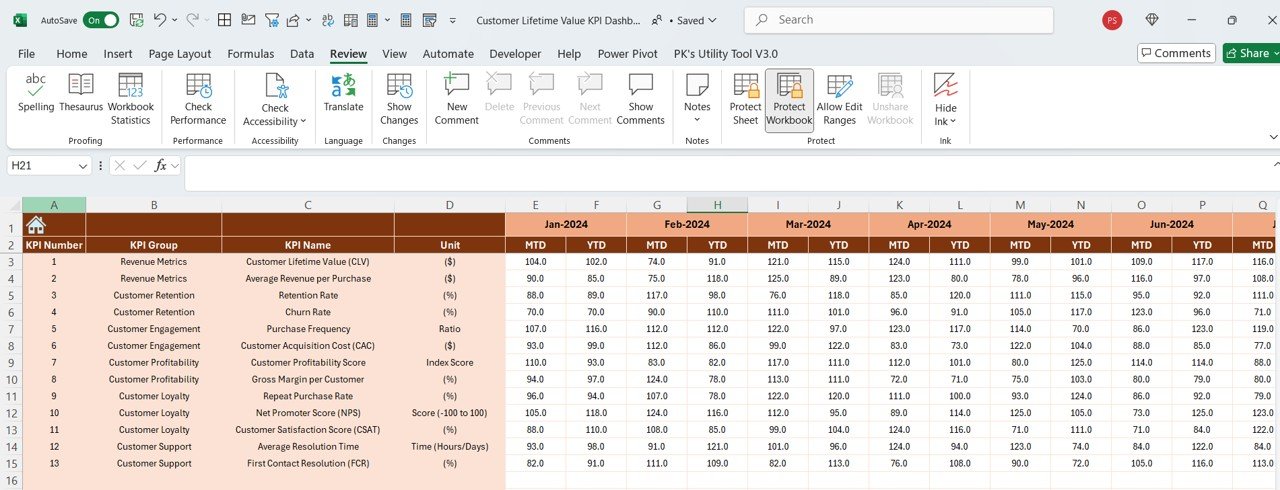
2️⃣ Input Your Data: Enter your sales and customer data, including purchase values and frequency.
3️⃣ Track KPIs: Monitor key metrics such as CLV, CAC, and retention rates.
4️⃣ Analyze Customer Segments: Segment your customer base and track the performance of each group.
5️⃣ Make Informed Decisions: Use the insights from the dashboard to optimize marketing, pricing, and retention strategies.
Who Can Benefit from the Customer Lifetime Value (CLV) KPI Dashboard in Excel?
🔹 Business Owners & Entrepreneurs
🔹 Marketing & Sales Teams
🔹 Customer Relationship Management (CRM) Teams
🔹 Financial Analysts & Data Analysts
🔹 E-commerce & Retail Businesses
🔹 Subscription-Based Businesses
🔹 Small & Medium Enterprises (SMBs)
🔹 Large Enterprises with Complex Customer Segments
Maximize customer profitability and enhance your retention strategies with the Customer Lifetime Value (CLV) KPI Dashboard in Excel. Track your customer value in real time and make data-driven decisions to drive long-term business success.
Click here to read the Detailed blog post
Visit our YouTube channel to learn step-by-step video tutorials
Youtube.com/@PKAnExcelExpert




























Reviews
There are no reviews yet.