


Key Features of Corporate Skill Hubs KPI Dashboard
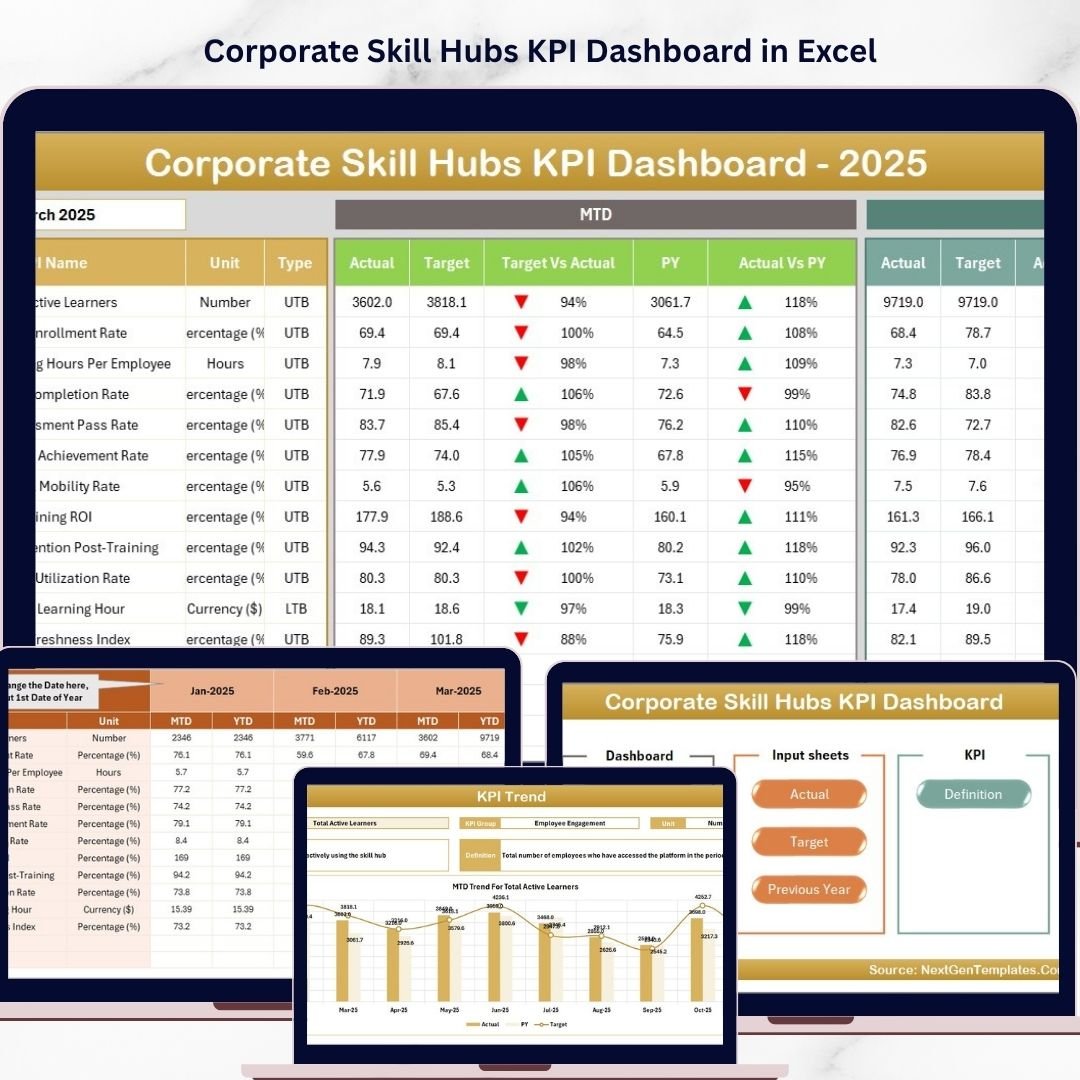
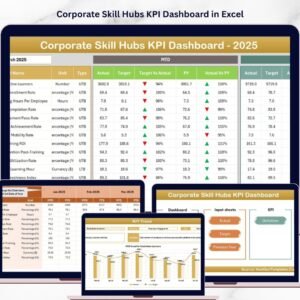
Unlock the full potential of your corporate skill management with the Corporate Skill Hubs KPI Dashboard – a powerful, easy-to-use digital tool designed to track, analyze, and visualize your key performance indicators (KPIs) with precision and clarity. This comprehensive dashboard contains 7 interactive worksheets that ensure your business metrics stay on track, helping you make data-driven decisions to boost productivity and growth.
- 🏠 Home Sheet: This index sheet features 6 intuitive buttons to quickly navigate to each individual worksheet, streamlining your workflow and saving time.
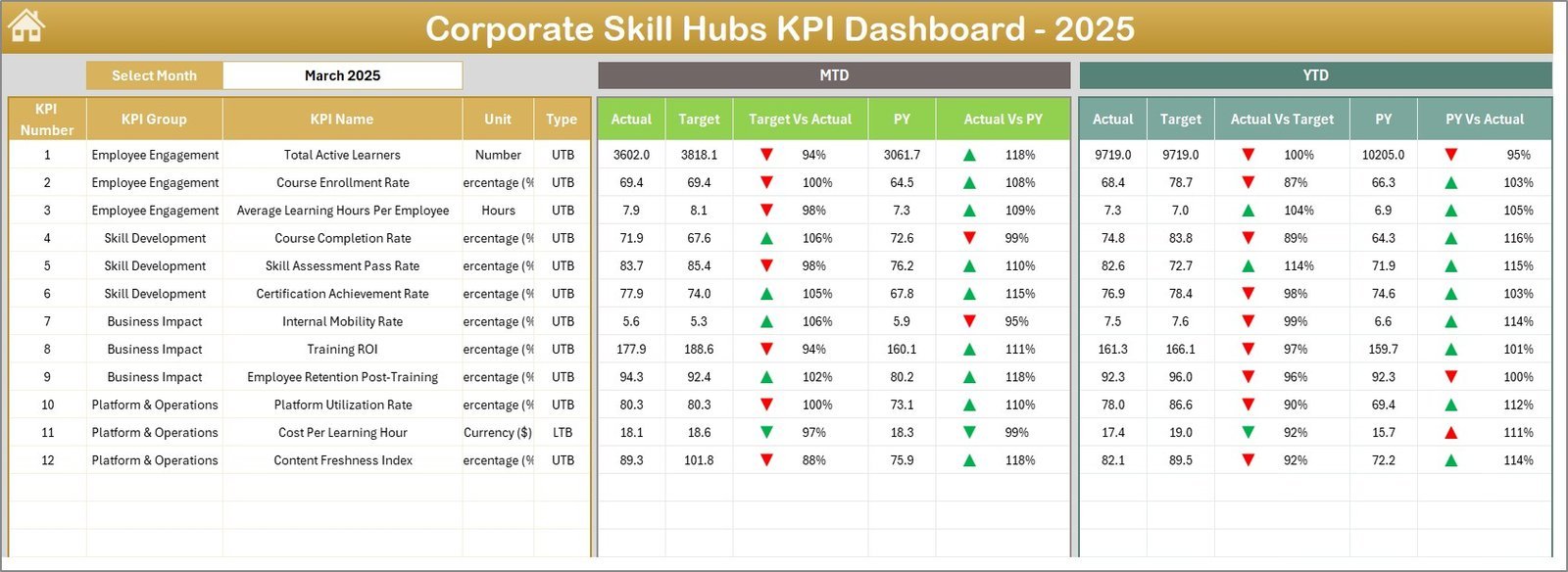
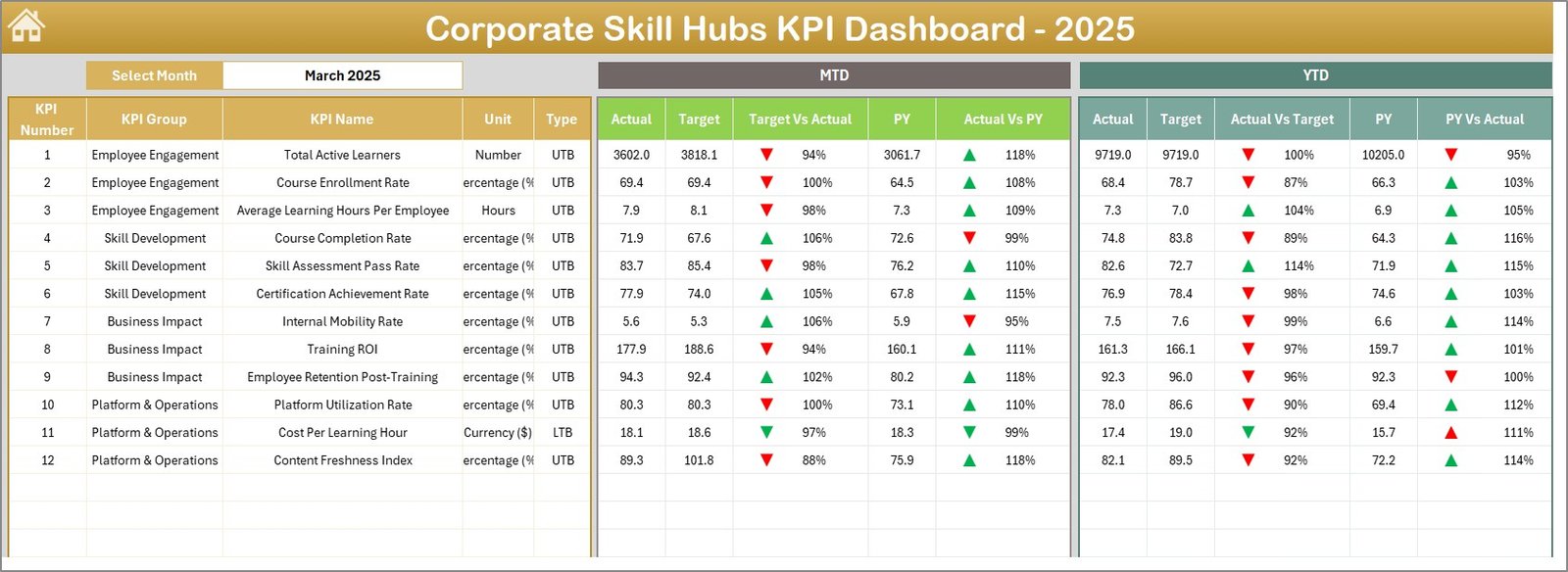
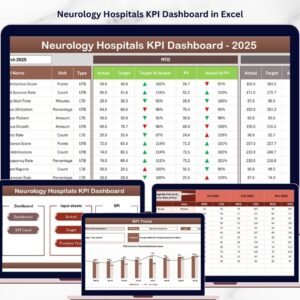
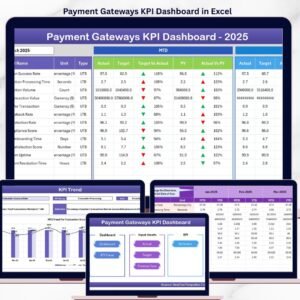
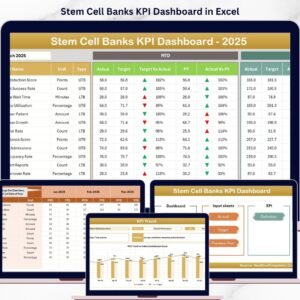
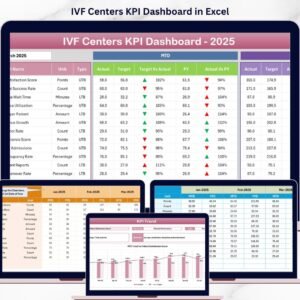
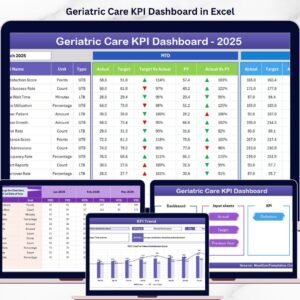
- 📊 Dashboard Sheet: Your command center to view month-to-date (MTD) and year-to-date (YTD) actuals versus targets and previous year data. Easily select any month from a drop-down menu, with conditional formatting arrows indicating performance trends.
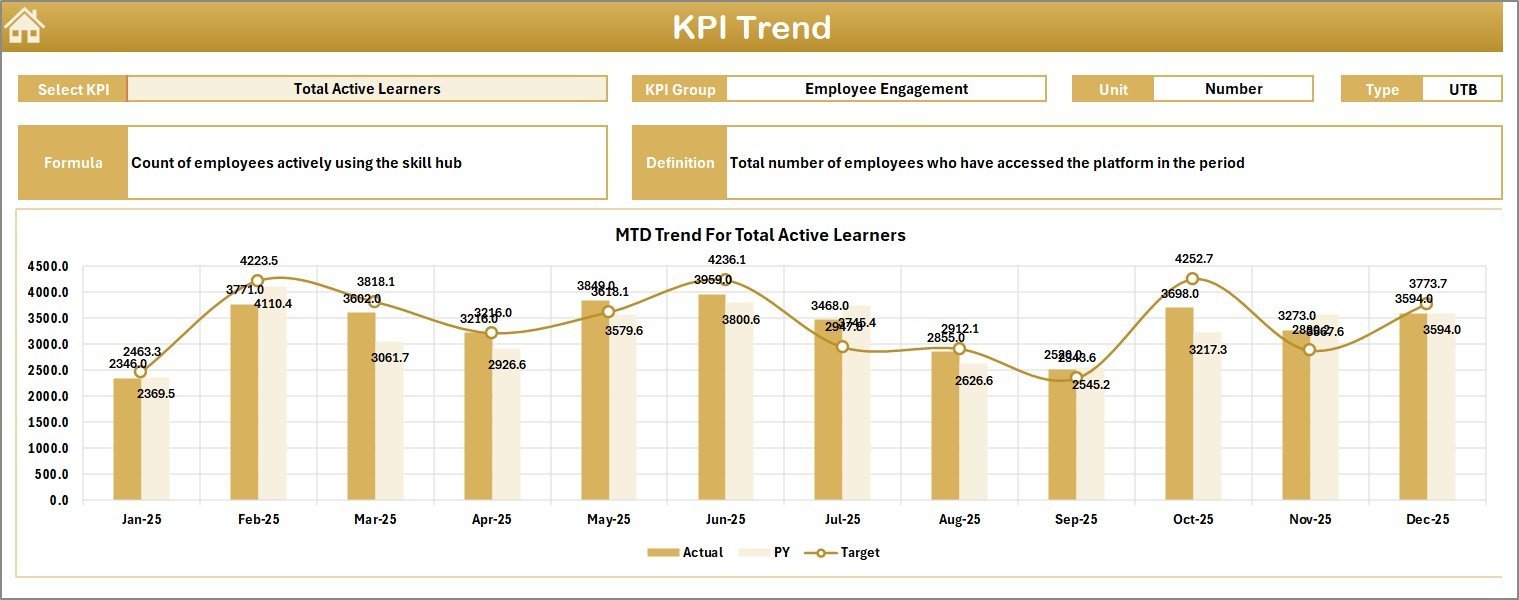
- 📈 KPI Trend Sheet: Dive deep into KPI-specific trends by selecting the KPI name. View detailed KPI groupings, units, formulas, definitions, and dynamic trend charts showing Actual, Target, and Previous Year data for MTD and YTD.
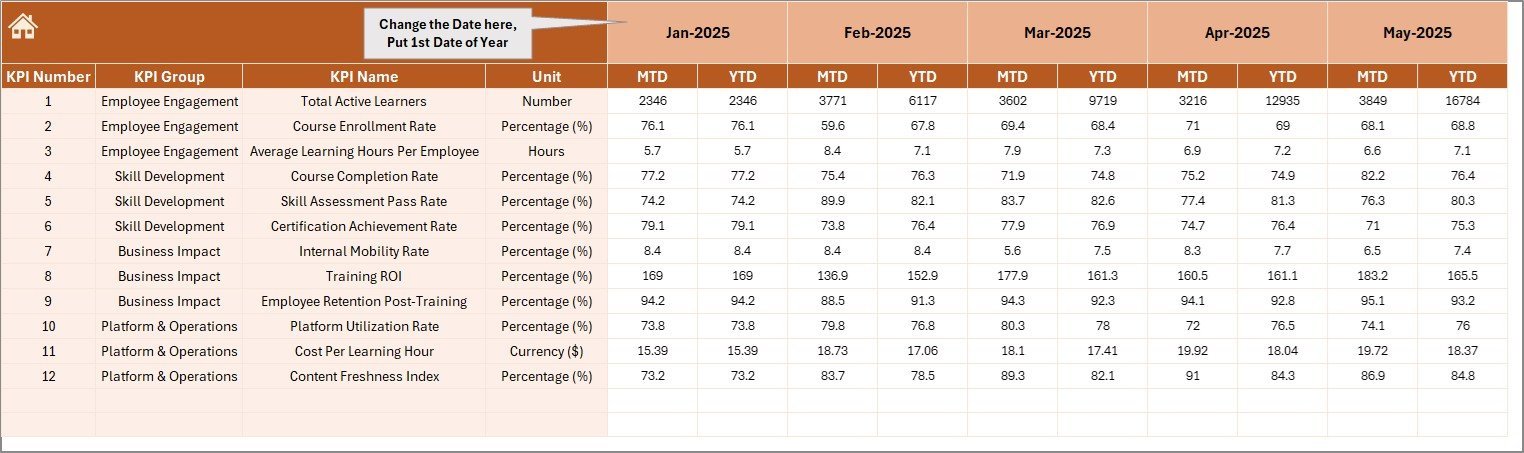
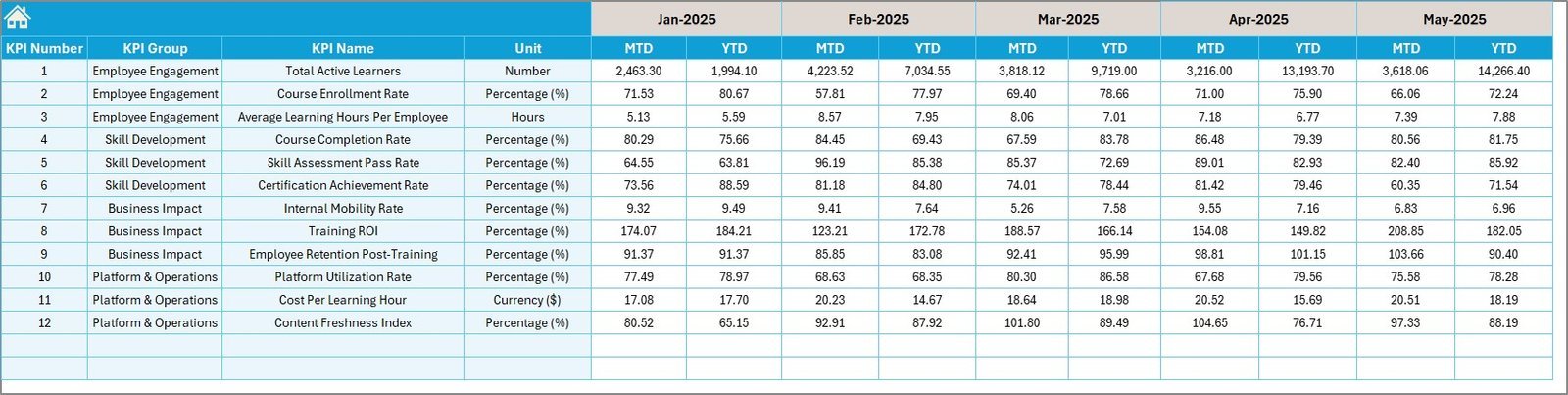
- 🔢 Actual Numbers Input Sheet: Input your actual performance numbers for both MTD and YTD effortlessly. Change the starting month to align with your fiscal year.
- 🎯 Target Numbers Input Sheet: Easily set monthly target values for each KPI, supporting precise goal tracking and accountability.
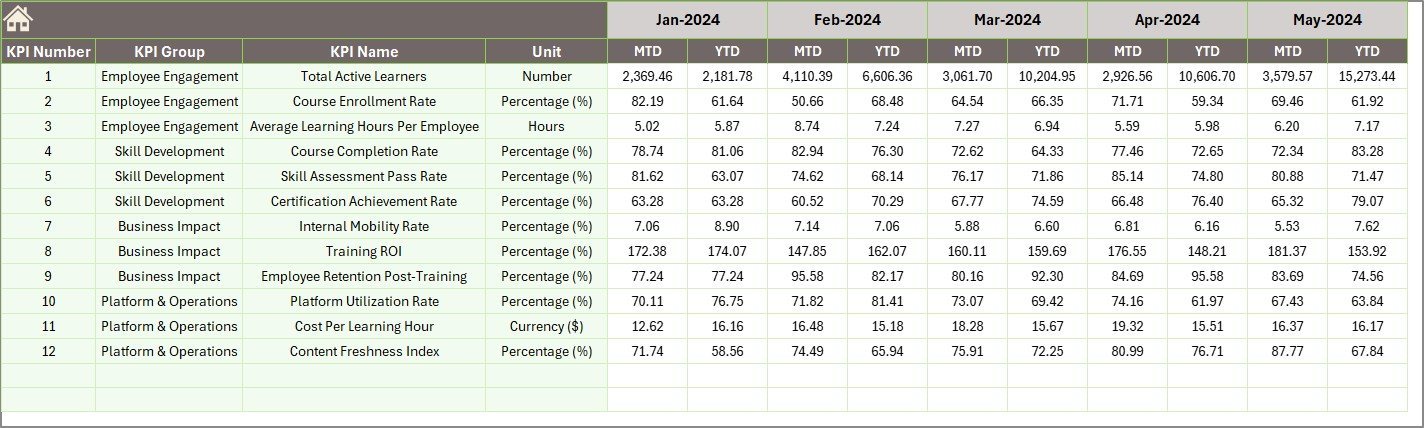
- 📅 Previous Year Numbers Sheet: Input previous year data side-by-side with current figures to enable meaningful year-over-year comparisons.
- 📚 KPI Definition Sheet: Maintain clarity with fields to define KPI names, groups, units, formulas, and types (Lower The Better or Upper The Better) ensuring everyone understands each metric.
What’s Inside the Corporate Skill Hubs KPI Dashboard
This all-in-one KPI dashboard package includes:
- 🖥️ Seven fully linked Excel worksheets designed for seamless navigation and comprehensive KPI data management.
- 📅 Dynamic month selector that updates all relevant metrics instantly for real-time insights.
- 🎨 Conditional formatting with intuitive up/down arrows for quick visual performance analysis.
- 📊 Interactive charts to visualize KPI trends, helping you identify growth areas and challenges.
- 📝 Clear input fields for actual, target, and previous year data to keep your dashboard accurate and up-to-date.
- 🧩 Detailed KPI definitions and formulas to align teams around consistent measurement standards.
- 💡 Flexible design to adapt the dashboard to your company’s unique skill development KPIs.
How to Use the Corporate Skill Hubs KPI Dashboard
Getting started with the Corporate Skill Hubs KPI Dashboard is simple and intuitive:
- 🔍 Begin at the Home Sheet for easy navigation to other worksheets.
- 📥 Enter your Actual Numbers for each KPI on the respective input sheet, adjusting the starting month as needed.
- 🎯 Input your Target Numbers for the same KPIs and months to set your performance goals.
- 📆 Add Previous Year Numbers to enable year-over-year comparisons.
- 📋 Confirm or update KPI details in the KPI Definition Sheet to maintain clarity on each metric’s formula and type.
- 📅 Use the Dashboard Sheet to select the month you want to analyze, and instantly see performance versus targets and last year’s data with clear visual indicators.
- 📈 Explore the KPI Trend Sheet to monitor KPI progress over time and identify trends to inform strategic decisions.
- 🔄 Regularly update data inputs to keep your dashboard actionable and relevant.
Who Can Benefit from This Corporate Skill Hubs KPI Dashboard
This dashboard is designed for any professional or organization focused on skill development and performance management:
- 🏢 Corporate HR Managers looking to track and improve employee skill KPIs.
- 📊 Business Analysts who require a clear visualization of performance metrics.
- 📈 Team Leaders and Project Managers aiming to monitor progress and outcomes efficiently.
- 🎓 Learning and Development Professionals seeking to align training initiatives with measurable KPIs.
- 🧩 Consultants and Coaches helping organizations optimize skill growth and productivity.
- 💼 Small and Medium Enterprises (SMEs) wanting a cost-effective, comprehensive dashboard solution.
- 💻 Data Enthusiasts and Excel Users eager to leverage interactive, well-structured KPI tracking tools.
Click here to read the Detailed blog post.
Visit our YouTube channel to learn step-by-step video tutorials.




Reviews
There are no reviews yet.